PMO Dashboard Template for PowerPoint & Google Slides
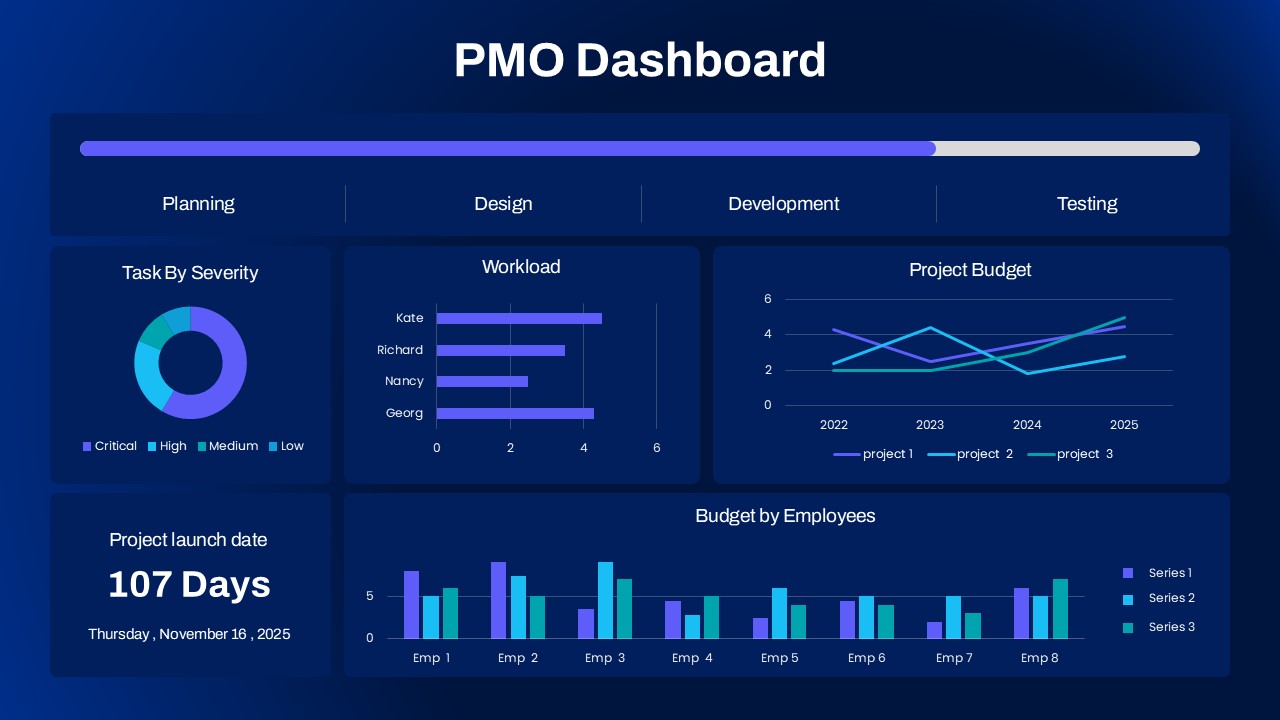
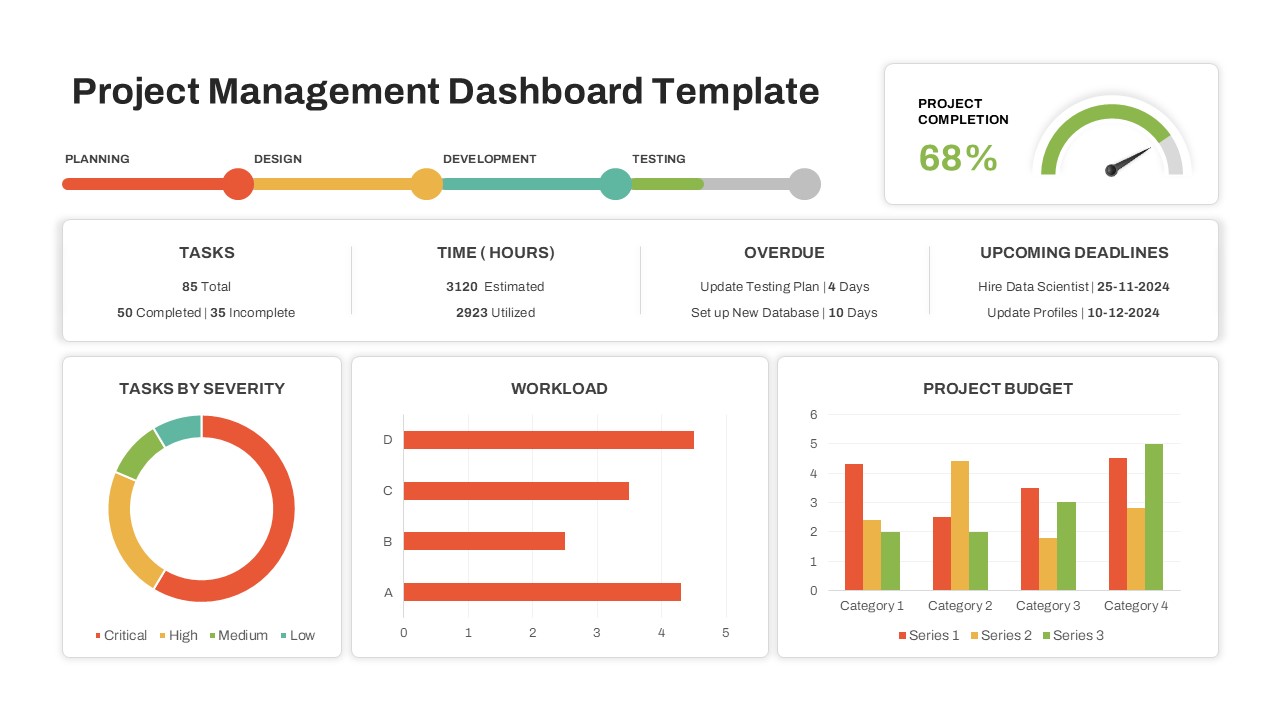
The Project Management Office (PMO) Dashboard Template is a visually compelling and data-driven slide designed to centralize critical project insights for streamlined reporting and decision-making. This template is ideal for project managers, team leads, and executives who require real-time oversight of multiple ongoing projects and their performance metrics.
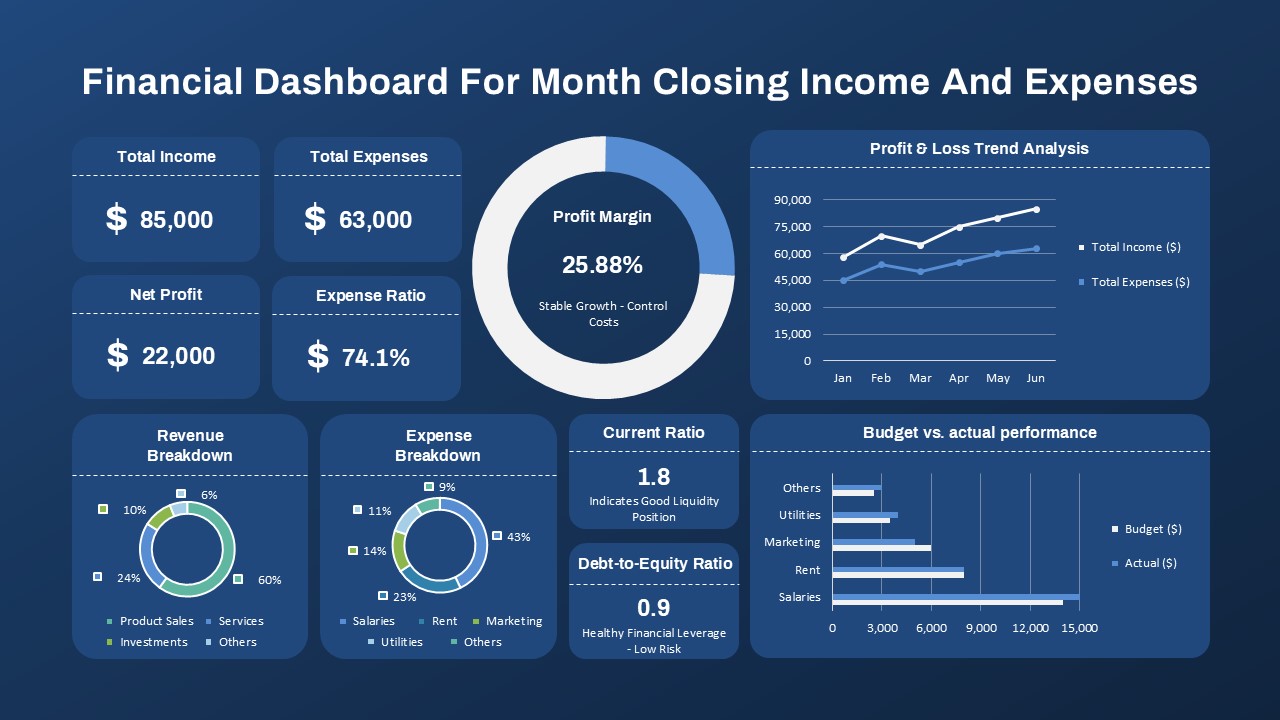
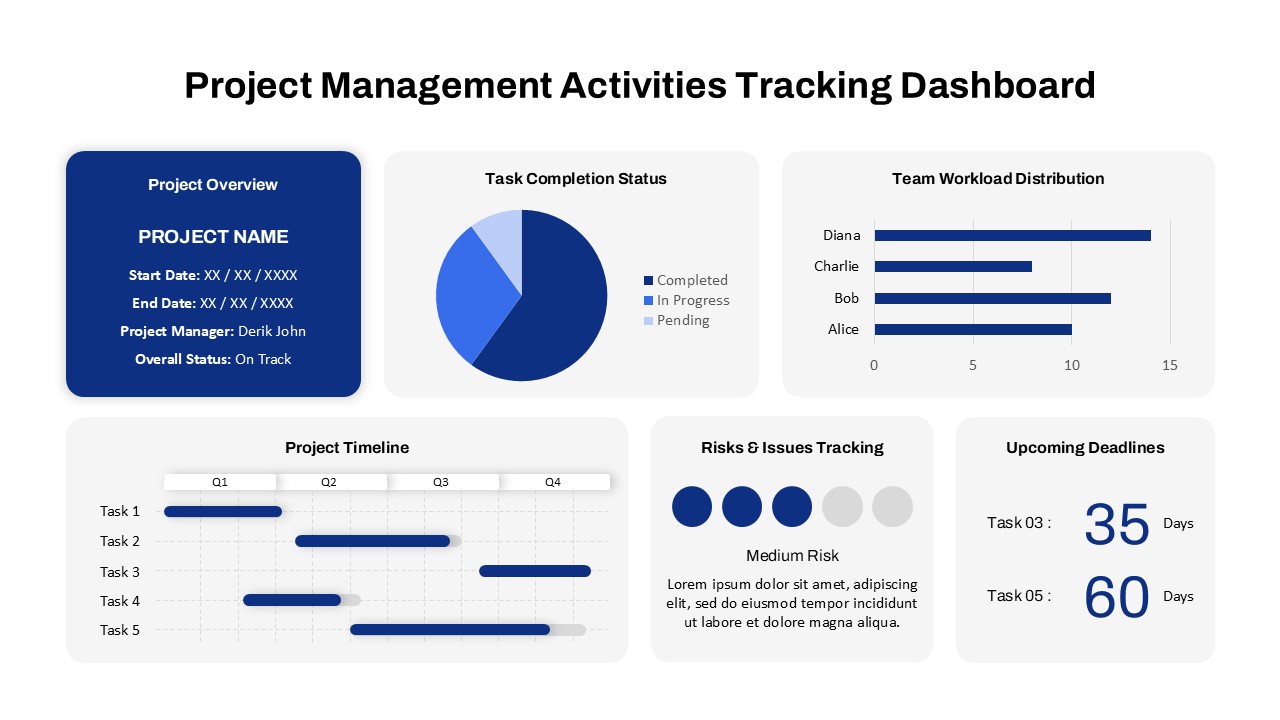
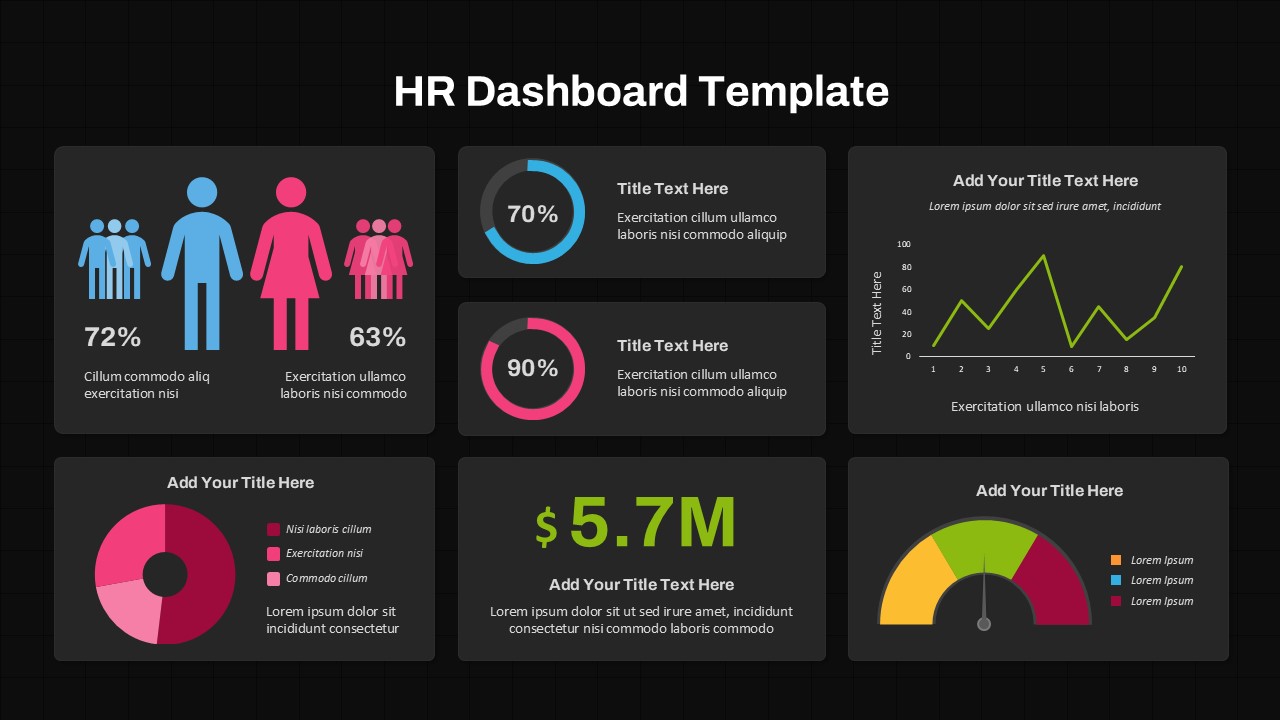
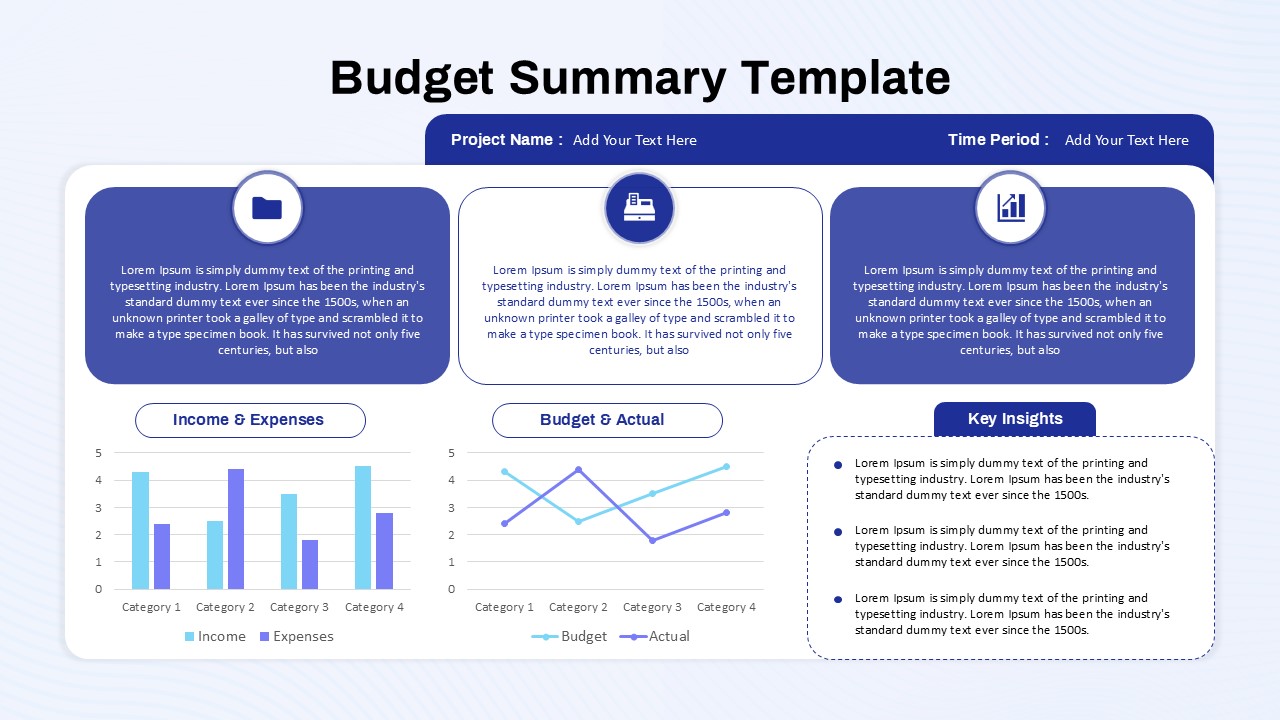
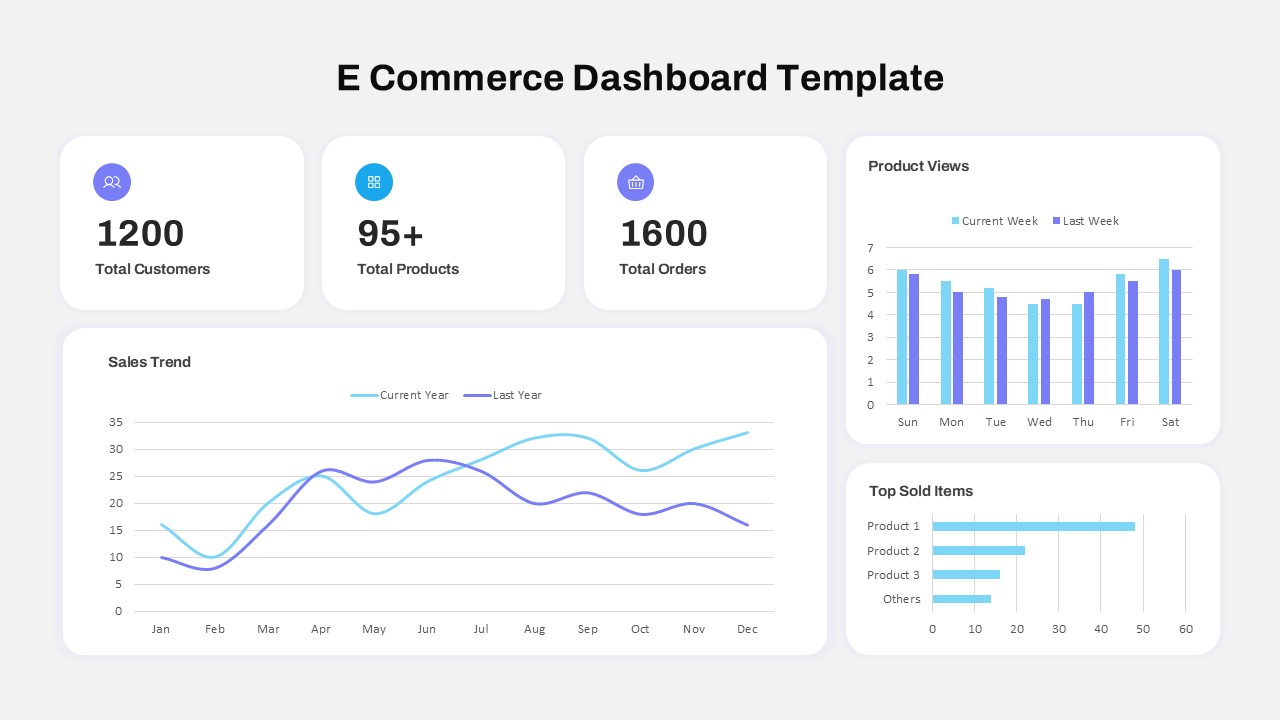
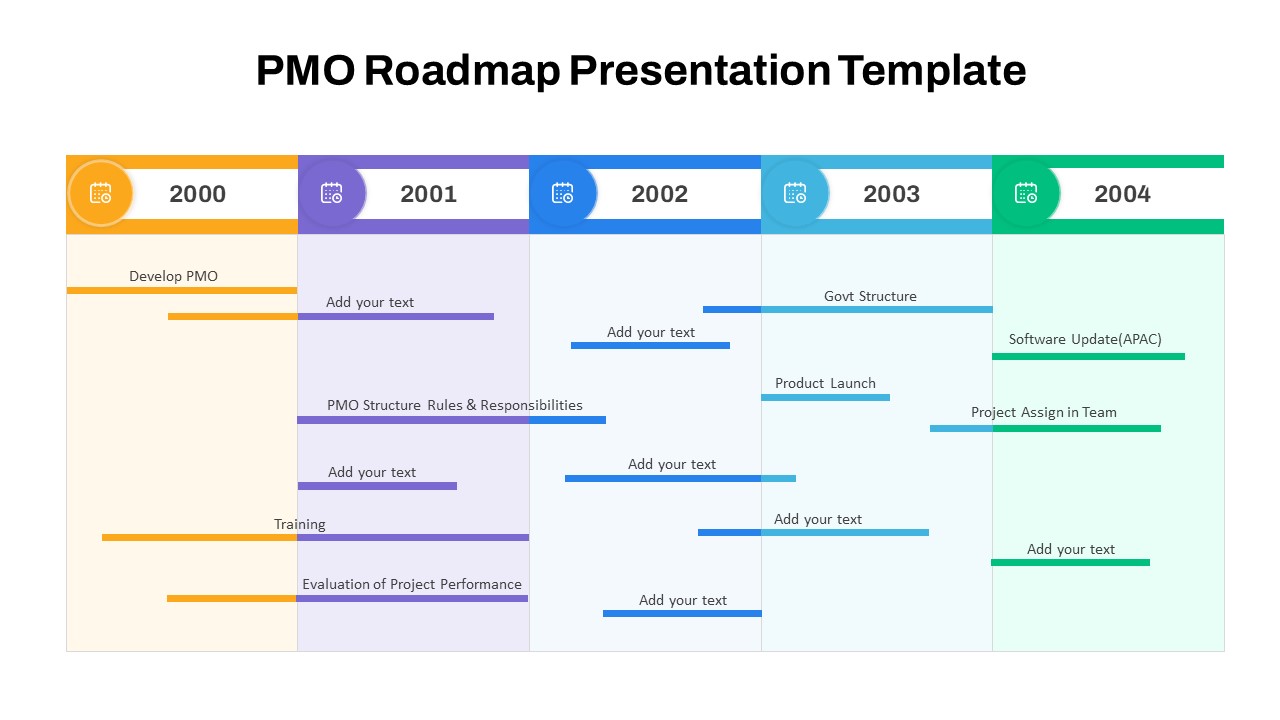
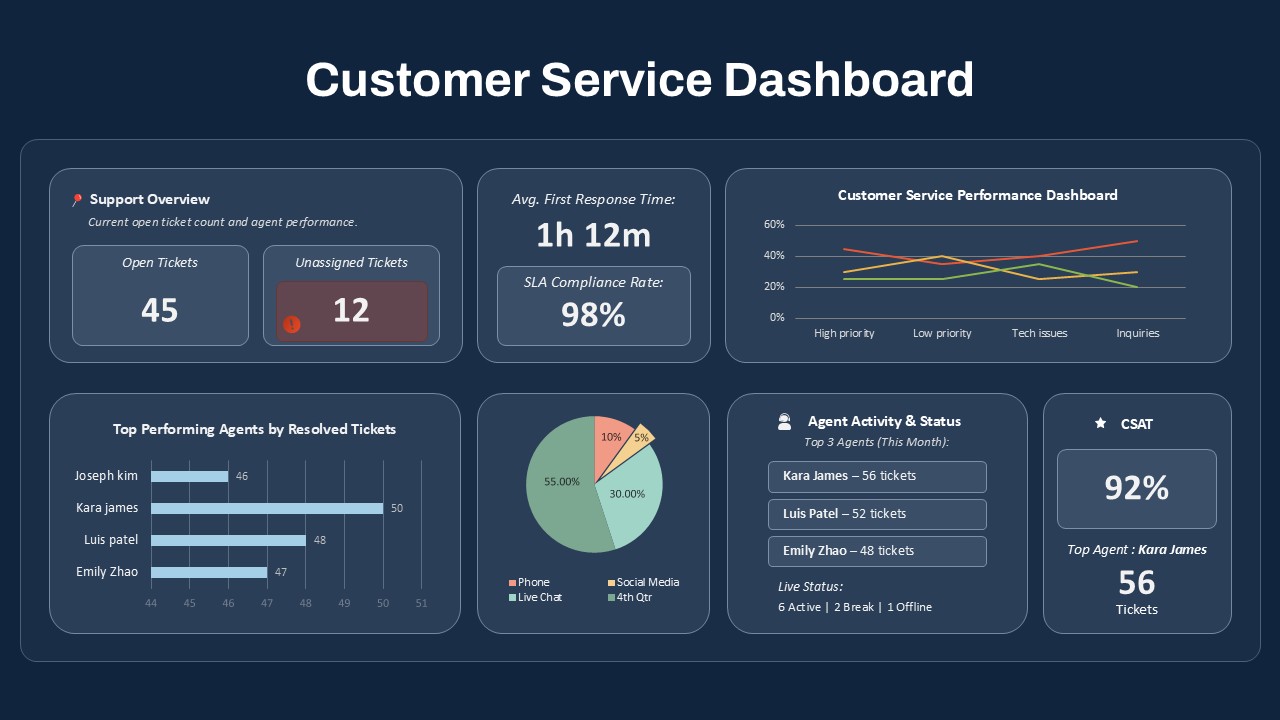
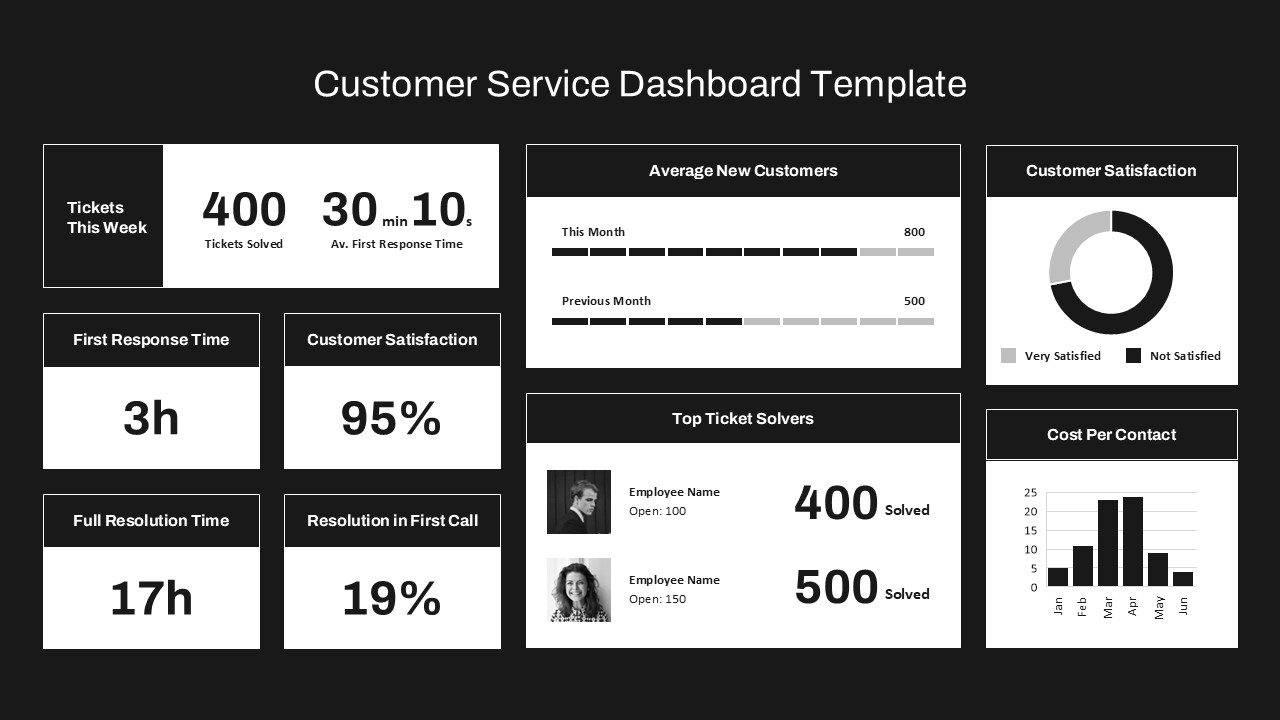
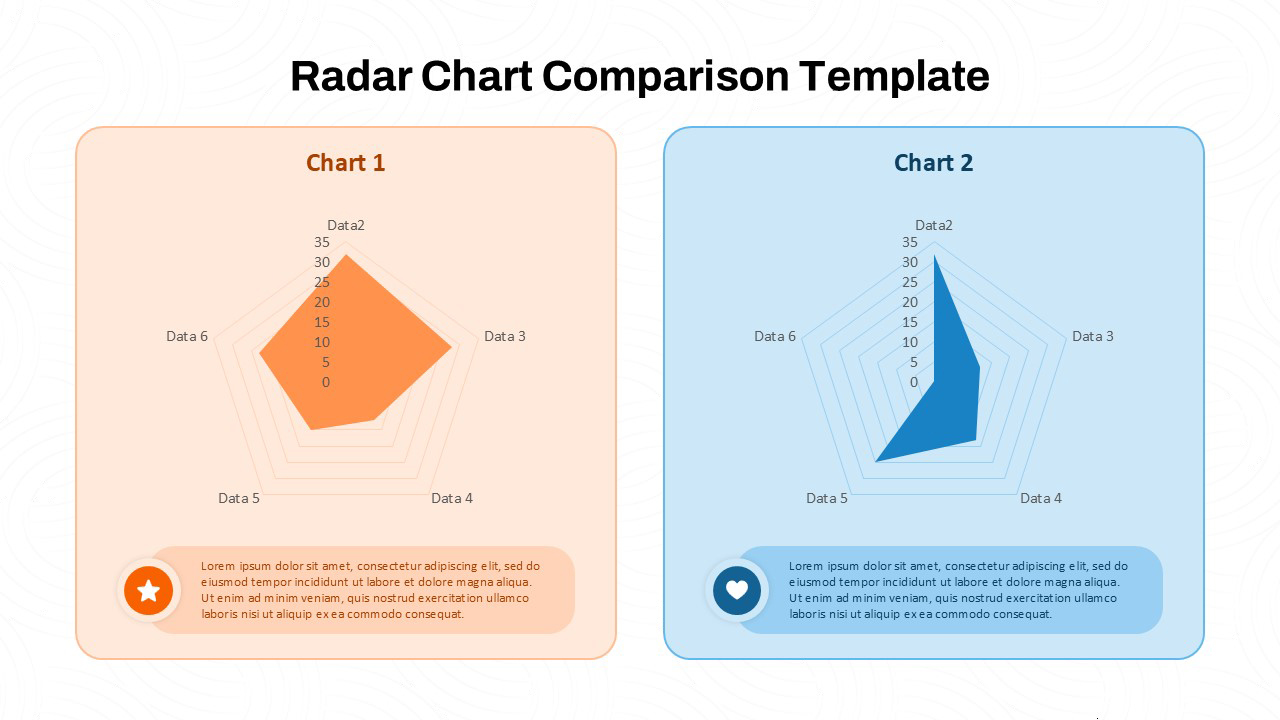
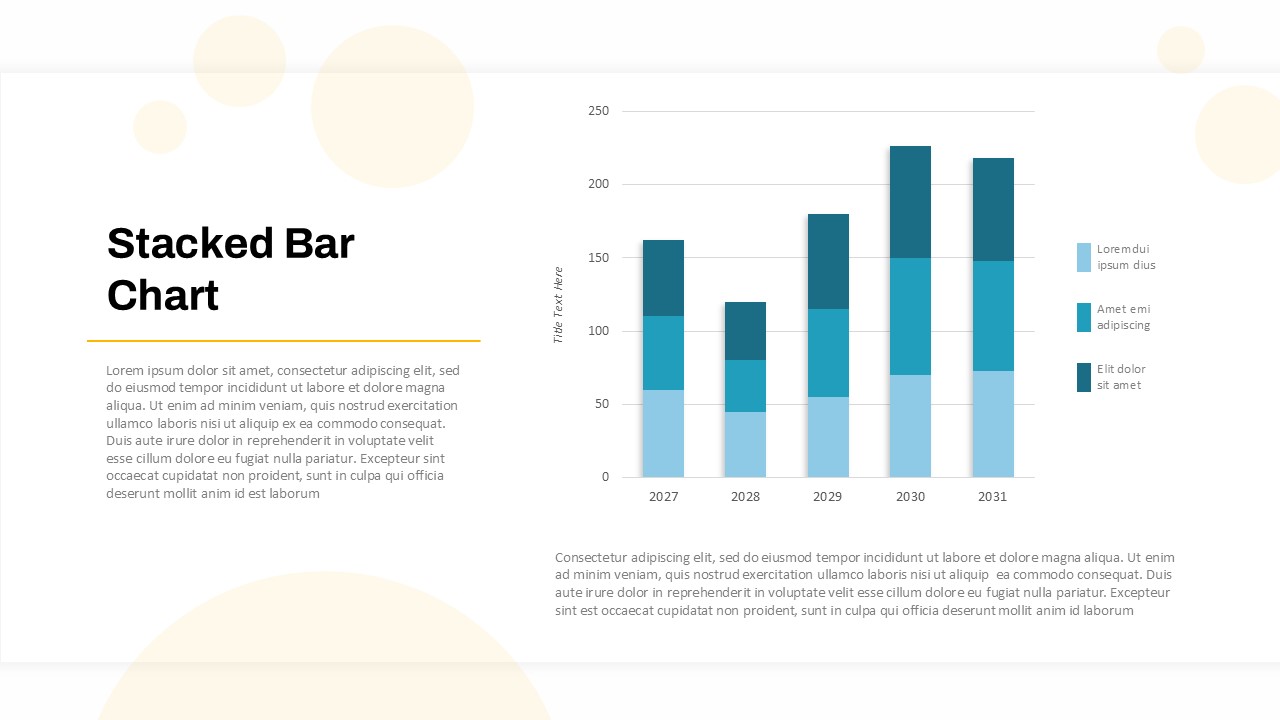
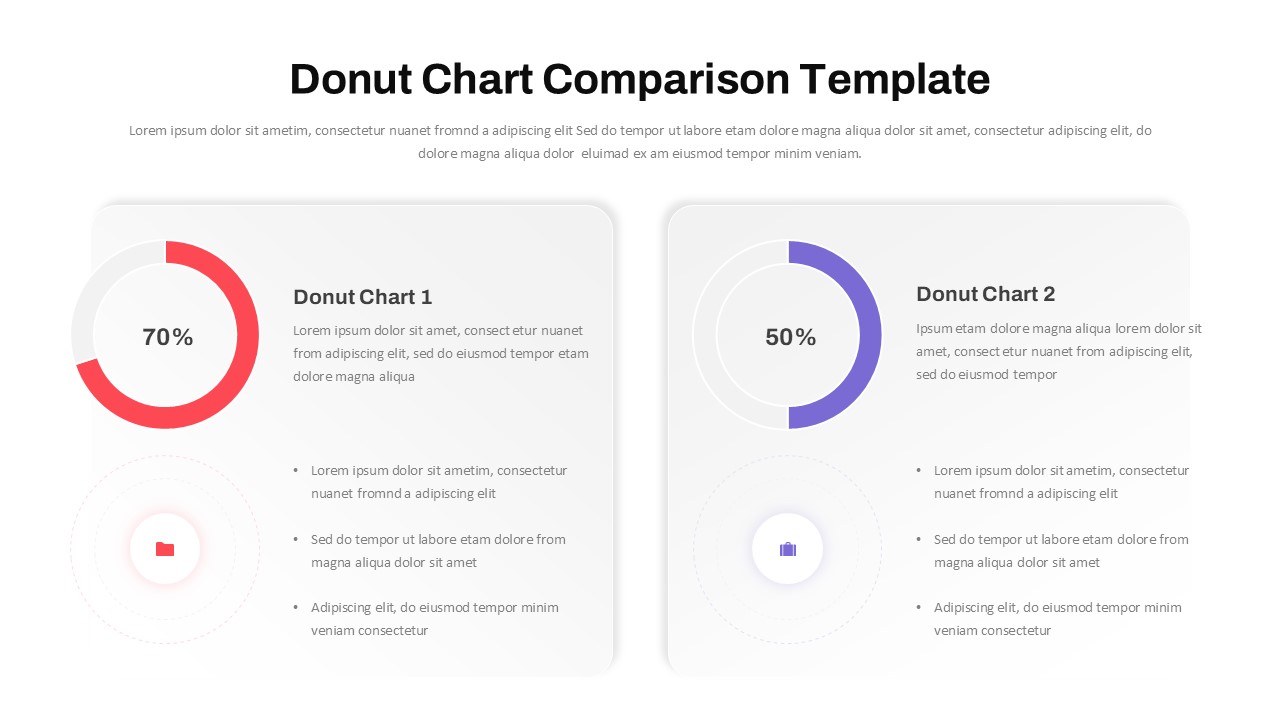
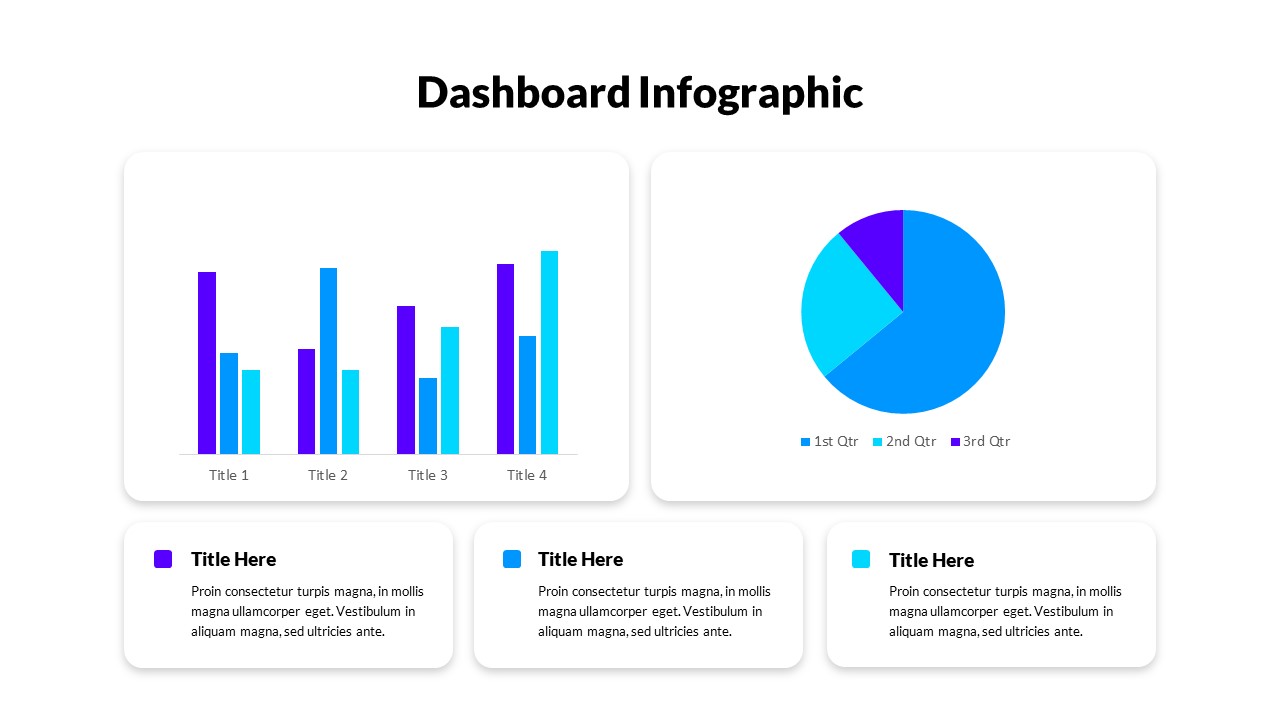
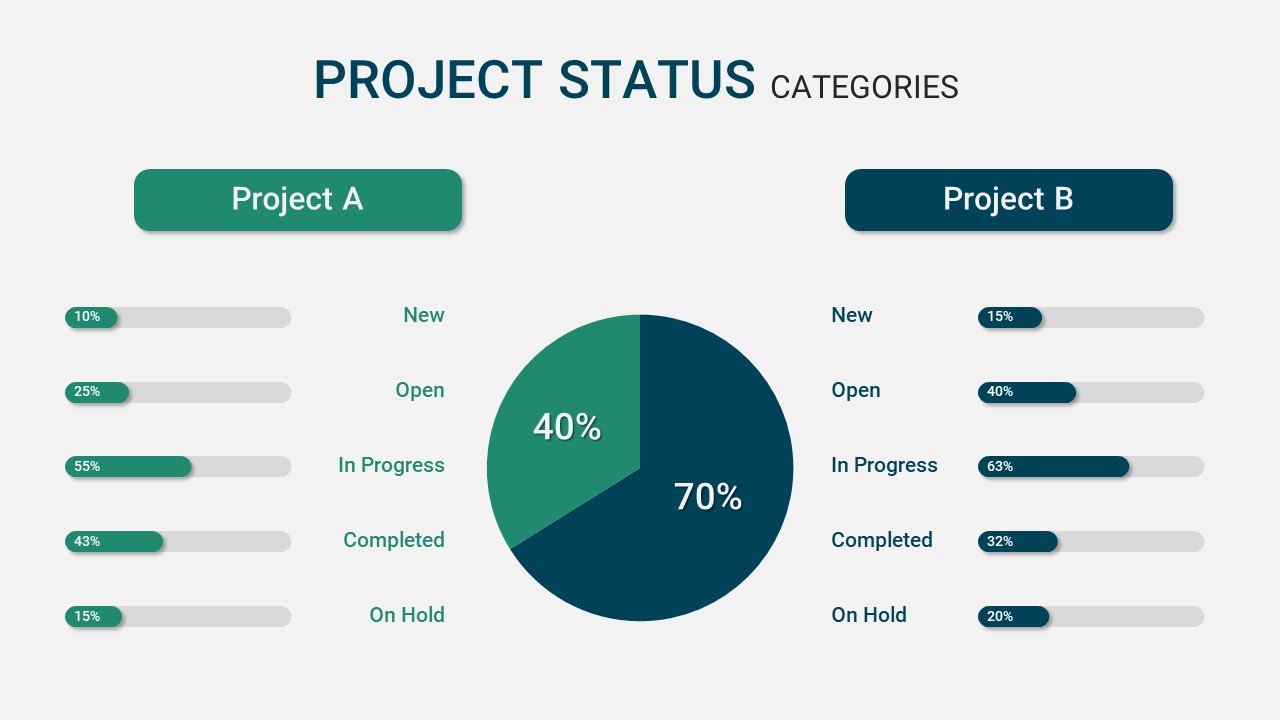
The dashboard presents a structured overview of project stages—Planning, Design, Development, and Testing—alongside key performance indicators such as workload distribution, task severity, budget allocation, and project timelines. A sleek horizontal progress bar tracks phase completion, while various charts—including bar graphs, line charts, and a donut chart—provide quick visual cues for assessing team workload, budget by employees, and task criticality.
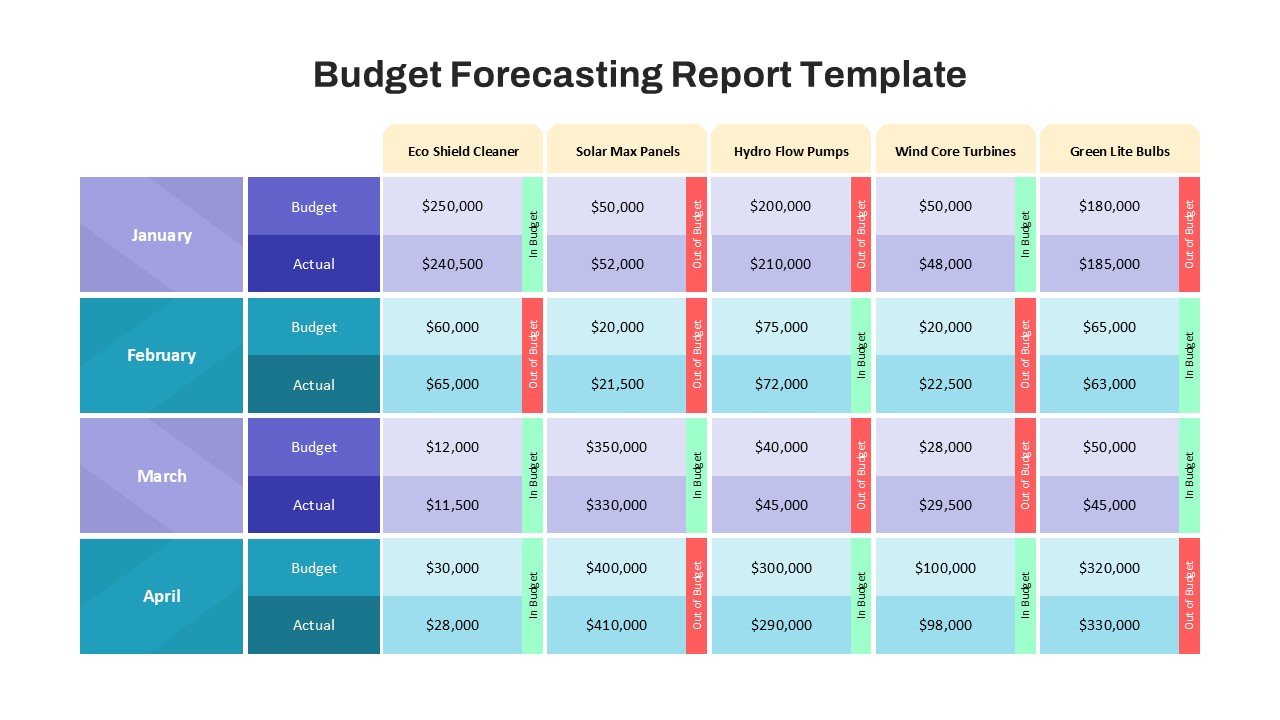
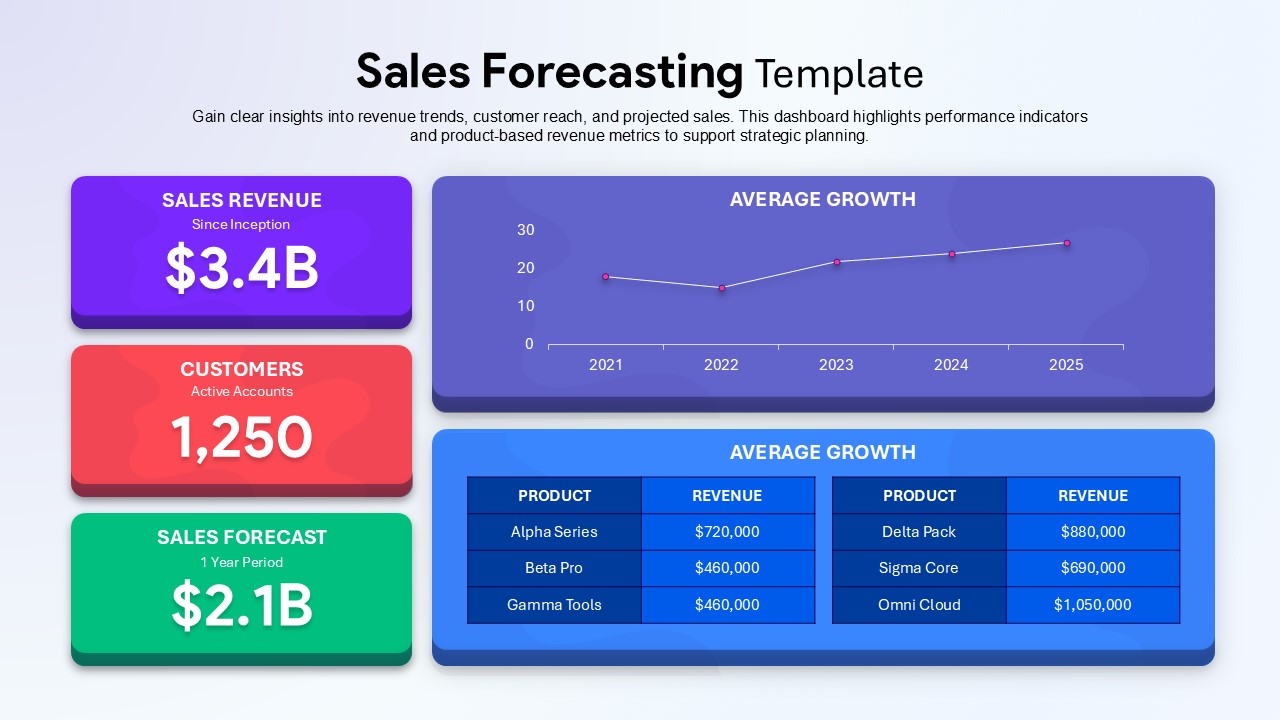
One of the standout features of this template is the countdown to project launch, offering a clear timeline with urgency-driven focus. Users can assess historical and projected budgets across multiple years, compare employee-level financial contributions, and monitor individual workloads, ensuring effective resource distribution and financial planning.
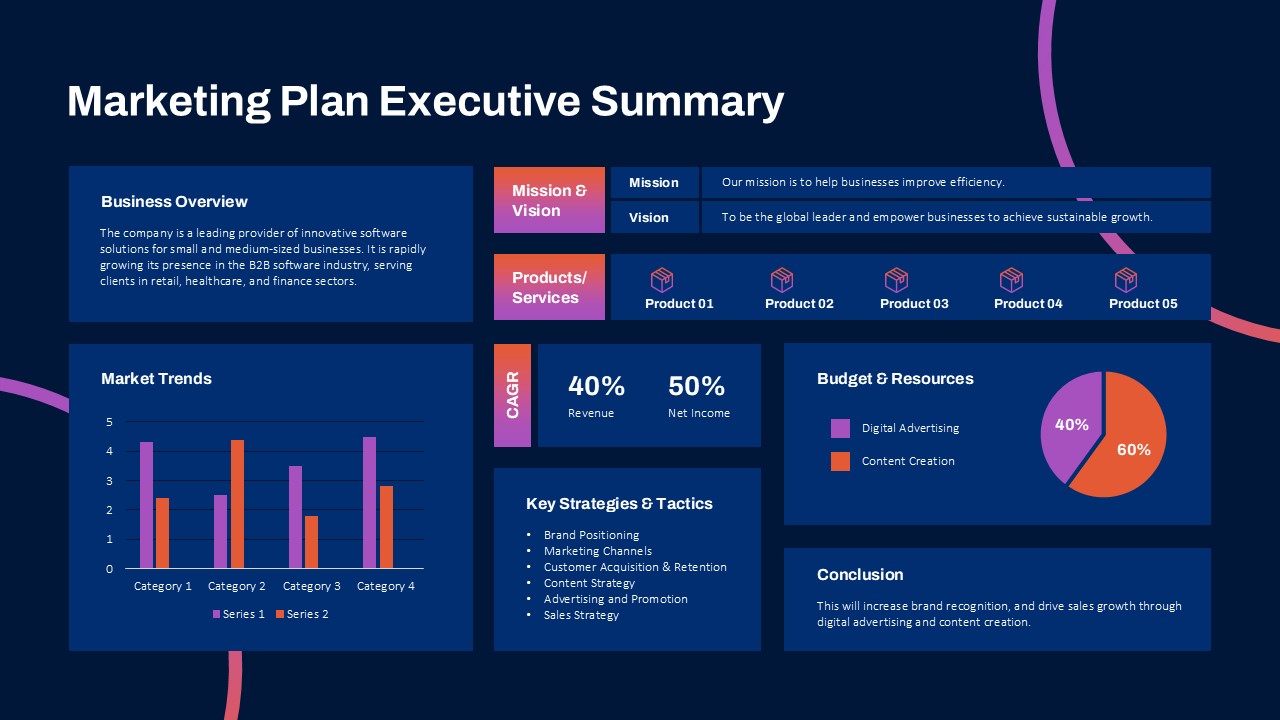
With its clean, dark-themed aesthetic and intuitive layout, this dashboard template enhances presentation clarity while maintaining a professional tone. It is fully editable in both PowerPoint and Google Slides, allowing teams to customize datasets, chart styles, and timeline elements according to specific project requirements.
Whether you’re conducting a quarterly review, pitching to stakeholders, or optimizing internal workflows, this PMO Dashboard ensures that all key metrics are visible, actionable, and easy to interpret.
See more

Aspect Ratio
16:9Item ID
SKT04278


Features of this template
Other User Cases of the Template:
Program management reports, stakeholder updates, sprint planning, resource allocation reviews, executive project briefings, financial tracking, team performance analysis, internal audits, cross-functional team dashboards.
FAQs
You May Also Like These Presentation Templates


- Free
- Free
- Free

- Free
- Free

- Free