Customer Service Performance Dashboard Template for PowerPoint & Google Slides
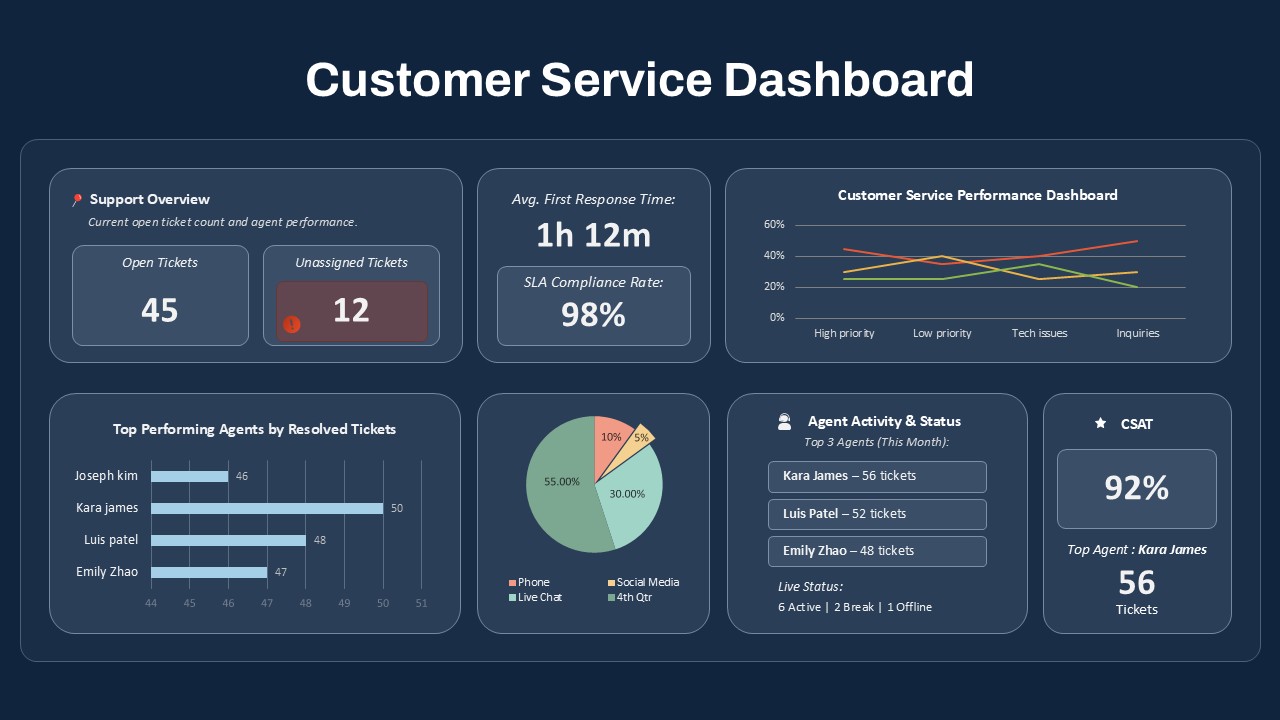
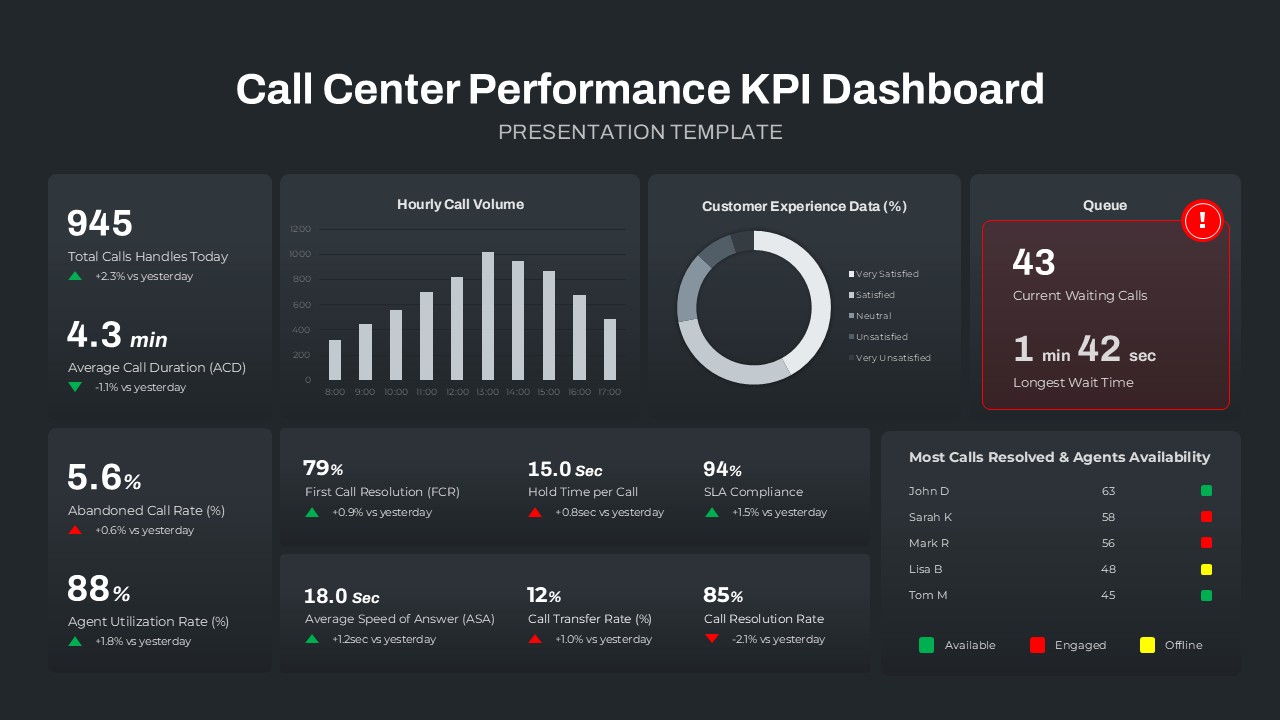
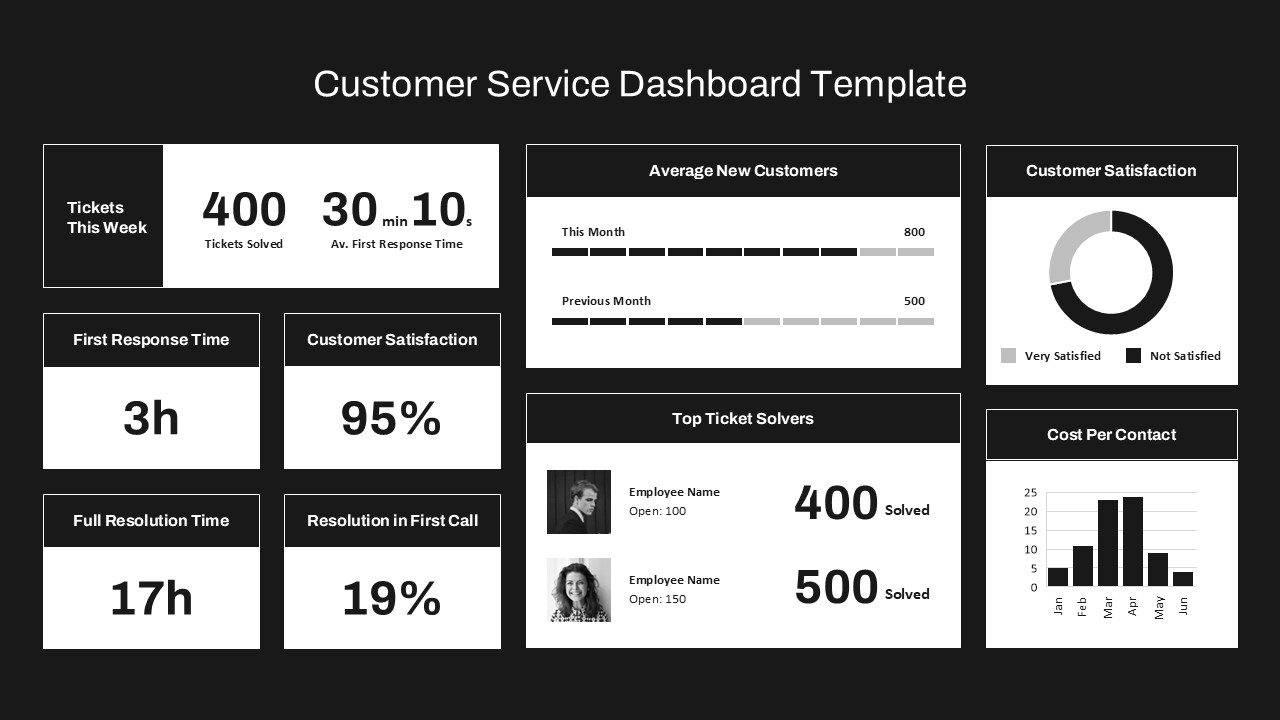
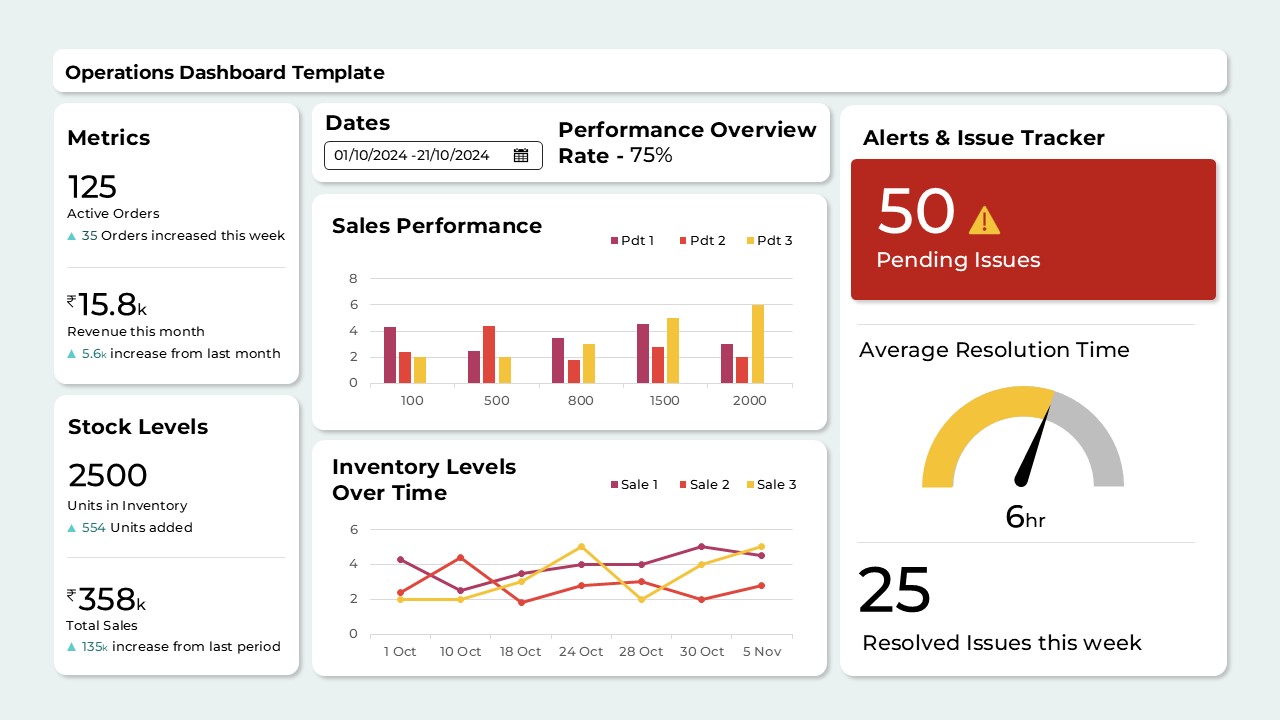
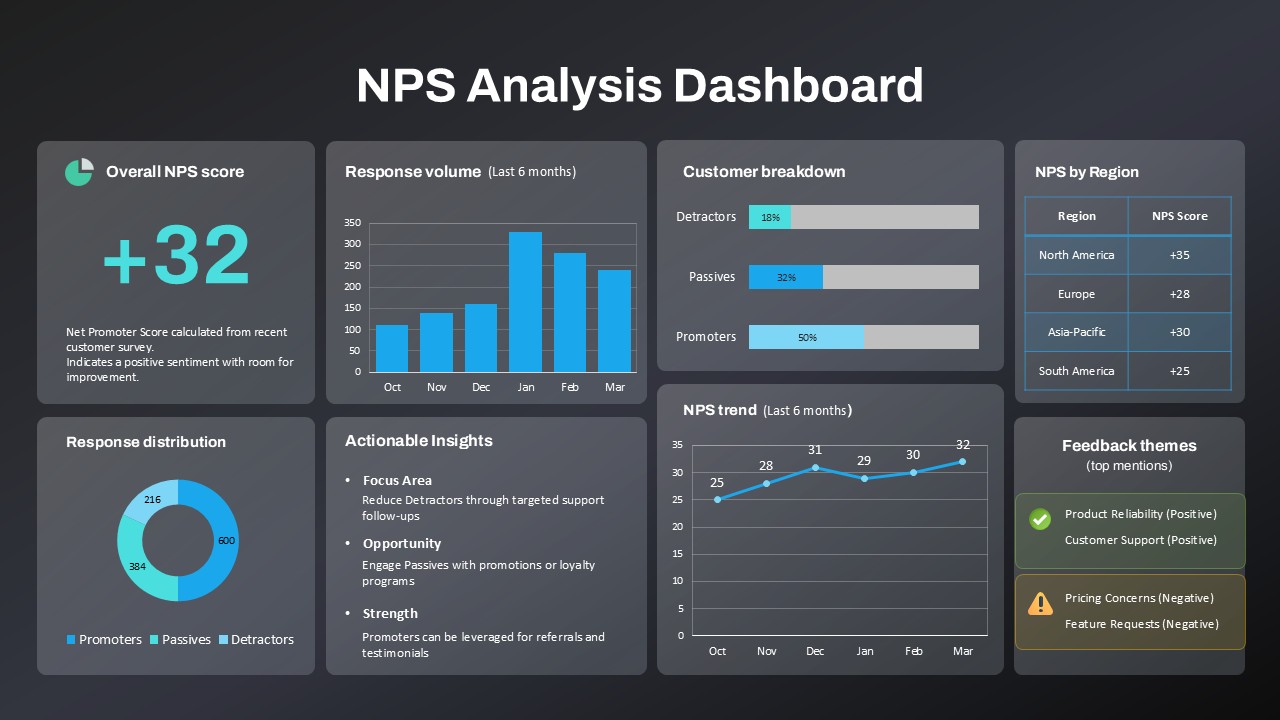
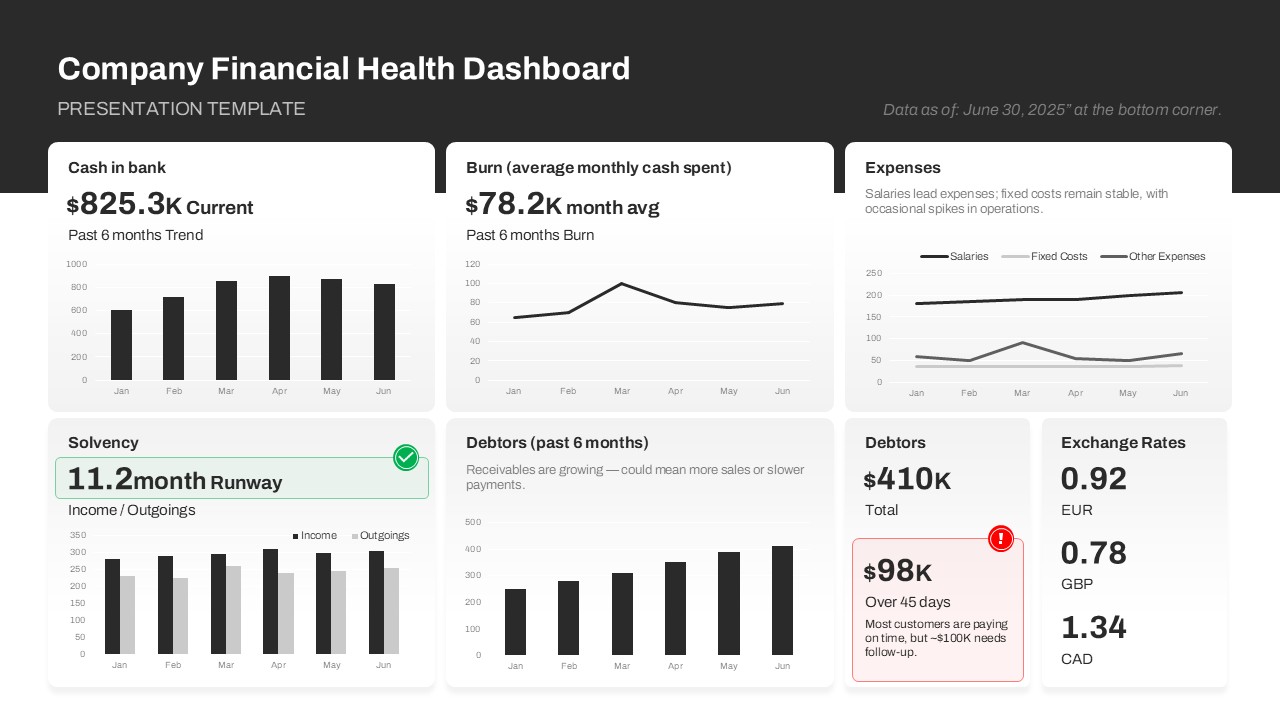
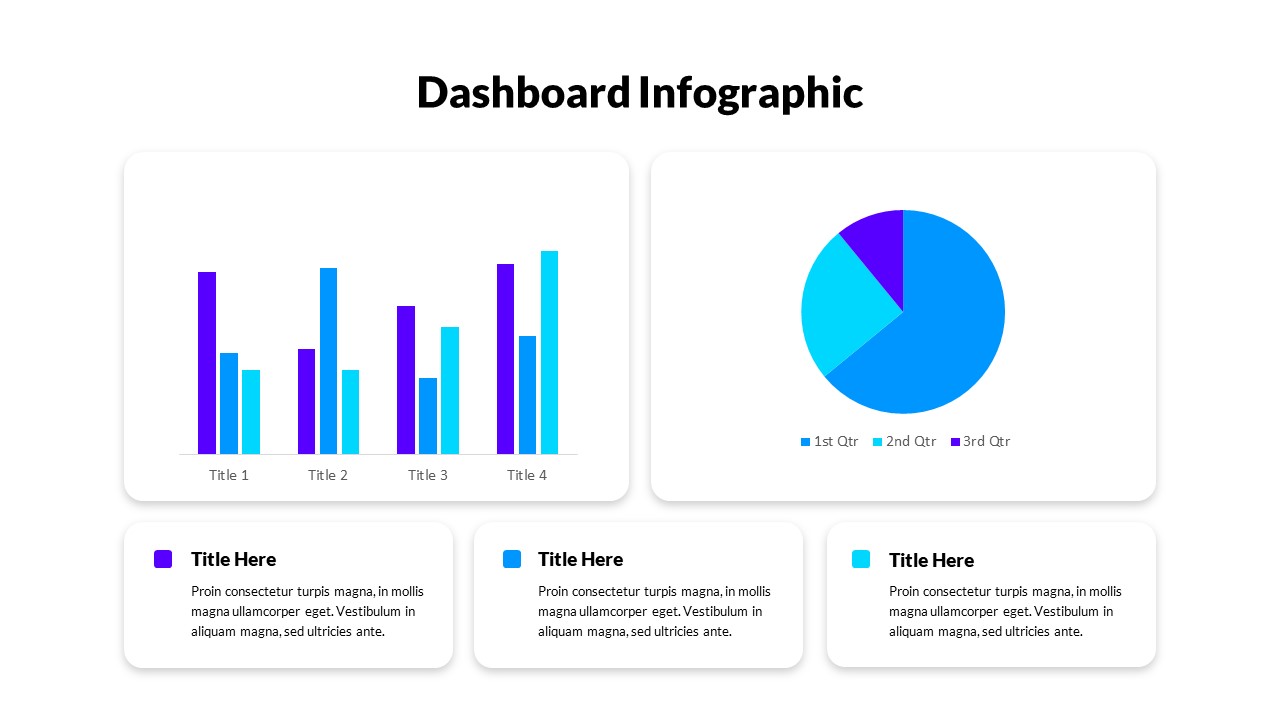
Monitor and present service operations efficiently with this Customer Service Performance Dashboard powerpoint template. Designed for support teams and service leaders, this template consolidates key performance indicators into a clean, professional layout. It features high-impact data visuals, including a line chart for issue types, a bar graph for top-performing agents, a pie chart showing ticket sources, and real-time stats like open tickets, SLA compliance, and CSAT scores—all set against a dark navy theme that enhances data readability.
Each section is clearly labeled for quick reference, making it ideal for executive reviews, team stand-ups, or performance analysis meetings. Editable text boxes and charts allow full customization of metrics and agent names, helping you align visuals with your internal KPIs. Smart layout structuring ensures clarity, whether you’re tracking ticket volume, first response time, agent status, or customer satisfaction.
Optimized for PowerPoint and Google Slides, this dashboard is perfect for both live presentations and recurring reporting decks. Easily update monthly or weekly performance data without redesigning the layout, streamlining the reporting process while maintaining a professional aesthetic.
See more

Aspect Ratio
16:9Item ID
SKT04080


Features of this template
Other Uses
This dashboard can be adapted for helpdesk analytics, IT service reports, internal performance reviews, or external client updates. It’s also useful for call center operations, NOC dashboards, or employee productivity monitoring.
FAQs
You May Also Like These Presentation Templates


- Free
- Free


- Free
- Free
- Free
- Free
- Free

- Free