Personal Introduction Slide Template
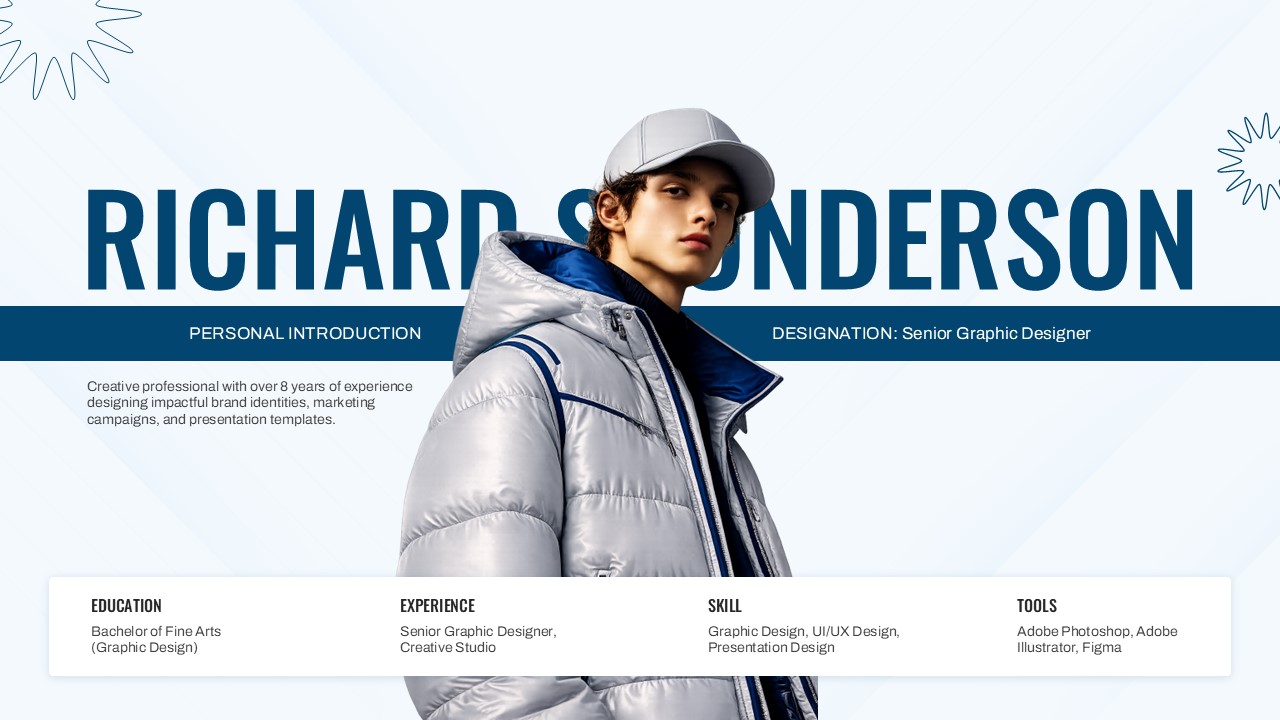
Professional Personal Profile Presentation Template for PowerPoint & Google Slides
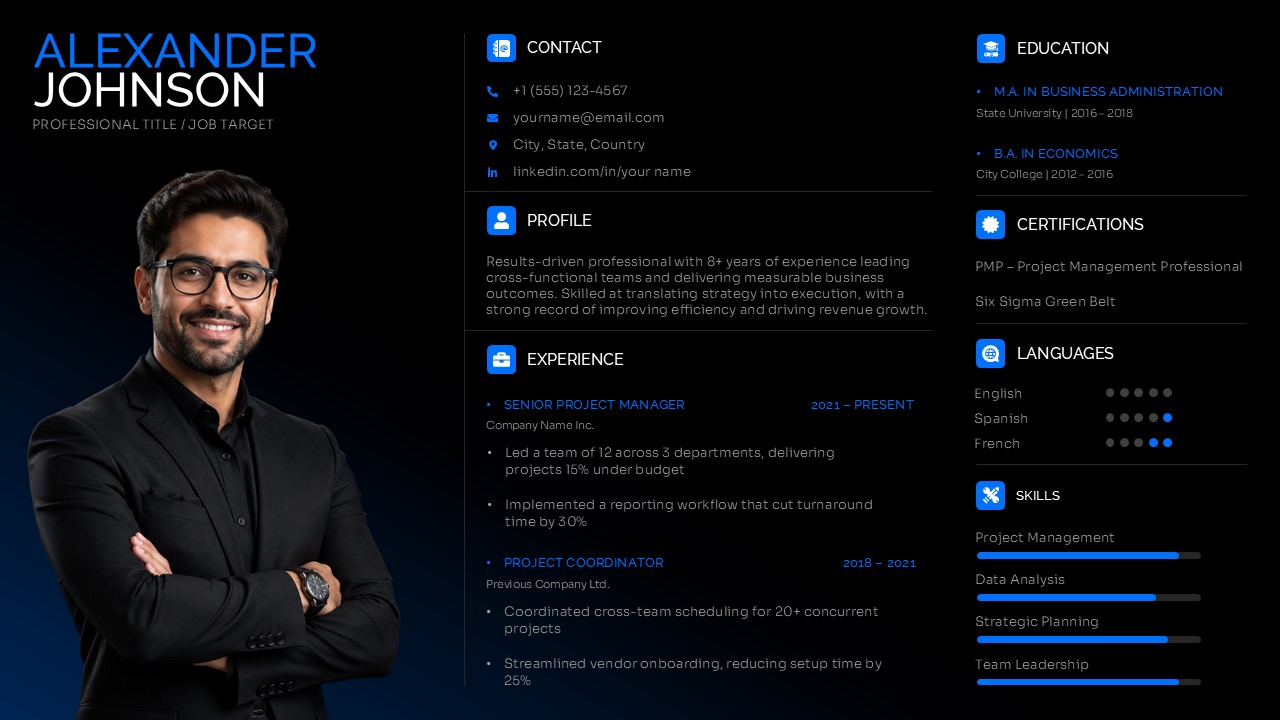
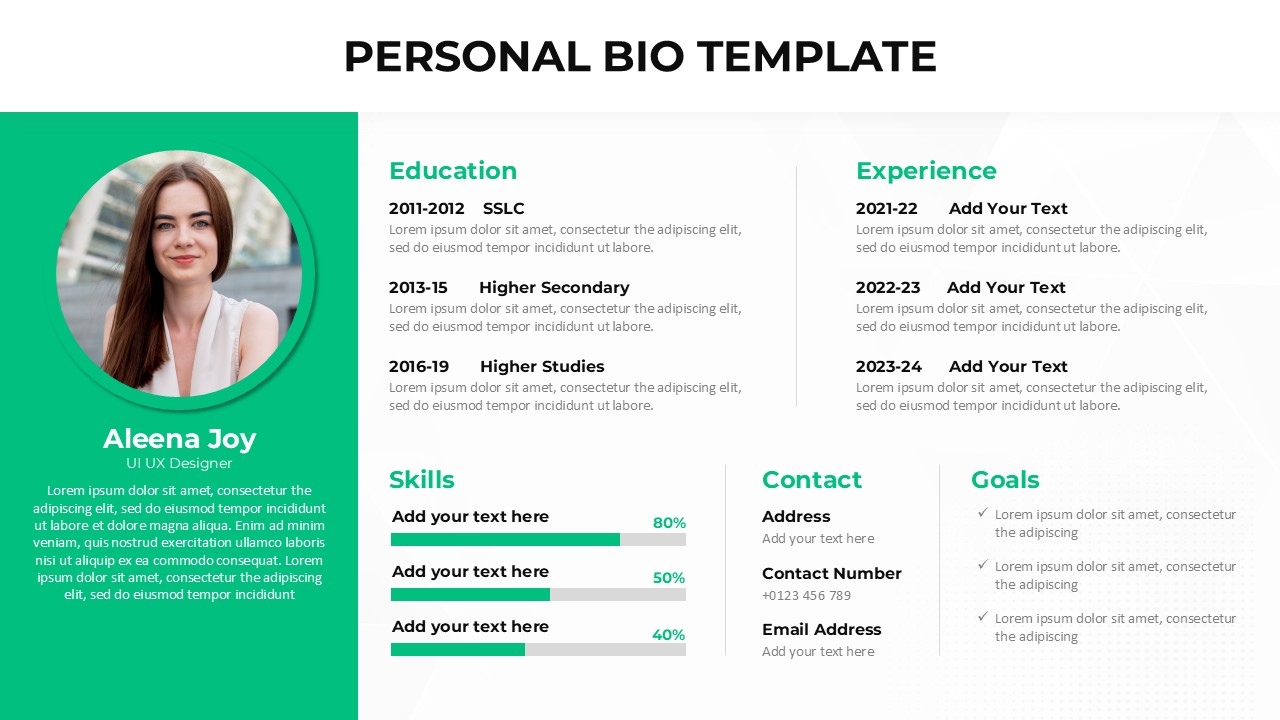
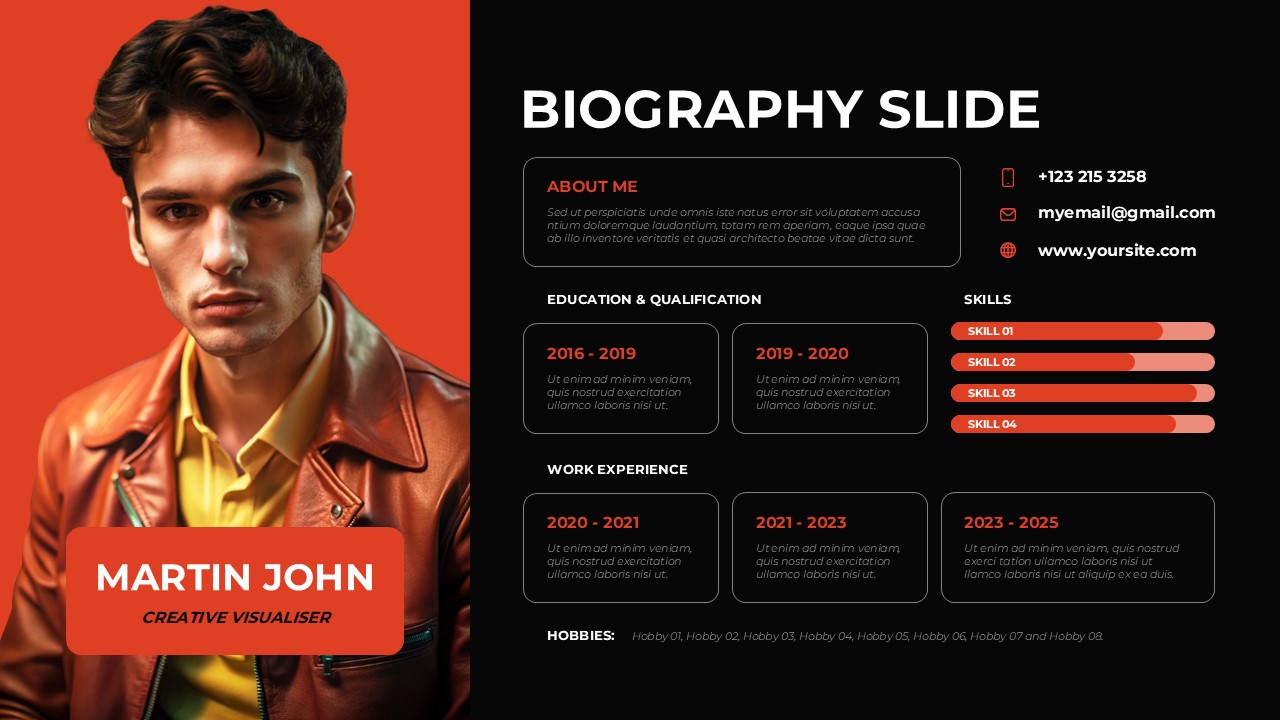
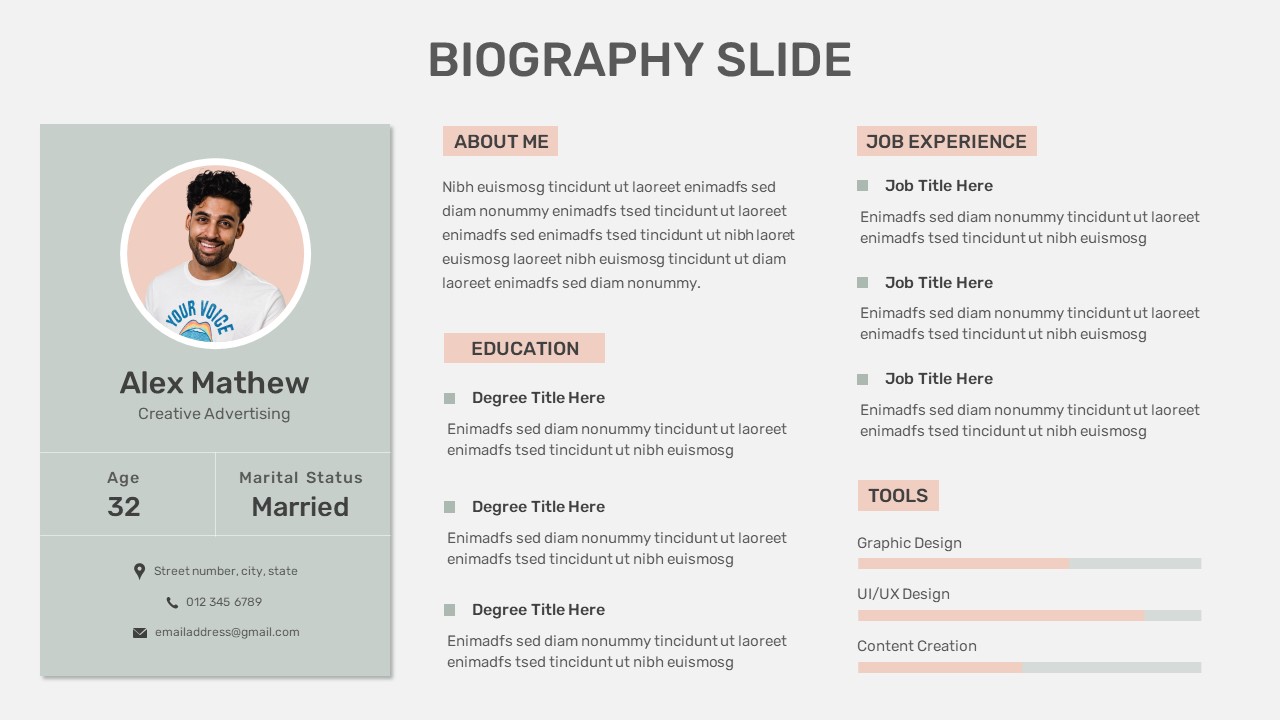
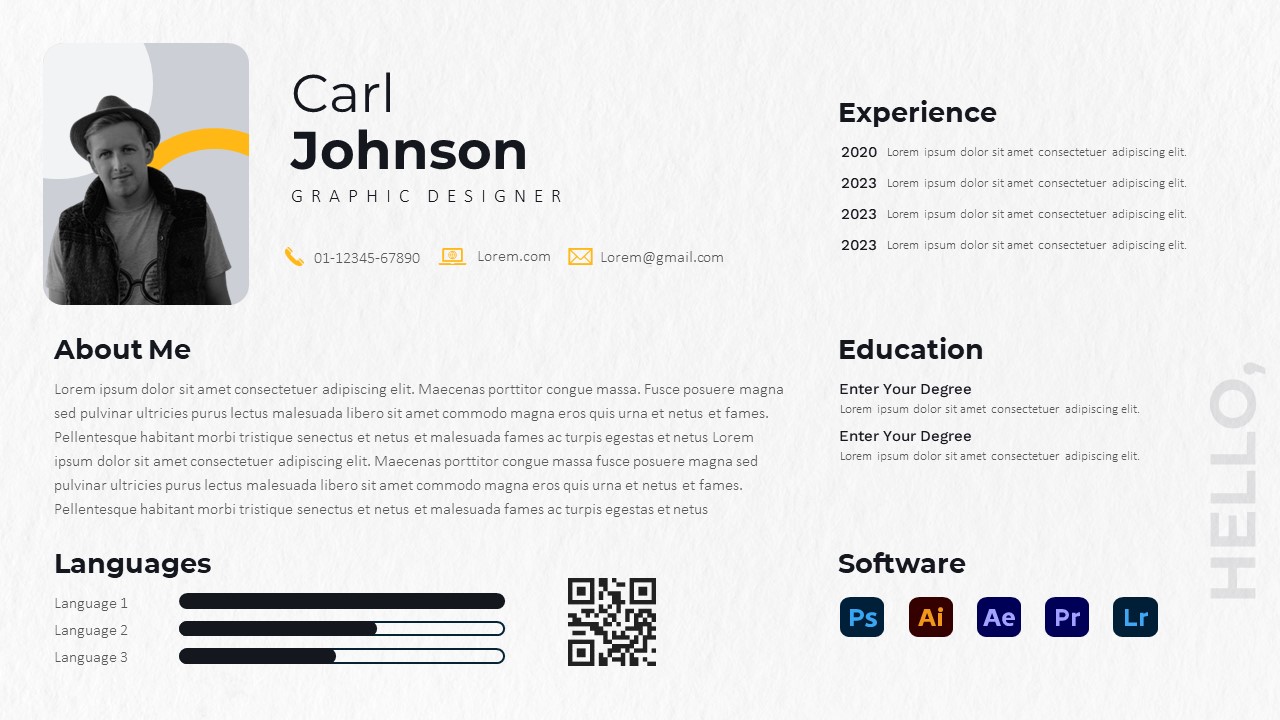
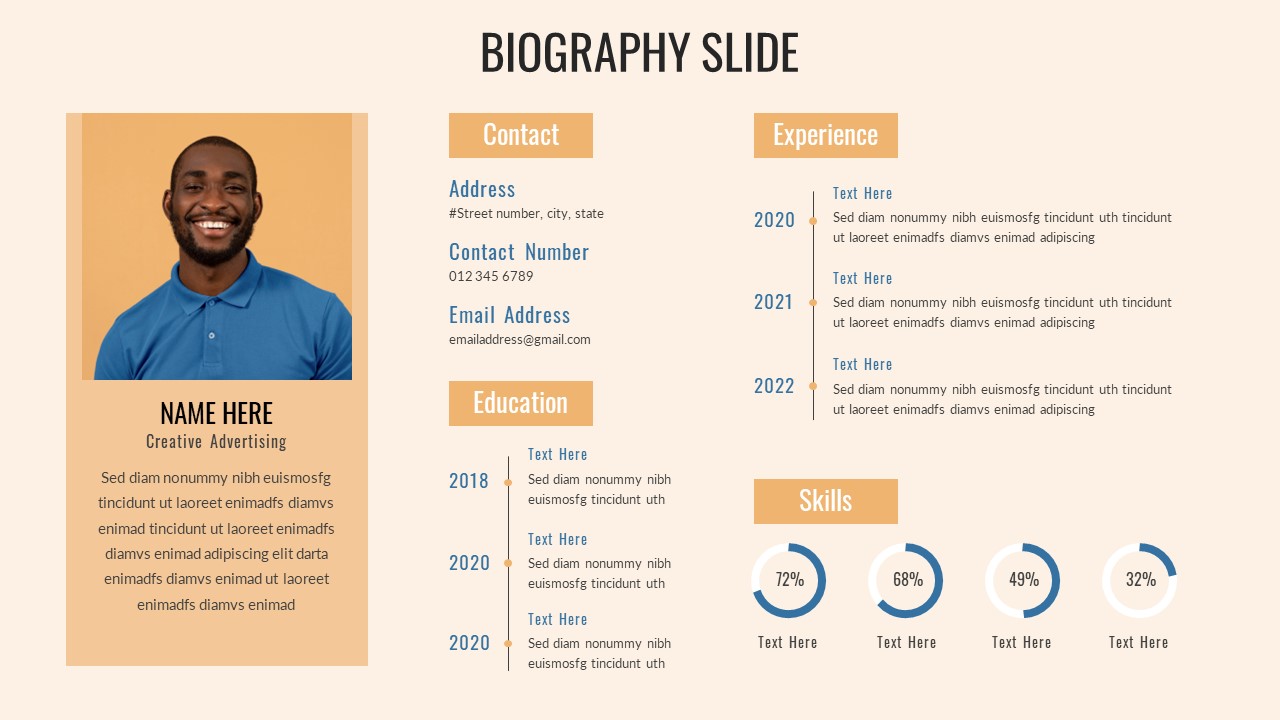
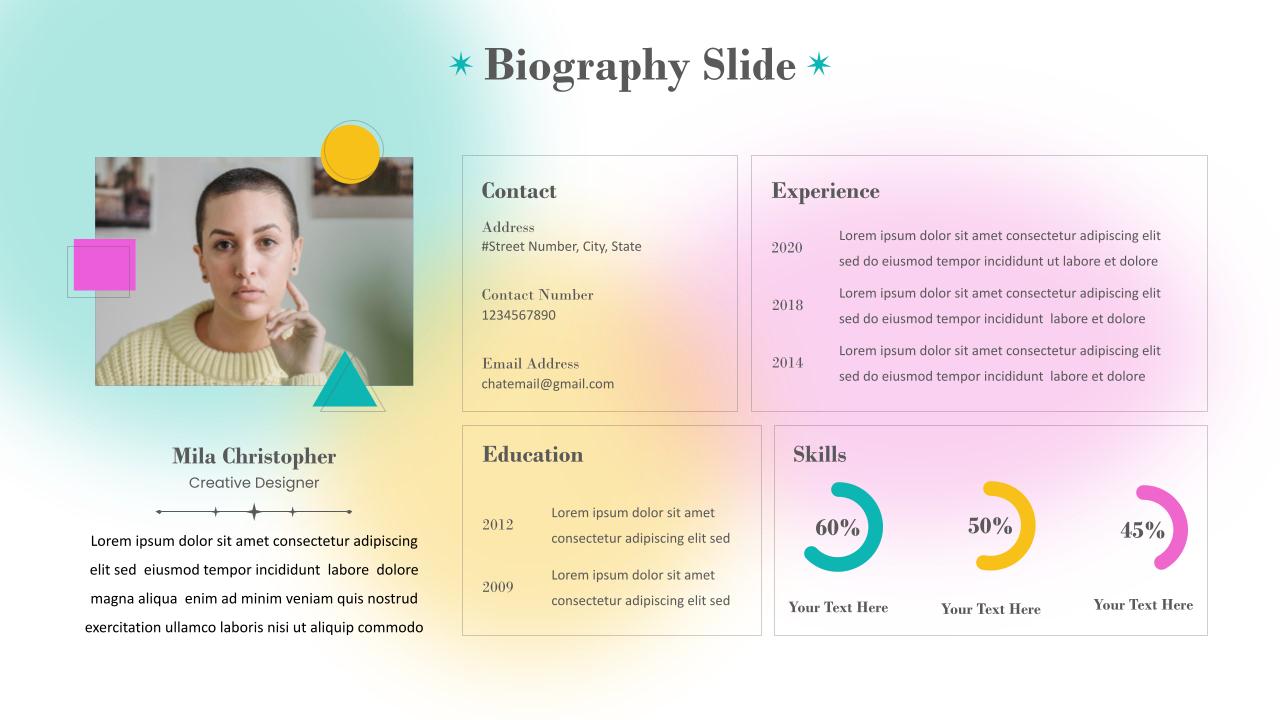
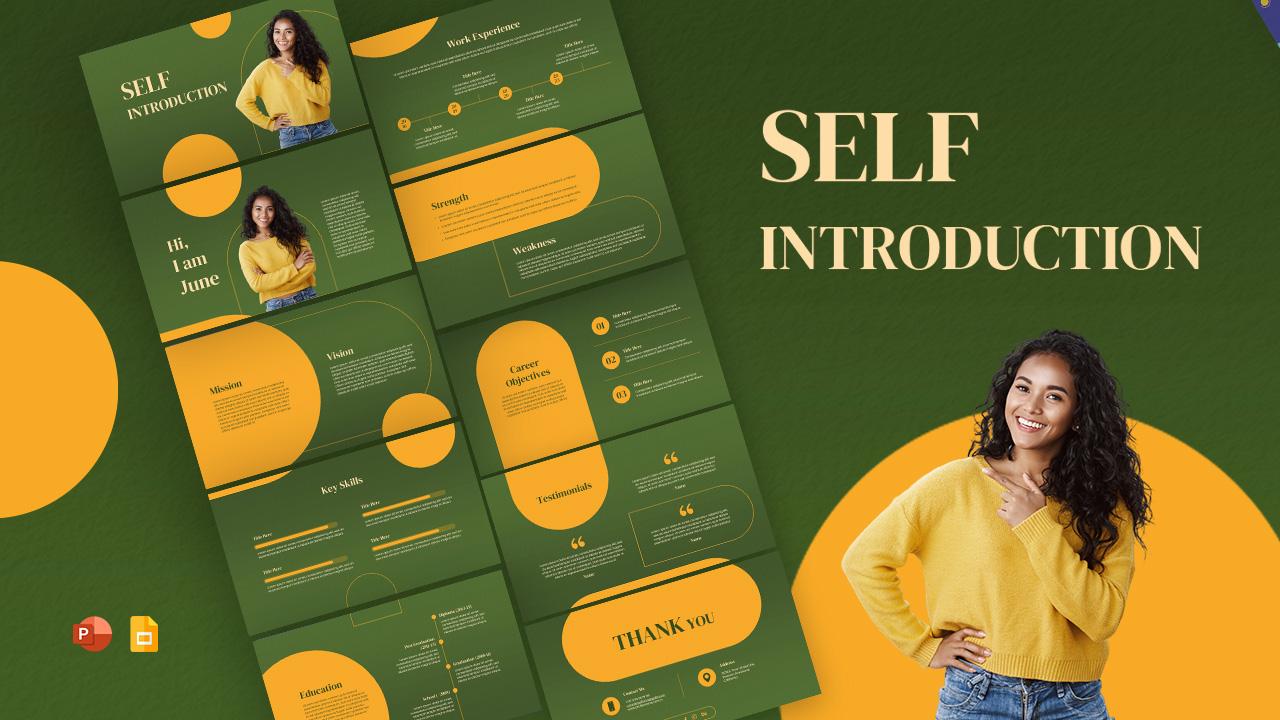
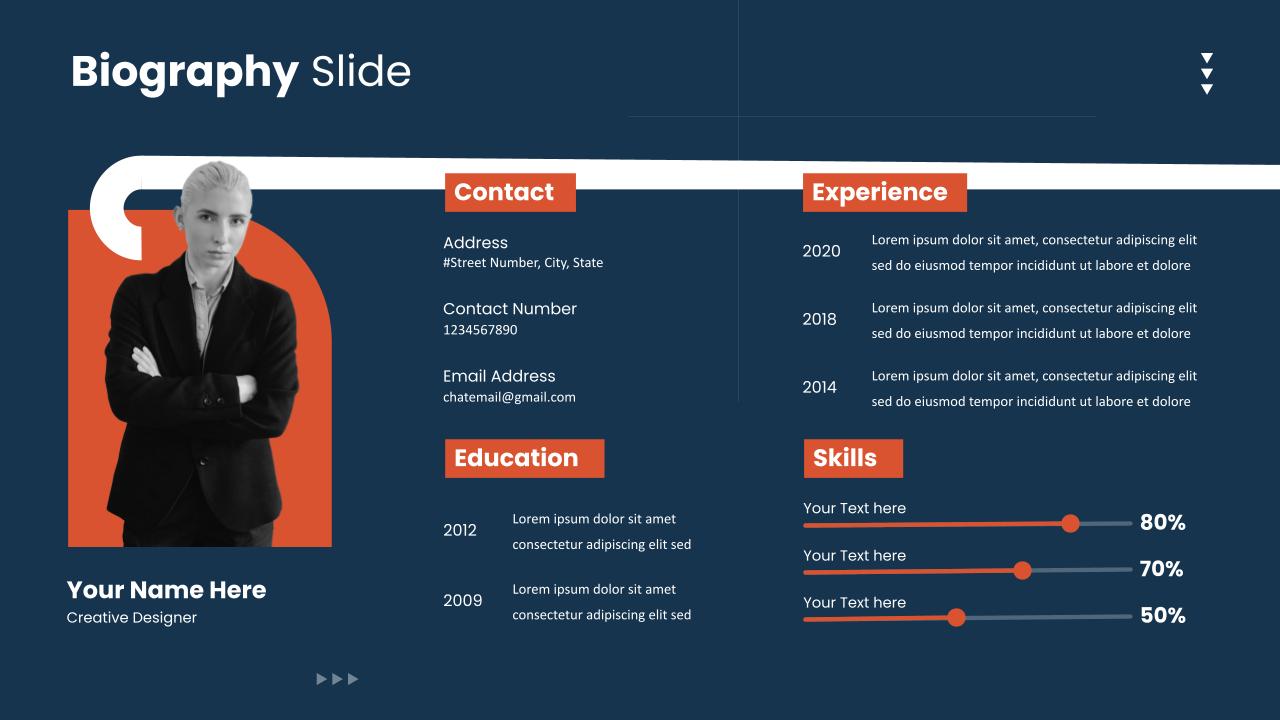
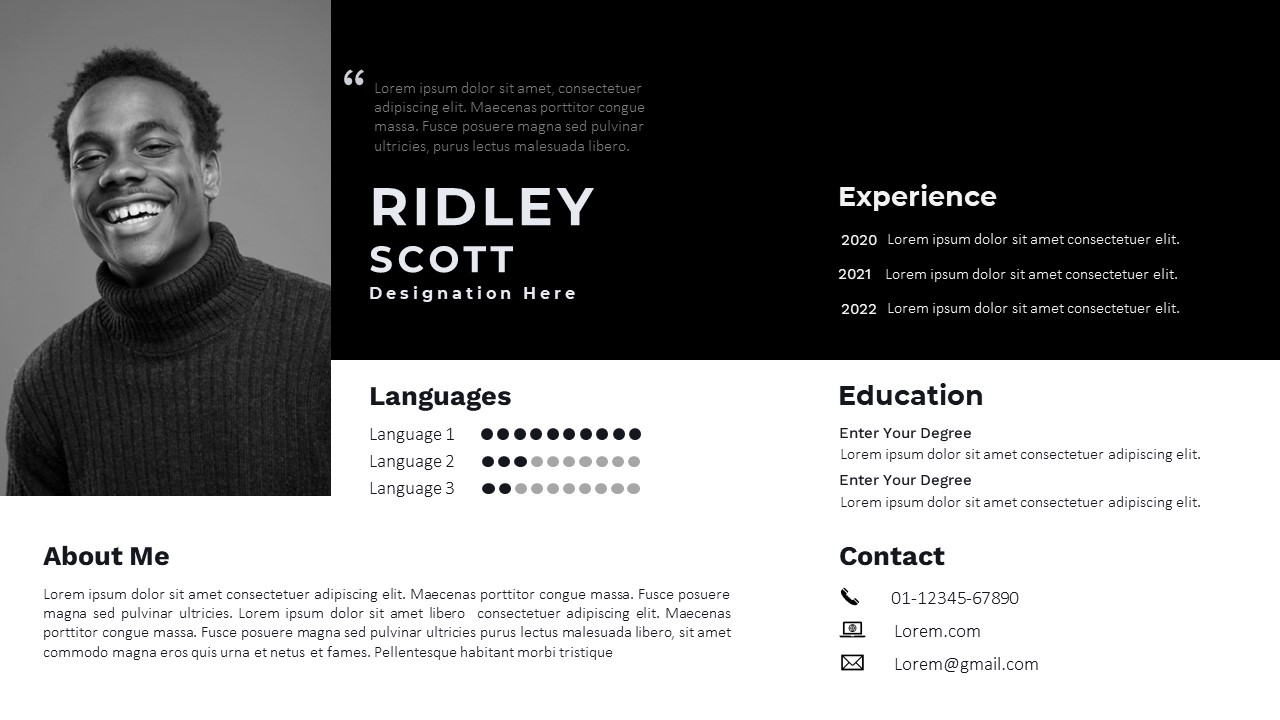
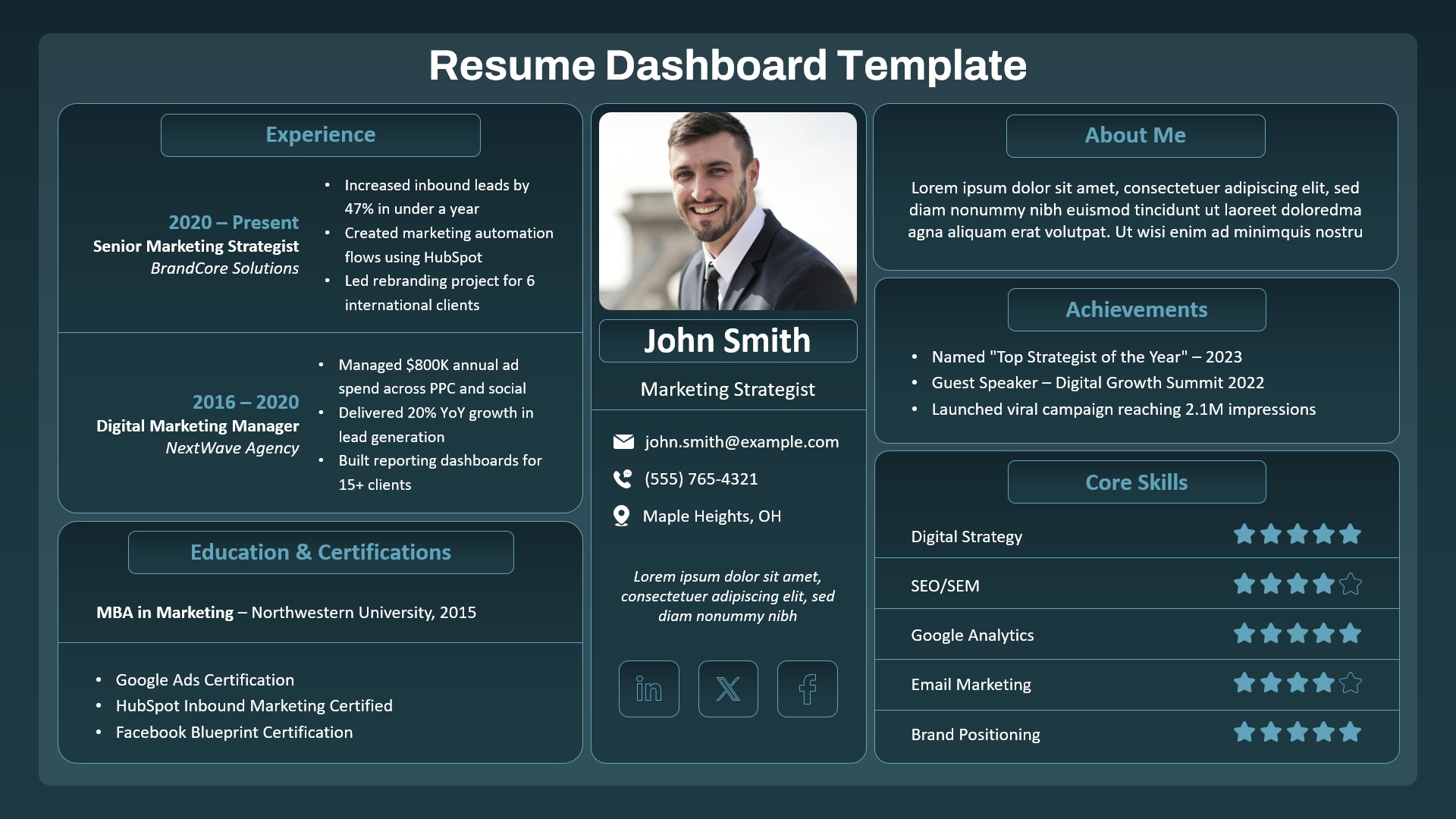
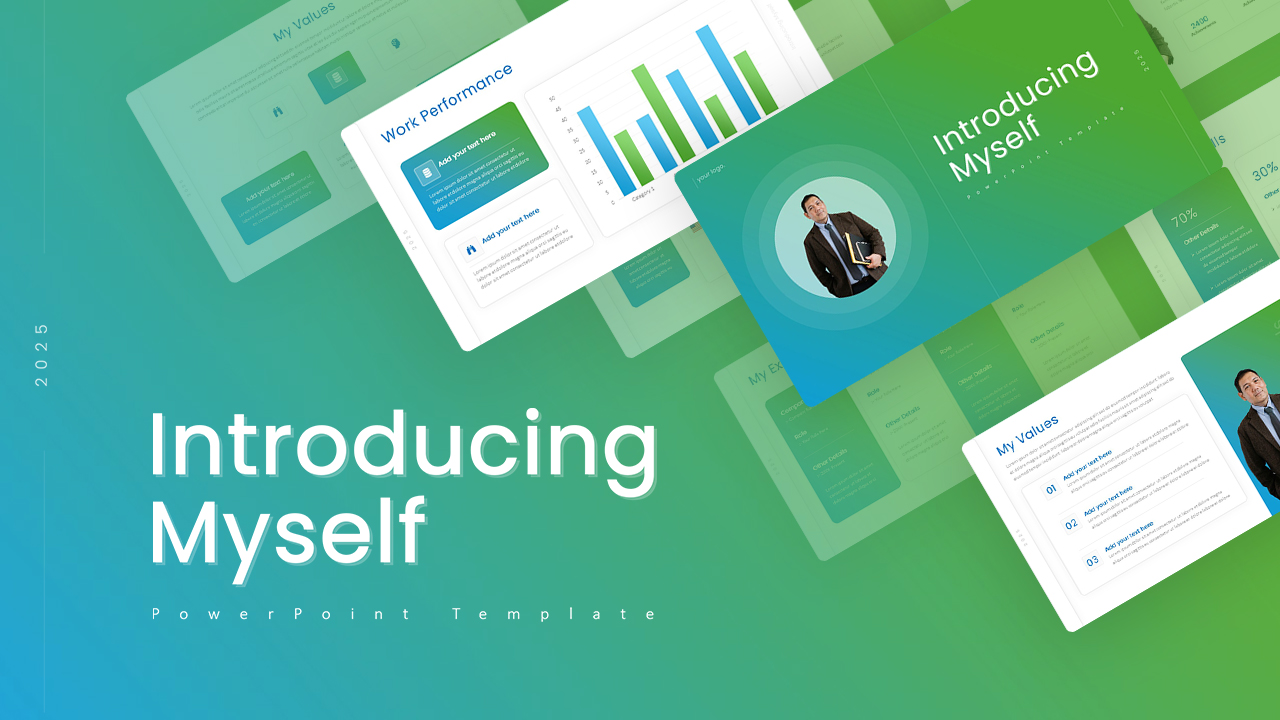
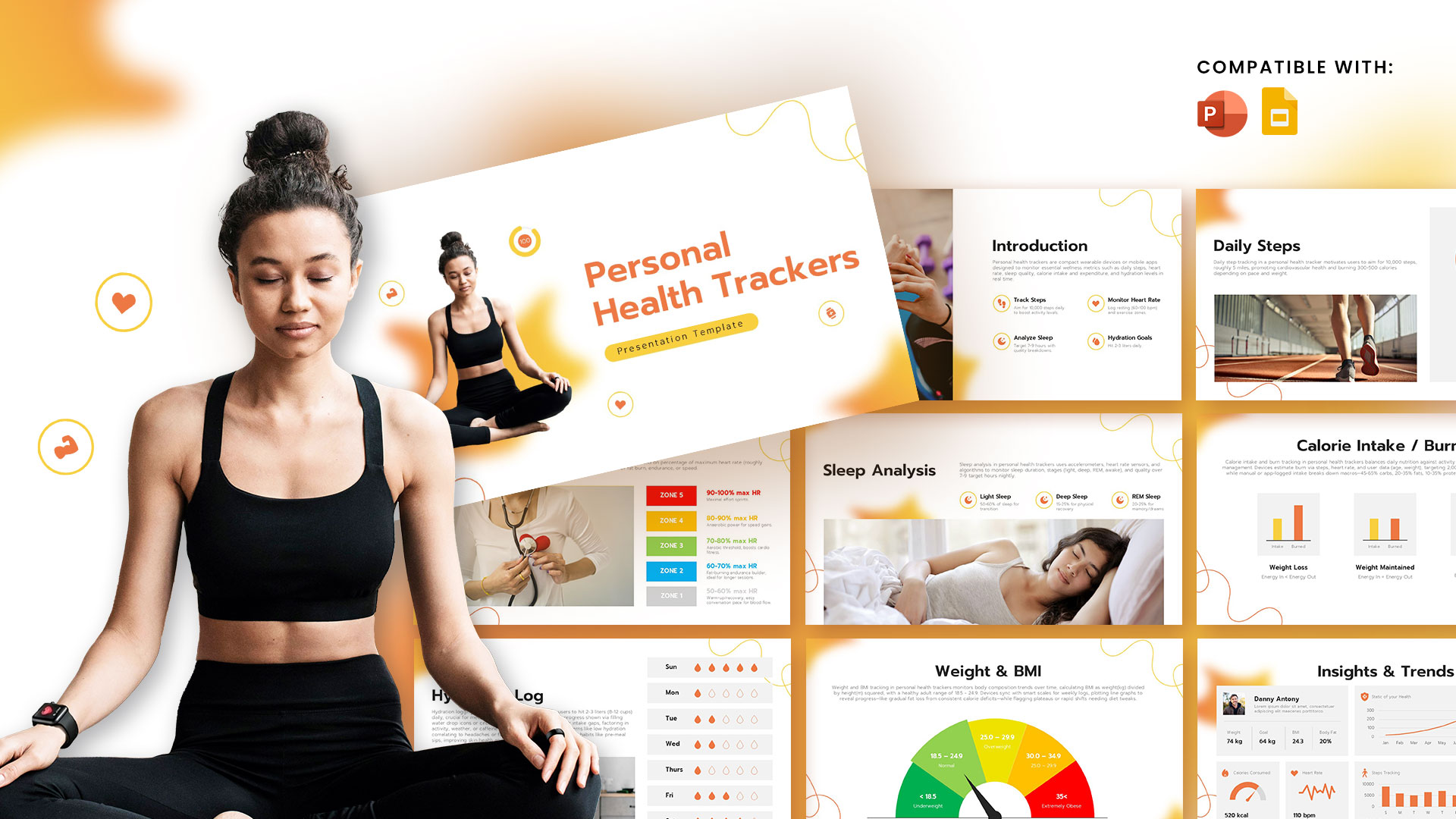
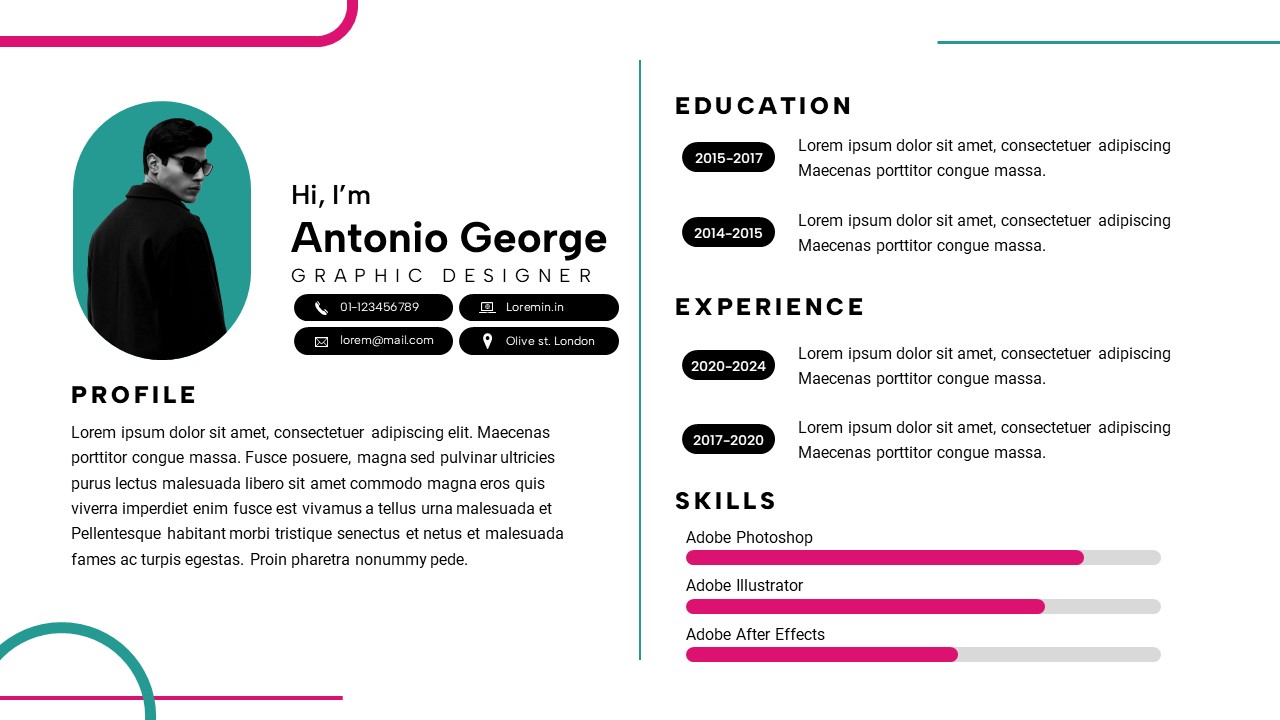
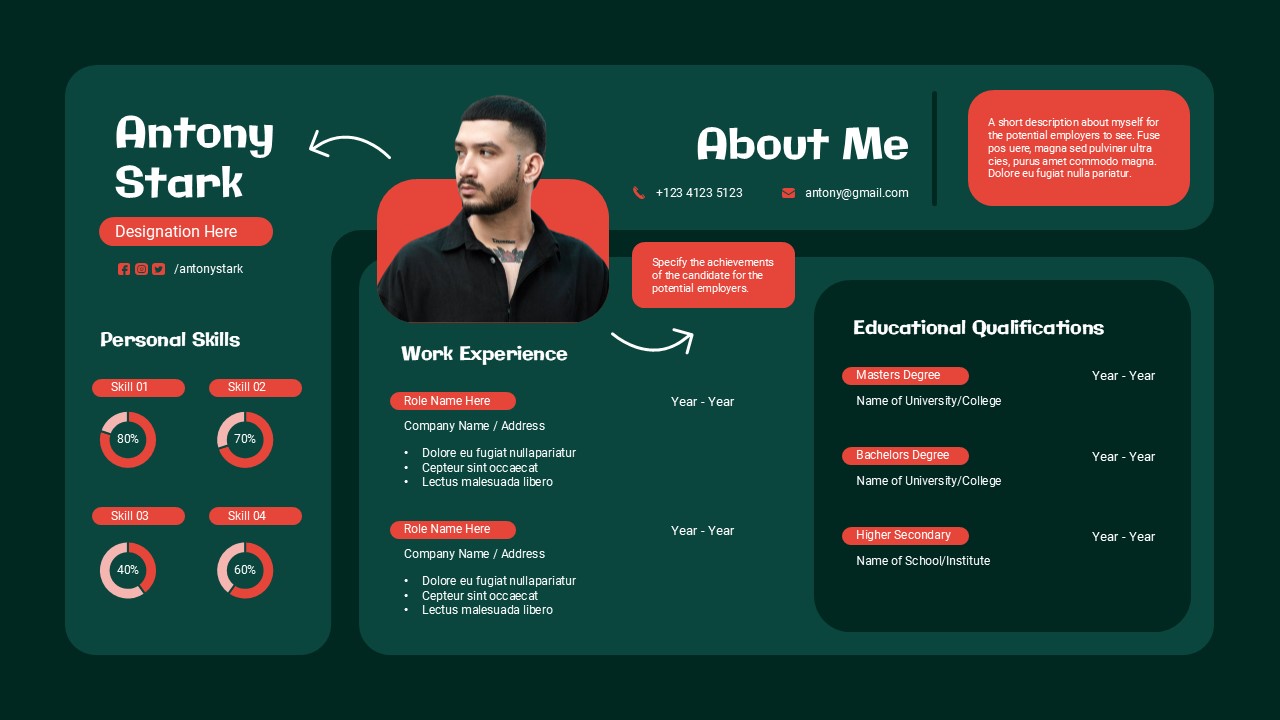
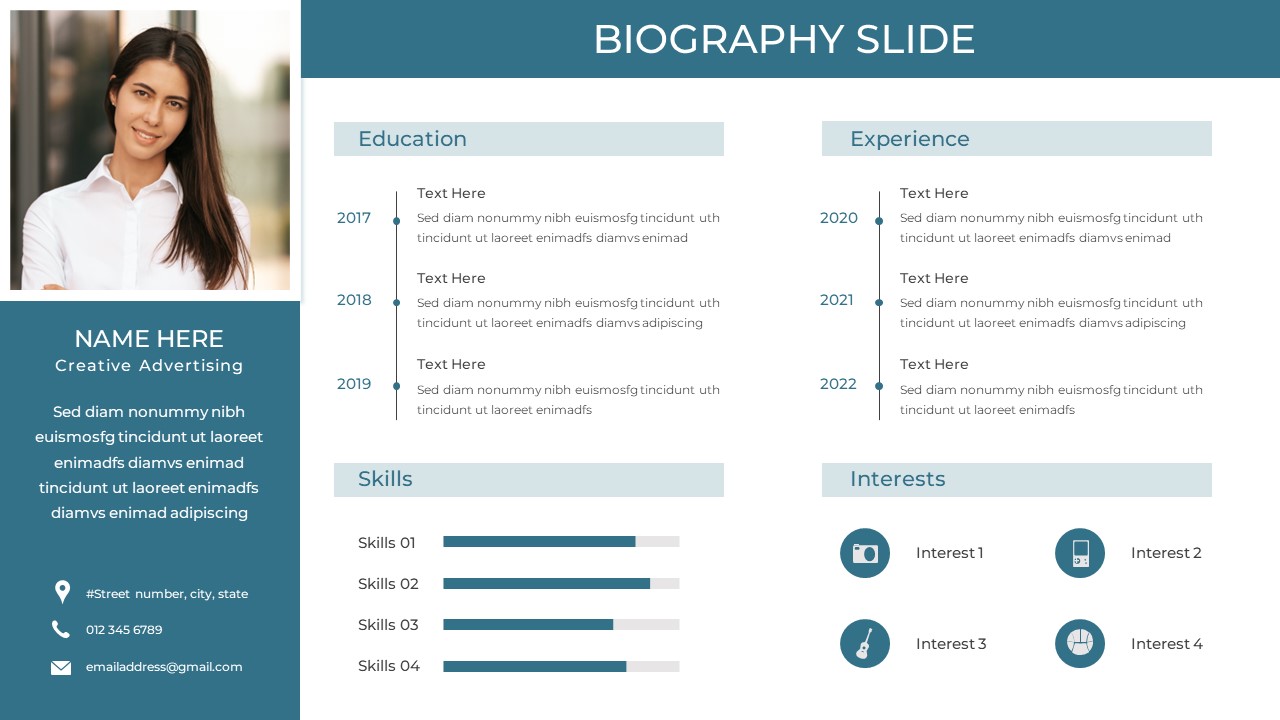
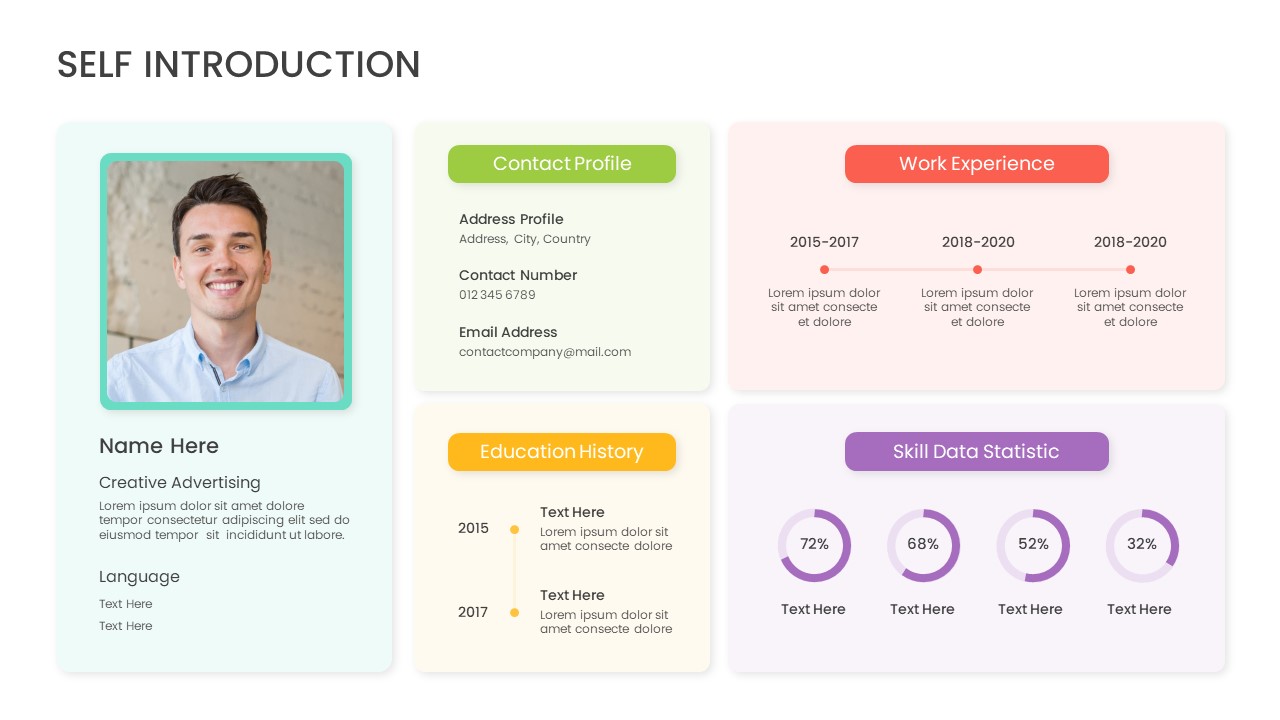
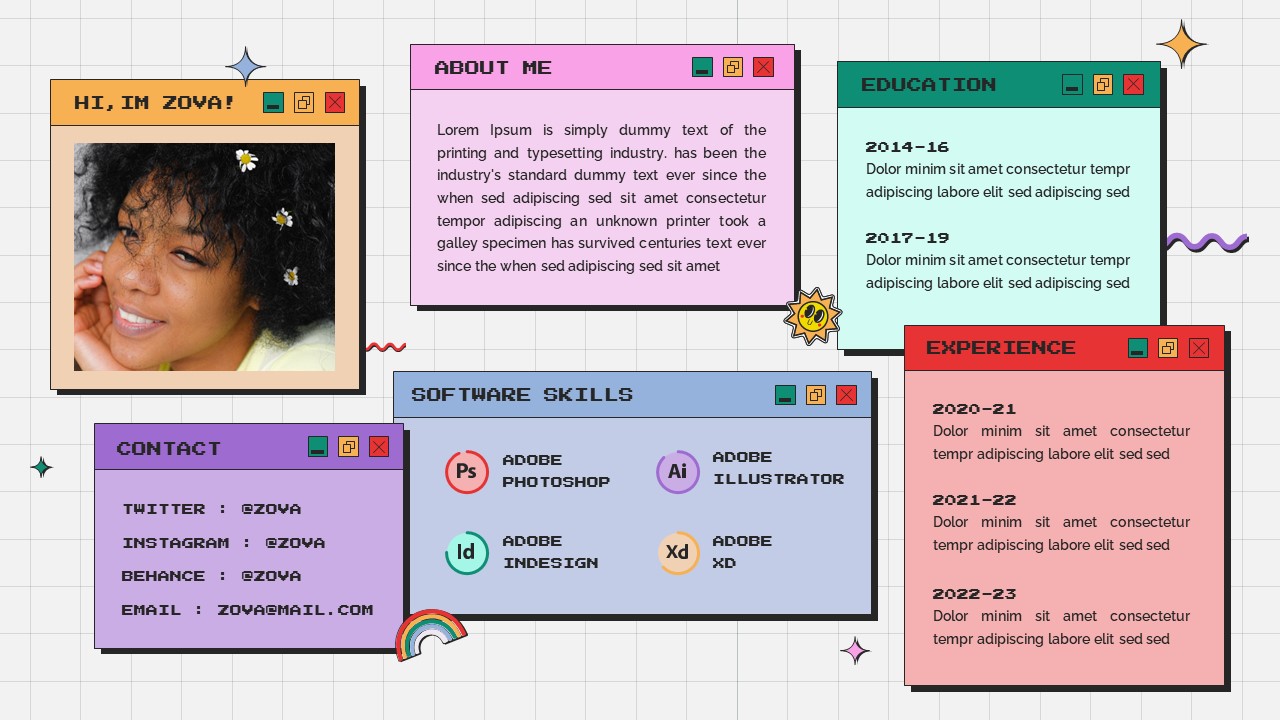
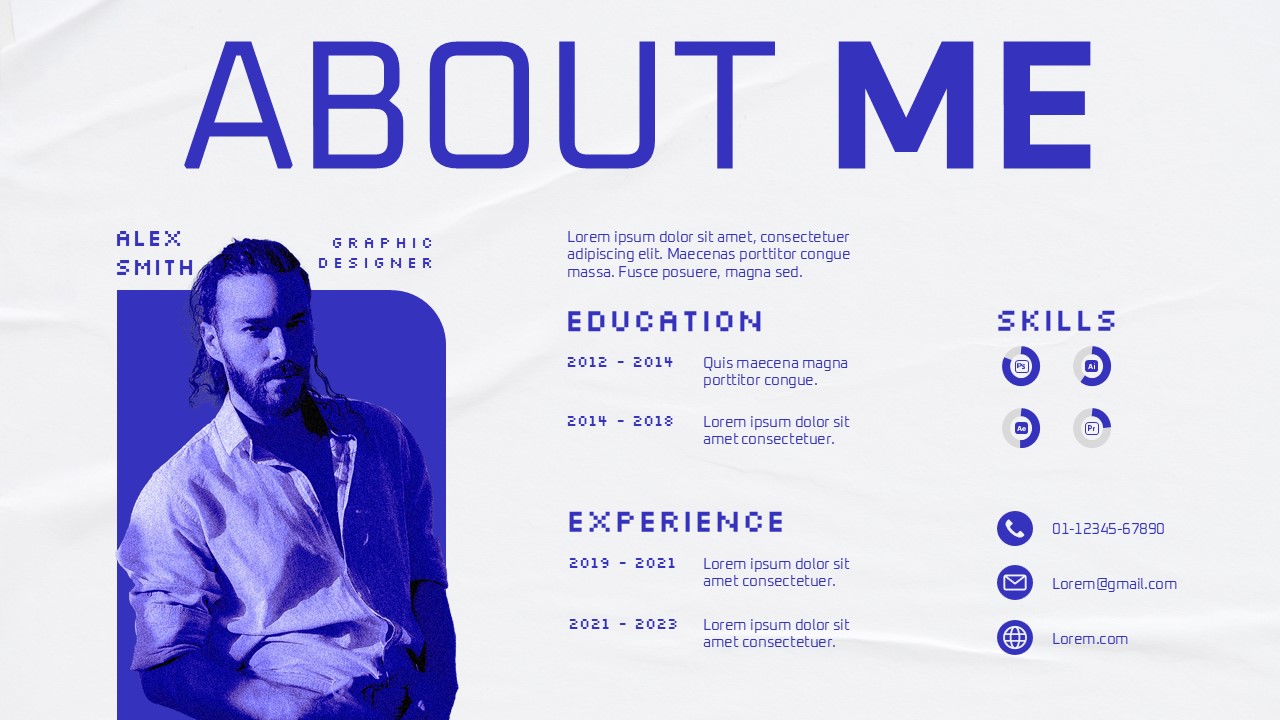
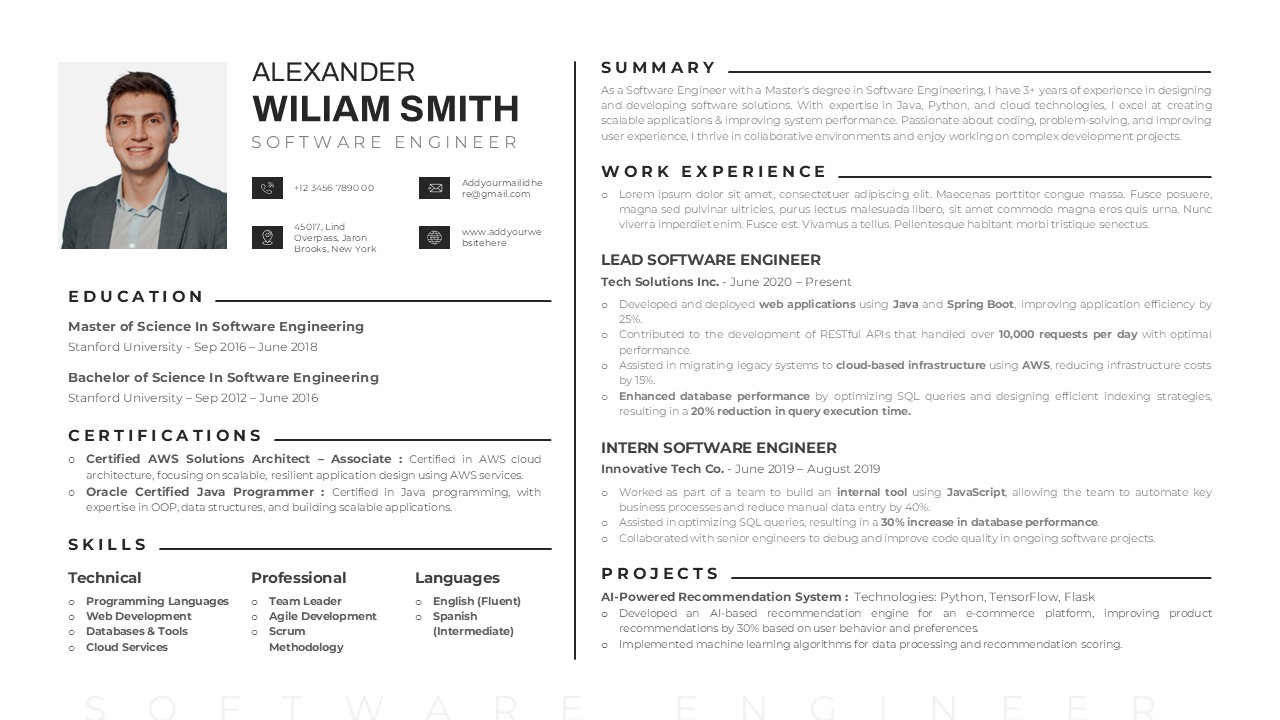
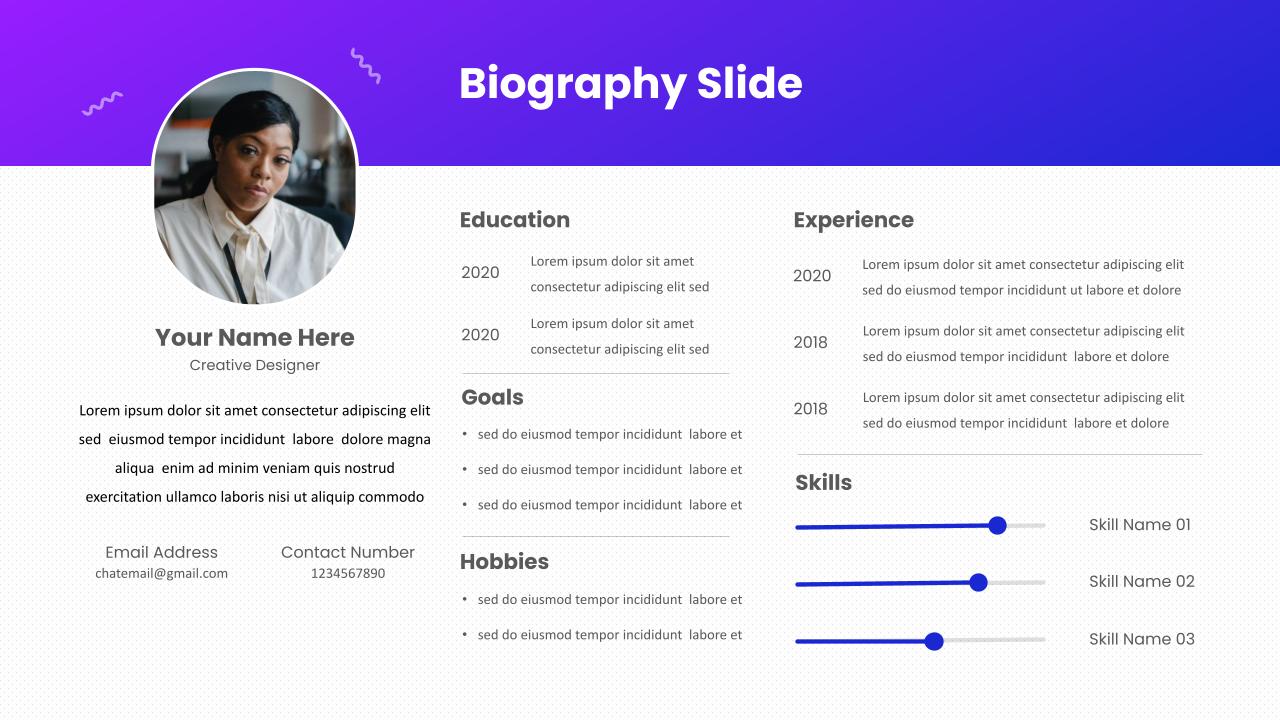
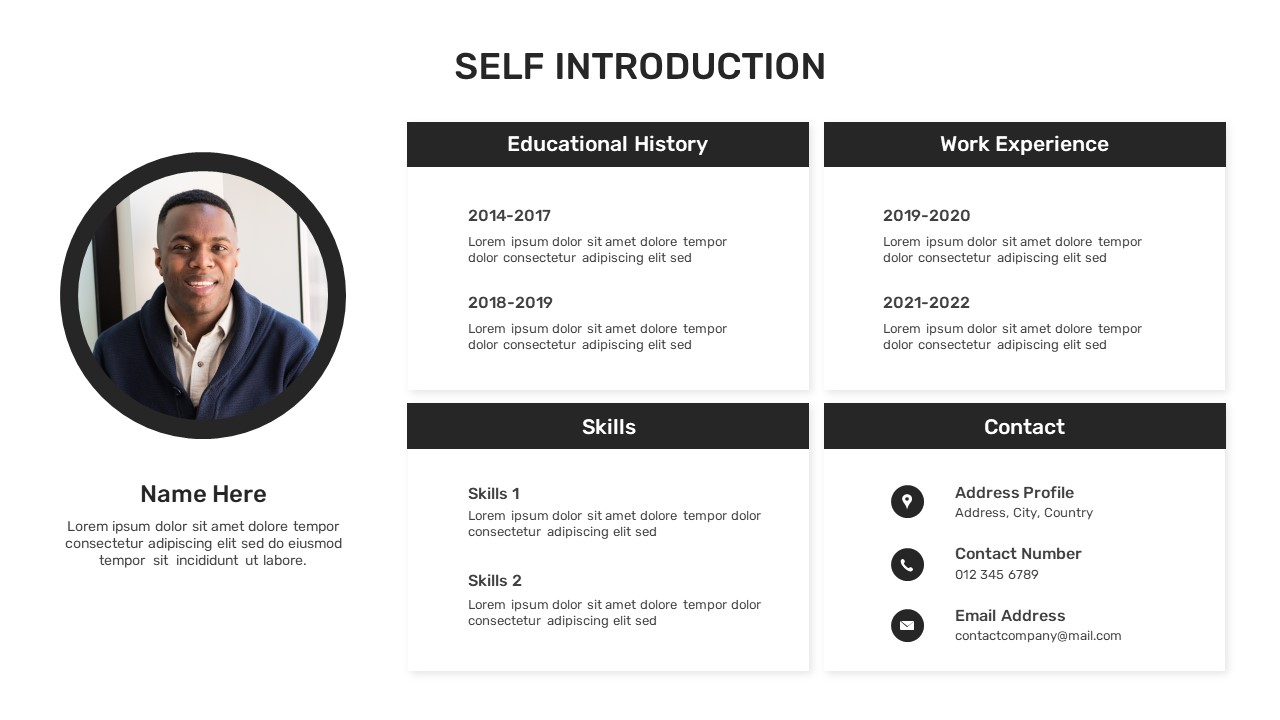
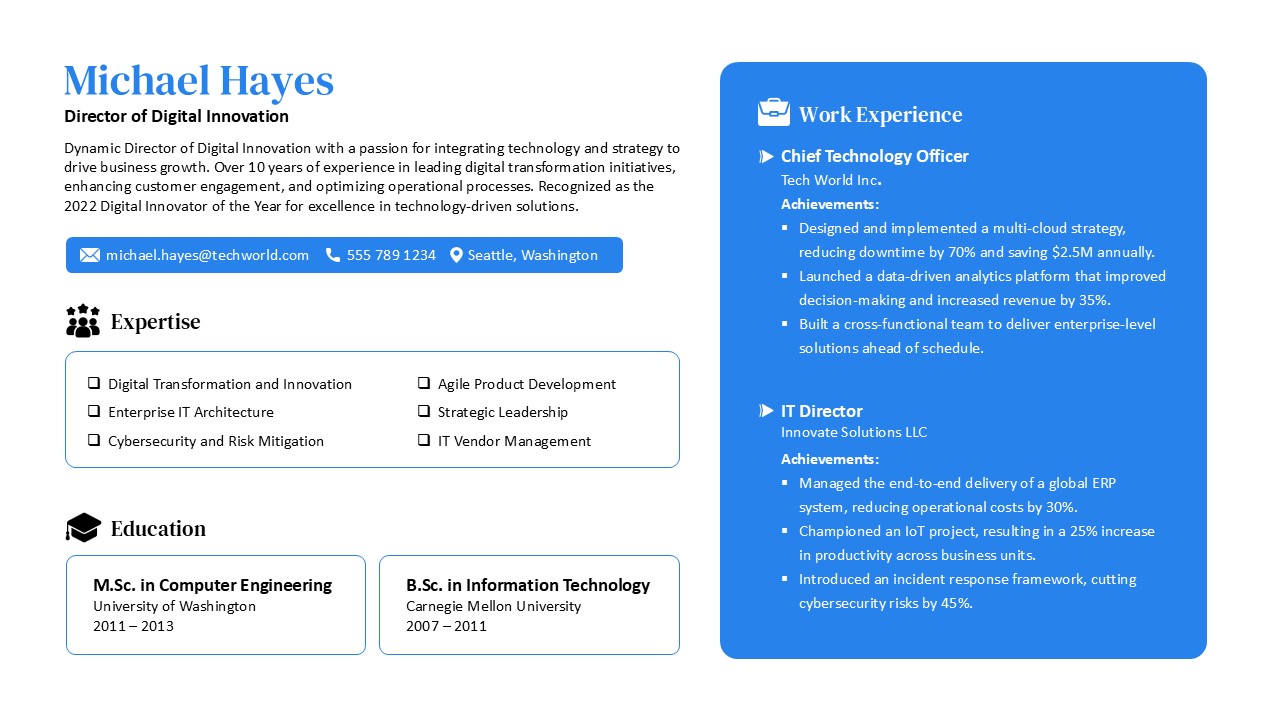
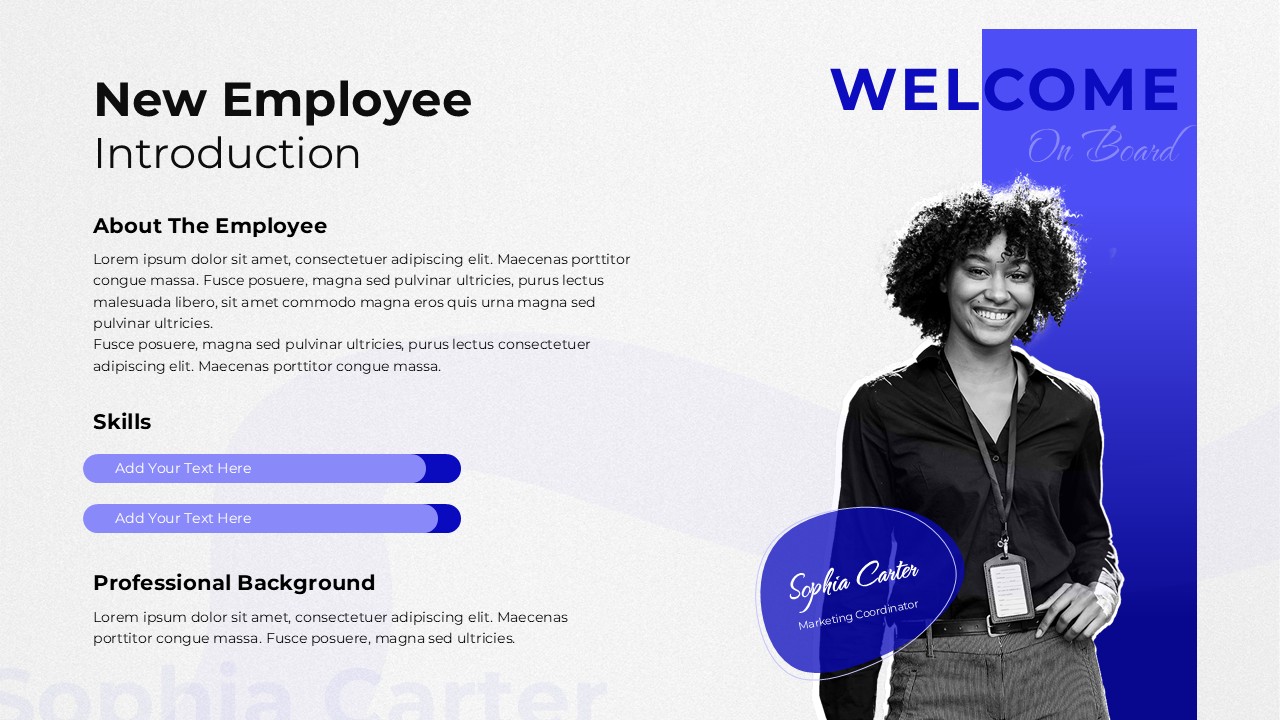
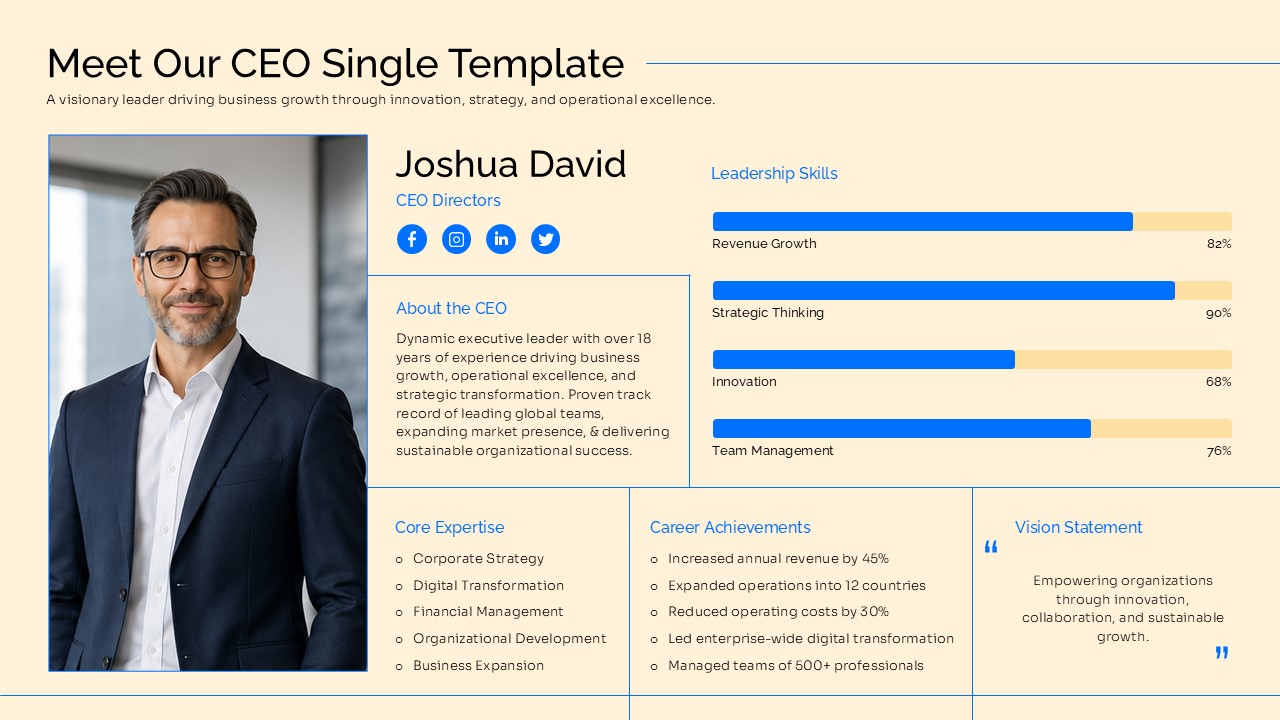
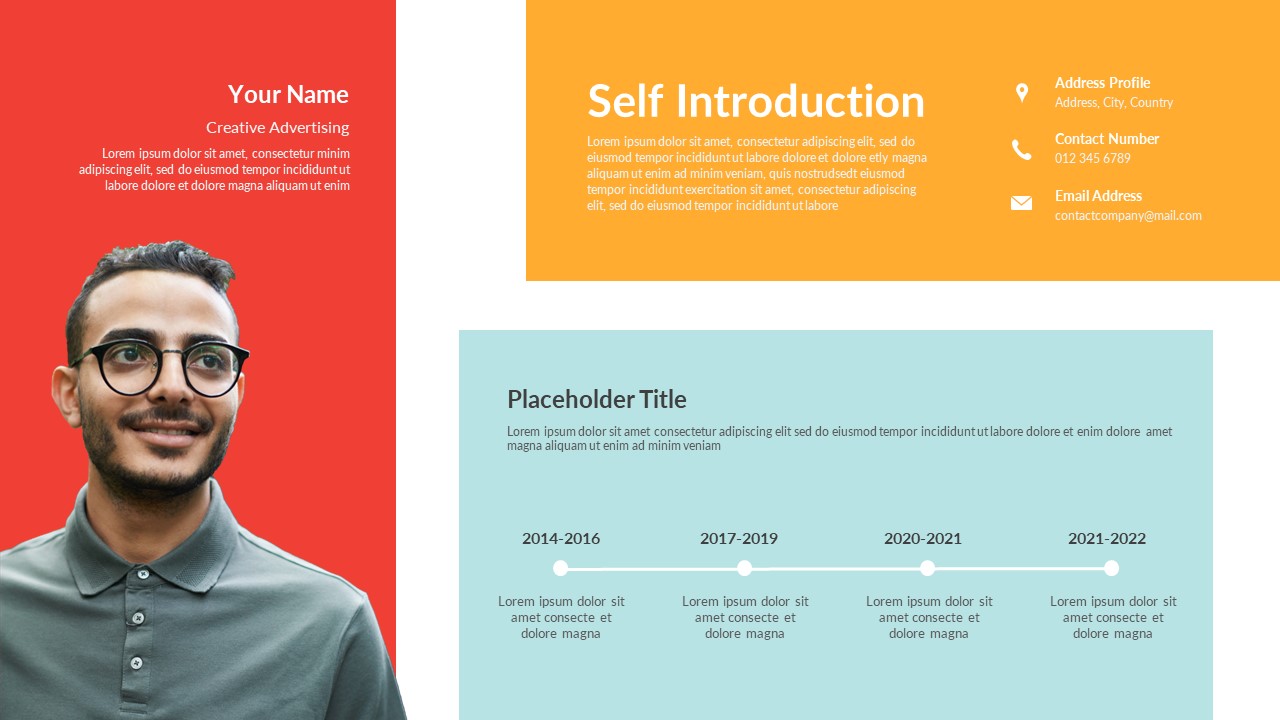
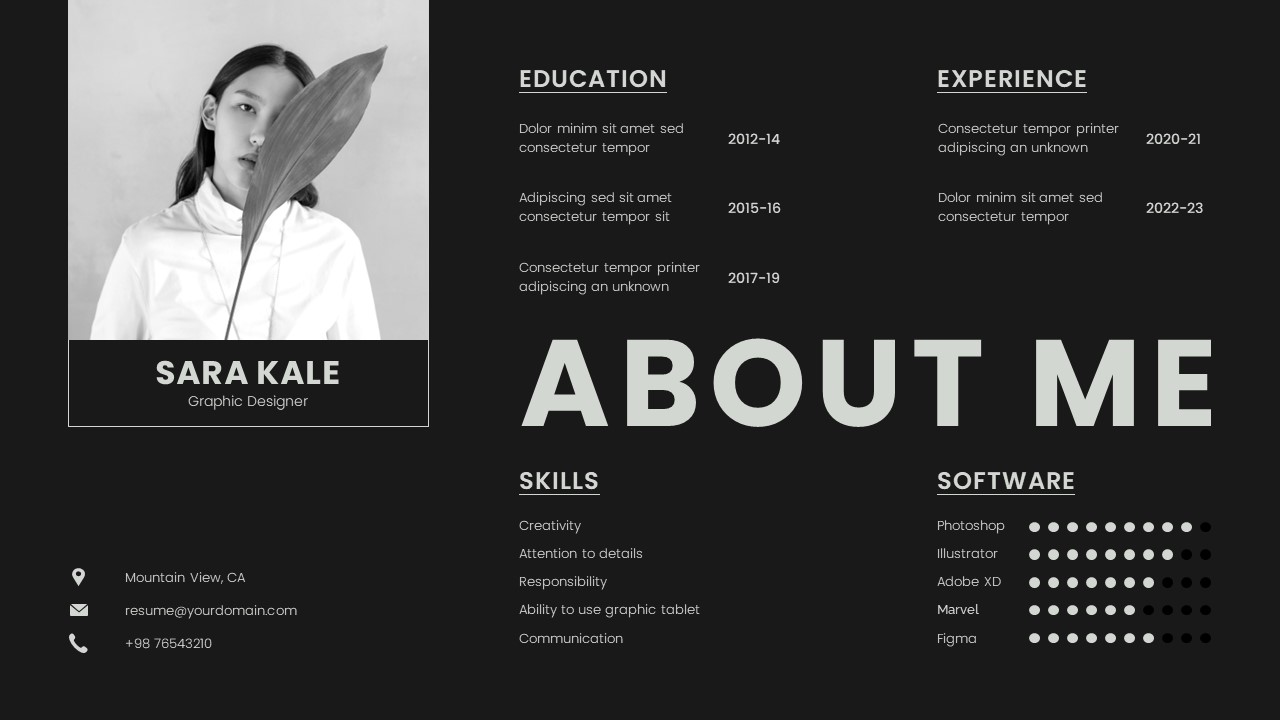
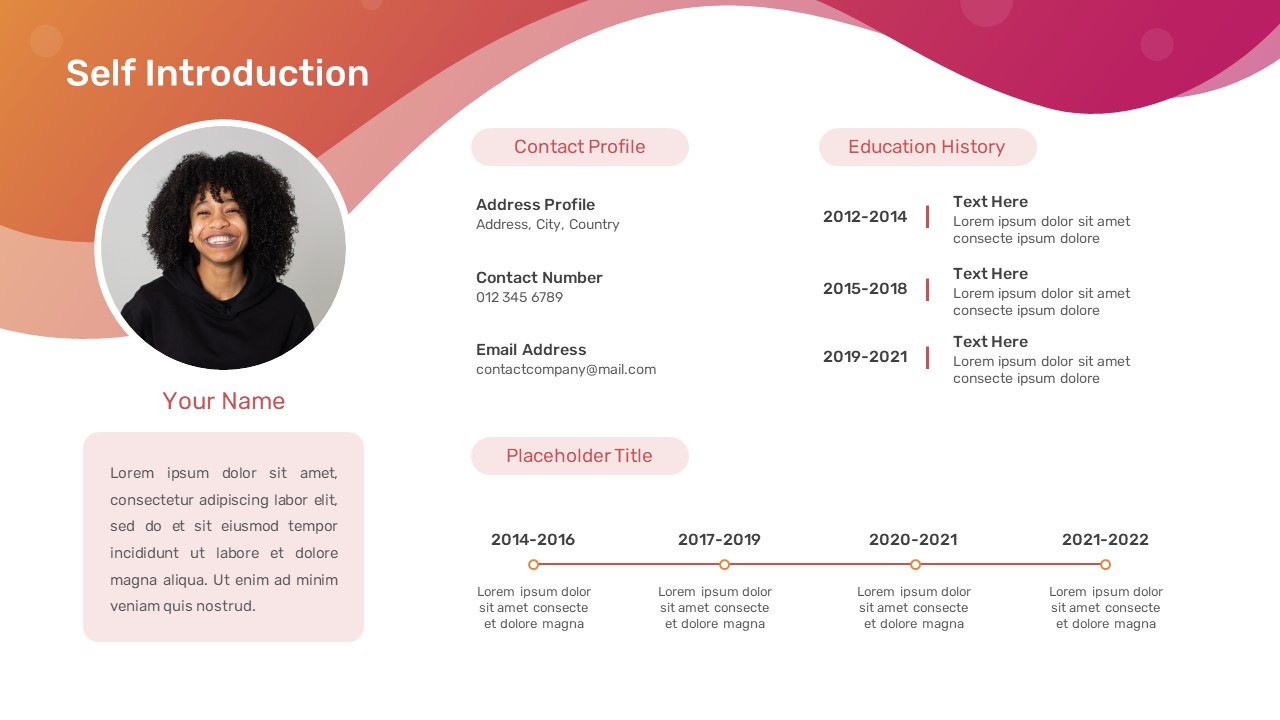
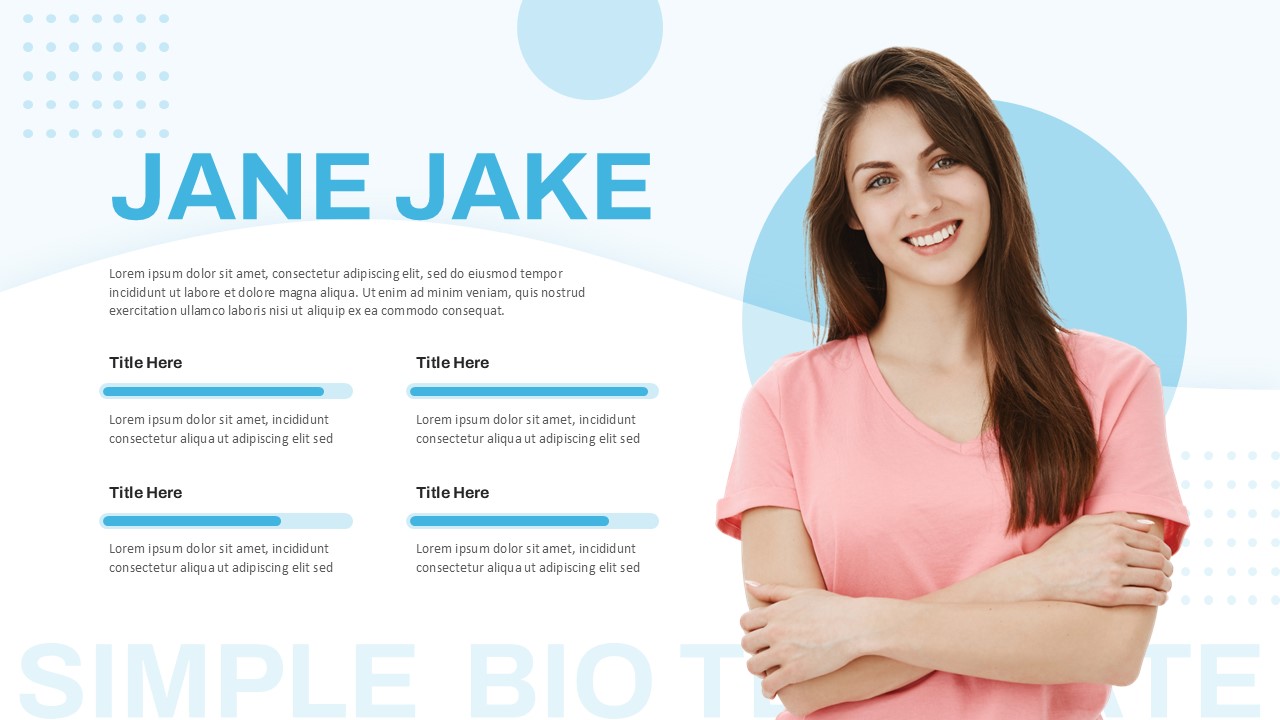
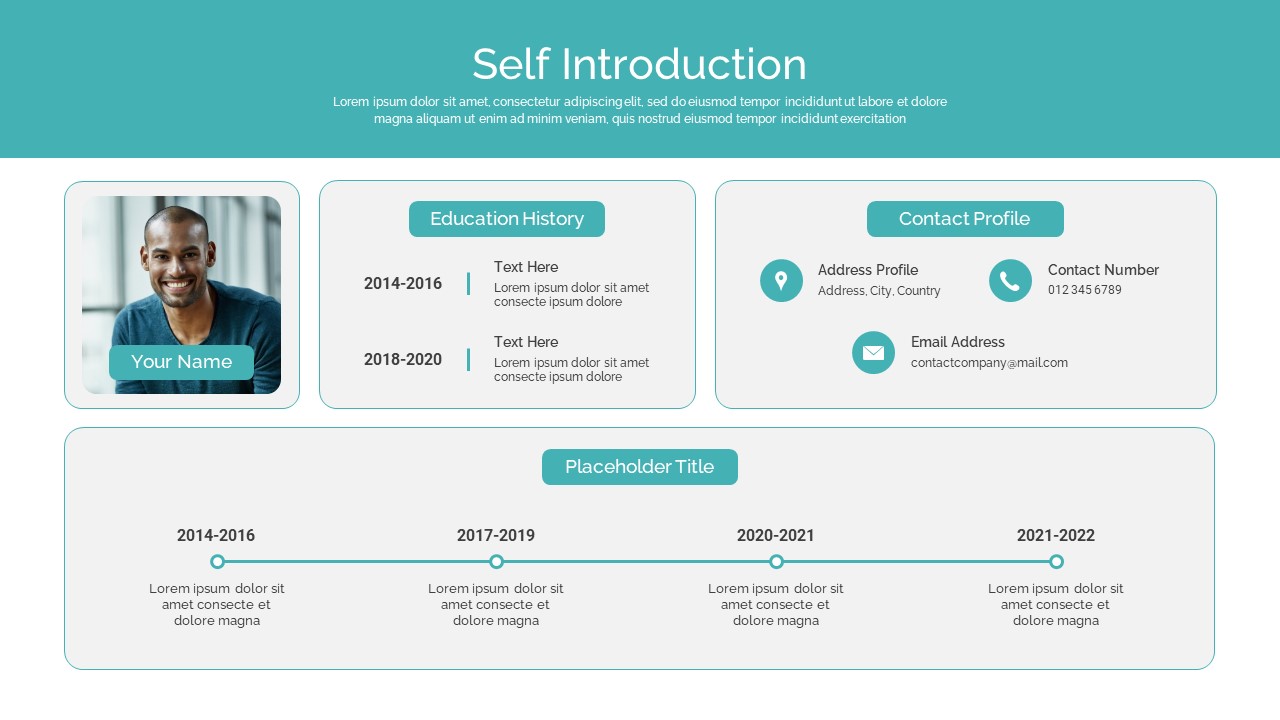
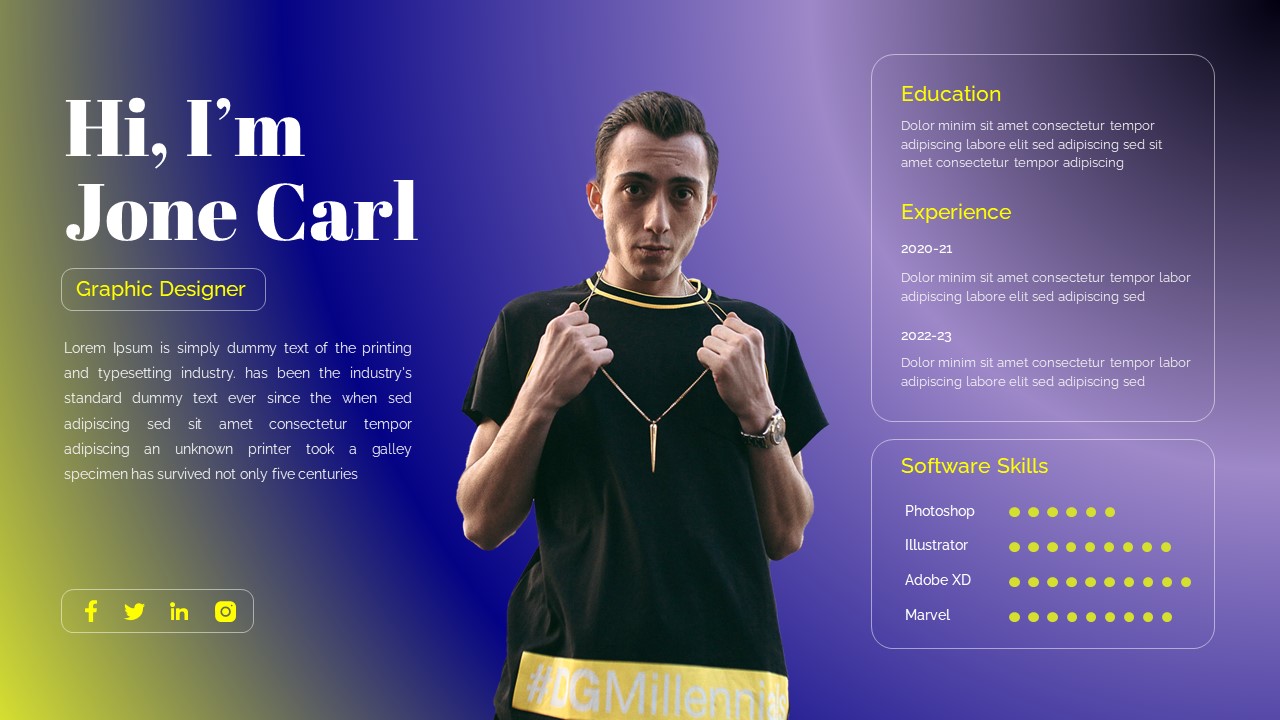
The Personal Introduction Profile Presentation is a modern and professional design for presenting a person’s background, career experience, education, skills, and professional tools in a clear visual format. This presentation template features a large portrait area that creates an immediate personal connection while keeping the key profile information easy to scan.
The design uses a light background with strong blue accents, clean typography, and balanced spacing. It is suitable for professionals who want to introduce themselves in interviews, portfolio reviews, networking events, business meetings, or career presentations. The layout highlights a personal name, professional designation, short career introduction, education, experience, skills, and software or tools. The Personal Introduction Profile Presentation is fully editable and works with both PowerPoint and Google Slides. Users can replace the sample content, image, name, job title, and career information with their own details.
The clean structure also makes it easy to adapt for different industries and professional roles. Designers, marketers, consultants, students, freelancers, executives, and creative professionals can use this layout to build a strong personal profile. The presentation can also work as an opening slide for a portfolio or professional profile deck. Its visual hierarchy keeps the most important information prominent without making the slide feel crowded. The portrait placement adds personality, while the information panel at the bottom provides a practical space for career details. With editable elements and a professional layout, this design helps users communicate their professional identity with confidence.
Whether used for recruitment, personal branding, team introductions, or portfolio presentations, this Personal Introduction Profile Presentation offers a polished starting point. The combination of visual impact and structured information makes it useful for both formal and creative presentations. PowerPoint and Google Slides compatibility also provides flexibility for editing, collaboration, and presentation across different work environments.
Slide Details:
- Personal Introduction: Introduces the individual with a prominent name and profile heading.
- Professional Designation: Highlights the current role or professional position.
- Career Summary: Provides space for a concise professional introduction.
- Education: Displays academic qualifications and areas of study.
- Experience: Summarizes professional background and previous roles.
- Skills: Highlights key creative, technical, or professional capabilities.
- Tools: Lists relevant software and platforms used professionally.
- Portrait Area: Uses a large professional image to strengthen personal branding.
See more

Aspect Ratio
16:9Item ID
SKT04889


FAQs
You May Also Like These Presentation Templates


- Free
- Free
- Free
- Free
- Free
- Free


- Free
- Free
- Free
- Free
- Free
- Free
- Free
- Free
- Free
- Free