GE Nine-Box Portfolio Matrix Diagram for PowerPoint & Google Slides
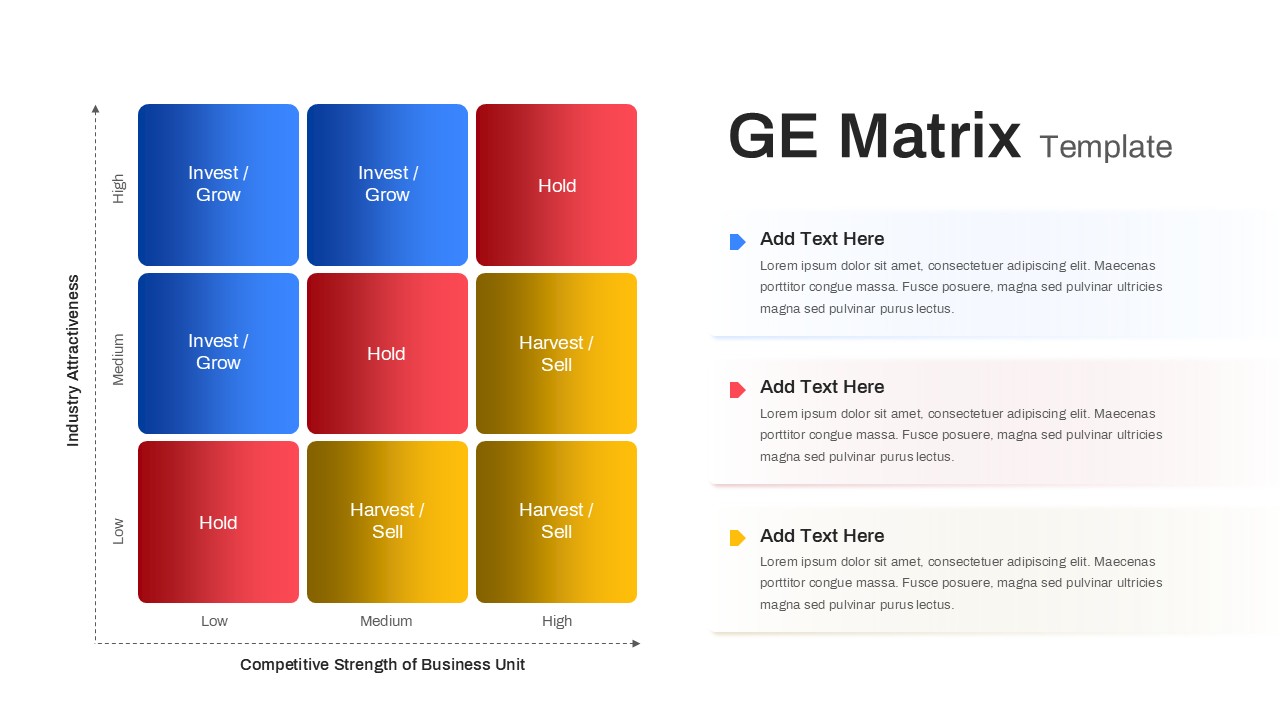
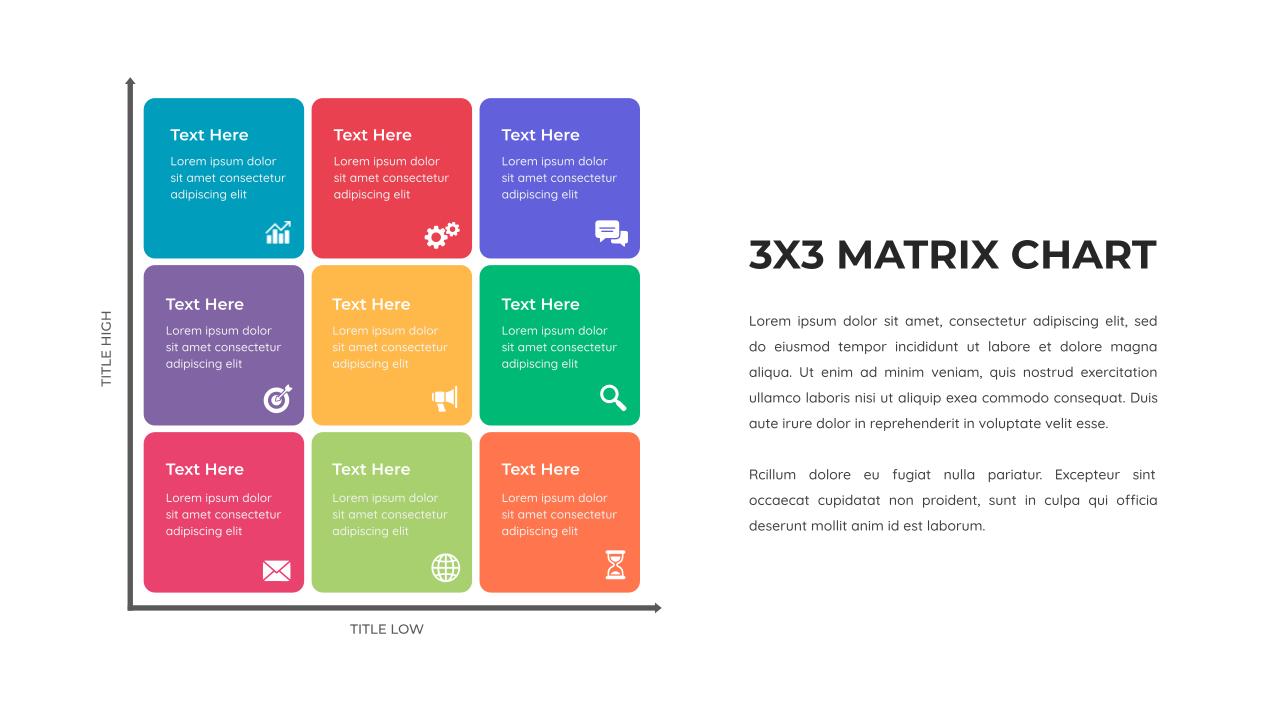
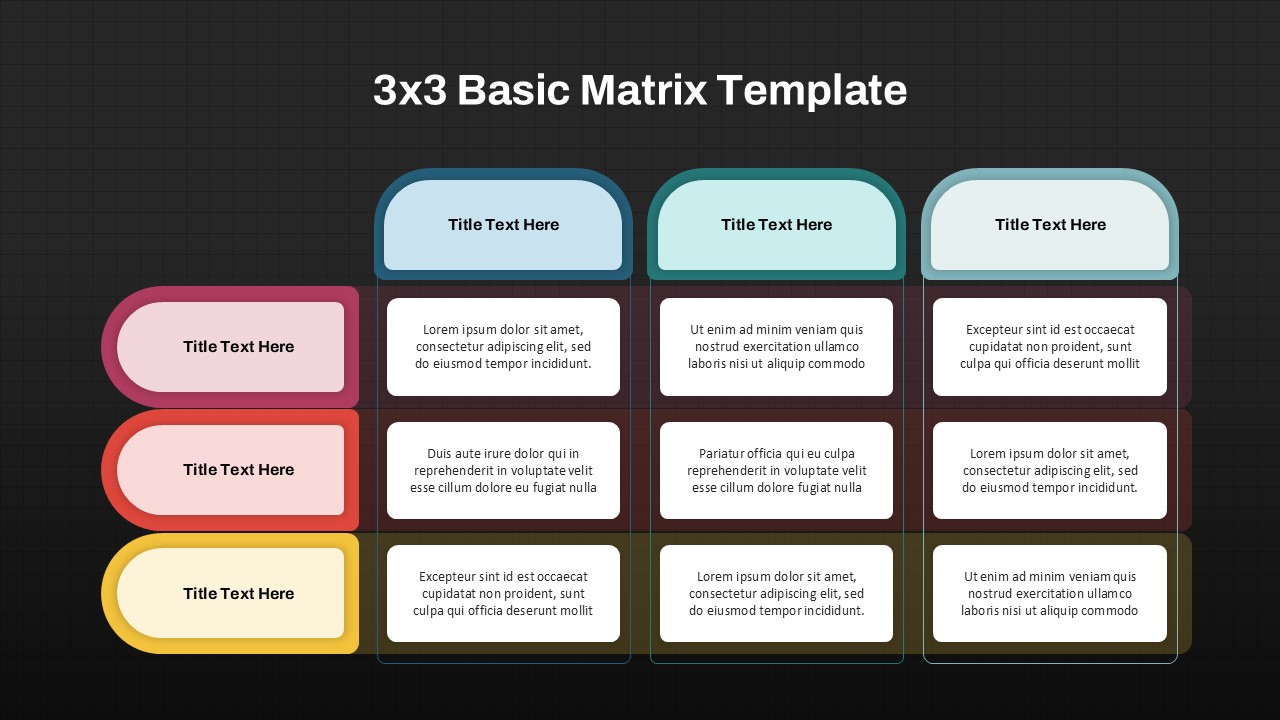
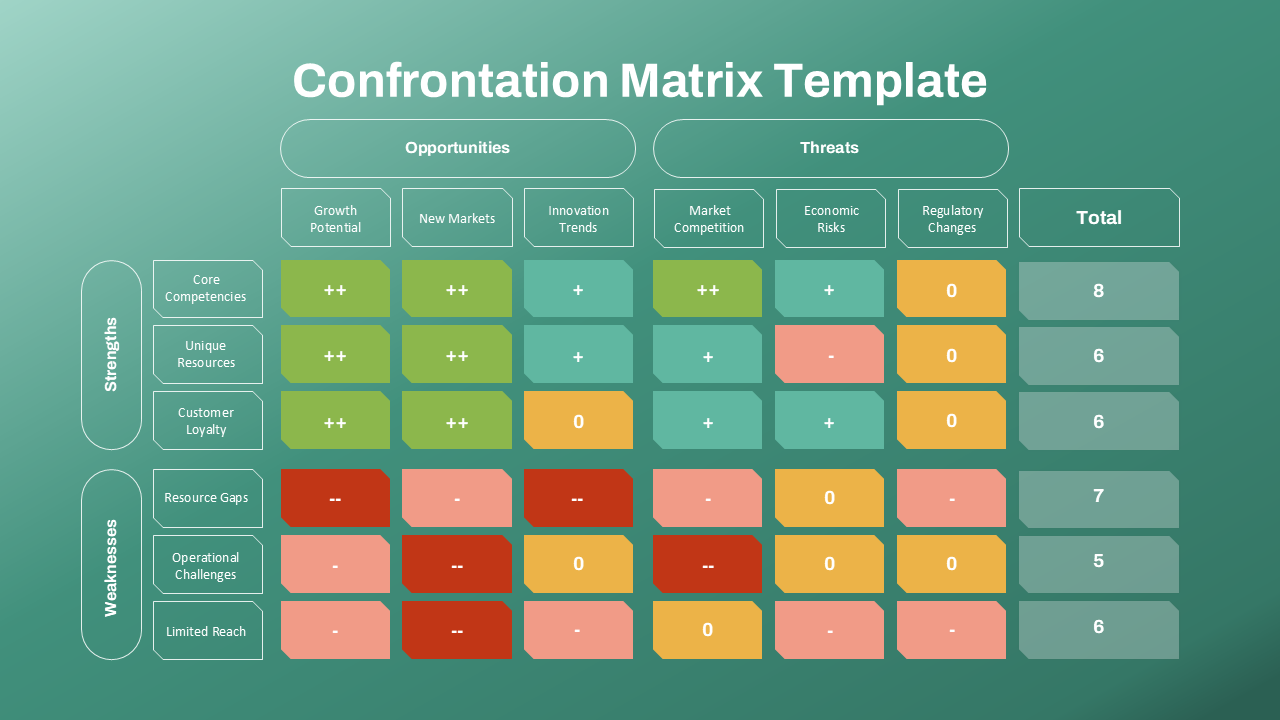
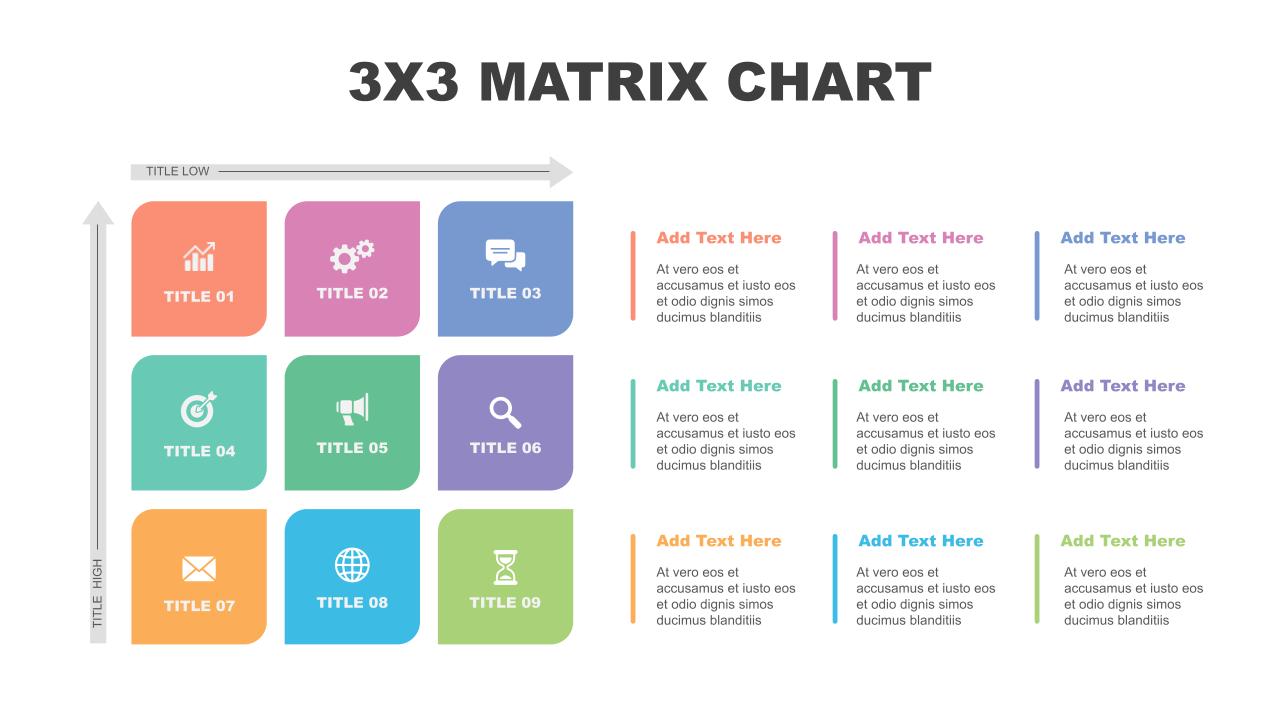
Use this GE McKinsey Nine-Box Matrix to visualize your business unit portfolio and prioritize resource allocation with strategic precision. The slide divides your portfolio across two key dimensions: Industry Attractiveness (vertical) and Competitive Strength (horizontal). Each of the nine cells is color-coded to reflect strategic recommendations—blue for “Invest/Grow,” red for “Hold,” and yellow for “Harvest/Sell”—making it easy to interpret and act on portfolio insights.
The left grid clearly presents a data-driven decision map, enabling senior leaders and strategy teams to categorize units based on performance and market potential. The accompanying text blocks on the right provide placeholders for action plans, recommendations, or key analysis per zone. With gradients enhancing visibility and clarity, this layout is especially useful for comparative evaluations across business lines or regional operations.
Ideal for corporate strategists, consultants, and C-level executives, the slide is fully editable in both PowerPoint and Google Slides. Customize axis labels, color schemes, and callout descriptions to fit your industry, business units, or investment frameworks. Whether you’re preparing a board presentation or strategic review, this matrix provides a professional, intuitive way to communicate portfolio positioning.
See more

Aspect Ratio
16:9Item ID
SKT04172


Features of this template
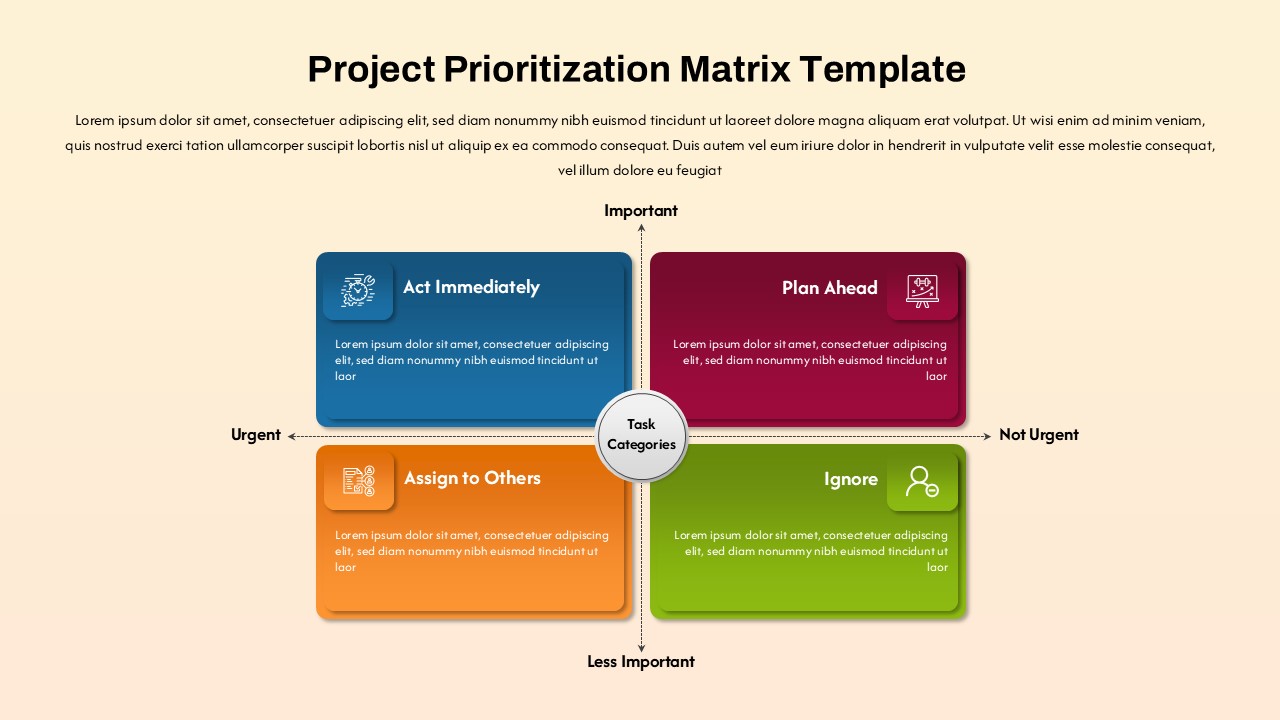
Other Uses
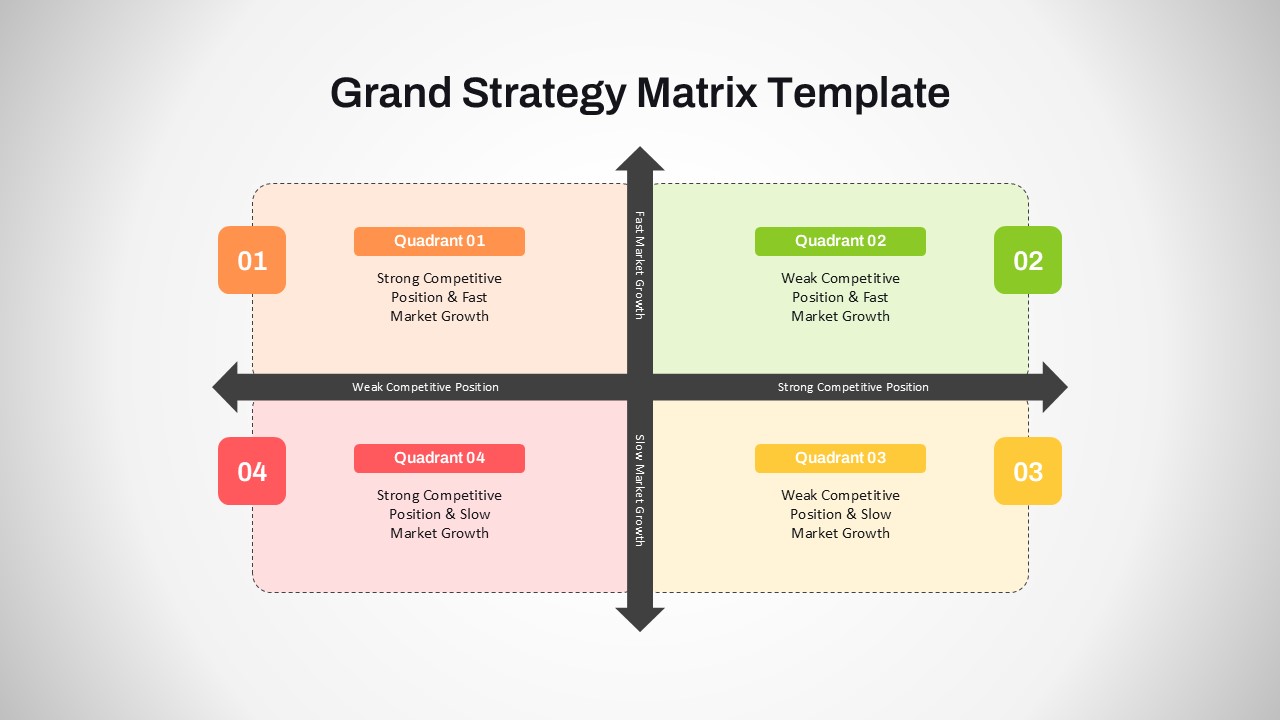
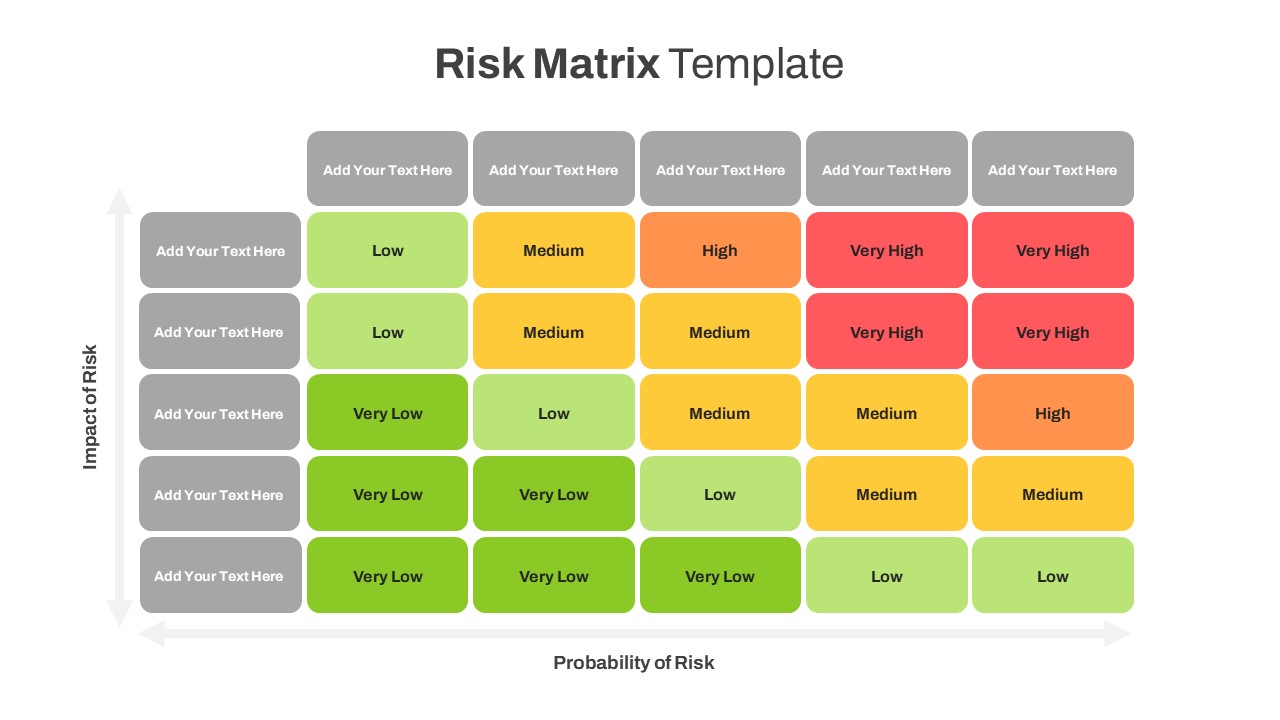
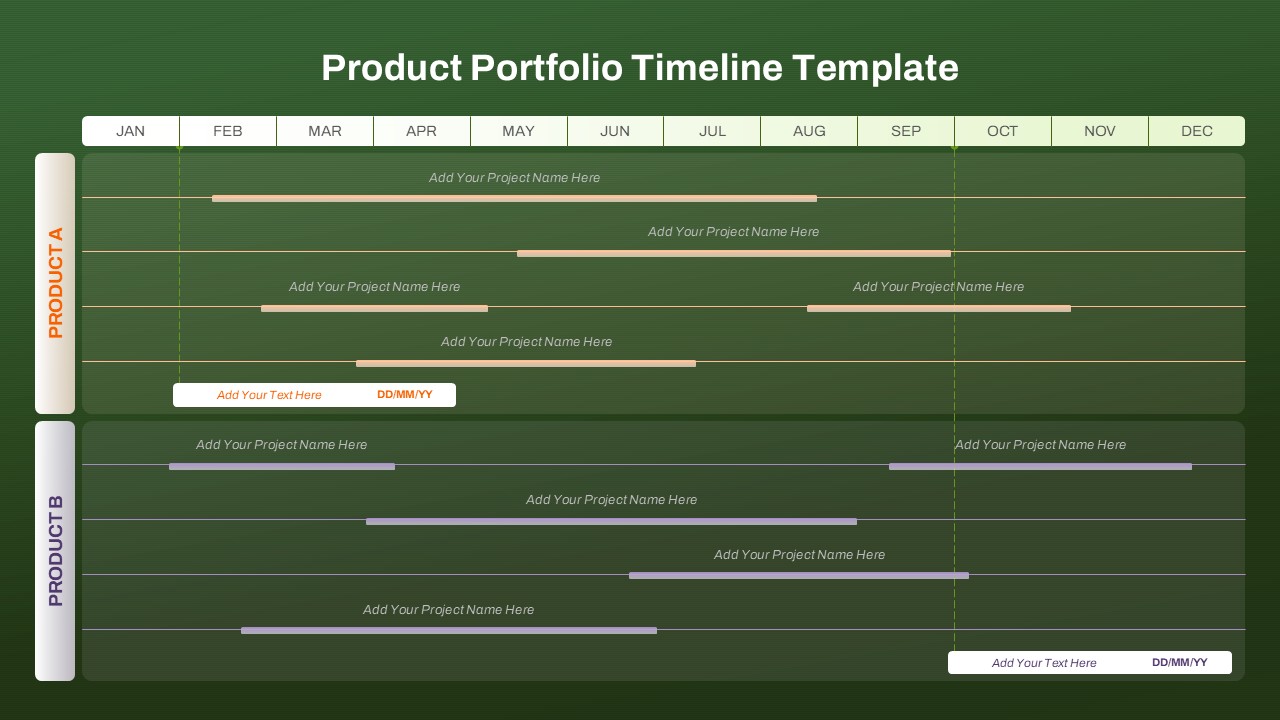
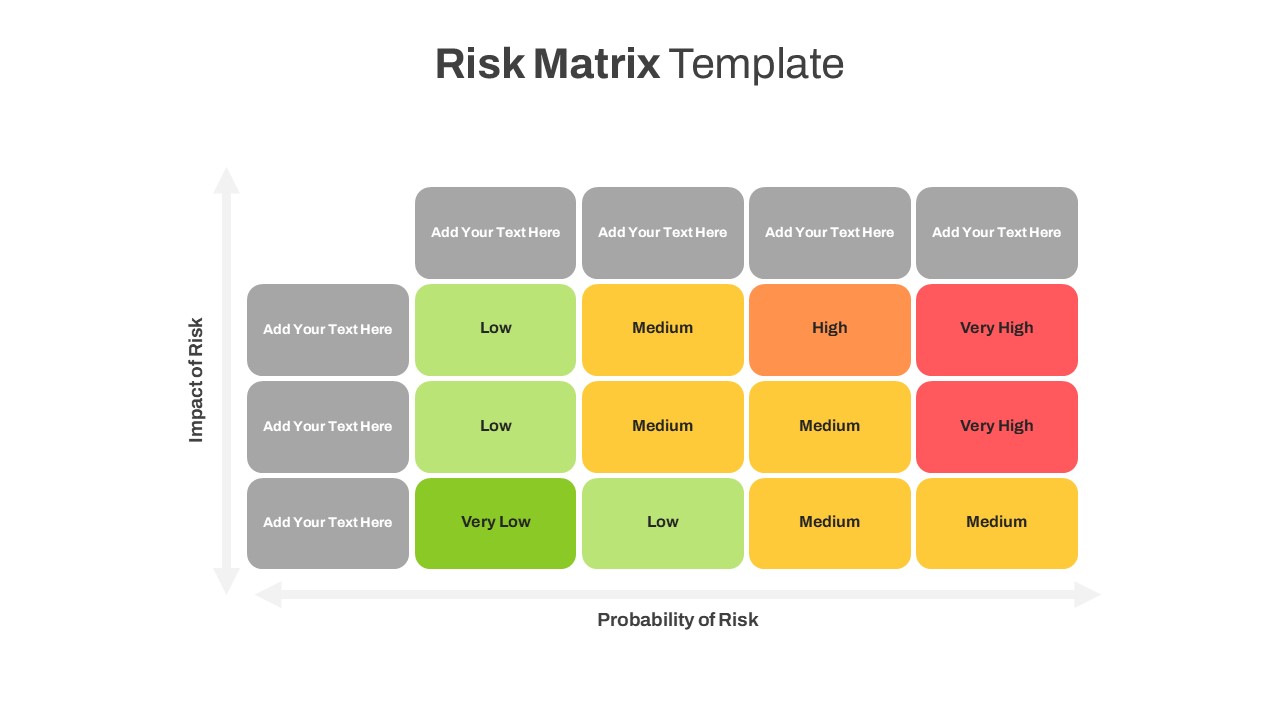
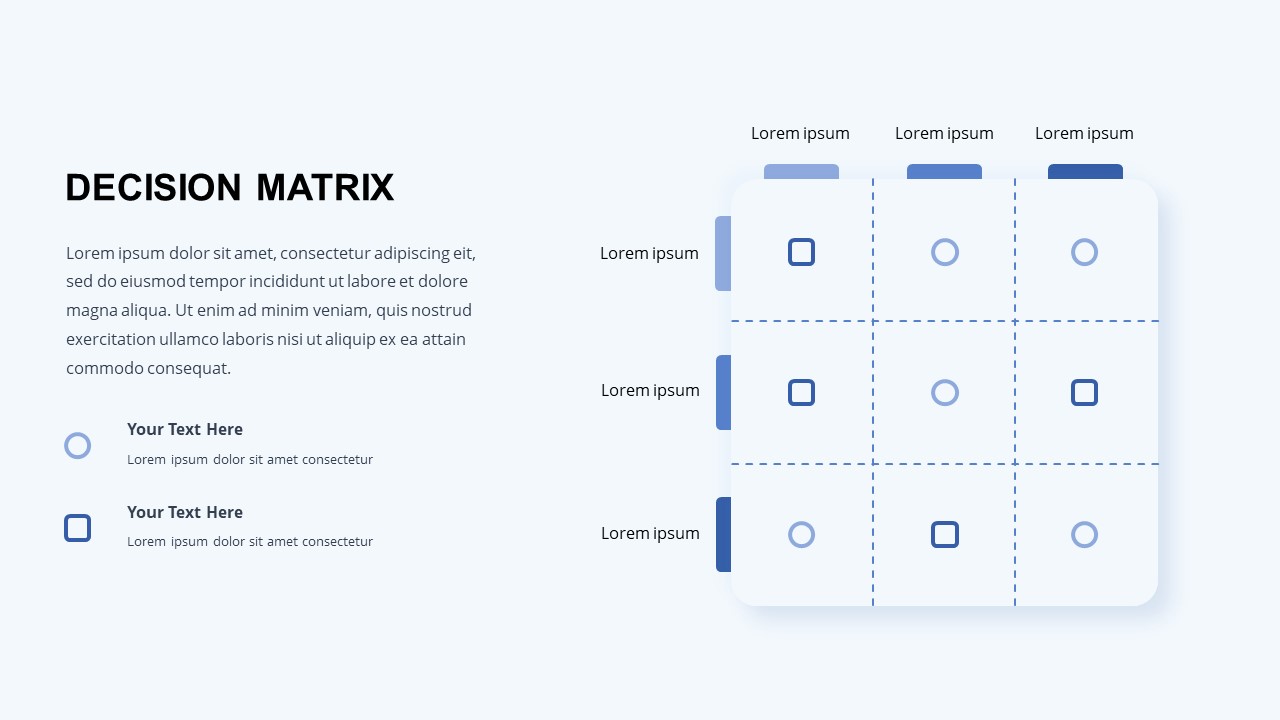
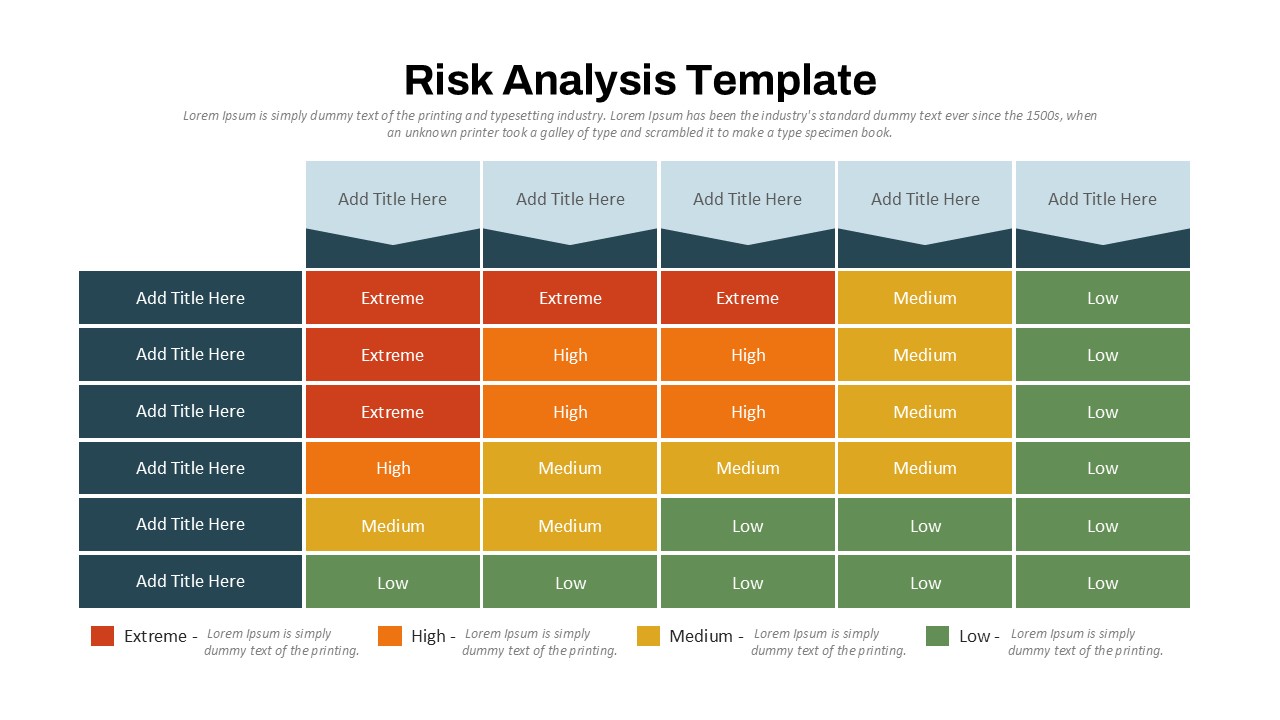
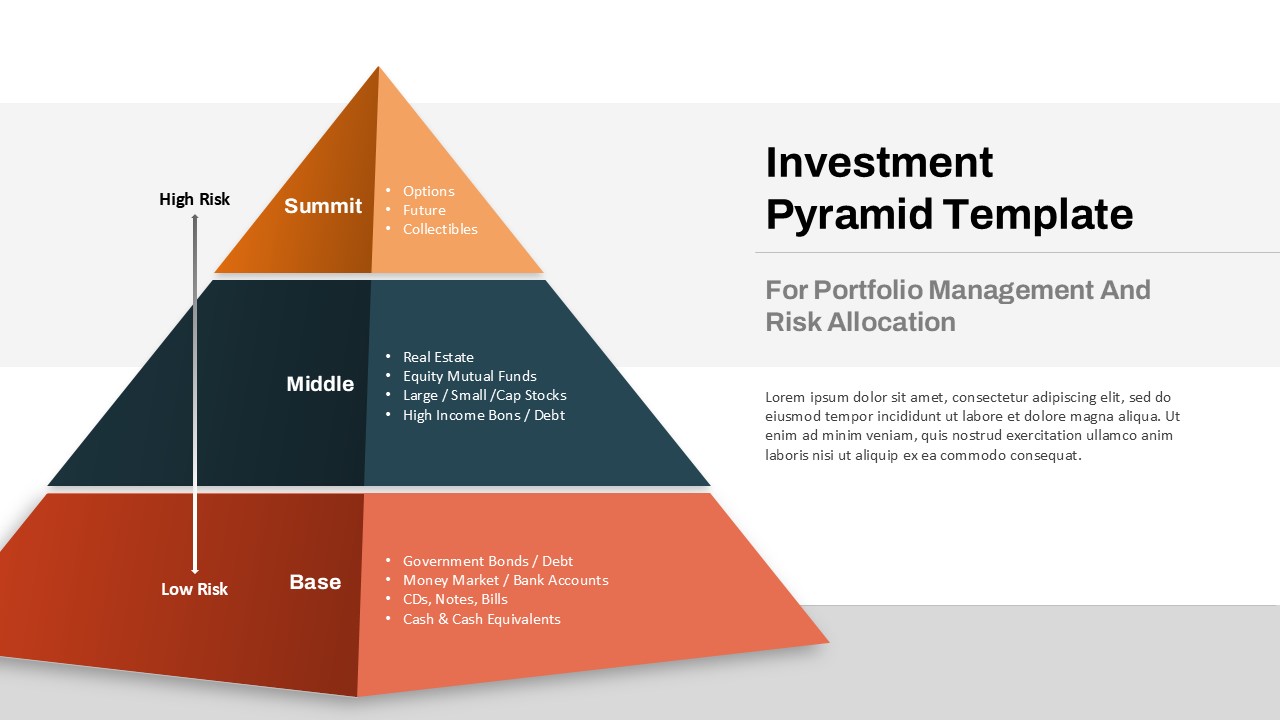
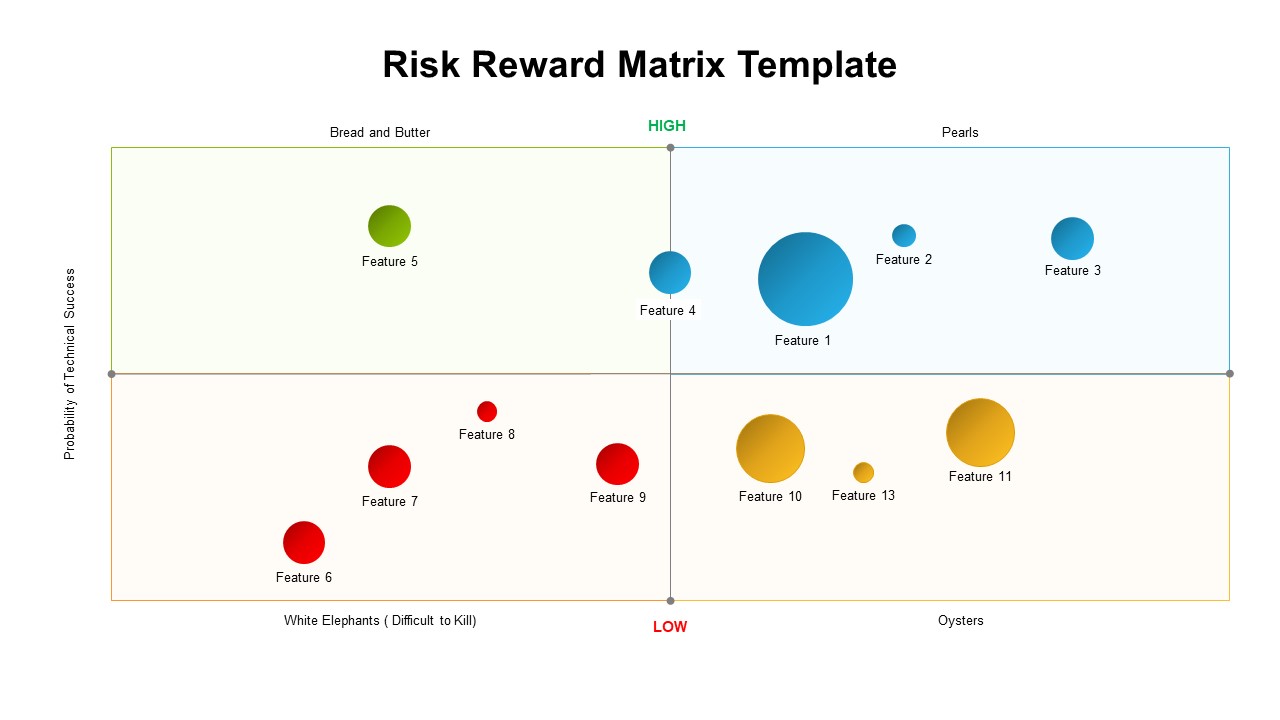
Repurpose this slide for evaluating product portfolios, assessing market entry strategies, or visualizing risk-return profiles. It’s also suitable for R&D pipeline reviews, investment committee discussions, and business unit scorecard reporting.