Five-Stage Lead Generation Funnel Diagram for PowerPoint & Google Slides
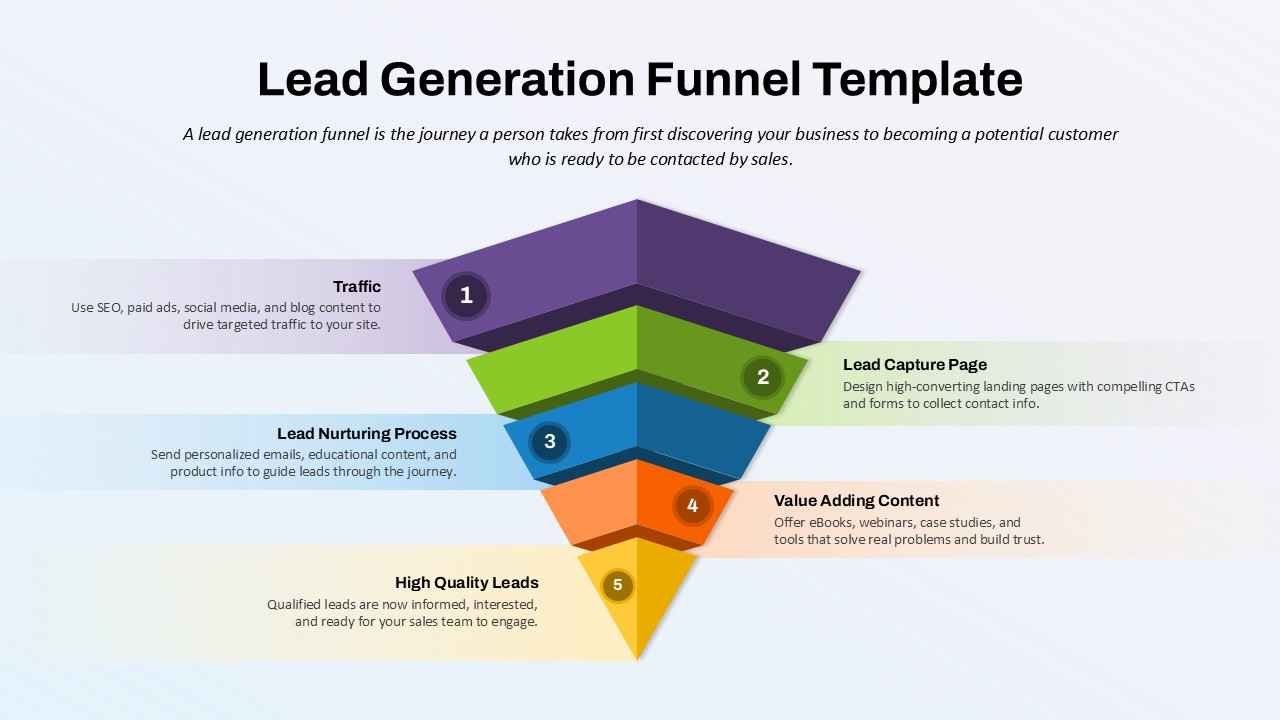
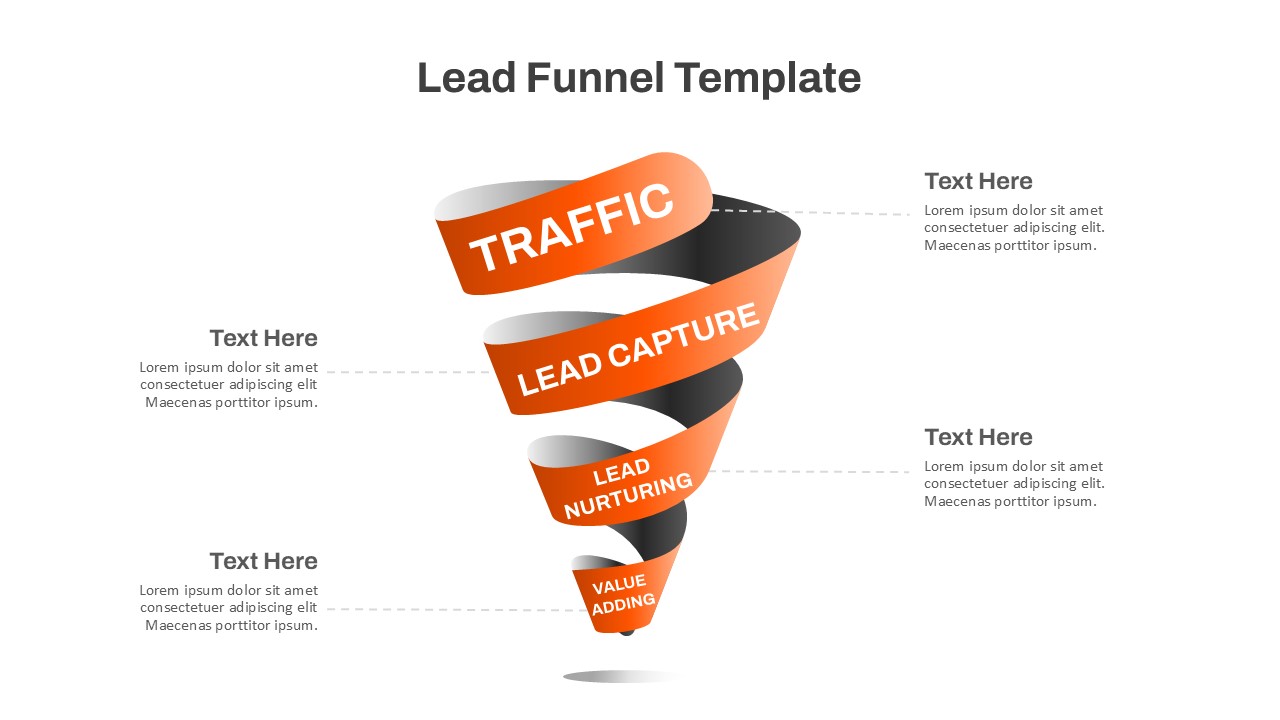
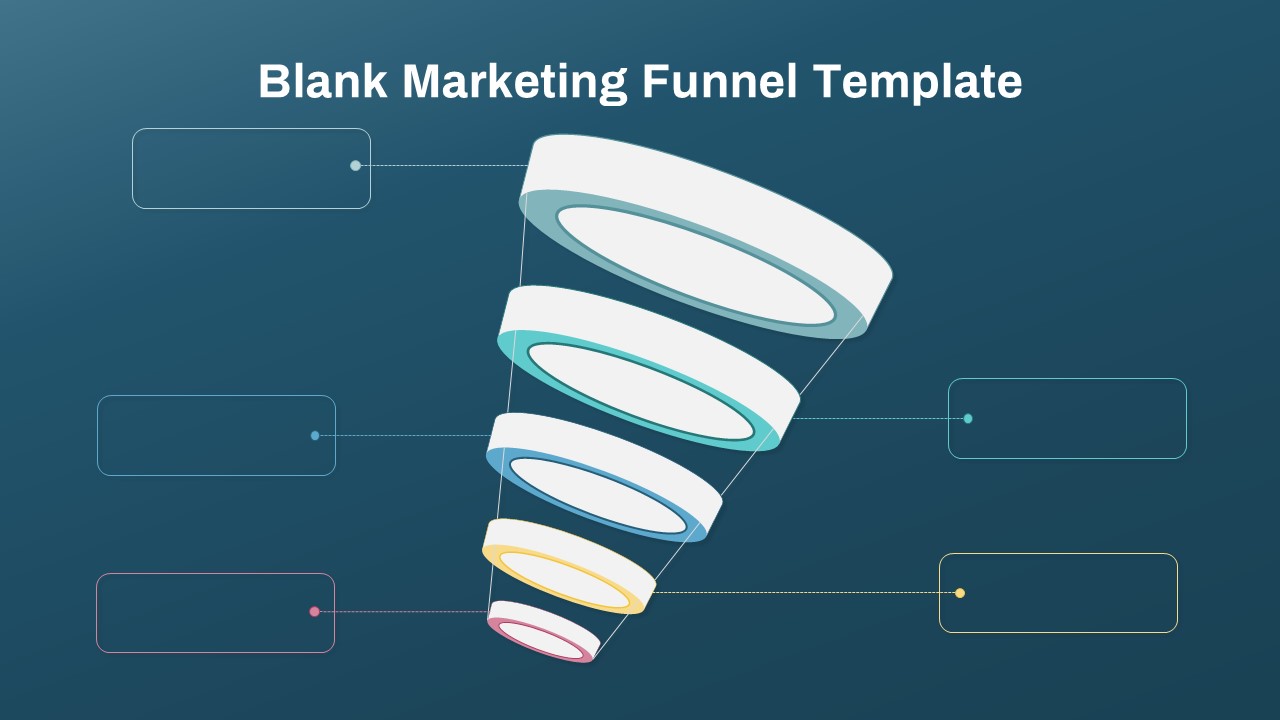
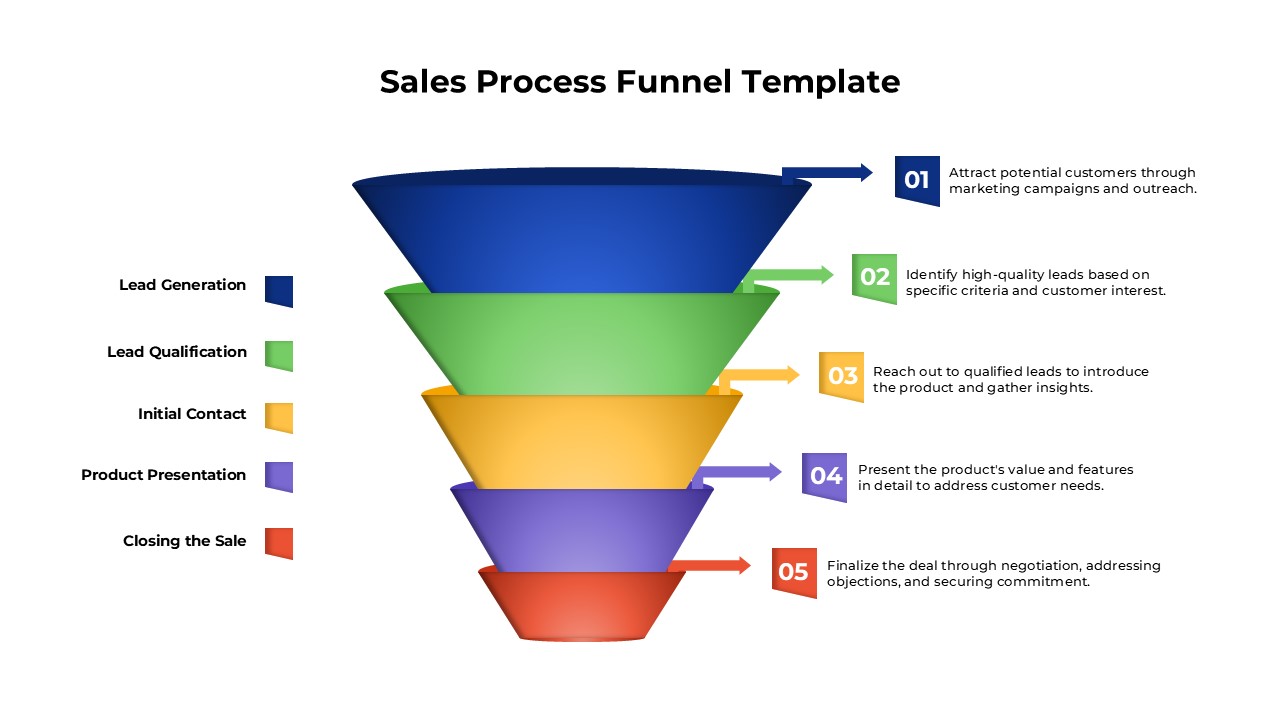
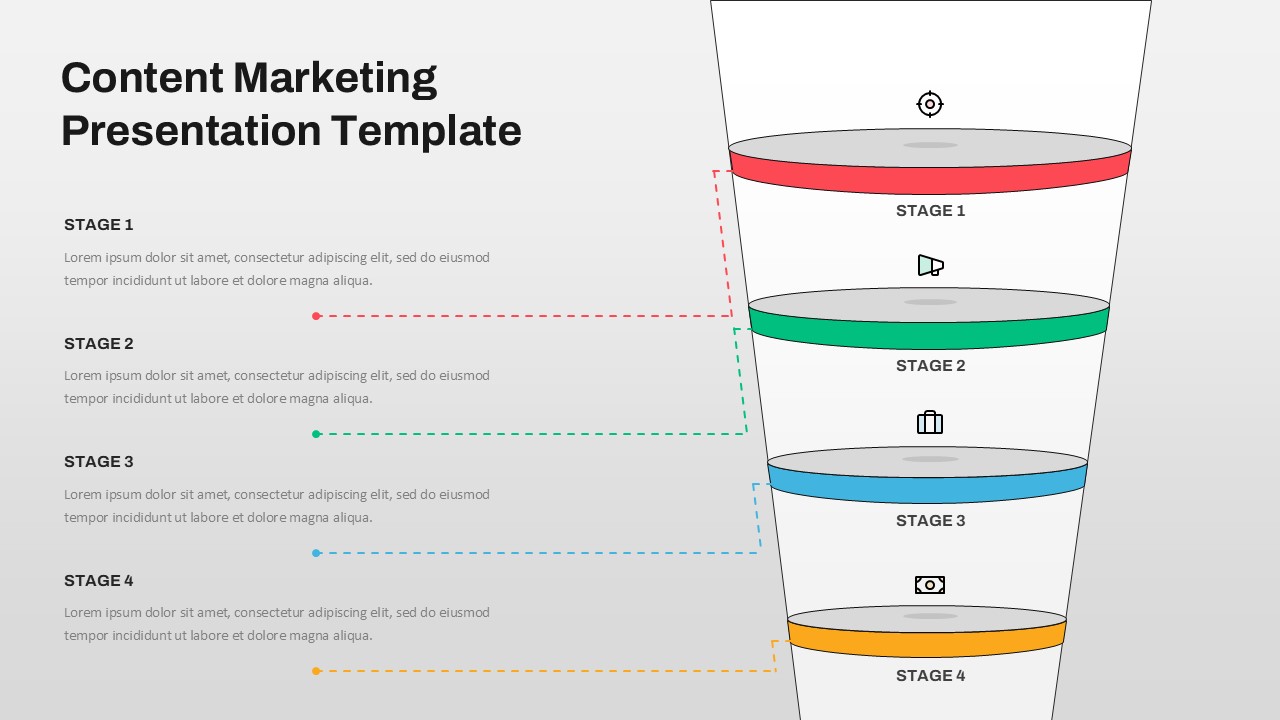
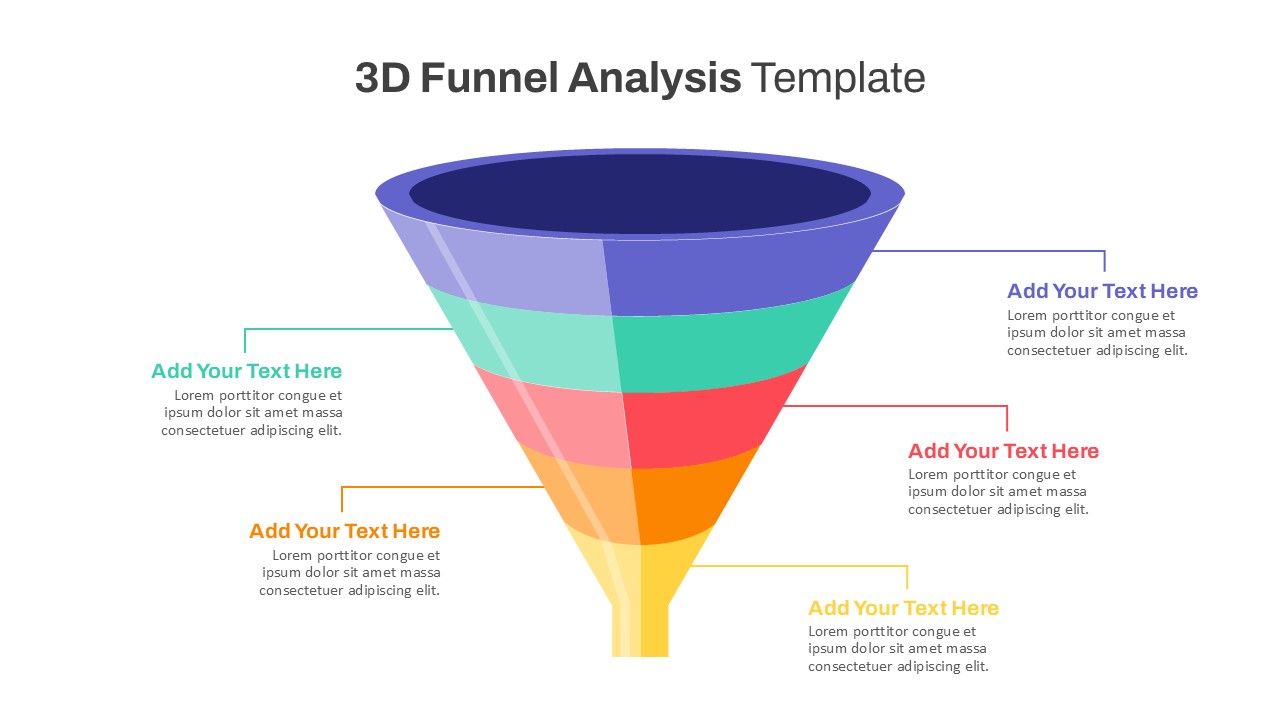
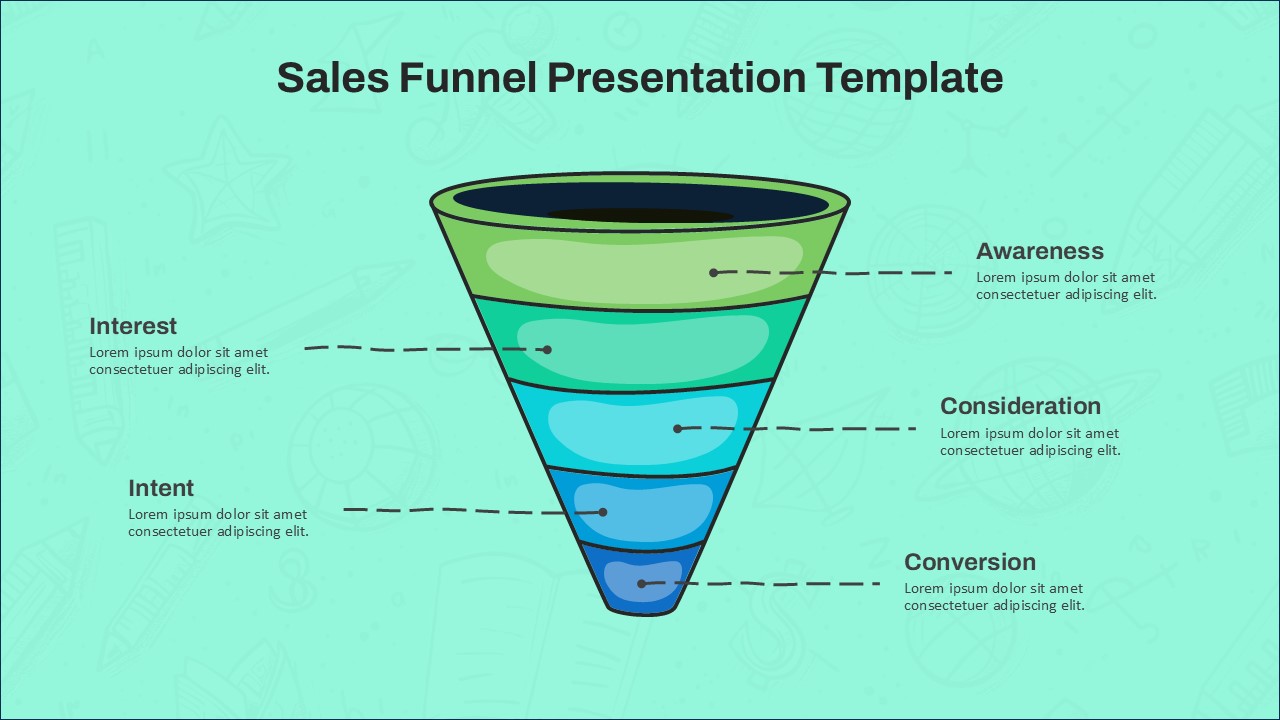
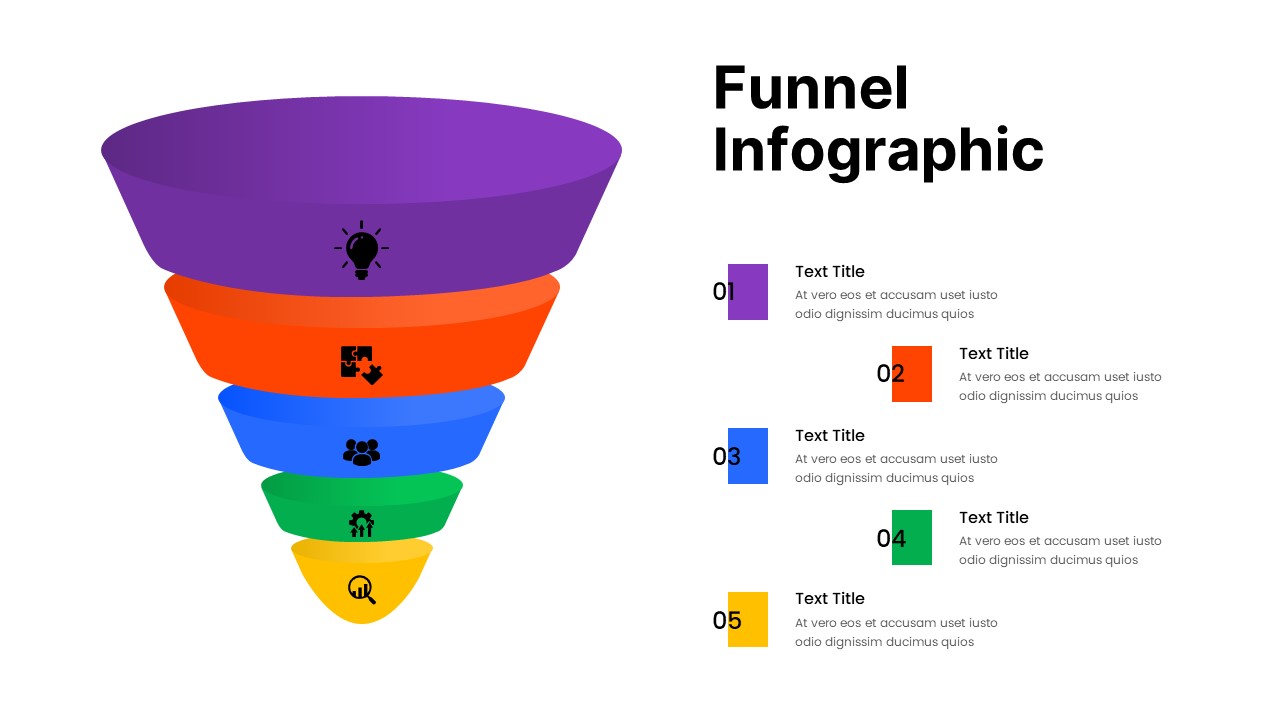
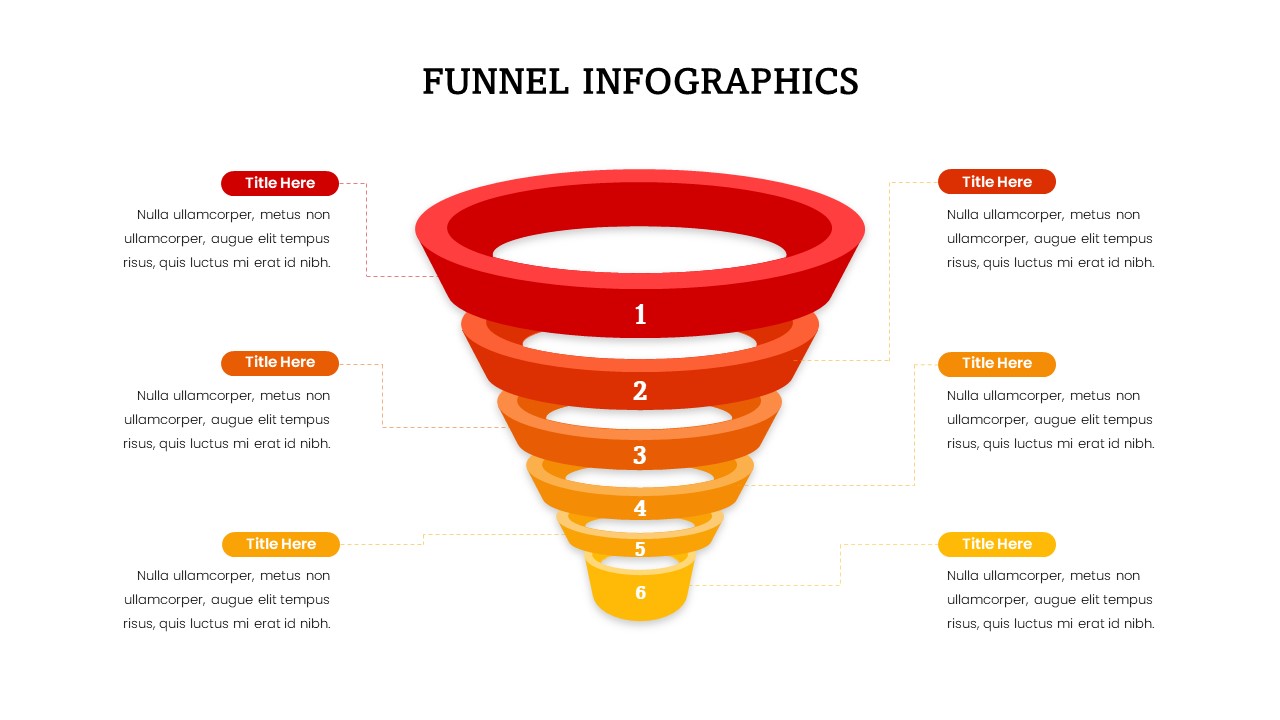
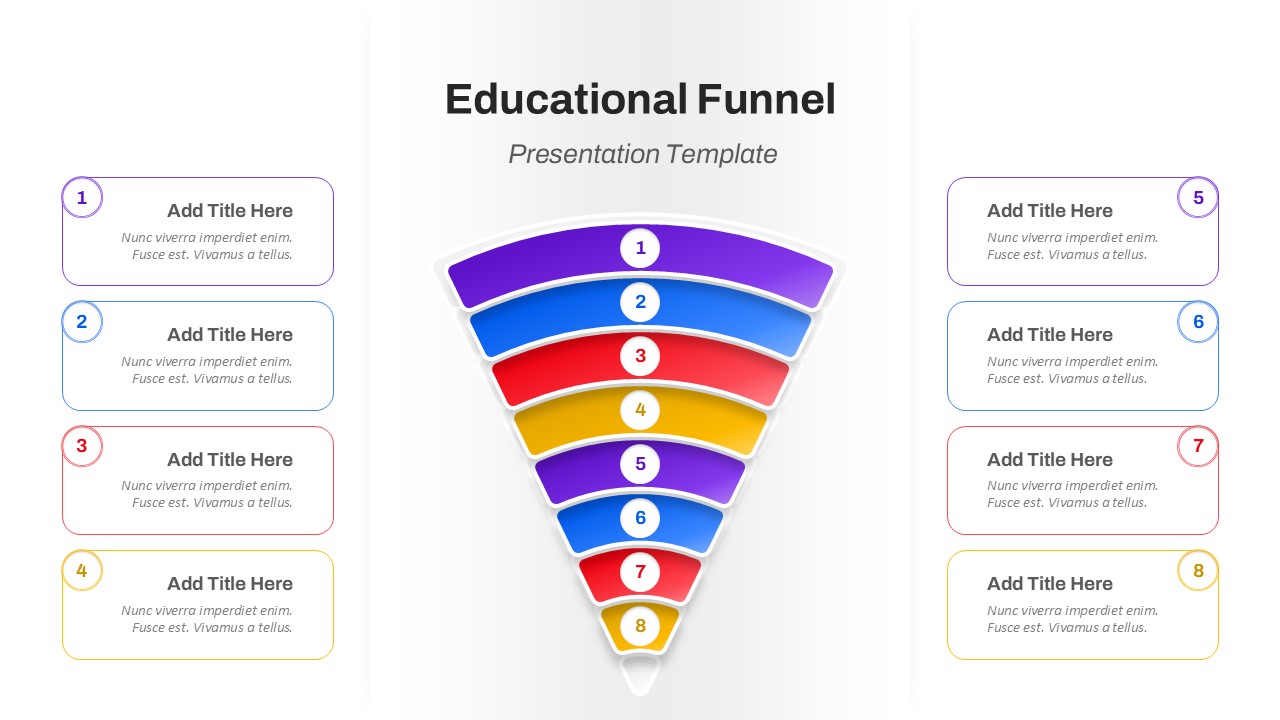
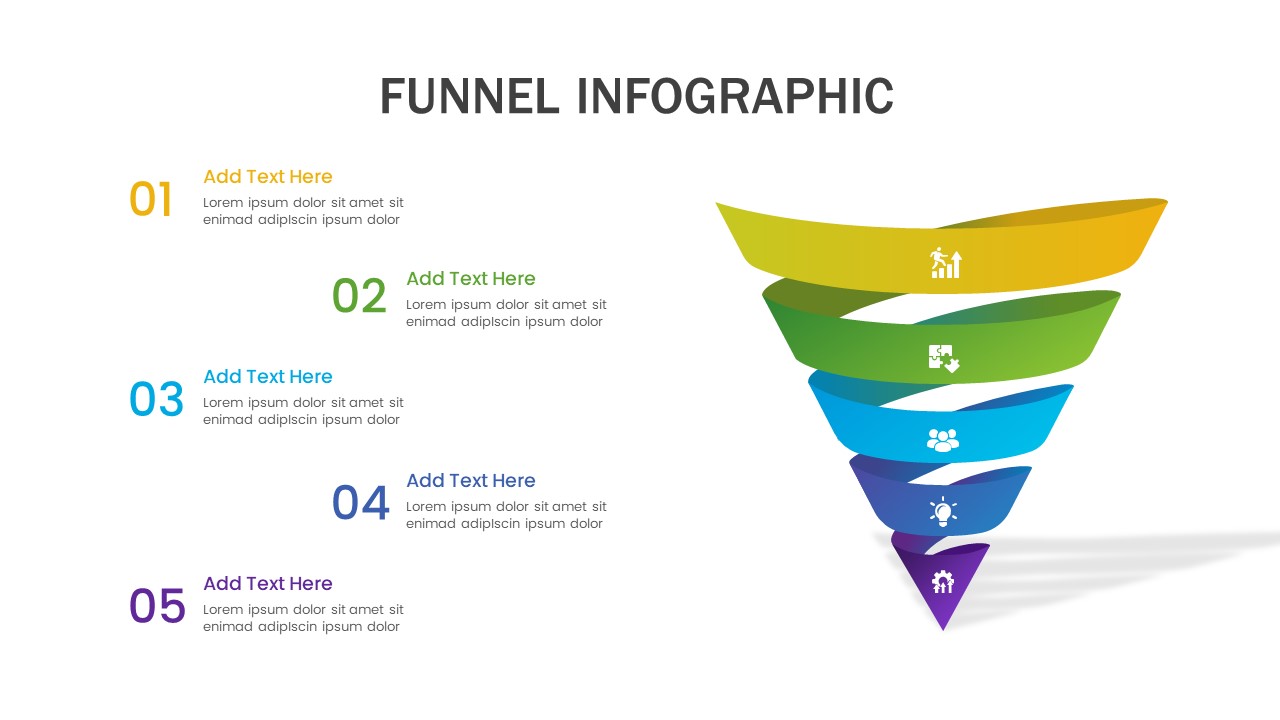
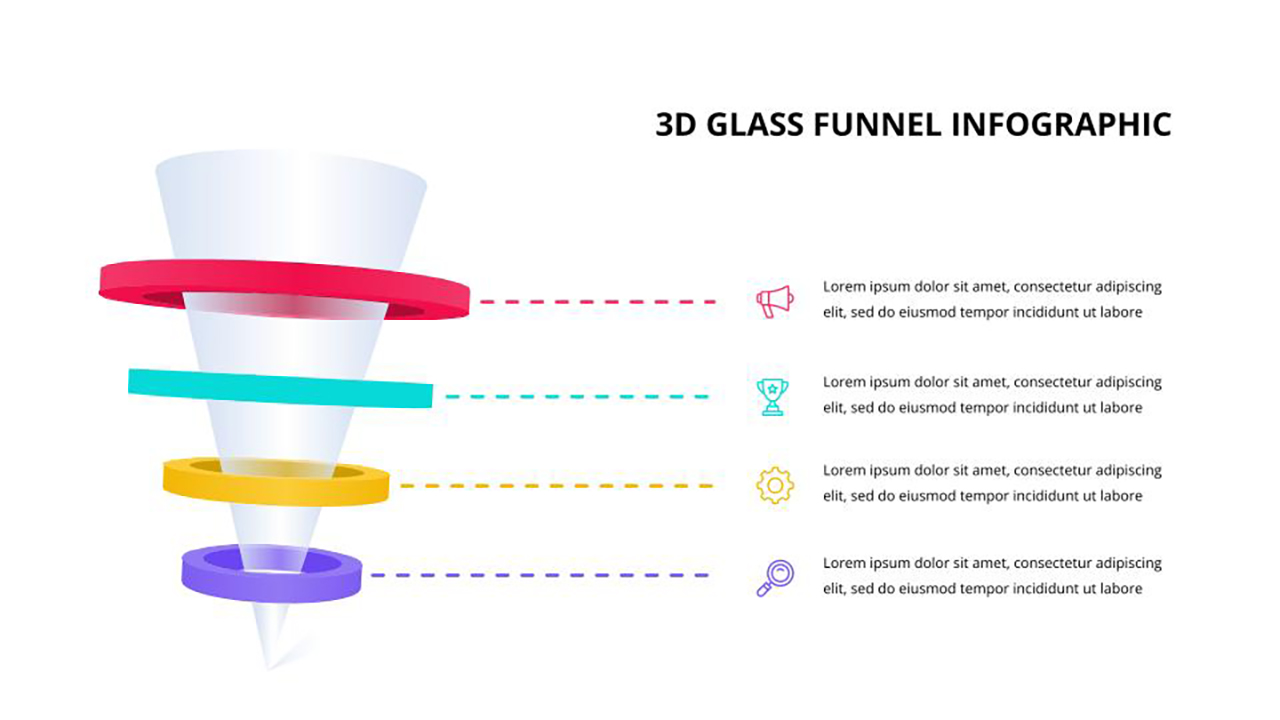
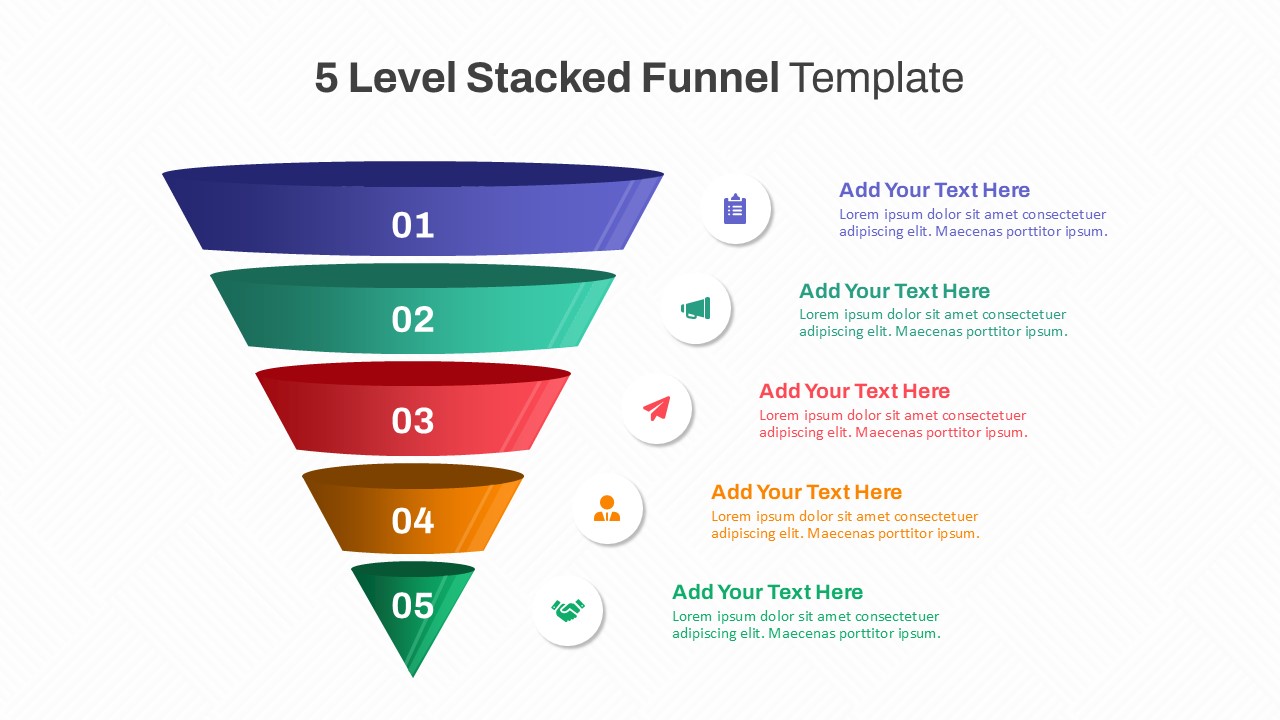
Visualize your marketing journey with this Five-Stage Lead Generation Funnel Diagram. This slide showcases a vibrant 3D funnel segmented into five color-coded layers—each representing a key phase of the lead generation process: Traffic, Lead Capture Page, Lead Nurturing Process, Value Adding Content, and High-Quality Leads. Each segment is paired with concise, actionable guidance, making it ideal for conveying complex conversion strategies in a clear and compelling format.
Designed for marketing teams and business strategists, this layout effectively illustrates the narrowing flow from general audience acquisition to qualified sales-ready prospects. The side-by-side structure aligns each funnel stage with its corresponding definition, helping audiences quickly grasp the value of each step. Fully editable in PowerPoint and Google Slides, this slide allows seamless customization—change colors, update text, or resize elements to suit your branding and presentation needs.
See more

Aspect Ratio
16:9Item ID
SKT04114


Features of this template
Other Uses
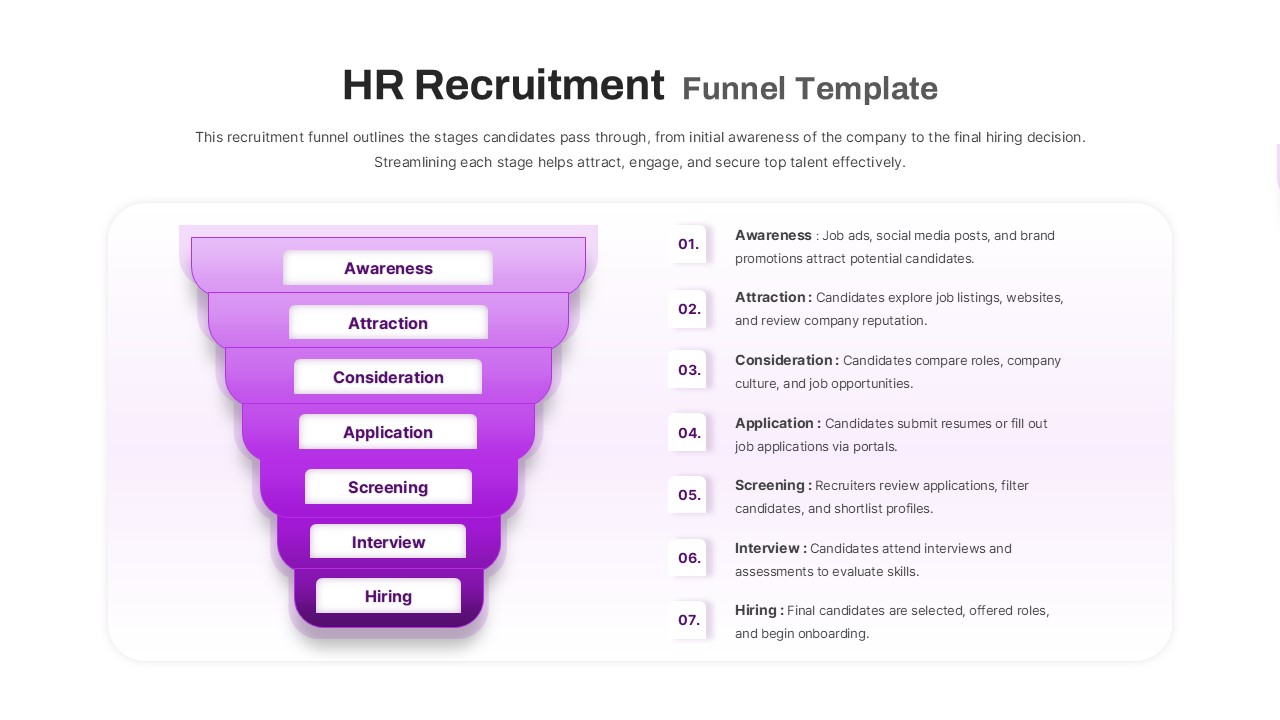
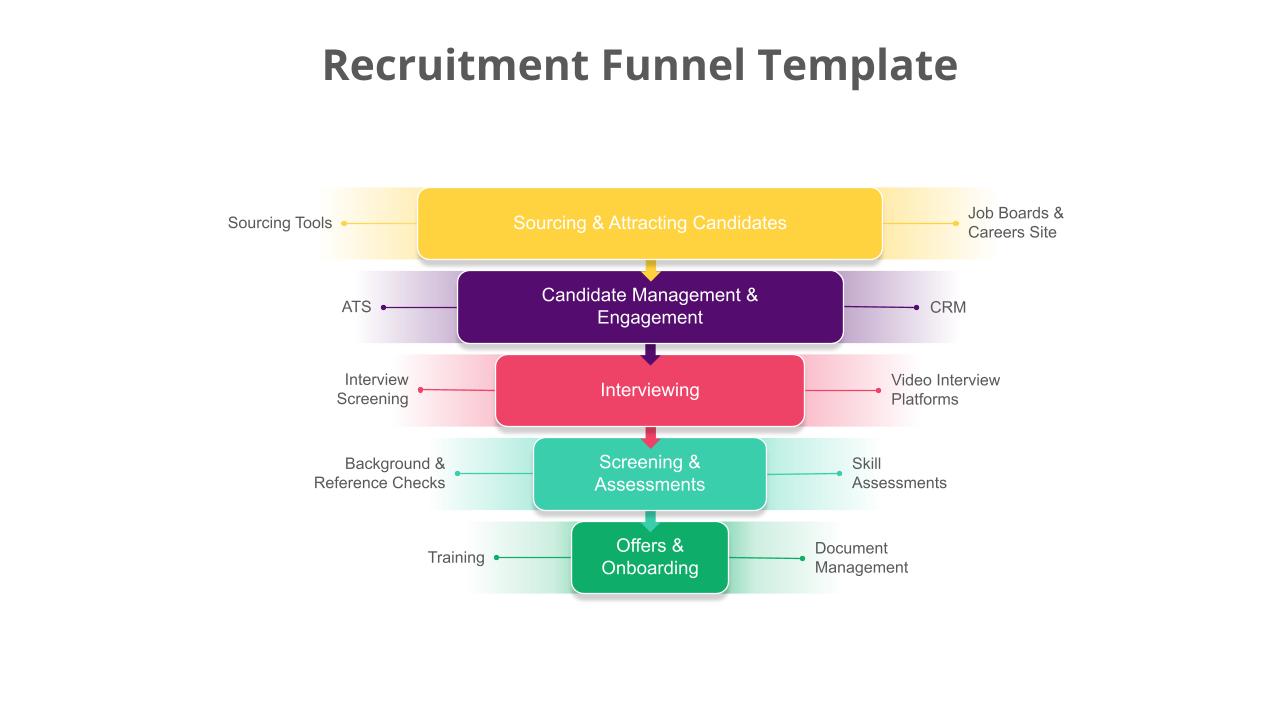
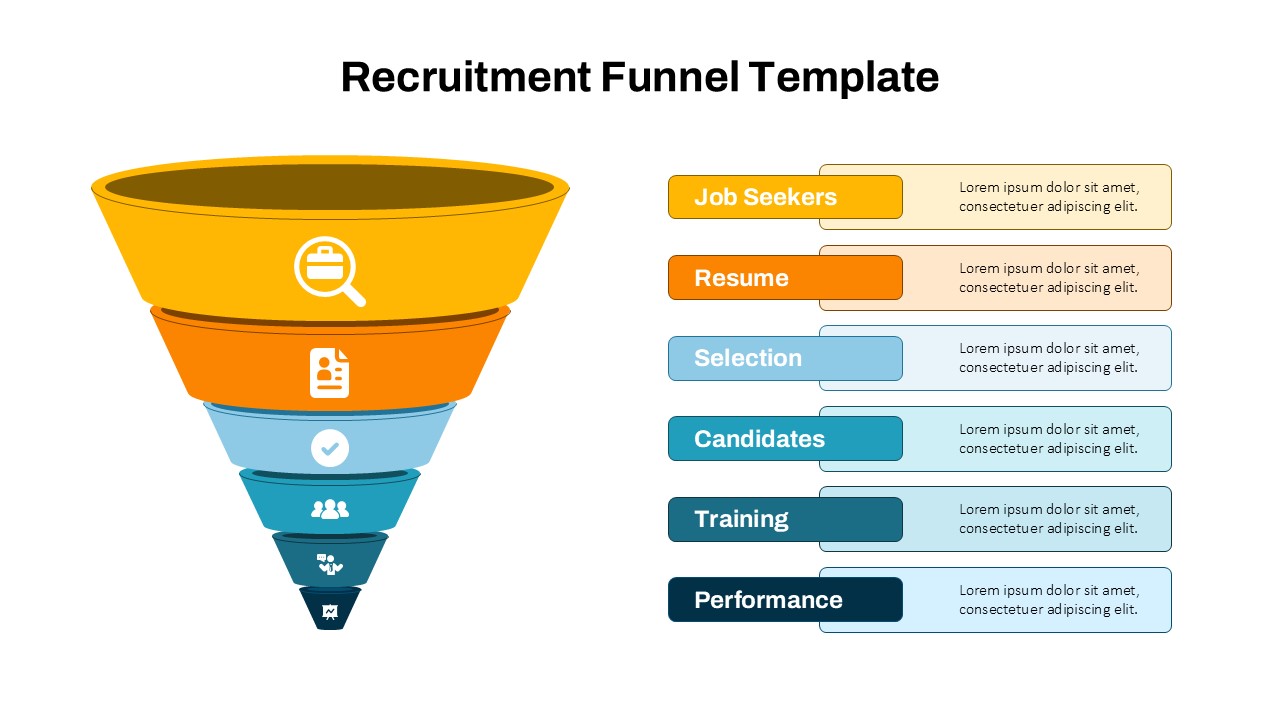
Repurpose this funnel slide to map user journeys, sales pipelines, content marketing flows, or conversion rate optimization strategies. It’s also adaptable for illustrating recruitment funnels, fundraising pipelines, or any process that narrows inputs to high-quality outcomes.
FAQs
You May Also Like These Presentation Templates


- Free
- Free
- Free

- Free