Email Marketing Funnel Strategy Template for PowerPoint & Google Slides
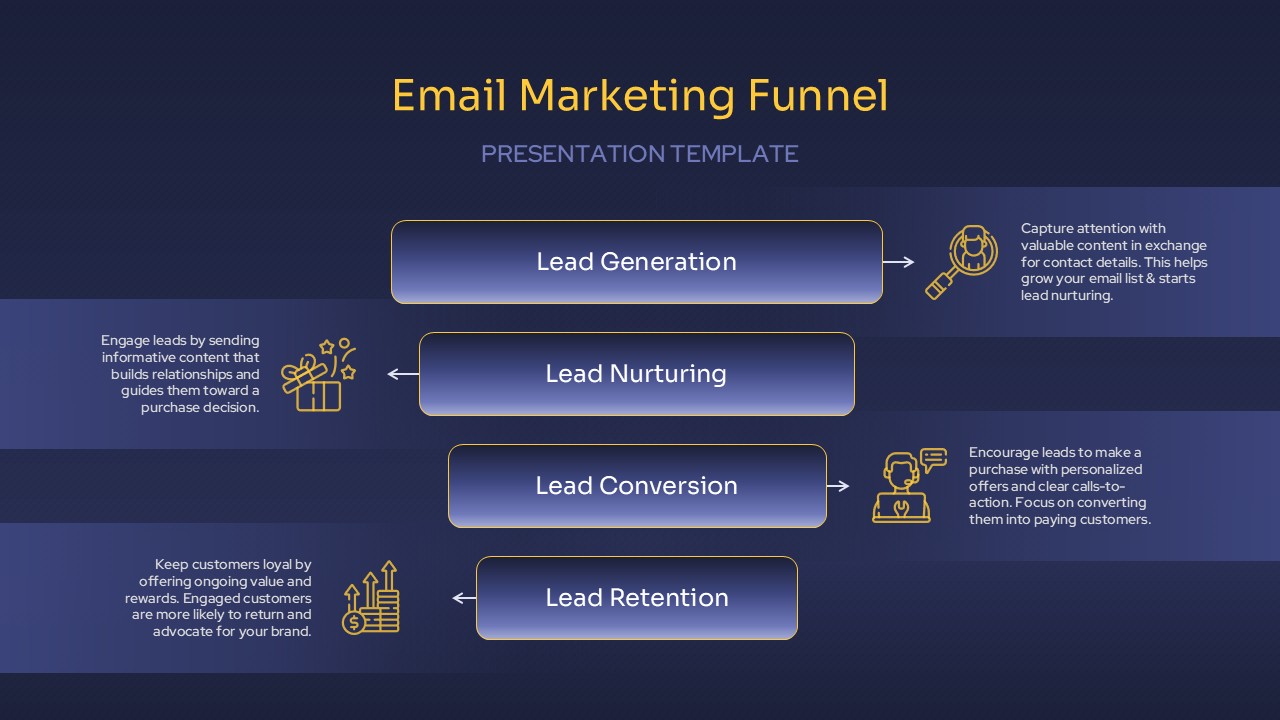
This email marketing funnel slide presents a clear, four-stage strategy to guide leads from initial contact to long-term customer loyalty. Each phase—Lead Generation, Lead Nurturing, Lead Conversion, and Lead Retention—is housed in a sleek, rounded-corner box with directional arrows for smooth visual flow. Supporting icons and descriptive text offer actionable insights into each step, from capturing leads with valuable content to retaining them through engagement and rewards.
Designed on a deep blue gradient background with contrasting gold typography and icons, the layout ensures strong readability and a refined corporate aesthetic. Each stage is flanked by an informative description to help your audience grasp the practical steps behind successful funnel execution. The symmetry and vertical stacking of the elements make the process easy to follow, ideal for strategic presentations or digital marketing briefs.
Fully editable in both PowerPoint and Google Slides, the template allows users to customize text, colors, and icons to match branding or audience needs. Perfect for illustrating automation strategies, email workflows, or marketing pipelines, this slide streamlines your messaging while reinforcing professionalism.
See more

Aspect Ratio
16:9Item ID
SKT04098


Features of this template
Other Uses
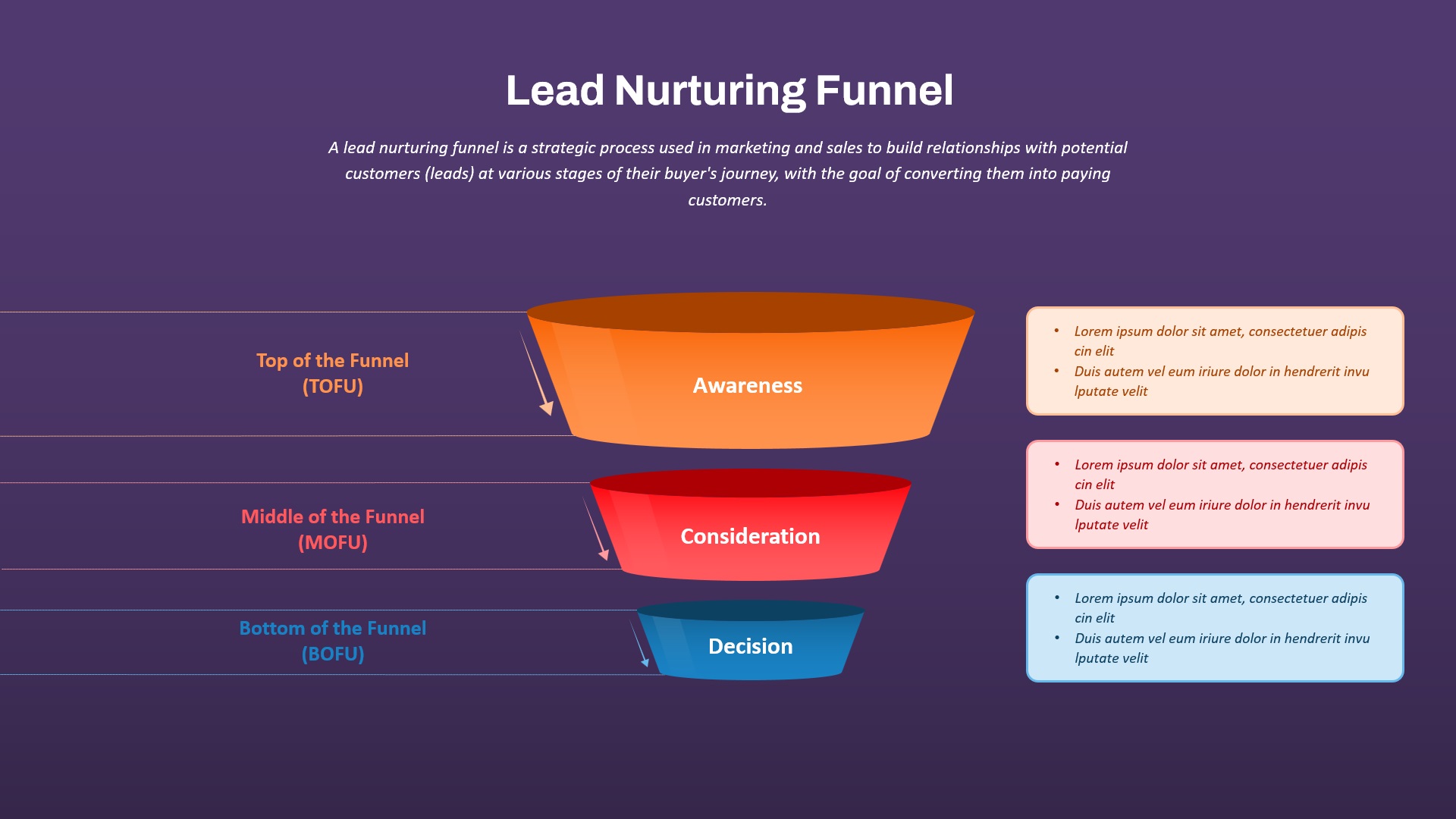
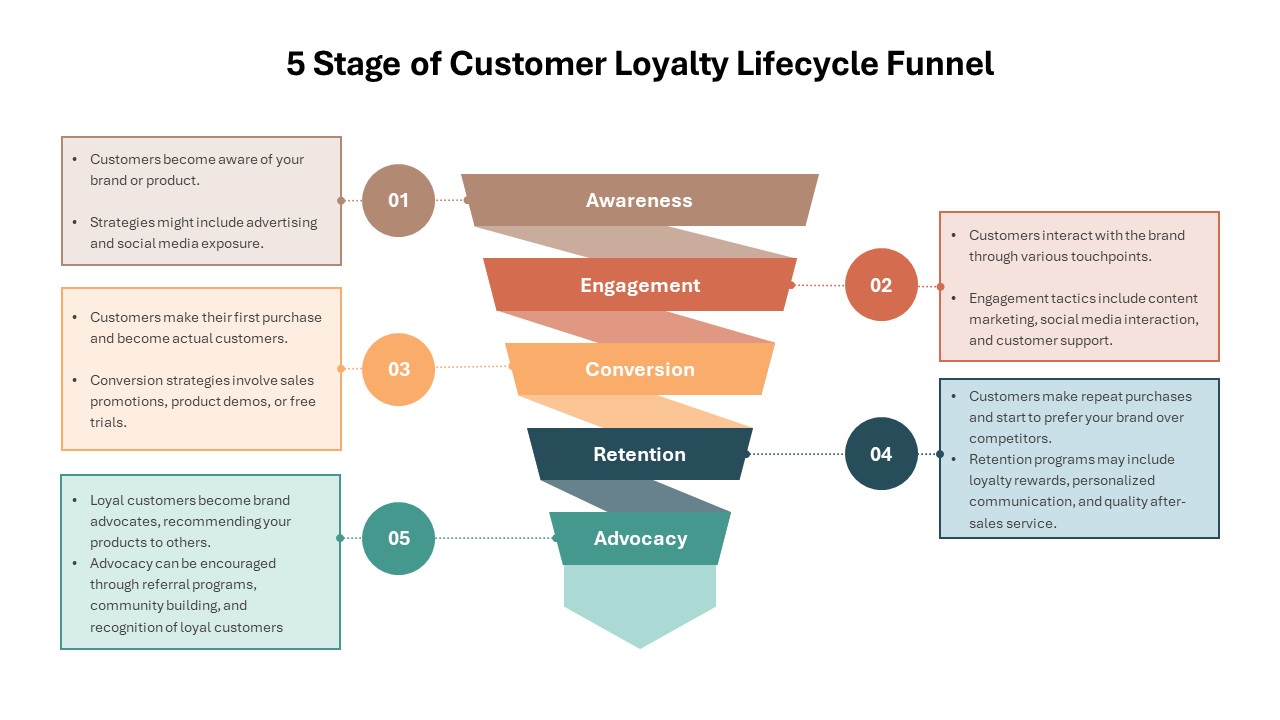
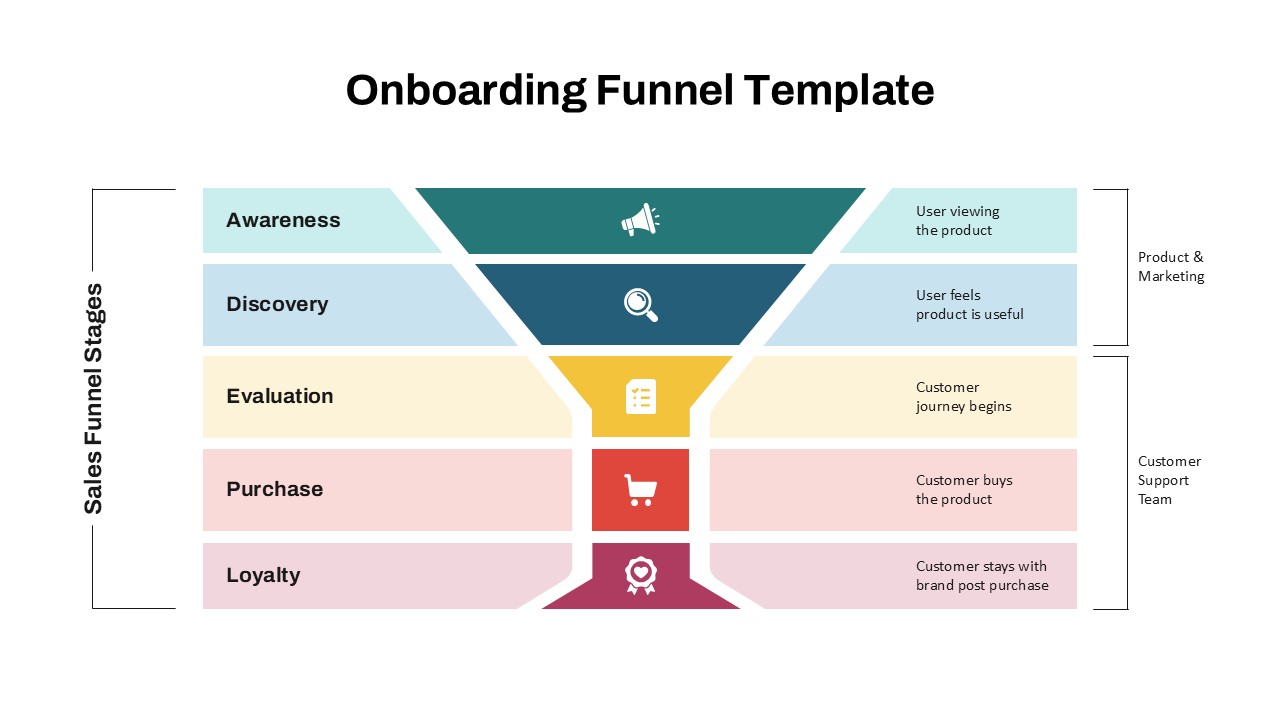
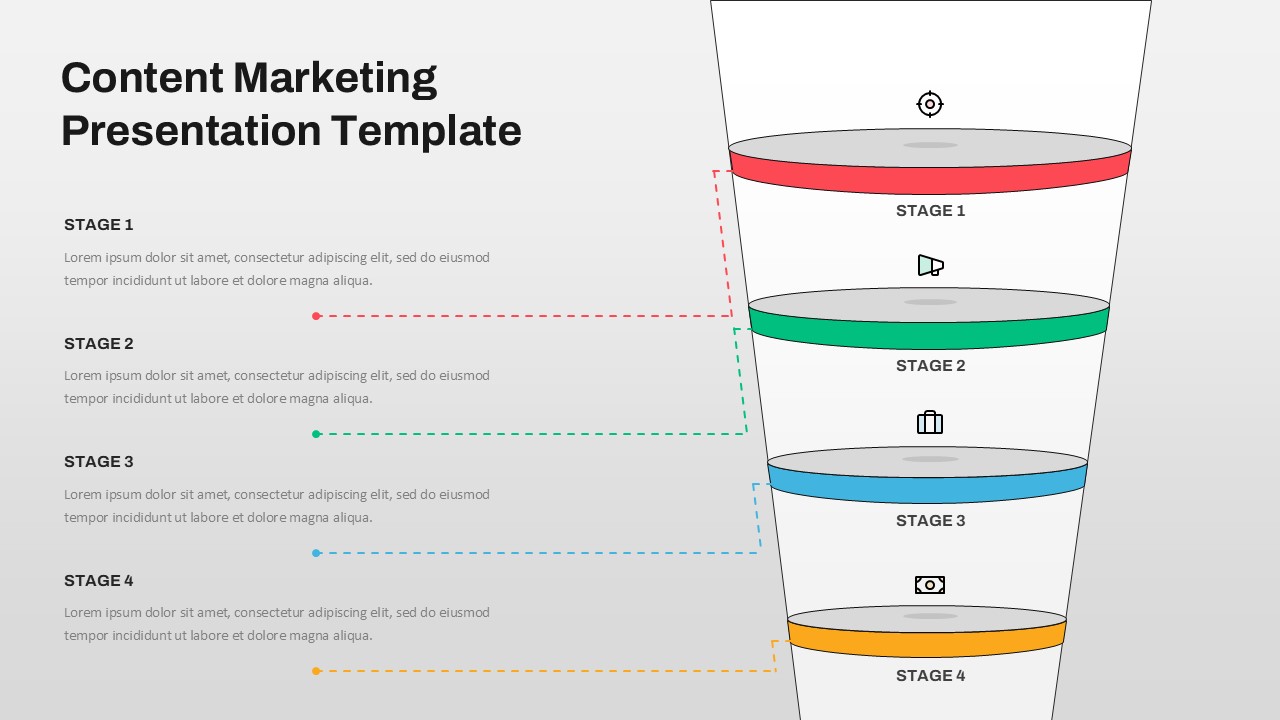
Beyond email marketing, this funnel can be adapted to content marketing workflows, sales pipelines, customer onboarding strategies, or loyalty programs. Its flexible layout supports various B2B and B2C applications, from product launches to user journey mapping.
FAQs
You May Also Like These Presentation Templates


- Free
- Free

- Free
- Free
- Free