Colorful Bow Tie Funnel Journey Slide for PowerPoint & Google Slides
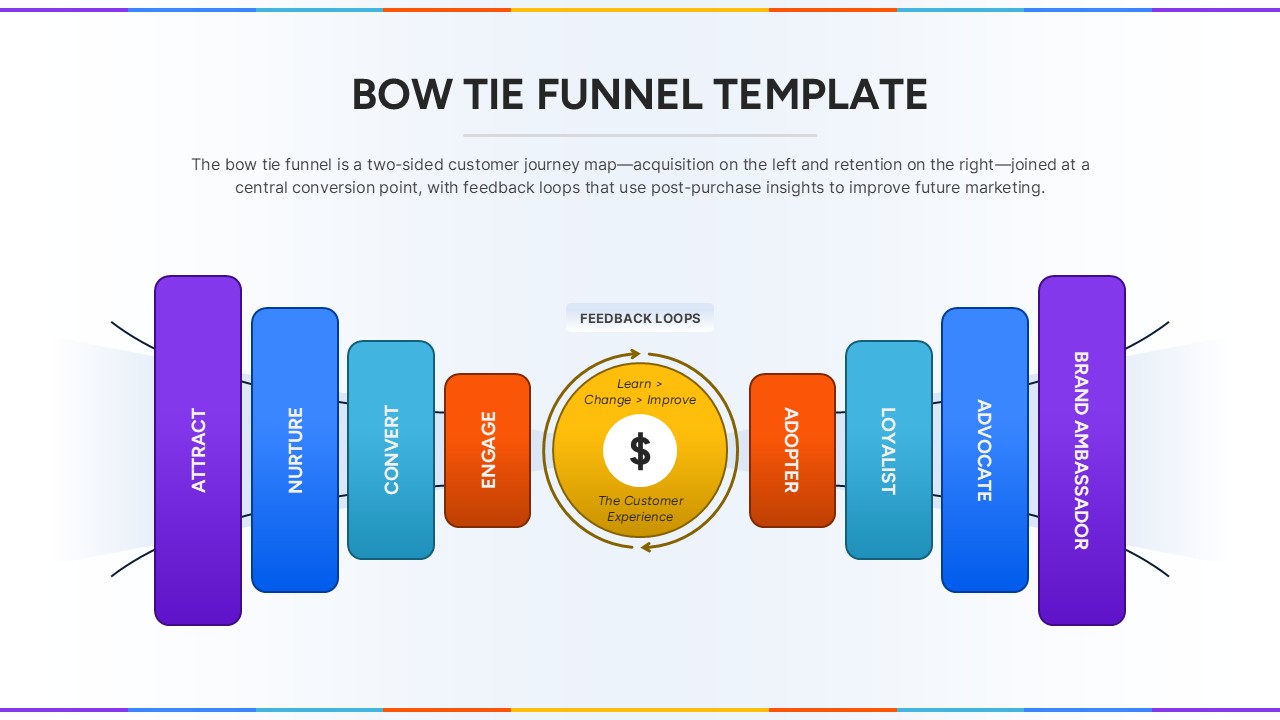
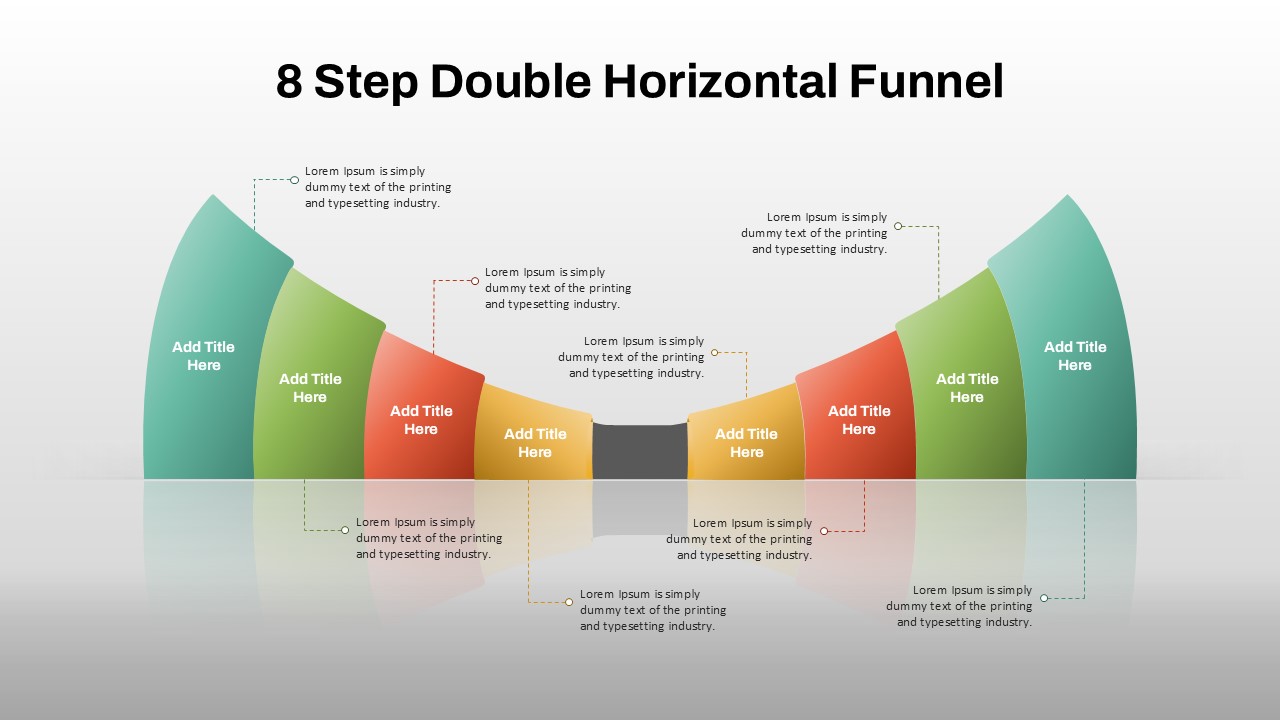
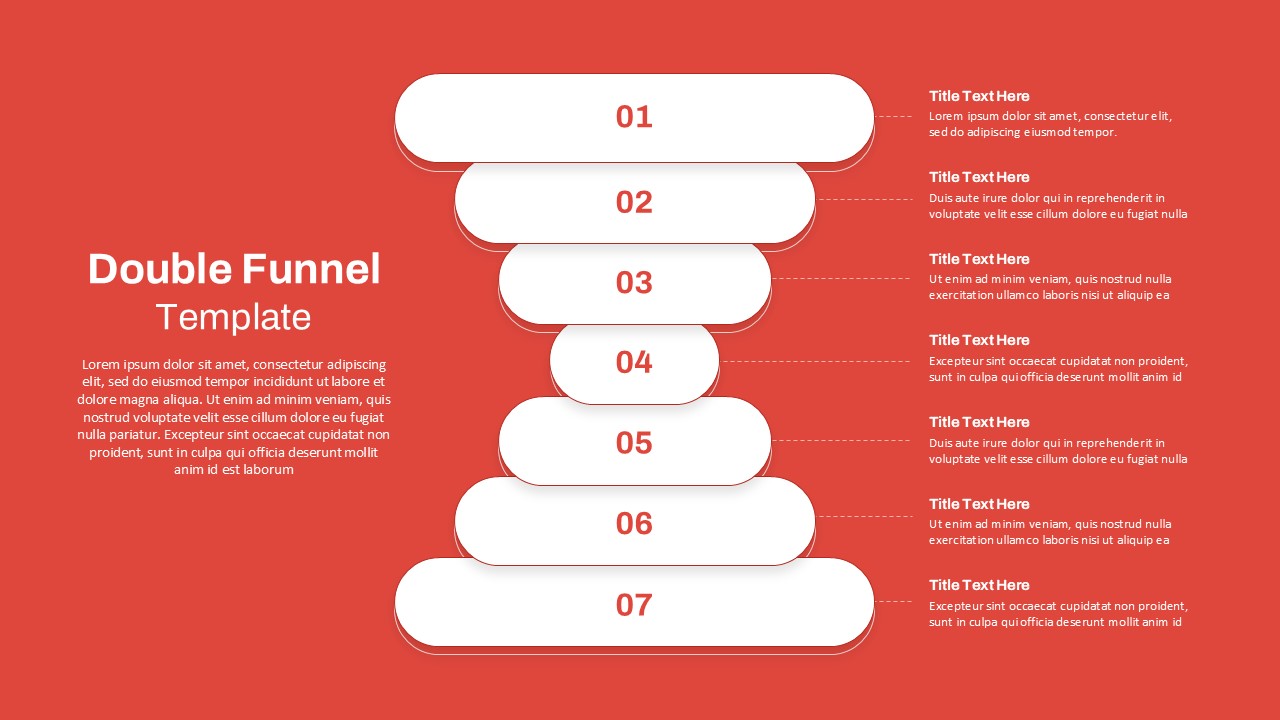
This Bow Tie Funnel slide offers a dynamic visualization of the full customer lifecycle—from acquisition to retention. Designed as a two-sided customer journey model, the funnel begins with three left-side stages (Attract, Nurture, Convert) representing acquisition efforts. At the center is a feedback-driven engagement hub focused on customer experience improvement, flanked by five right-side stages (Adopter, Loyalist, Advocate, Brand Ambassador) to illustrate long-term retention and brand growth. Each phase is color-coded and arranged in a symmetrical layout resembling a bow tie, which visually guides viewers through the full funnel narrative.
The central feedback loop emphasizes continuous learning, improvement, and adaptation—key components in any post-purchase engagement strategy. With clear typographic labeling, bold color segmentation, and a focus on seamless flow, this slide helps teams align marketing, sales, and customer success around a shared growth strategy. Ideal for strategy meetings, CRM planning, and funnel audits, this template enables professionals to present complex lifecycle insights in a clear, persuasive way.
See more

Aspect Ratio
16:9Item ID
SKT04169


Features of this template
Other Uses
Use this slide to model SaaS onboarding journeys, track CRM retention metrics, demonstrate post-sale loyalty strategies, or train new hires on lifecycle marketing stages. It’s also useful in pitch decks to showcase customer success strategy and retention focus.
FAQs
You May Also Like These Presentation Templates

- Free

- Free
- Free
- Free
- Free

- Free