Free 2026 Calendar Template for PowerPoint & Google Slides
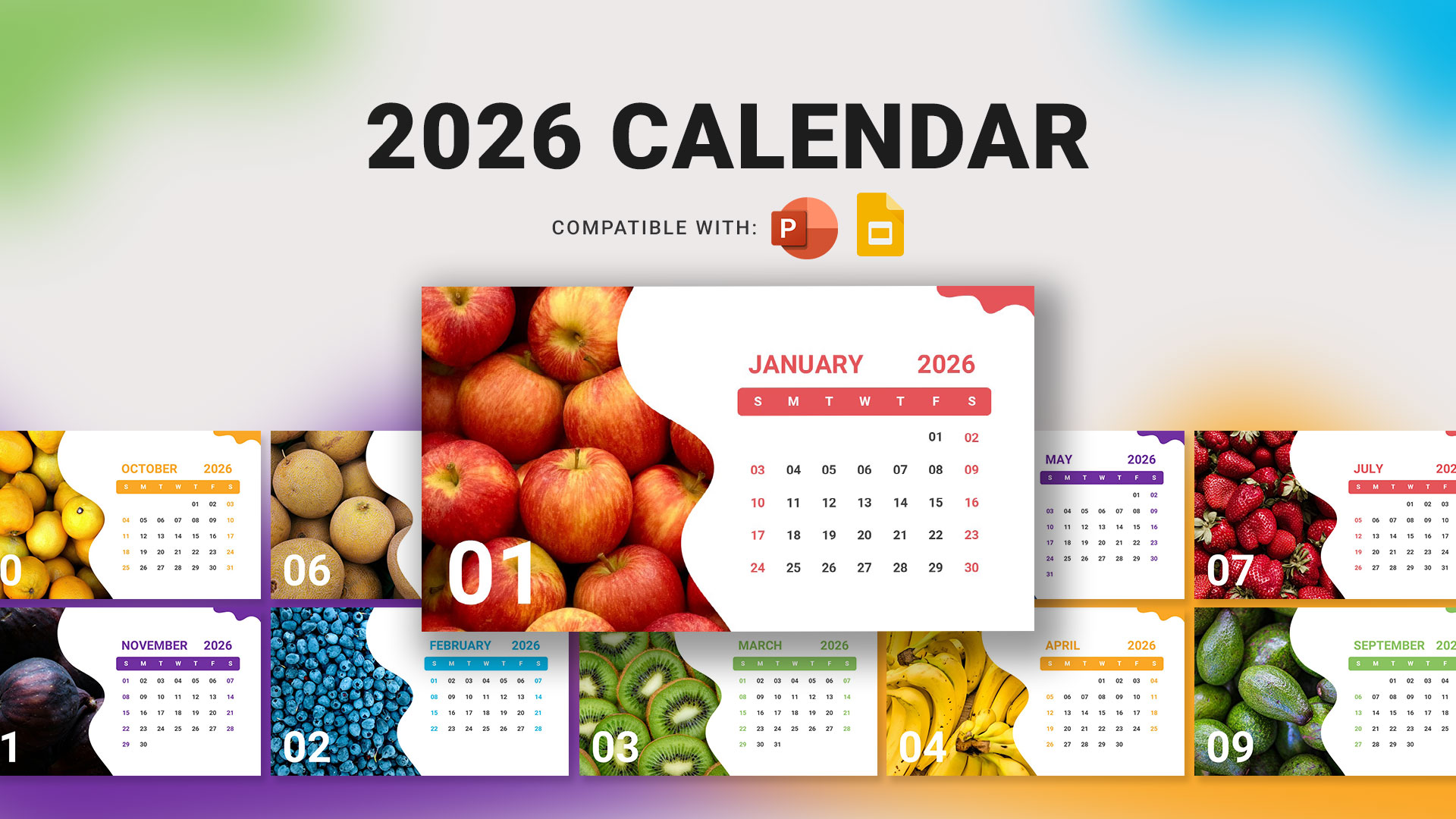
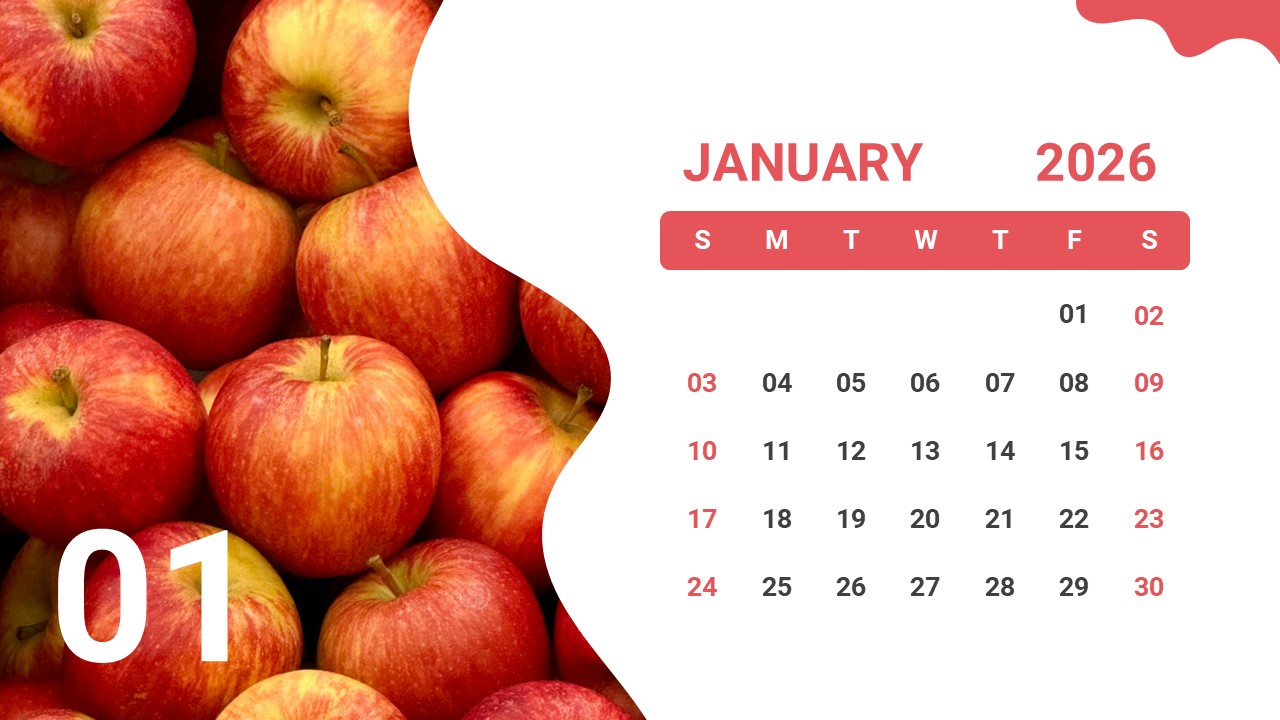
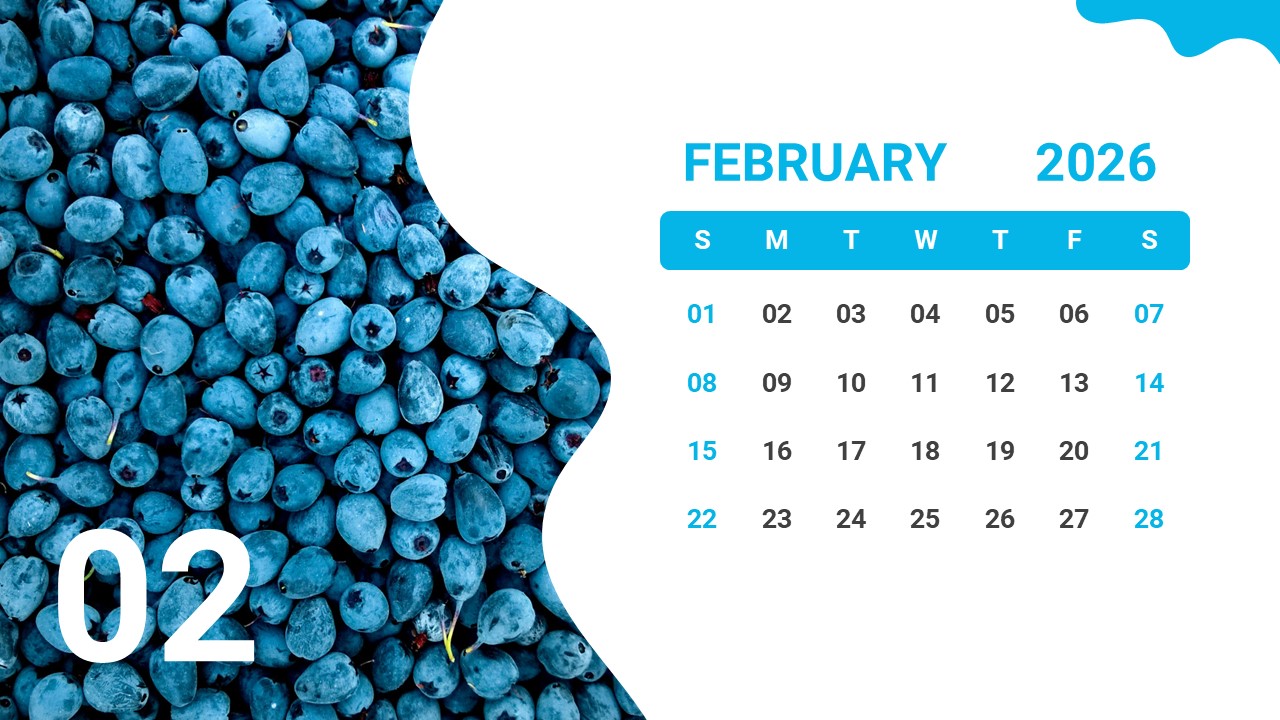
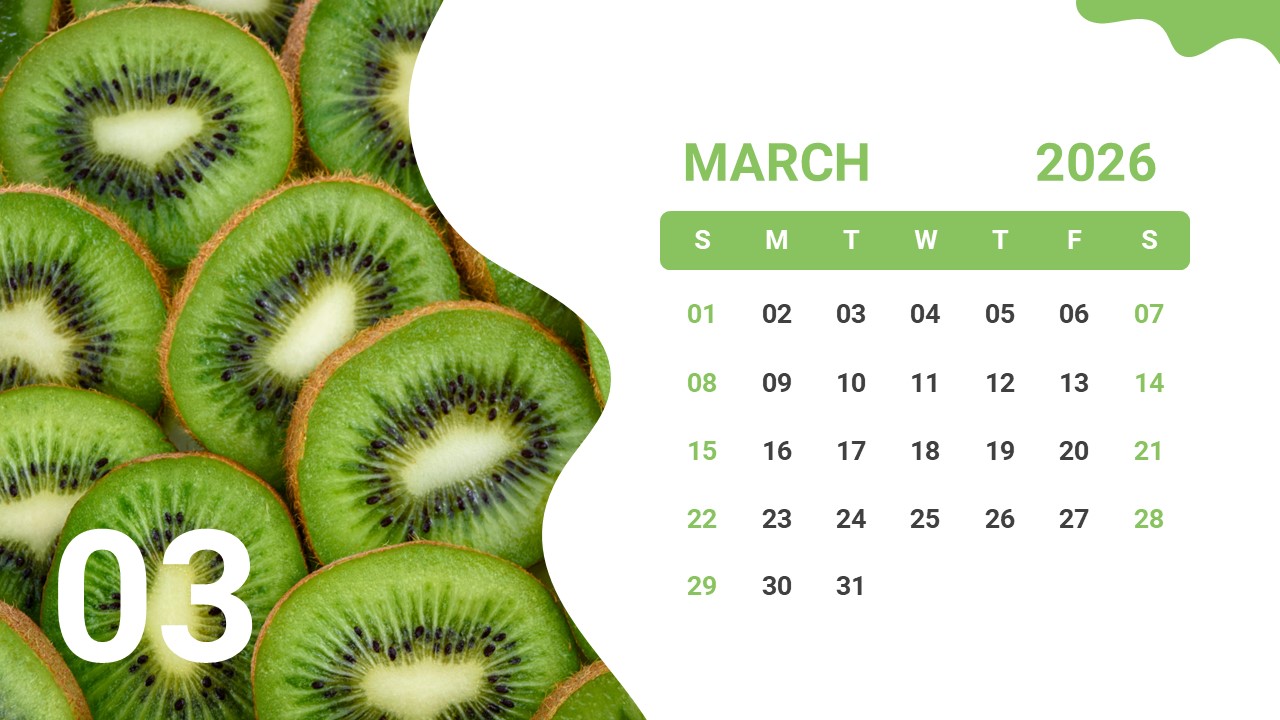
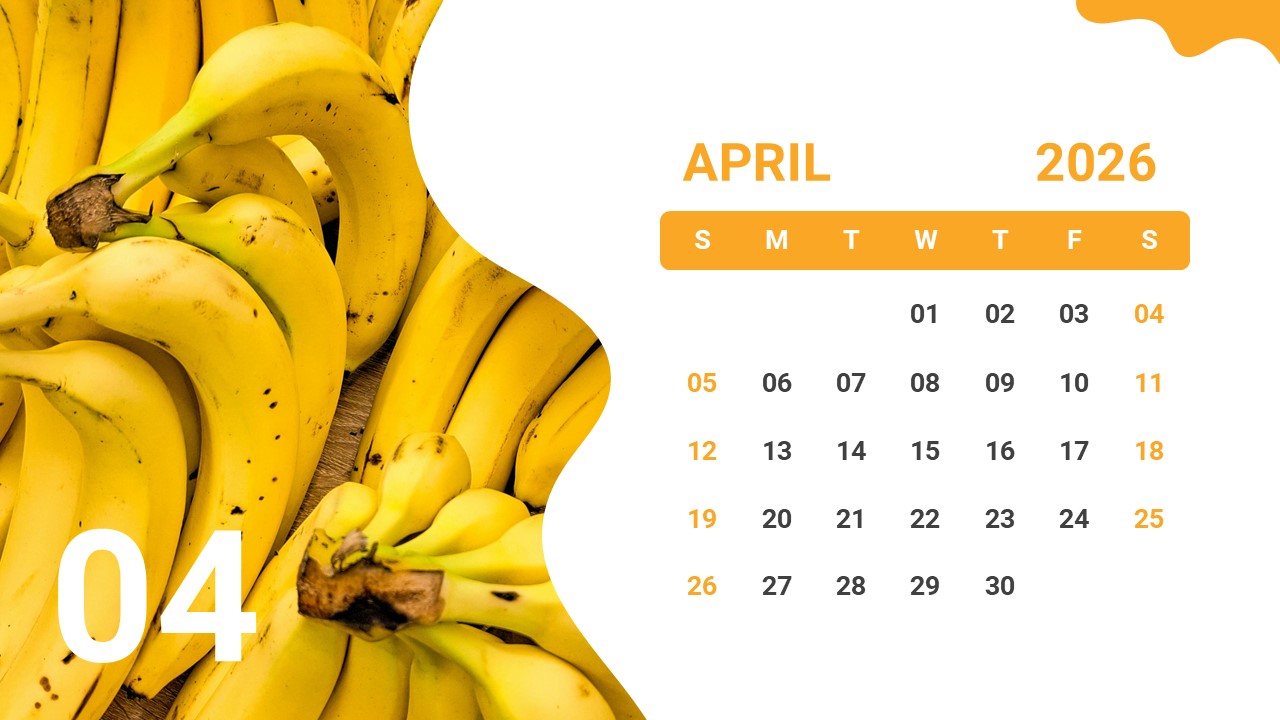
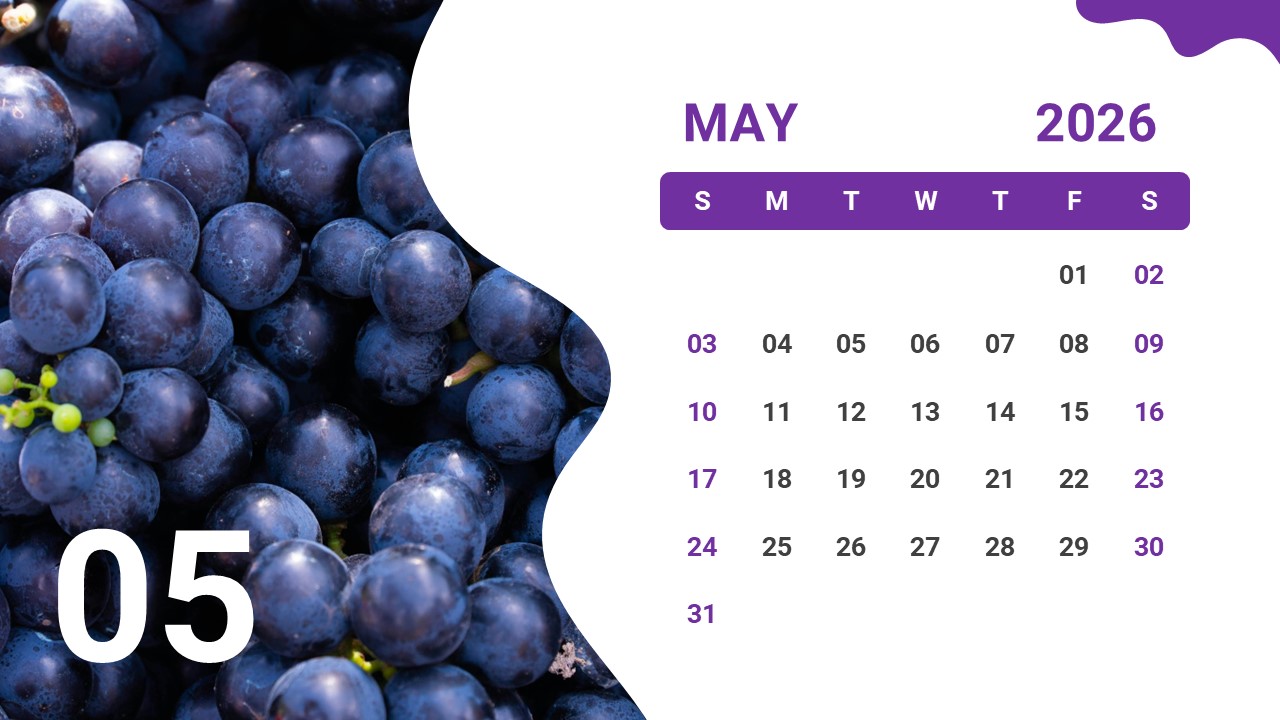
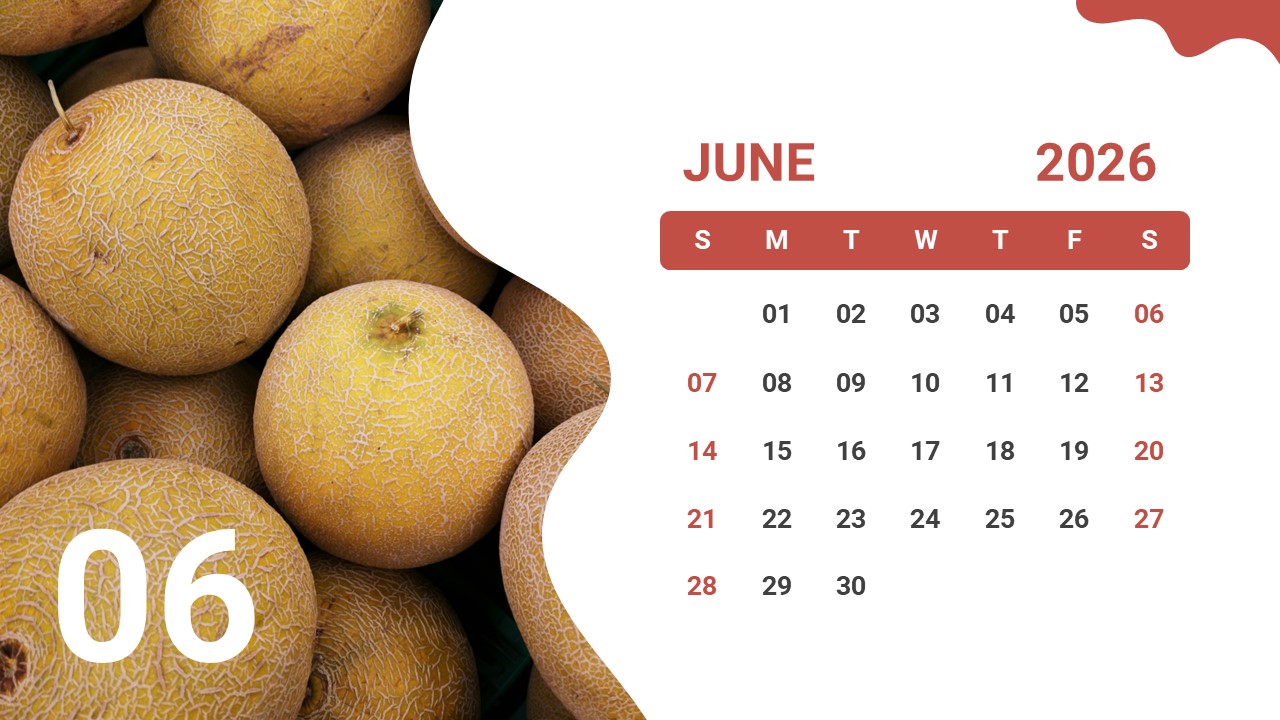
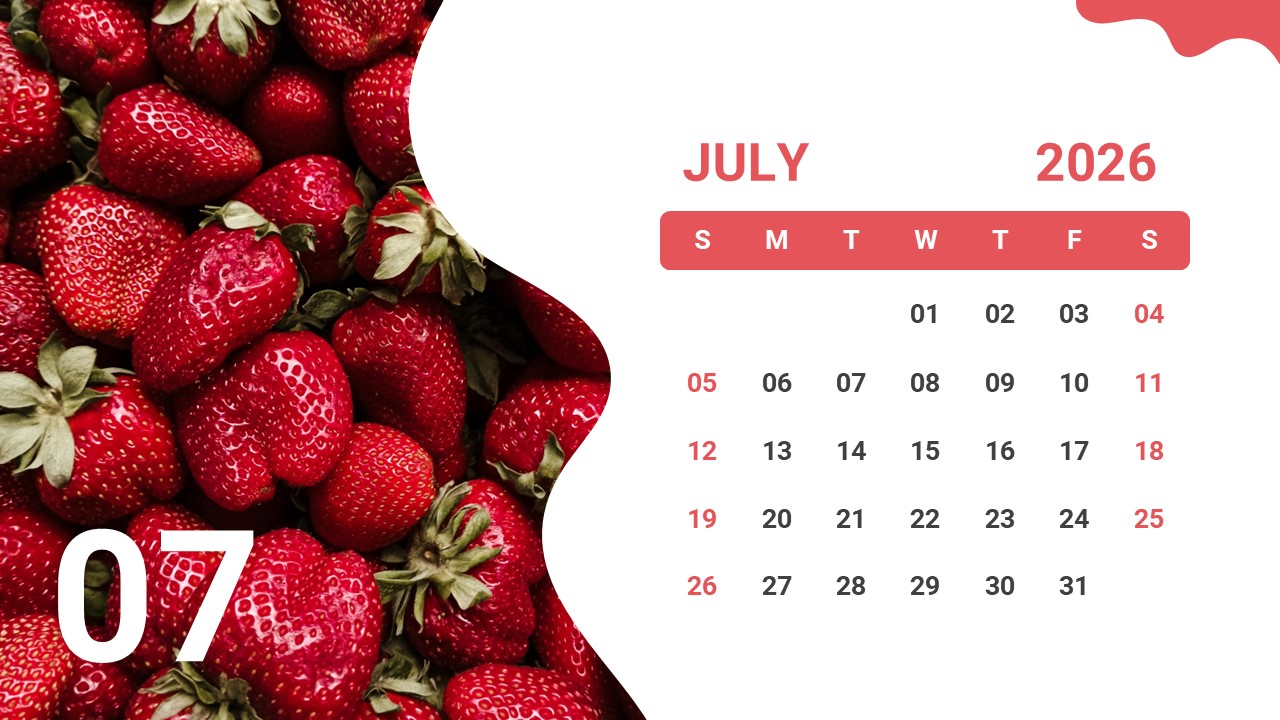
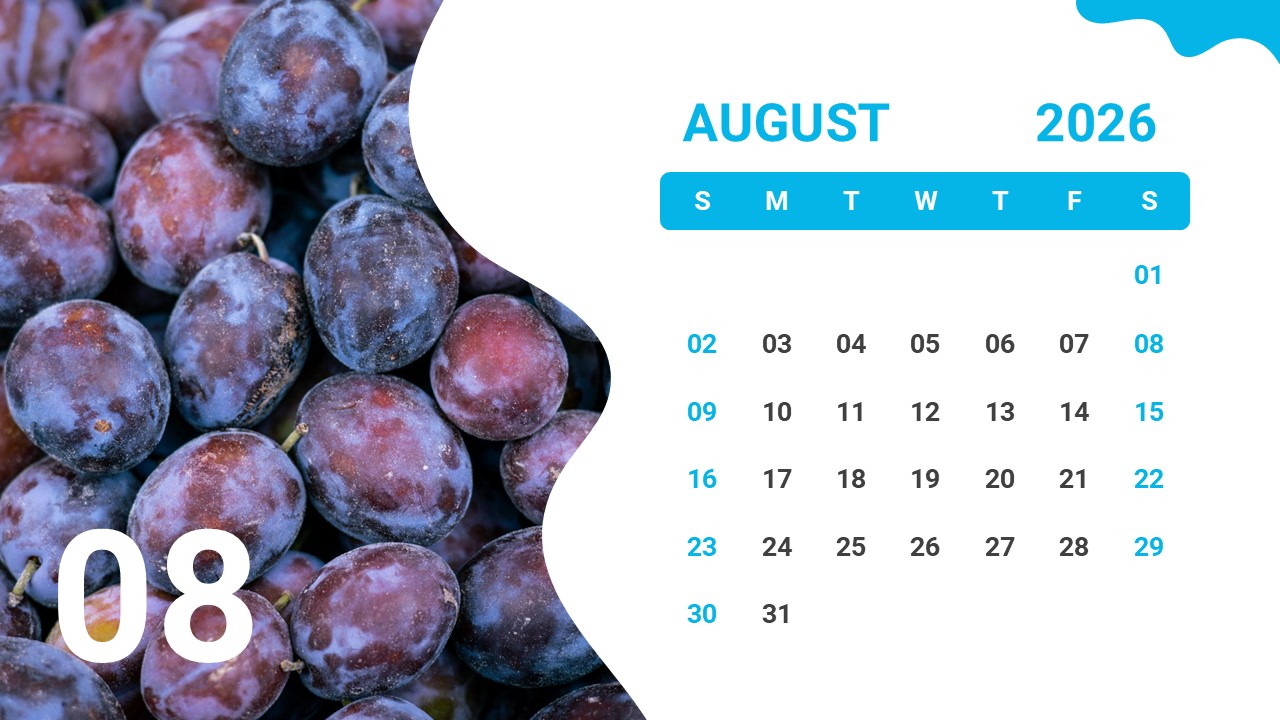
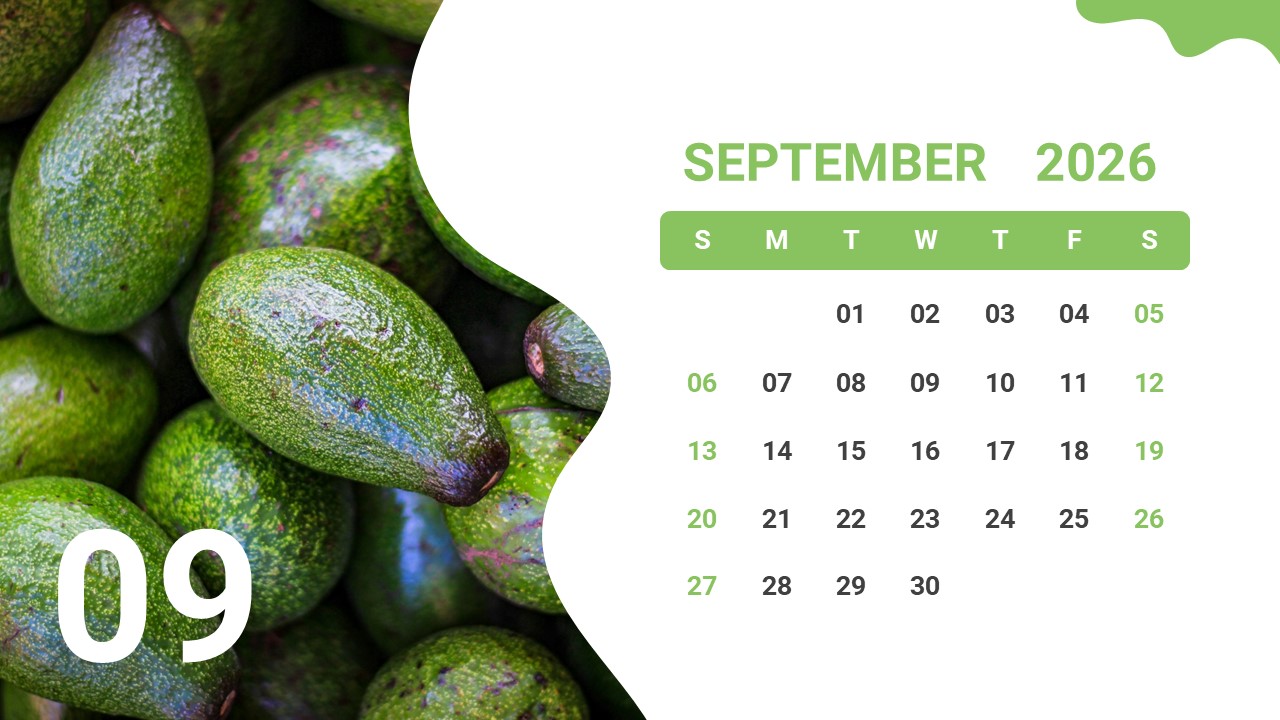
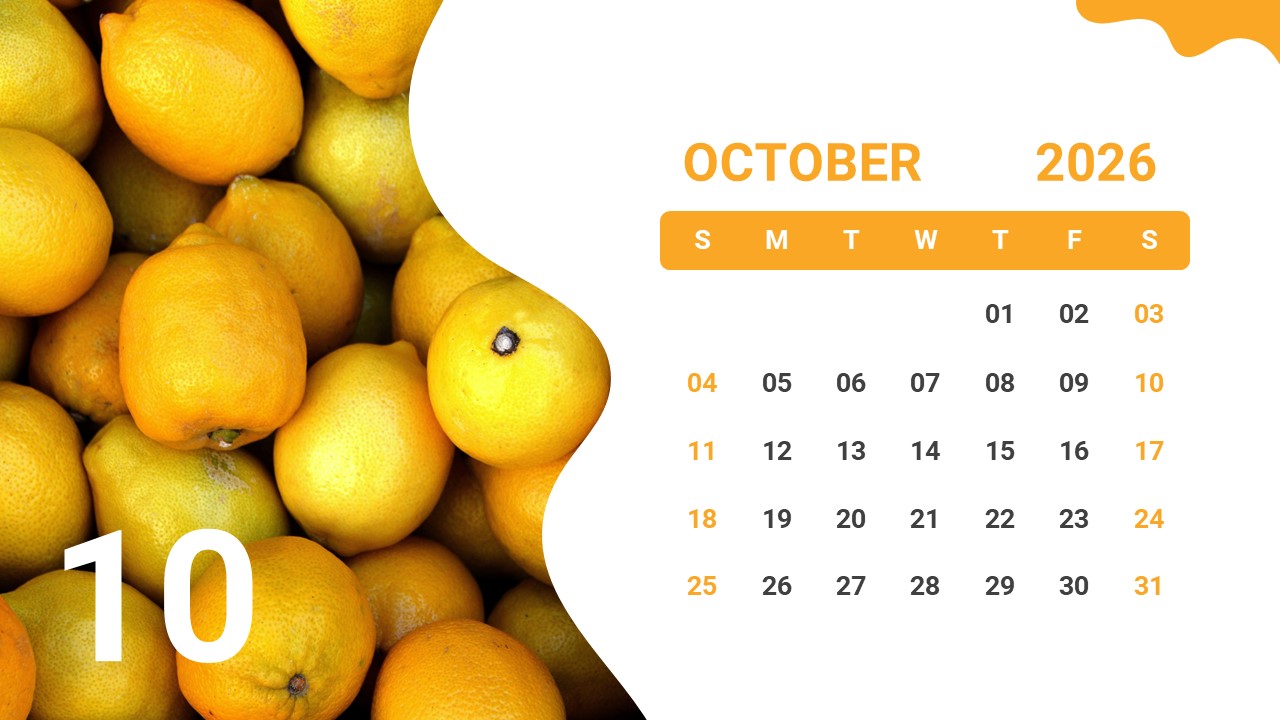
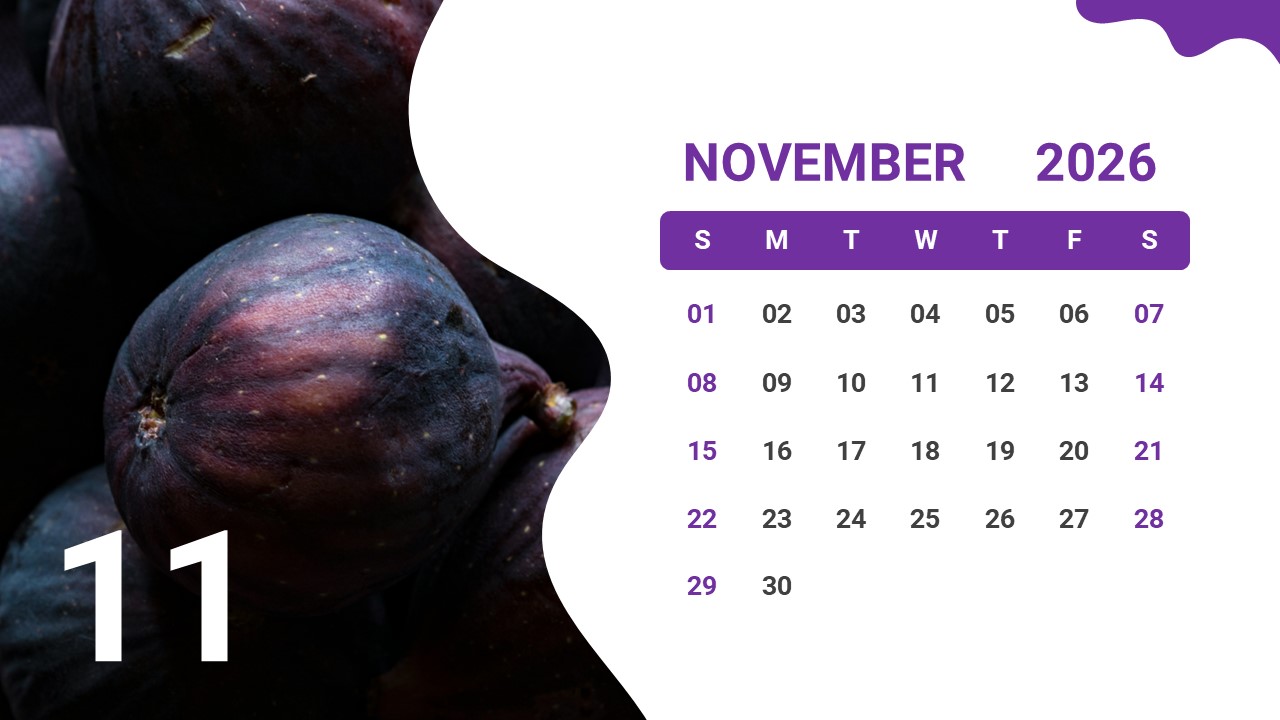
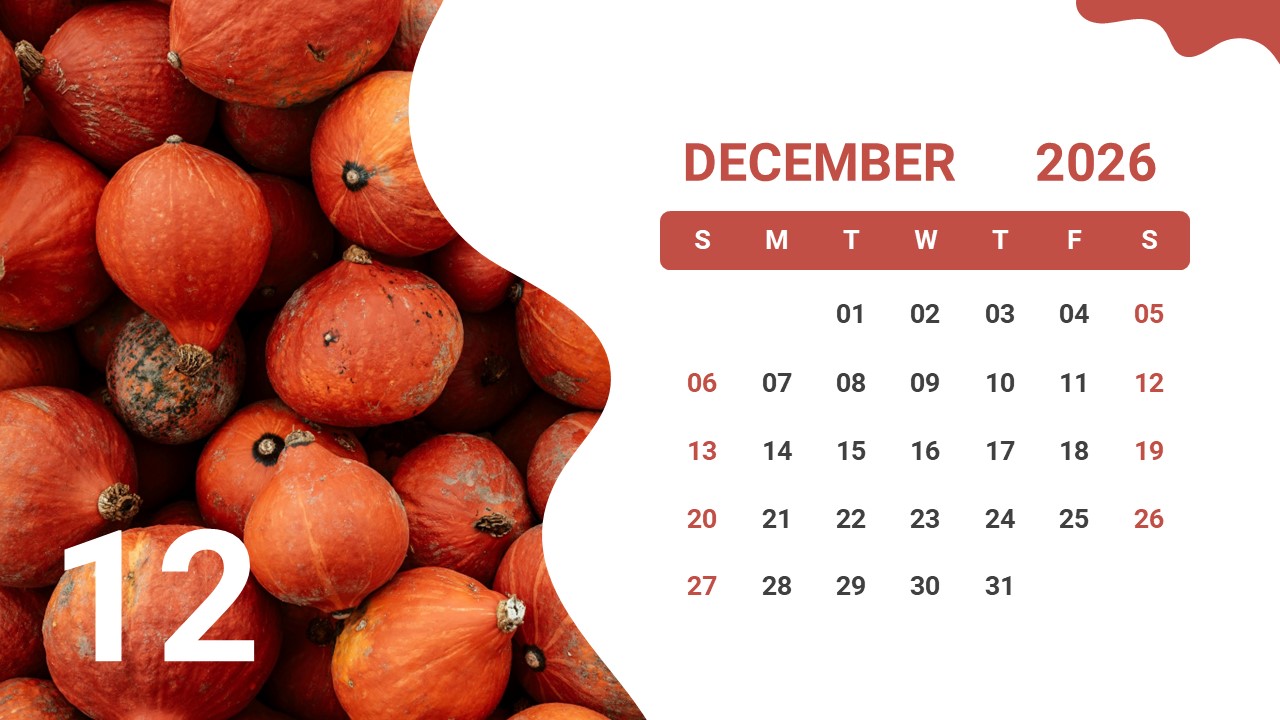
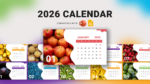
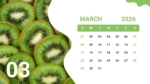
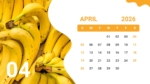
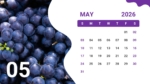
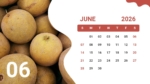
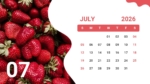
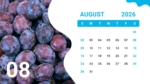
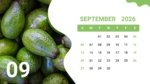
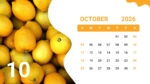
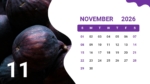
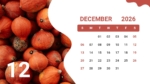
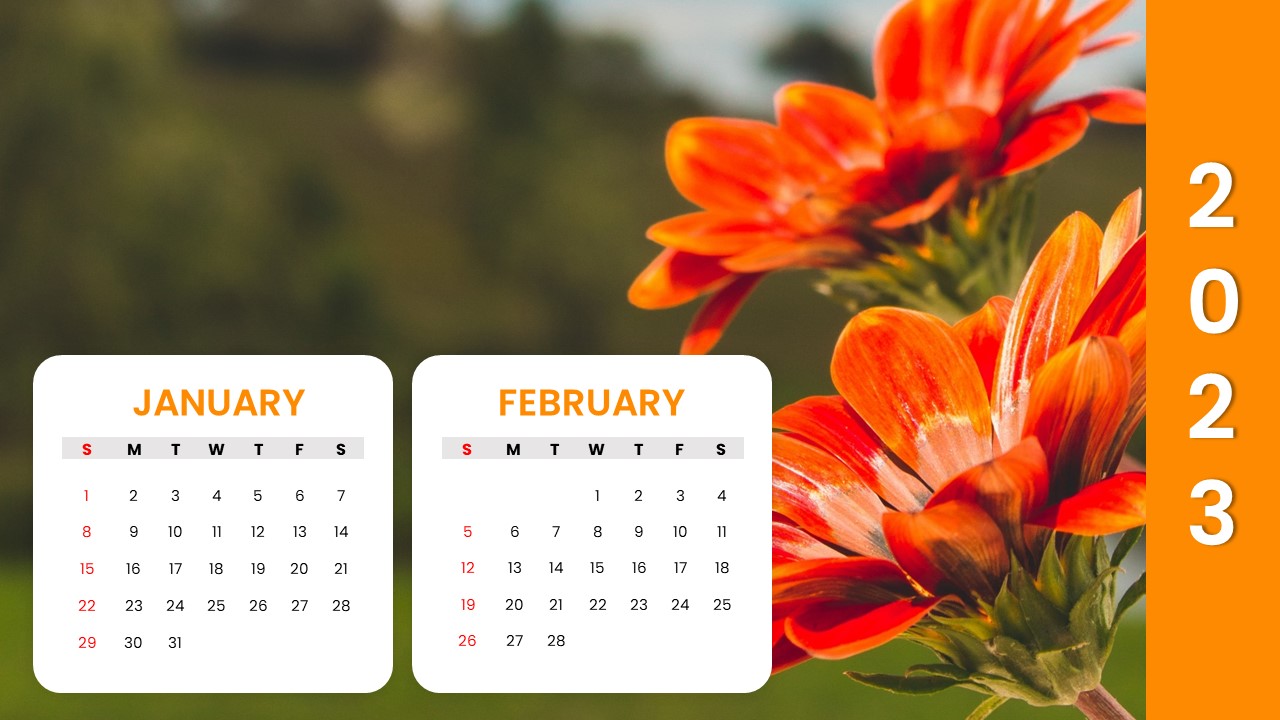
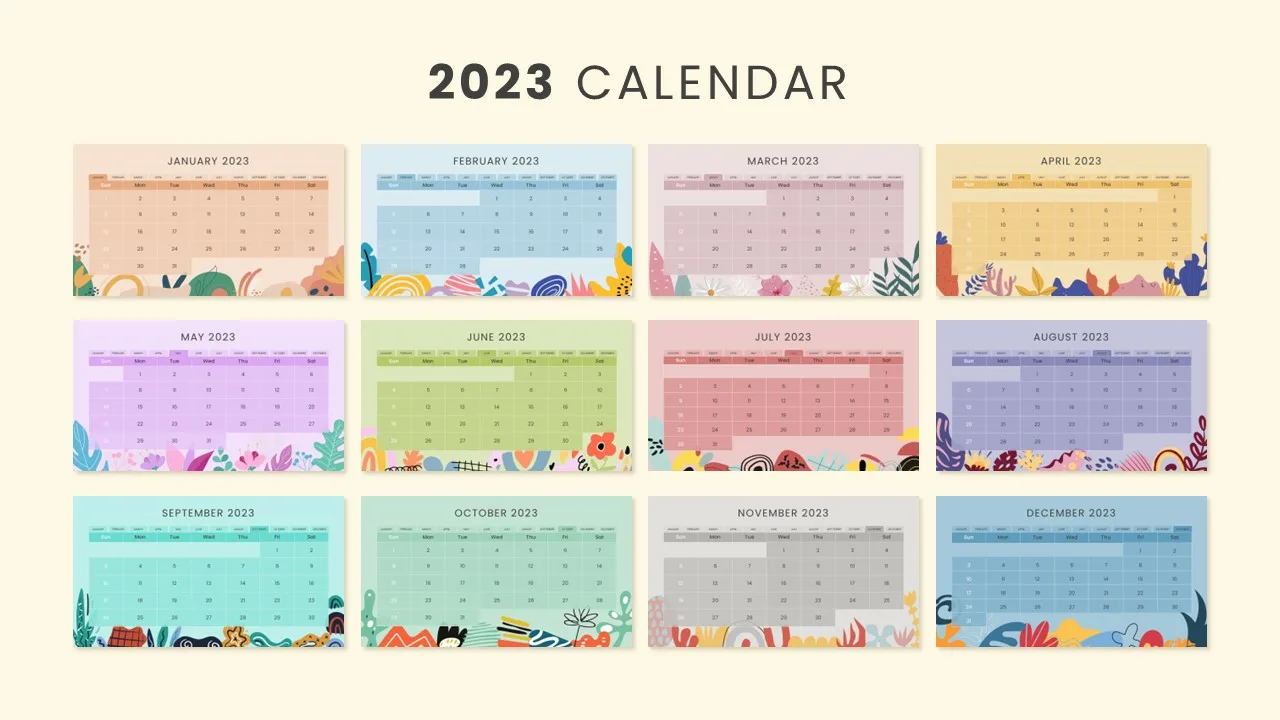
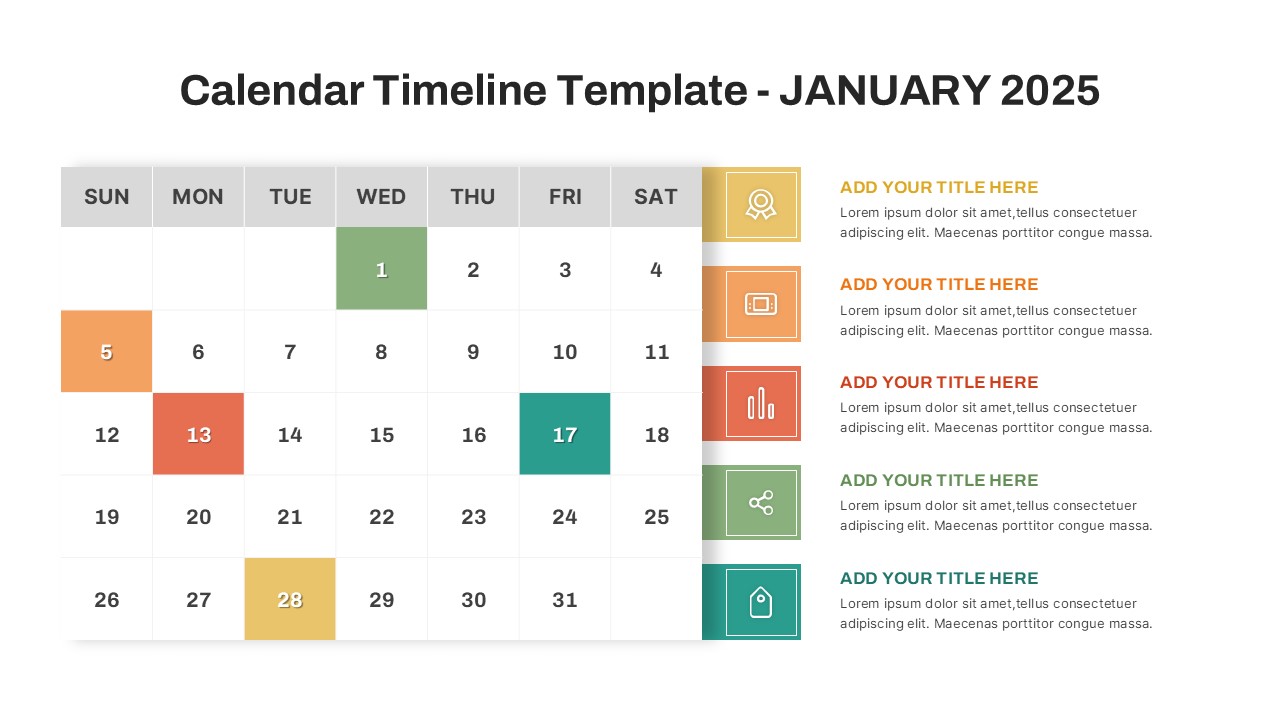
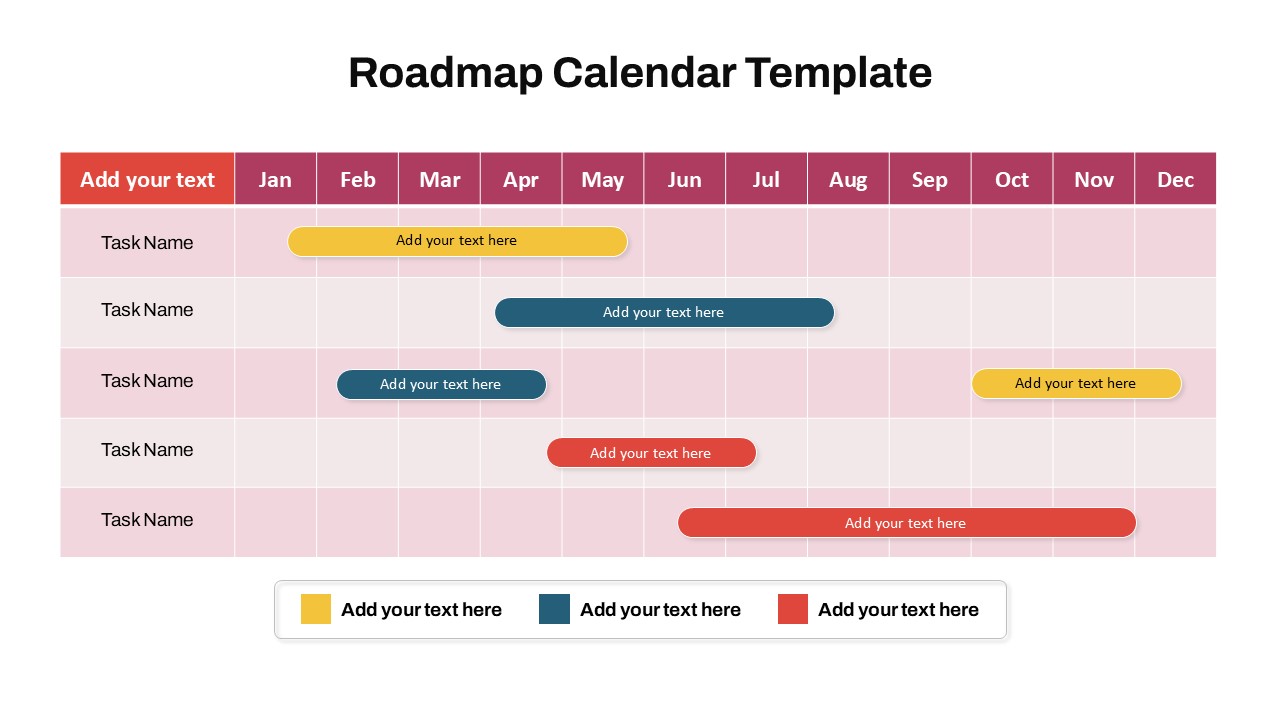
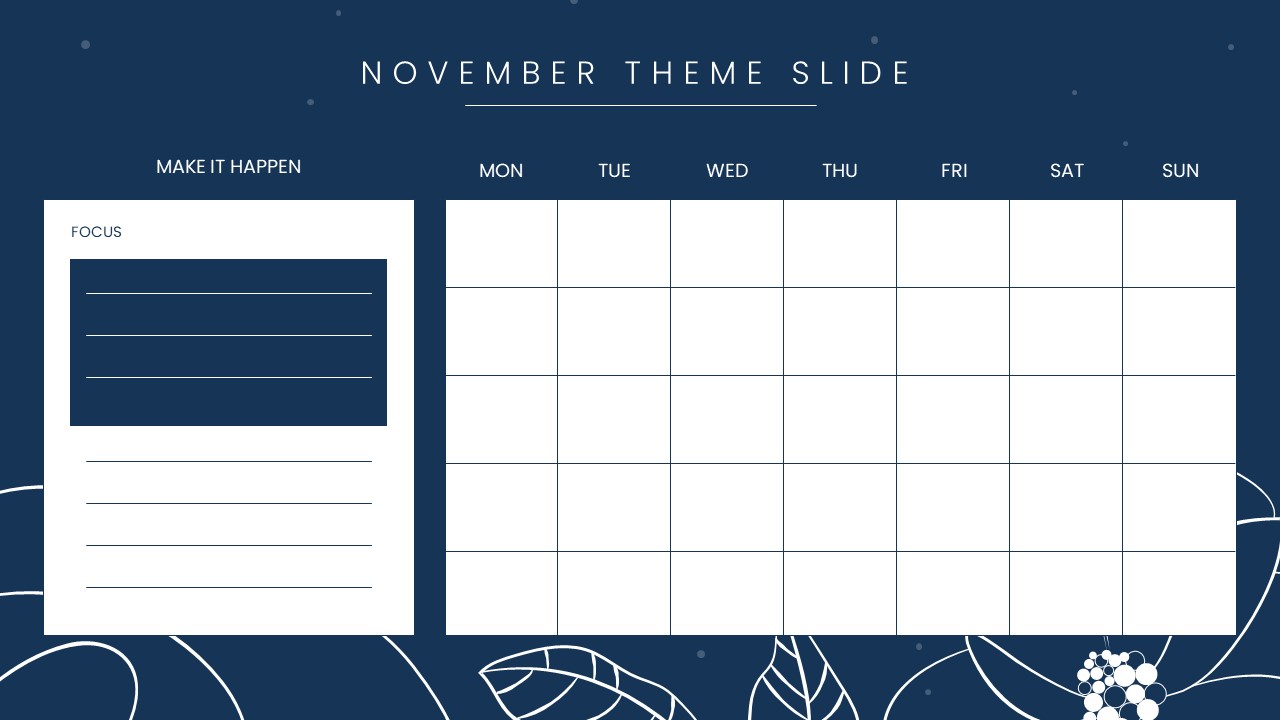
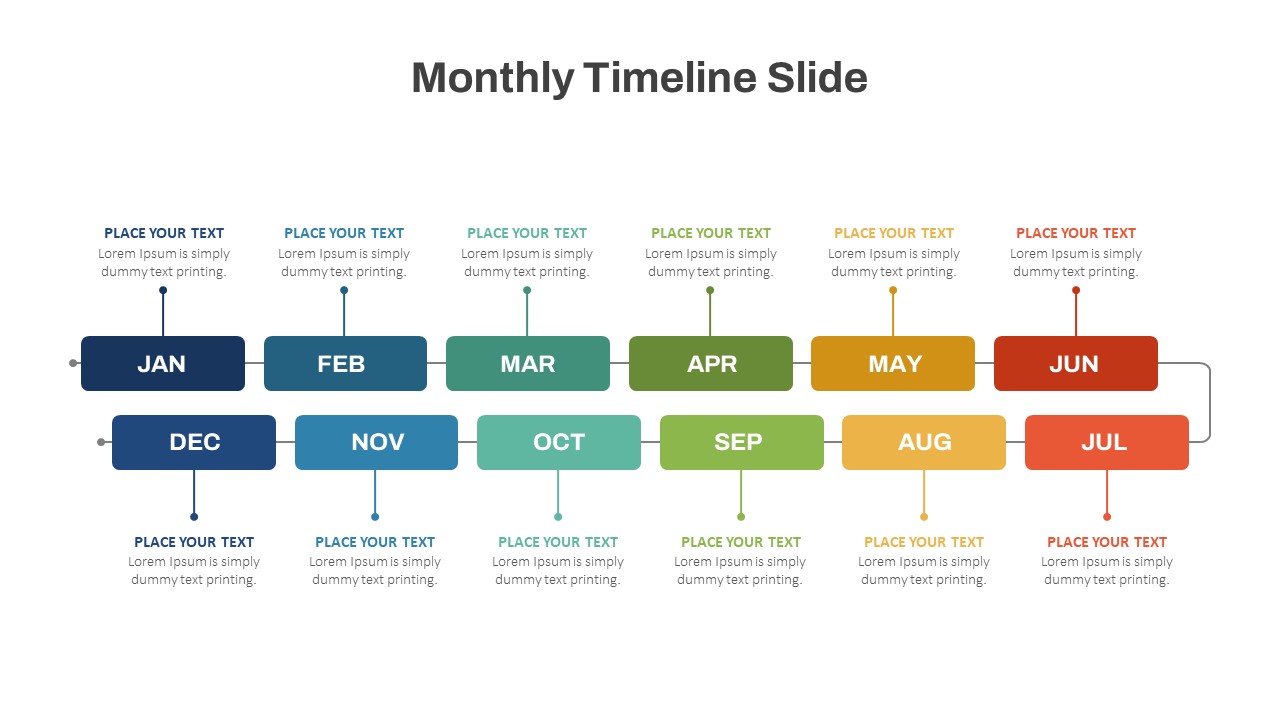
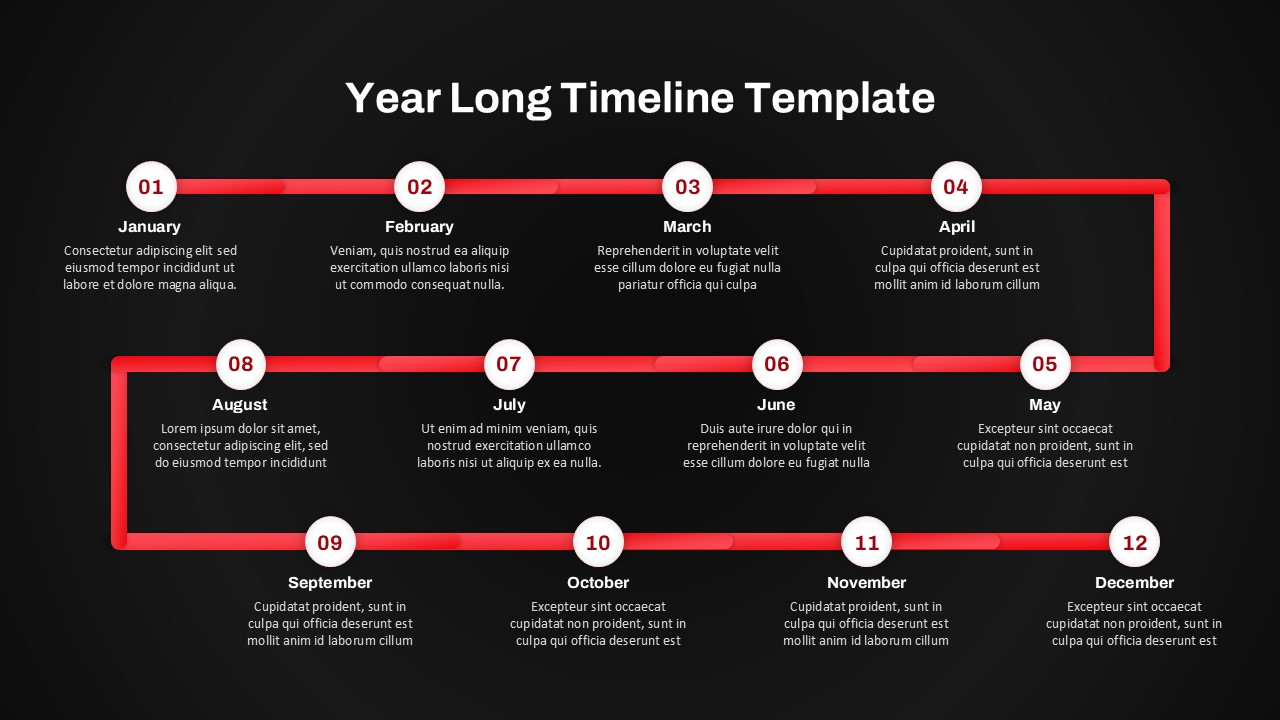
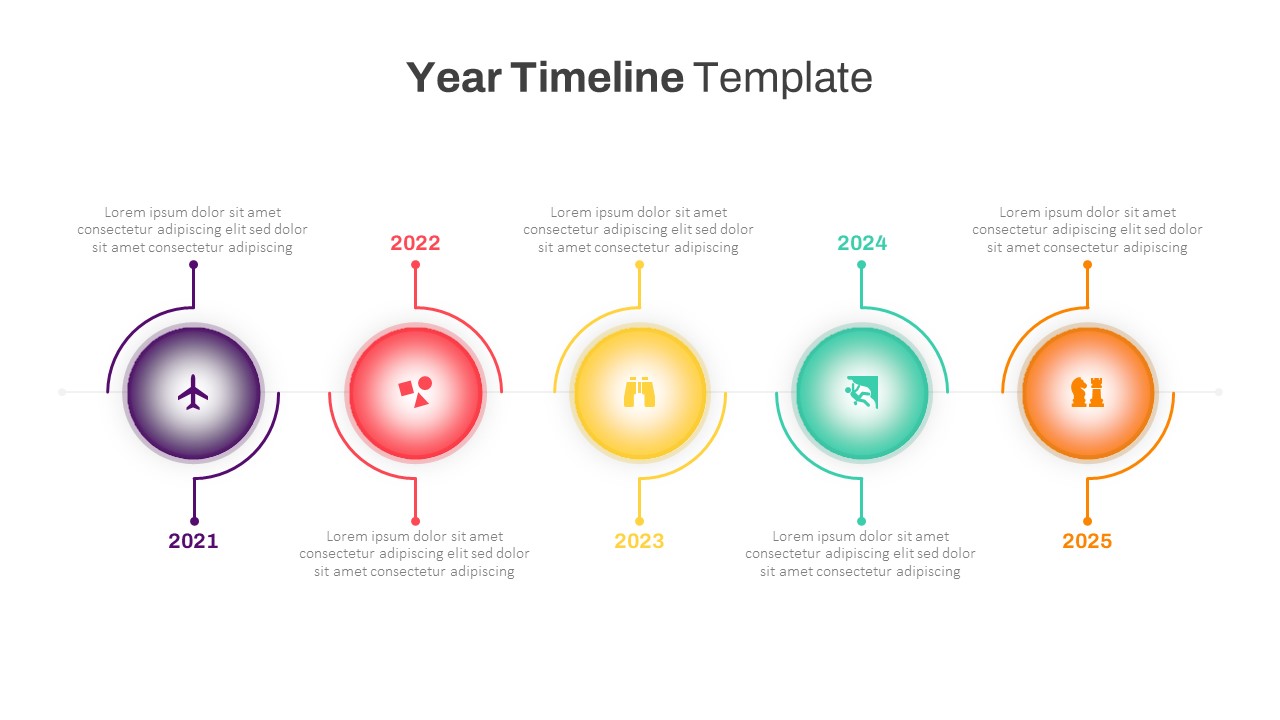
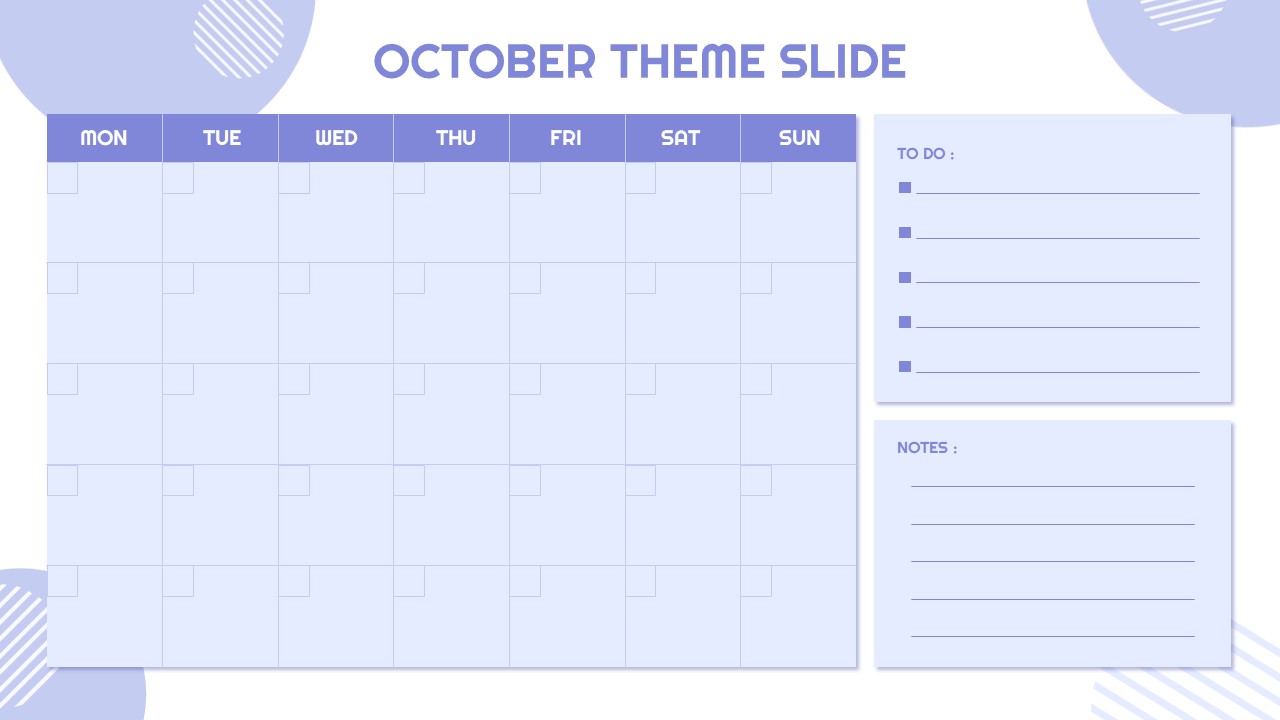
This Free 2026 Calendar Template is a vibrant and fully editable presentation design perfect for organizing yearly plans, events, and schedules. Each month features a fresh fruit-themed layout with vivid imagery and color-coded elements, creating a lively and engaging visual experience. This colorful design not only adds aesthetic appeal but also helps users quickly differentiate between months for easier navigation and presentation flow.
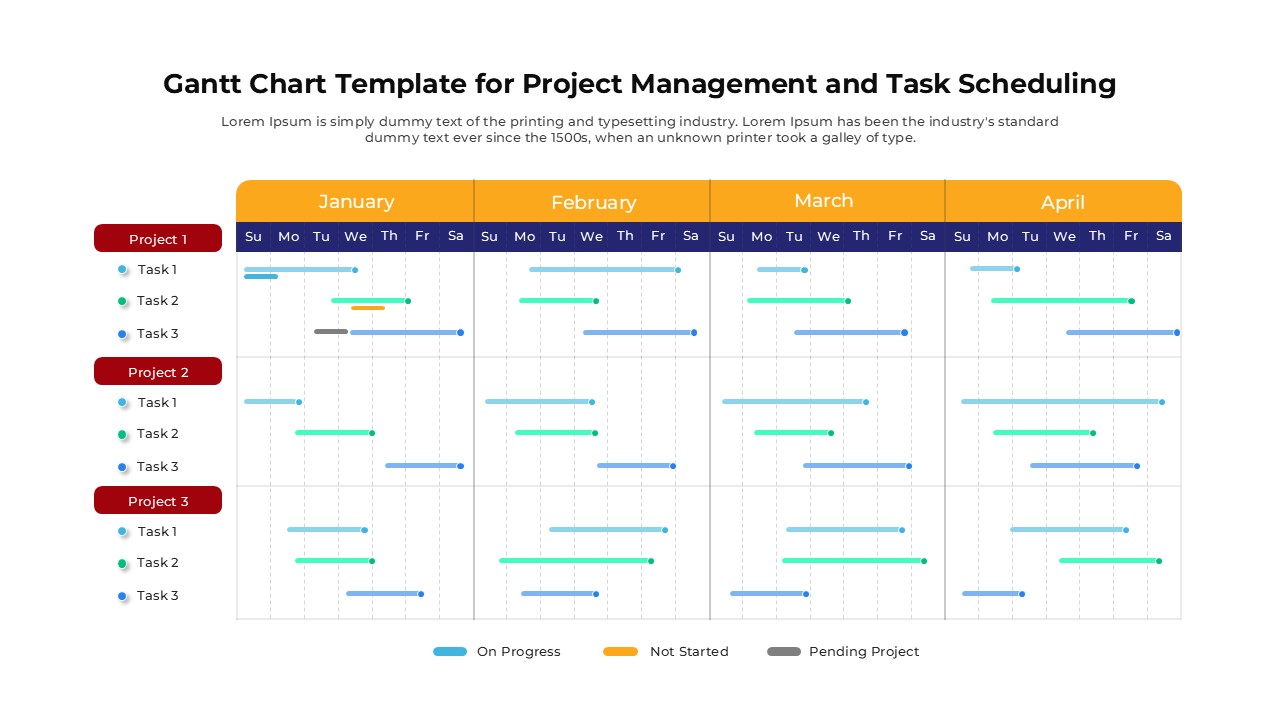
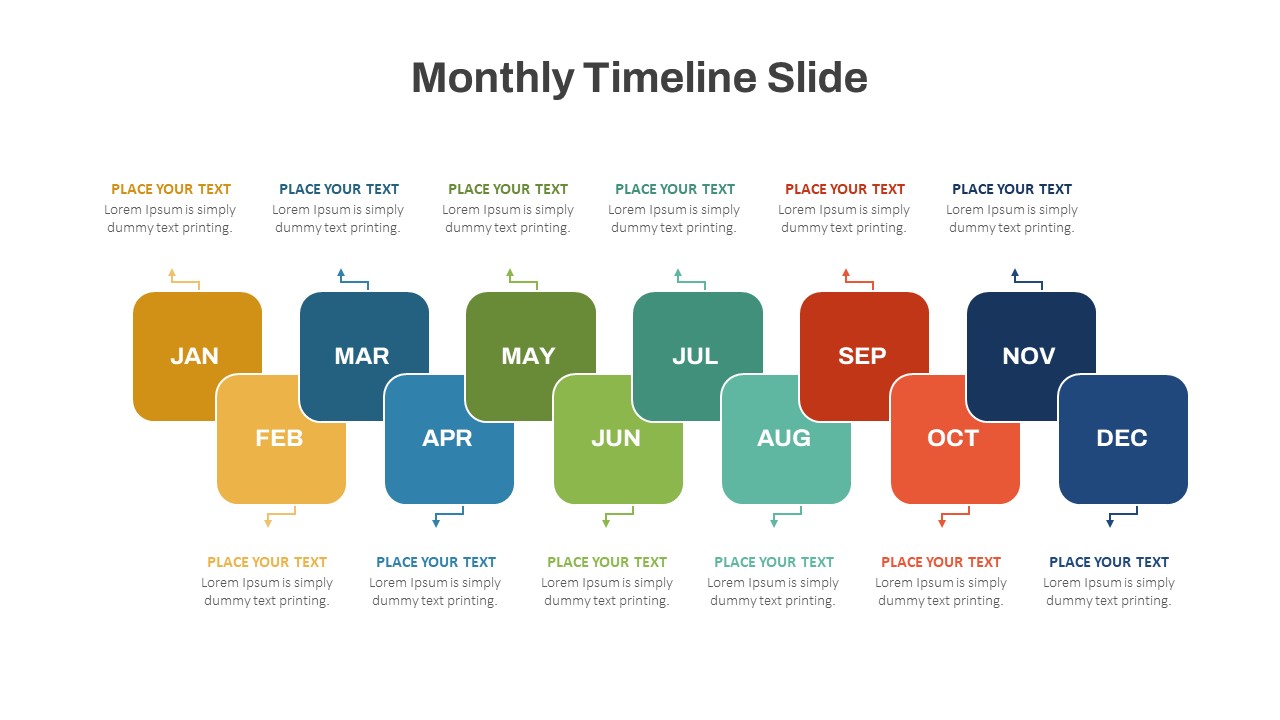
Ideal for both professional and personal use, this template can be customized to include important dates, deadlines, holidays, or project milestones. Teachers, corporate professionals, marketers, and students can all benefit from this visually stimulating design that turns traditional scheduling into a creative experience. Each slide maintains a clean balance of imagery and space, ensuring information remains clear and easy to read.
The 2026 Calendar PowerPoint and Google Slides Template supports complete customization—users can adjust colors, replace images, or insert company branding to match their unique needs. Whether you’re designing an annual business plan, outlining academic timetables, or simply organizing your year ahead, this template offers a practical and stylish solution.
Its modern layout and high-quality visuals make it suitable for presentations, wall calendars, printable planners, or digital scheduling tools. Start the year 2026 with a touch of color, clarity, and organization.
See more

Aspect Ratio
16:9Item ID
SKT04463


Features of this template
Other User Cases of the Template:
Annual business planning, academic calendar creation, marketing campaign scheduling, project timeline management, personal planners, event coordination, social media content planning, printable wall calendars, employee scheduling, monthly progress tracking.FAQs
You May Also Like These Presentation Templates
- Free


- Free


- Free
- Free
- Free
- Free
- Free
- Free
- Free
- Free
- Free
- Free
- Free
- Free
- Free
- Free
- Free
- Free
- Free
- Free
- Free
- Free
- Free
- Free
- Free
- Free
- Free
- Free
- Free
- Free
- Free
- Free
- Free
- Free
- Free
- Free
- Free
- Free
- Free