Kaizen PICK Chart Template for PowerPoint & Google Slides
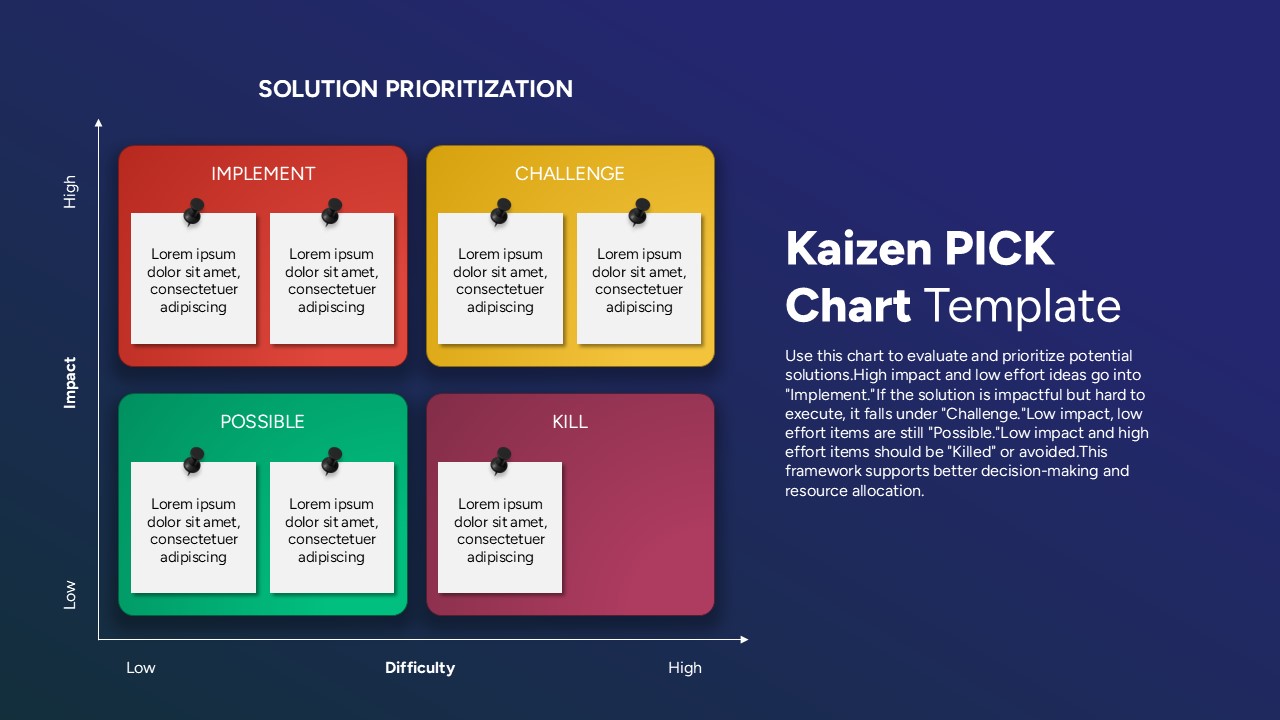
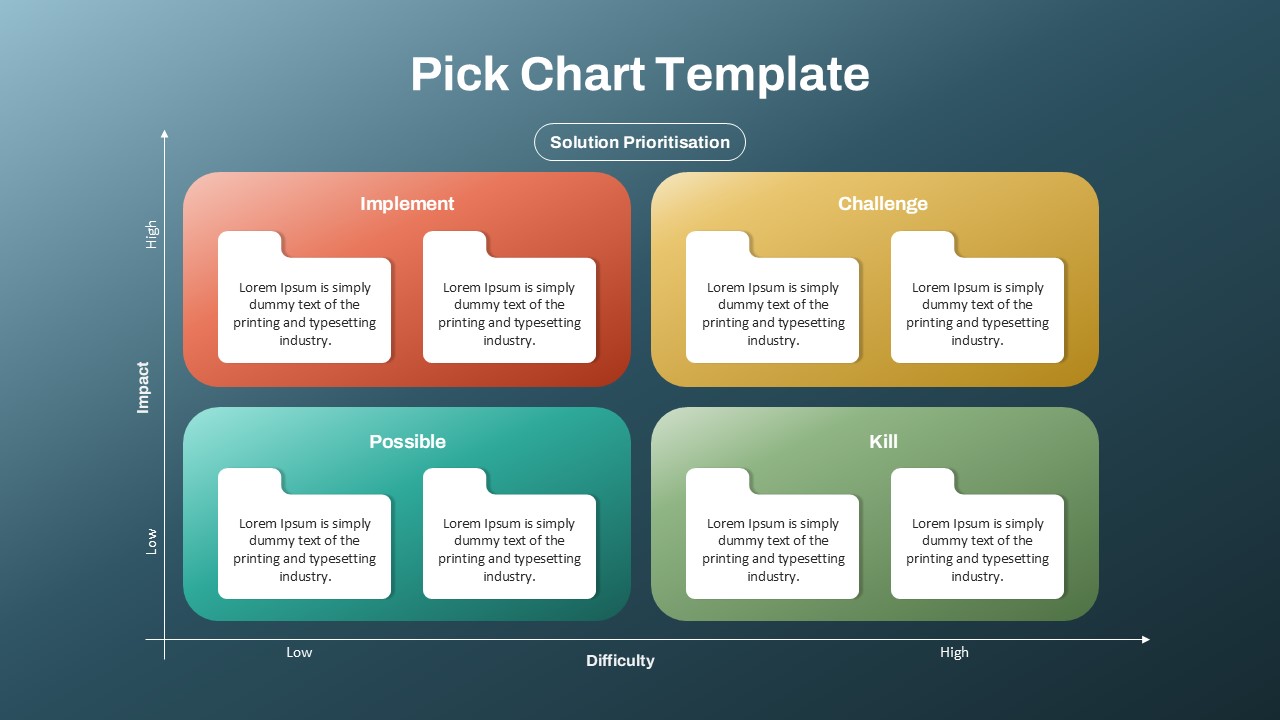
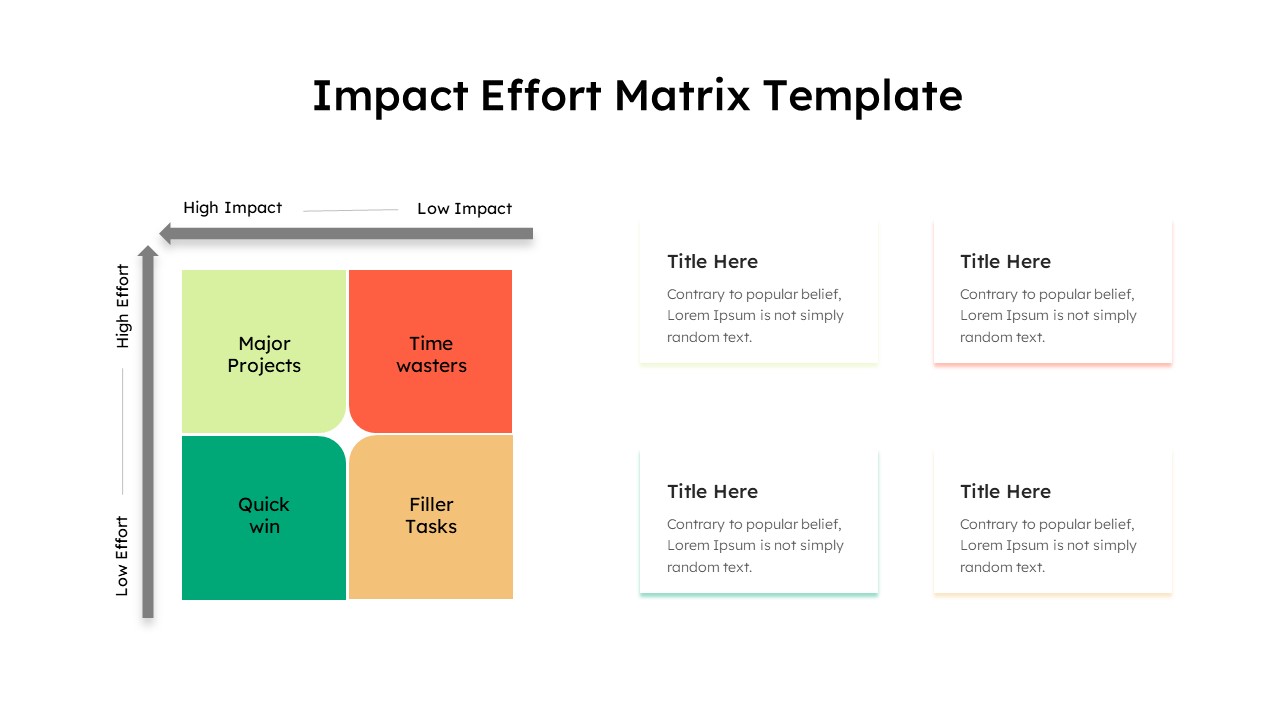
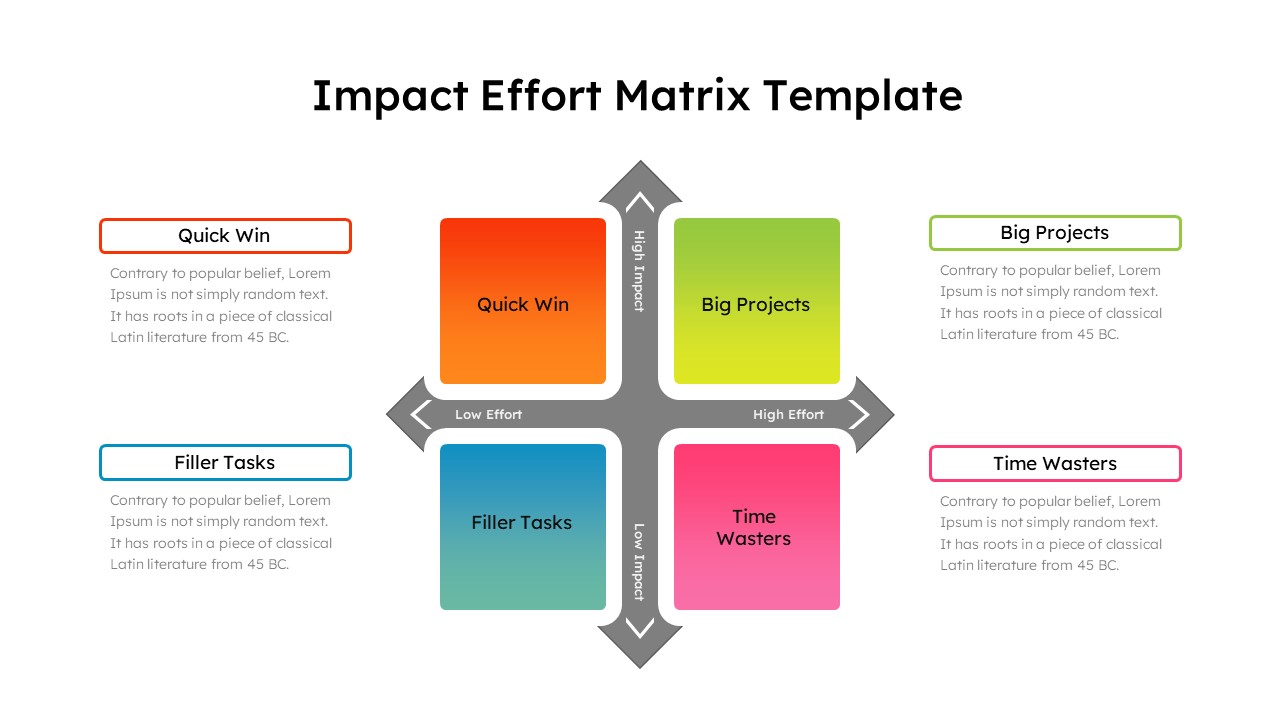
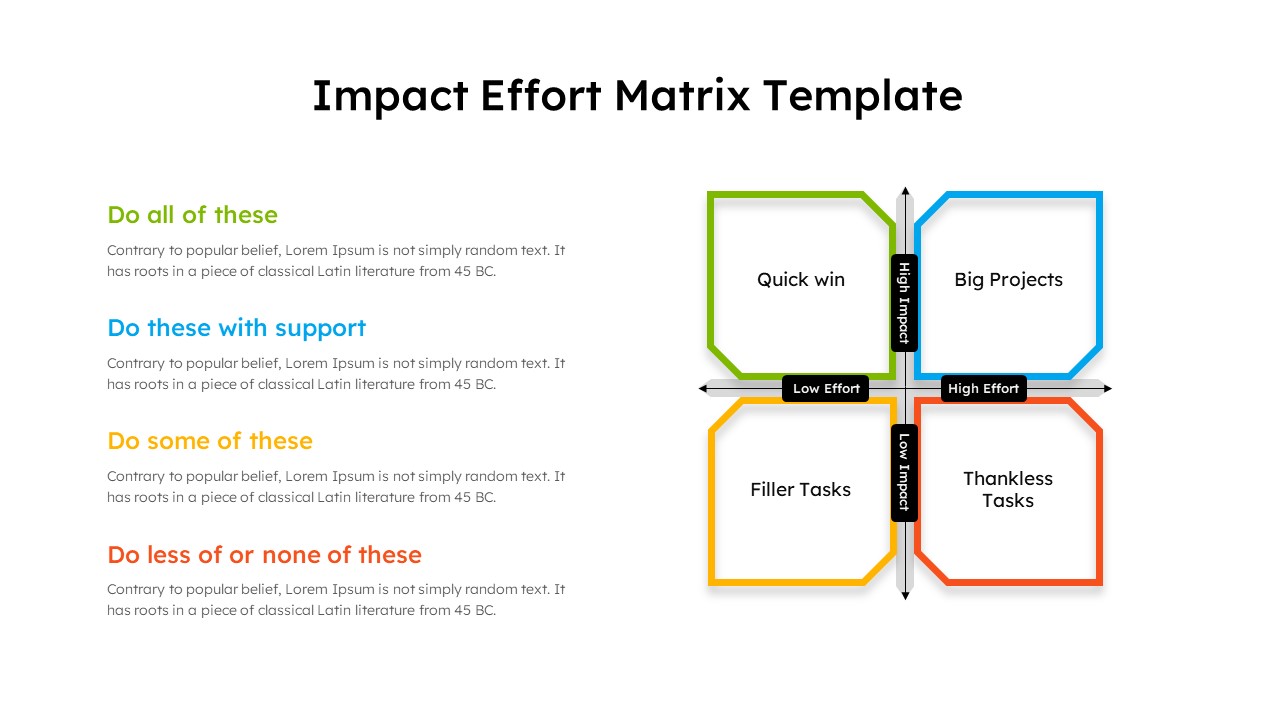
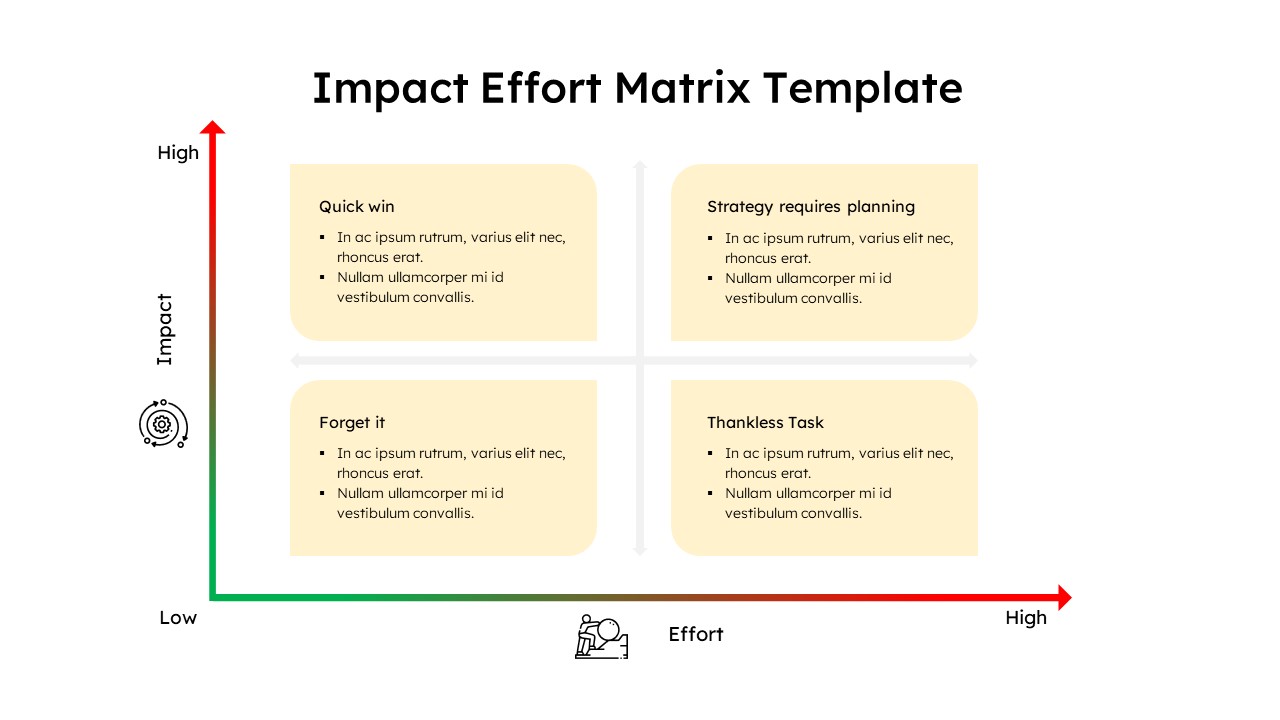
The Kaizen PICK Chart Template is a strategic tool designed to help teams and organizations evaluate and prioritize improvement ideas based on their impact and implementation difficulty. Rooted in the Kaizen philosophy of continuous improvement, this 2×2 matrix layout divides potential actions into four clear categories—Implement, Challenge, Possible, and Kill—enabling data-driven decision-making.
Each quadrant serves a specific function:
Implement includes ideas with high impact and low difficulty—ideal quick wins.
Challenge captures high-impact yet high-effort initiatives, which may require more planning and resources.
Possible holds low-effort, low-impact ideas that can still be beneficial with minimal investment.
Kill categorizes low-impact, high-effort tasks that are often inefficient and best avoided.
The visually engaging design is perfect for presenting solution prioritization in team meetings, Lean Six Sigma workshops, strategic planning sessions, or agile sprint retrospectives. With color-coded sections and editable sticky notes, this template supports clear communication, transparency, and collaborative discussion among stakeholders. It is fully compatible with both PowerPoint and Google Slides, offering ease of use and flexibility for various professional environments.
Whether you’re optimizing processes, managing change, or simply streamlining task prioritization, this template offers a clear framework to foster alignment and accelerate decision-making.
See more

Aspect Ratio
16:9Item ID
SKT04294


Features of this template
Other User Cases of the Template:
Lean Six Sigma workshops, project prioritization, process improvement planning, agile retrospectives, team brainstorming sessions, change management strategies, strategic planning meetings, operations management reviews, decision-making facilitation, continuous improvement presentations.
FAQs
You May Also Like These Presentation Templates

- Free

- Free
- Free