Client Onboarding Timeline Template for PowerPoint & Google Slides
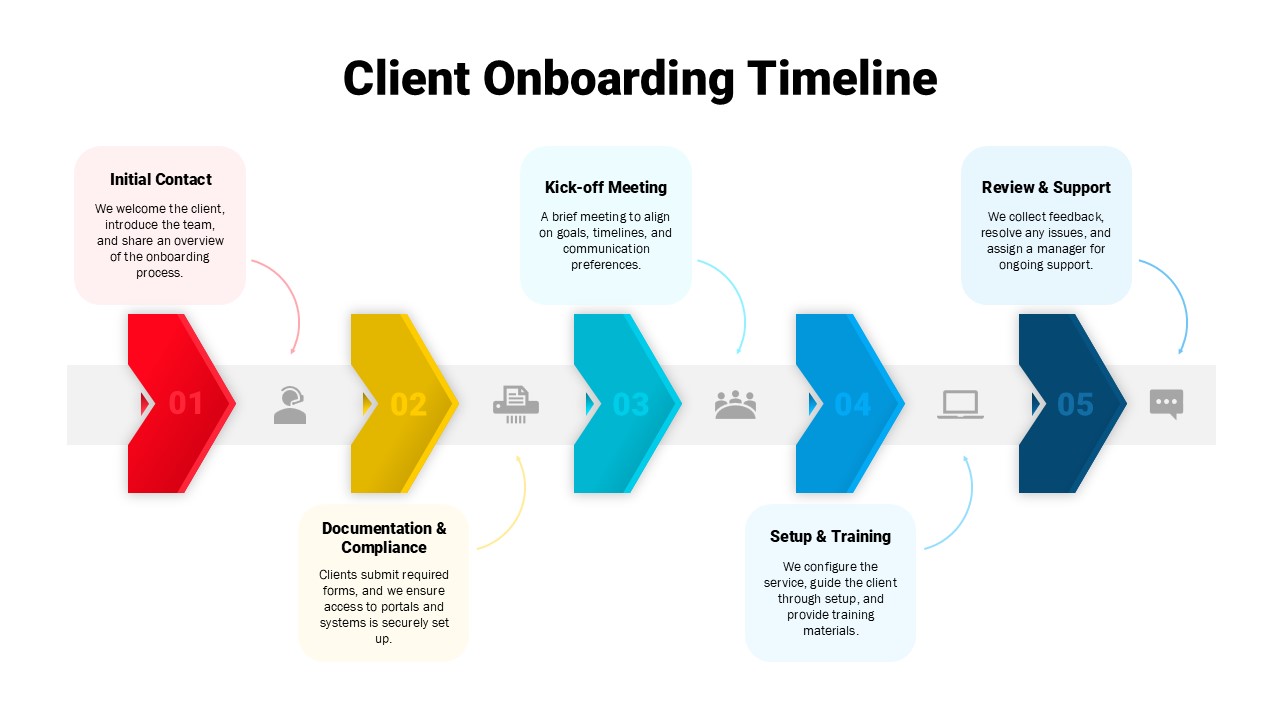
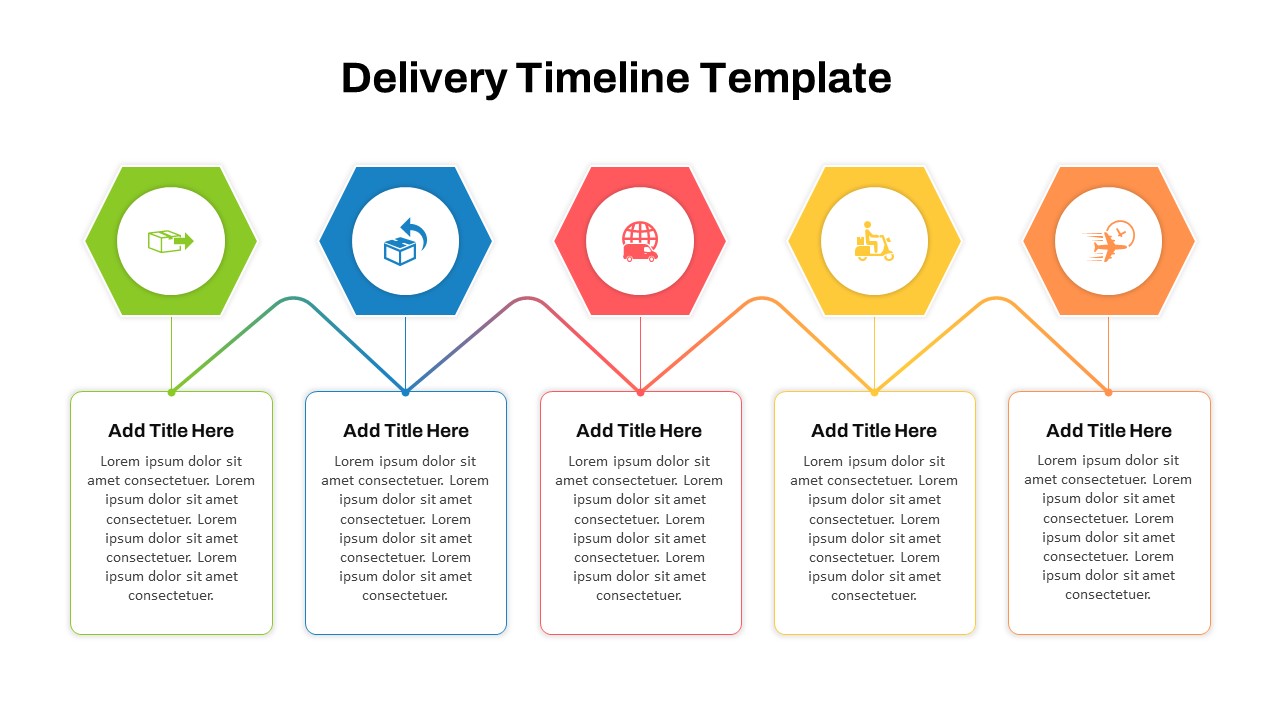
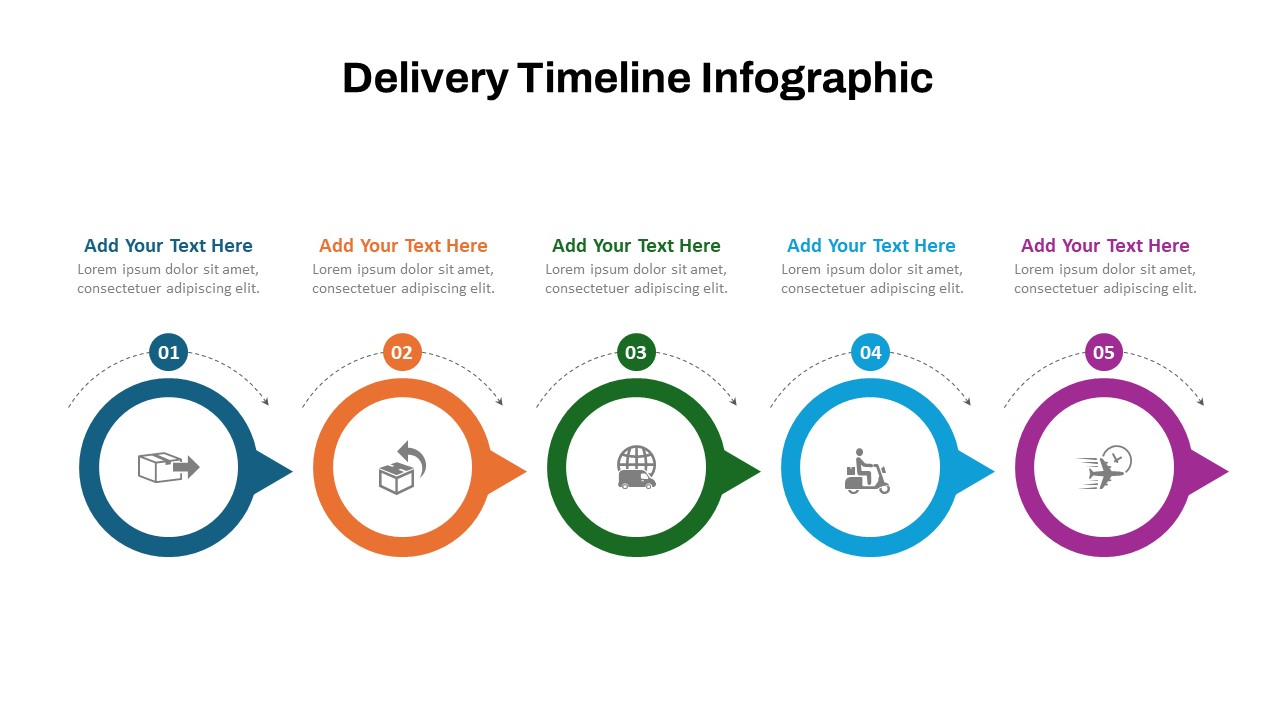
The Client Onboarding Timeline Template is a professional and visually structured solution for outlining your customer onboarding journey in a clear, sequential format. This five-step process helps businesses and service providers communicate each stage of onboarding with precision—from the initial contact to ongoing support.
The timeline includes the following key phases:
Initial Contact: Introduce your team and share a high-level overview of the onboarding process.
Documentation & Compliance: Collect necessary forms and ensure secure system access.
Kick-off Meeting: Align on goals, timelines, and communication preferences.
Setup & Training: Configure services, offer training materials, and walk clients through setup.
Review & Support: Collect feedback, resolve issues, and assign support contacts.
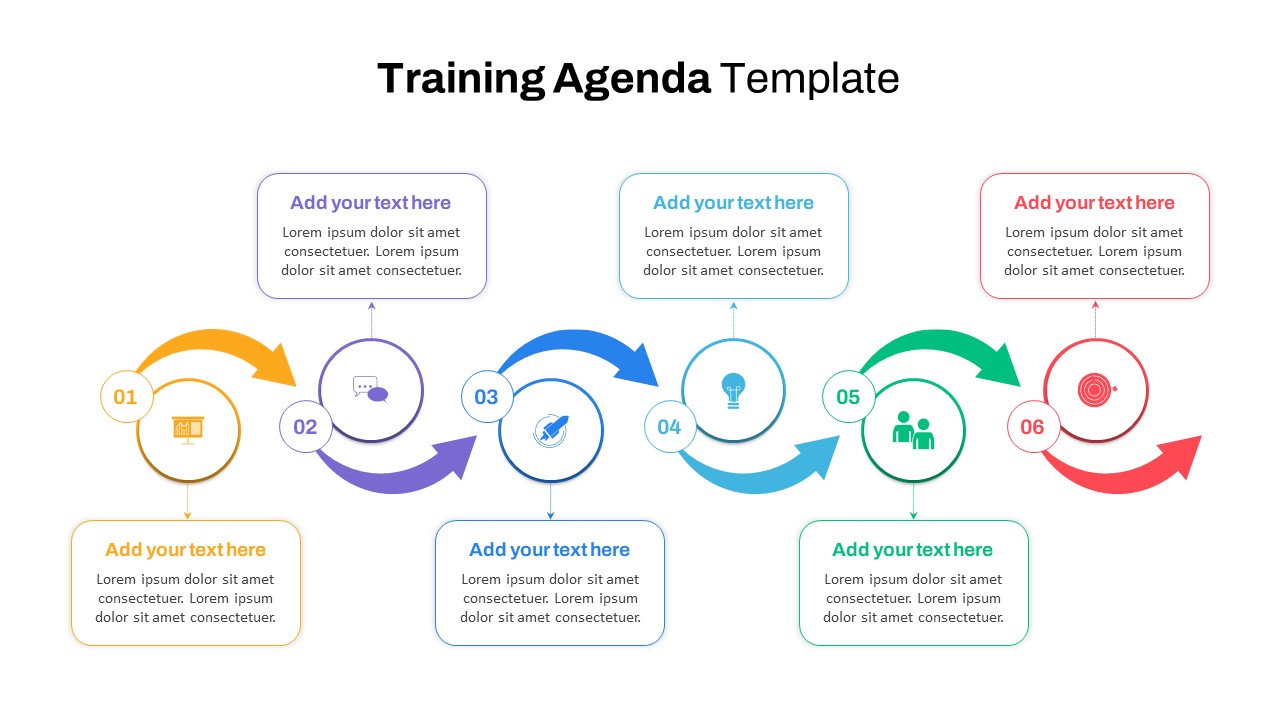
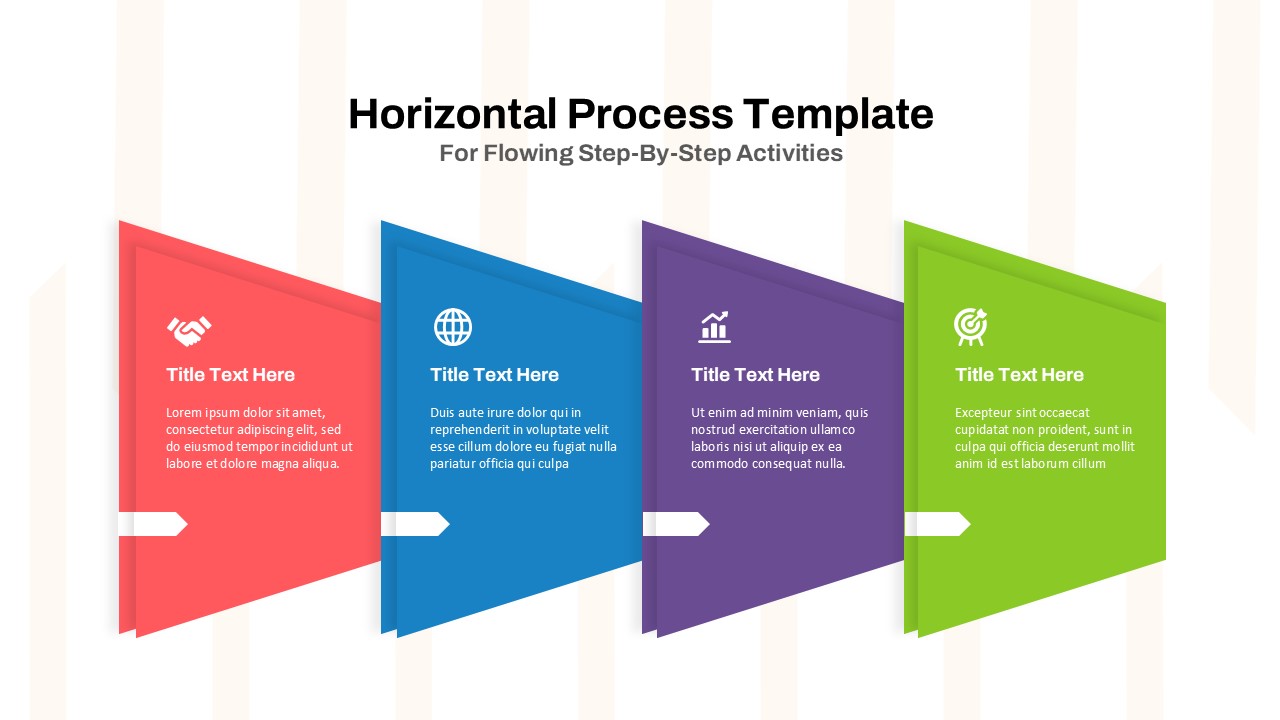
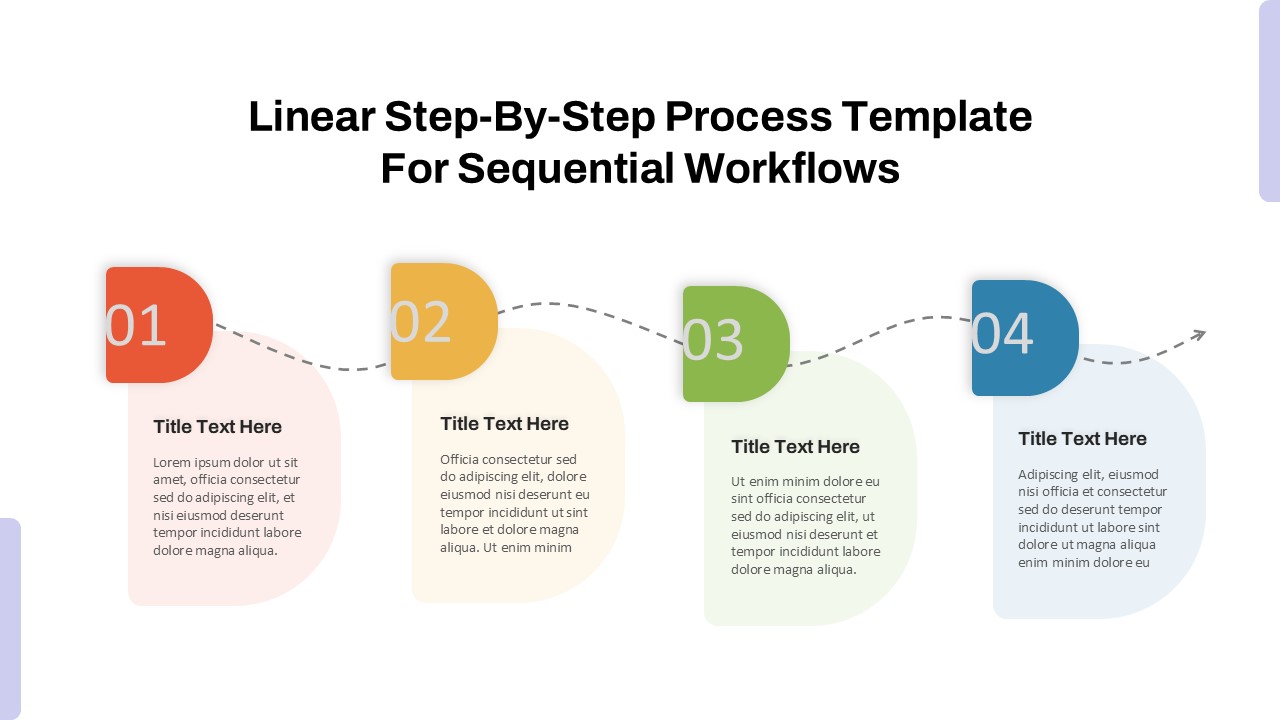
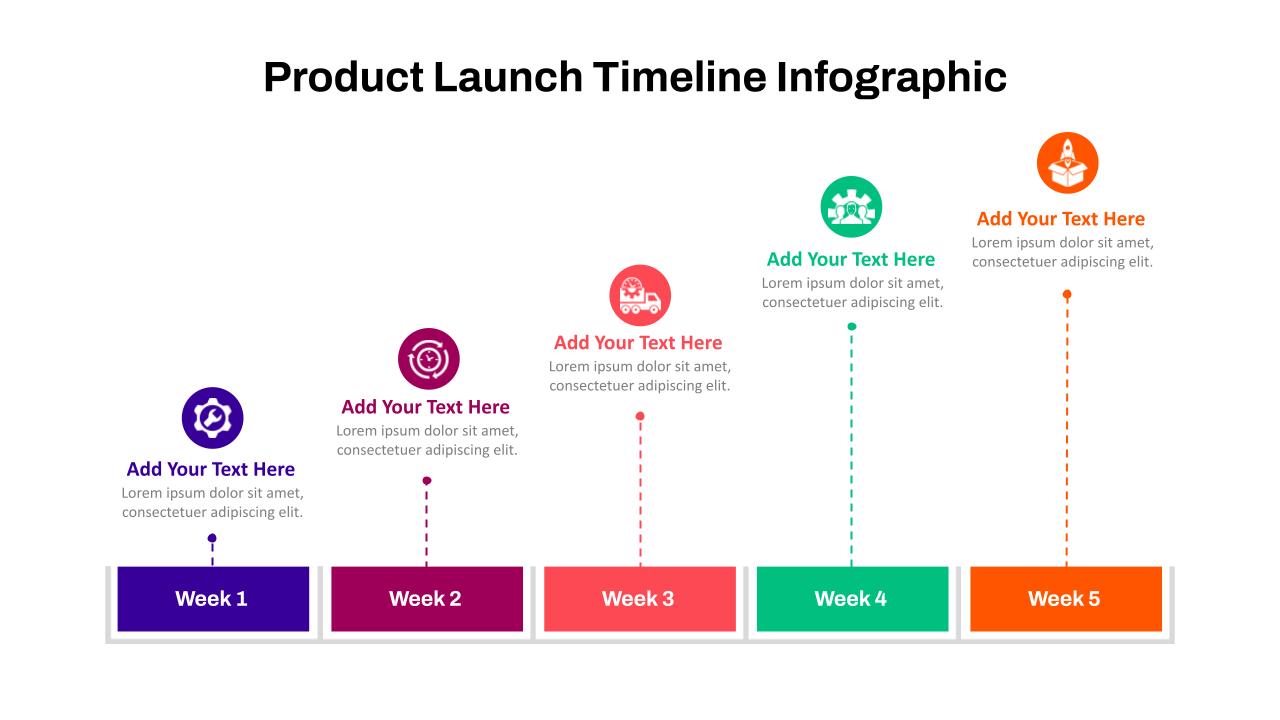
Designed with bold, color-coded arrows and intuitive icons, this template creates an engaging flow that enhances understanding and keeps your audience focused. Each step is complemented by editable text boxes to provide further detail, making it easy to tailor the presentation to your specific business model.
Ideal for SaaS companies, marketing agencies, B2B service providers, and client-facing teams, this timeline supports transparency, builds trust, and ensures a smooth onboarding experience for new clients. Fully customizable in both PowerPoint and Google Slides, it streamlines communication across internal teams and external stakeholders alike.
See more

Aspect Ratio
16:9Item ID
SKT04297


Features of this template
Other User Cases of the Template:
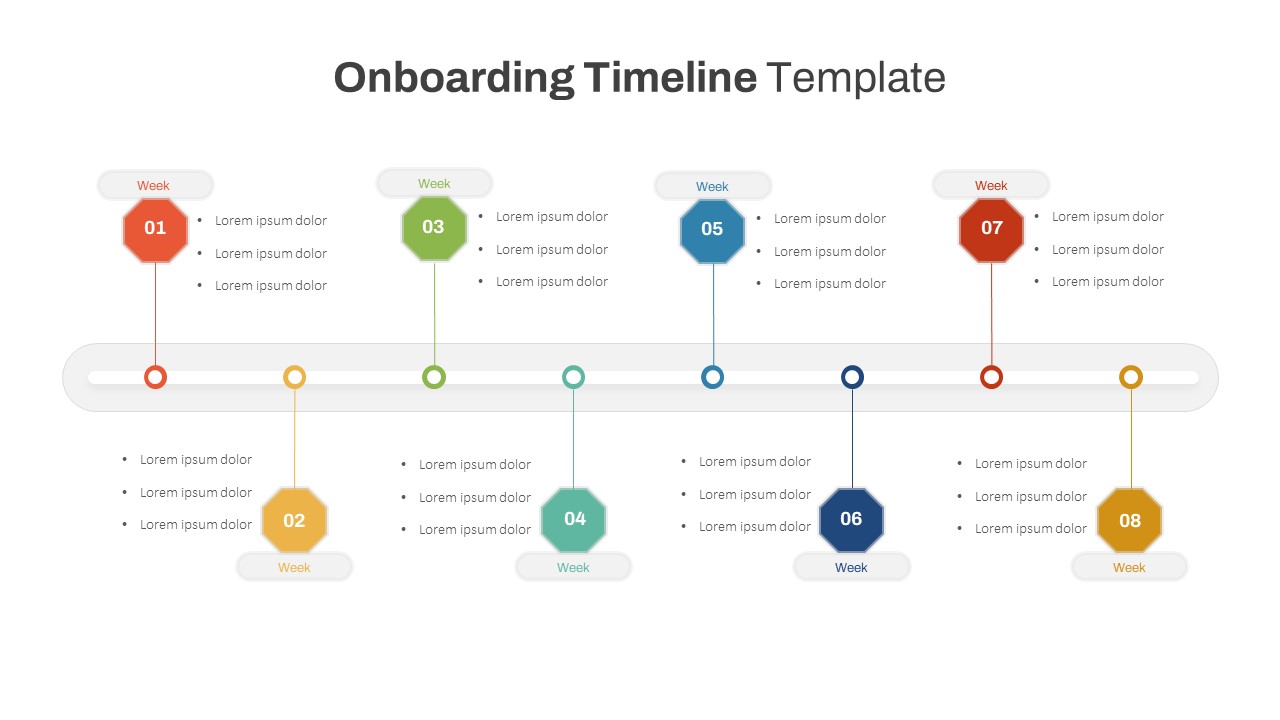
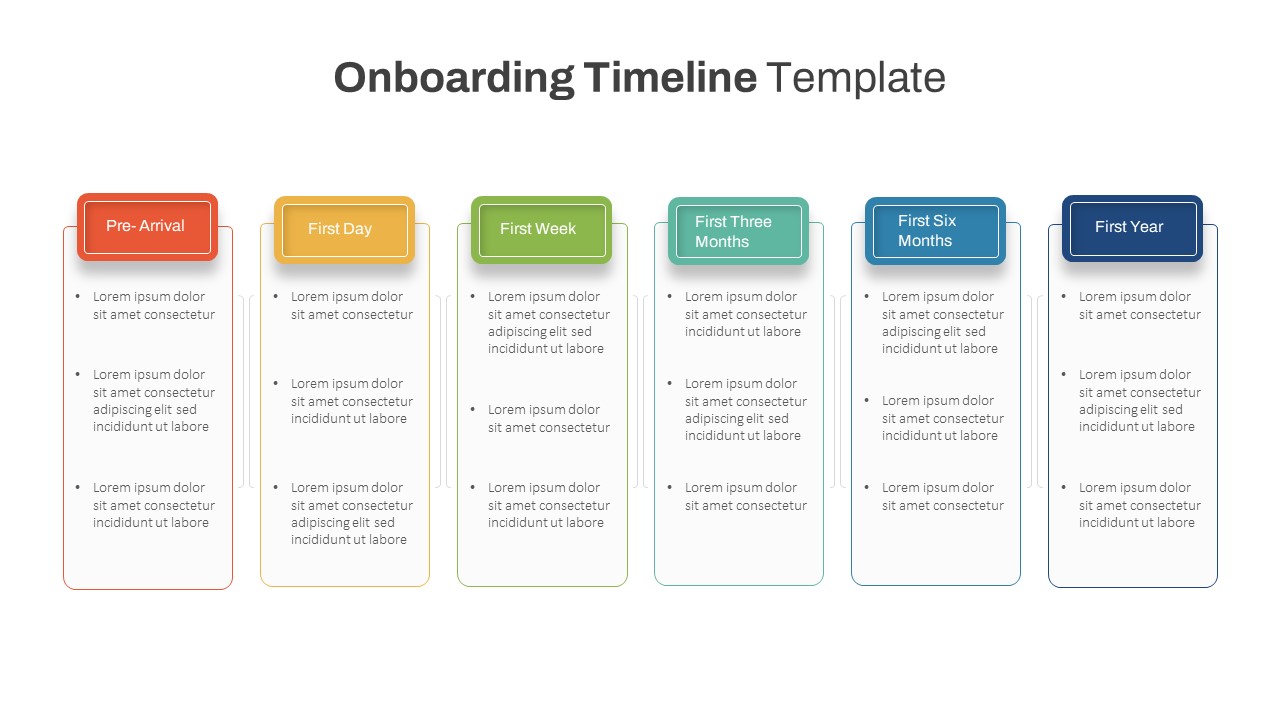
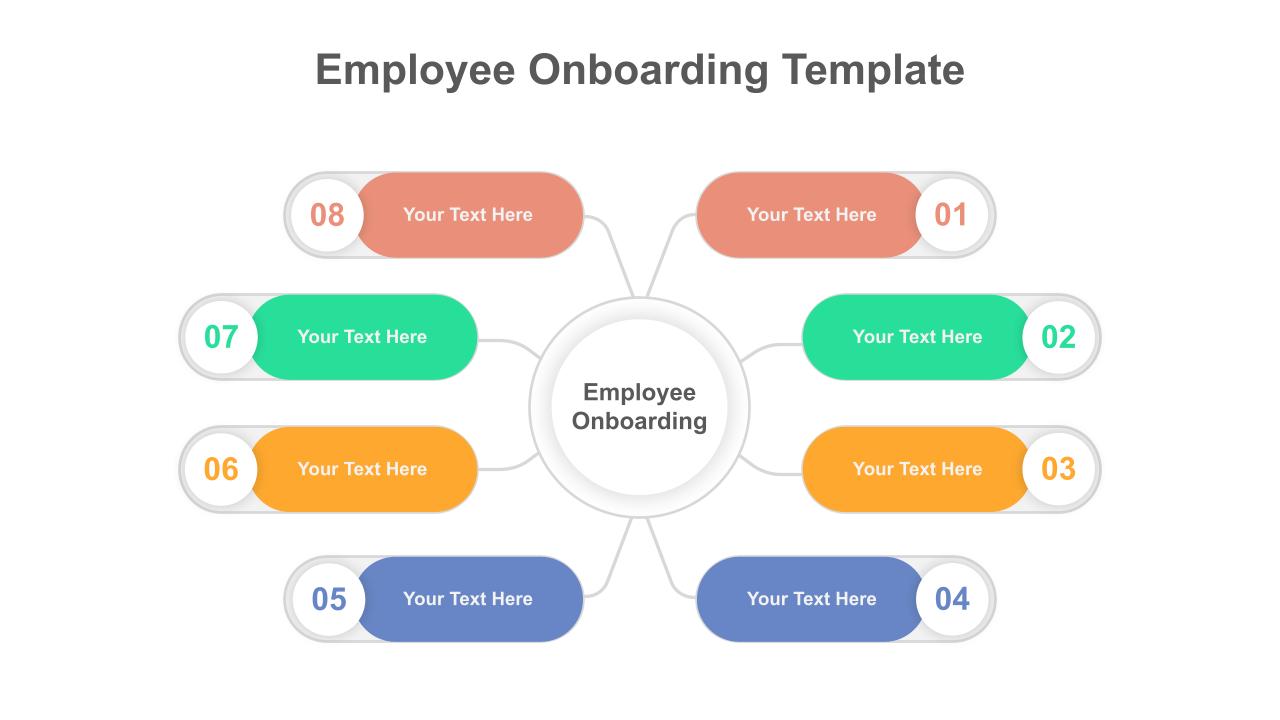
SaaS onboarding presentations, client engagement workflows, B2B service roadmaps, customer success planning, agency onboarding guides, product implementation timelines, employee onboarding, internal training processes, CRM setup walkthroughs, project initiation phases.
FAQs
You May Also Like These Presentation Templates

- Free


- Free
- Free
- Free
- Free
- Free

- Free
- Free
- Free