Analog Clock Infographic Template for PowerPoint & Google Slides
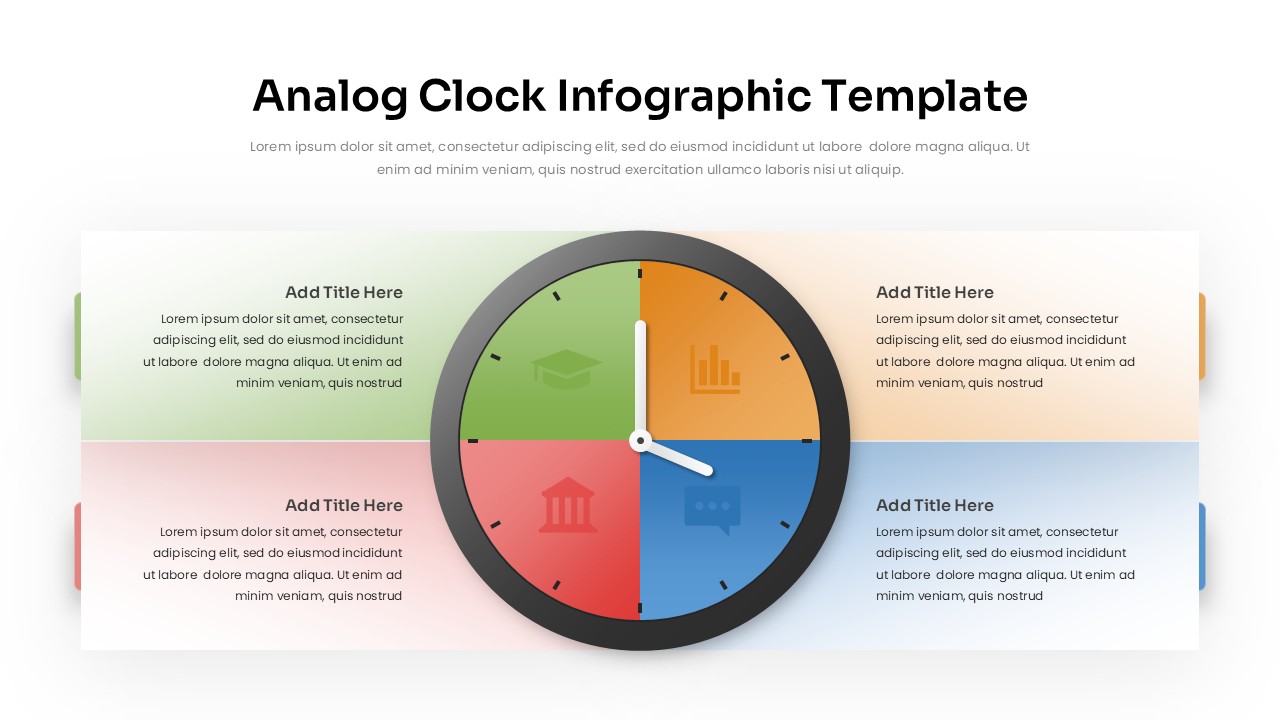
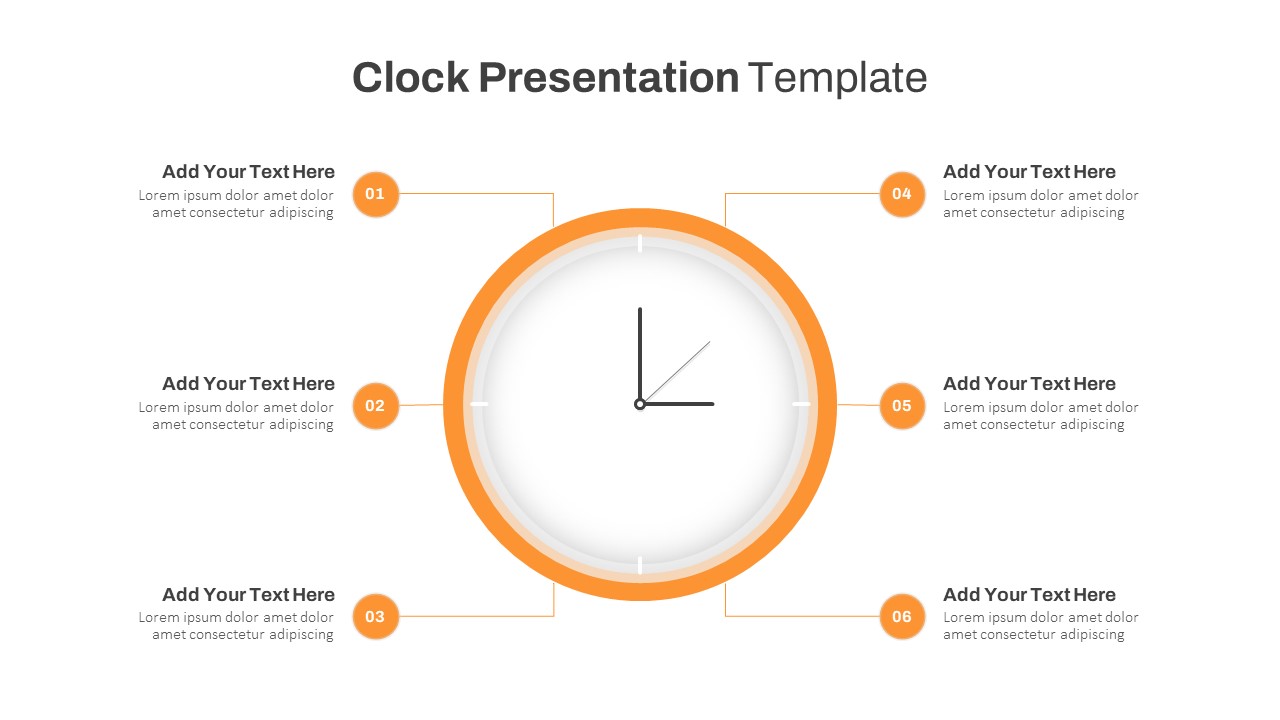
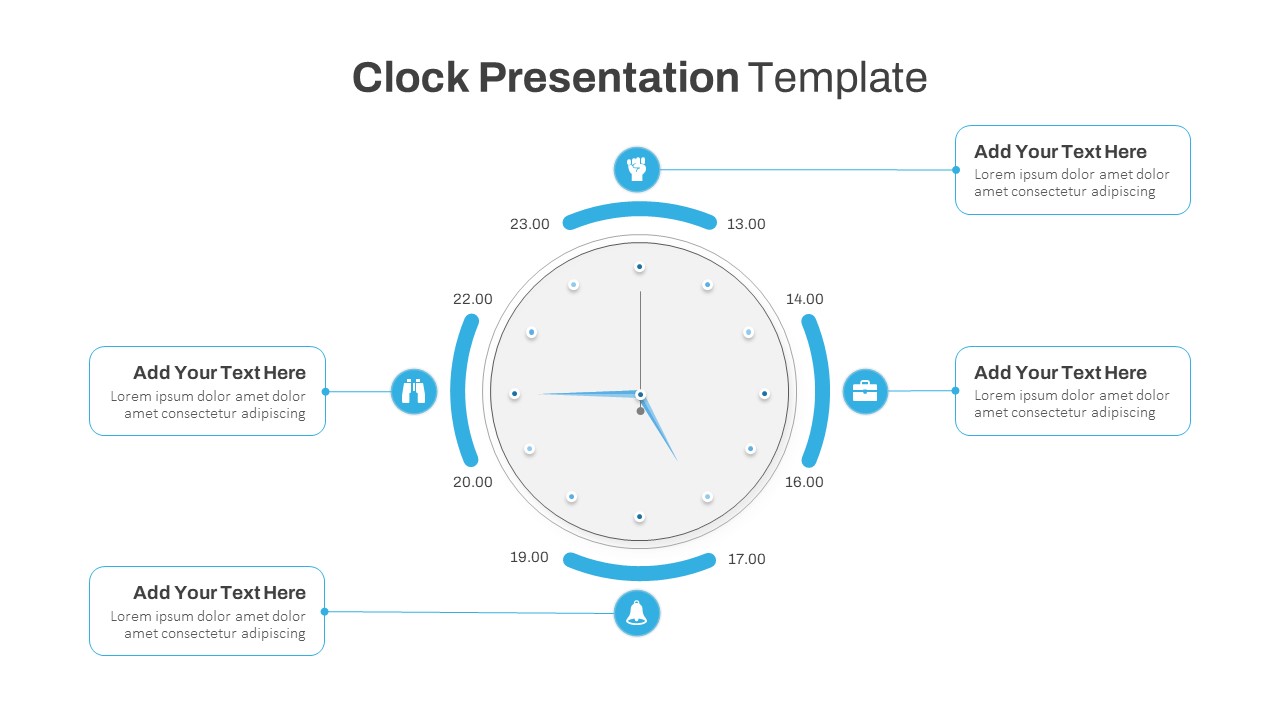
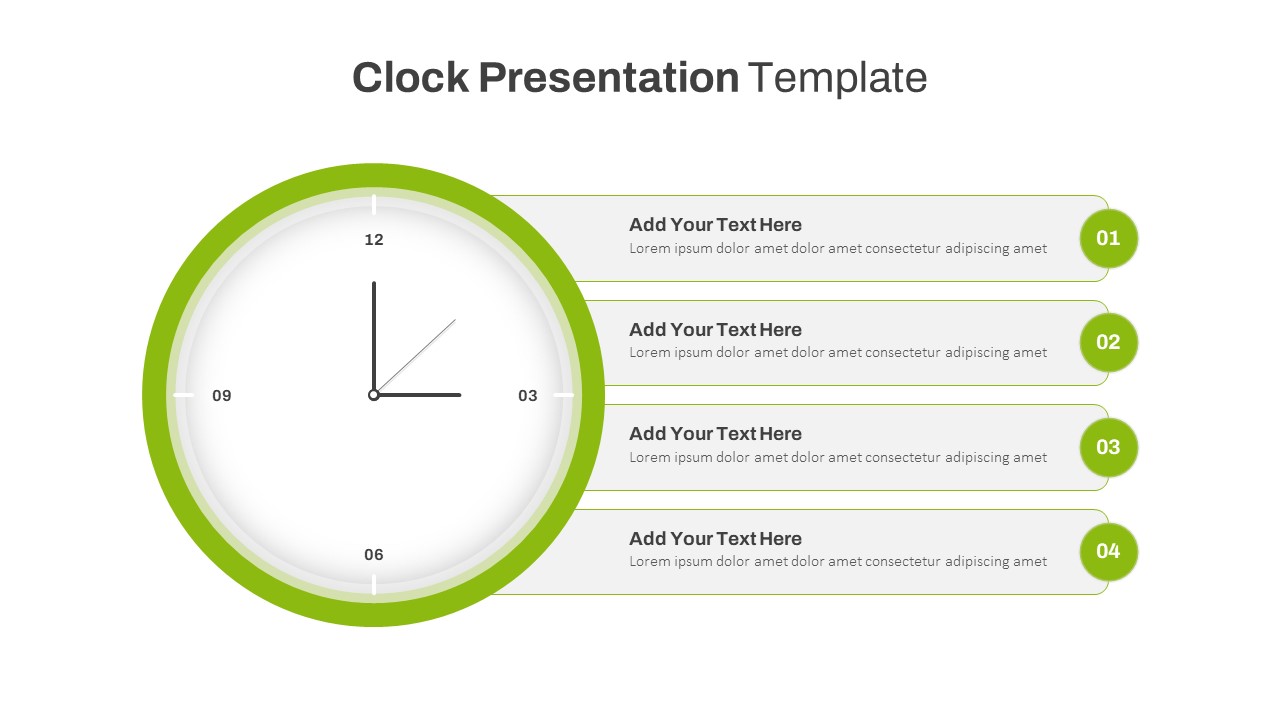
The Analog Clock Infographic Template is a visually striking presentation tool that combines time management with data storytelling. Designed in the shape of a traditional clock, this template divides the face into four colorful quadrants, each section ready to represent a key idea, task, or process. Its clean and modern design makes it an ideal choice for presenters who want to simplify complex information into a format that is both intuitive and engaging.
This template is particularly effective for highlighting concepts such as project timelines, daily routines, productivity strategies, or performance cycles. Each quadrant is color-coded, allowing you to distinguish between different categories or themes—whether related to business, education, marketing, or organizational planning. The central clock hands add a dynamic element, symbolizing the passage of time, progress, or priority, making it especially useful in presentations focused on deadlines, scheduling, or efficiency.
With space for text alongside each section, the template allows you to explain details clearly while maintaining strong visual appeal. The balance of visuals and content ensures your audience can quickly grasp the flow of information without being overwhelmed by text-heavy slides.
Suitable for corporate professionals, educators, trainers, and project managers, the Analog Clock Infographic Template adapts easily to a variety of contexts. Whether you are planning a campaign, outlining milestones, or teaching time-based concepts, this template helps you deliver your message with clarity and impact.
Available for PowerPoint and Google Slides, it provides flexibility across platforms, ensuring seamless integration into your preferred presentation style. With its creative yet professional design, this template is a powerful tool for making presentations more engaging and memorable.
See more

Aspect Ratio
16:9Item ID
SKT04293


Features of this template
Other User Cases of the Template:
Project timelines, business milestones, daily work schedules, productivity tracking, marketing campaign planning, educational lessons on time management, employee training sessions, quarterly reviews, workflow processes, personal development planning.
FAQs
You May Also Like These Presentation Templates


- Free

- Free
- Free
- Free
- Free
- Free
- Free
- Free

- Free