Talking Points Template for PowerPoint & Google Slides
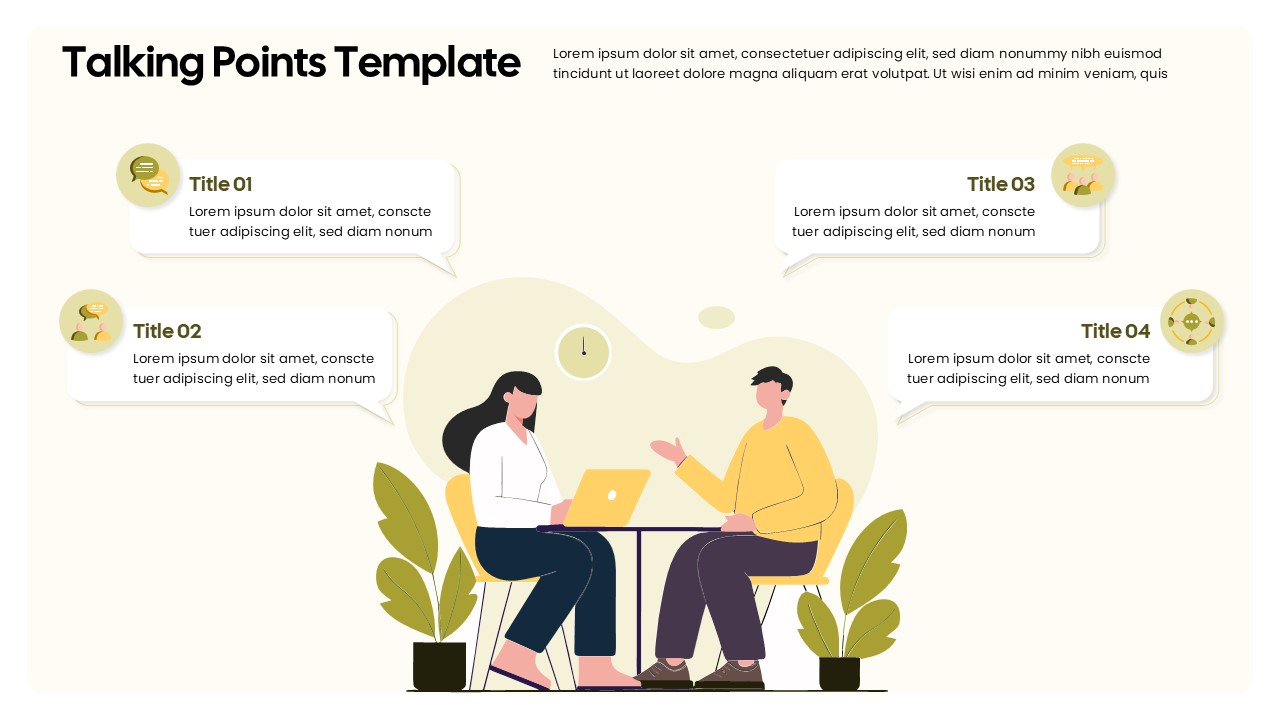
The Talking Points Template is a clean, conversational-style presentation slide ideal for structuring key discussion topics in meetings, interviews, coaching sessions, or panel discussions. This engaging layout features a modern illustration of two people in dialogue, with speech bubbles visually representing four main talking points—creating a natural flow for communication and storytelling.
Each talking point is accompanied by a unique icon and bold title section, making it easy to distinguish between subjects. The template’s soft color palette and approachable design make it suitable for both formal and informal settings. Whether you’re hosting a one-on-one review, client briefing, or training session, this slide supports clarity and audience engagement.
The design includes:
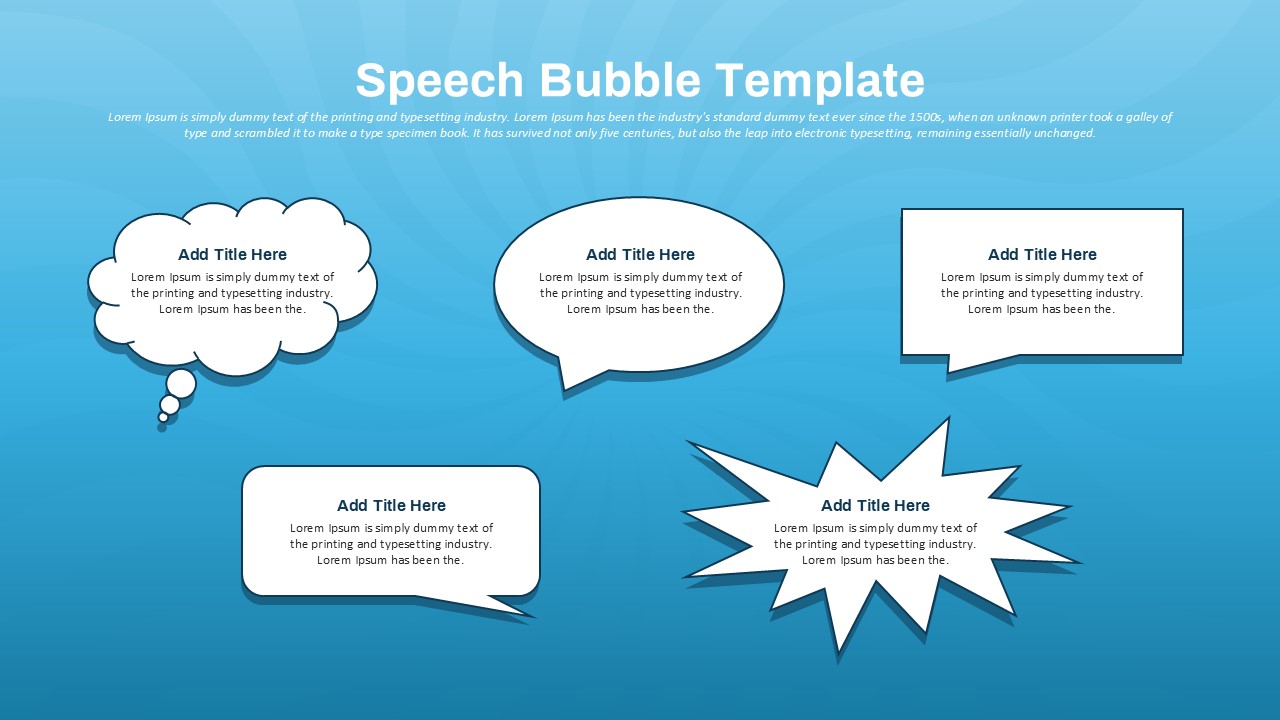
Four visually distinct speech bubbles for individual points
Clear visual hierarchy for titles and short descriptions
Illustrative elements to create a relaxed, professional atmosphere
Ideal for presenters who want to break down complex topics into digestible conversation starters, this slide helps keep discussions focused and structured. Fully editable in PowerPoint and Google Slides, you can quickly customize the icons, text, and colors to match your theme or corporate branding.
This template is perfect for educators, managers, consultants, and facilitators who rely on discussion-led presentations to engage their audience and drive results.
See more

Aspect Ratio
16:9Item ID
SKT04305


Features of this template
Other User Cases of the Template:
Team meetings, performance reviews, job interviews, coaching sessions, sales presentations, panel discussions, training workshops, classroom discussions, project briefings, feedback sessions.
FAQs
You May Also Like These Presentation Templates
- Free

- Free

- Free
- Free
- Free
- Free
- Free
- Free
- Free
- Free
- Free
- Free
- Free

- Free
- Free
- Free
- Free
- Free
- Free
- Free
- Free
- Free
- Free
- Free
- Free
- Free
- Free
- Free