Work Breakdown Structure (WBS) Template for PowerPoint & Google Slides
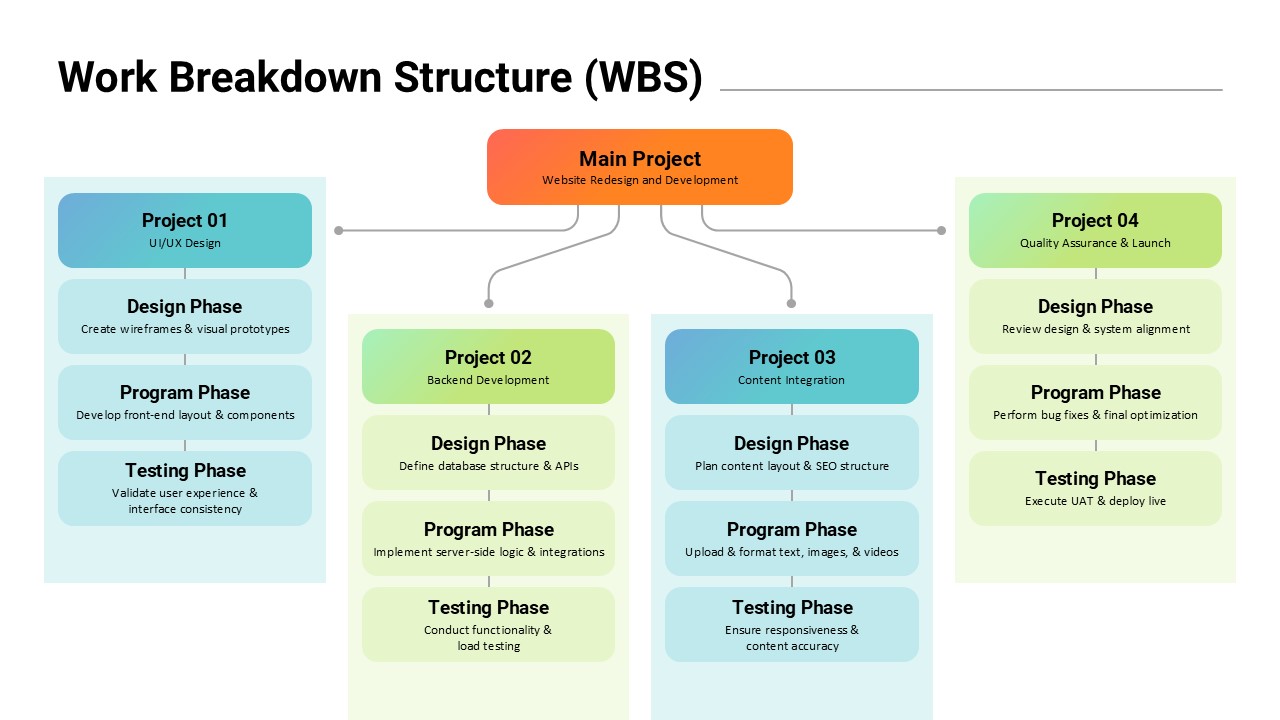
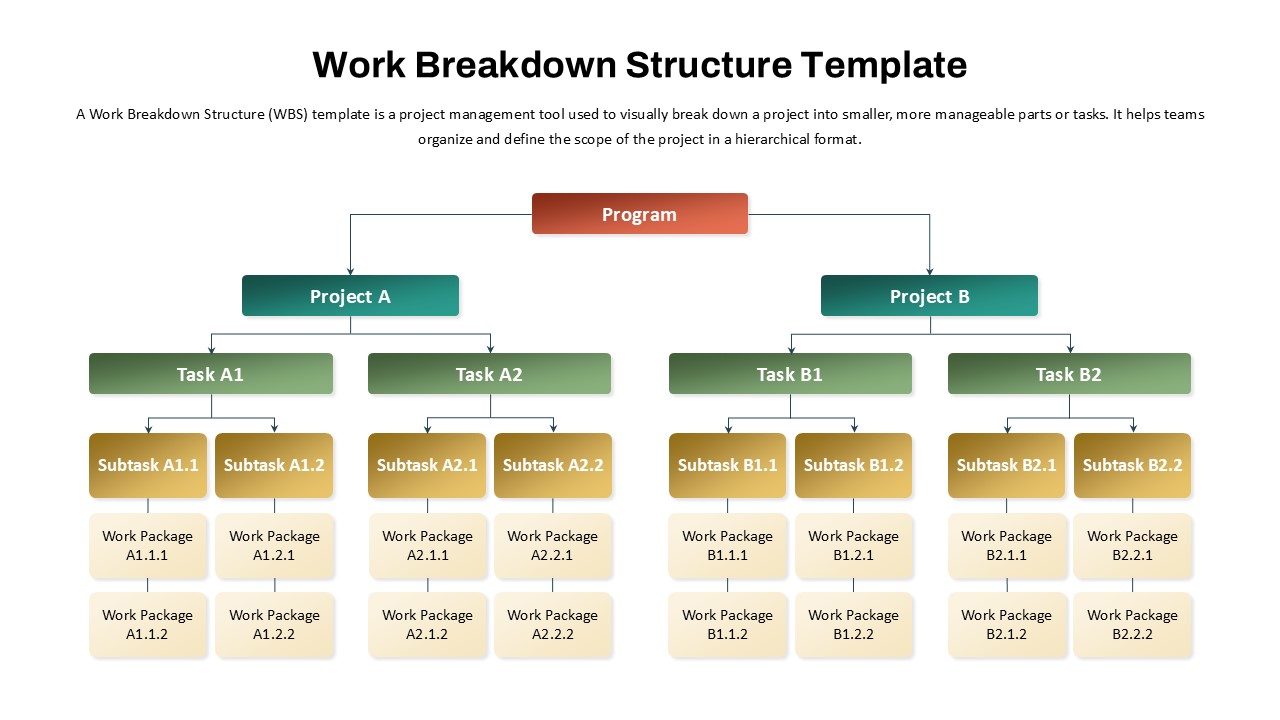
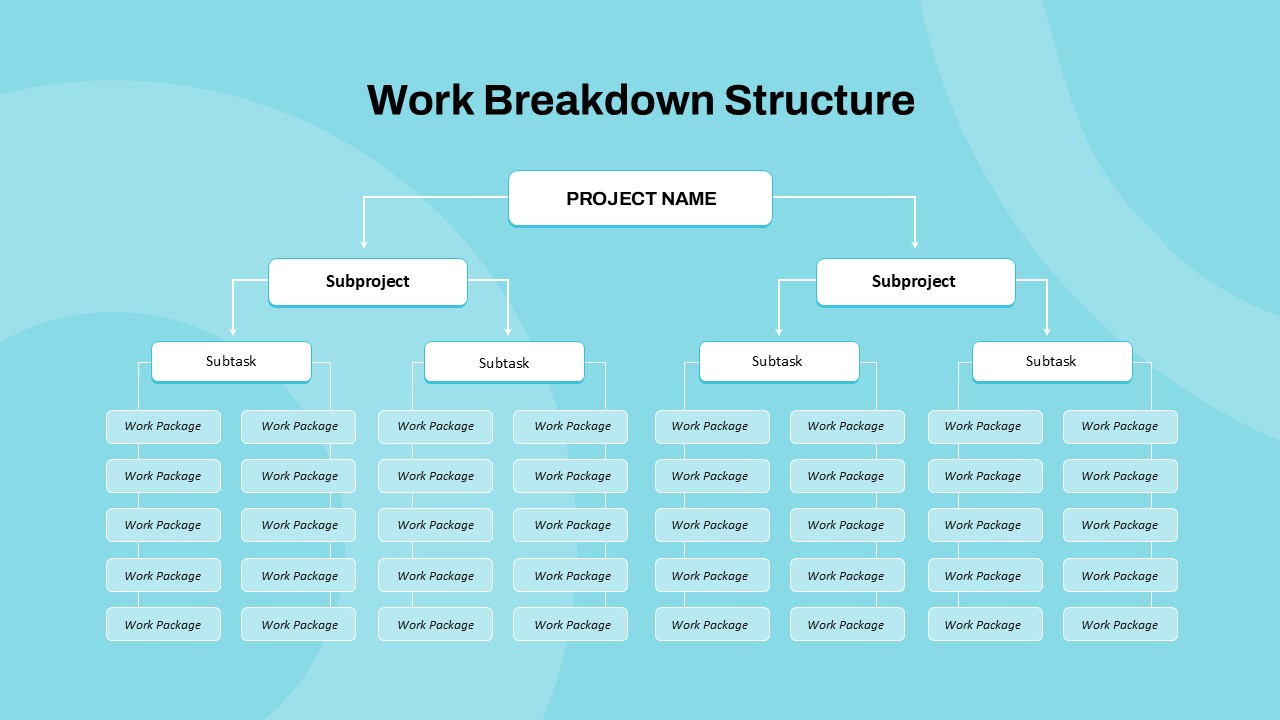
The Work Breakdown Structure (WBS) Project Planning Presentation Template is a professional and visually structured solution designed to help teams clearly define, organize, and manage complex projects. Built around a central “Main Project” concept, this template breaks down large initiatives into logical sub-projects and actionable phases, making it easier to communicate scope, responsibilities, and progress to stakeholders.
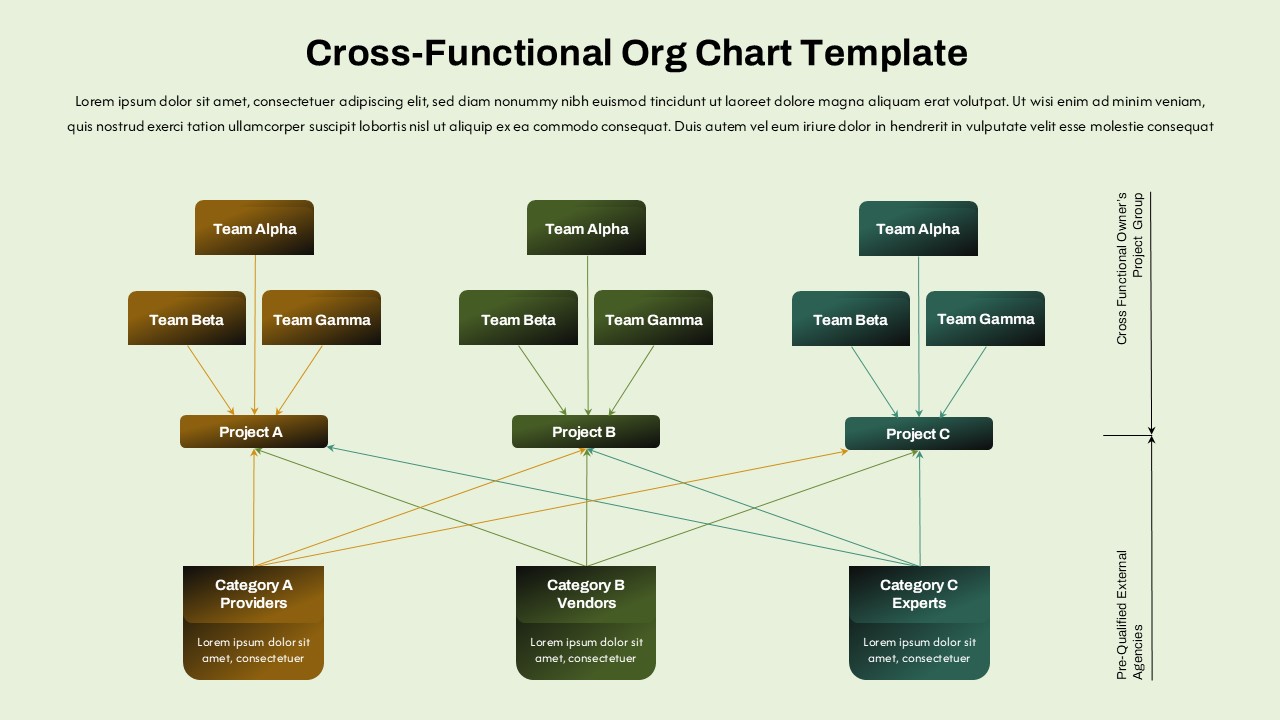
This template follows a hierarchical layout that visually connects the main project objective with multiple project streams, such as design, development, content integration, and quality assurance. Each project stream is further divided into clearly labeled phases—Design Phase, Program Phase, and Testing Phase—allowing teams to present workflows in a systematic and easy-to-understand manner. This structure supports better planning, accurate estimation, and improved accountability across teams.
The clean use of color-coded sections enhances readability and helps audiences quickly distinguish between different project components. Rounded shapes, balanced spacing, and clear typography ensure the slide remains professional while being engaging enough for presentations to clients, executives, or internal teams. The layout is especially effective for explaining project dependencies, timelines, and deliverables during kickoff meetings, status updates, or project reviews.
Fully editable in both PowerPoint and Google Slides, the template offers flexibility for customization. Users can easily modify project names, phases, or descriptions to align with their specific industry or methodology, whether they follow Agile, Waterfall, or hybrid project management approaches. The template is suitable for both technical and non-technical audiences, making it a versatile choice for cross-functional collaboration.
Overall, this WBS template serves as a practical tool for transforming complex projects into structured, manageable components. By visually mapping out tasks and phases, it helps reduce ambiguity, improve communication, and support better decision-making throughout the project lifecycle.
See more

Aspect Ratio
16:9Item ID
SKT04454


Features of this template
Other User Cases of the Template:
IT project planning, website redesign roadmaps, software development lifecycle presentations, construction project breakdowns, marketing campaign planning, product launch planning, operations workflow mapping, academic project presentations, consulting proposals, startup execution plans.
FAQs
You May Also Like These Presentation Templates


- Free
- Free