App Development Roadmap Template for PowerPoint & Google Slides
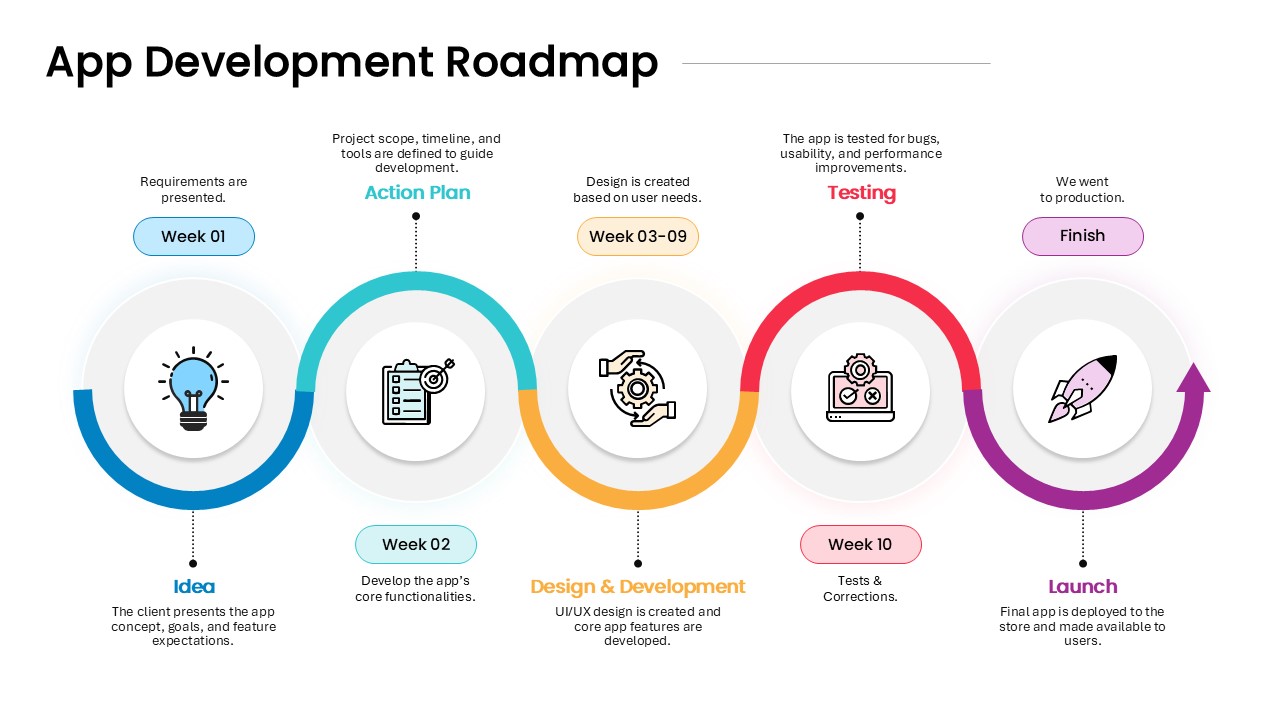
The App Development Roadmap Template is a streamlined, time-based visual guide that outlines the complete lifecycle of app development—from concept to launch. Ideal for product managers, developers, startup teams, and tech consultants, this template breaks down the journey into clear, color-coded phases, making it easy to track progress, align stakeholders, and communicate timelines effectively.
This roadmap includes five essential stages:
Idea (Week 01) – Capture the client’s app concept, goals, and desired features.
Action Plan (Week 02) – Define the development scope, timelines, and tools needed.
Design & Development (Week 03–09) – Create intuitive UI/UX and build core functionalities.
Testing (Week 10) – Conduct bug testing, usability reviews, and performance tuning.
Launch (Final Phase) – Deploy the completed app to production and release it to users.
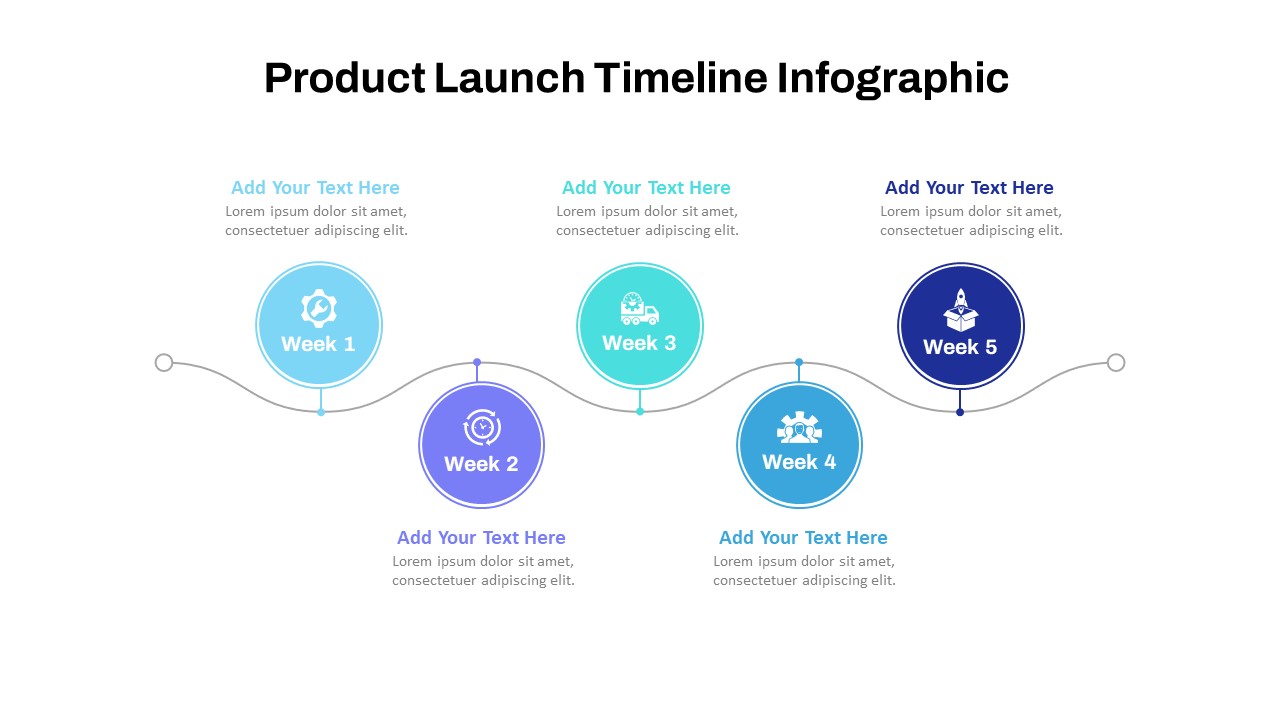
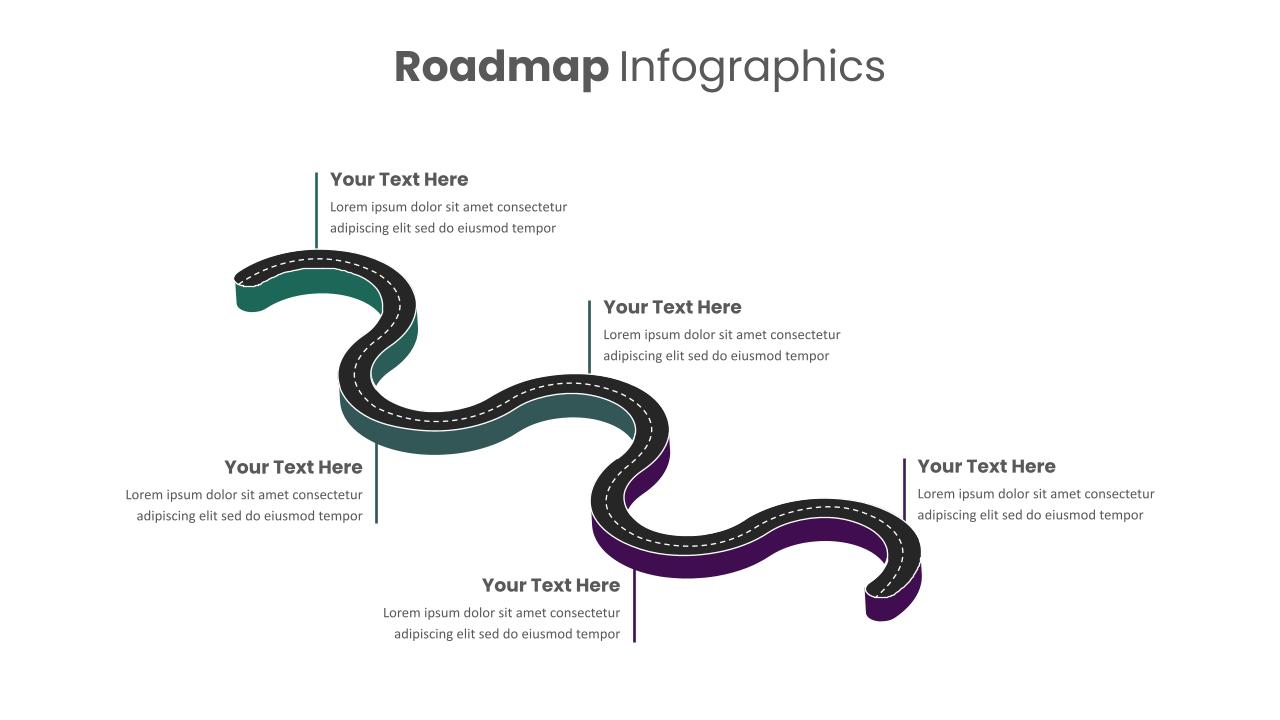
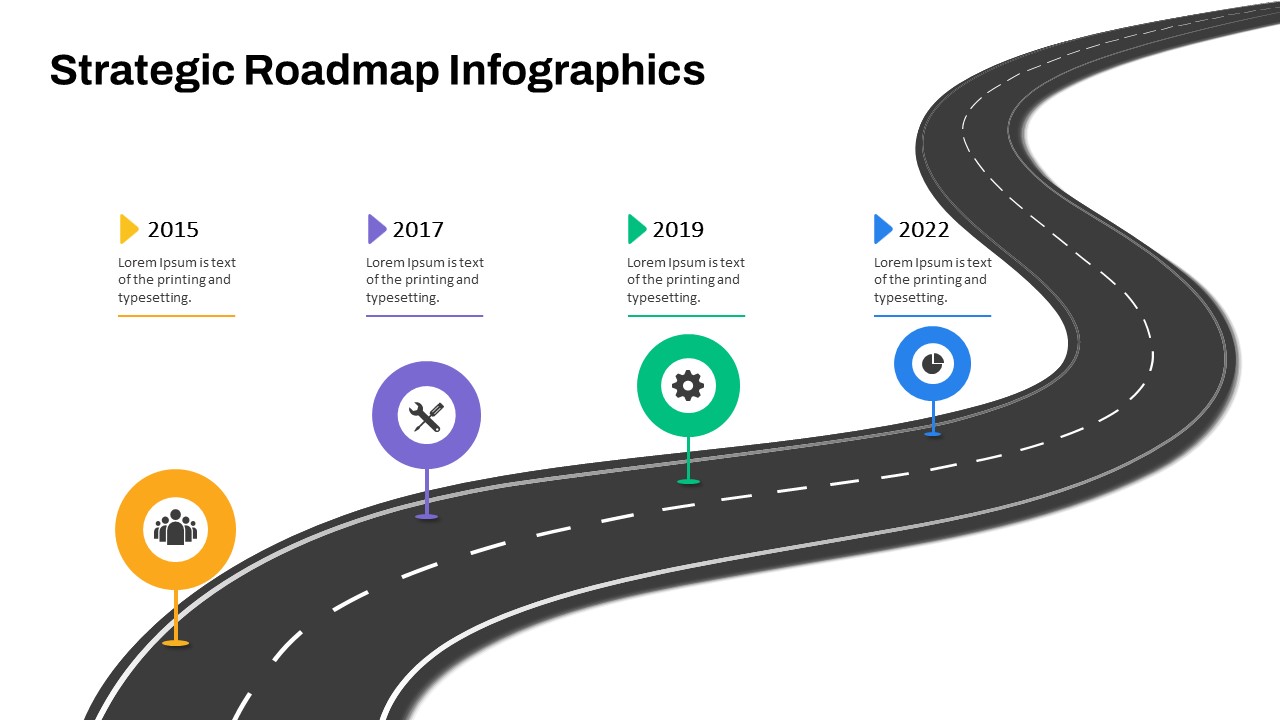
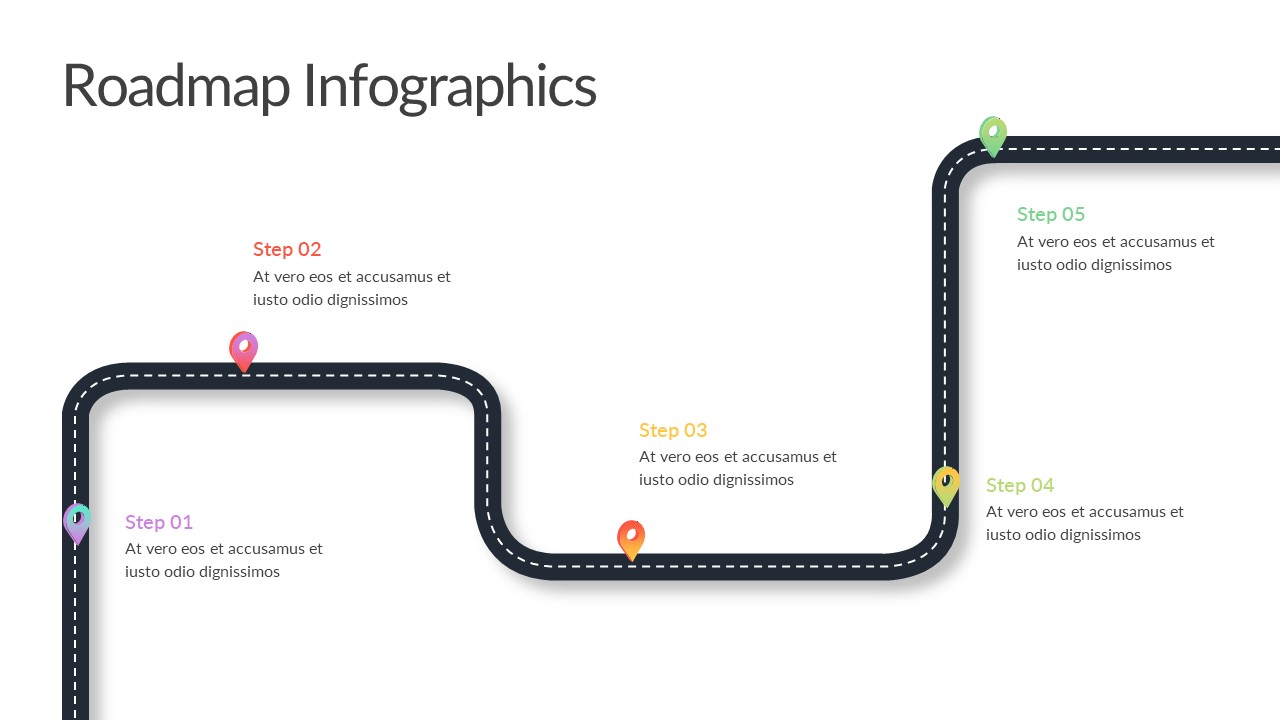
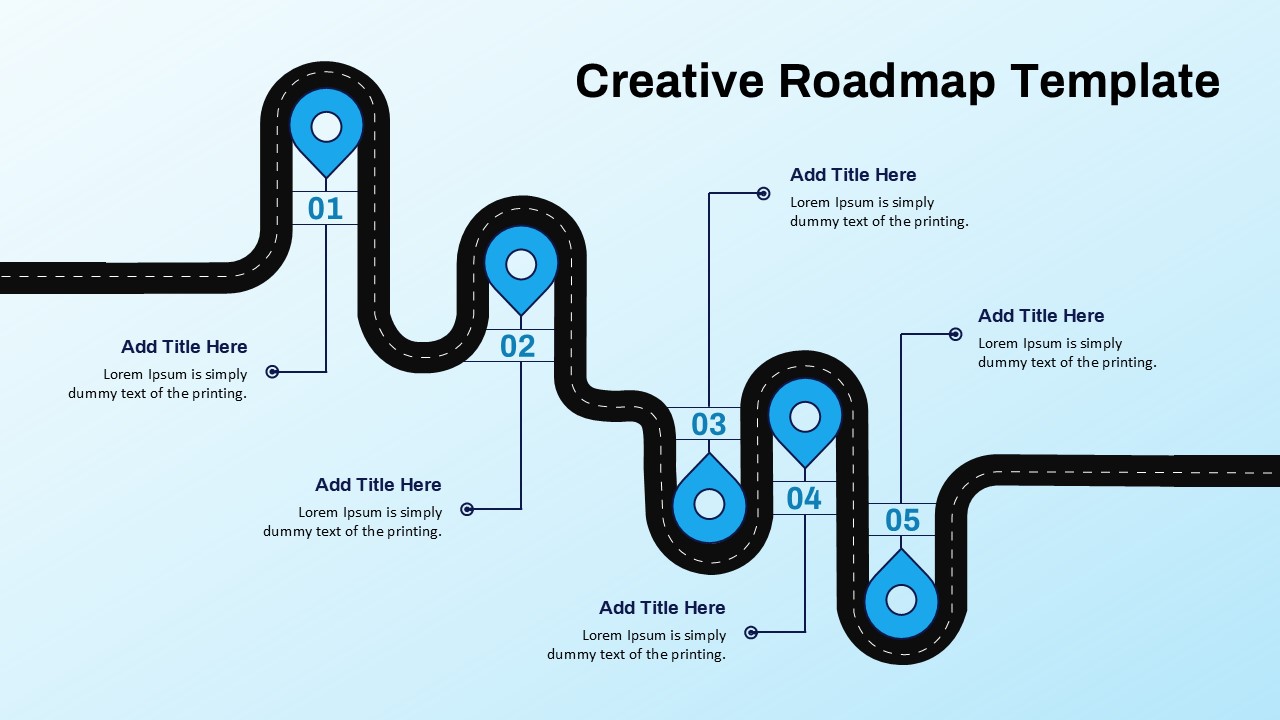
Each stage is visually represented with minimal icons and segmented curves, reinforcing flow and direction across the 10-week cycle. The use of color gradients adds visual hierarchy, helping viewers quickly understand the sequence and importance of each step.
Compatible with PowerPoint and Google Slides, this template is fully editable—allowing you to tailor the roadmap to your specific development sprints, team roles, or project deadlines. It’s an ideal resource for client presentations, internal planning meetings, investor updates, or agile sprint retrospectives.
See more

Aspect Ratio
16:9Item ID
SKT04303


Features of this template
Other User Cases of the Template:
Mobile app launch plans, SaaS product development timelines, sprint planning, client project briefings, software engineering roadmaps, UI/UX design phases, agile retrospectives, MVP rollout presentations, cross-functional team planning, digital transformation roadmaps.
FAQs
You May Also Like These Presentation Templates

- Free


- Free
- Free
- Free
- Free
- Free
- Free
- Free