6 Steps Gear-Linked Process Template for PowerPoint & Google Slides
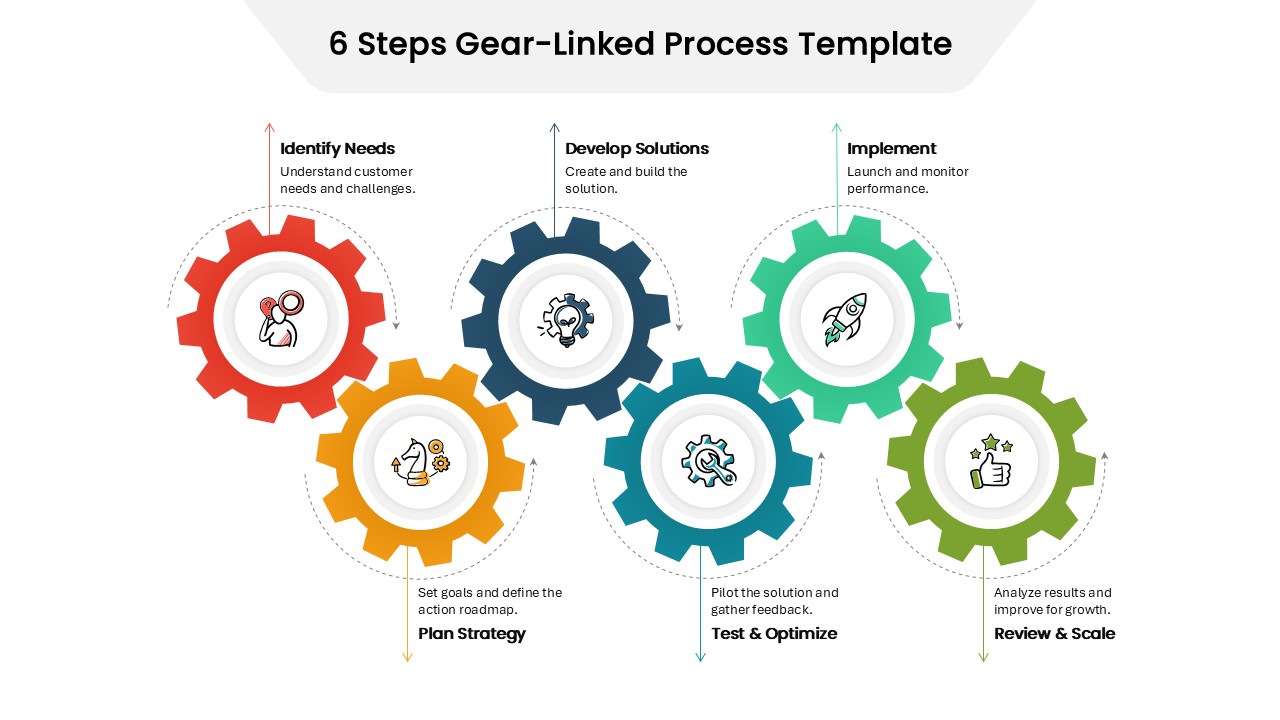
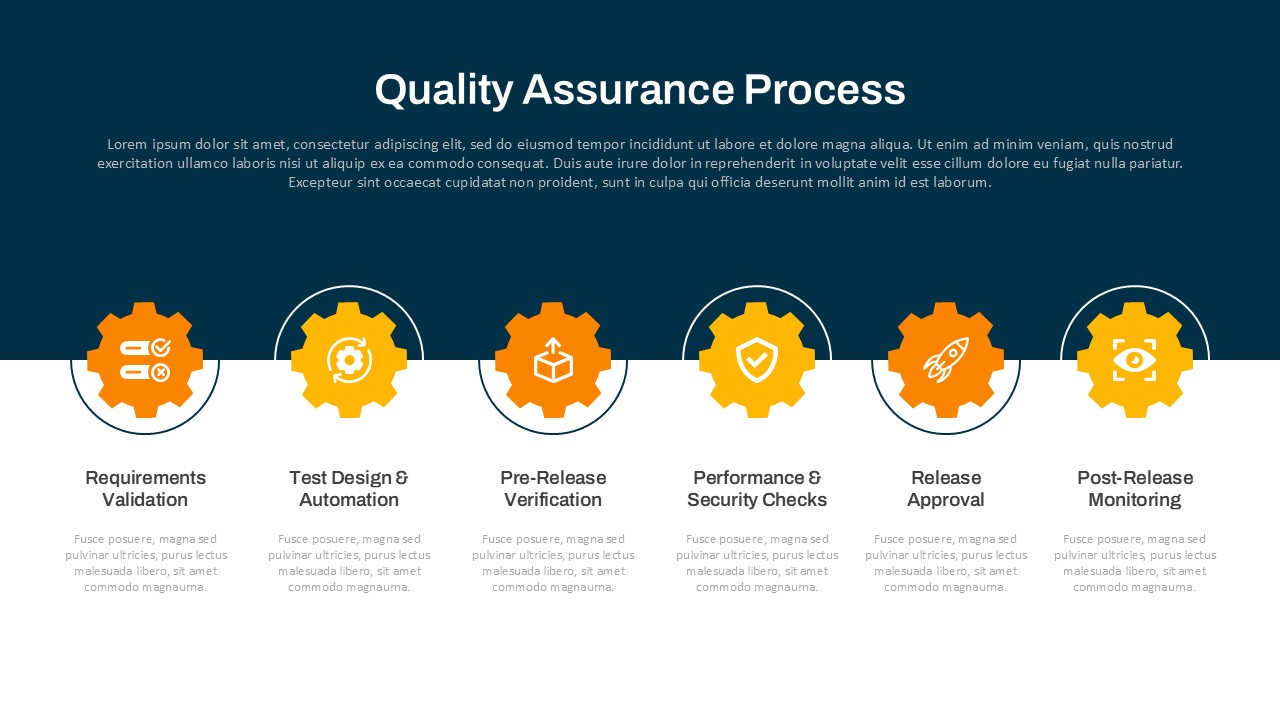
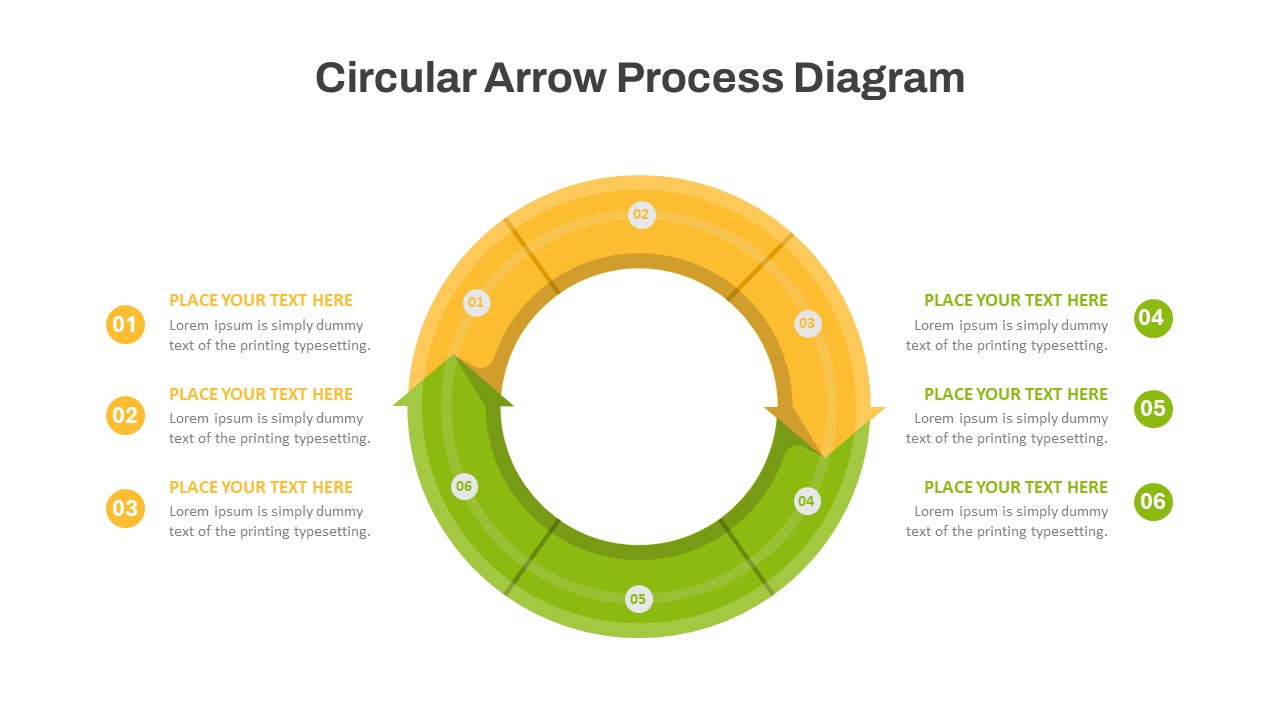
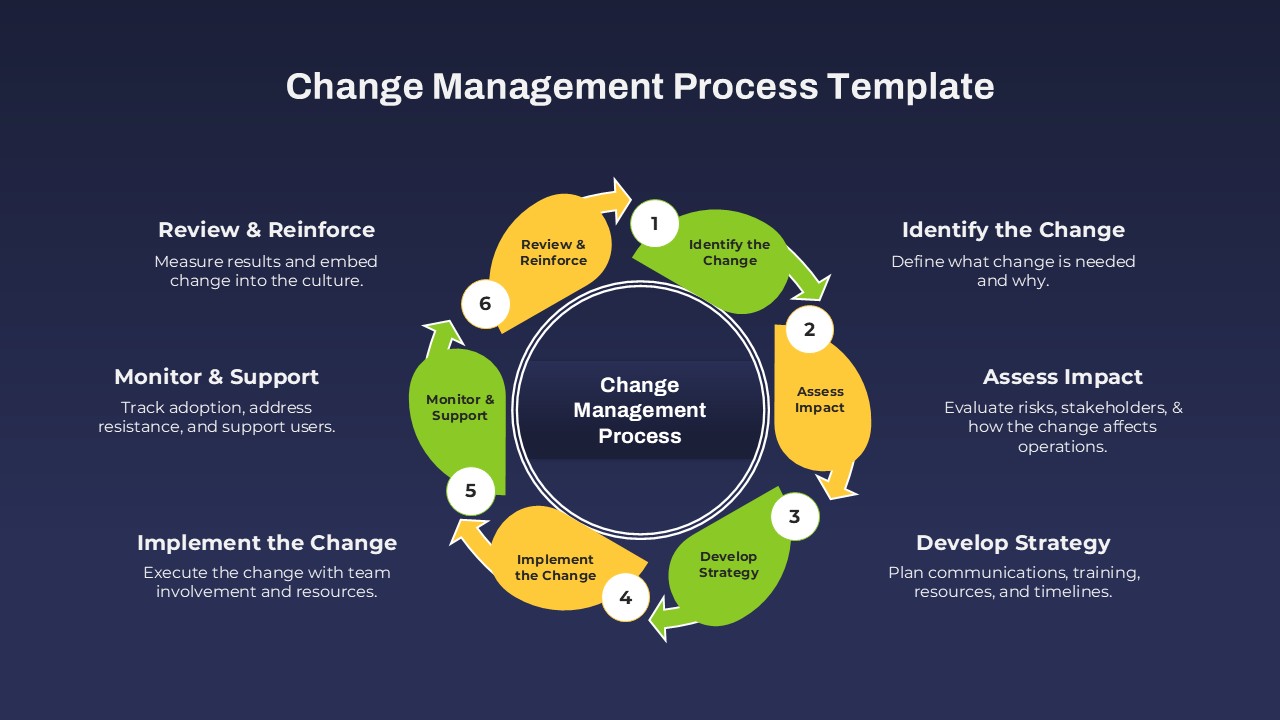
The 6 Steps Gear-Linked Process Template is a visually striking and functional design that uses interconnected gear icons to illustrate a seamless, cyclical workflow. Each gear represents a specific phase in a continuous improvement or business process, showcasing how each stage is interdependent and drives the next forward—much like gears in motion.
The six stages featured in this template are:
Identify Needs – Understand customer pain points and key challenges.
Plan Strategy – Set clear goals and define an actionable roadmap.
Develop Solutions – Design and build effective solutions to address the needs.
Test & Optimize – Pilot the solution, gather insights, and make improvements.
Implement – Roll out the final version and monitor its performance.
Review & Scale – Analyze results and scale successful practices for long-term growth.
The vibrant color coding and gear layout not only enhance visual appeal but also convey the concept of movement and progression effectively. It’s an ideal format for business development strategies, operational workflows, project management stages, or any process that relies on a step-by-step approach with feedback loops.
Fully editable in both PowerPoint and Google Slides, this template gives users complete flexibility to update icons, text, and colors to match their organizational style or topic. Perfect for business consultants, strategists, product managers, or educators looking to communicate a structured yet dynamic process.
See more

Aspect Ratio
16:9Item ID
SKT04301


Features of this template
Other User Cases of the Template:
Business process modeling, product development planning, project management cycles, operational workflows, continuous improvement models, agile development stages, strategic planning, client onboarding sequences, innovation roadmaps, educational process breakdowns.
FAQs
You May Also Like These Presentation Templates


- Free


- Free
- Free
- Free
- Free
- Free