Business Agenda Template for PowerPoint & Google Slides
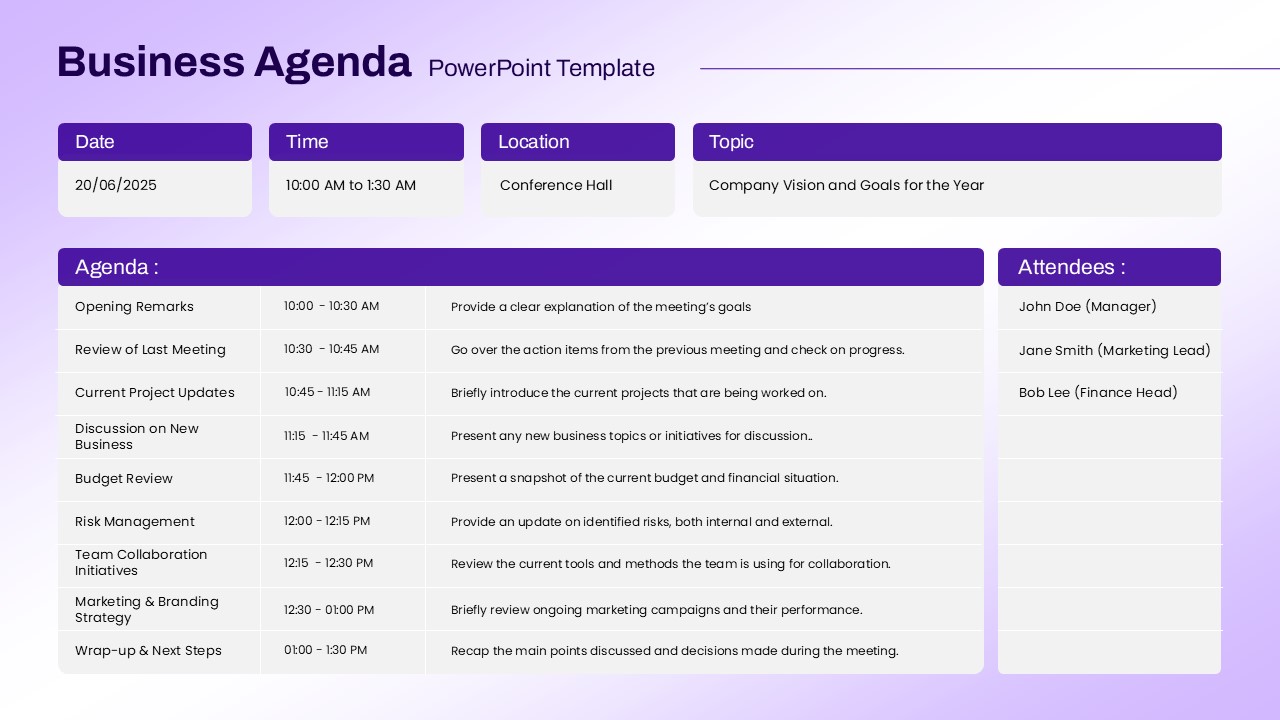
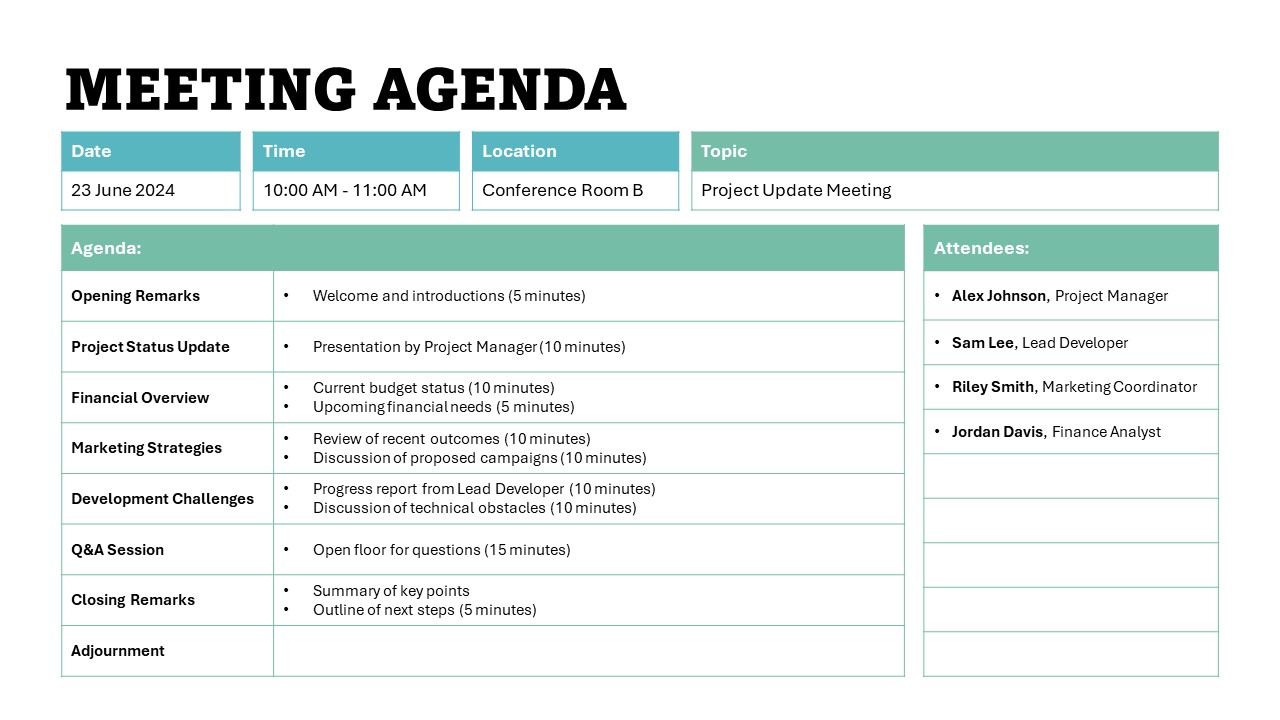
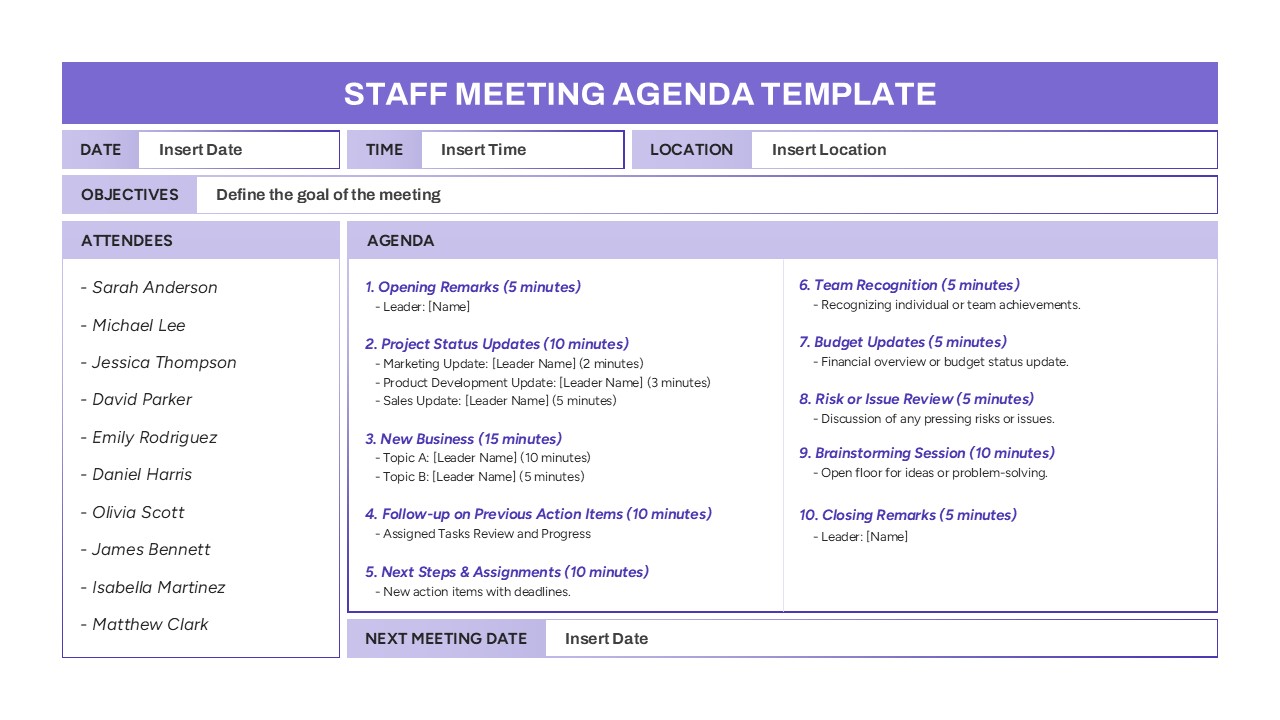
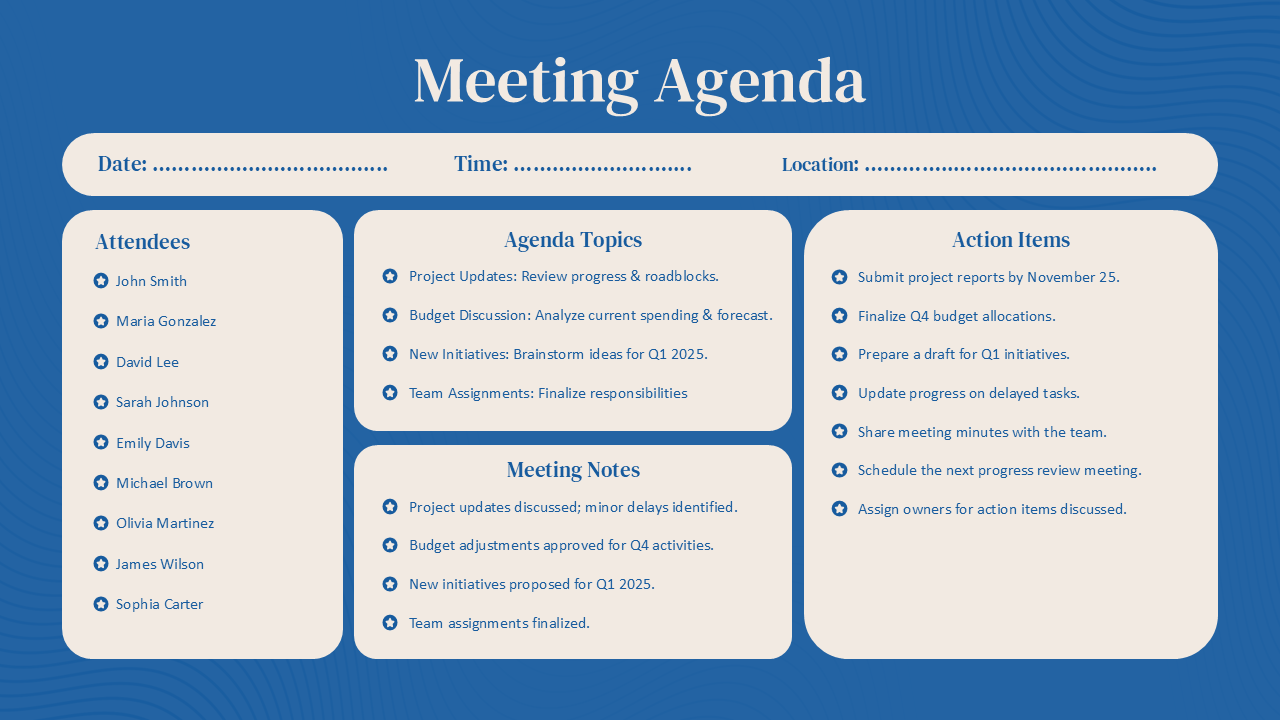
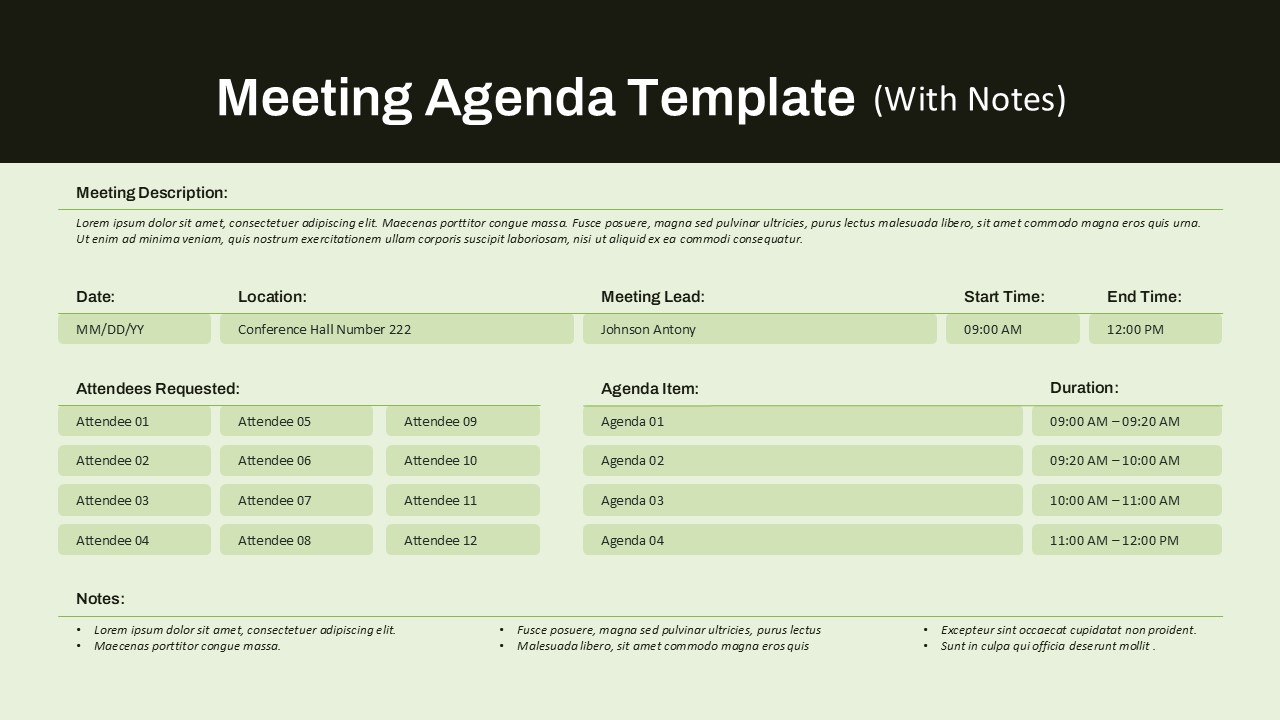
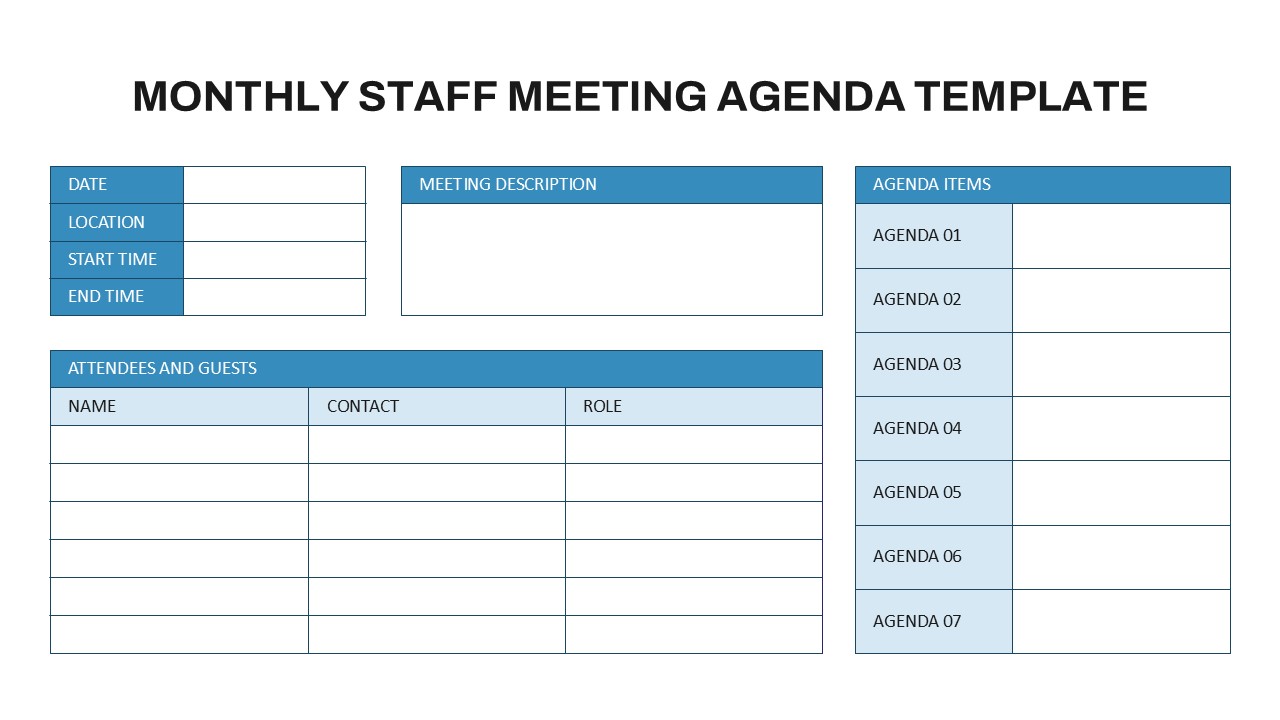
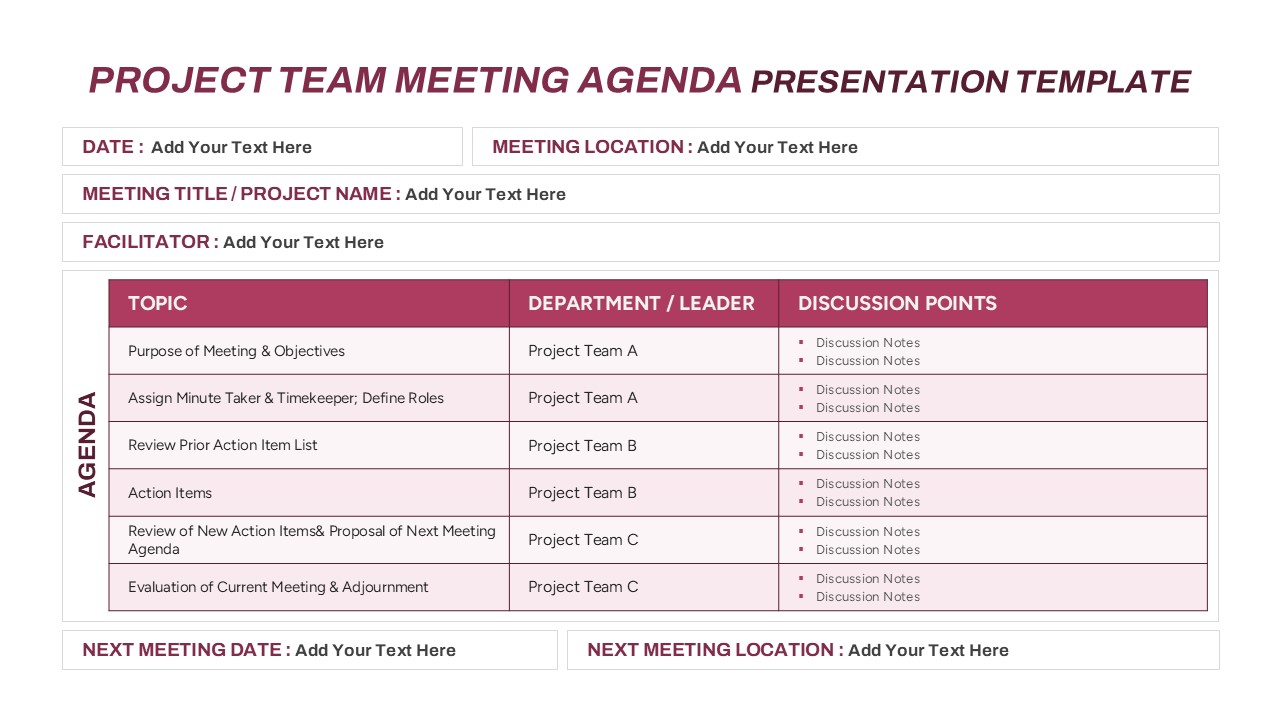
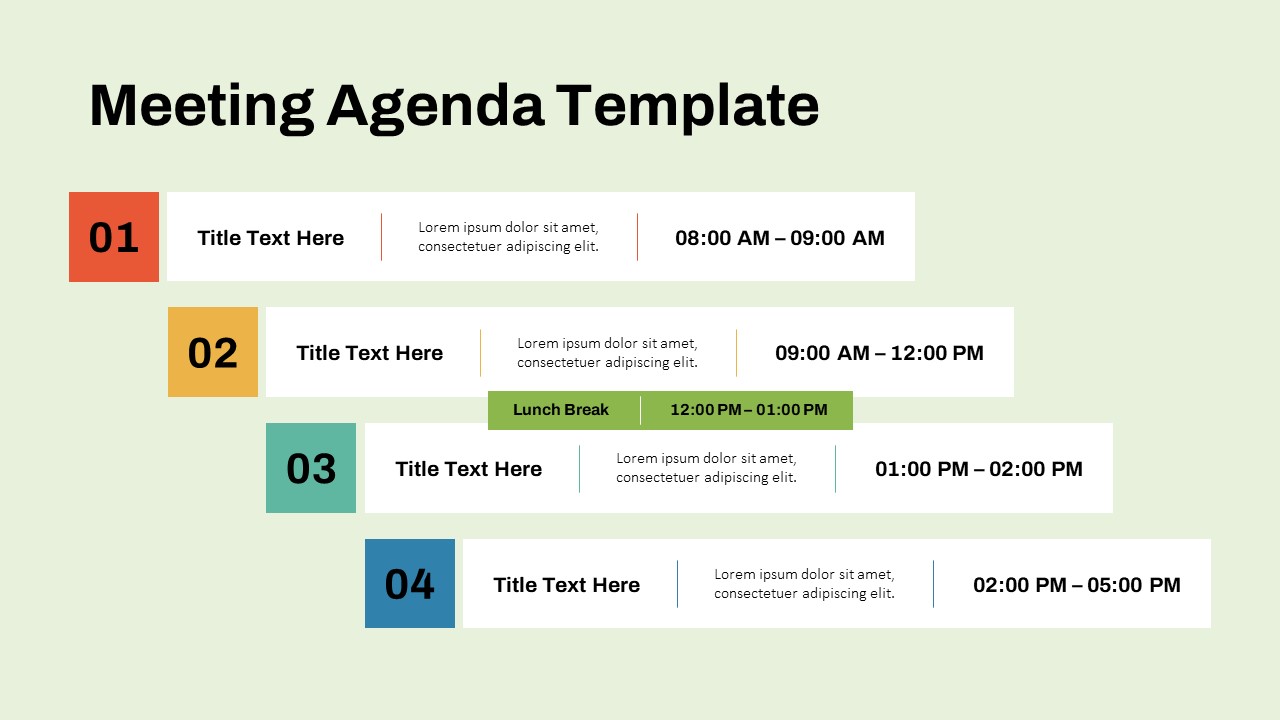
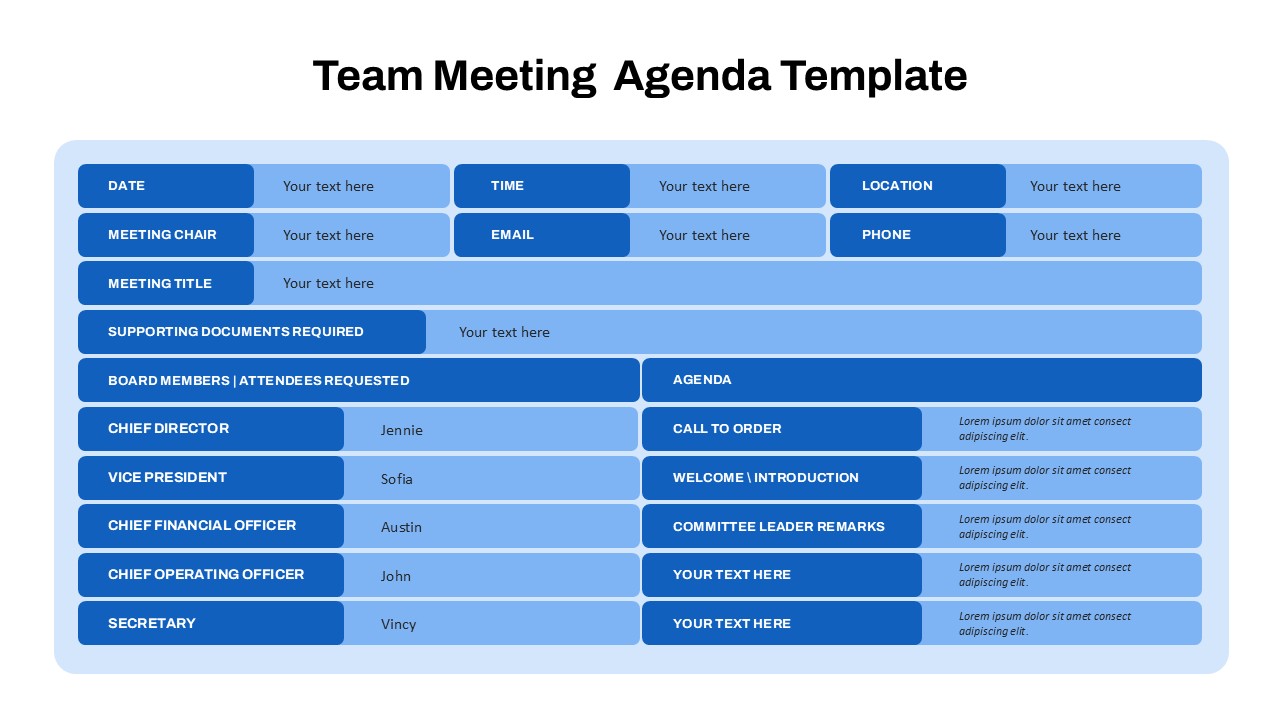
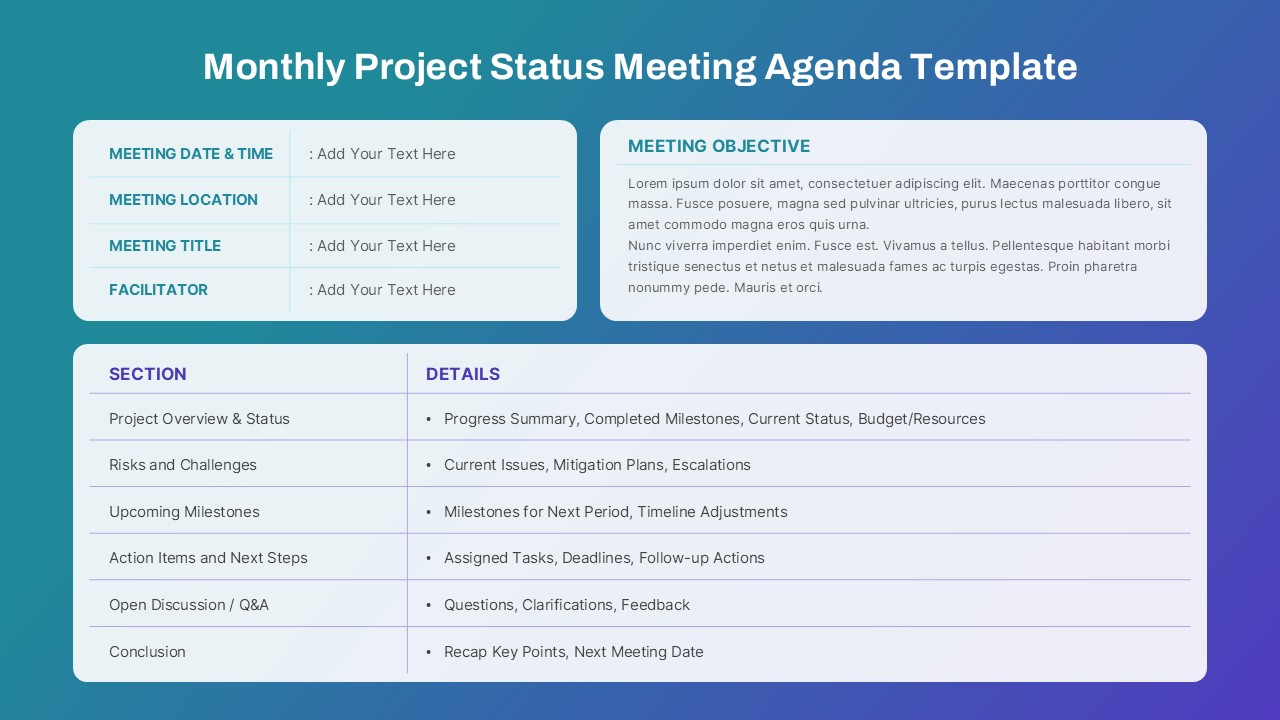
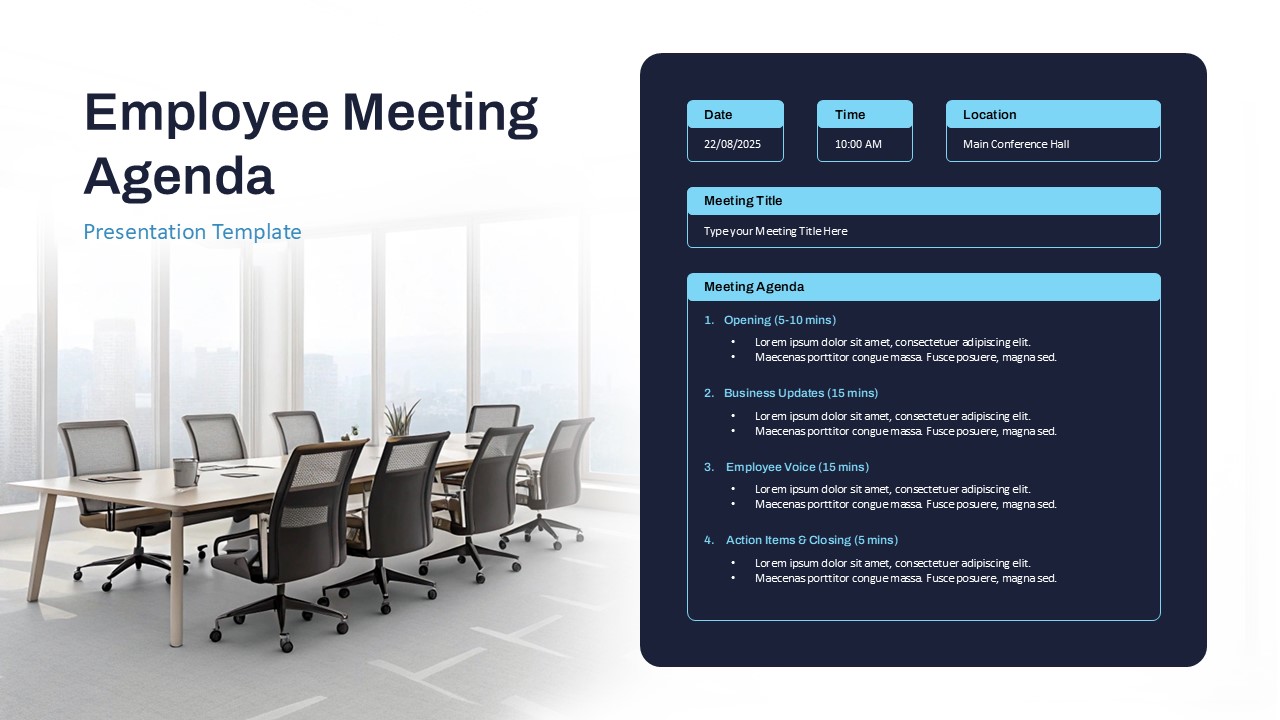
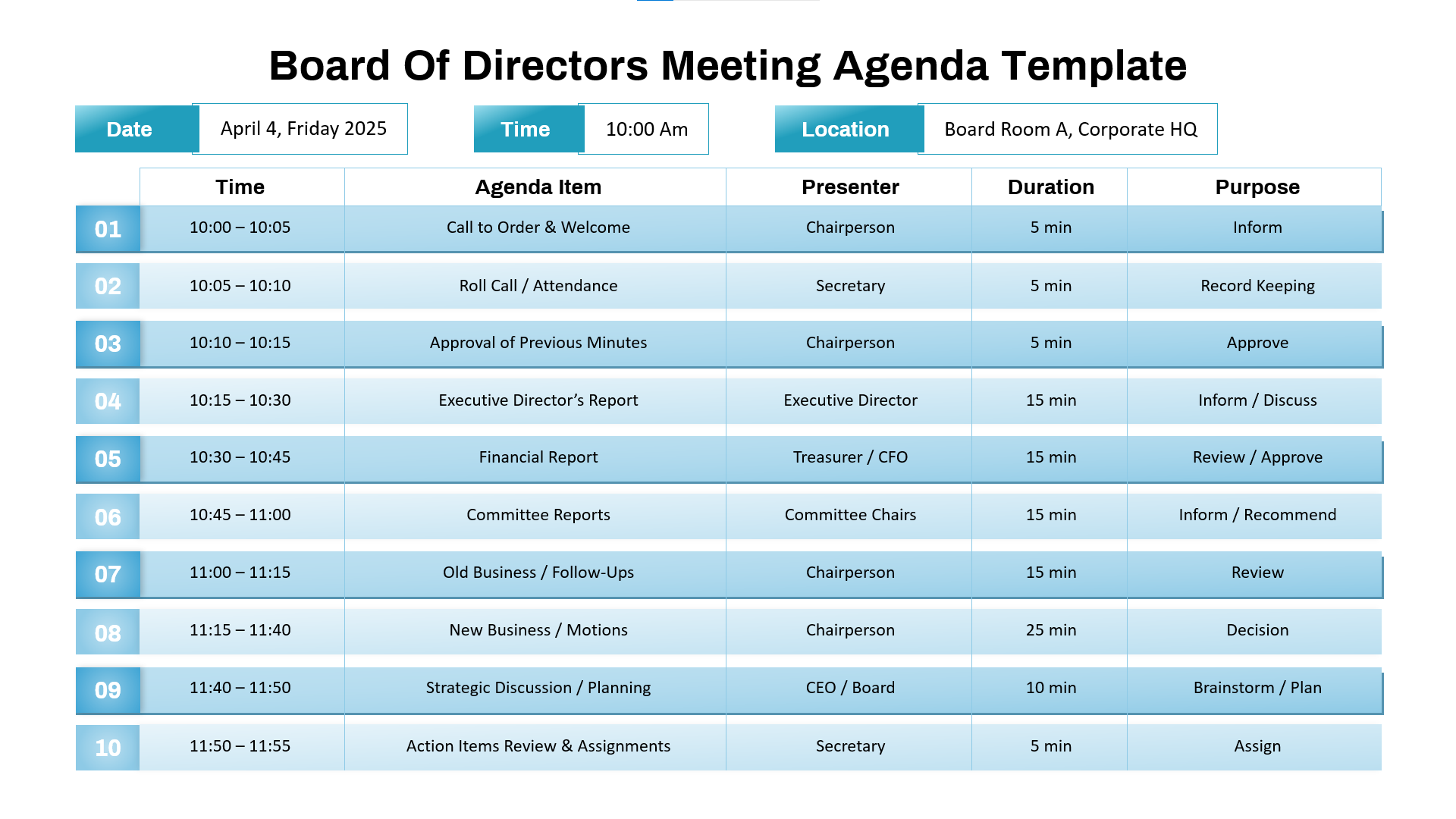
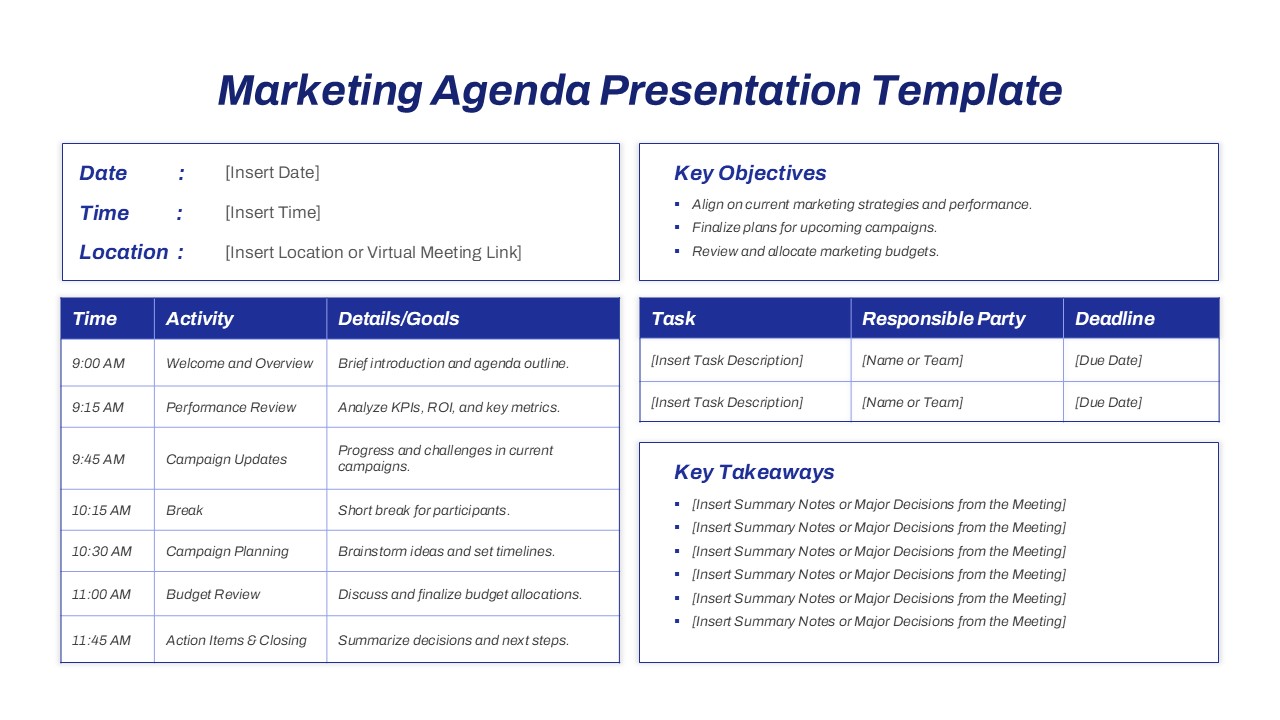
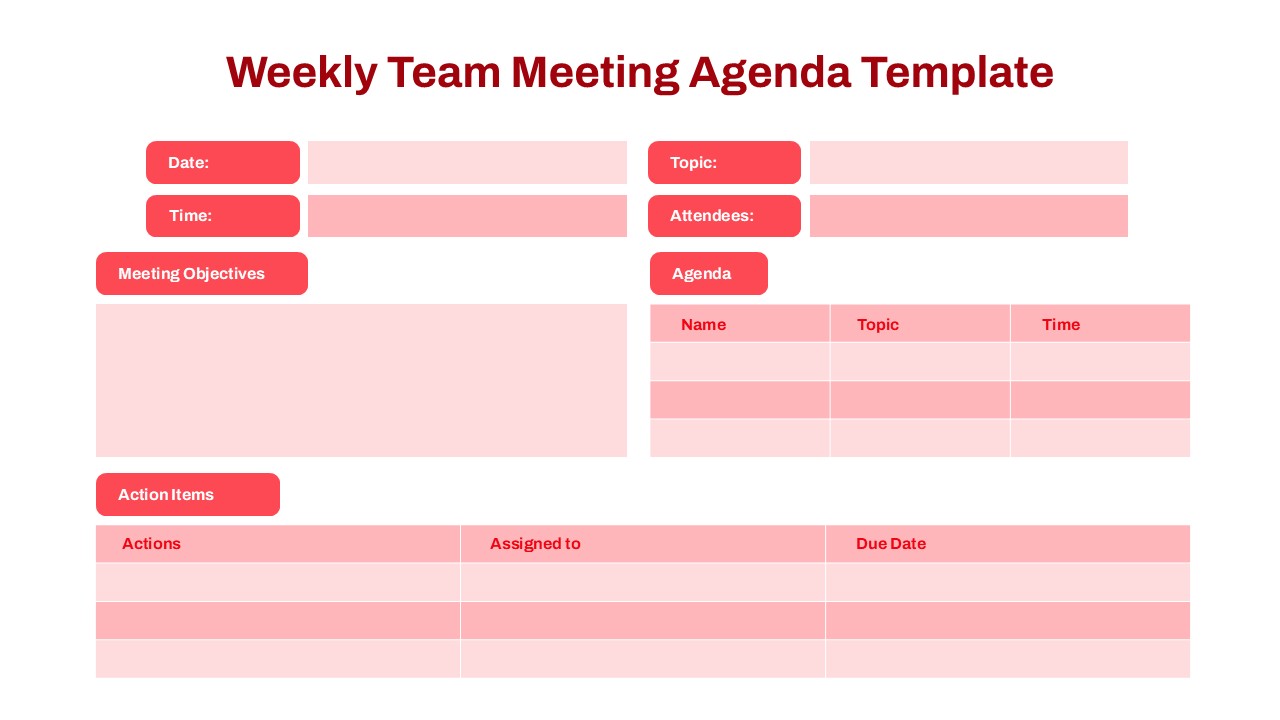
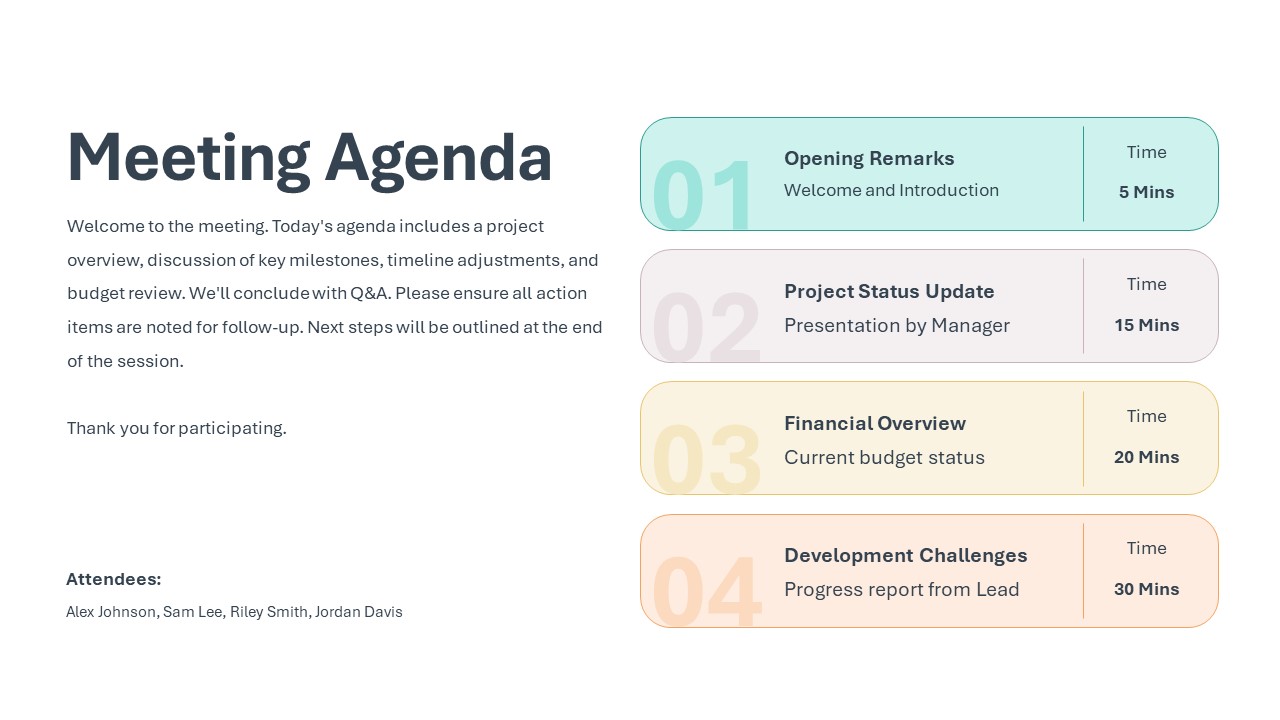
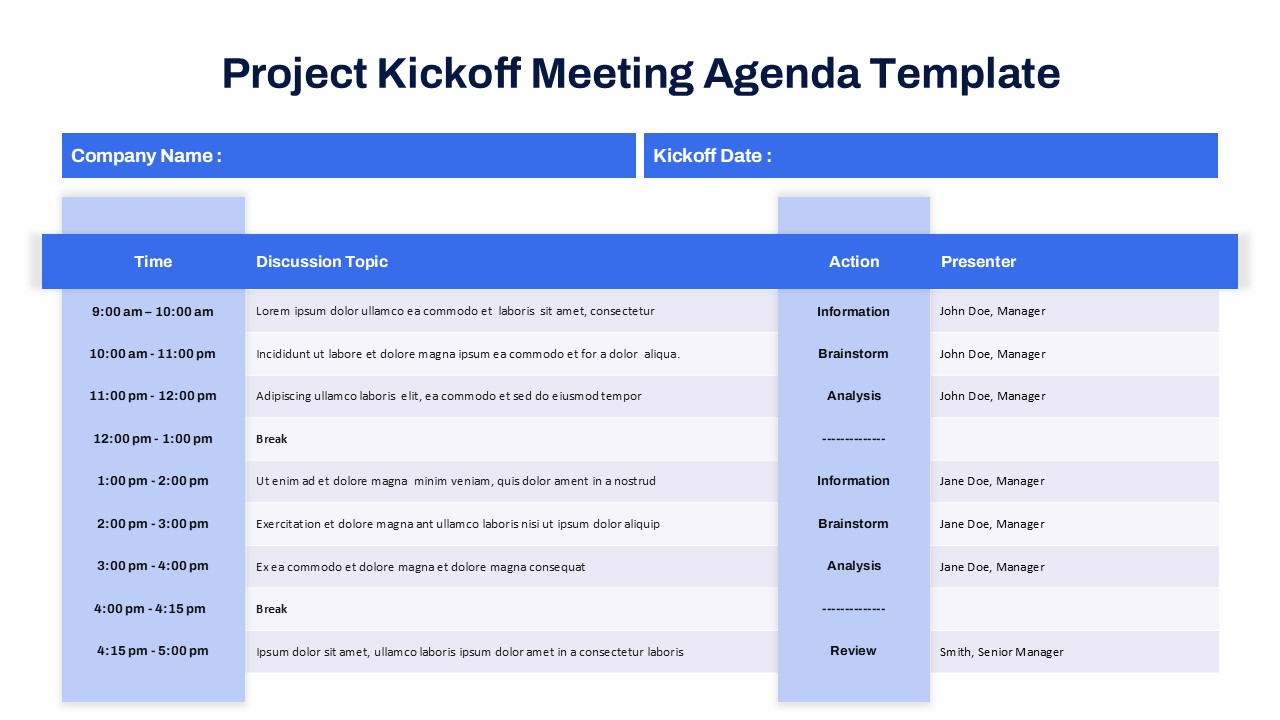
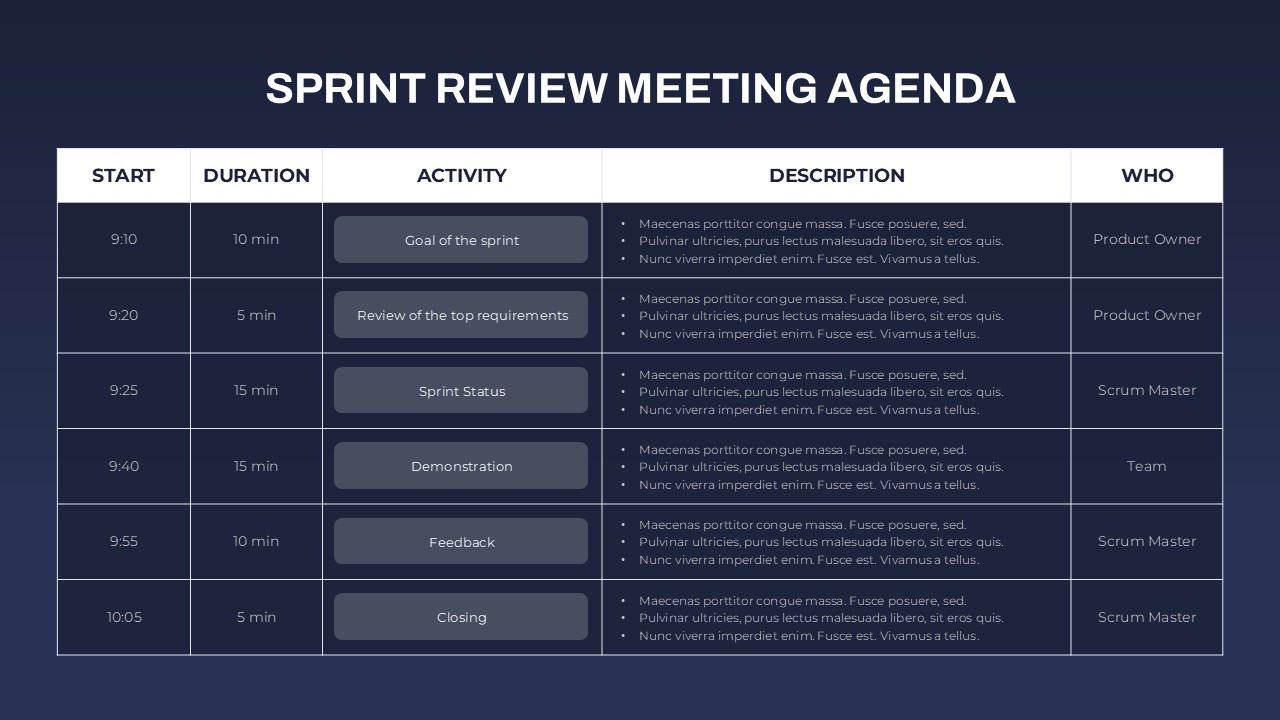
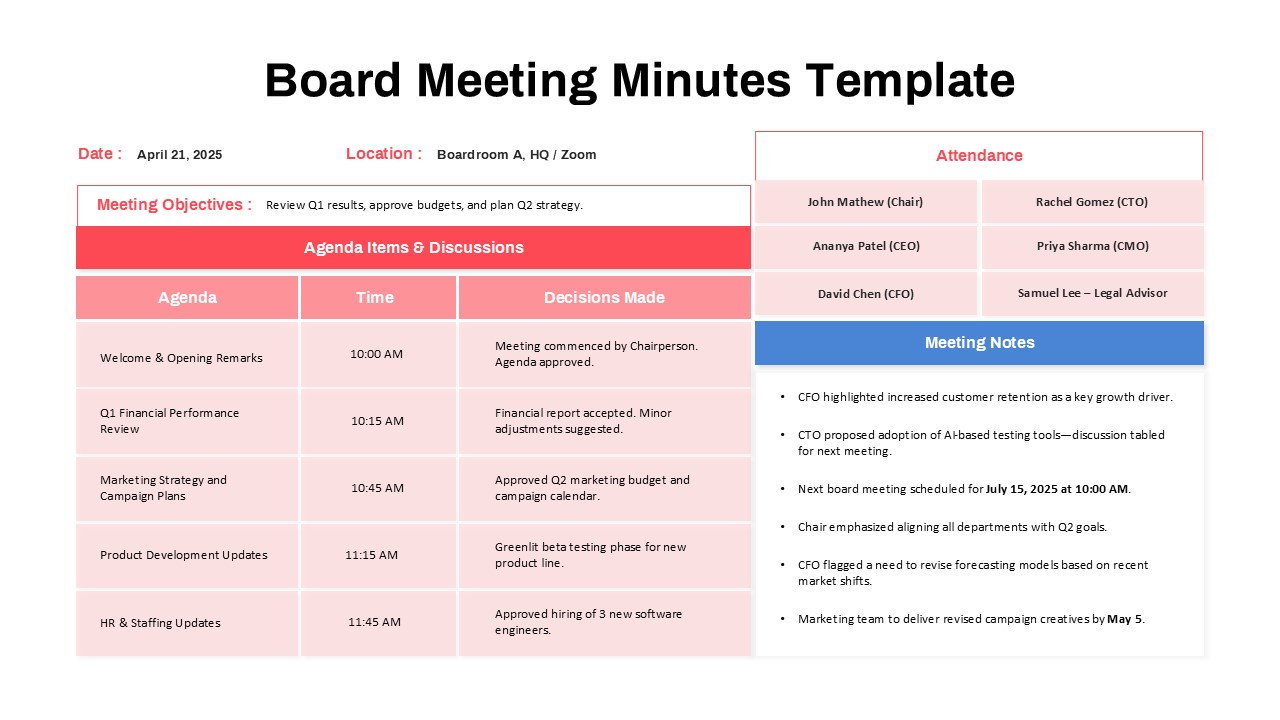
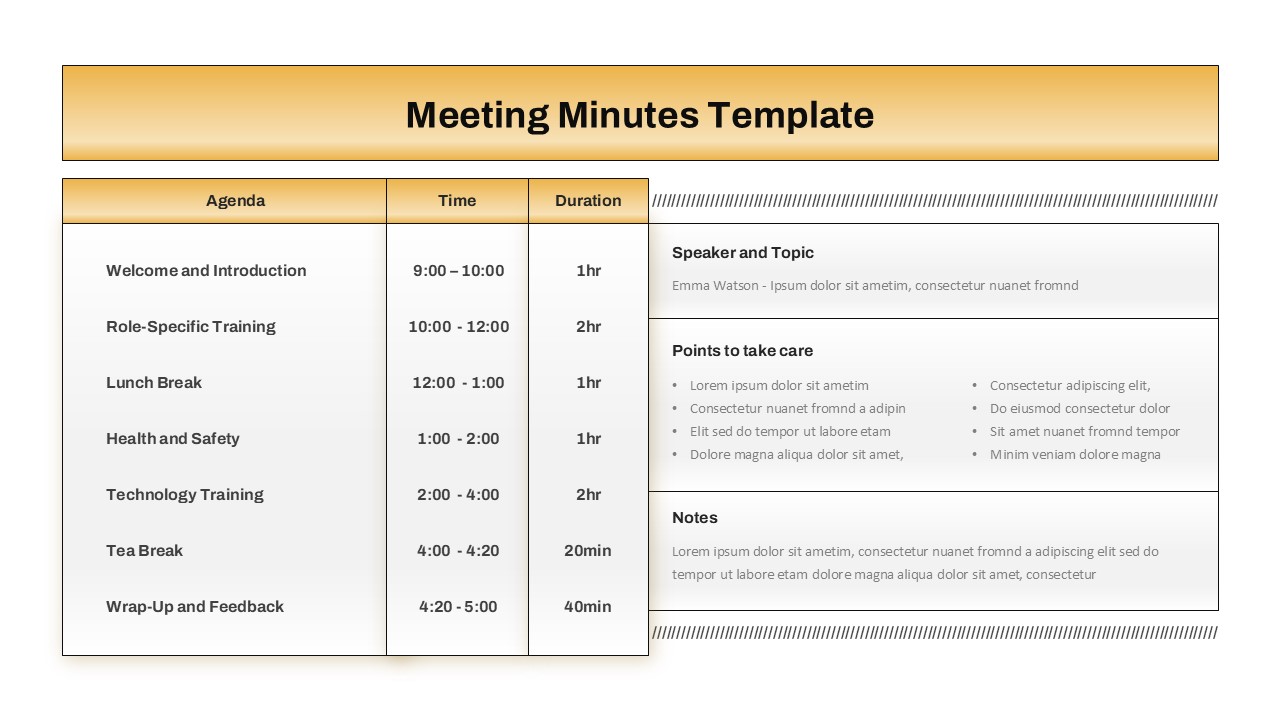
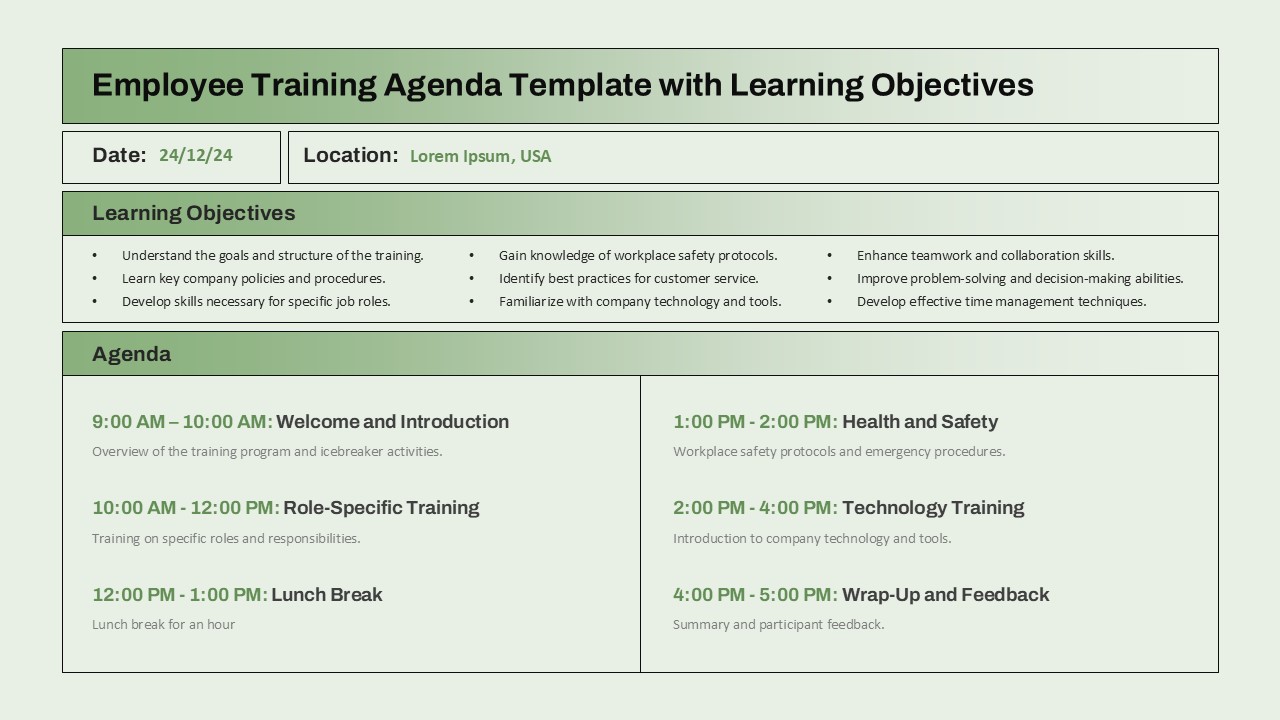
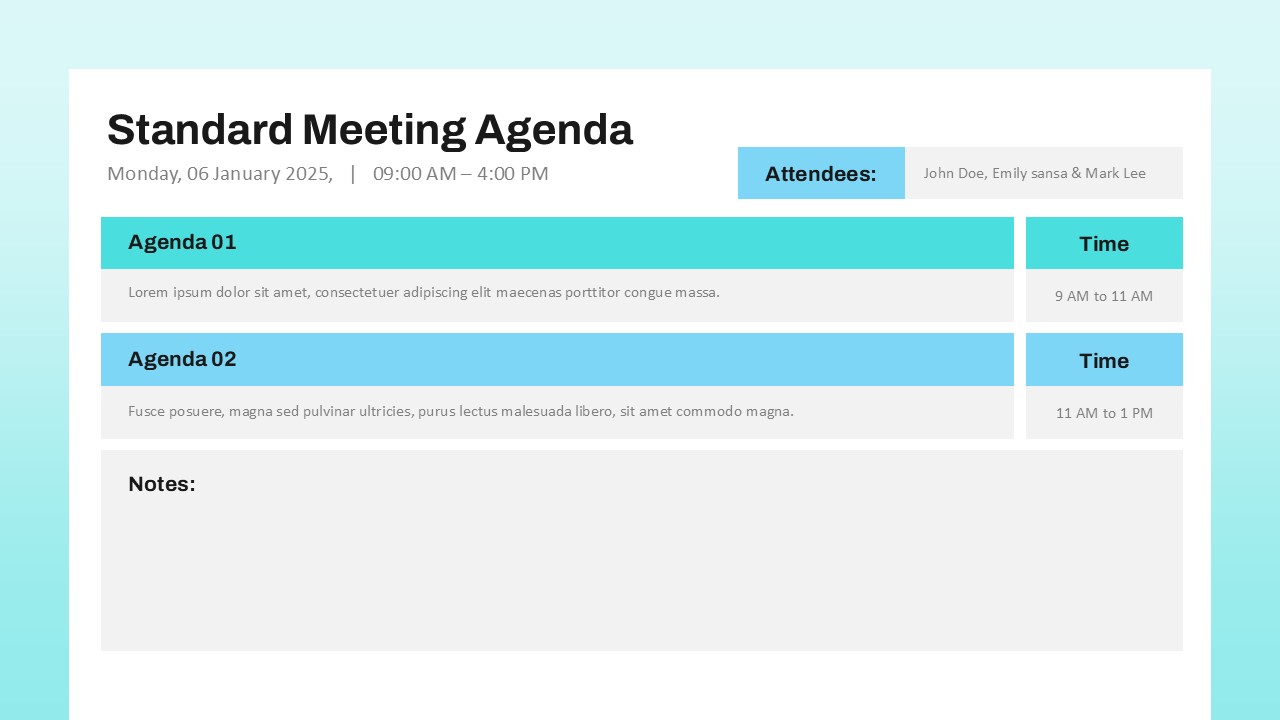
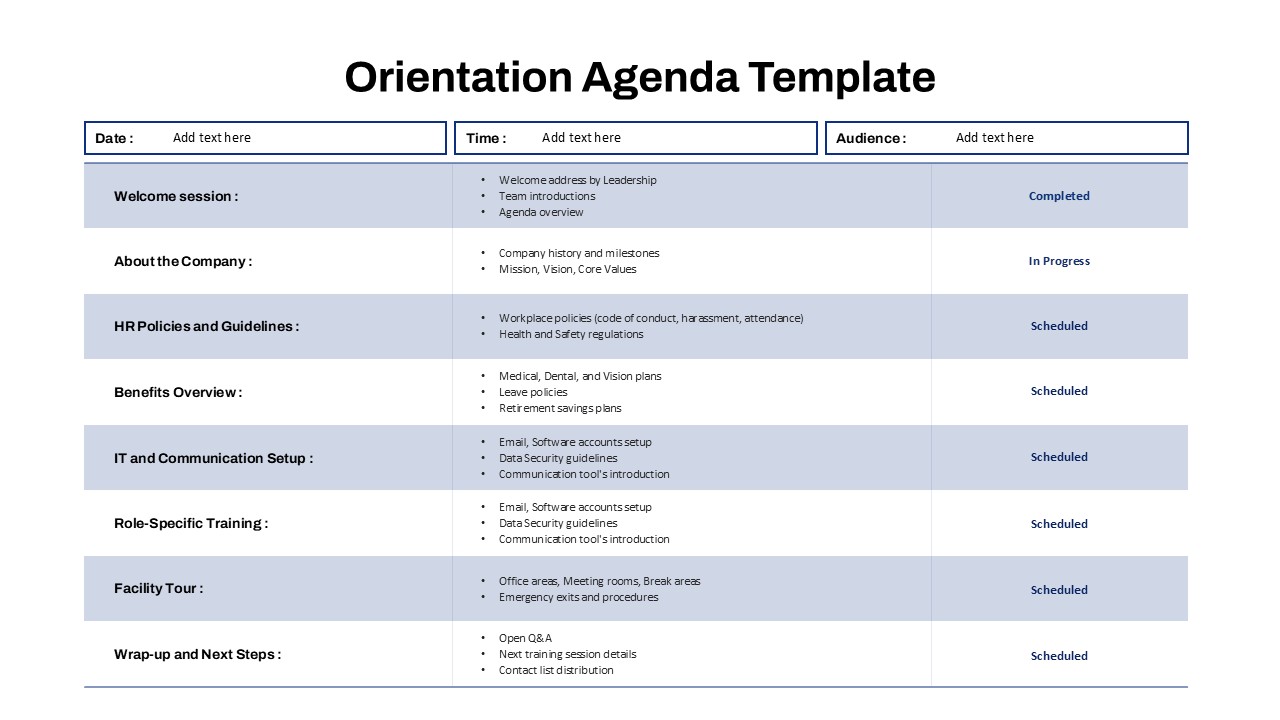
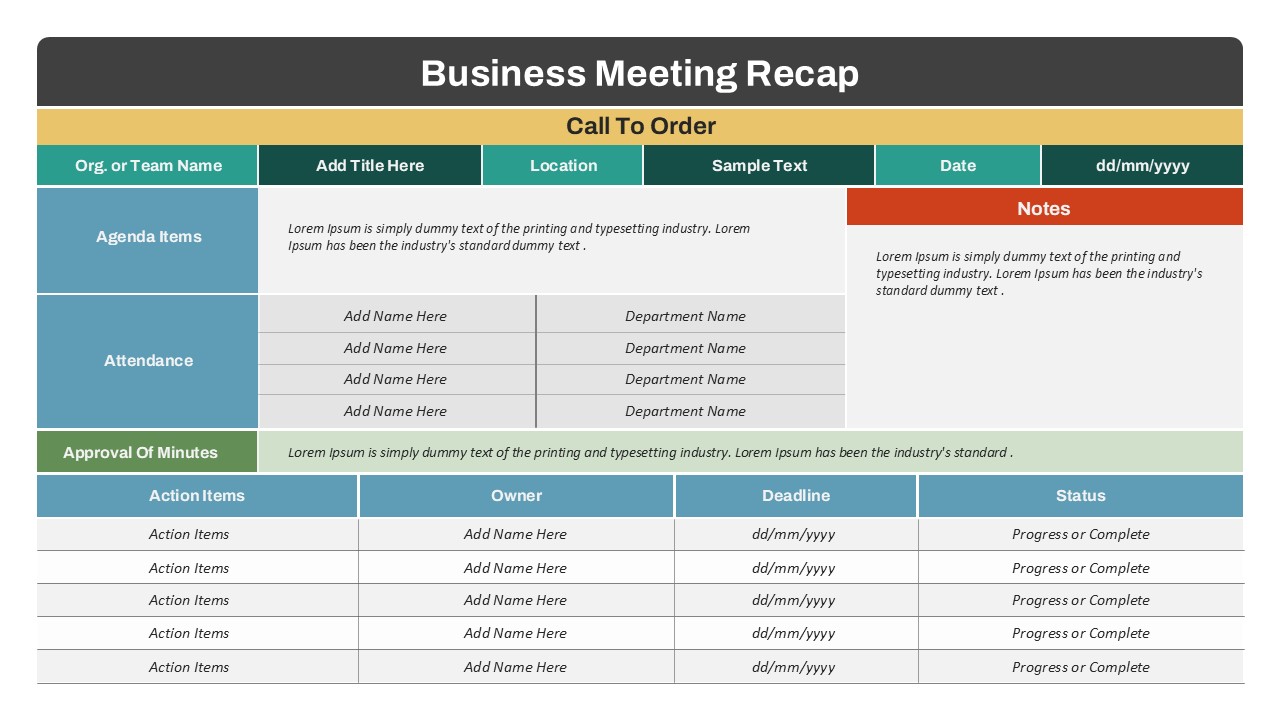
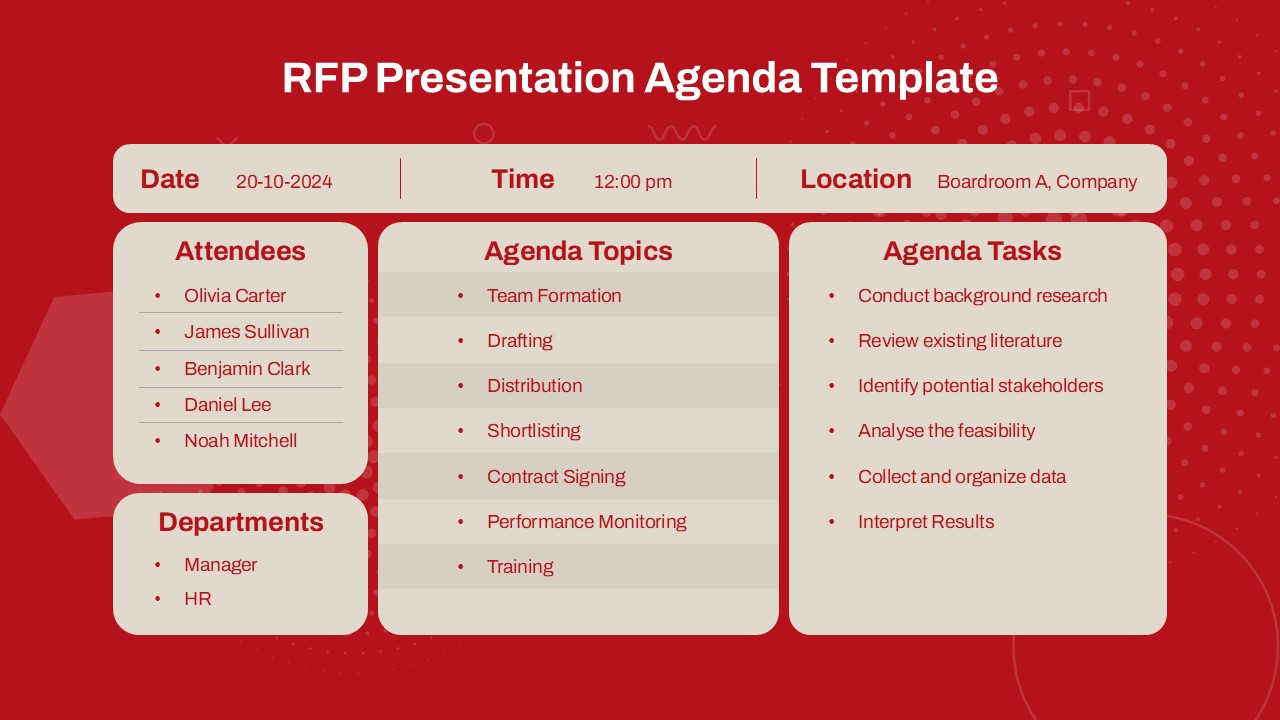
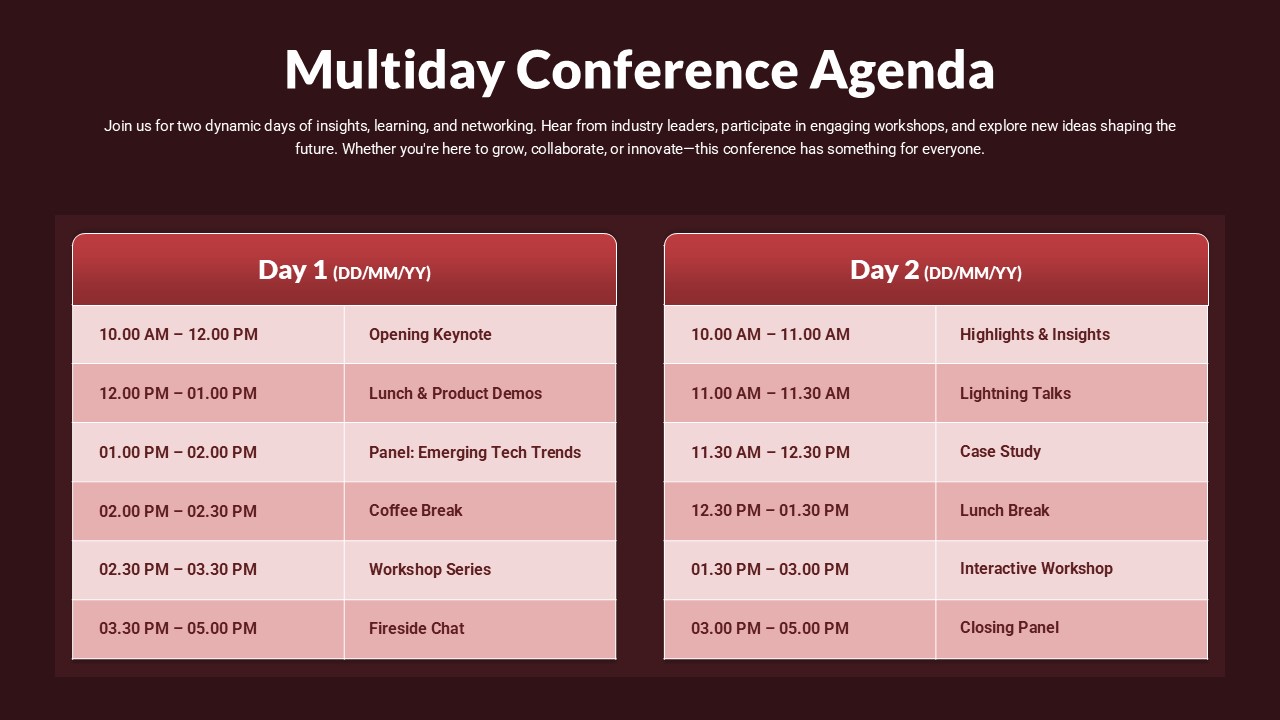
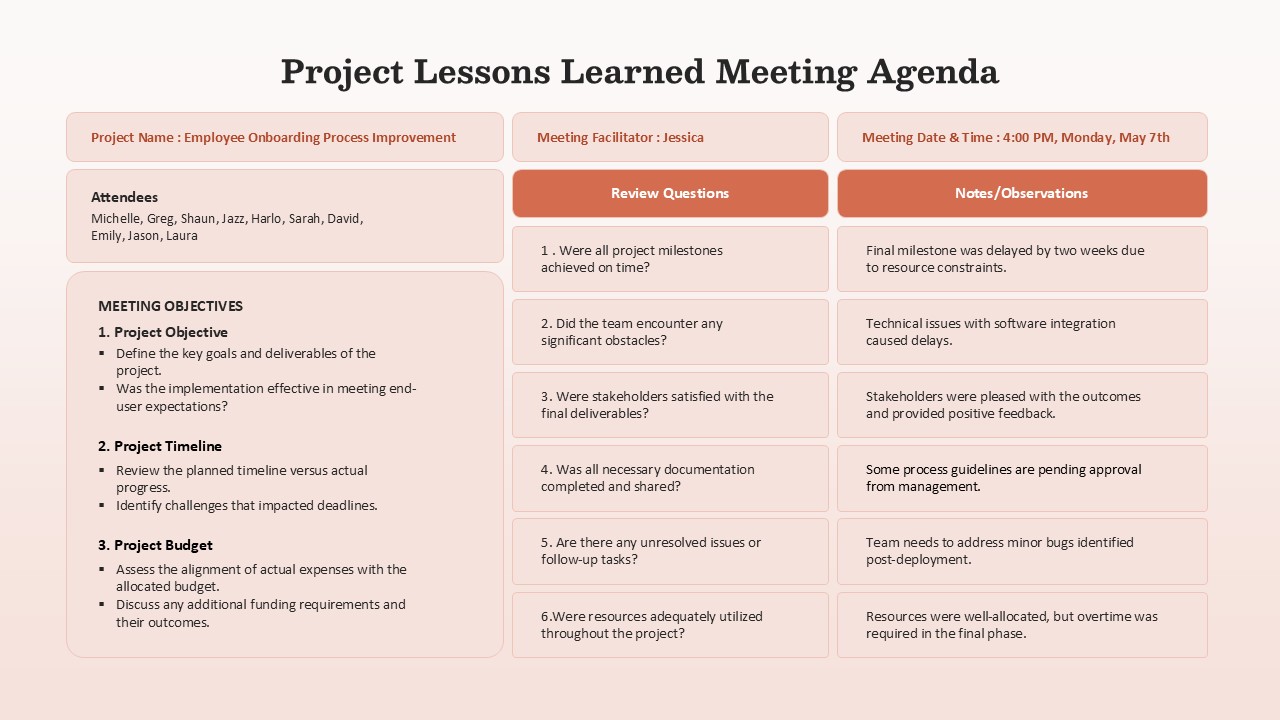
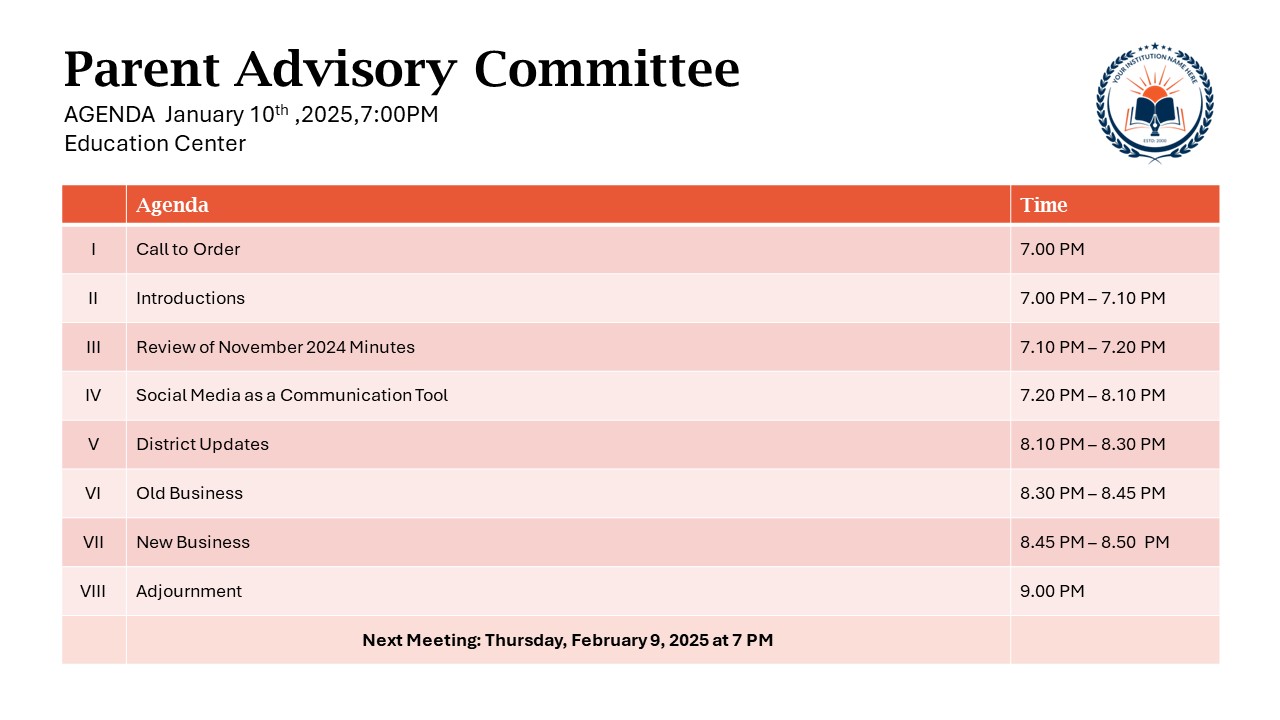
Present your meeting schedule with clarity and professionalism using this business agenda slide template. Structured into clear segments—date, time, location, topic, agenda items, and attendees—this template ensures all stakeholders are aligned before the meeting begins. The agenda section outlines each discussion point alongside exact time slots and brief descriptions, making it easy to follow the meeting’s flow and objectives.
With a clean table layout over a soft purple gradient background, the slide blends functional clarity with visual appeal. Purple headers with white typography segment information, while a rounded container design gives it a modern, polished look. The right-hand column lists attendee names and roles, providing context for collaboration and accountability.
The editable nature of the layout allows users to customize meeting topics, roles, or timings as needed. This slide works seamlessly for executive briefings, team planning sessions, budget reviews, or strategic discussions, helping organizers present a structured, actionable meeting flow.
See more

Aspect Ratio
16:9Item ID
SKT04097


Features of this template
Other Uses
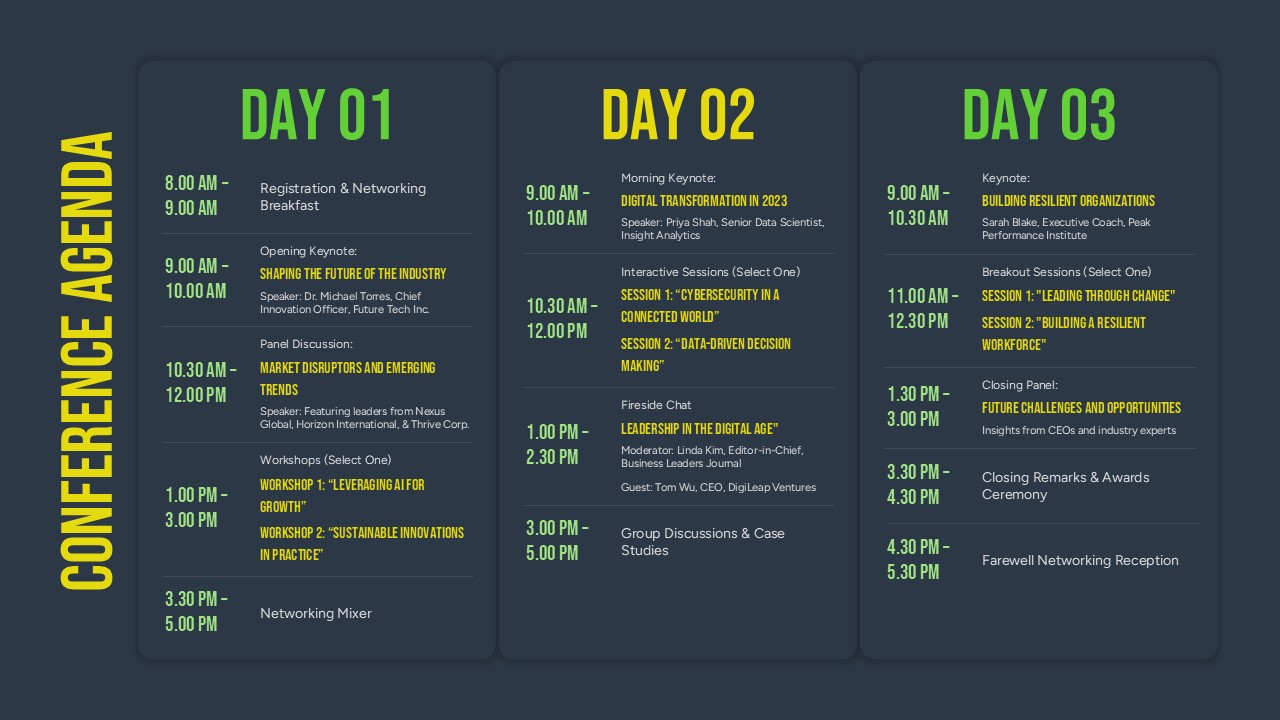
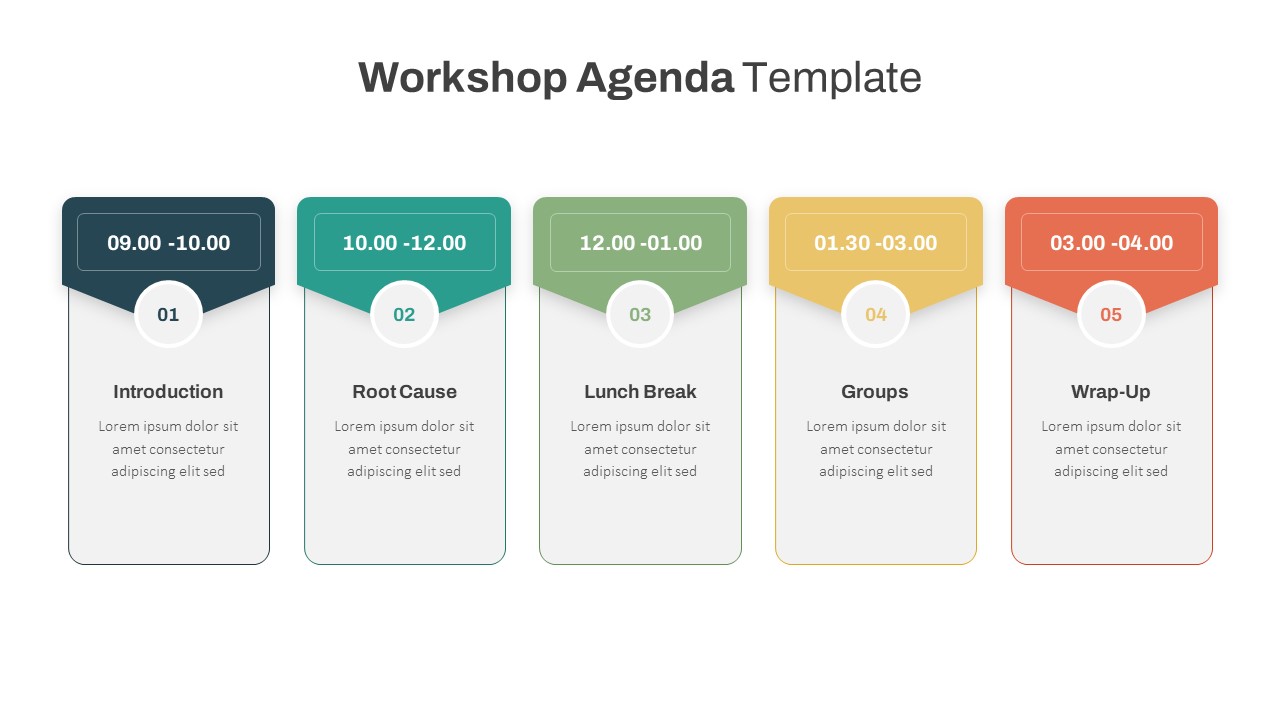
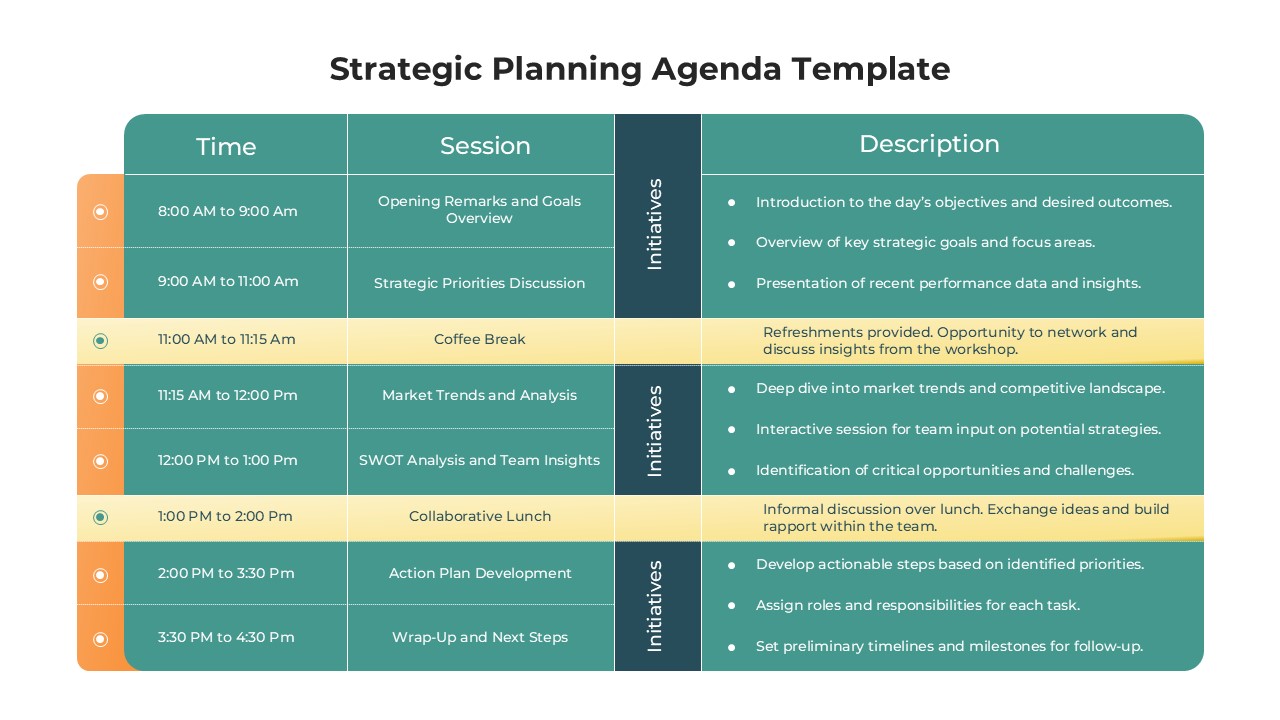
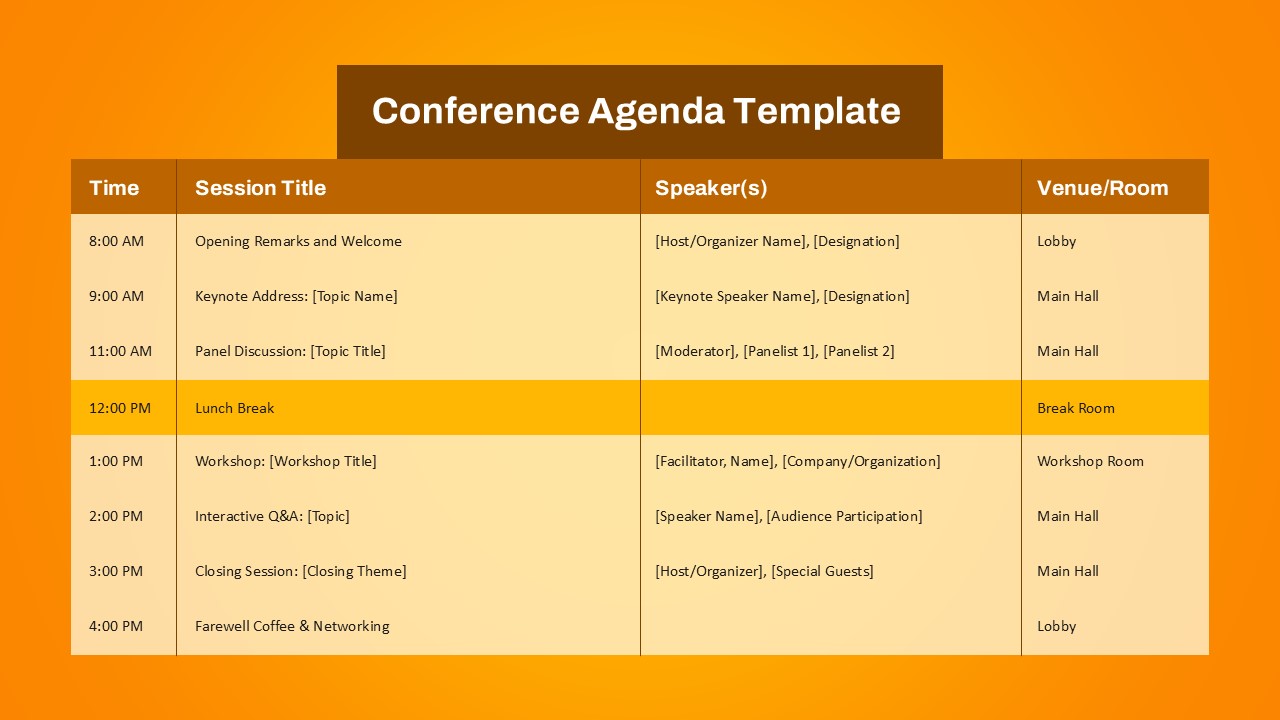
This template can also serve as a planning tool for workshops, training sessions, conferences, or virtual team check-ins. Adapt it for client meetings, stakeholder updates, or quarterly business reviews by modifying agenda items and participant details.
FAQs
You May Also Like These Presentation Templates

- Free
- Free
- Free

- Free

- Free
- Free