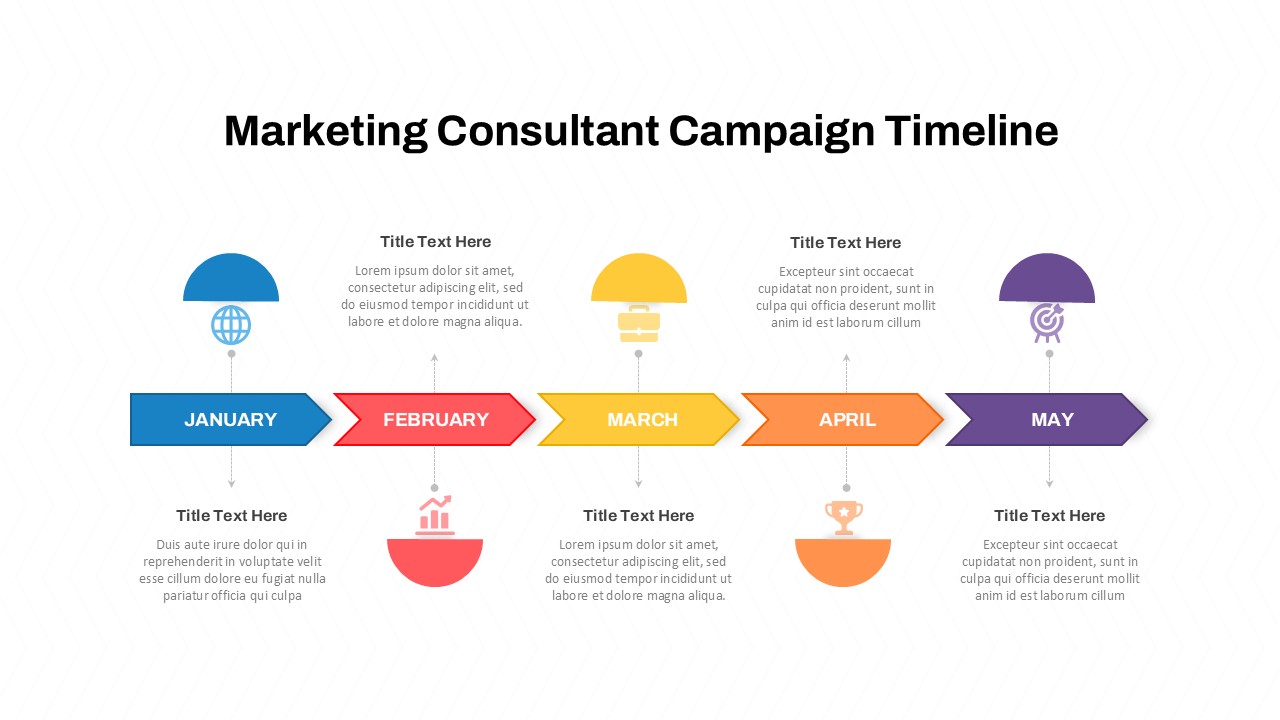
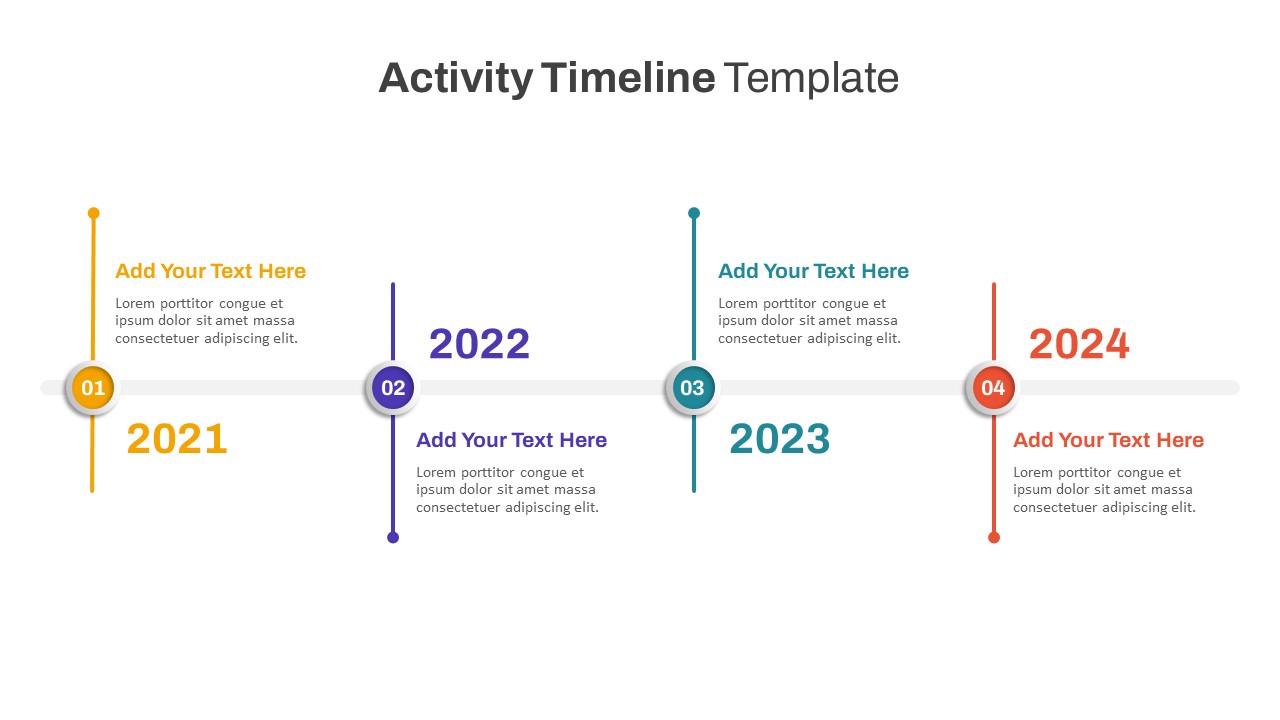
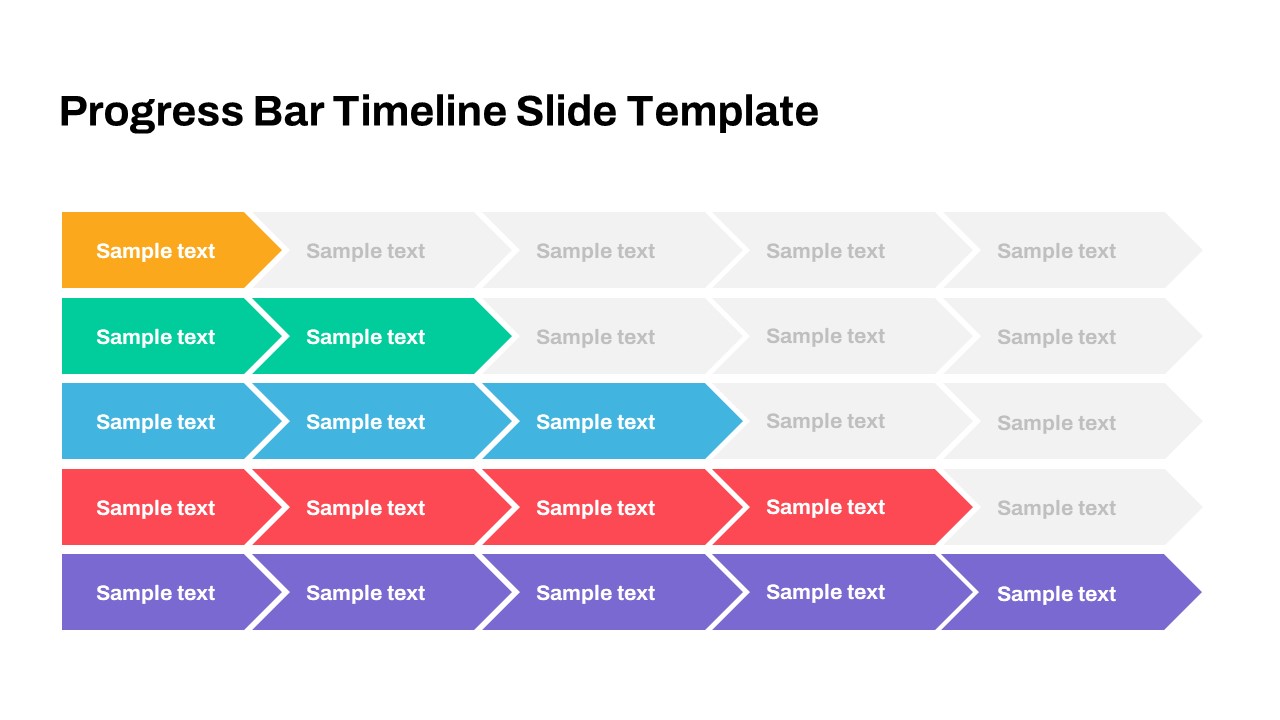
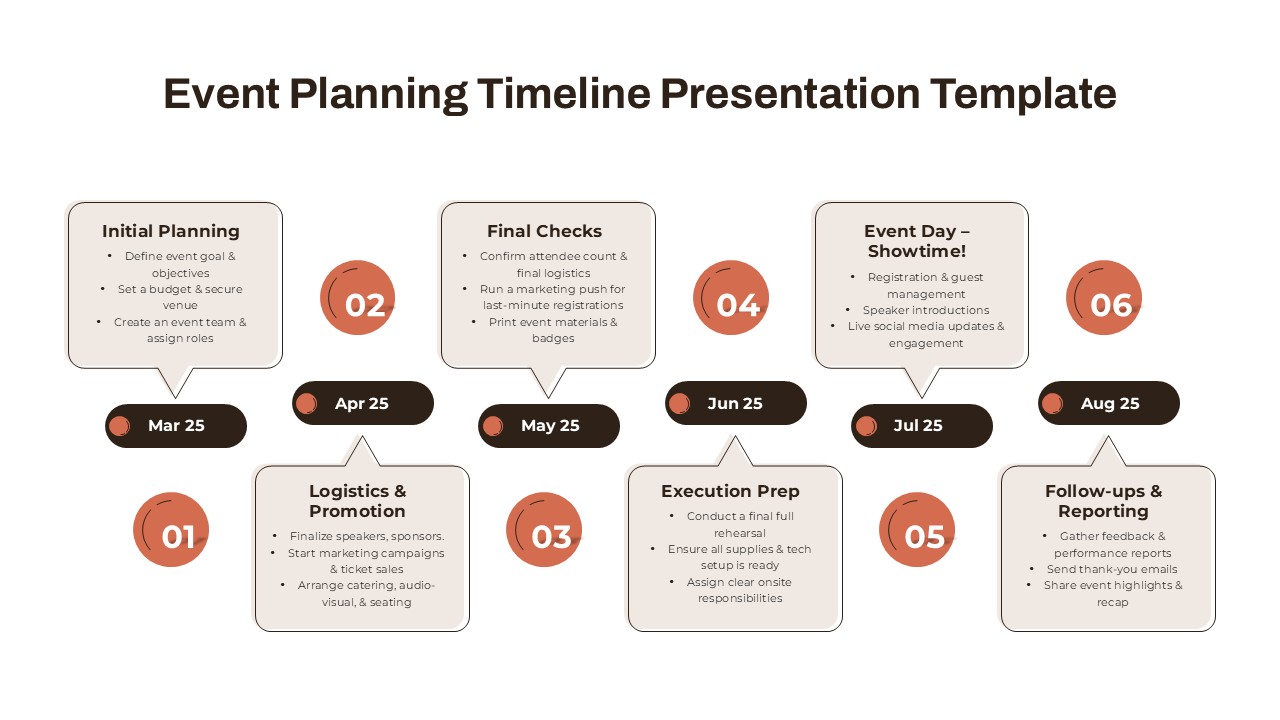
7-Stage Linear Timeline PowerPoint and Google Slides Template

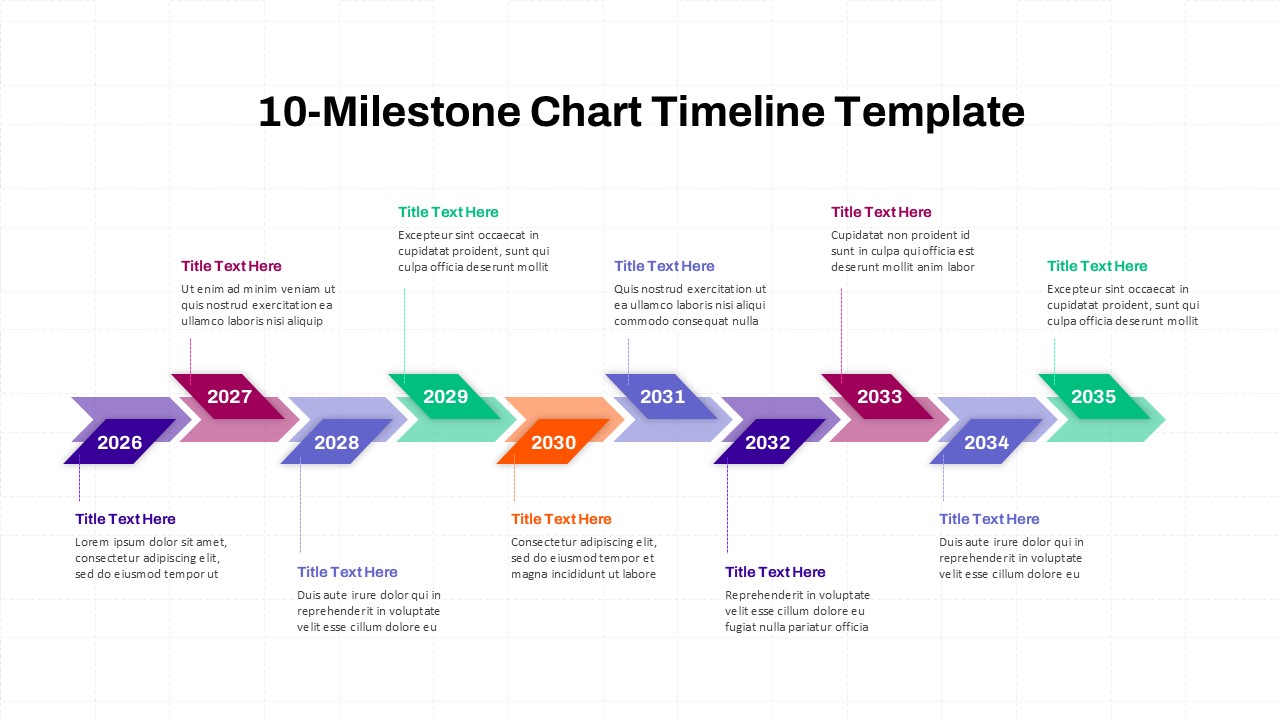
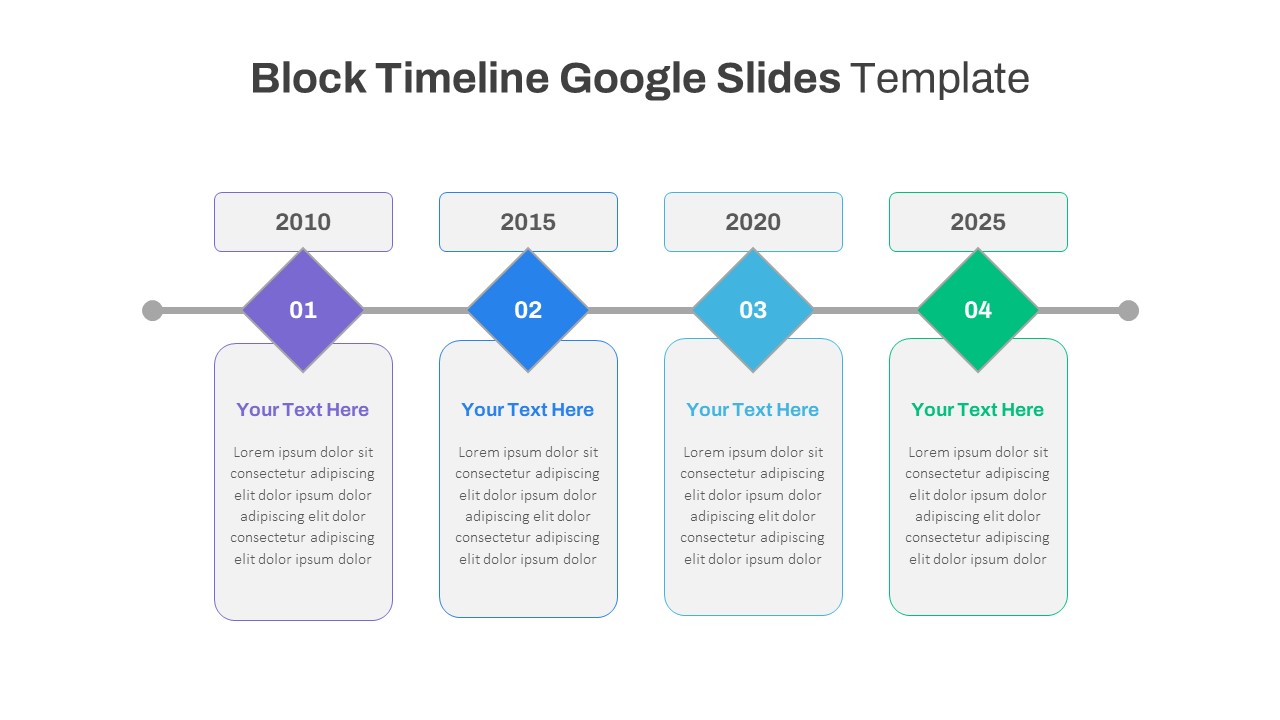
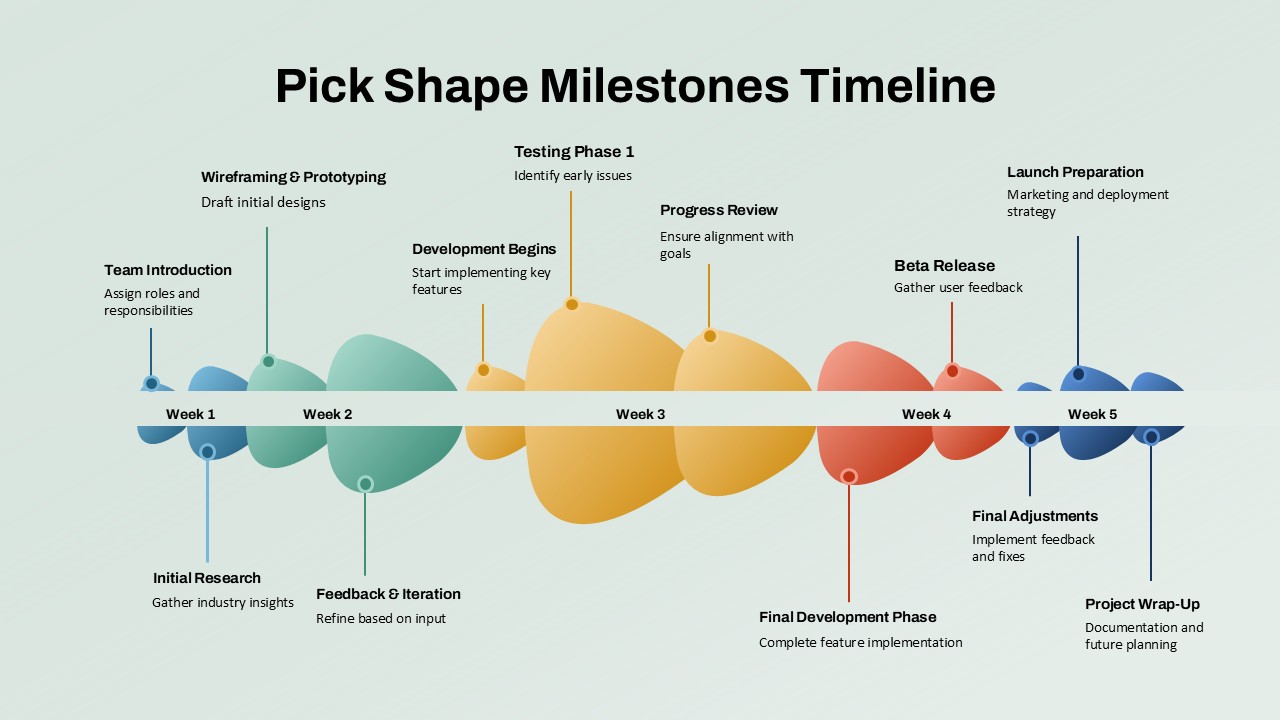
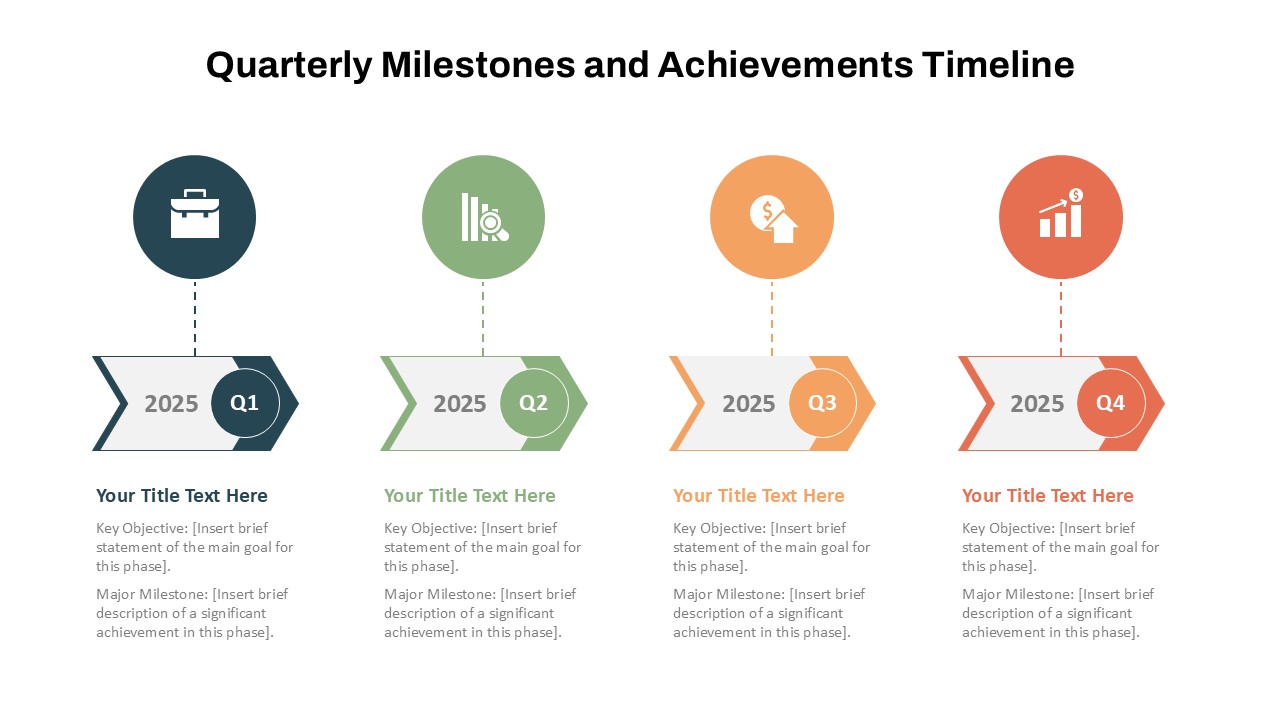
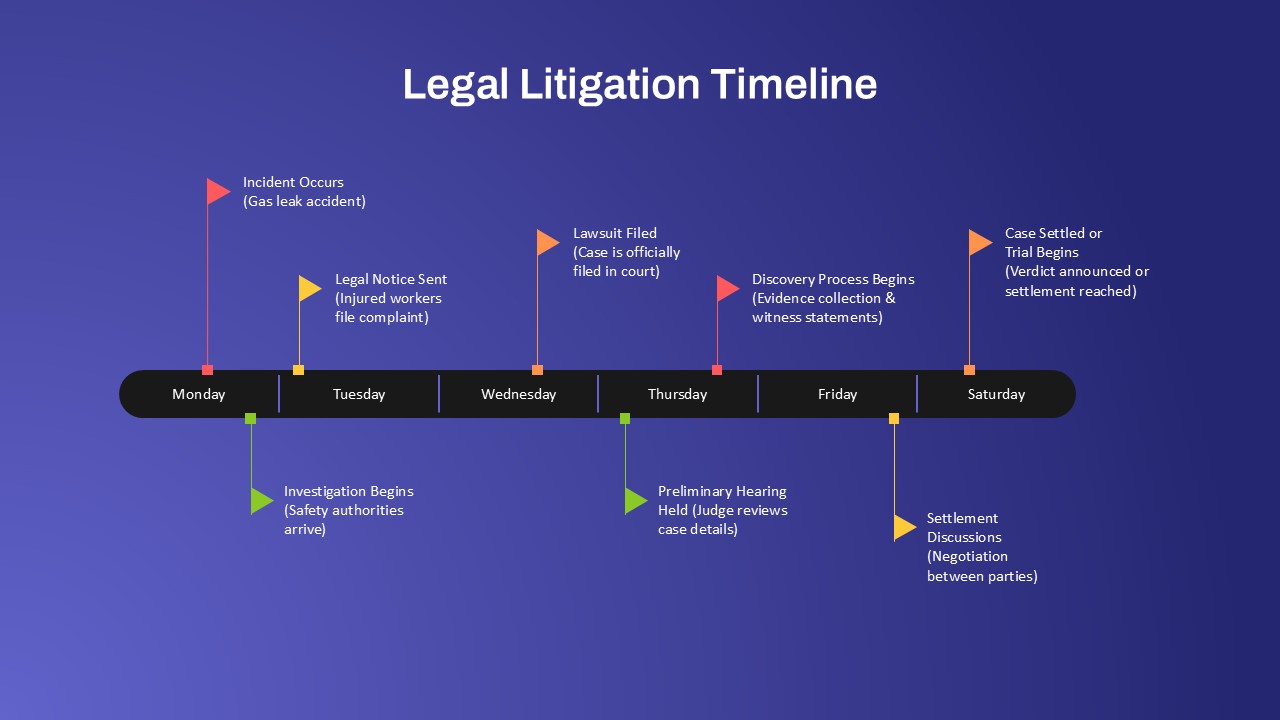
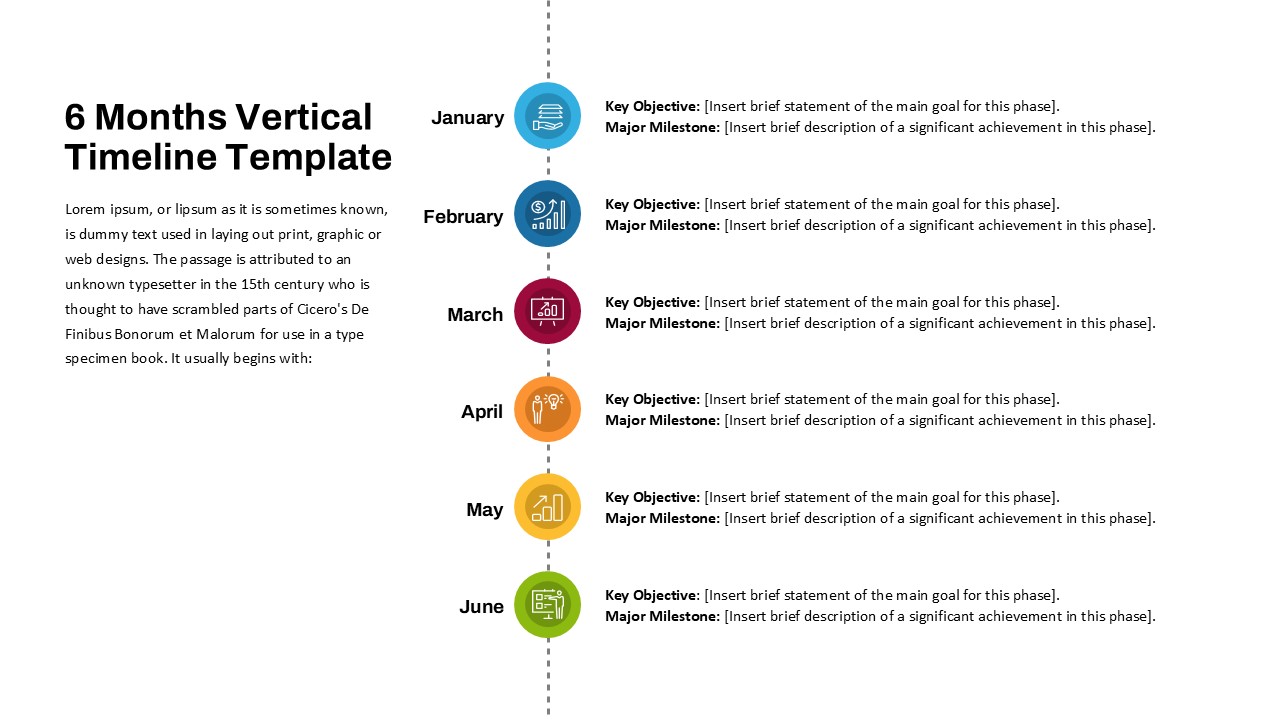
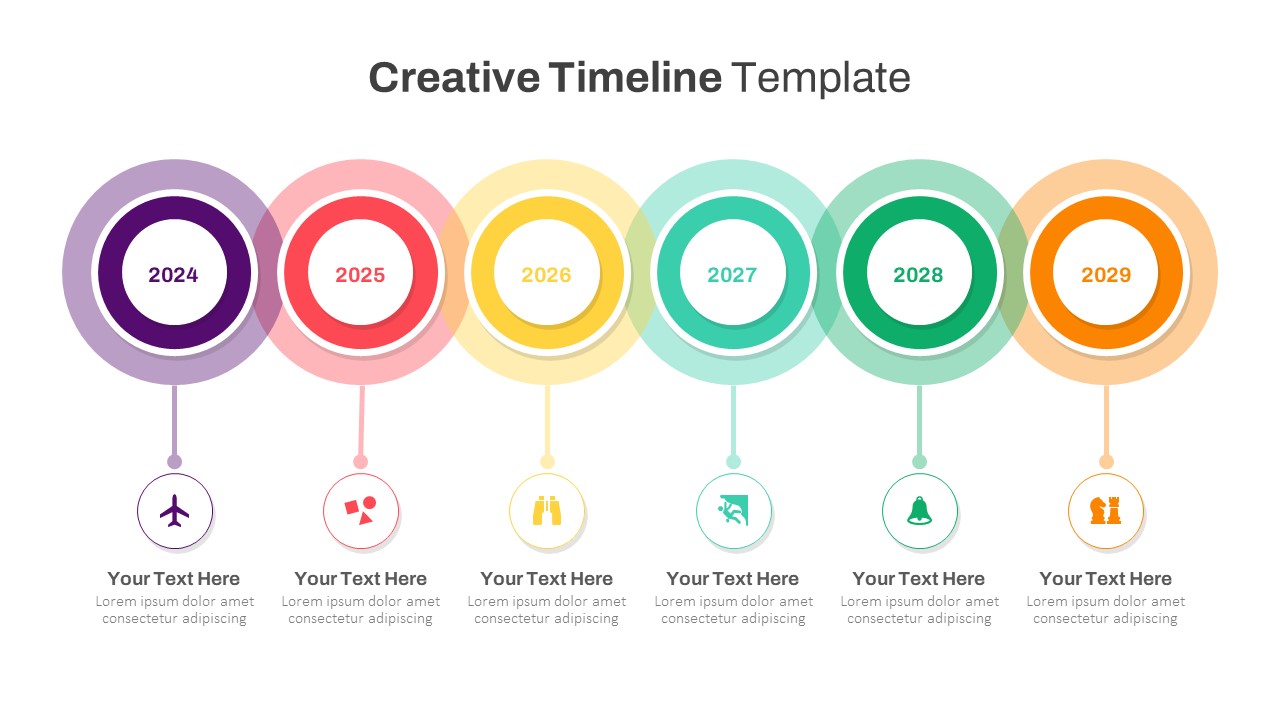
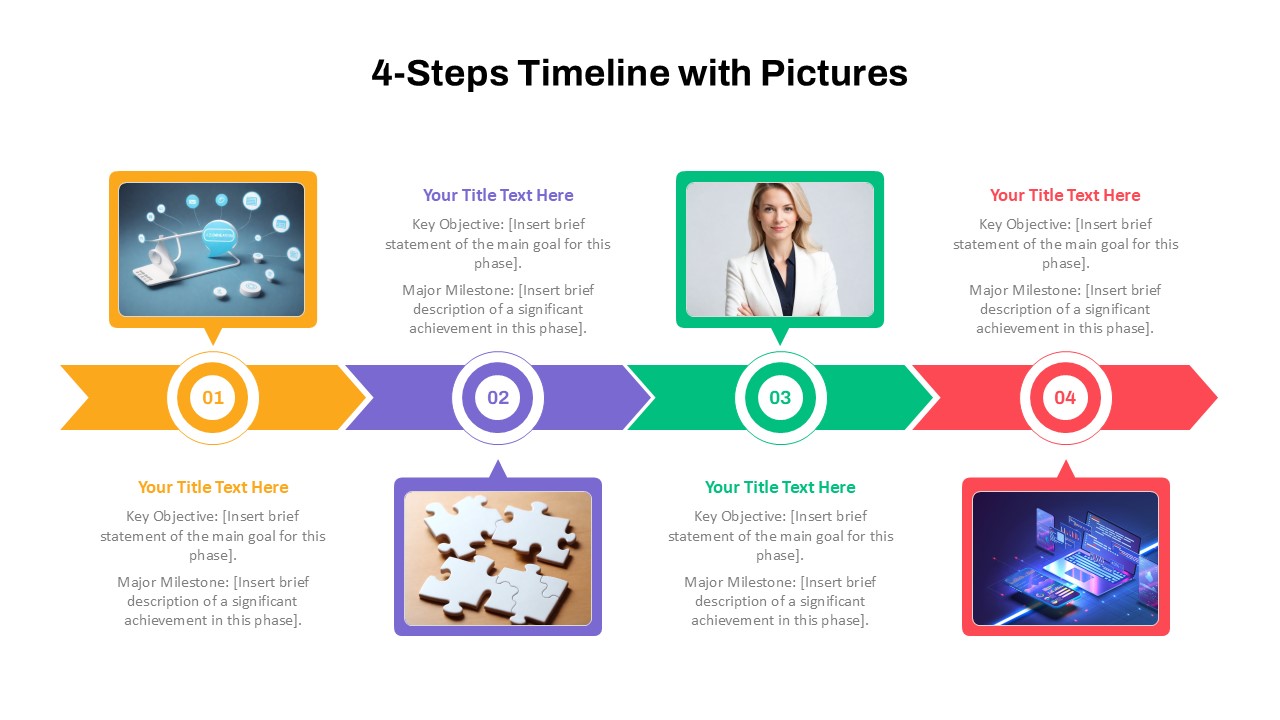
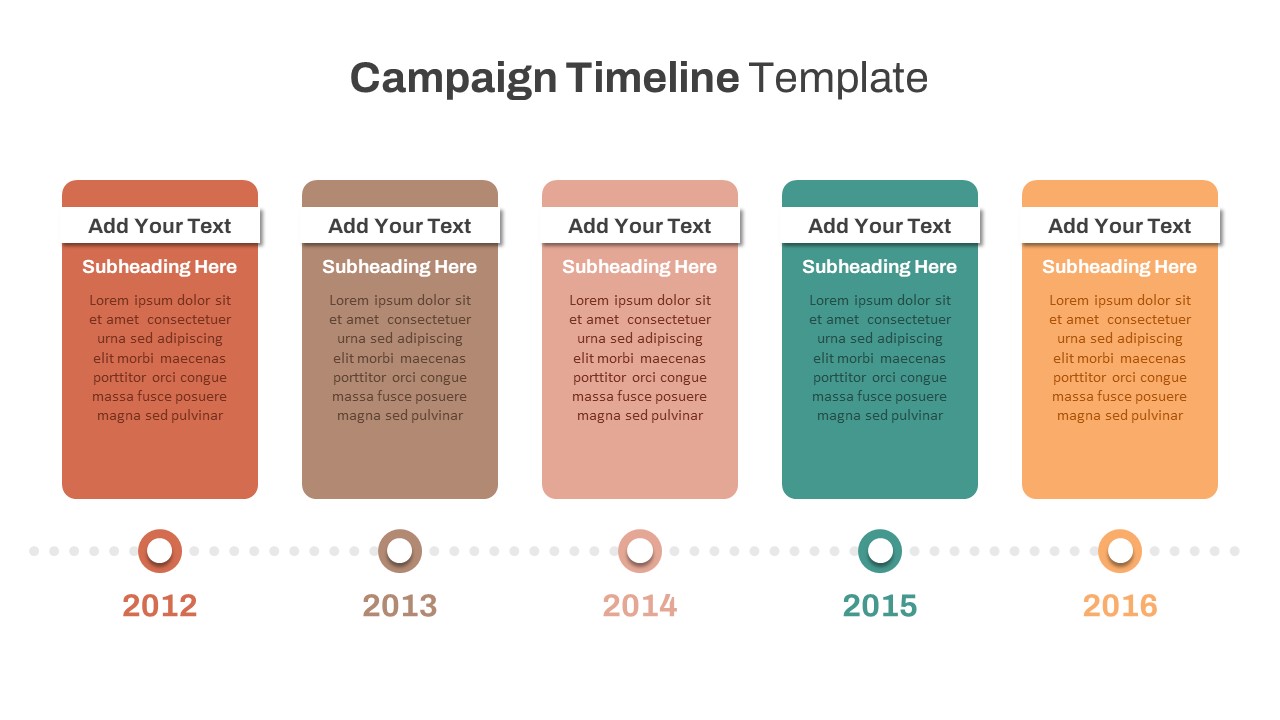
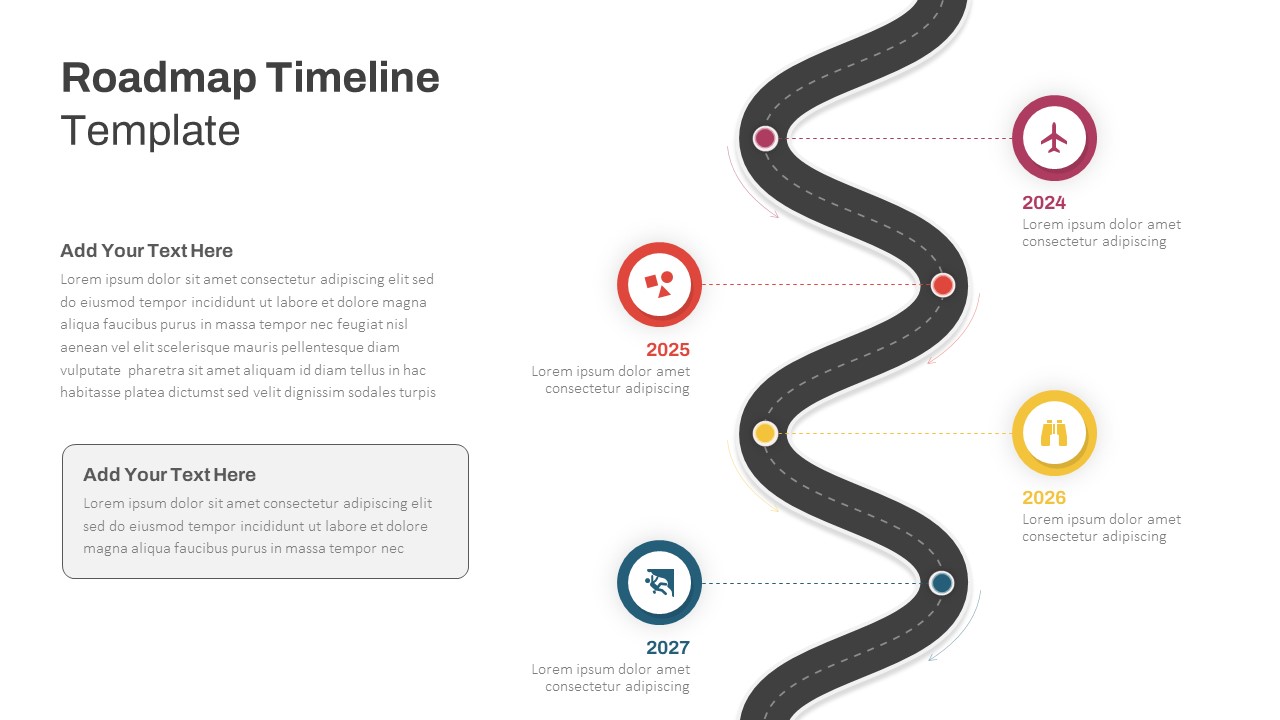
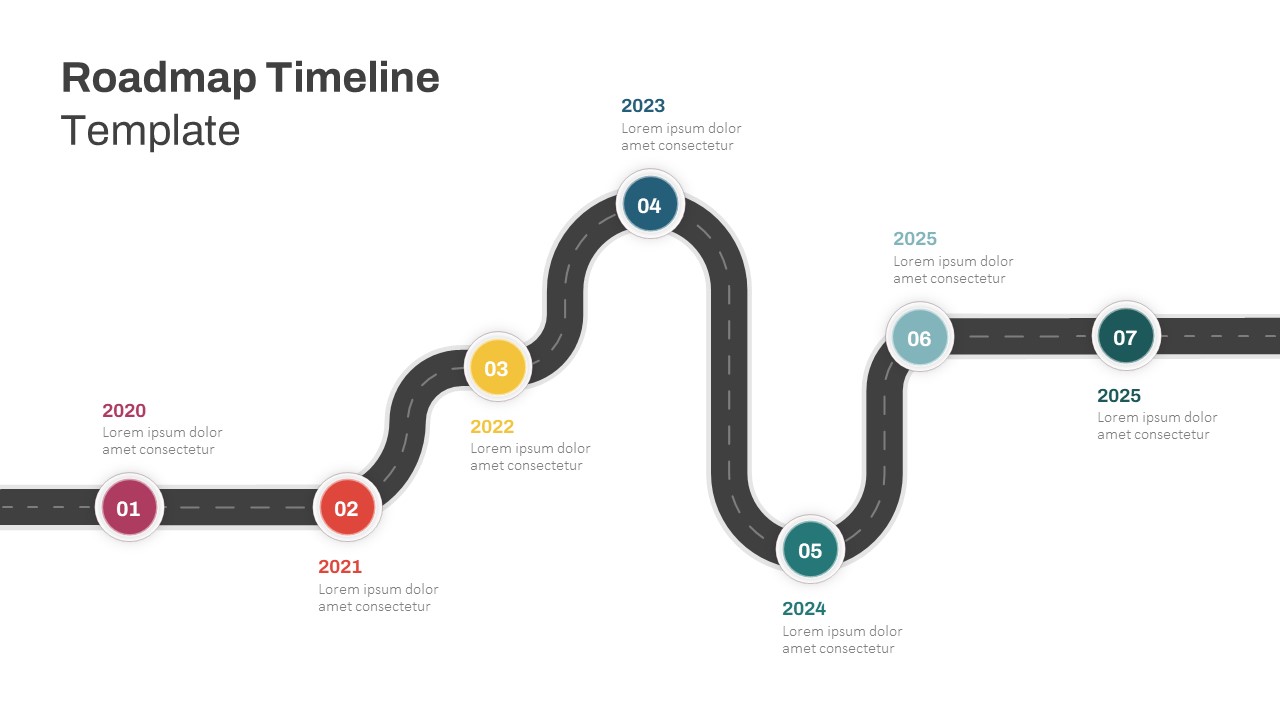
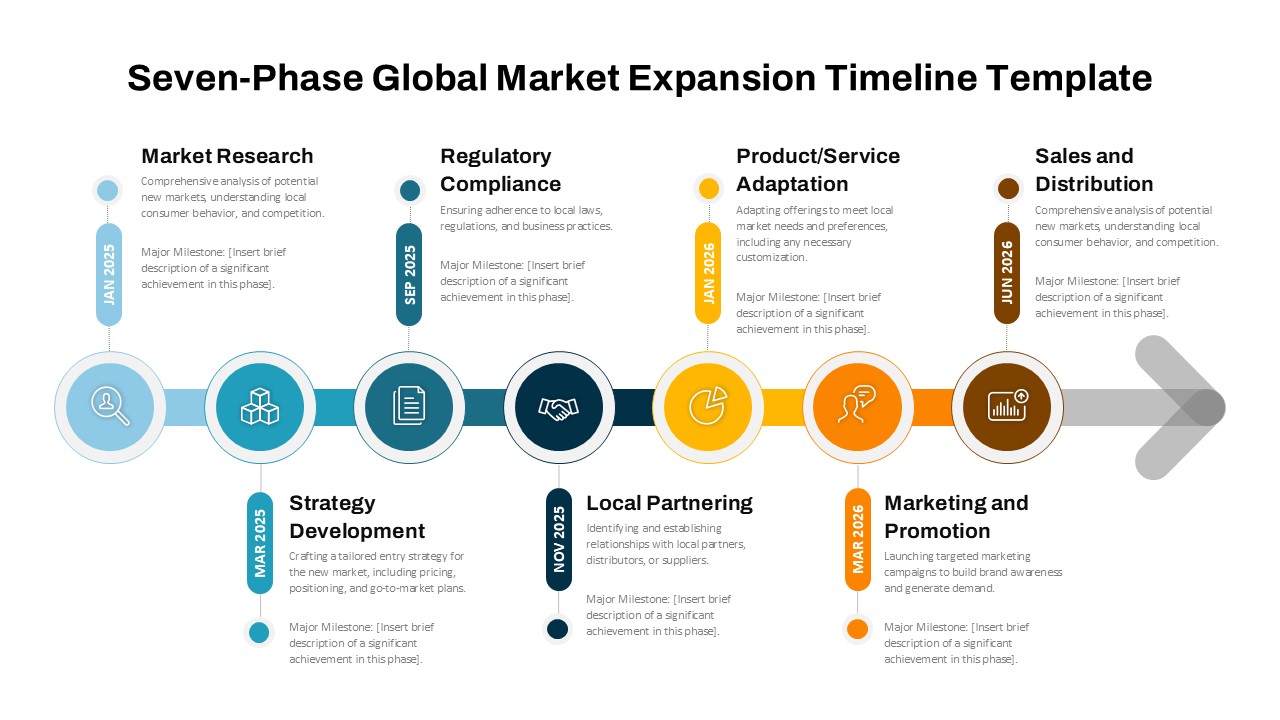
Effectively showcase sequential progress, key milestones, or strategic plans with this 7-Stage Linear Timeline Template, professionally designed for both PowerPoint and Google Slides. This template offers a clean, horizontal layout that’s perfect for visualizing multi-phase projects, product lifecycles, marketing campaigns, or historical overviews in a clear, structured format.
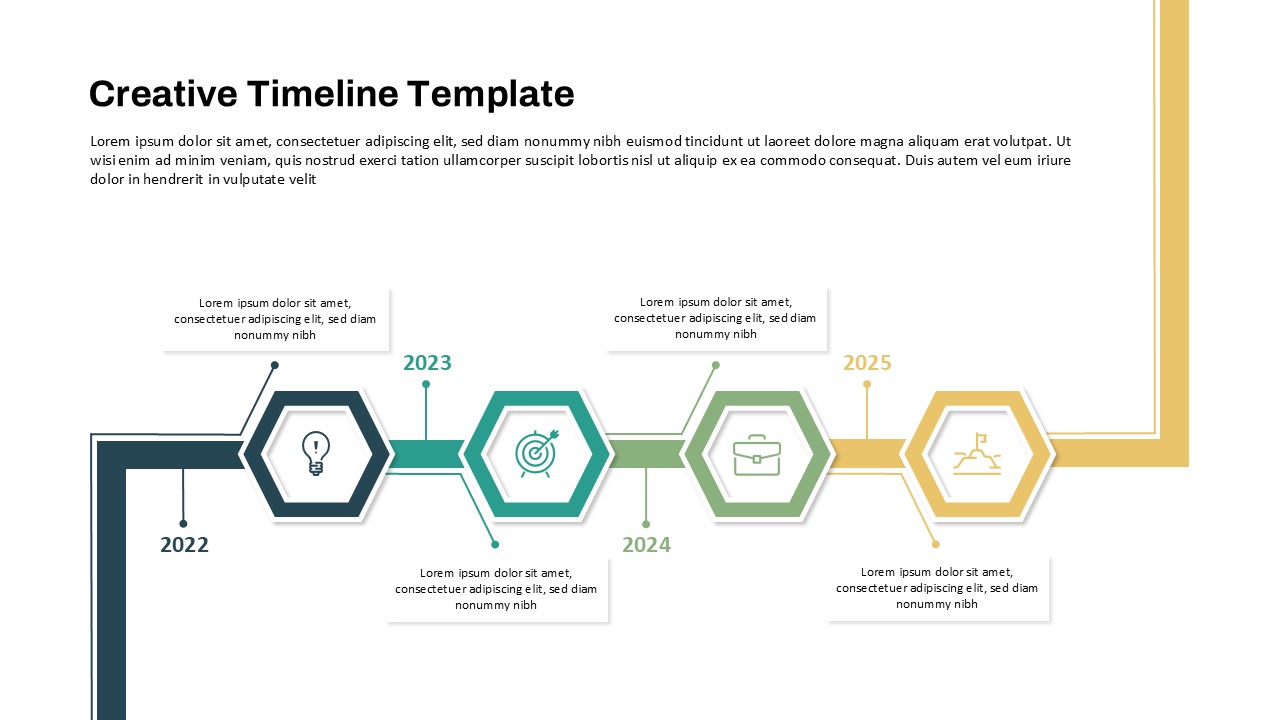
The design features a central linear arrow connecting seven time-bound stages, each paired with an intuitive icon and a dedicated text box below for detailed explanations. The top row provides placeholders for years or specific time frames (20XX), while the corresponding lower sections allow for deeper context or actions taken at each phase. The use of vibrant yellow icons atop purple text blocks creates strong visual contrast, ensuring your audience stays focused on the timeline’s flow.
Ideal for project managers, business strategists, educators, and consultants, this timeline is fully customizable—allowing you to adapt colors, icons, and text to fit any industry or presentation style. Whether you’re planning a 7-phase roadmap, visualizing quarterly targets, or walking stakeholders through a strategic journey, this slide offers a polished, engaging structure for effective storytelling.
This timeline template is not only informative but also versatile, enabling you to turn complex timelines into compelling visual narratives that resonate with your audience.
See more

Aspect Ratio
16:9Item ID
SKT04250


Features of this template
Other User Cases of the Template:
Product development roadmap, strategic planning timeline, marketing campaign milestones, educational curriculum mapping, project progress tracking, corporate history presentation, startup growth stages, client onboarding plan.
FAQs
You May Also Like These Presentation Templates


- Free
- Free
- Free
- Free
- Free
- Free