Project Phases Timeline Template for PowerPoint & Google Slides
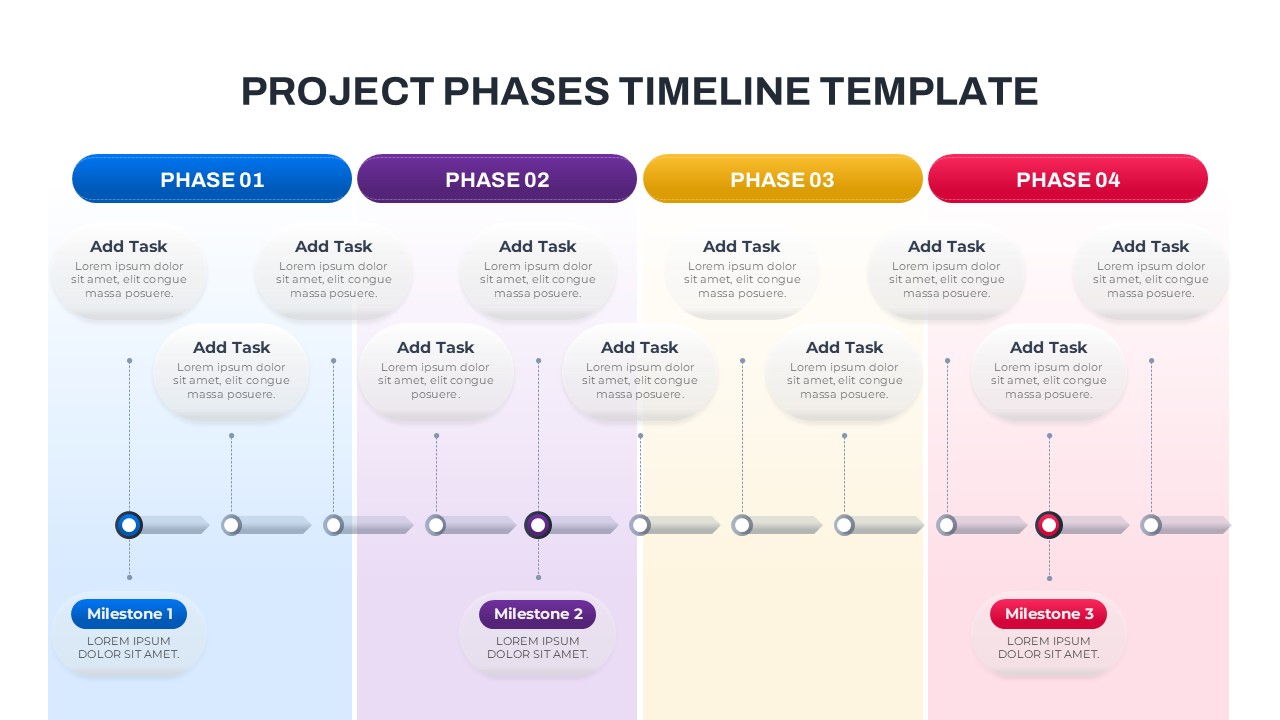
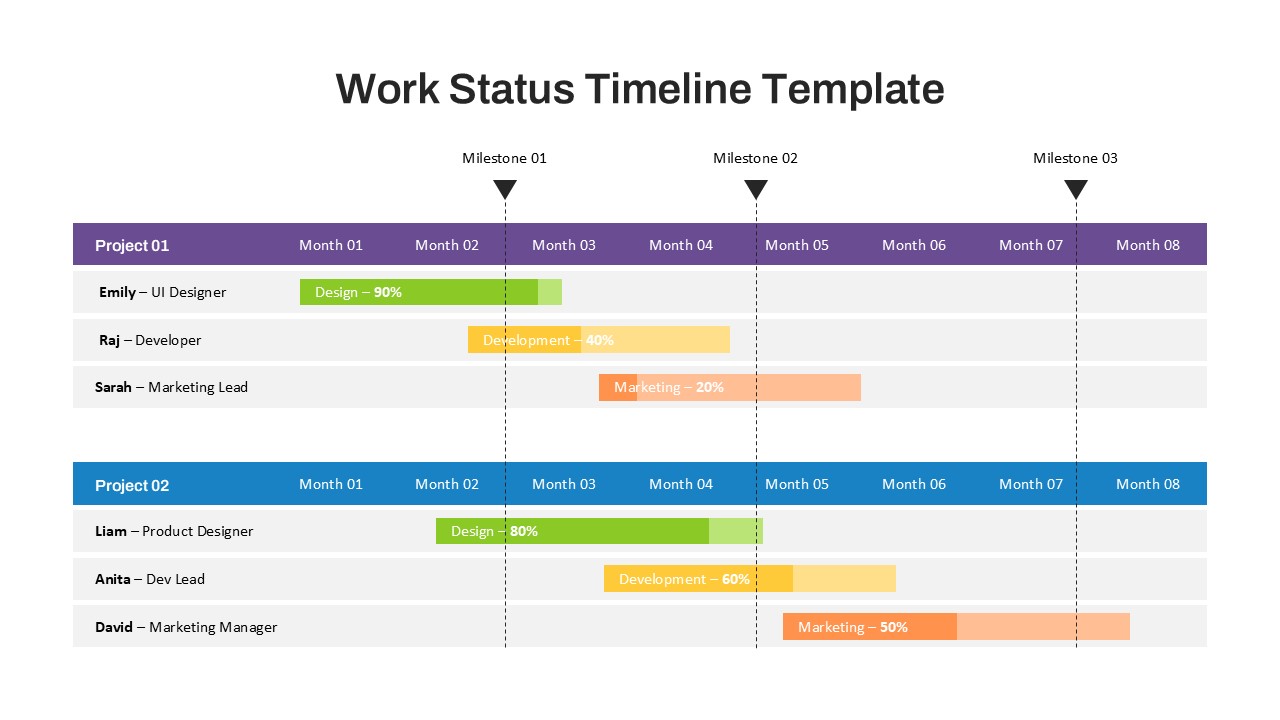
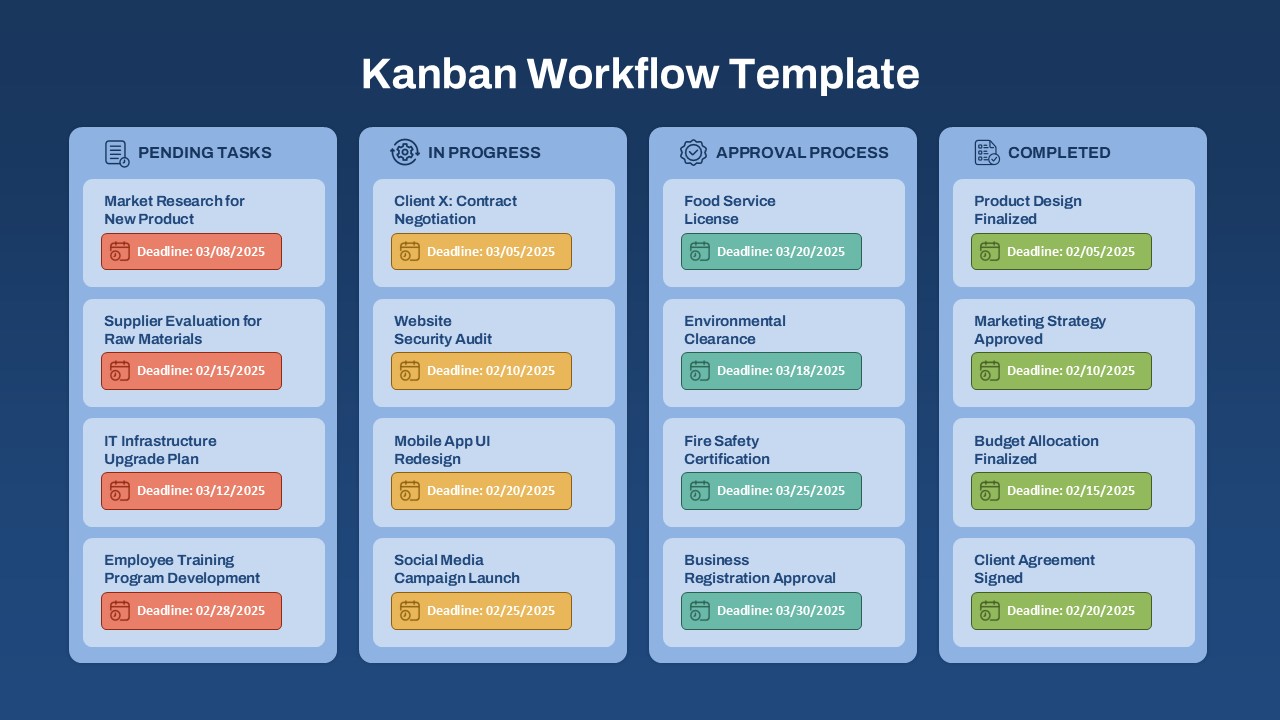
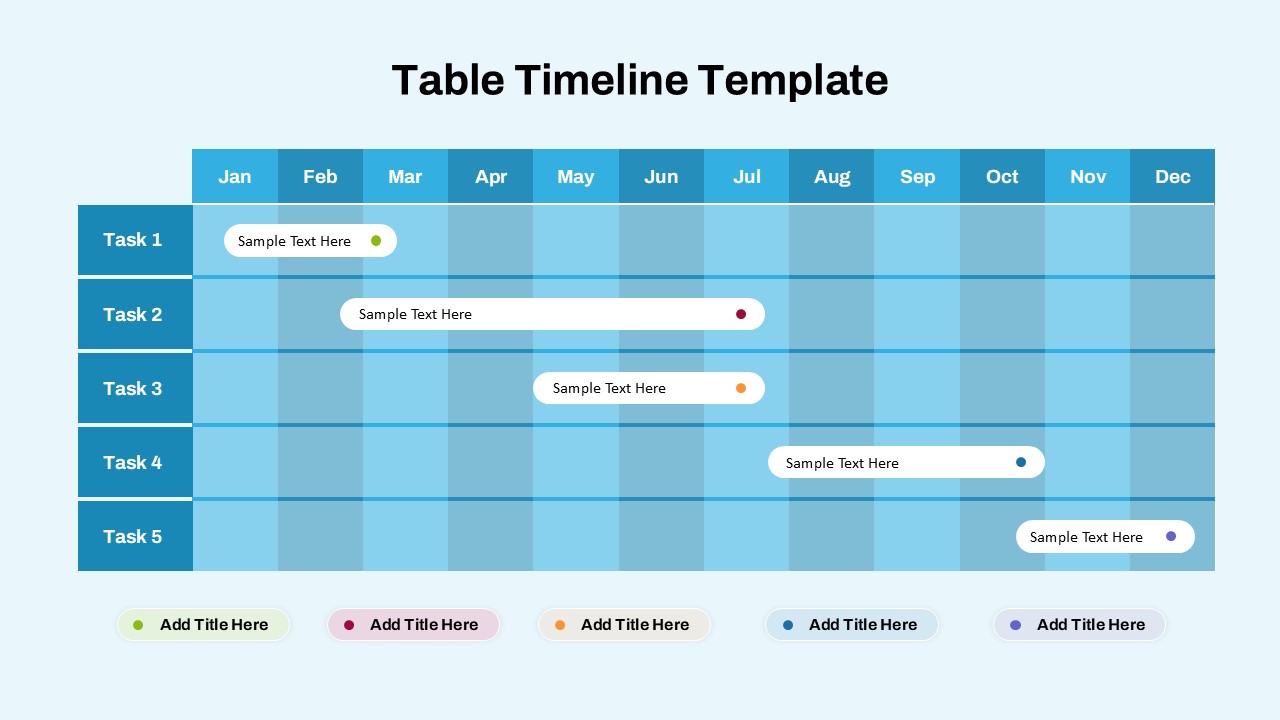
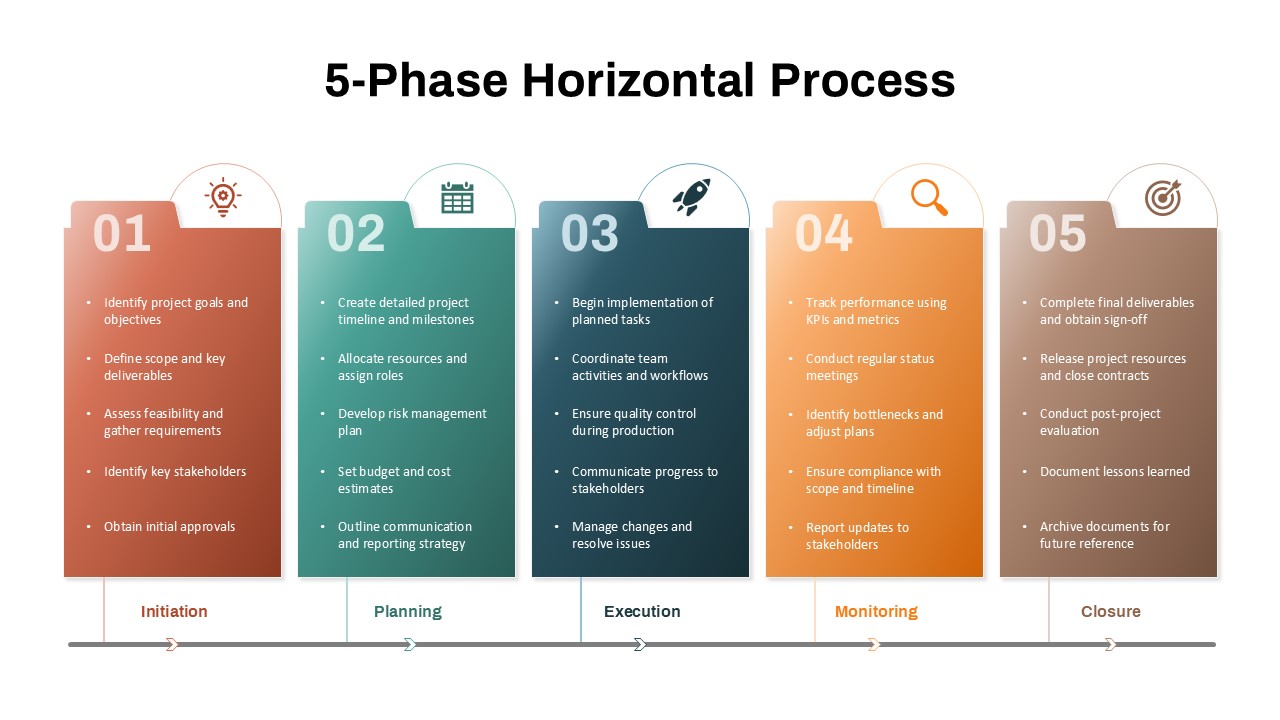
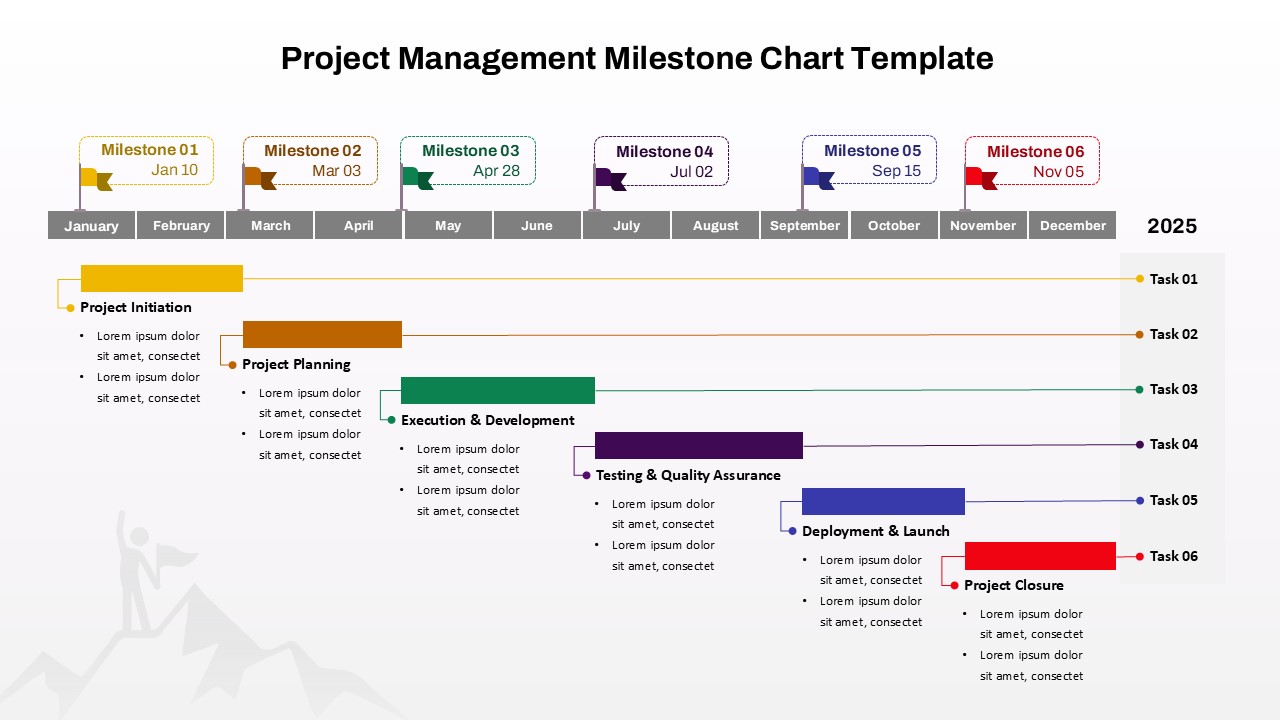
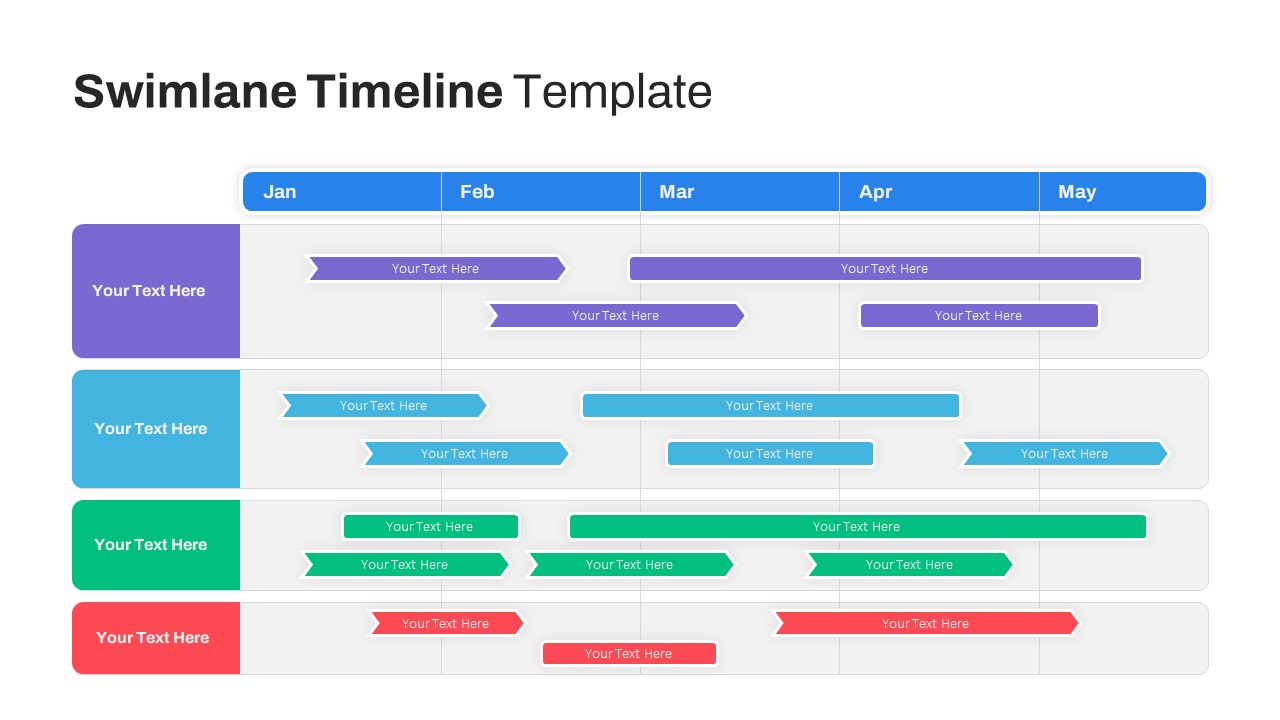
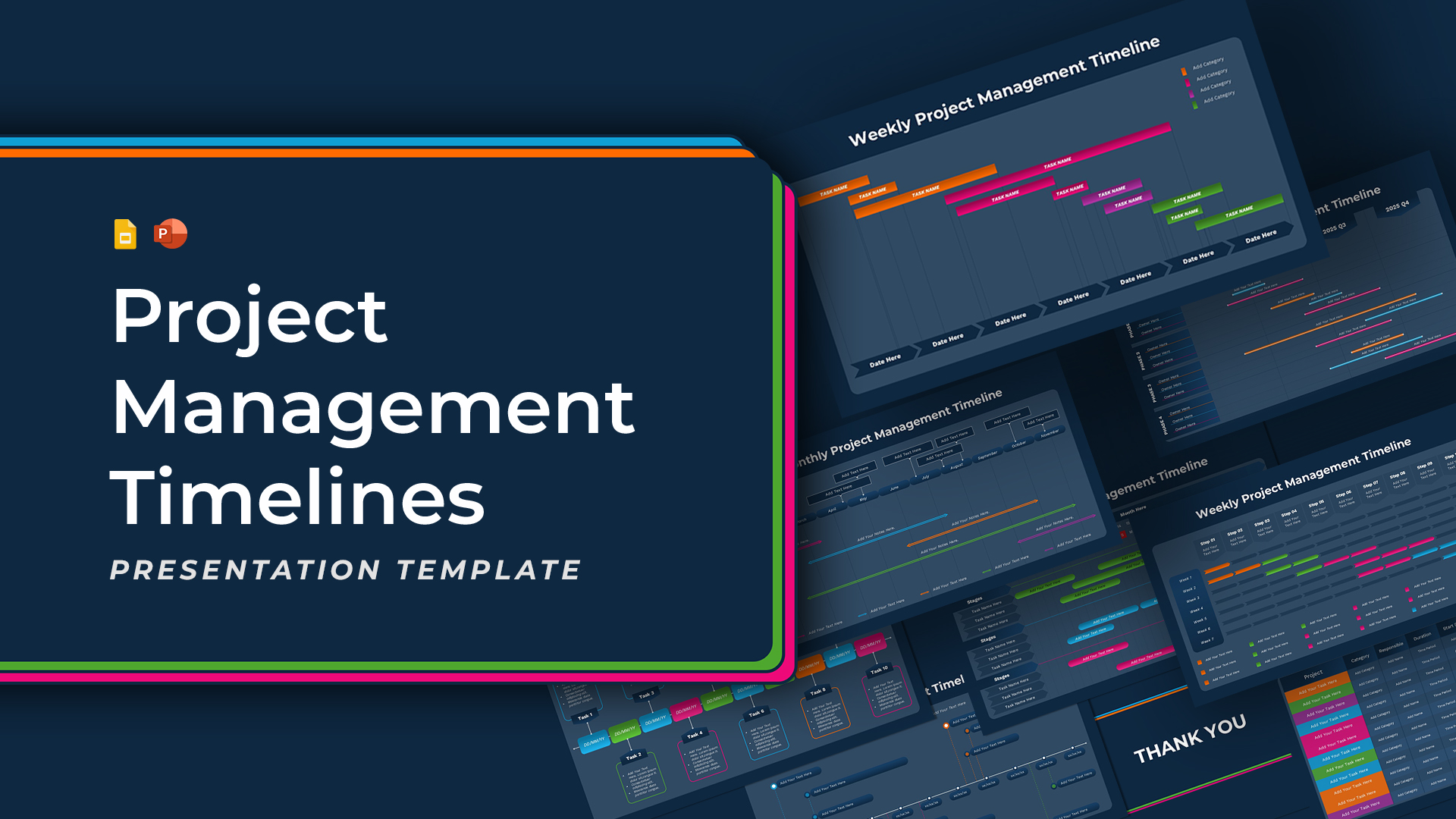
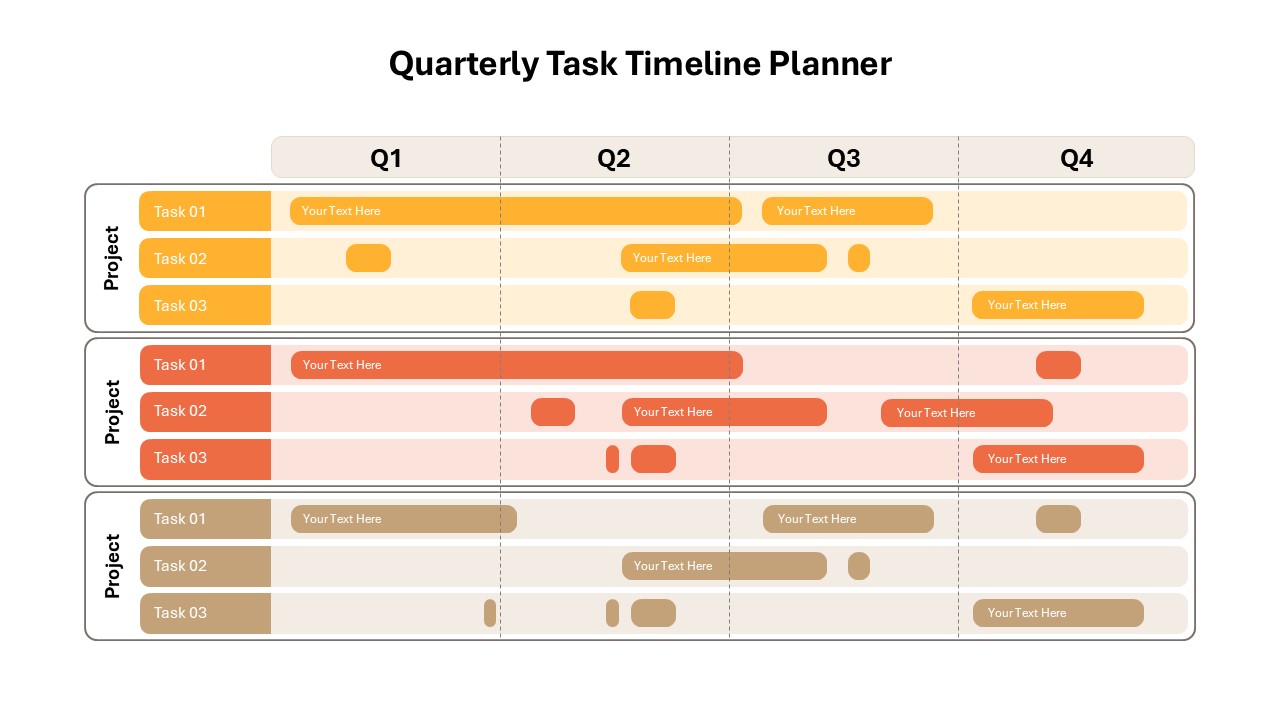
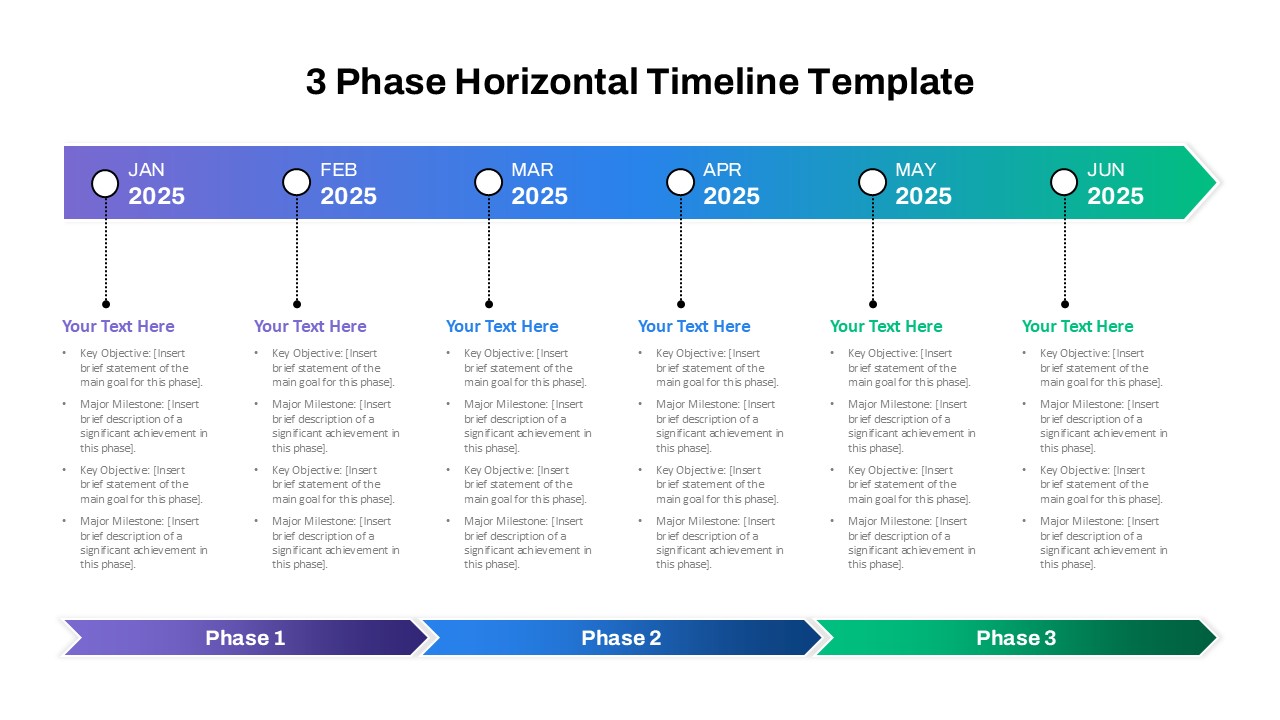
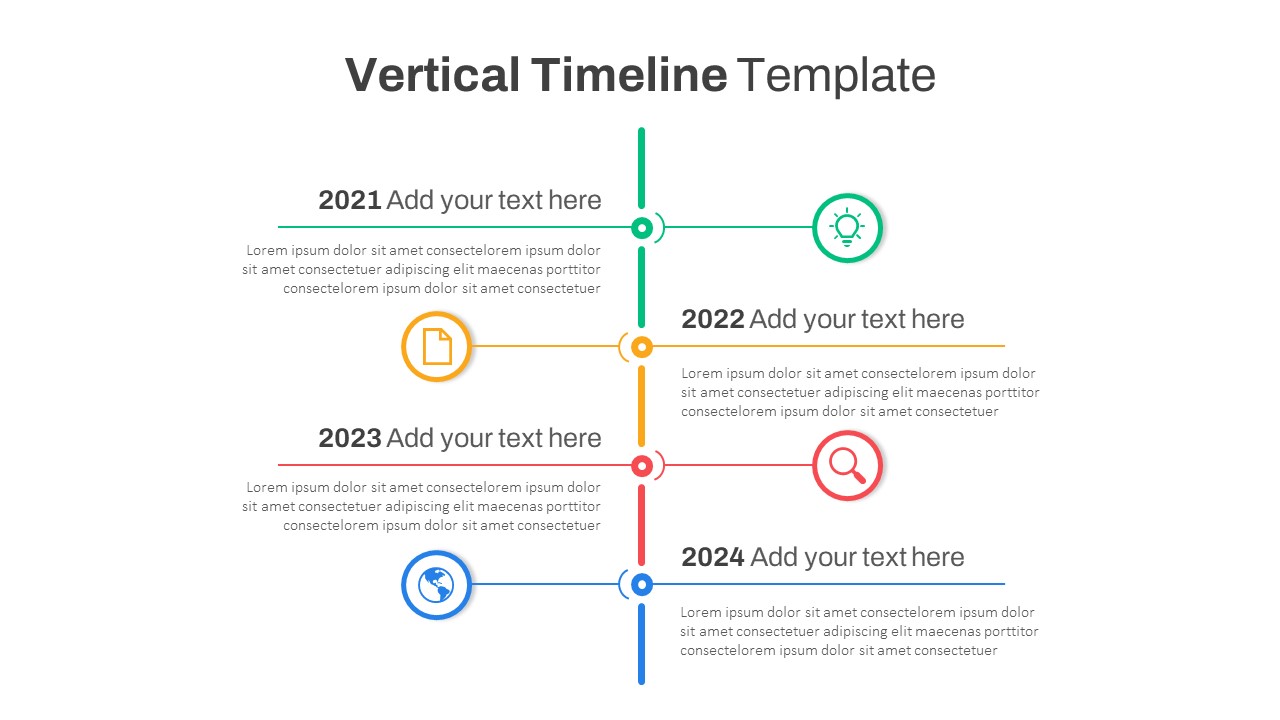
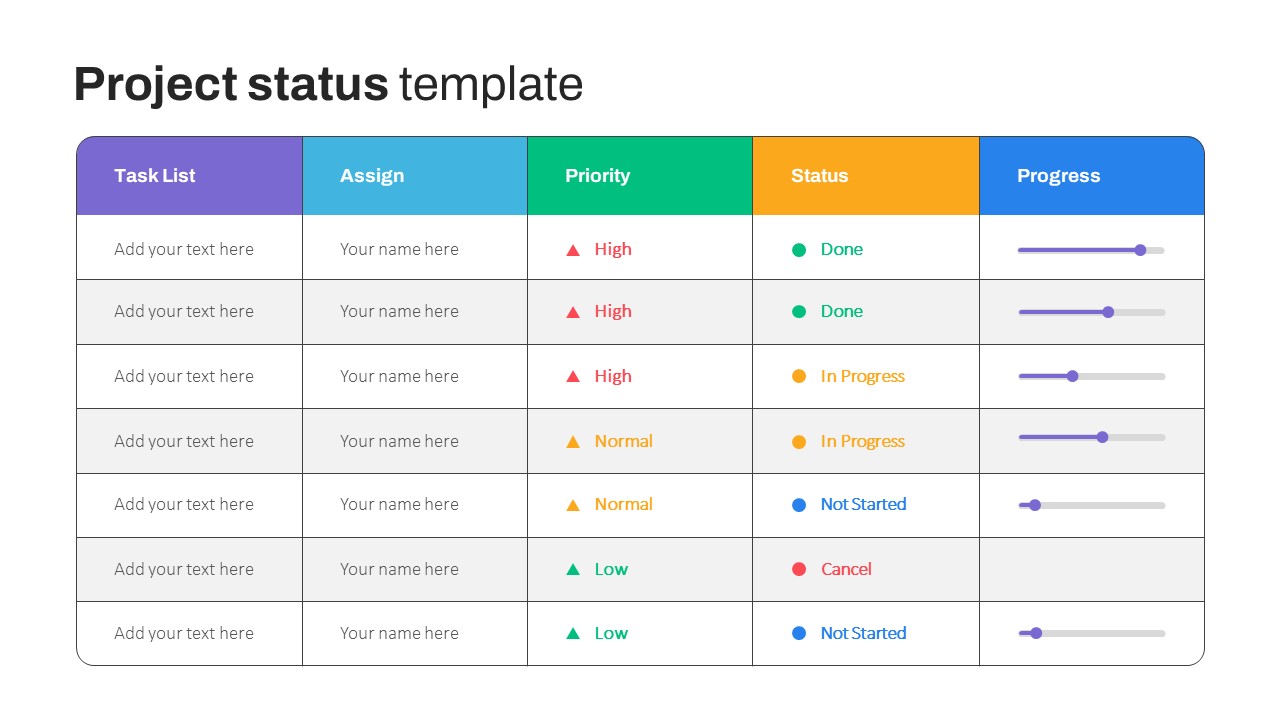
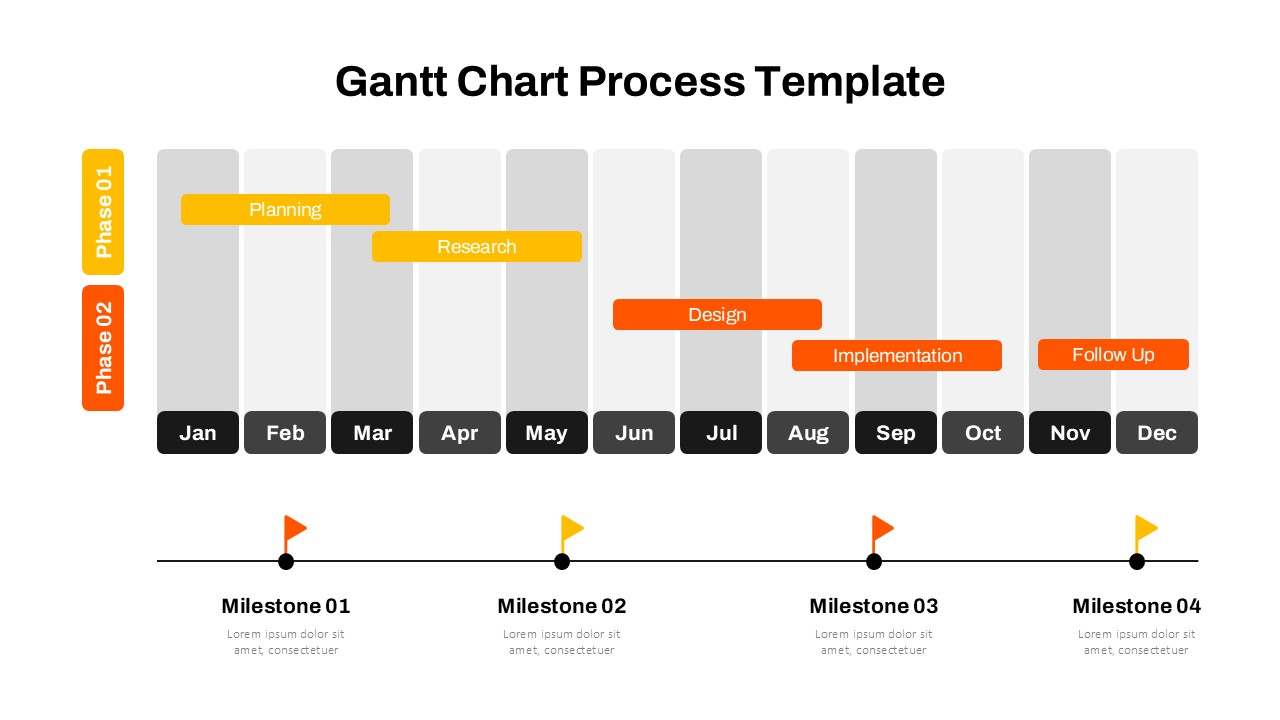
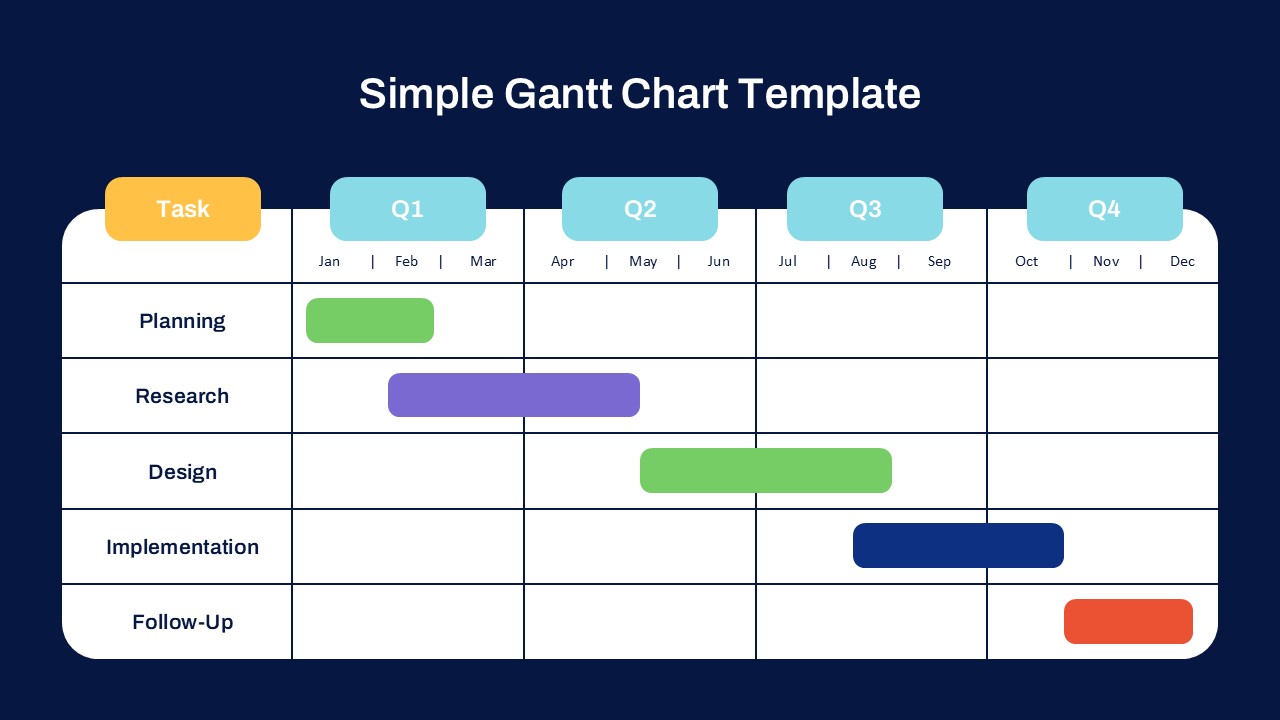
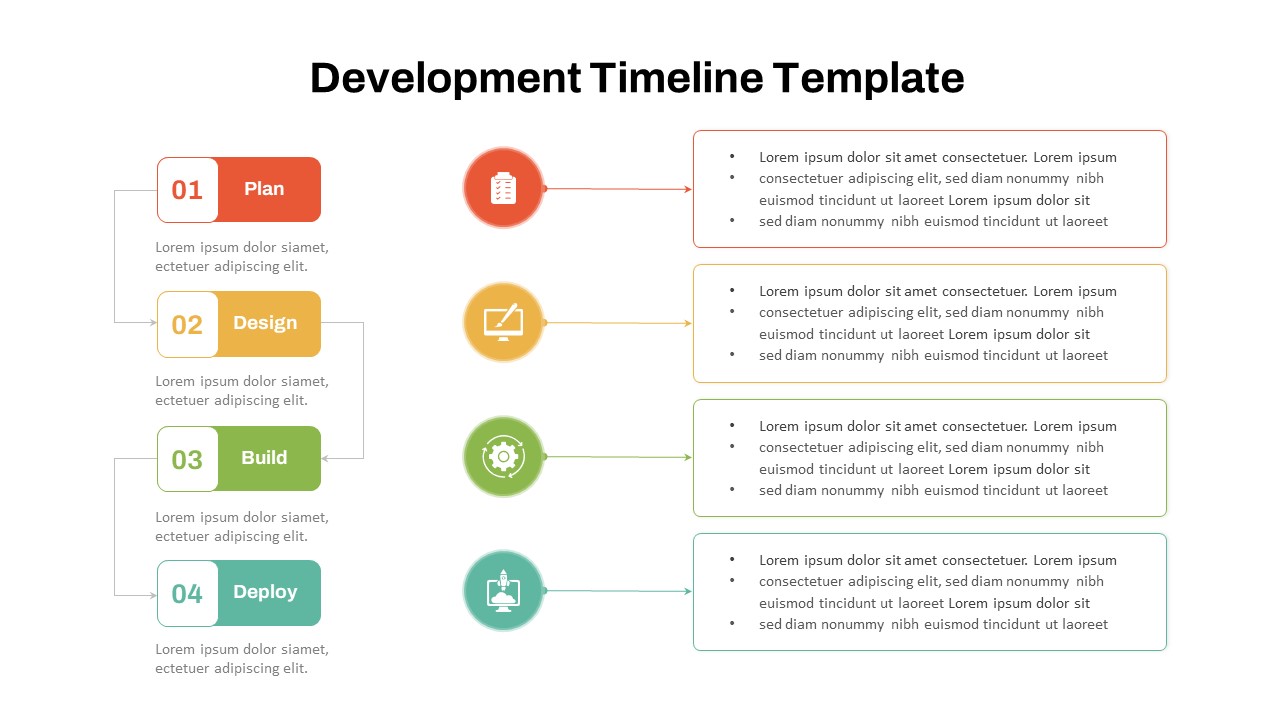
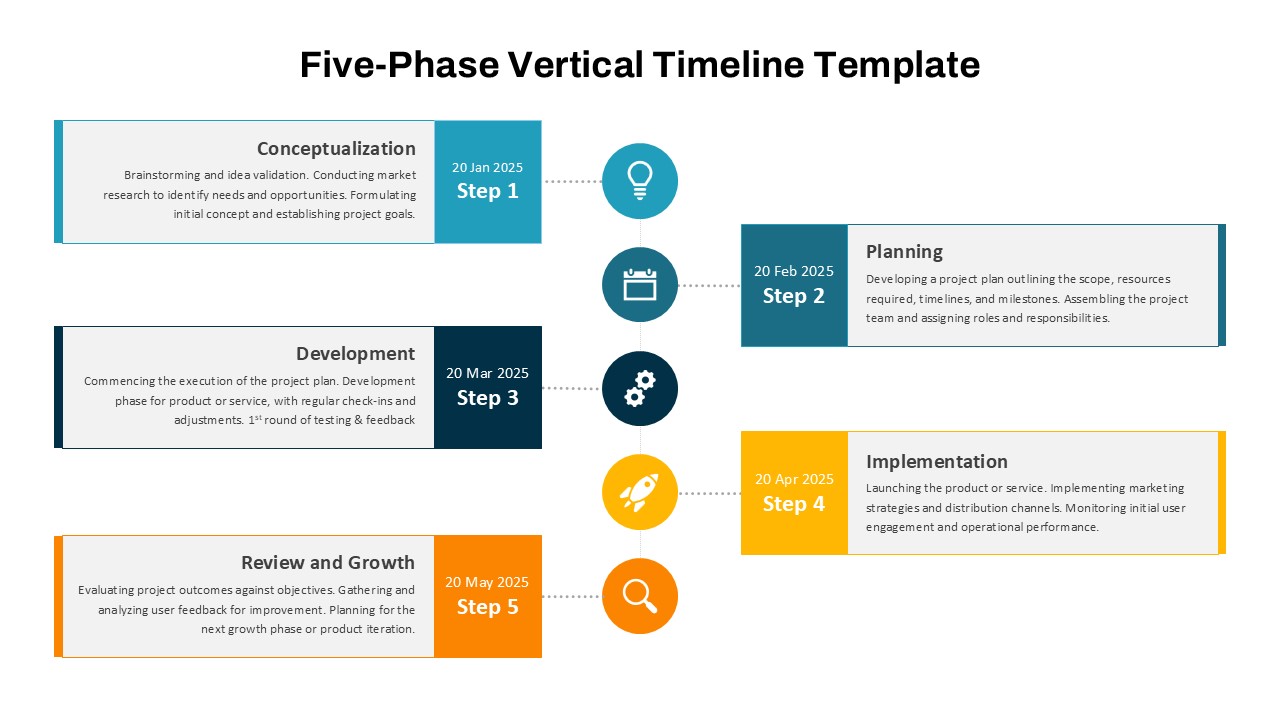
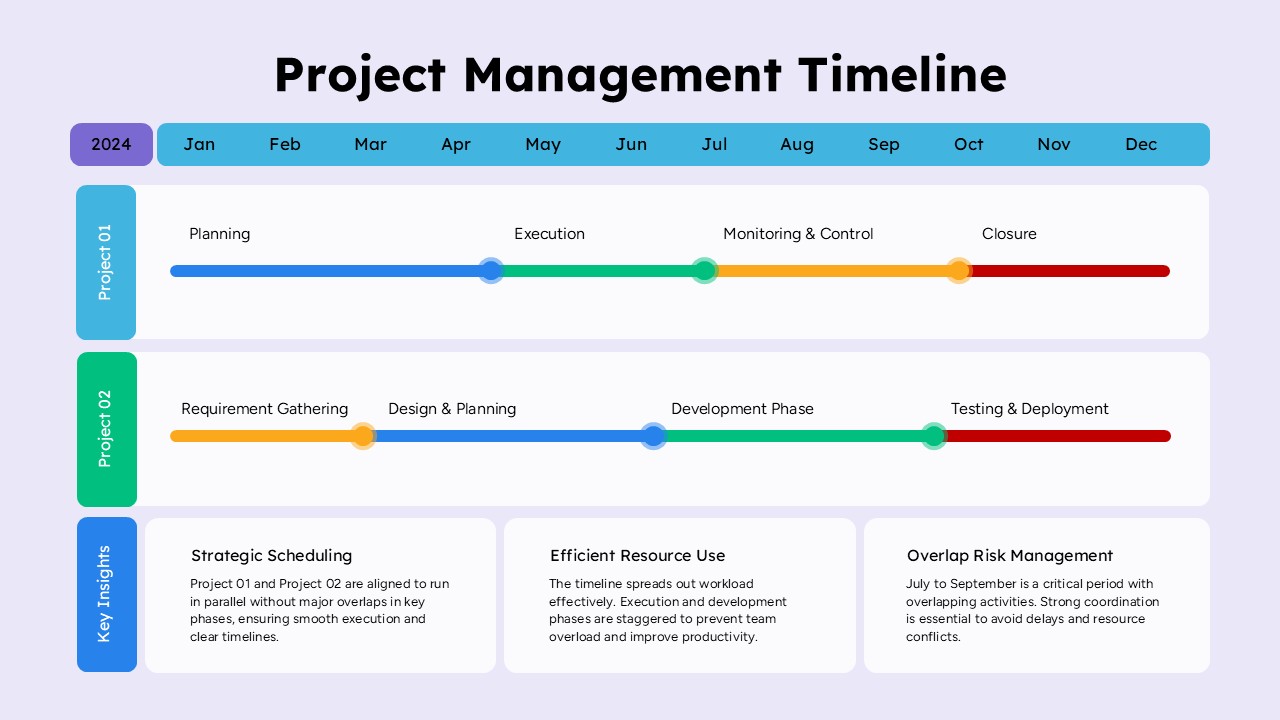
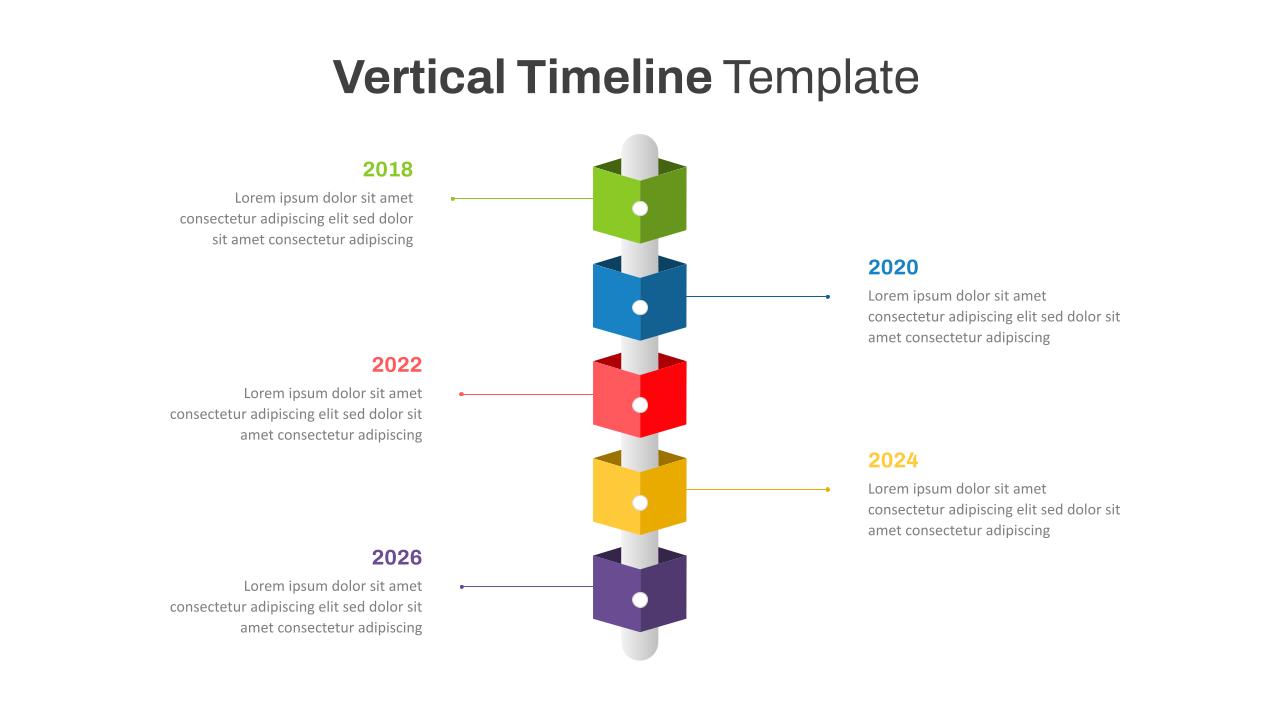
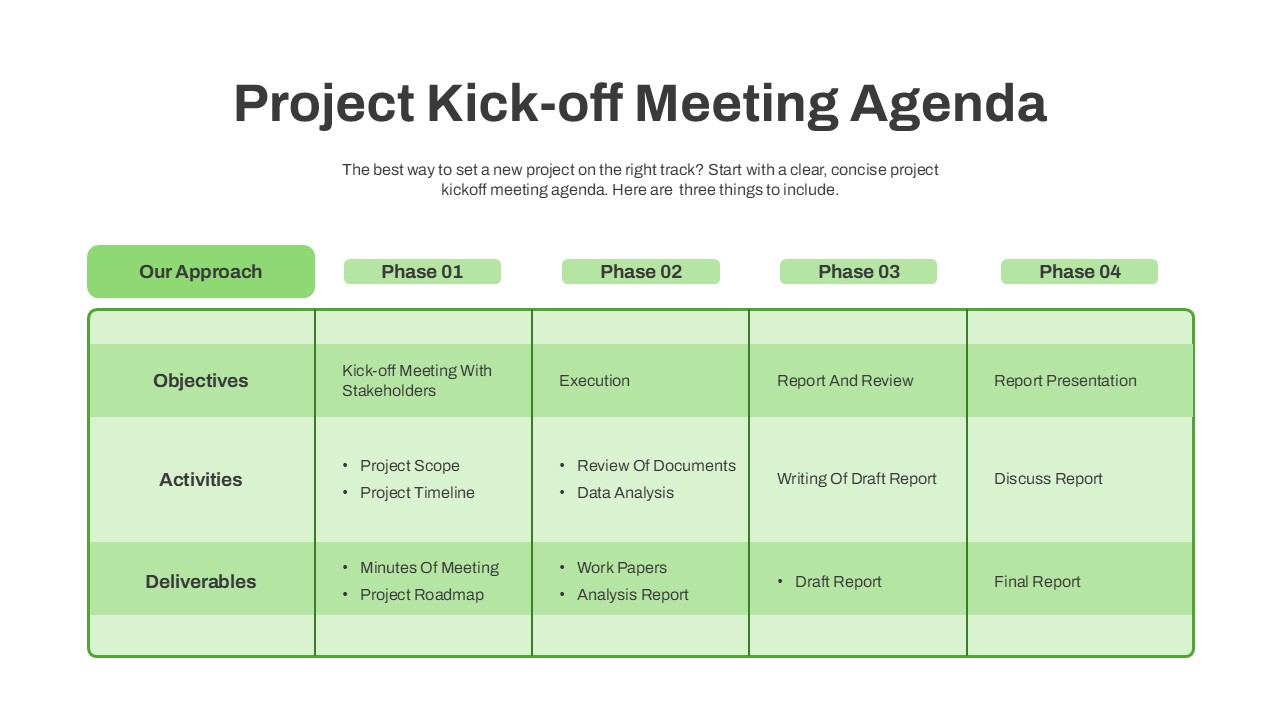
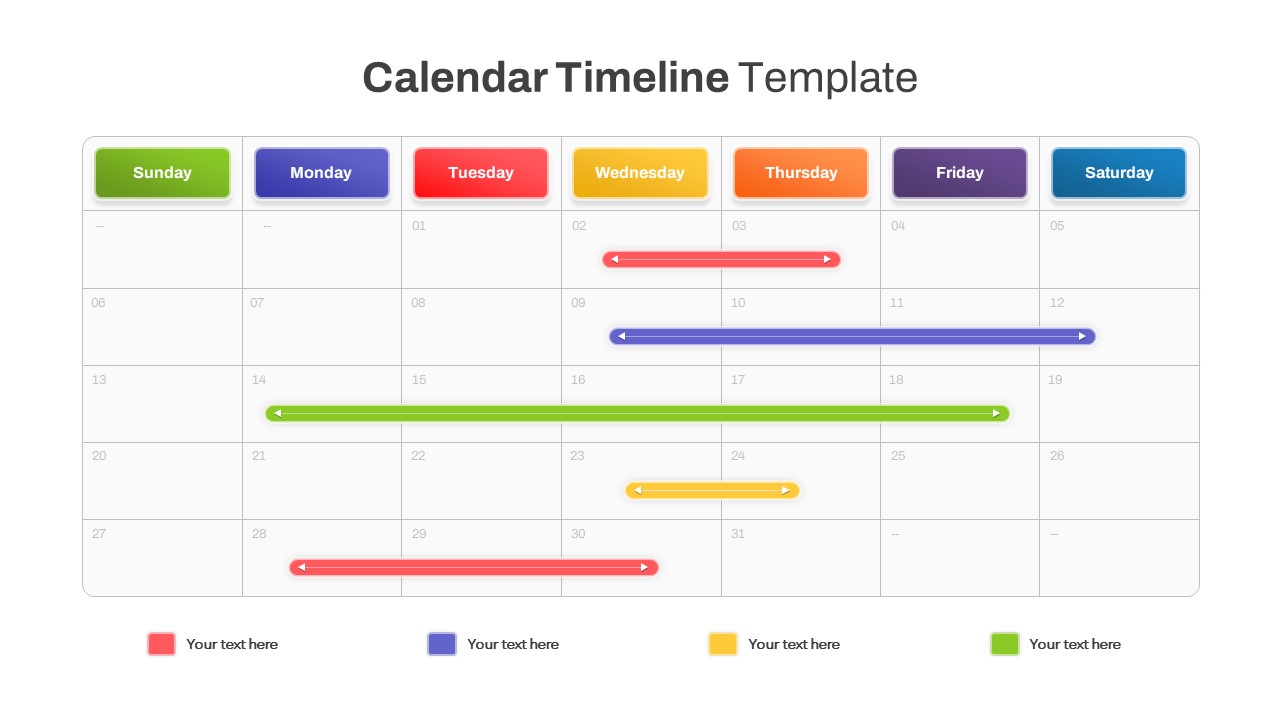
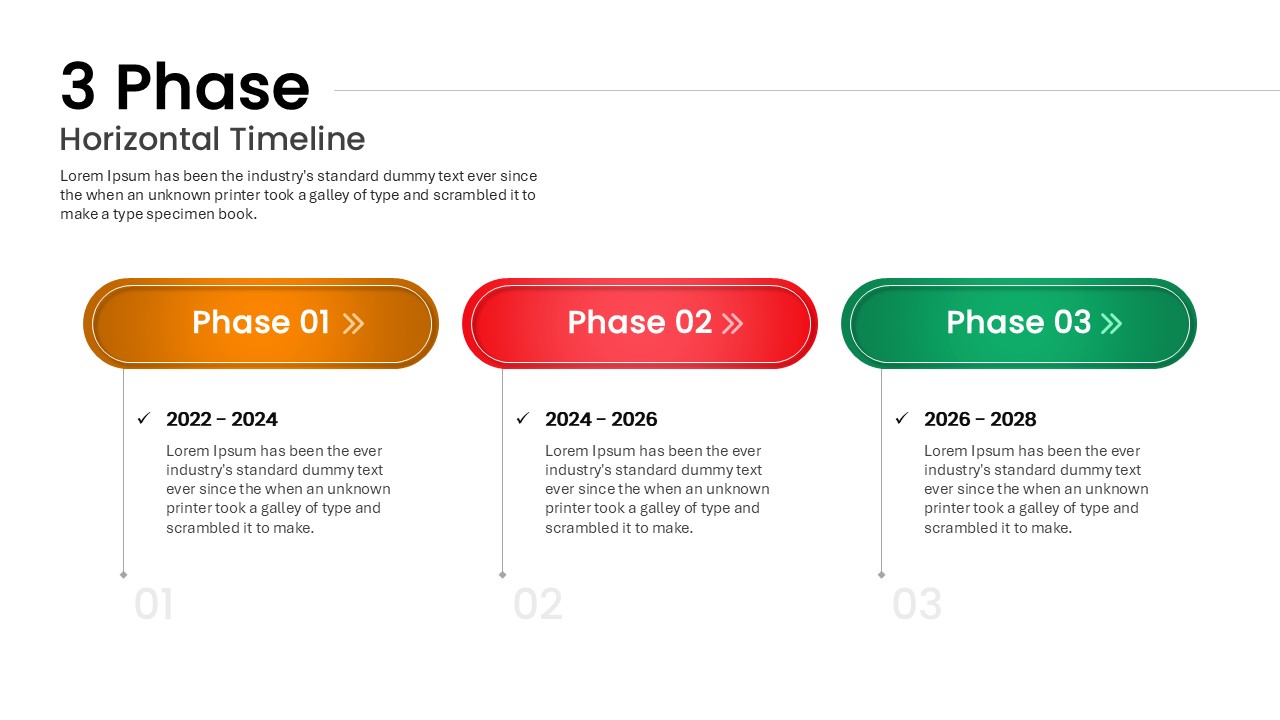
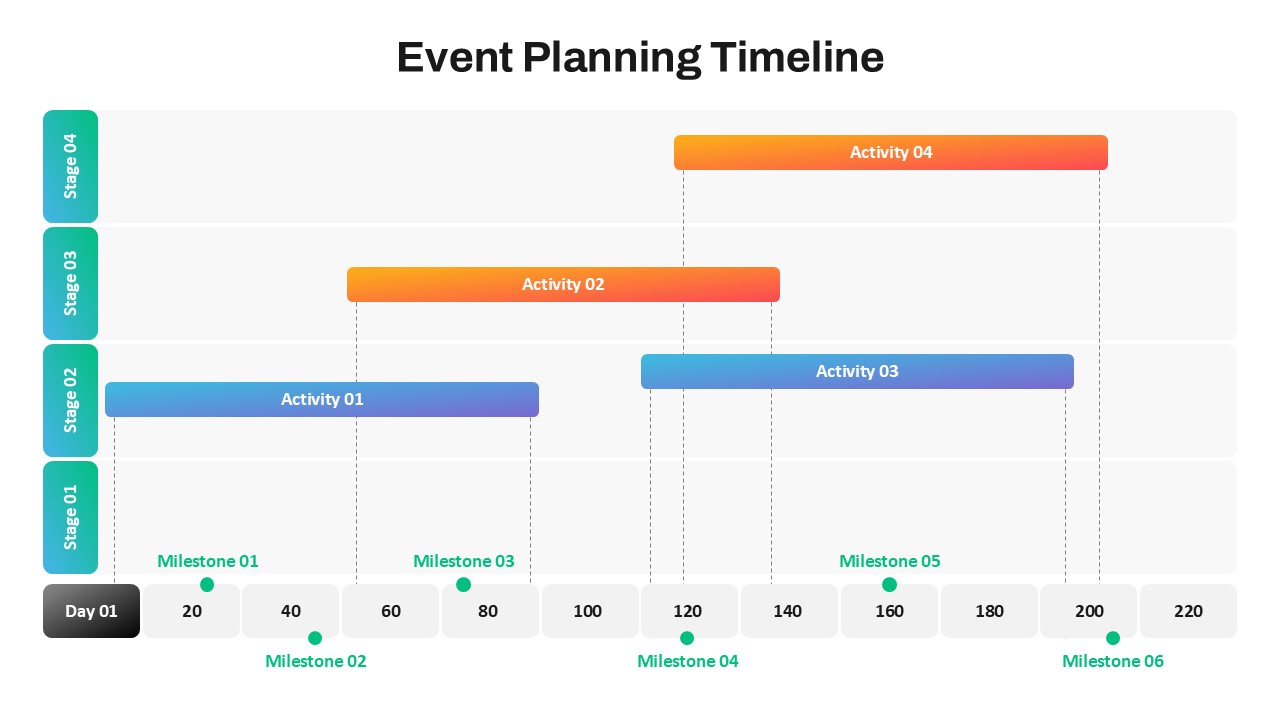
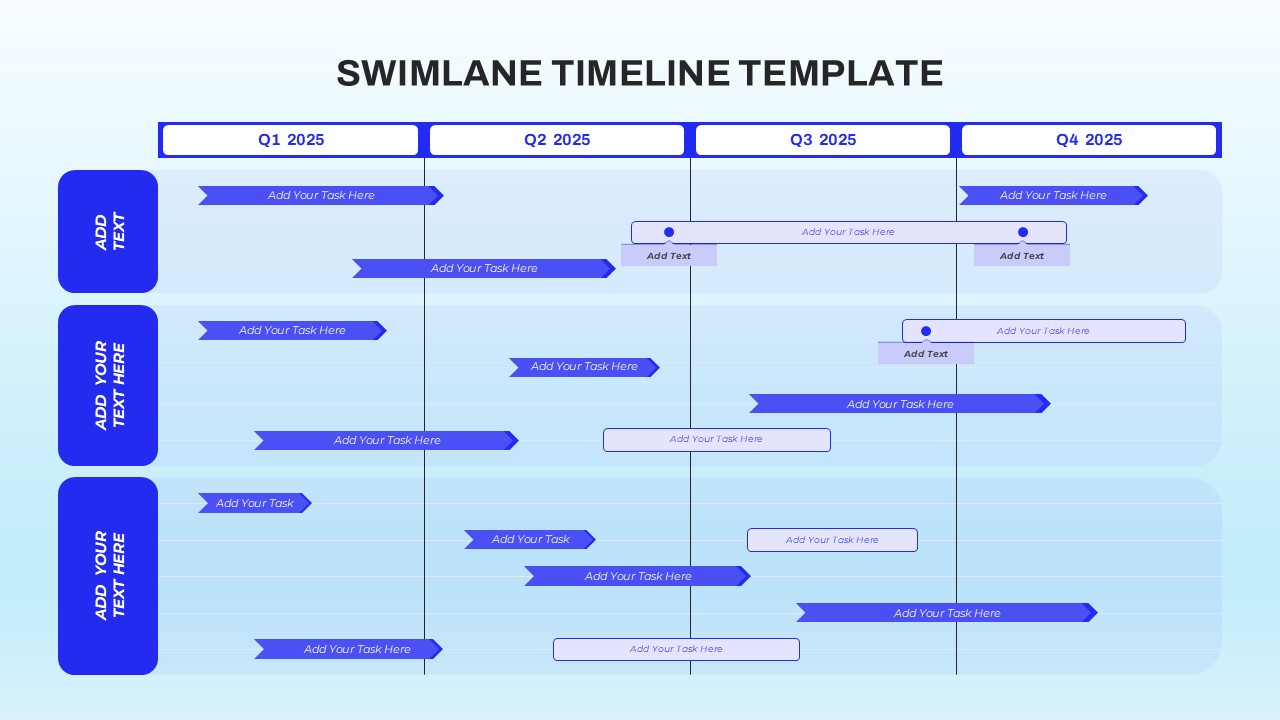
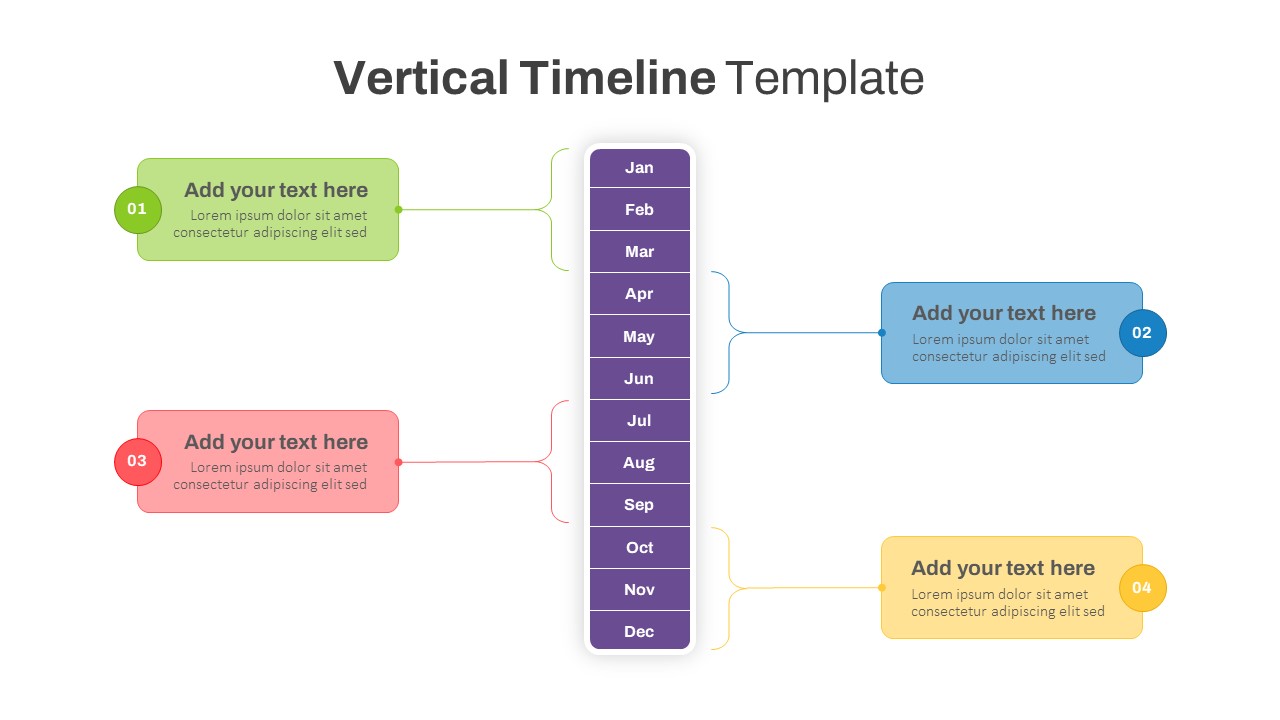
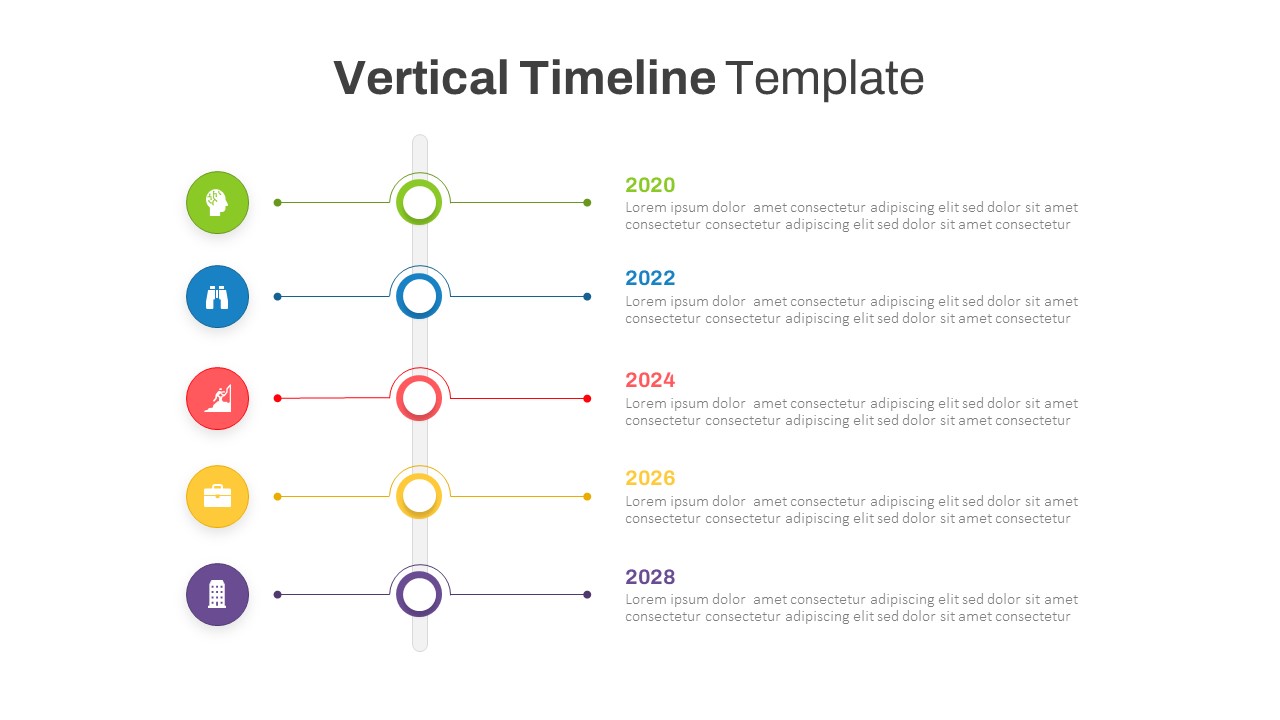
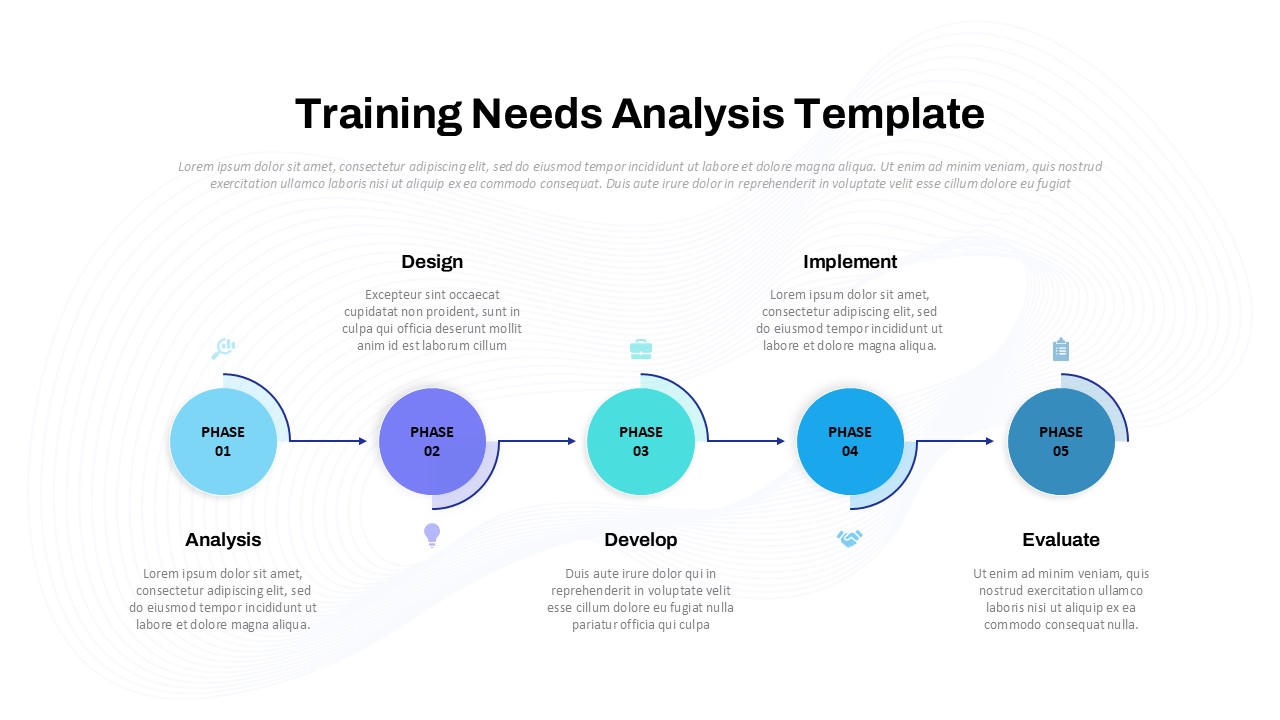
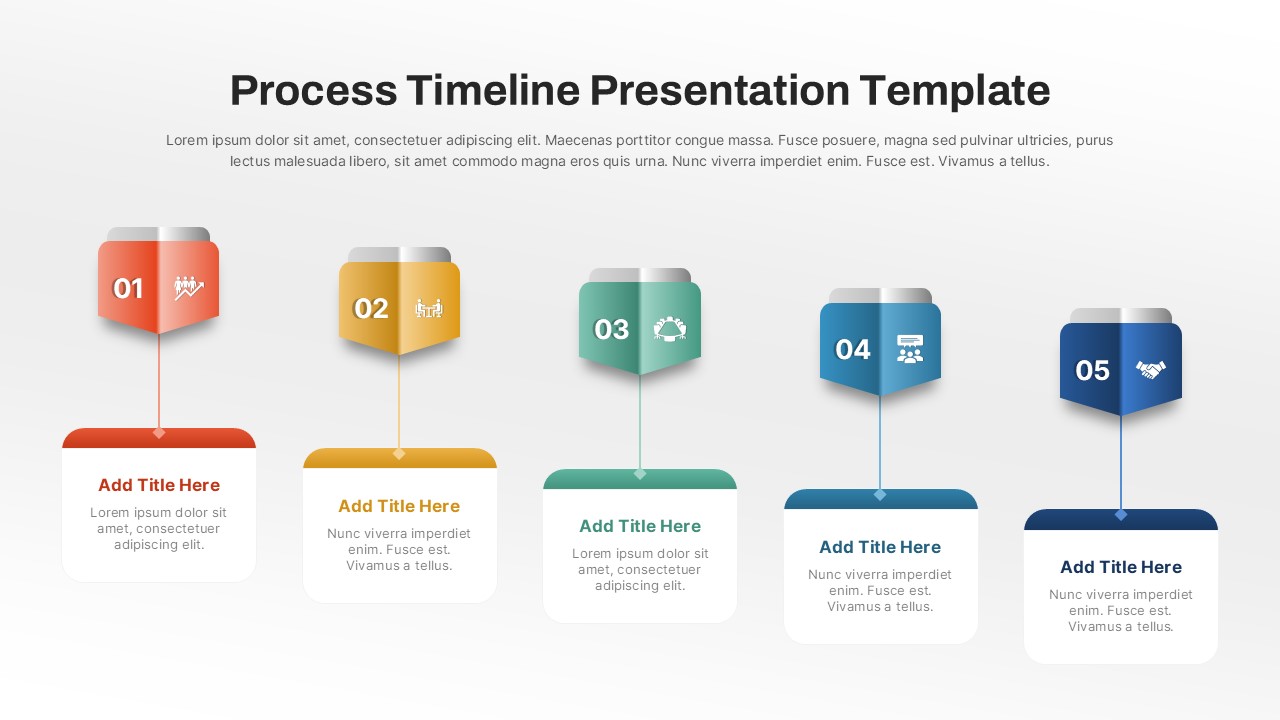
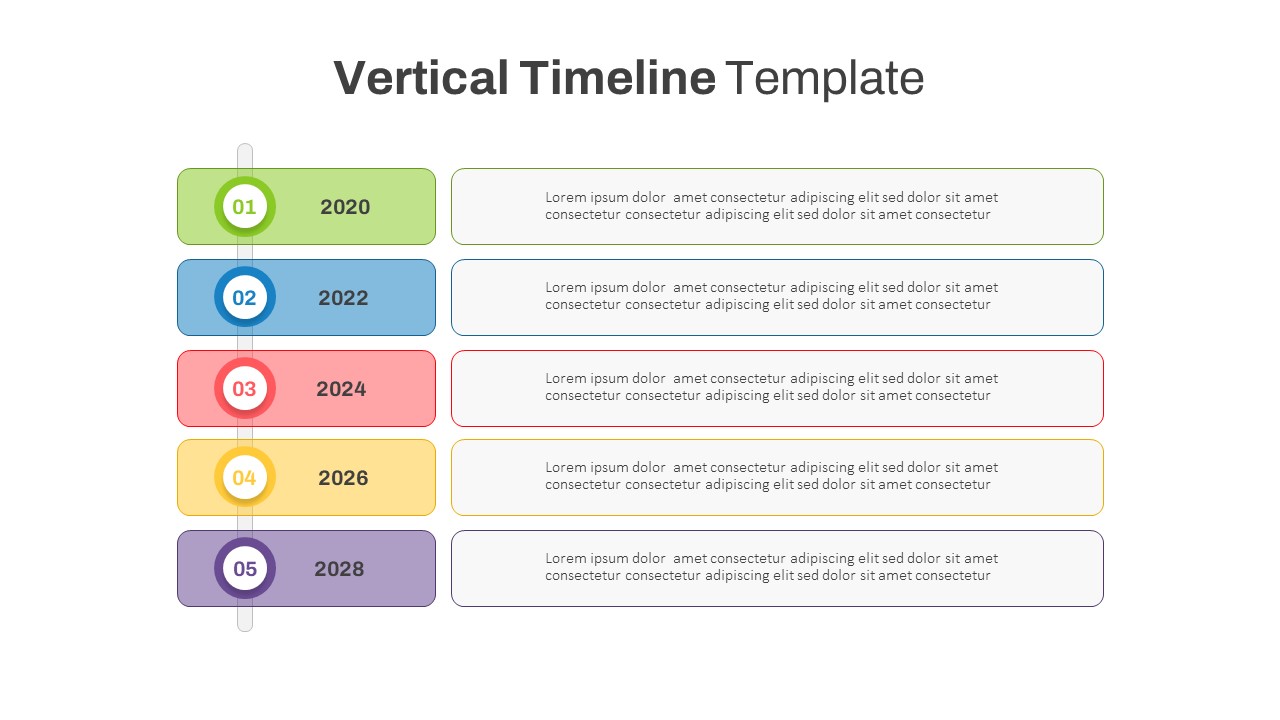
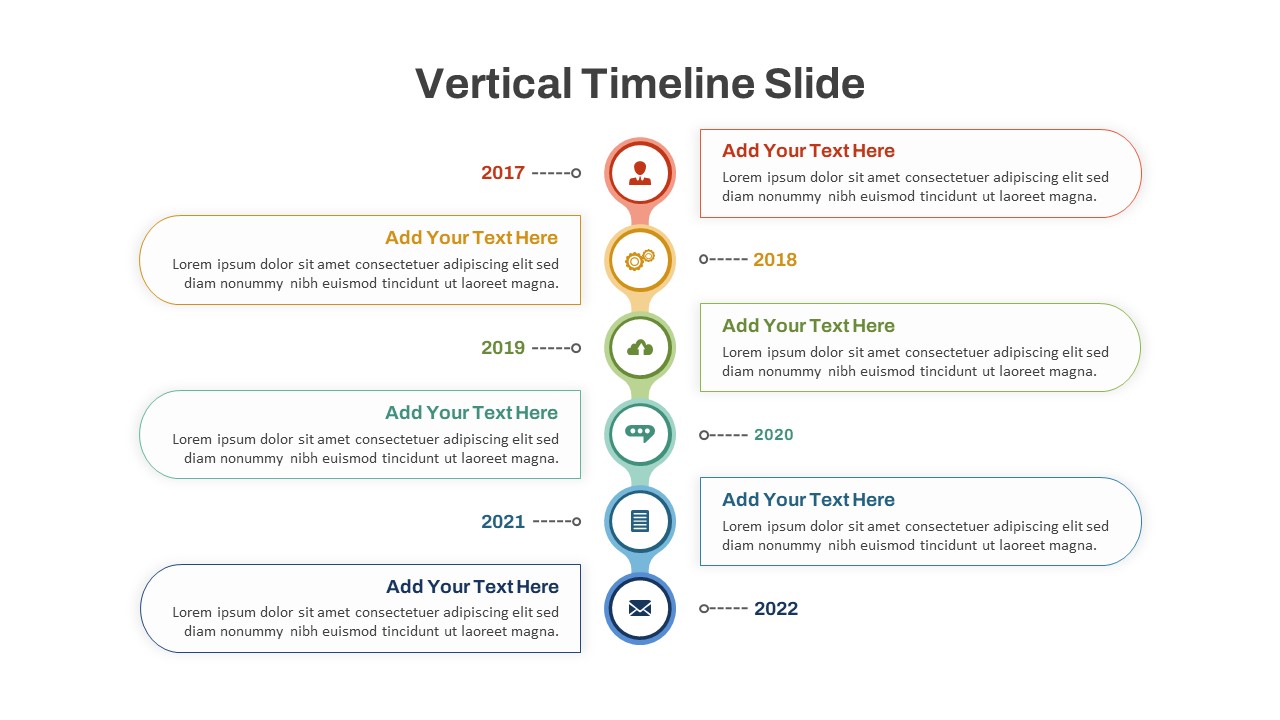
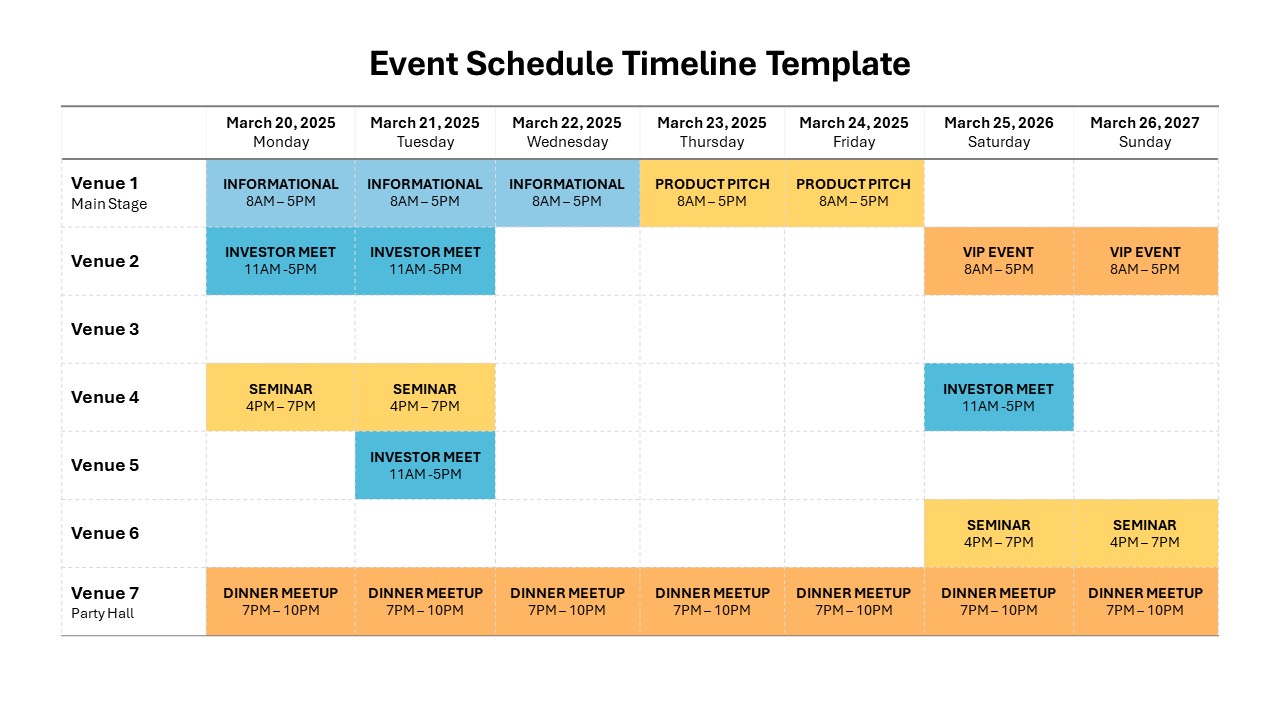
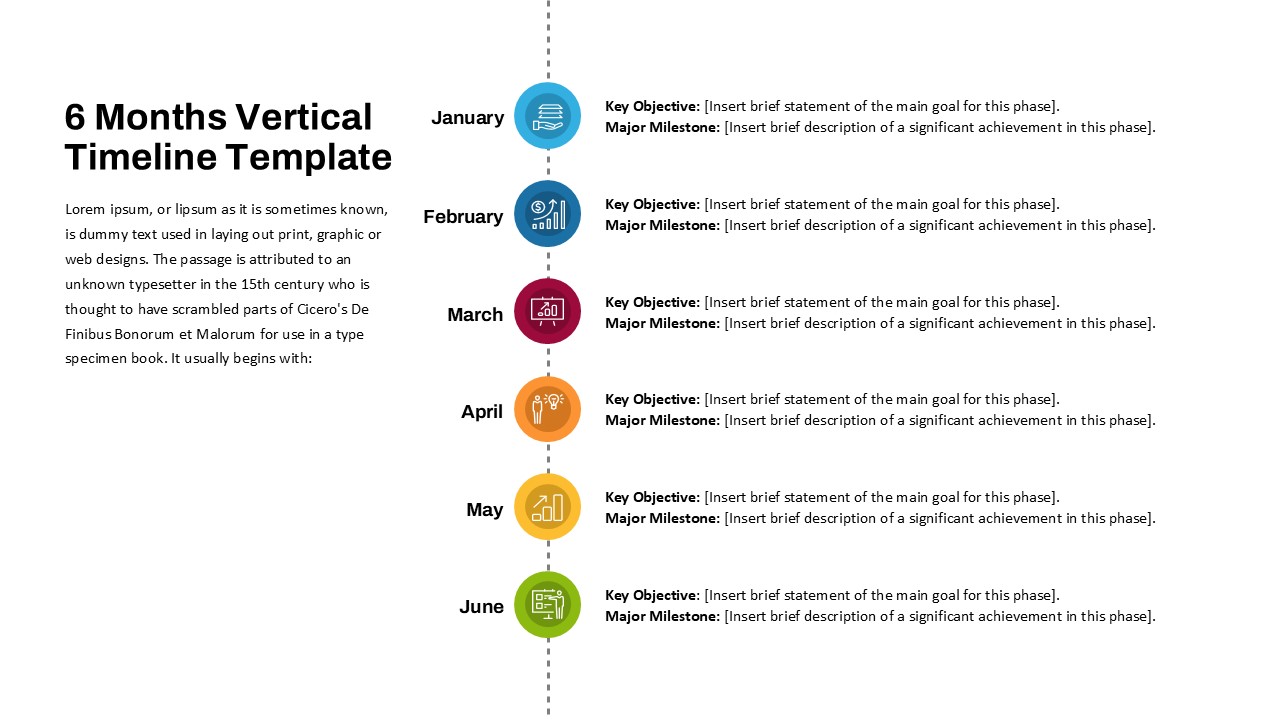
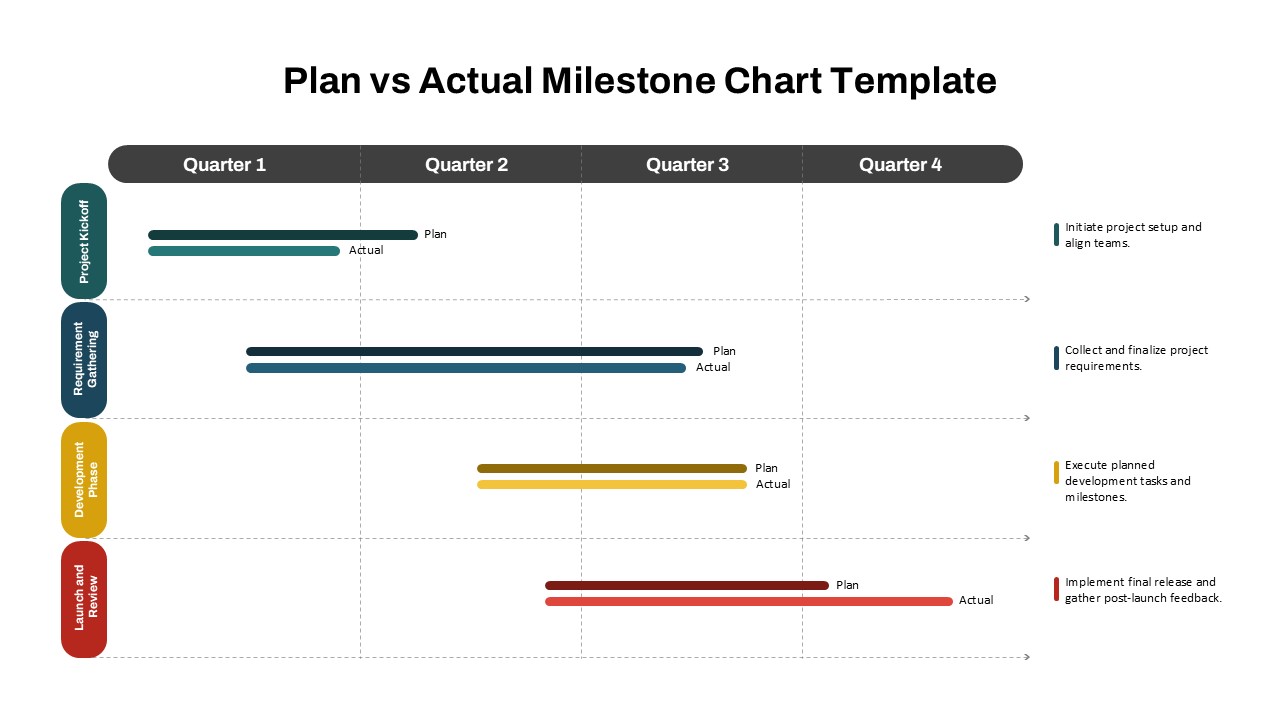
The Project Phases Timeline Template is a structured and visually compelling tool for illustrating project workflows, task groupings, and milestone tracking across multiple stages. Designed to simplify complex projects, this four-phase vertical layout enables teams to align deliverables, deadlines, and dependencies in a clear, color-coded format.
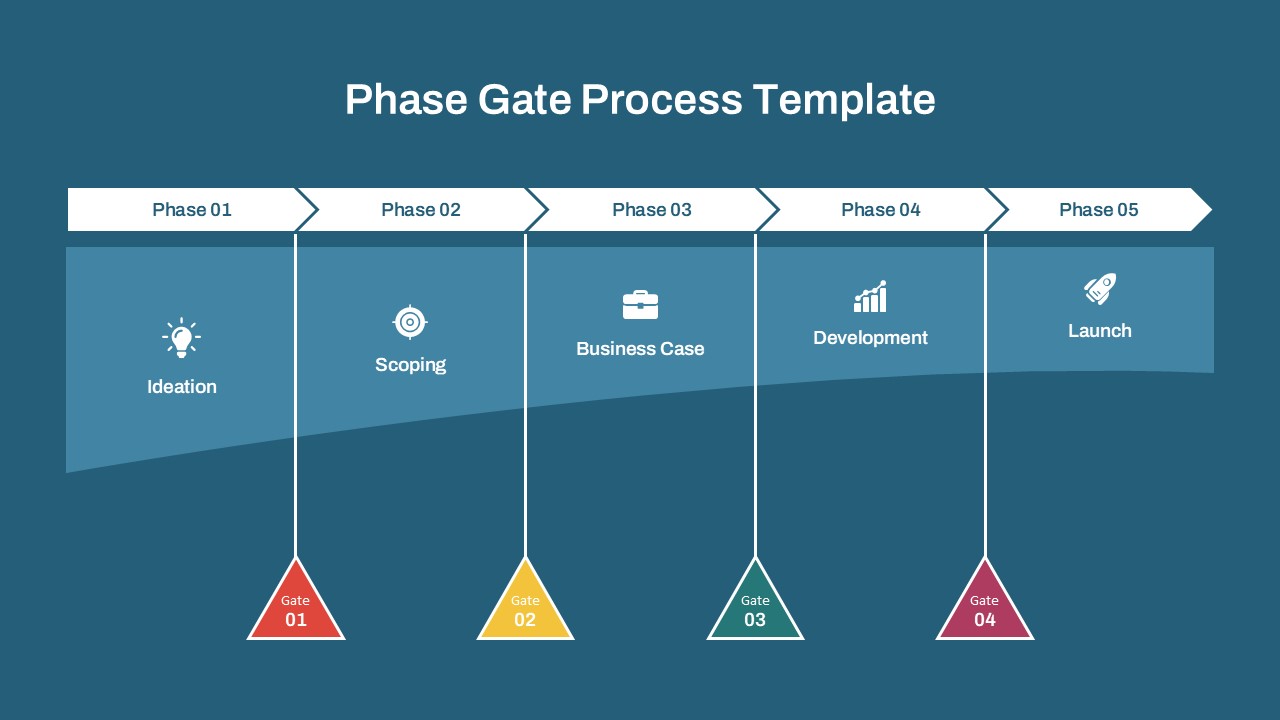
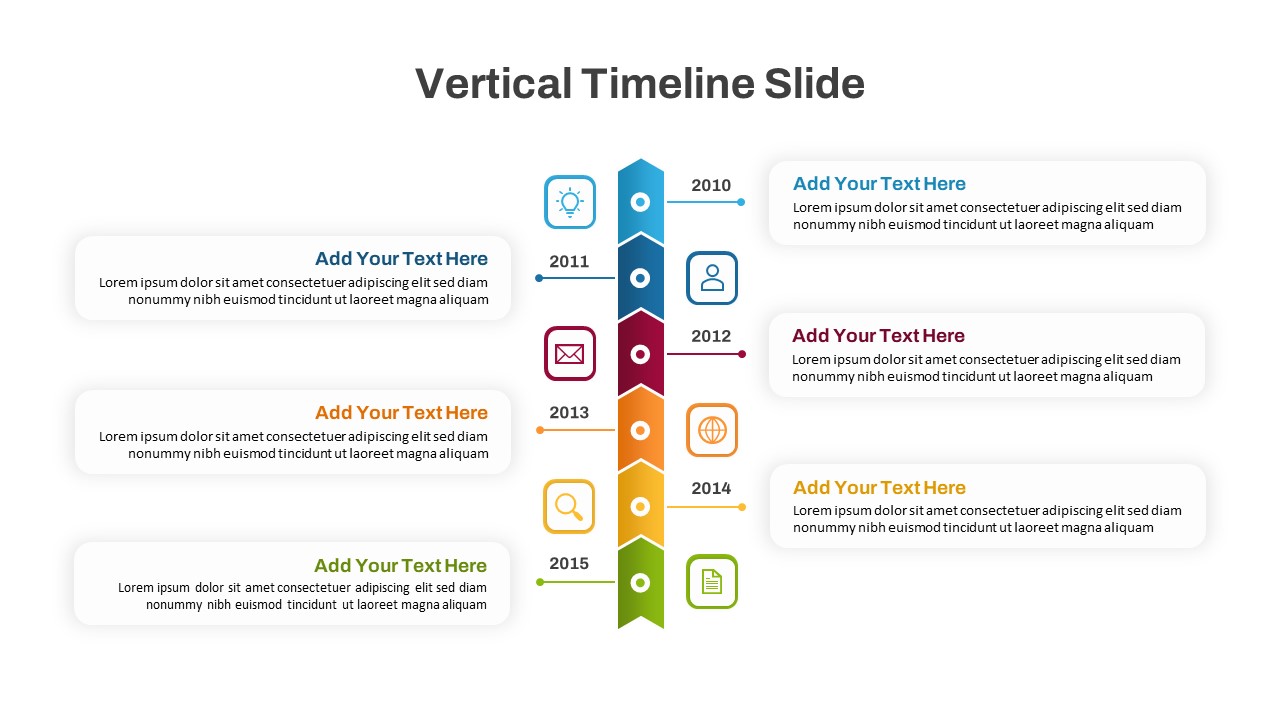
Each of the four phases—Phase 01 through Phase 04—offers dedicated space to outline individual tasks, activities, or goals. Below each phase, milestone markers highlight critical checkpoints, helping project managers and stakeholders visualize progress and anticipate upcoming deadlines. The balanced use of color, iconography, and linear flow keeps attention focused while promoting clarity and readability.
This template is ideal for planning product launches, managing multi-stage campaigns, executing IT or construction projects, or organizing business initiatives that unfold in sequential steps. Whether used in strategic planning sessions, stakeholder meetings, or internal status reports, it brings cohesion and structure to your project storytelling.
Easily editable in both PowerPoint and Google Slides, you can customize the template with your project-specific tasks, timelines, and branding to create a polished and professional presentation. The vertical connector design allows for both high-level and detailed planning, making it suitable for use in agile, waterfall, or hybrid project methodologies.
See more

Aspect Ratio
16:9Item ID
SKT04299


Features of this template
Other User Cases of the Template:
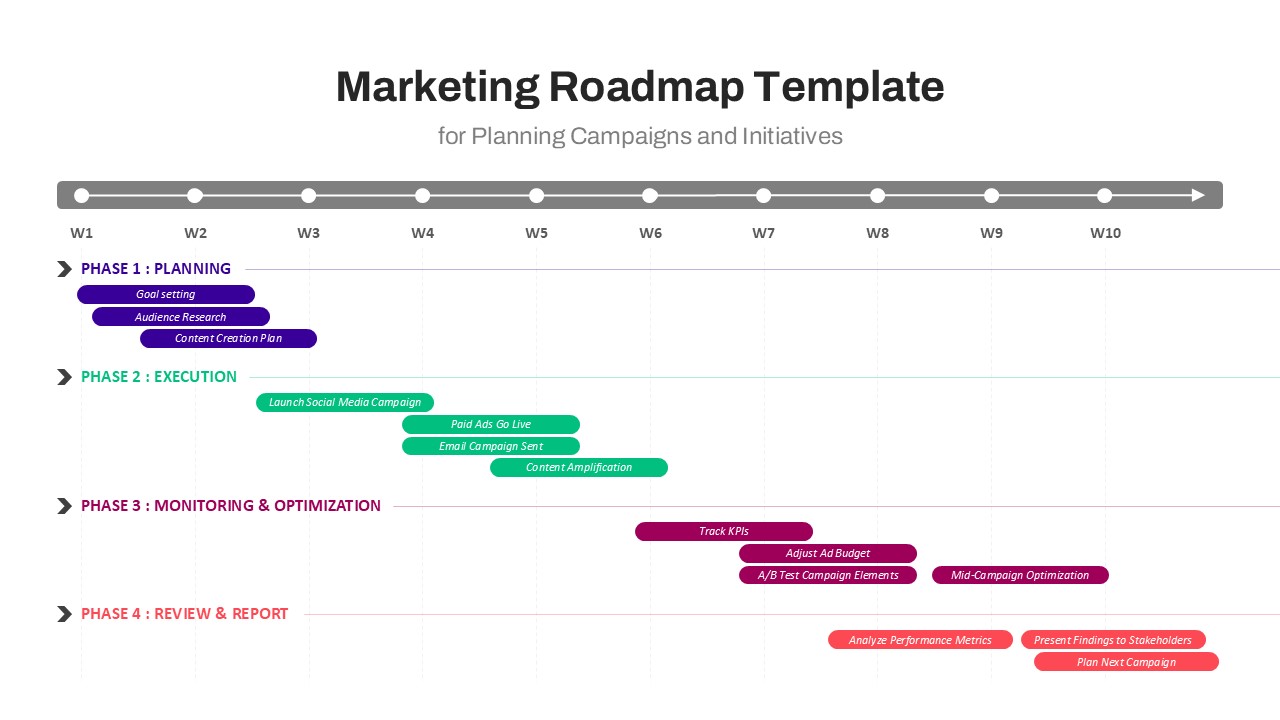
Product development timelines, software implementation plans, construction project phases, marketing campaign roadmaps, quarterly planning, client project briefings, strategic rollout presentations, academic research scheduling, new business launches, agile sprint planning.
FAQs
You May Also Like These Presentation Templates


- Free
- Free
- Free