Colorful Data Strategy Roadmap with Milestones for PowerPoint & Google Slides
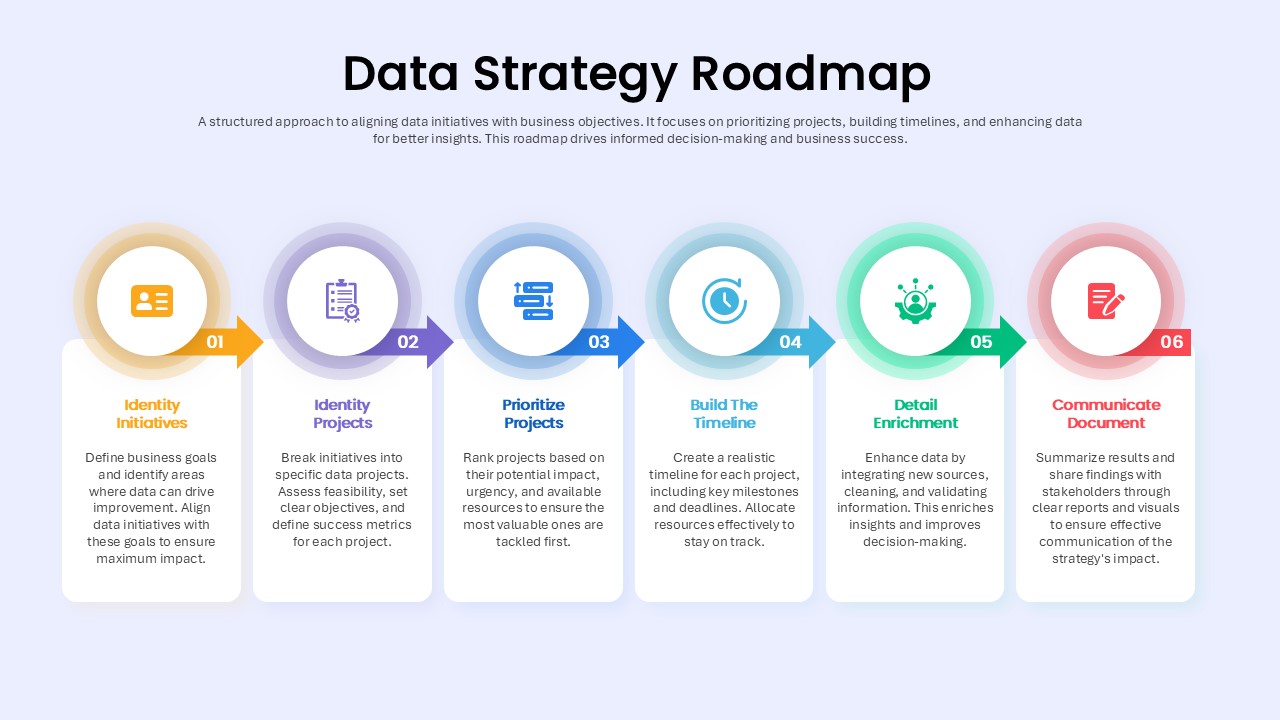
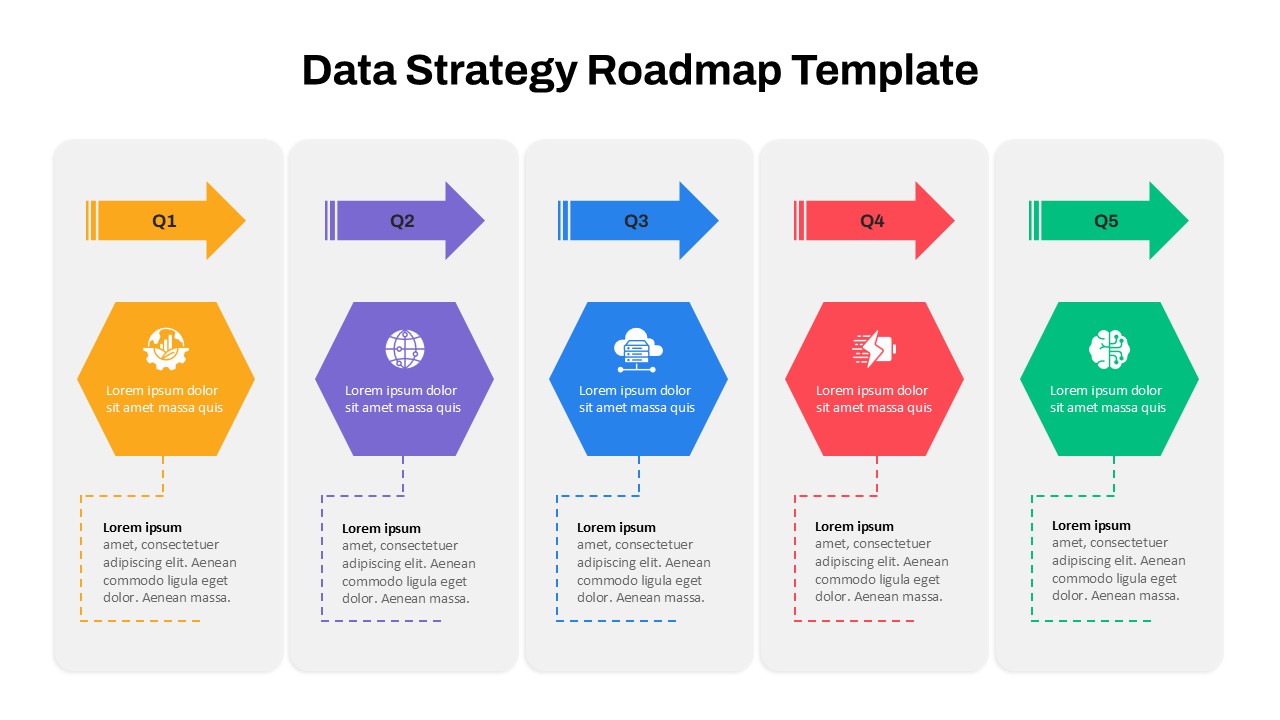
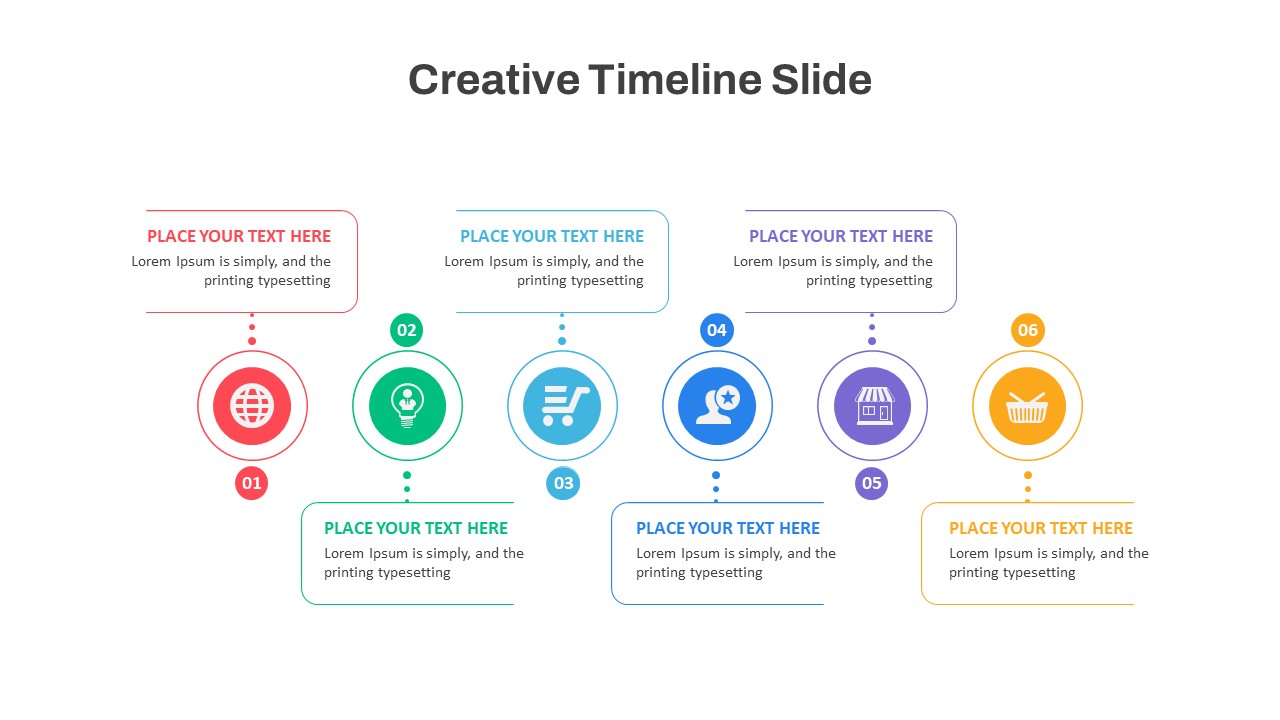
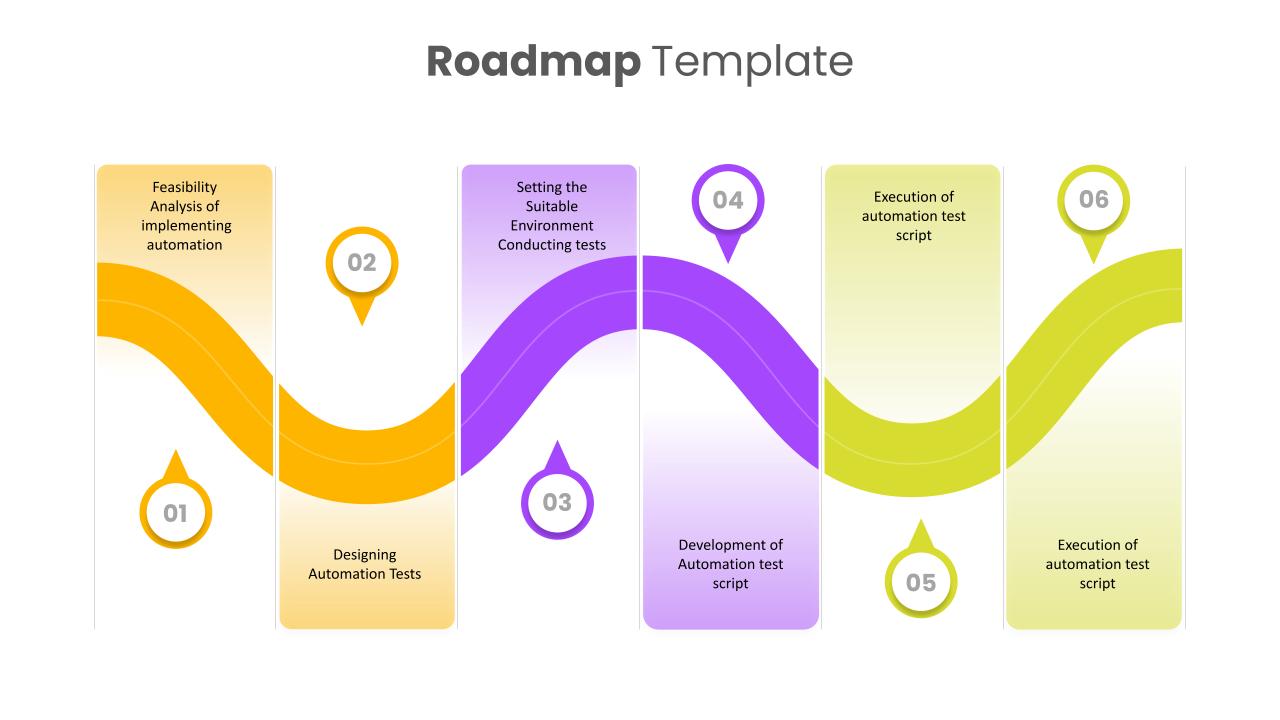
Streamline your data-driven transformation with this Colorful Data Strategy Roadmap slide. Structured into six sequential phases—Identify Initiatives, Identify Projects, Prioritize Projects, Build the Timeline, Detail Enrichment, and Communicate Document—this slide visually guides your audience through the critical stages of building an effective data strategy. Each step is uniquely color-coded and icon-enhanced for clarity, ensuring your presentation remains organized, engaging, and easy to follow.
The vertical card layout and subtle gradient backgrounds give the roadmap a modern aesthetic that balances professionalism with visual appeal. From aligning data initiatives with business goals to defining success metrics, setting timelines, and driving communication, this slide helps you present a comprehensive approach to data strategy. The editable icons, text boxes, and arrow connectors make it simple to tailor the content to suit various organizational priorities or project scopes. Ideal for PowerPoint and Google Slides, this roadmap ensures consistent, visually polished results across platforms.
See more

Aspect Ratio
16:9Item ID
SKT04085


Features of this template
Other Uses
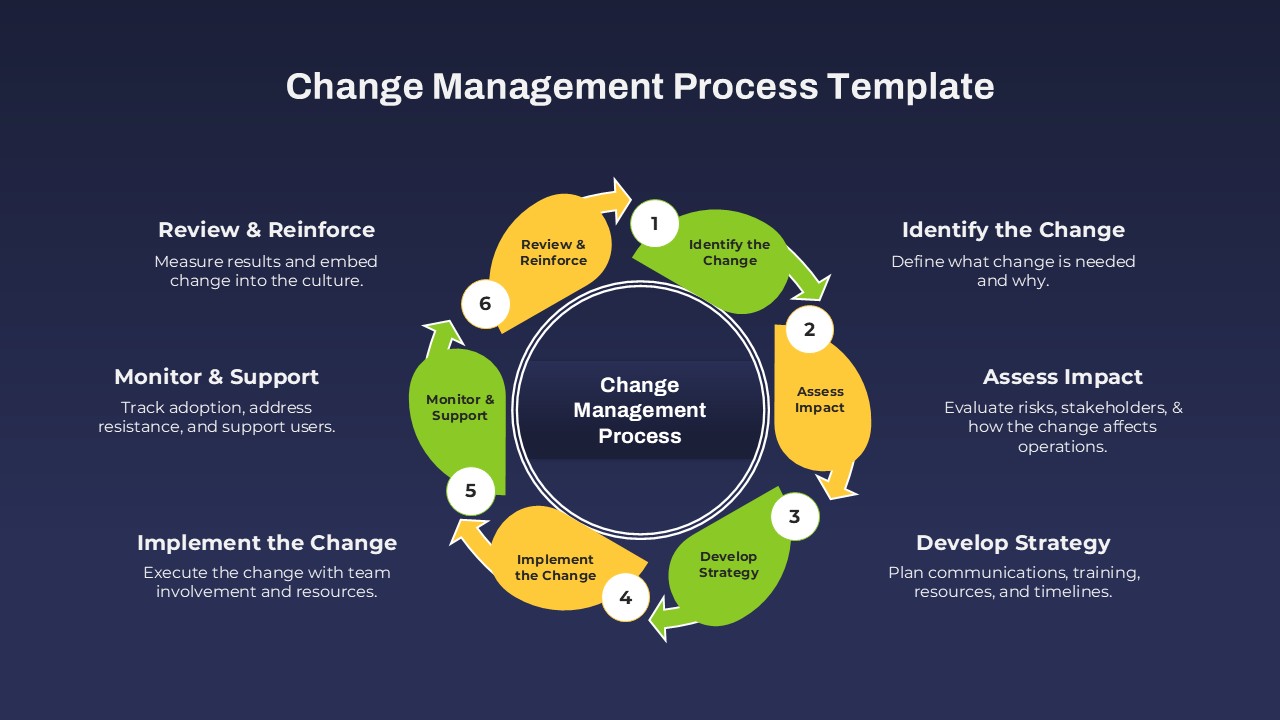
Can be adapted for transformation roadmaps, IT planning workflows, analytics program rollouts, or cross-departmental initiative planning. Also useful in consulting, change management, or governance presentations.
FAQs
You May Also Like These Presentation Templates


- Free
- Free

- Free

- Free
- Free