
Editable Slide Presentation Templates for PowerPoint and Google Slides
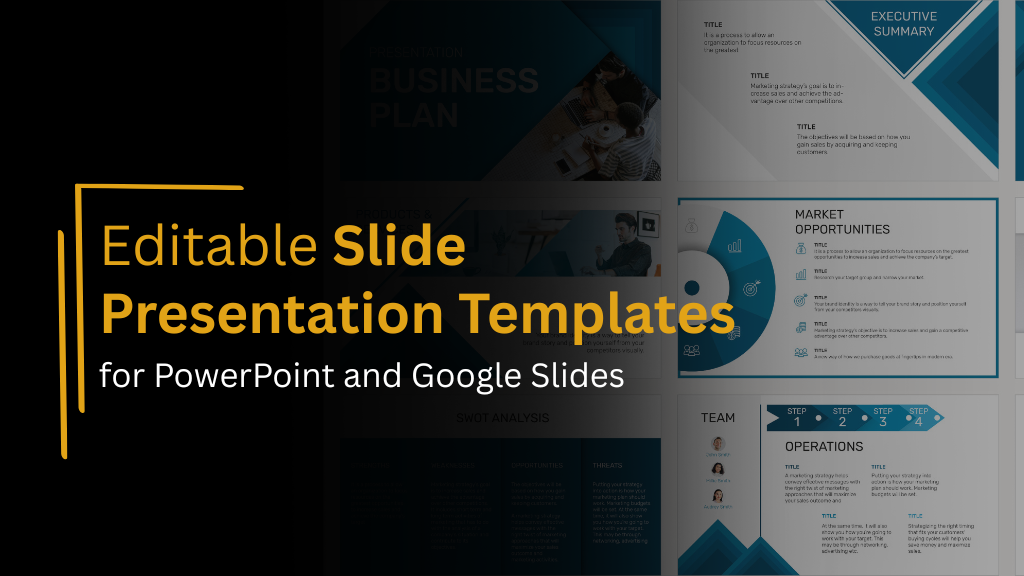
Starting every presentation from a blank slide wastes time and often produces inconsistent results. Even experienced presenters struggle with layout decisions, spacing, and visual hierarchy when building decks from scratch. Slide presentation templates solve this problem by providing ready-made structures you can customize with your content, brand colors, and specific messaging.
But not all templates are equally editable. Some lock you into rigid structures that resist customization. Others offer flexibility without maintaining professional design quality. This guide explains what makes slide presentation templates truly editable, covers template types for different presentation purposes, and helps you choose options that balance structure with customization freedom.
Types of Slide Presentation Templates
Different presentation purposes need different template approaches. Understanding common template categories helps you choose formats appropriate for your specific needs.
Business Presentation Templates
General business presentations covering strategy, performance, planning, or internal communications need versatile templates that work across varied content. These templates typically include title slides, content layouts for text and images, data visualization slides, section dividers, and closing slides.
Business templates should look professional without being overly decorative. Clean layouts, readable typography, and corporate-appropriate colors support credibility across business contexts.
Sales Presentation Templates
Sales presentations need templates optimized for persuasion, value communication, and deal progression. A sales presentation template should include layouts for problem articulation, solution presentation, benefit communication, social proof, pricing structures, and clear calls to action.
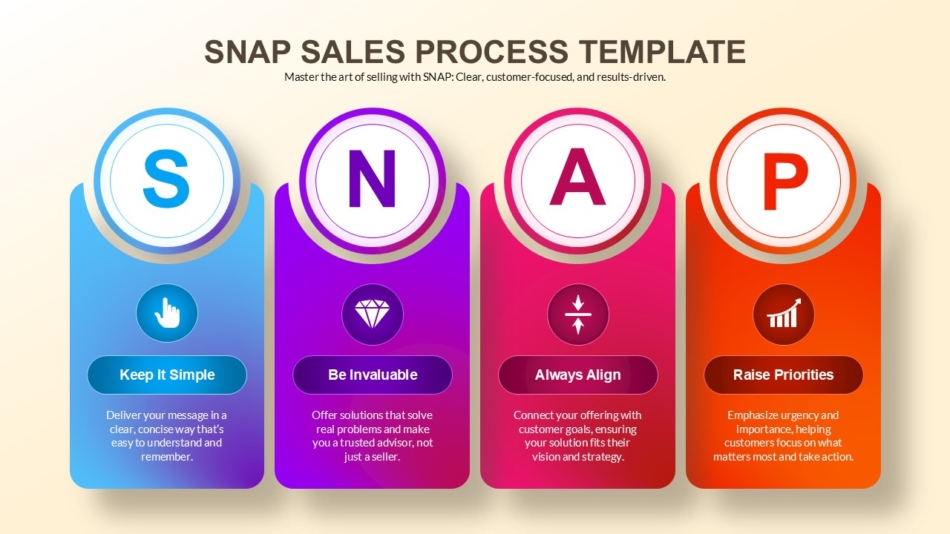
These templates often emphasize visual hierarchy more aggressively than general business templates because they serve persuasive rather than purely informational purposes.
Business Plan Presentation Templates
Startup pitches, funding presentations, or formal business plan communications need templates appropriate for investor audiences. A business plan presentation template should accommodate executive summaries, market analysis, competitive positioning, financial projections, team introductions, and funding requests.
These templates need to communicate credibility and thoughtfulness while remaining visually engaging enough to maintain attention through longer, information-dense presentations.
Marketing and Creative Templates
Marketing presentations, creative campaigns, or brand communications benefit from templates with more visual personality than standard business formats. Creative roadmap templates show how strategic content can be presented with visual interest while maintaining clarity.

Marketing templates can use bolder colors, more distinctive typography, and creative layouts while still supporting professional communication needs.
Educational and Training Templates
Educational content, training programs, or learning-focused presentations benefit from templates designed for knowledge transfer rather than persuasion. The elementary school weekly planner presentation template demonstrates how educational templates organize information for learning contexts.
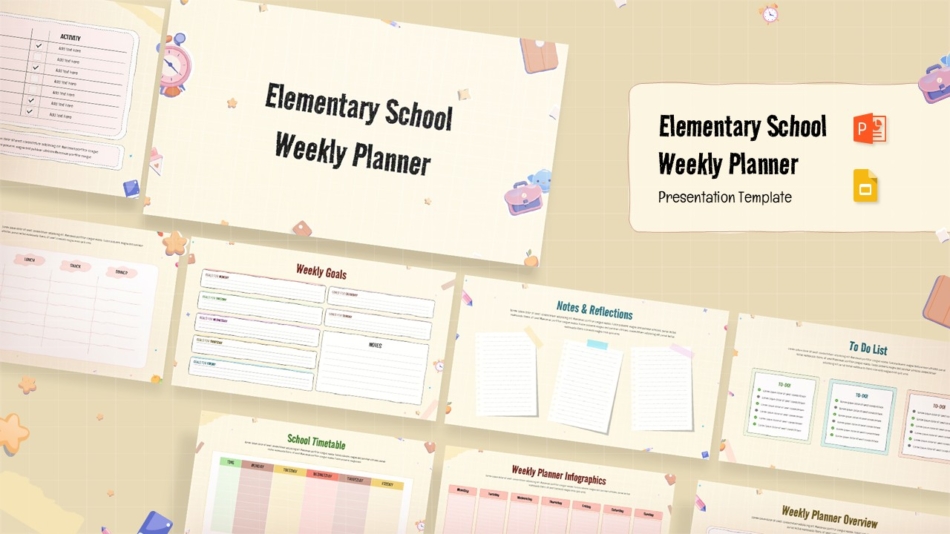
Educational templates emphasize clarity, readability, and structured information presentation over visual flash. They support understanding through clean organization rather than decorative design.
Specialized Purpose Templates
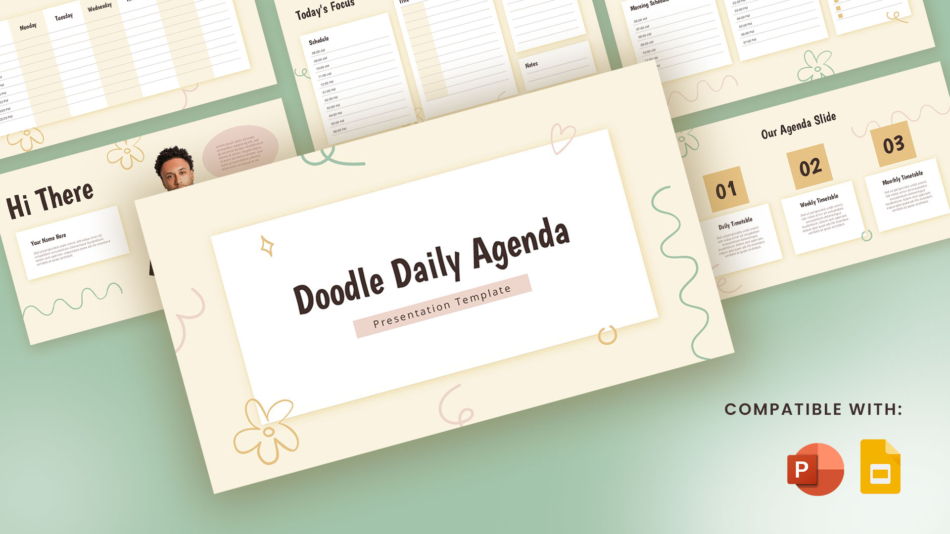
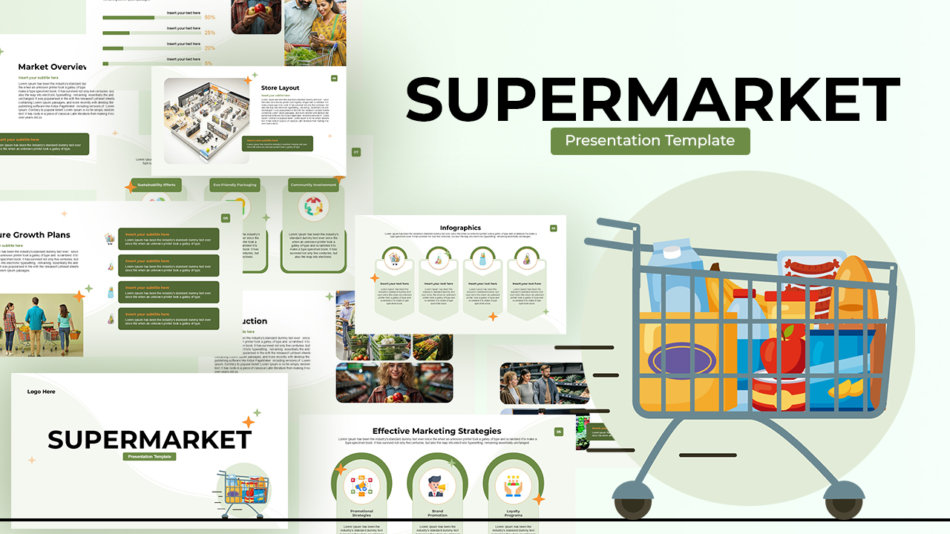
Some presentations serve very specific purposes requiring specialized formats. The doodle daily agenda template provides unique visual treatment for agenda presentations, while the supermarket presentation template suits retail or grocery industry contexts.
Industry-specific templates can communicate subject matter expertise through visual choices that demonstrate familiarity with specific business contexts.
Templates Compatible with PowerPoint and Google Slides
Cross-platform compatibility matters because teams and audiences use different tools. Understanding how templates work across platforms prevents frustration.
Native Compatibility vs Conversion
Some templates are built specifically for PowerPoint or Google Slides. Others are designed to work natively on both platforms, maintaining formatting regardless of which application you use.
Native compatibility prevents formatting shifts, font substitutions, and layout breaks that can occur when converting between platforms. SlideKit templates are designed for both PowerPoint and Google Slides from the start, maintaining visual integrity across platforms.
Font Handling Across Platforms
Font availability differs between PowerPoint and Google Slides. PowerPoint accesses system fonts while Google Slides uses Google Fonts library. Well-designed cross-platform templates use fonts available in both systems and include fallback font specifications that maintain readability when exact fonts aren’t available.
Feature Compatibility Considerations
Some advanced PowerPoint features don’t translate to Google Slides. Good cross-platform templates avoid relying on platform-specific features, using only formatting and design elements that work reliably in both applications.
This restraint ensures templates look professional regardless of which platform you or your audience uses to view or edit presentations.
How to Customize Slides for Branding
Applying your organizational branding to templates transforms generic professional templates into materials that represent your specific organization.
Applying Brand Colors Systematically
The most visible branding element is color. Rather than changing colors slide by slide, update theme colors through View, Master Slide, Colors in PowerPoint or Slide, Edit Theme in Google Slides.
This master-level change applies your brand palette throughout the presentation consistently. When selecting colors, maintain the functional relationships the template established. If the template uses blue for headlines and orange for accent elements, replace blue with your brand’s primary color and orange with your brand’s accent color in similar roles.
Replacing Fonts with Brand Typography
Update fonts through master slides for consistency. Choose fonts that match your brand guidelines while maintaining readability at presentation sizes. Not all brand fonts work well in presentations; particularly ornate or condensed typefaces designed for print rather than projection.
If your brand font isn’t suitable for body text, use it for headlines while choosing a readable alternative for content text. This partial application maintains brand presence without sacrificing clarity.
Adding Logos and Brand Elements
Add your organization’s logo to master slides, so it appears consistently on all slides in appropriate locations. Most templates include logo placement areas in slide corners or footers.
Size logos appropriately. Oversized logos compete with content for attention. Undersized logos become invisible when projected. Aim for presence without dominance.
Maintaining Template Structure
While customizing colors, fonts, and logos, respect the template’s underlying layout structure. The spacing, alignment, and hierarchy built into good templates are design decisions that support communication. Maintain these structural elements even when you customize surface aesthetics.
Free vs Premium Template Comparison
Understanding differences between free and premium templates helps you make appropriate choices for different situations.
Slide Count and Layout Variety
Free templates typically include 10 to 25 slides covering common needs. Premium templates often provide 50 to 100+ slides with extensive layout variations for specialized content types.
For straightforward presentations, free templates provide sufficient variety. For complex presentations requiring many different content formats, premium templates’ extensive options save time finding or creating appropriate layouts.
Design Sophistication and Polish
Free templates offer solid professional design. Premium templates typically show more sophisticated visual design, refined typography, and carefully considered color relationships.
This difference matters most in high-stakes contexts where visual polish contributes to credibility and competitive positioning.
Included Graphics and Icons
Free templates usually include limited graphics and icons. Premium templates may provide libraries of matching visual elements that expand design possibilities while maintaining style consistency.
When presentations need extensive iconography or custom diagrams, premium templates’ included graphics reduce time spent finding compatible visual elements.
Customization Support
Premium templates typically include usage documentation, video tutorials, or customer support. Free templates provide template files without extensive guidance.
For teams with limited design experience, premium template support can justify cost through time saved learning customization approaches.
Commercial Use Rights
Free templates may restrict commercial use or require attribution. Premium templates include unrestricted commercial rights without attribution requirements.
For client-facing work or commercial applications, clear usage rights eliminate concerns about appropriate template use.
Common Slide Layouts in Editable Templates
Understanding standard slide types helps you evaluate whether templates include the layouts your presentations actually need.
Title and Introduction Slides
Opening slides establish tone and introduce topics. Templates should include visually strong title slides that communicate professionalism before content begins.
Variations might include speaker introduction slides, agenda slides, or overview slides that orient audiences before diving into content.
Process and Timeline Slides
Explaining sequences, workflows, or time-based progressions requires specialized layouts. Templates like the creative roadmap template demonstrate how process content can be visualized clearly.
Timeline formats, step diagrams, and sequential layouts help audiences follow progression rather than just reading about it.
Closing and Call-to-Action Slides
How to end a presentation slide effectively matters for final impressions. Good templates include closing slides with clear visual treatment that signals conclusion rather than trailing off with generic “Questions?” text.
Call-to-action slides with clear next steps; contact information, or resource links give audiences practical paths forward after presentations conclude.
Where to Download Editable Presentation Slides
Finding quality editable templates requires knowing where to look and how to evaluate options before downloading.
Professional Template Platforms
Dedicated template platforms like SlideKit focus specifically on presentation templates, offering curated collections designed for business use. These platforms provide quality control, consistent design standards, and cross-platform compatibility.
Specialized platforms understand presentation needs in ways that general graphic design sites often don’t, resulting in templates that actually work for real business presentations rather than just looking attractive in previews.
Free Template Sources
Several websites offer free slide presentation templates including Microsoft’s template gallery, Google Slides template collection, and various third-party template sites. Quality varies significantly, requiring careful evaluation before downloading.
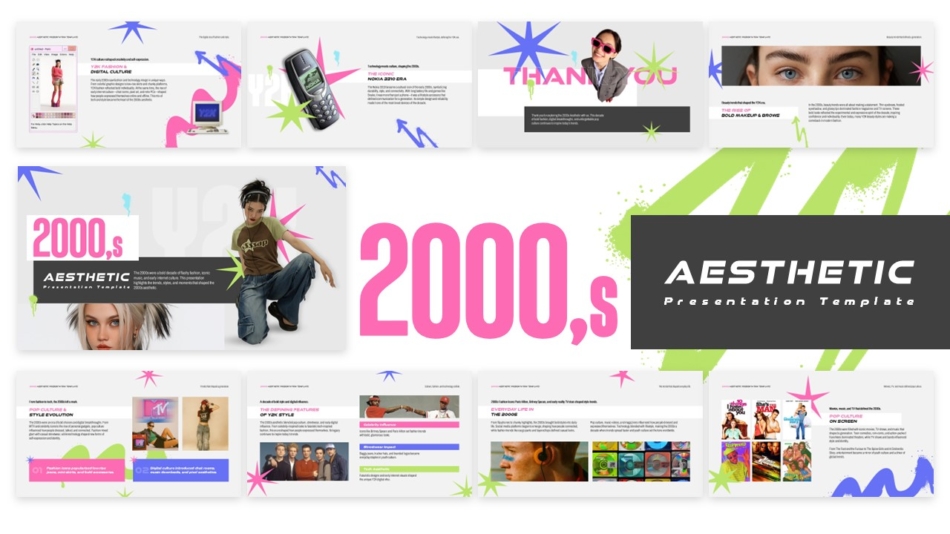
The free 2000s aesthetic template demonstrates that free options can provide professional quality for specific use cases.
Evaluating Before Downloading
Before committing to any template, check slide count to ensure sufficient layout variety, review sample slides to assess design quality, verify cross-platform compatibility if you use both PowerPoint and Google Slides, confirm editability by checking that elements are fully unlocked, and understand usage rights particularly for commercial applications.
Download and test templates with sample content before using them for important presentations. Templates that look good with placeholder content sometimes break down when you add real information.
Specialized Template Examples
Beyond general business templates, specialized formats address specific presentation scenarios.
Planning and Organizational Templates
Templates for planning content, schedules, or organizational information provide structured formats. The elementary school weekly planner shows how planning content can be organized visually.
Similar approaches work for business planning, project scheduling, or any content requiring structured time or activity organization.
Process and Framework Templates
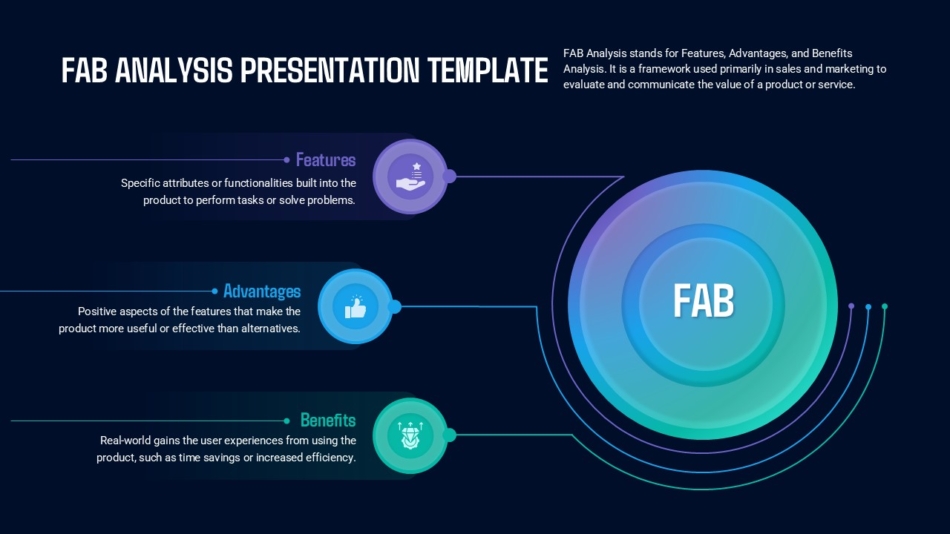
Business frameworks, methodologies, or process explanations benefit from templates designed for specific models. The FAB analysis presentation template, 4MAT learning model template, and soft skills development template demonstrate specialized framework formats.
These templates do more than provide generic layouts. They structure content according to specific framework logic, making complex models easier to explain and understand.
Thematic and Creative Templates
Presentations benefiting from distinctive visual character use thematic templates. The forest camping adventure template demonstrates how strong visual theming can make content more memorable and engaging.
Thematic approaches work when visual character supports rather than distracts from content, when audience expectations allow creative treatment, and when subject matter benefits from atmospheric visual context.
Administrative and Documentation Templates
Some presentations serve documentation rather than performance purposes. The simple pay stub template shows how administrative content can be presented clearly.
Documentation-focused templates emphasize clarity, completeness, and reference-friendly organization over persuasive visual impact.
Making Templates Work for Your Needs
Even the best templates require thoughtful implementation to serve your specific presentation purposes.
Start With Content Planning
Before opening any template, outline your content. Know what you need to communicate, how you want to organize information, and what visuals will support your message.
This planning prevents template structure from determining content rather than content determining which template sections you actually use.
Select Layouts Strategically
Use the template slides that match your content types. Don’t force content into inappropriate layouts just because those slides exist in the template. Most templates include more layouts than any single presentation needs.
Delete unused slides and duplicate appropriate layouts for your specific content rather than trying to use every provided slide.
Maintain Consistency
Once you customize template colors, fonts, and brand elements, maintain those choices throughout. Inconsistent customization where some slides follow brand guidelines and others don’t undermine professional appearance.
Choosing the Right Template
Editable slide presentation templates accelerate presentation creation while maintaining professional design quality. The right template provides structure without rigidity, offers appropriate layout variety for your content needs, works across PowerPoint and Google Slides, allows full customization of colors, fonts, and branding, and includes common slide types addressing typical presentation requirements.
Different presentation purposes need different template approaches. Business presentations benefit from professional versatile templates. Sales presentations need persuasive formats. Educational content requires clarity-focused designs. Specialized purposes benefit from templates built for specific contexts or frameworks.
SlideKit provides editable slide presentation templates covering diverse presentation needs while maintaining cross-platform compatibility and full customization capability. Whether you need general business formats, specialized framework presentations, creative thematic designs, or administrative documentation templates, starting with professional editable templates produces better presentations faster than building from scratch.
Download templates that match your current presentation requirements, customize your brand elements and actual content, and focus your energy on the message that makes your presentation worth giving.


