
How to Choose the Right Business Presentation Template Based on Your Audience and Goal

Choosing a business presentation template is rarely treated as a strategic decision — but it should be. The template a presenter selects determines how information is organized, how authority is communicated, and how quickly an audience can extract meaning from the slides. A template that works well for a board report will underperform in a sales pitch. A layout designed for startup pitches will feel out of place in a compliance review.
The right choice is not about which template looks the most polished. It is about which template is built to carry the specific communication goal for the specific audience in the room. This guide provides a clear, structured approach to making that decision.
The Two Variables That Should Drive Every Template Decision
Before evaluating design styles, color palettes, or slide counts, two variables should anchor the template selection process: who the audience is and what the presentation needs to accomplish.
These two variables interact. The same goal — communicating a strategic recommendation — requires a different template when the audience is a C-suite panel than when it is a cross-functional project team. The layout, the information density, the visual complexity, and even the number of slides that work effectively all shift based on this combination.
Audience determines:
- How much context needs to be established before the main argument
- How information-dense each slide can be without losing clarity
- Whether the visual style signals formality, creativity, or analytical rigor
- How much time the audience will spend with any given slide
Goal determines:
- The narrative arc the presentation needs to follow
- Which slide types are structurally necessary (data slides, comparison frames, call-to-action layouts)
- Whether the deck is designed to inform, persuade, report, or facilitate discussion
A template selected against both variables will require far less content restructuring after the fact — and will communicate more clearly from the first slide to the last.
Matching Templates to Audience Type
Different audiences bring different processing styles, attention constraints, and expectations to a presentation. The template should accommodate those realities rather than work against them.
Executive and Board Audiences
Executives and board members typically work from summaries. They want the conclusion first, the supporting evidence second, and the detailed methodology available if needed — not featured. Templates for this audience need:
- A strong opening summary or key findings slide
- High white-space-to-content ratio per slide
- Clean typography with minimal decorative elements
- Data presented as insights, not raw numbers
- A clear recommendation or decision point at the close
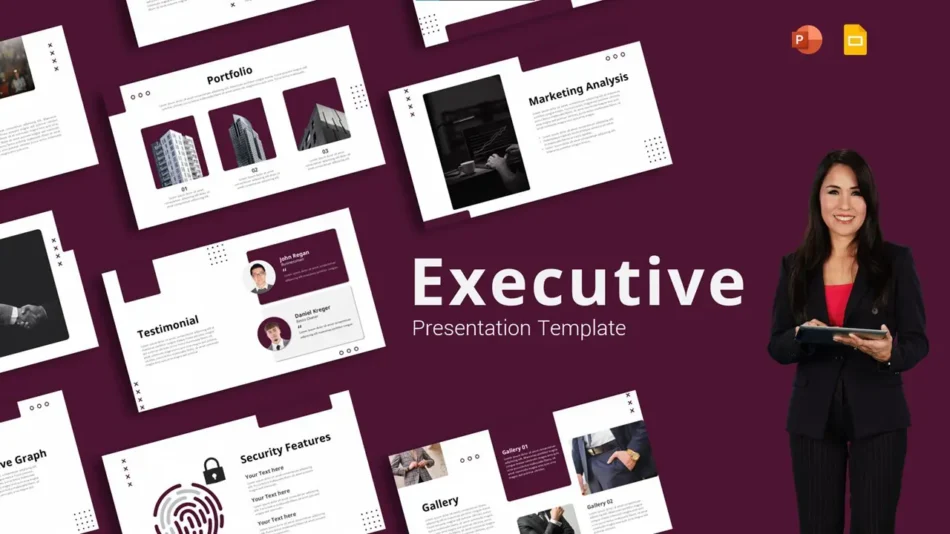
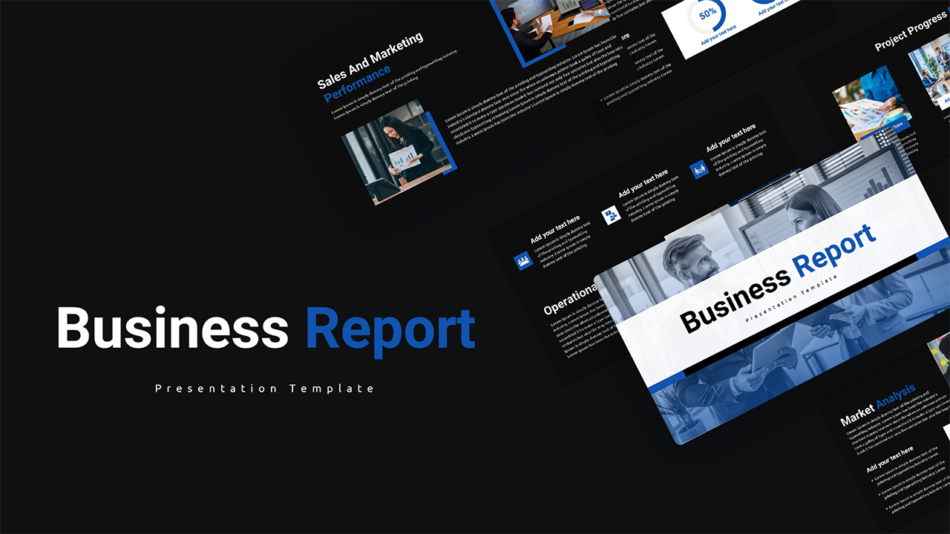
SlideKit’s minimalist design executive business presentation template is built for this profile. The layouts are intentionally sparse — designed to keep the audience oriented on the argument rather than the visual composition of the slide. For formal reporting contexts with this audience type, the professional business report presentation template provides the structured table, KPI, and executive summary layouts that board-level reporting requires.
Sales and Prospect Audiences
Prospects enter a sales presentation with skepticism and limited time. They need to understand the problem being solved, trust the credibility of the solution, and reach a clear next step — ideally within 20 to 30 minutes. Templates for this audience need to carry a narrative structure rather than a reporting structure, with layouts that support:
- Problem framing before solution introduction
- Visual proof points (case study snapshots, data callouts, client quotes)
- Comparison frames that position the solution without requiring dense text
- A single, unambiguous closing slide with the next step clearly stated
Internal Team and Operational Audiences
Internal presentations are often under-designed by default — treated as informal because the audience already knows the context. In reality, poorly structured internal presentations waste meeting time and leave decisions unresolved. Internal team templates work best when they prioritize:
- Clear section labeling so the audience can track where they are in the agenda
- Consistent layouts for recurring slide types (status updates, blockers, action items)
- Enough visual structure to distinguish key information from supporting detail
- Functional layouts for org charts, responsibility matrices, and process flows
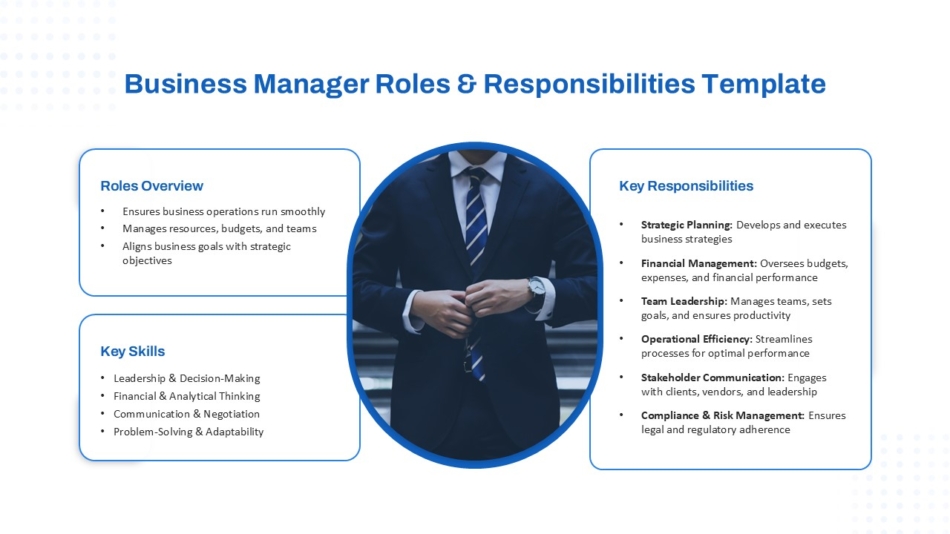
For internal communication involving team structure and accountability, SlideKit’s business manager roles and responsibilities presentation template provides pre-built layouts for org charts and role-scoping slides — removing the need to build these structural slide types from scratch for every internal review.
Investor and Startup Audiences
Investor-facing presentations — whether pitch decks, funding round updates, or traction reviews — occupy a specific register. They need to project confidence and momentum without overstating results. Templates in this category benefit from:
- A bold, modern visual identity that signals forward-thinking organization
- Layouts for traction data, market sizing, and business model visualization
- Section structure that follows the standard pitch arc: problem, solution, market, traction, team, ask
- Visual energy that reflects the company’s stage and positioning
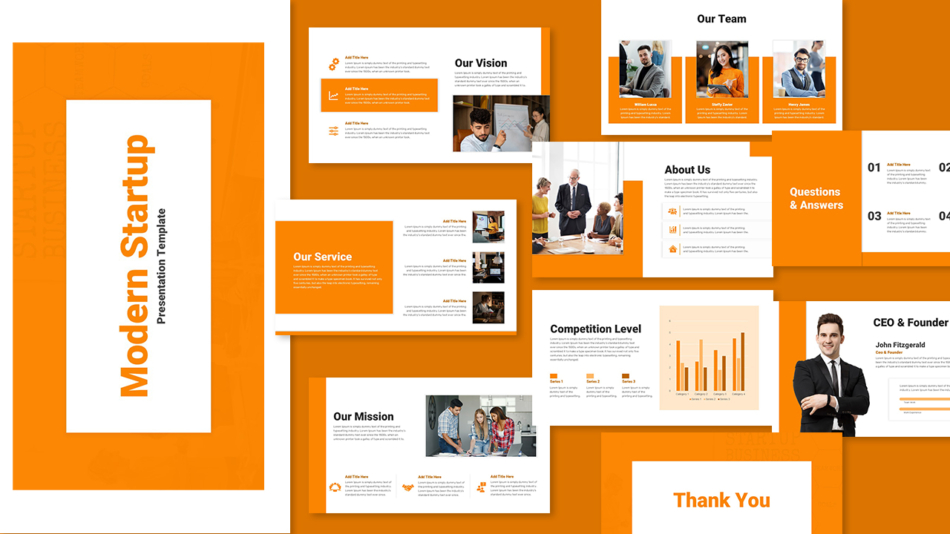
SlideKit’s modern startup business presentation template is structured for this context — with layouts that support growth and visual systems that project momentum rather than corporate conservatism.
Matching Templates to Presentation Goal
Audience type narrows the field. Presentation goal narrows it further — to the specific structural and layout requirements of what the deck needs to accomplish.
Goal: Reporting and Transparency
Reporting presentations need to communicate data accurately and efficiently. The audience needs to understand what the numbers mean, what changed since last period, and what is recommended as a result. Templates for this goal need strong data slide layouts, clear period labeling, and executive summary frames.
Goal: Strategy and Planning
Strategic presentations need to communicate direction, justify choices, and align stakeholders around a shared understanding of the path forward. The template needs to support frameworks, option comparisons, roadmaps, and clear recommendation structures — not just bullet lists.
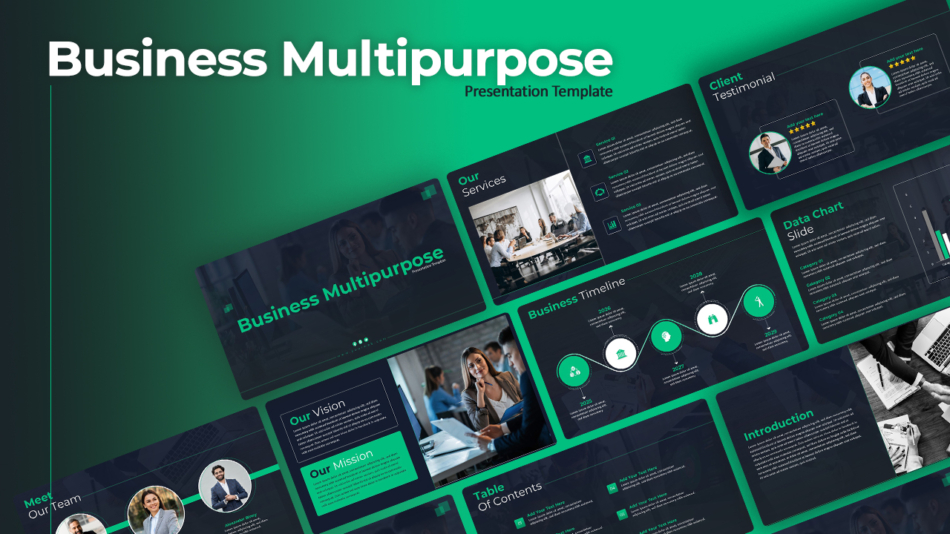
The multipurpose business presentation template works well in this context because it provides layout breadth — covering comparison frames, process diagrams, roadmap structures, and content slides within a single consistent visual system. This flexibility supports the variety of slide types a strategy presentation typically requires.
Goal: Pitching and Persuasion
Pitch decks and persuasive presentations live or die on narrative momentum. The template needs to support a sequence that builds rather than reports — establishing context, deepening the problem, introducing the solution, validating the claim, and closing with a clear ask.
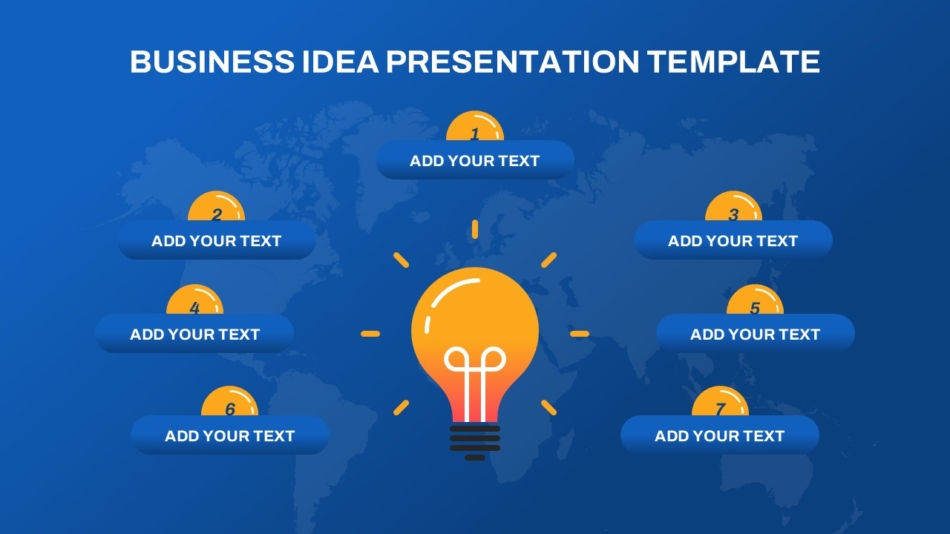
For concept pitches and early-stage idea presentations, SlideKit’s creative business idea presentation template provides layouts designed to carry an idea-forward narrative — with visual structures that make an unproven concept feel well-considered and credible.
Goal: Brand and Identity Communication
Some presentations exist to communicate organizational identity — onboarding materials, company overviews, brand positioning decks, or culture presentations. These require templates with strong visual character that reflects the brand accurately, not just functional layouts.
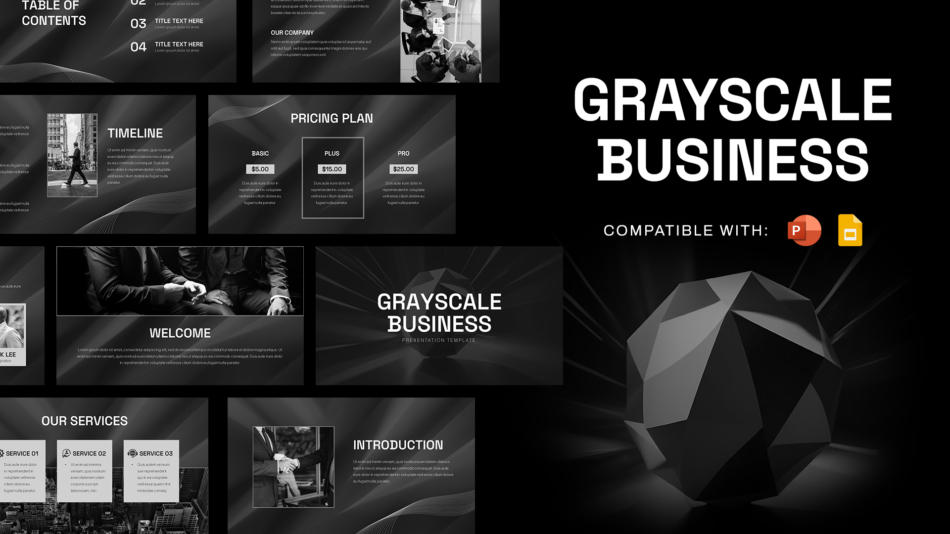
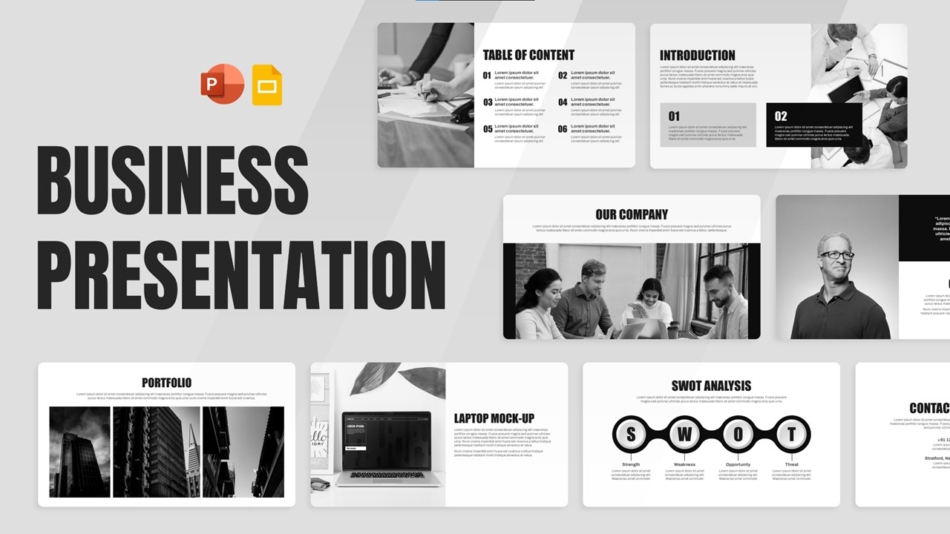
For organizations with a high-contrast, authoritative brand identity, the sleek black and white business presentation template and grayscale business presentation template provide monochrome frameworks that communicate precision and seriousness — appropriate for consulting, legal, finance, and design-forward organizations where visual restraint is part of the brand statement.
When Simple Presentation Templates Are the Better Choice
Simple presentation templates are not a compromise — they are a deliberate strategic choice in specific contexts. The instinct to add visual complexity to a presentation often works against its effectiveness, particularly in these situations:
The audience is data-focused. Data analysts, engineers, and finance teams tend to process dense information efficiently. A visually complex template competes with data for attention and slows comprehension.
The presentation is internal and recurring. Weekly team updates, sprint reviews, and operational check-ins do not need distinctive visual design. They need consistent, fast-to-populate layouts that keep meetings on track.
The production timeline is tight. A simple layout with fewer placeholder types takes less time to populate correctly. When a high-quality deck needs to be produced in a short window, simple is faster and more reliable than complex.
The content needs to carry the weight. When the argument is strong, a simple visual system lets the content speak without competition. Over-designed templates can undermine authority by making the deck feel like it is compensating for weak substance.
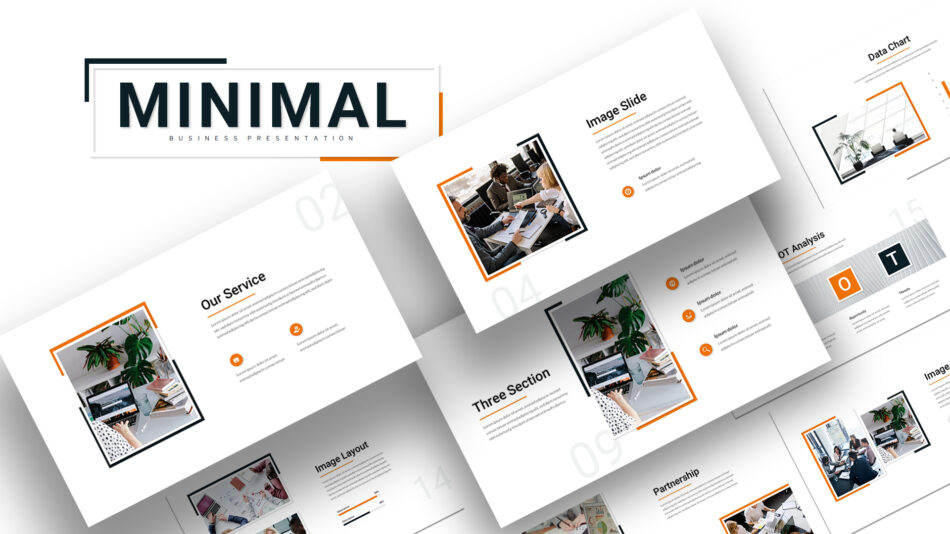
The minimalist business Google Slides themes from SlideKit represent this category well — clean, well-proportioned layouts that produce professional results without requiring any design decisions during content production.
How to Make a PowerPoint Template Reusable Across Your Team
When a business presentation template is going to be used repeatedly — by multiple team members, across multiple decks — the investment in setting it up correctly as a reusable PowerPoint template pays significant dividends over time. The key is working in Slide Master view rather than modifying individual slides.
The setup process:
- Open Slide Master view — View → Slide Master in PowerPoint. All structural changes made here apply to every slide that uses the corresponding layout.
- Define the master slide first — The topmost slide in the master panel sets the base: background color or image, default font family, primary and secondary colors. Everything else inherits from this slide.
- Build individual layout slides — Each layout type the team will use (title, content, comparison, data, closing) should have its own layout slide with correctly positioned and sized placeholders.
- Set the color theme explicitly — Design → Colors → Customize Colors. Assign brand colors to the accent slots. This ensures that charts, SmartArt, and table styles all use brand colors automatically rather than PowerPoint defaults.
- Lock placeholder sizes and positions — In each layout slide, set placeholder dimensions precisely. Presenters working from this template will inherit those proportions automatically.
- Save as a .potx file — File → Save As → PowerPoint Template. This creates a file that opens as a new untitled presentation rather than overwriting the master, which prevents accidental template corruption.
For teams that want a professionally designed starting point rather than building from a blank template, SlideKit’s business presentation templates ship with a complete Slide Master structure, pre-set color themes, and a full range of layout slides — significantly reducing the setup time while delivering a higher-quality visual foundation than most teams would build from scratch.
Choosing Between PowerPoint and Google Slides Templates
The platform decision is often made before the template search begins — based on what the team already uses. But when there is flexibility, the platform choice has practical implications for how the template performs.
Choose PowerPoint templates when:
- The deck will be presented from a local device in a controlled environment
- The team works in a Windows-dominant enterprise setting
- Advanced features like embedded video, complex animation, or Morph transitions are required
- The presentation will be sent as a file attachment to clients or stakeholders
Choose Google Slides templates when:
- Multiple team members will contribute to the same deck simultaneously
- The presentation will be shared via link rather than file attachment
- Real-time commenting and version history are important to the workflow
- The team works across different operating systems or devices
For teams that operate across both platforms, SlideKit templates are available in both formats — allowing a single visual standard to be maintained whether a deck is being built in PowerPoint or Google Slides.
Conclusion
The best approach to selecting a business presentation template is methodical, not aesthetic. Identify the audience first — their role, their information processing style, and their decision-making context. Then identify the goal — what the presentation needs to accomplish and what structural elements that requires. Only then does visual style become relevant.
When audience and goal drive the decision, the template stops being a visual wrapper and starts functioning as a structural asset — one that does part of the communication work before the presenter speaks a single word.
SlideKit’s business presentation templates are organized to support this approach. Whether the context calls for a minimalist executive layout, a modern startup pitch framework, a structured internal report, or a platform-specific Google Slides design, each template is built with a defined communication function — not just a visual style. Starting from the right structural foundation is what separates presentations that get decisions made from presentations that simply get delivered.


