
Key Elements of a Successful Marketing Plan Presentation
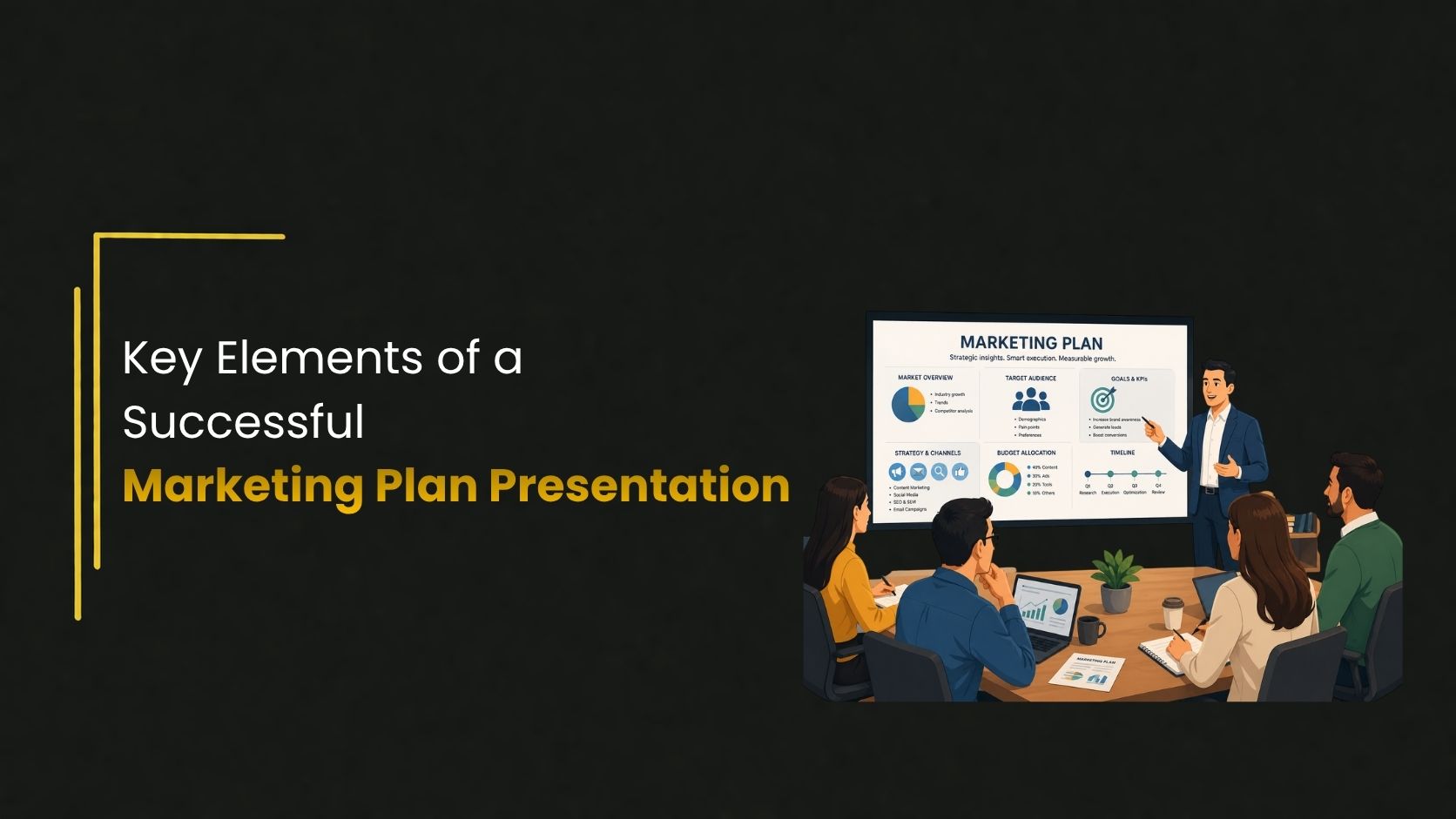
A well-structured presentation can be the difference between a strategy that gets approved and one that gets shelved. Here is what every great one includes.
Why your marketing plan presentation matters
You can have the most carefully researched marketing strategy in the room — but if your presentation does not communicate it clearly, clients will struggle to get behind it. A strong marketing plan presentation is not just a formality. It is the bridge between your thinking and your audience’s understanding.
Whether you are pitching to senior leadership, presenting to a client, or aligning your own team, the way you frame your plan shapes how seriously it is taken. In this guide, we will walk through the key elements that make these presentations work, along with practical tips for putting them together effectively.
1. Start with a clear executive summary
Before you dive into the details, give your audience the big picture. The executive summary should answer three questions in under two minutes: What is the goal? How do you plan to reach it? And what does success look like?
Keep this section tight. Avoid the temptation to front-load every detail — save the depth for later sections where context makes it land better.
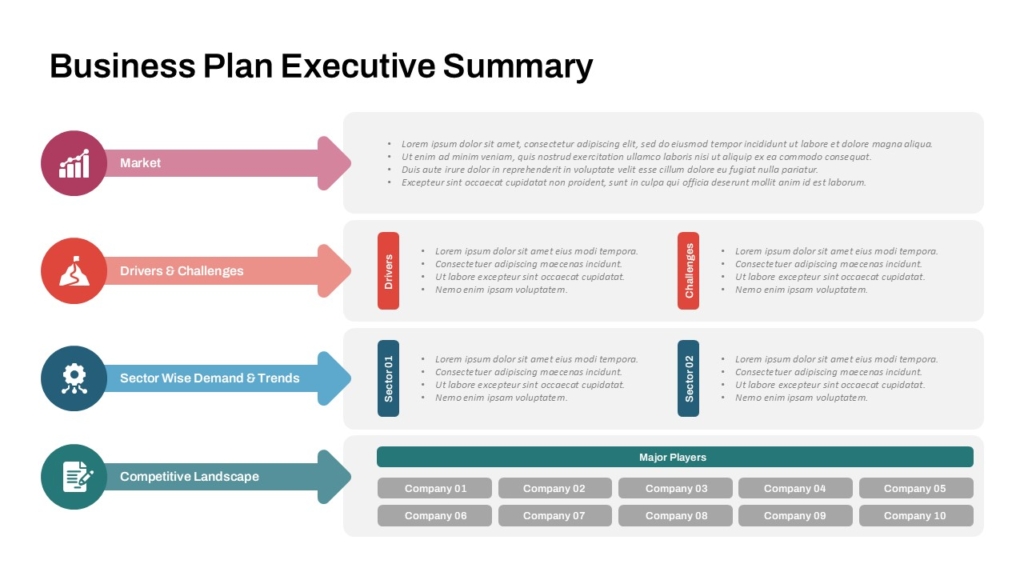
Decision-makers often form their impression of a plan in the first two slides. Make sure those slides earn their attention.
2. Define your target audience clearly
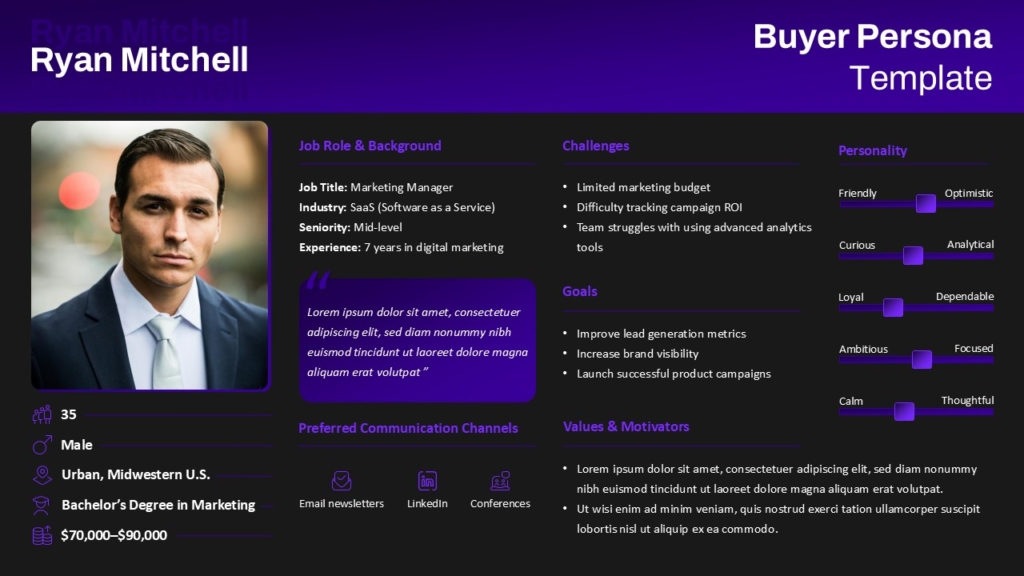
One of the most common weaknesses in a marketing plan presentation is a vague description of the audience. “Young professionals” or “small business owners” is not enough. Clients need to see that you understand who you are speaking to — their motivations, their pain points, and why your offering is relevant to them.
Consider including a personal slide. Even a single well-defined customer profile adds credibility and makes the rest of your strategy feel grounded in reality rather than assumption.
3. Lay out your goals and KPIs
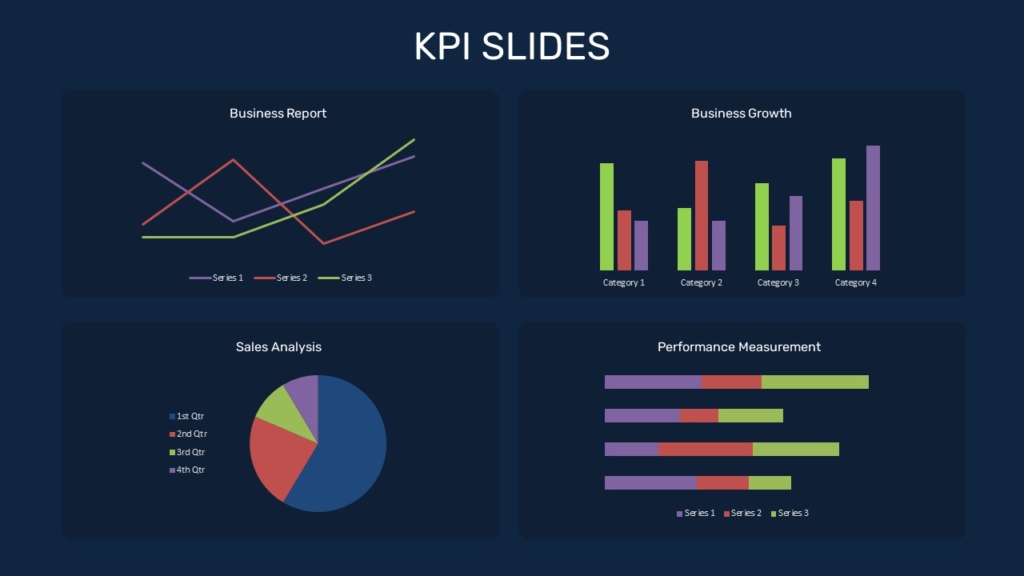
Every strong presentation includes measurable goals. Vague objectives like “increase brand awareness” do not give your audience anything to evaluate progress against. Instead, attach numbers and timelines — “grow organic traffic by 35% over the next two quarters” is a goal that can be tracked and discussed meaningfully.
Group your KPIs visually. A well-designed metrics slide — the kind you will find in a good marketing plan template — makes it easy to scan and compare, without overwhelming the audience with raw data.
4. Present your strategy and channels
This is where you explain how you plan to reach your audience and why the chosen approach makes sense. Walk through each channel — whether that is social media, email, paid advertising, content, or partnerships — and briefly explain the rationale behind each one.
Avoid listing channels just because they sound comprehensive. A focused strategy with clear reasoning is far more convincing than a wide-net approach that tries to cover everything. If you are using a marketing plan PowerPoint layout, this section benefits enormously from visual hierarchy — channel icons, simple flow diagrams, or a timeline work much better than dense bullet points.
5. Include a realistic budget breakdown
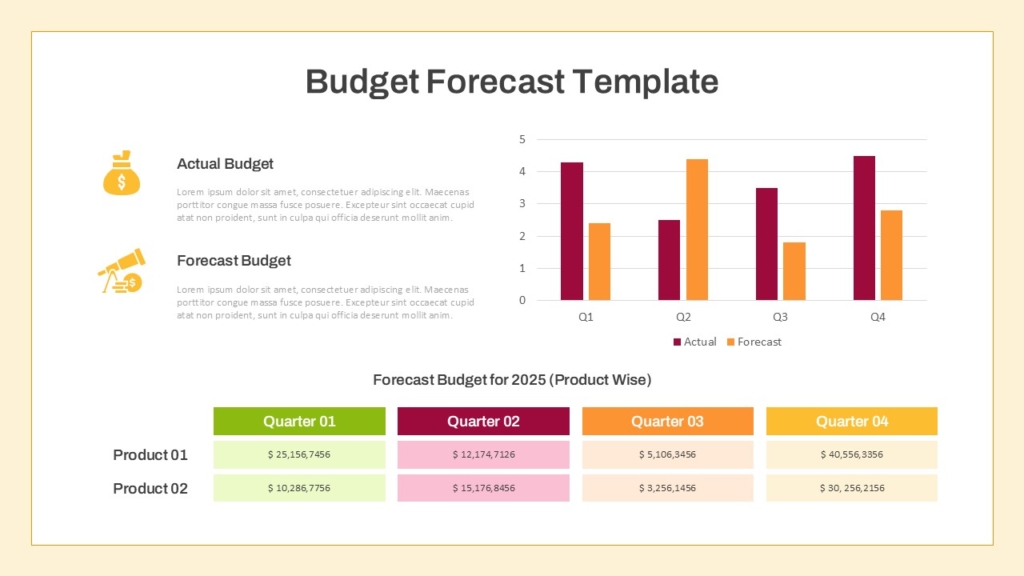
No marketing plan presentation is complete without a budget section. This is often where clients pay the closest attention, so it is worth being precise. Break your spend into clear categories, content creation, paid media, tools, events, and so on — and tie each line item back to a specific goal or channel.
If you are working with a template, look for one that includes a budget slide with a visual allocation chart. It makes financial information far easier to process at a glance and reduces the back-and-forth during Q&A.
6. Show your timeline and milestones
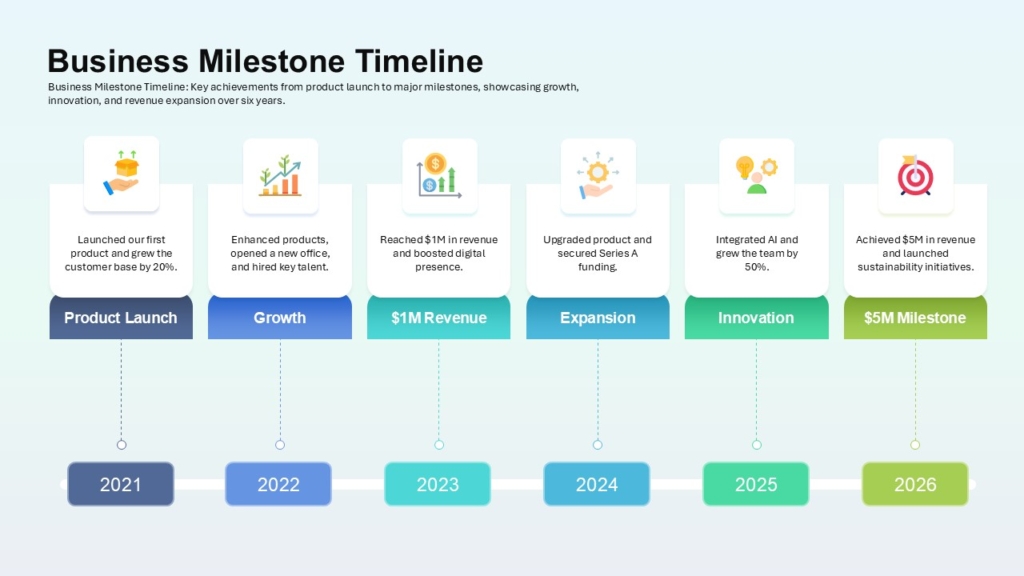
A presentation without a timeline leaves the audience wondering when any of this actually happens. Include a clear roadmap that shows key milestones, campaign launch dates, and review points. Even a simple quarter-by-quarter breakdown is enough to give your audience a sense of pace and progress.
This is also a good place to address dependencies — if one initiative relies on another being completed first, a timeline slide makes that visible without requiring a lengthy verbal explanation.
7. Close with risk and contingency thinking
The most seasoned presenters do not shy away from potential weaknesses in their plan — they address them proactively. A brief section on risks and how you intend to handle them signals to stakeholders that your strategy has been properly stress-tested, not just optimistically assembled.
This does not need to be alarming. Even a simple two-column slide that lists a risk alongside its mitigation plan is enough to demonstrate that you have thought things through.
- Identify your two or three most likely risks
- Keep mitigation plans brief and actionable
- Mention how you will monitor for early warning signs
Conclusion
A great marketing plan presentation is not just about having the right data — it is about telling a clear, confident story that moves people to act. When your goals are specific, your strategy is well-reasoned, and your slides are clean and purposeful, stakeholders do not just understand your plan — they believe in it. Take the time to get each element right, from your opening summary to your closing risk assessment, and you will walk out of every room with the alignment and buy-in your strategy deserves.
If you are looking for a head start, SlideKit offers a range of professionally designed marketing plan PowerPoint templates that make it easy to present your strategy with clarity and confidence. Simply pick a template, plug in your content, and let the design do the heavy lifting.
👉 Explore SlideKit templates today and take the first step toward a presentation that truly delivers.


