
How to Present Project Proposal Template Professionally
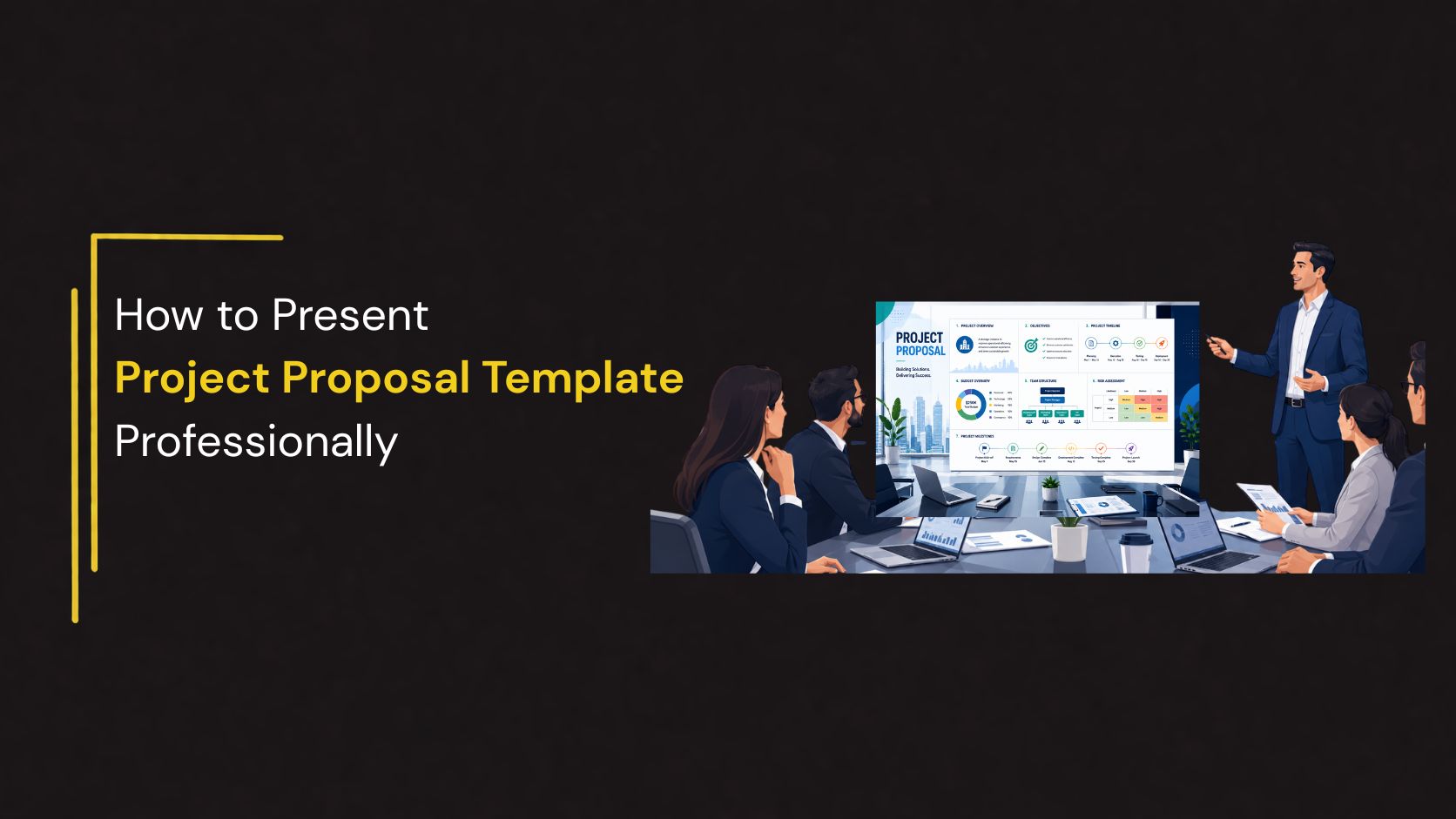
A project proposal presentation is often the first opportunity to convince stakeholders, clients, investors, or management that your idea deserves approval. Whether you’re proposing a new business initiative, requesting funding, or presenting a client solution, the quality of your presentation can significantly influence the outcome.
A professional project proposal presentation goes beyond explaining an idea. It demonstrates planning, highlights the value of the project, outlines execution strategies, and builds confidence among decision-makers. Instead of overwhelming your audience with lengthy documents, a well-designed presentation organizes information into easy-to-follow sections supported by visuals, timelines, charts, and diagrams.
This guide explains how to present a project proposal professionally, what slides to include, and the best practices for creating an engaging and persuasive presentation.
What Is a Project Proposal Presentation?
A project proposal presentation is a structured visual presentation that explains a project idea, its objectives, expected outcomes, implementation plan, budget, and timeline.
Unlike a detailed project report, a proposal presentation focuses on the key information stakeholders need to make informed decisions.
A strong proposal presentation should answer questions such as:
- What risks should be considered?
- What problem does the project solve?
- Why is the project important?
- What are the project goals?
- What resources are required?
- How long will implementation take?
- What benefits will the project deliver?
👉Explore SlideKit’s Project Proposal PowerPoint and Google Slides Templates.
Essential Slides to Include
1. Title Slide
Begin with a clean and professional cover slide.
Include:
- Project title
- Company or organization
- Presenter name
- Presentation date
Keep the design simple with a strong visual hierarchy.
2. Executive Summary
Provide a concise overview of the proposal.
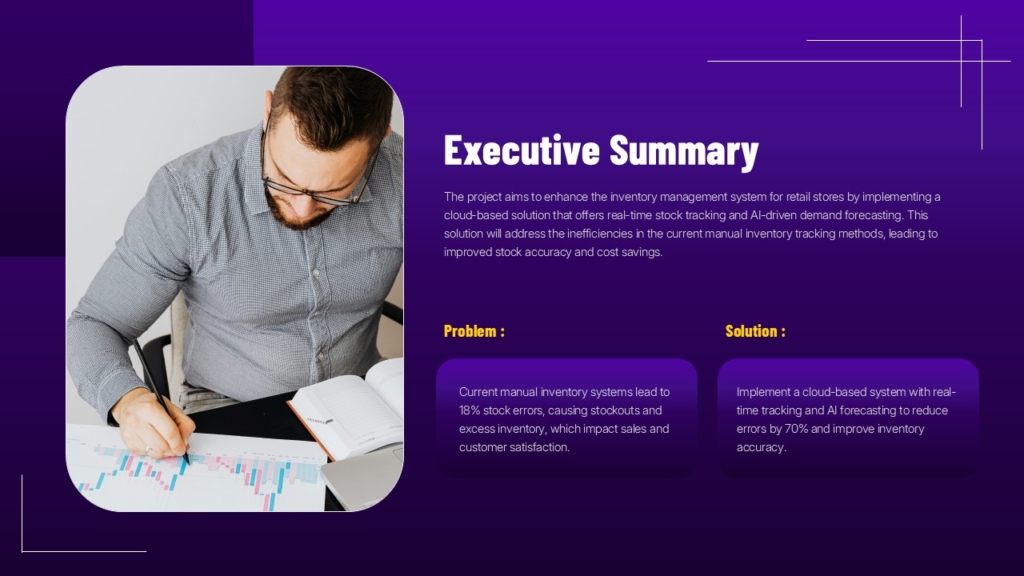
Include:
- Project objective
- Business need
- Expected outcomes
- High-level timeline
This gives stakeholders a quick understanding of the project before reviewing the details.
3. Problem Statement
Explain the challenge or opportunity that inspired the project.

Describe:
- Current situation
- Existing pain points
- Business impact
- Why action is required
Supporting your problem statement with relevant statistics or research strengthens credibility.
4. Proposed Solution
Present your recommended solution clearly.
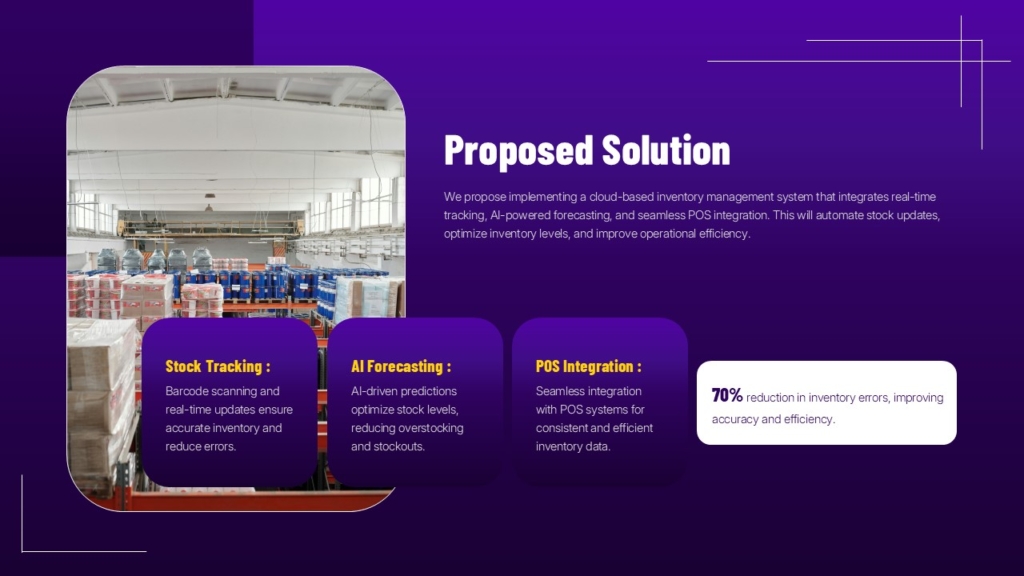
Include:
- Project overview
- Key features
- Expected improvements
- Business value
Use process diagrams or workflow illustrations to simplify the explanation.
5. Project Objectives
Clearly define measurable goals.

Examples include:
- Improve operational efficiency
- Reduce costs
- Increase customer satisfaction
- Streamline workflows
- Enhance productivity
Objectives should be realistic, measurable, and aligned with business priorities.
6. Scope of Work
Define what the project includes and excludes.
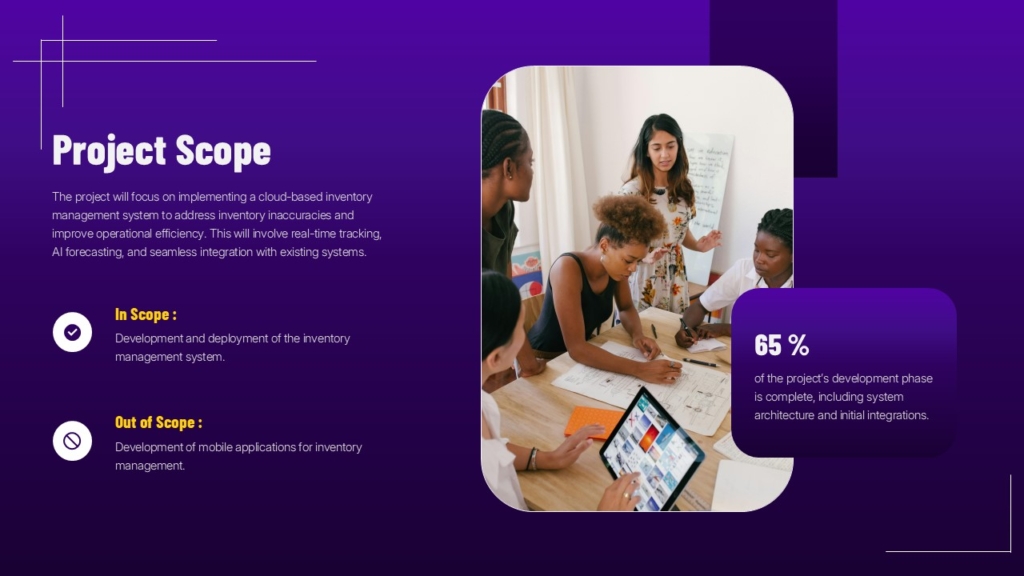
Your scope should outline:
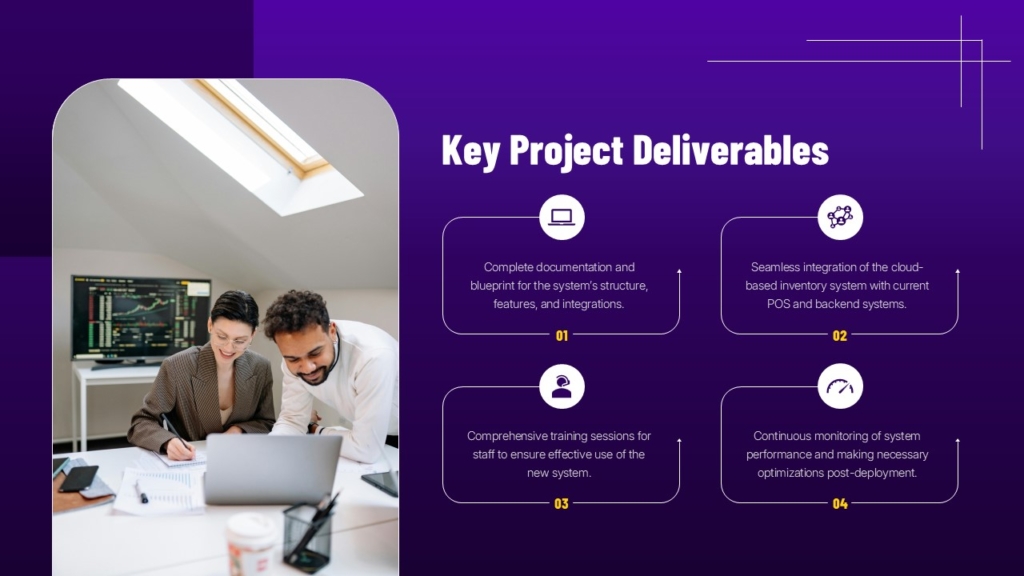
- Major deliverables
- Project boundaries
- Key responsibilities
- Expected outputs
A clearly defined scope helps prevent misunderstandings later.
7. Project Timeline
A timeline provides a visual overview of project phases.
Typical stages include:
- Planning
- Research
- Design
- Development
- Testing
- Implementation
- Final delivery
Using a timeline slide makes schedules much easier to understand than paragraphs of text.
8. Risk Assessment
Every project has risks.
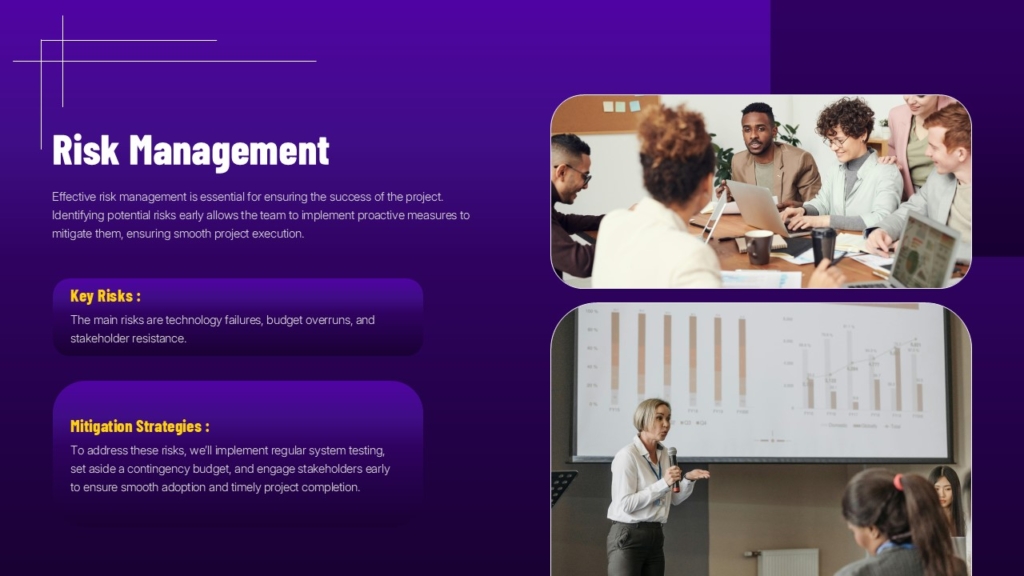
Identify:
- Potential risks
- Probability
- Business impact
- Mitigation strategies
9. Budget Overview
Summarize estimated project costs.
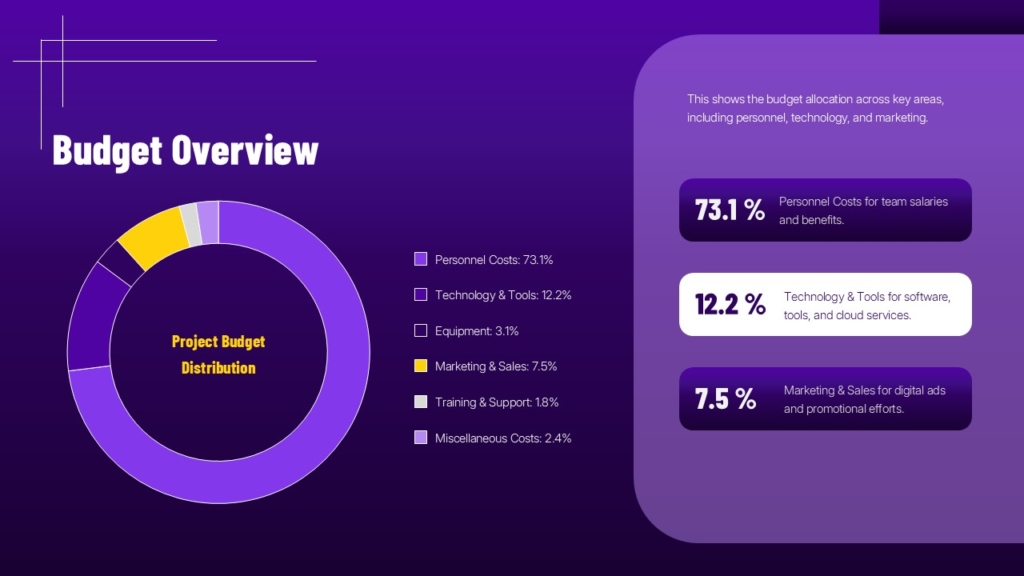
Typical categories include:
- Personnel
- Equipment
- Software
- Marketing
- Operations
- Contingency
Simple tables or charts help stakeholders understand financial requirements quickly.
Conclusion
A professional project proposal presentation helps transform a good idea into an actionable plan that stakeholders can easily understand and support. By organizing your presentation with clear objectives, a defined scope, realistic timelines, budget estimates, risk assessments, and measurable outcomes, you can communicate your vision with confidence and improve the chances of approval.
To create polished and impactful proposal presentations, SlideKit offers professionally designed layouts for executive summaries, timelines, budgets, project scopes, team structures, risk assessments, and implementation plans, helping you present your ideas clearly and professionally while saving valuable design time.


