
Editable Slide Templates for Google Slides for Business Presentations

Building a business presentation from scratch takes time that most teams do not have. Between sourcing the right fonts, setting up consistent layouts, and figuring out where data visualizations should sit on a slide, the design work alone can eat into hours that should be spent on the actual content. Editable slide templates for Google Slides solve this by giving presenters a ready-made structure to work within, one that is already designed to look professional and organized.
For businesses that present regularly, whether to clients, stakeholders, or internal leadership, having a library of reliable templates changes how quickly and consistently those presentations come together.
What Editable Slide Templates for Google Slides Include
An editable Google Slides template is more than a visual theme. It is a complete set of slide layouts, each designed for a specific type of content. A standard business template set typically includes a title slide, an agenda or overview slide, section dividers, content slides for text and visuals, data or chart slides, and a closing slide.
Each of these layouts is built with placeholder elements. Text boxes, image frames, chart areas, and icon slots are all positioned and sized intentionally so the slide works visually regardless of what content goes inside. When a presenter replaces the placeholder text with real content, the layout holds.
Editable templates also allow full customization. Fonts can be swapped to match a company’s brand guidelines. Colors can be adjusted across the entire deck using the theme settings. Images can be replaced, icons can be changed, and layouts can be duplicated or removed based on how many slides the presentation needs.
This combination of pre-built structure and full editability is what makes templates for Google Slides practical for business use rather than just for quick personal projects.
Why Businesses Use Google Slides Templates for Presentations
Google Slides has become a standard tool for business presentations, particularly for teams that collaborate across locations or work primarily in the cloud. The ability to share a link, allow multiple contributors to edit simultaneously, and present directly from a browser without needing additional software makes it a practical choice for many organizations.
Templates for Google Slides extend that practicality. When a team is working against a deadline, starting from a professionally designed template means the visual work is largely done before the content is even added. Presenters can focus on the substance of what they are saying rather than making layout decisions mid-build.
There is also a consistency argument. When everyone on a team works from the same set of templates, the decks that come out of different departments start to look like they belong to the same organization. That visual consistency matters in client-facing work, where first impressions carry real weight, and in internal reporting, where a clear, familiar format makes it easier for leadership to absorb information quickly.
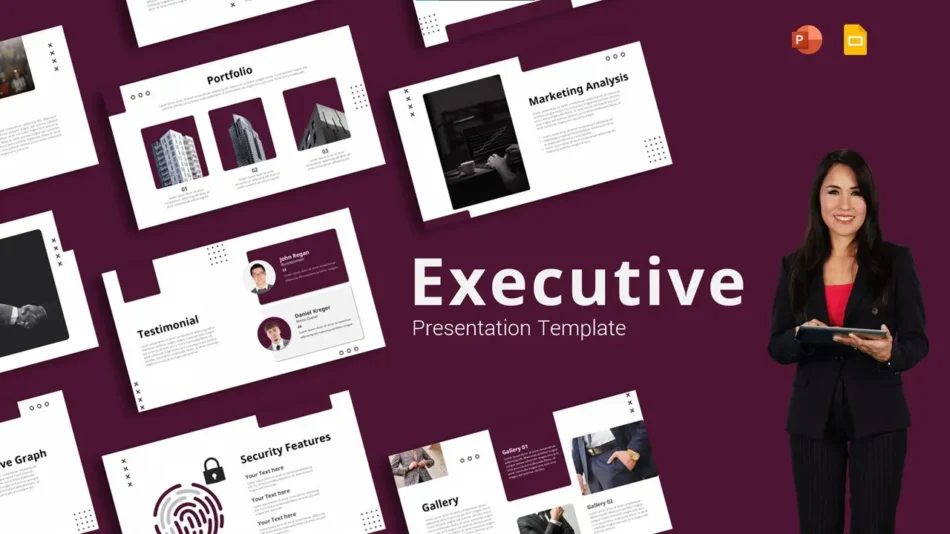
The Minimalist Design Executive Business Presentation Template reflects exactly this kind of use. It is clean, structured, and designed to work for presentations where the audience is senior and the content needs to speak clearly without visual distraction.
Common Slide Layouts Used in Business Decks
Different types of business presentations call for different slide structures. A quarterly report needs data-heavy slides with chart areas and summary sections. A project proposal needs a problem-and-solution format with space for timelines and deliverables. A strategy session needs layouts that support discussion, with enough visual breathing room that the slides do not overwhelm the conversation.
Most editable business templates include a core set of layouts that cover these needs. Title slides open the deck and set the visual tone. Overview slides give the audience a roadmap of what is coming. Content slides handle the main body of the presentation. Closing slides give the presenter a professional final frame, whether that ends with a summary, a call to action, or a questions prompt.
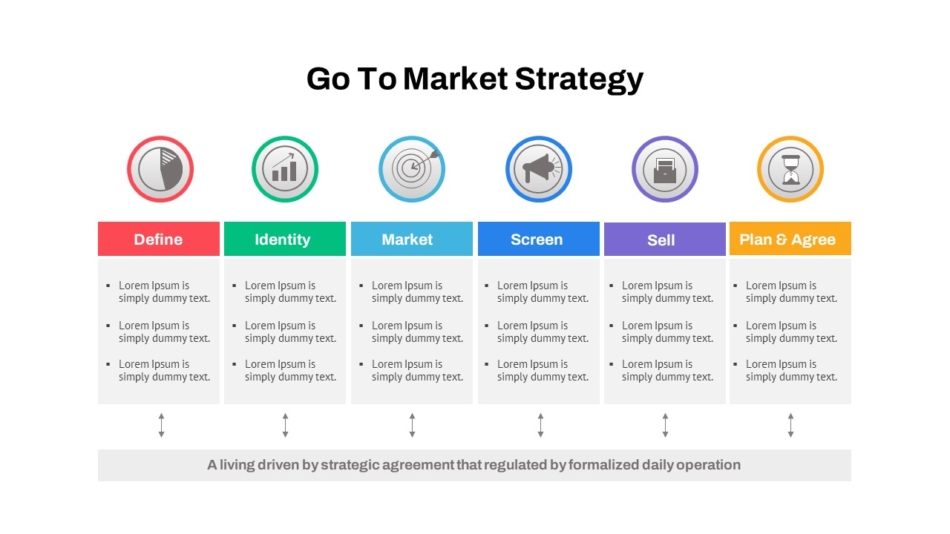
The Go-To-Market Strategy PowerPoint Template is a strong example of a layout designed around a specific business use case. The slides are structured to walk through market positioning, audience targeting, and launch planning in a logical sequence, which is exactly what a strategy presentation needs to do.
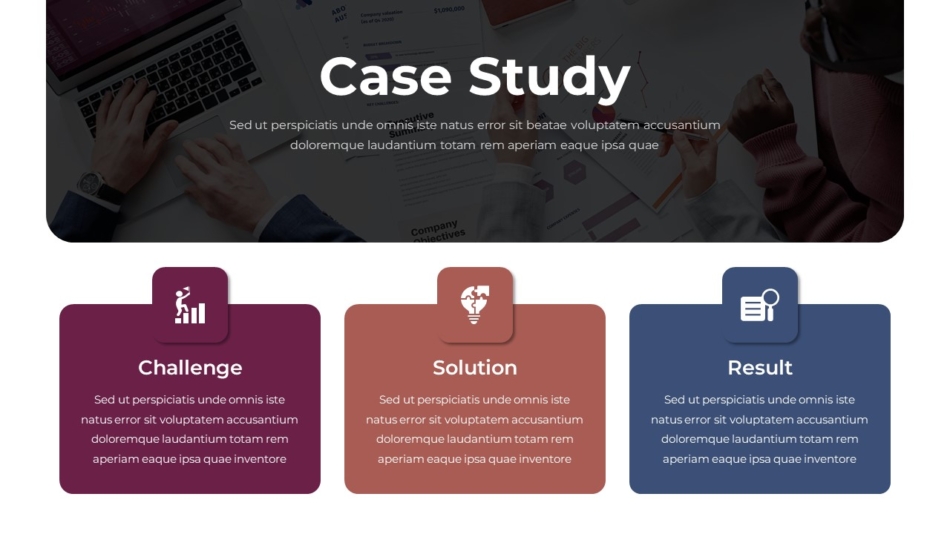
For presentations that include written analysis alongside visuals, the Case Study PPT Presentation Template provides a format suited to walking an audience through a detailed example, with space for context, findings, and outcomes laid out in a clear order.
Customizing Templates to Match Company Branding
One of the practical advantages of editable slide templates is how much they can be adjusted without breaking the underlying design. Google Slides makes it relatively straightforward to update the color scheme, font choices, and logo placement across an entire deck, which means a template can be adapted to match a specific company’s branding in a short amount of time.
Color customization is usually the first step. Most templates are built with a default palette that can be replaced by entering the brand’s hex codes into the theme editor. Once updated, the new colors apply across every slide in the deck.
Font updates follow a similar process. Google Slides supports a range of Google Fonts, so swapping the default typeface for a brand-approved font takes just a few clicks in the theme settings.
Logo placement is handled directly on the slide master. Adding a logo to the master view means it appears consistently on every slide without needing to be manually placed one at a time.
The Tech Startup PowerPoint Google Slides Template is a good starting point for businesses that want a modern base to customize. The layout is clean enough to hold up across different color and font choices, which makes the branding adaptation process straightforward.

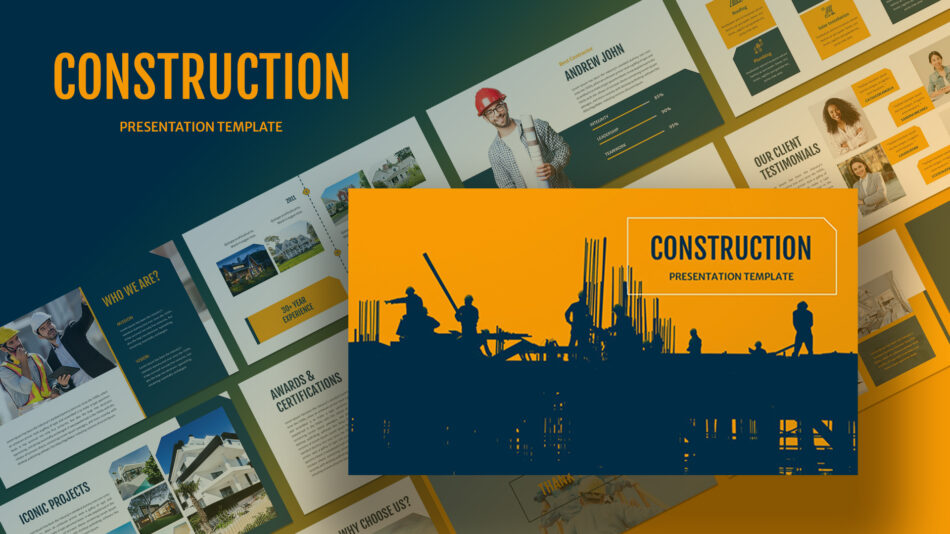
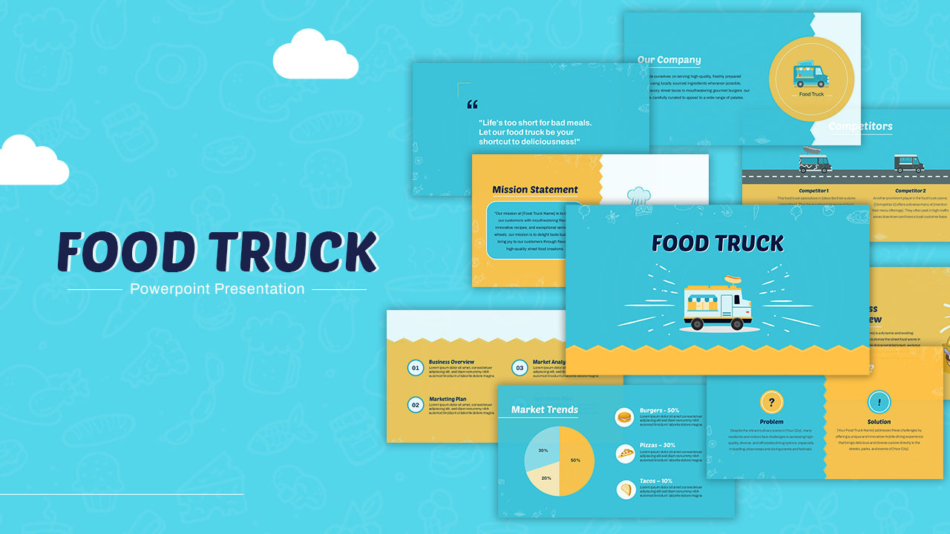
For businesses in specific industries, purpose-built templates save even more customization time. The Construction Presentation Slide and the Food Truck Business Presentation Template are designed with industry-specific visual language, which means they already reflect the context before any customization is applied.
Using Templates for Reports, Proposals, and Strategy Meetings
The most consistent business use cases for Google Slides templates fall into three categories: reporting, proposing, and planning.
For reports, the priority is clarity. Data needs to be readable, sections need to be clearly divided, and the narrative needs to be easy to follow for an audience that may be seeing the content for the first time. Templates designed for reports typically include chart-ready slide layouts, summary sections, and clean text-heavy formats that prioritize legibility.
For proposals, the presentation often needs to tell a story. There is a problem, there is a proposed solution, and there is a case for why that solution is the right one. Templates suited to proposals tend to include problem-statement layouts, comparison slides, and recommendation formats that give the argument a natural progression.
For strategy and planning meetings, slides tend to be more discussion-oriented. They set context, present options, and frame decisions rather than delivering a polished one-way presentation. Templates for these settings benefit from having more open, spacious layouts where the slide supports the conversation rather than replacing it.
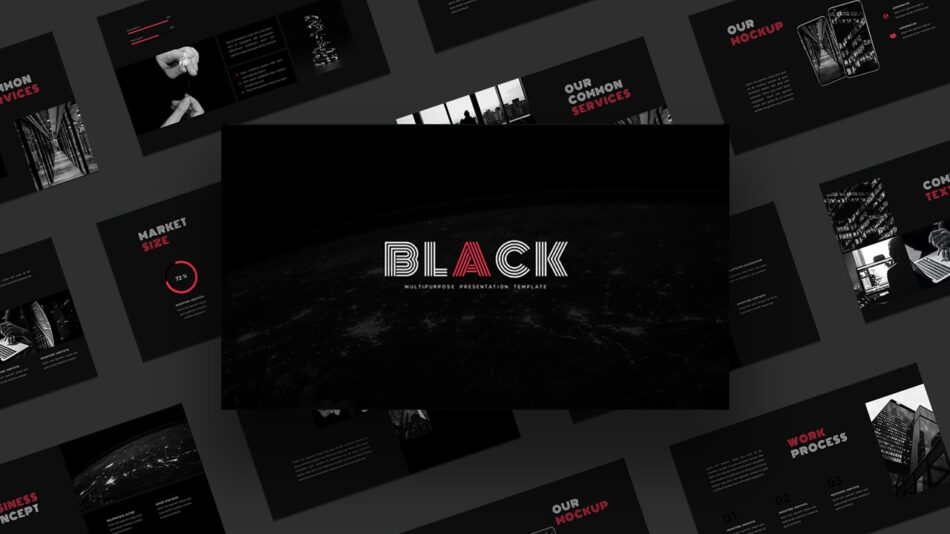
The Dark Google Slides Theme is a practical option for strategy sessions and internal presentations where a more distinct visual tone is appropriate. The darker background palette works particularly well for evening presentations, conference settings, or any situation where high contrast is an advantage.
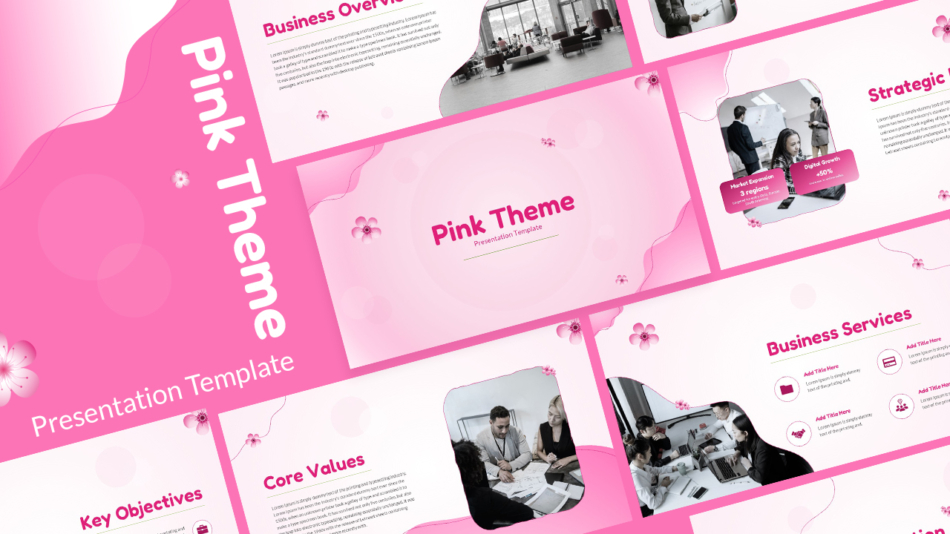
For presentations that include a mix of content types, the Pink PowerPoint Theme Template for Business Presentation offers a versatile layout that covers titles, data, visuals, and text-heavy slides within a single consistent design.
Templates Beyond the Standard Business Deck
Not every business presentation is a formal strategic report. Teams also present in training sessions, team meetings, onboarding programs, and client workshops. These settings call for layouts that are engaging and functional rather than strictly corporate.
The Netflix Presentation Template brings a recognizable visual format into presentations where personality and visual appeal are part of the goal. It is particularly effective for creative pitches, marketing presentations, or brand-related content where a distinctive aesthetic adds to the message.

For interactive sessions, the Family Feud Game Presentation Slides turn a familiar game format into a tool for team engagement, training quizzes, or icebreaker activities. The layout handles the interactive structure so the presenter can focus on running the session.

The Teachers Day Celebration Template reflects how far the range of Google Slides templates extends beyond corporate settings. For education teams, HR departments, or any organization that marks internal milestones, purpose-built templates for those occasions save time and produce a more thoughtful result than a repurposed business slide.

For teams that need help getting templates into their workflow, understanding how to download a Google Slide is a common starting point. Most templates are shared as a link or a file that opens directly in Google Slides, where it can be saved to Google Drive and edited from there.
SlideKit Editable Google Slides Templates for Business
SlideKit offers a library of editable slide templates for Google Slides covering a wide range of business, education, and creative presentation needs. Each template is built to work in both Google Slides and PowerPoint, with fully editable layouts that can be customized to match any brand or topic. The library includes formats for strategy presentations, proposals, reports, team sessions, and industry-specific decks. For businesses that present regularly across different teams and contexts, having access to a well-organized template library reduces the time spent on slide design and keeps the standard of output consistent across the organization.
Starting With the Right Template
The choice of template shapes how a presentation comes together. Starting with a layout designed for the right purpose means less time spent rearranging slides and more time spent on the content itself. For business teams using Google Slides, editable slide templates provide a practical foundation that supports clearer communication, faster preparation, and more consistent results across every presentation type.


