
Best Org Chart Templates for Business

An organizational chart (org chart) is one of the most effective ways to visualize a company’s hierarchy, reporting relationships, and team structure. Whether you’re introducing new employees, presenting your company’s leadership, planning workforce expansion, or documenting departmental roles, a well-designed org chart improves communication and makes organizational structures easier to understand.
Instead of creating charts from scratch, professionally designed Org Chart Templates save time while ensuring your presentations look polished and consistent. In this guide, we’ll explore the best org chart templates, their use cases, and tips for selecting the right layout for your organization.
What Is an Org Chart?
An organizational chart is a visual diagram that illustrates how people, teams, and departments are connected within an organization. It defines reporting relationships, leadership hierarchy, and departmental responsibilities. They help employees and stakeholders quickly understand the structure of a business.
Why Use an Org Chart Template?
Creating an organizational chart manually can be time-consuming, especially for growing companies with multiple departments. An org chart template provides a ready-made framework that you can customize with names, roles, and reporting lines.
Benefits include:
- Saves presentation design time
- Maintains a professional appearance
- Improves organizational clarity
- Simplifies employee onboarding
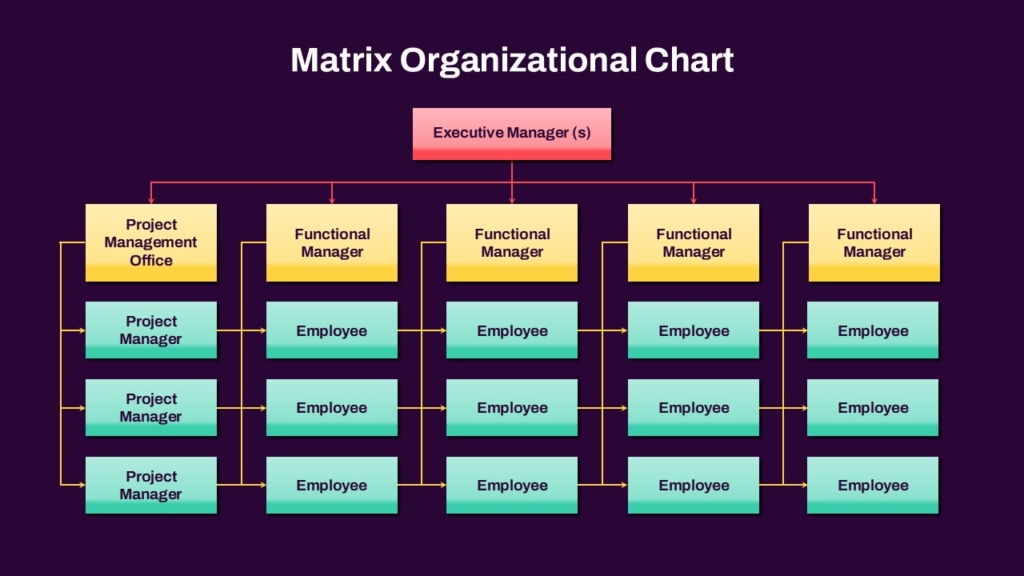
1. Matrix Organizational Chart Template
A matrix organizational chart shows employees reporting to multiple managers or teams.
Features
- Functional managers
- Project managers
- Shared reporting lines
Best for : Project-based organizations, Consulting firms, Engineering companies
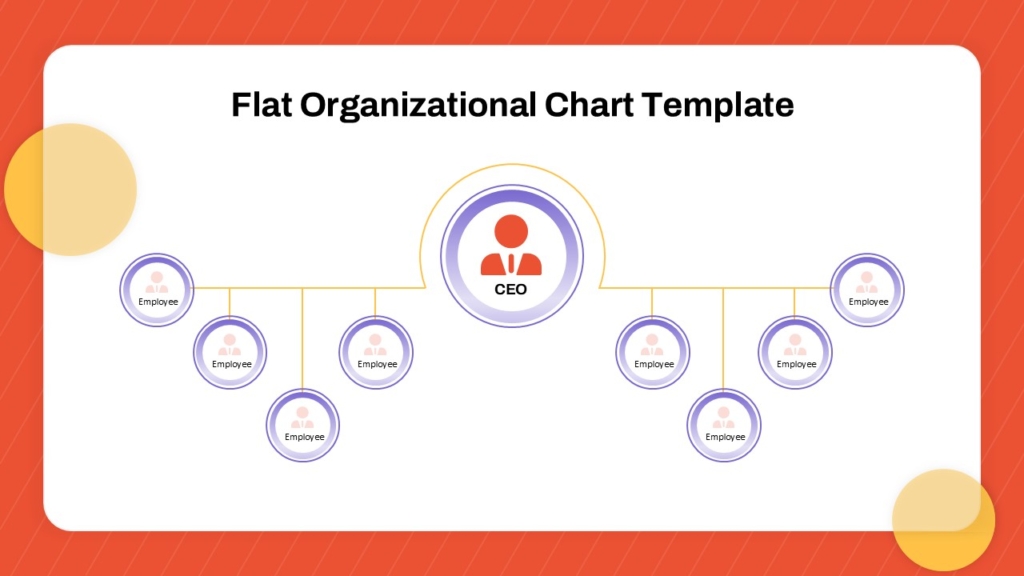
2. Flat Organizational Chart Template
Flat organizations have fewer management layers and emphasize collaboration.
Features :
- Minimal hierarchy
- Wide team structure
- Collaborative work environment
Best for : Startups, Small businesses, Creative agencies
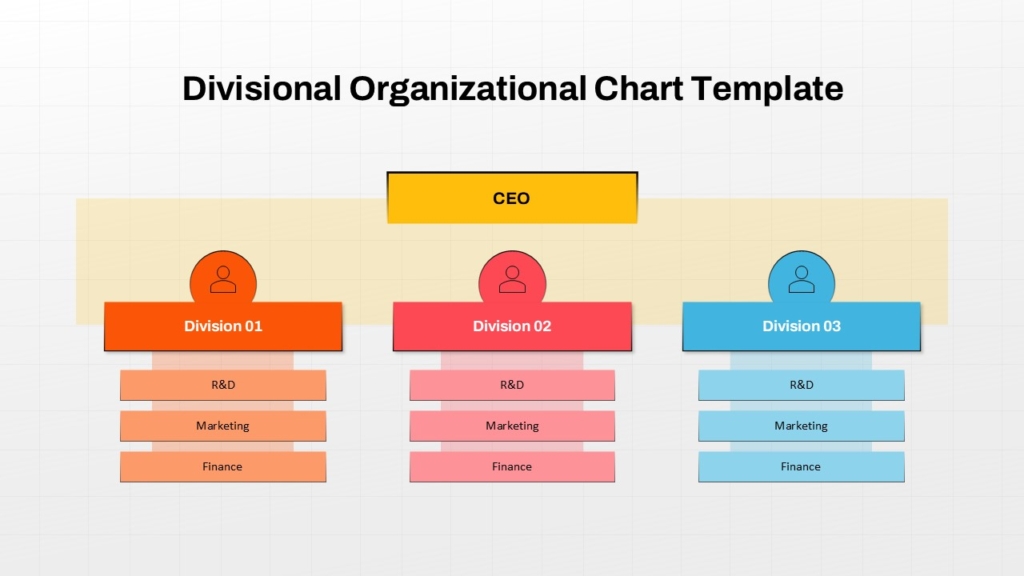
3. Divisional Organizational Chart Template
Large organizations often organize teams by products, regions, or business units.
Features :
- Regional divisions
- Product divisions
- Department leaders
Best for : Multinational corporations, Manufacturing companies, Retail organizations
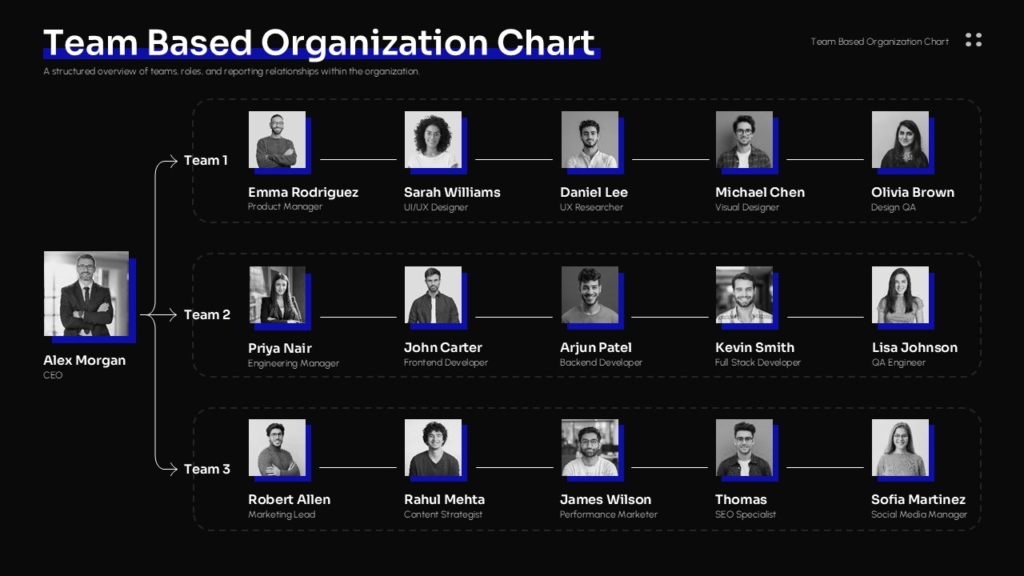
4. Team Structure Org Chart Template
Sometimes you only need to present a single project or department.
Features :
- Project manager
- Team members
- Roles and responsibilities
Best for : Project teams, Agile teams, Product development

5. Photo Organizational Chart Template
Adding employee photos makes org charts more engaging.
Features :
- Profile photos
- Job titles
- Department names
Best for : Employee onboarding, Company directories, Internal communications
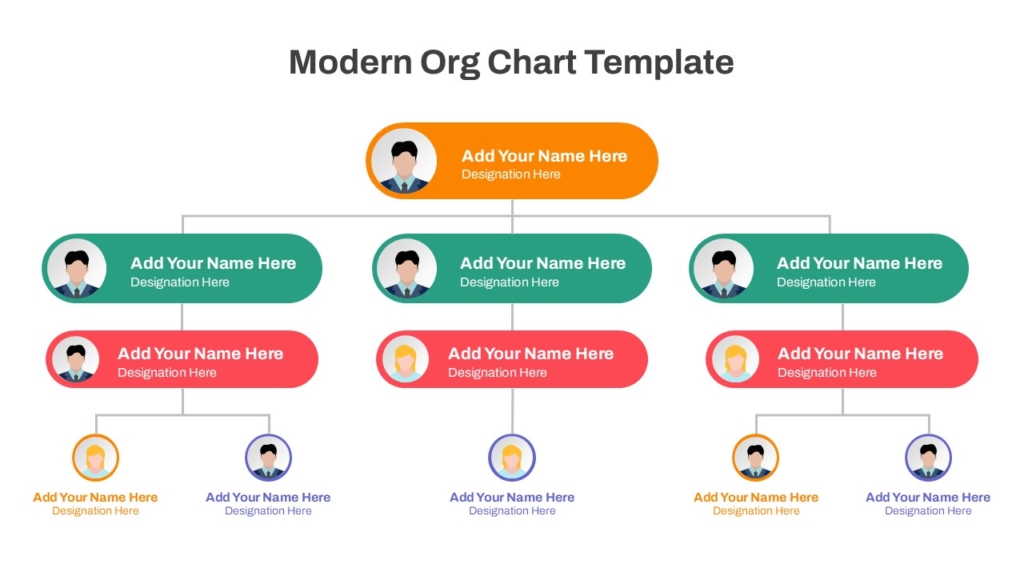
6. Modern Infographic Org Chart Template
Infographic-style layouts combine organizational information with clean visual design.
Features :
- Modern icons
- Color-coded departments
- Stylish layouts
Best for : Business proposals, Investor presentations, Marketing materials
Create Professional Organizational Charts with SlideKit
Need professionally designed organizational charts for your next presentation? SlideKit offers a wide collection of Org Chart PowerPoint Templates and Google Slides Themes featuring hierarchical, matrix, divisional, departmental, flat, and team structure layouts. Each template is fully editable, making it easy to customize names, roles, reporting lines, colors, and branding for your organization.
Explore SlideKit Org Chart Templates and create professional organizational presentations in minutes.


