
Best Cute Google Slides Themes for School and Creative Projects

Presentations don’t have to look corporate and serious. For school projects, creative pitches, or personal portfolios, cute Google Slides themes bring personality and visual interest that matches the context. The right theme makes presentations more engaging while keeping information clear and easy to follow.
Cute themes work particularly well for educational settings, creative projects, youth-focused content, and informal presentations where warmth and approachability matter more than corporate polish. They use playful colors, friendly illustrations, and inviting layouts that draw audiences in without overwhelming them.
This article explores what makes Google Slides themes cute, when these themes work best, and how to choose options that balance visual appeal with clarity and usability.
What Defines a Cute Google Slides Theme
Cute themes share specific design characteristics that create their friendly, approachable aesthetic.
Soft, Playful Color Palettes
Cute themes typically use pastel colors, warm tones, or bright cheerful combinations rather than bold corporate colors. Think soft pinks, mint greens, light purples, sunny yellows, and sky blues. These colors feel gentle and inviting rather than aggressive or overly formal.
The color choices create emotional tone. Pastels feel calm and sweet. Bright primaries feel energetic and fun. Warm tones feel cozy and friendly. Color selection directly influences how audiences perceive the presentation.
Friendly Illustrations and Graphics
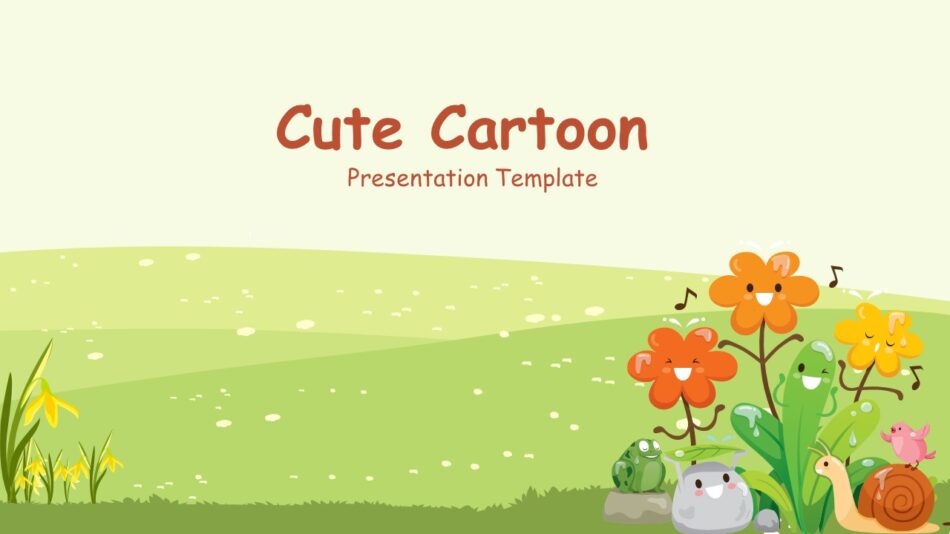
Rather than abstract shapes or stock photography, cute themes often include illustrations with personality—cartoon characters, doodles, hand-drawn elements, or simplified graphics with rounded edges and smiling faces.
These illustrations add charm without requiring audiences to decode complex imagery. A cute cartoon PowerPoint template might feature playful characters that make the presentation feel more personal and less formal.
Rounded, Organic Shapes
Cute design favors curves over sharp angles. Rounded corners on text boxes, circular frames for images, and flowing organic shapes create softer visual experiences than geometric precision.
This design choice feels more approachable. Sharp angles and rigid grids signal formality and structure. Rounded shapes signal friendliness and flexibility.
Decorative Background Elements
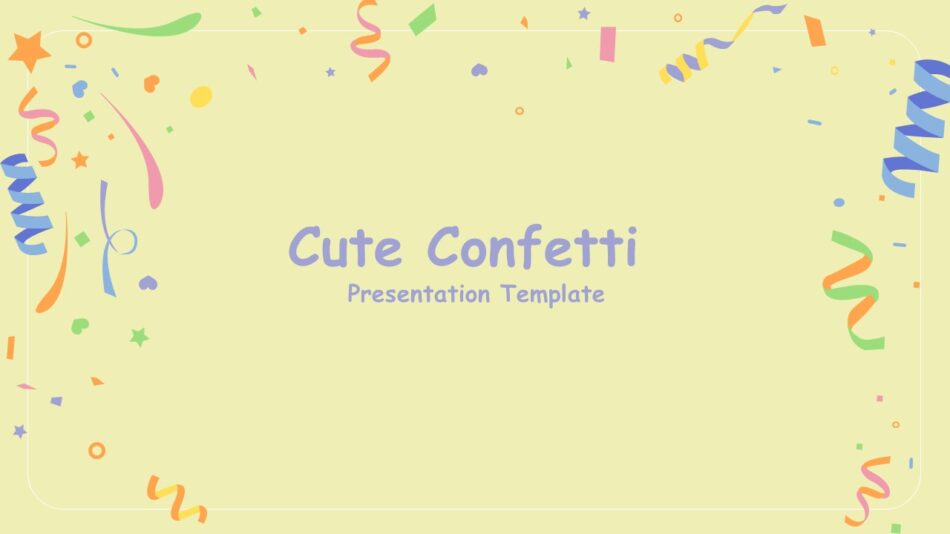
Cute Google slides backgrounds often include subtle patterns, textures, or decorative elements—watercolor washes, confetti dots, floral borders, or illustrated scenes. A cute confetti PowerPoint and Google Slides template might scatter cheerful dots across slides without overwhelming content.
These background elements add visual interest while remaining subtle enough not to compete with information. The best cute backgrounds enhance rather than distract.
Popular Design Styles in Cute Themes
Different cute theme styles suit different contexts and audiences.
Pastel and Minimalist
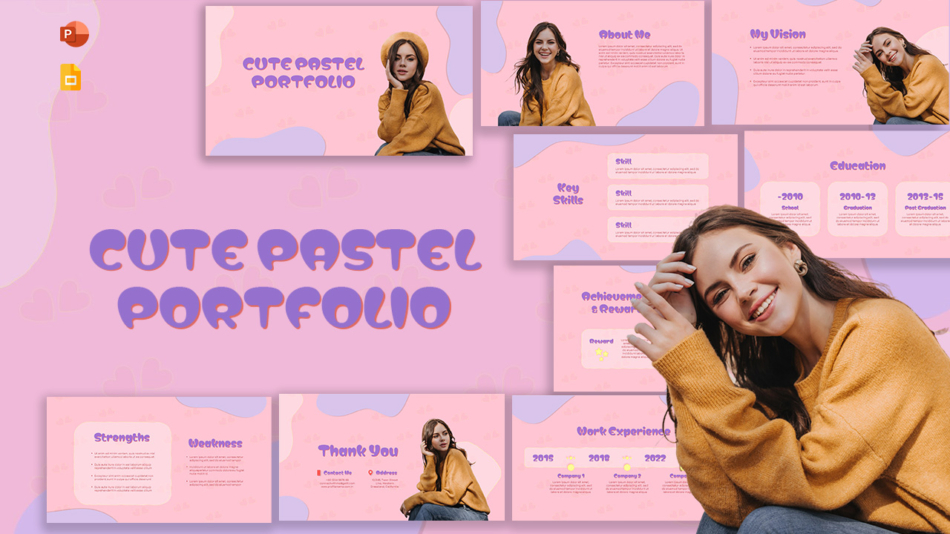
Pastel themes use soft colors with clean layouts and plenty of white space. A cute pastel portfolio template might showcase creative work with gentle pink, lavender, and mint backgrounds that let content shine without visual noise.
These themes work well when you want cute without overwhelming. They suit professional-adjacent contexts where some personality is welcome but excessive decoration would seem inappropriate.
Watercolor and Artistic
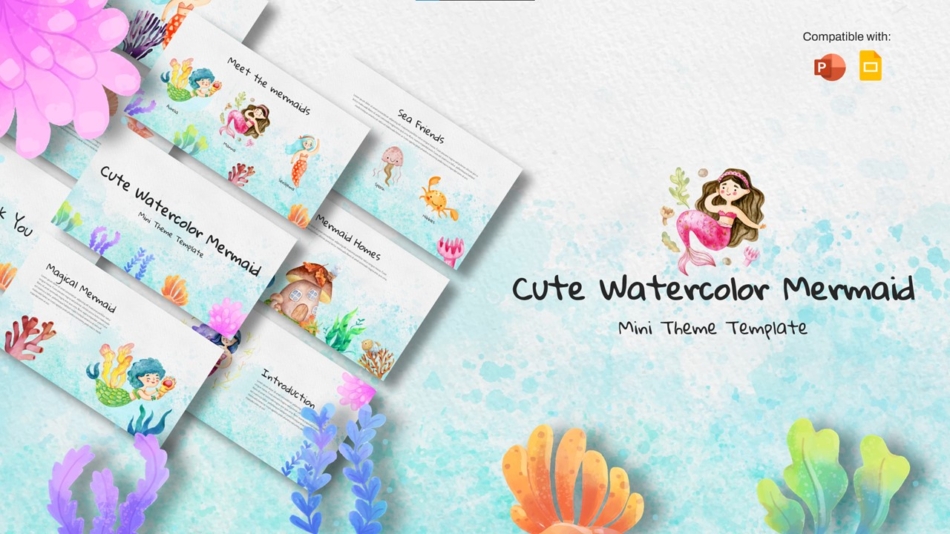
Watercolor themes feature painted textures and flowing color blends. A cute watercolor mermaid theme might use oceanic blues and greens with hand-painted elements that create dreamy, artistic atmosphere.
These themes suit creative projects, storytelling presentations, or art-focused content where the aesthetic itself communicates creativity and imagination.
Character and Illustration-Based
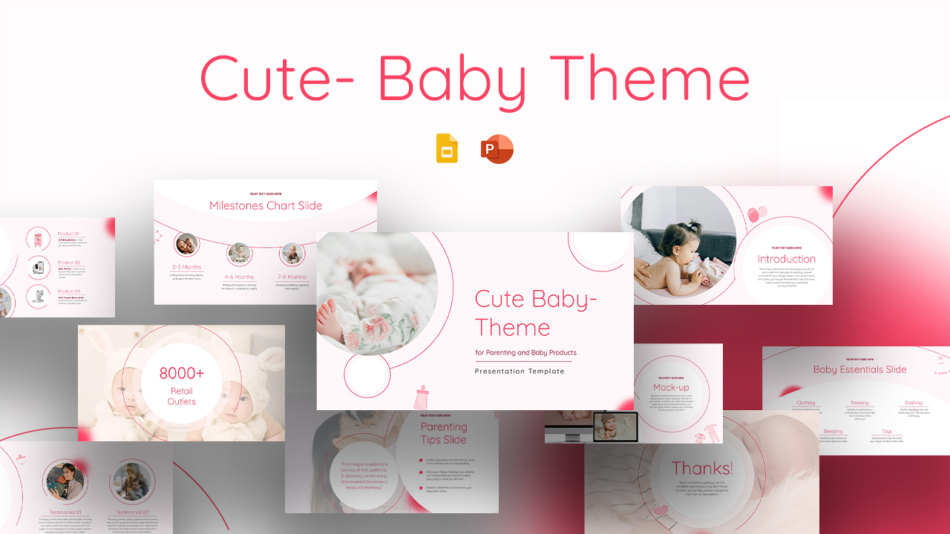
Some cute themes center around specific characters or illustration styles. A cute baby theme might feature infant illustrations perfect for child development presentations or parenting topics. Cute kids PowerPoint templates work well for elementary education contexts.
These character-driven themes create strong thematic consistency but work best when the characters match your content topic.
Decorative and Celebratory
Some cute themes emphasize celebration and joy through decorative elements. Templates with confetti, stars, hearts, or festive elements work well for achievement showcases, event presentations, or celebratory content.
These themes signal positivity and accomplishment, making them suitable when tone matters as much as information.
Personal and Biographical
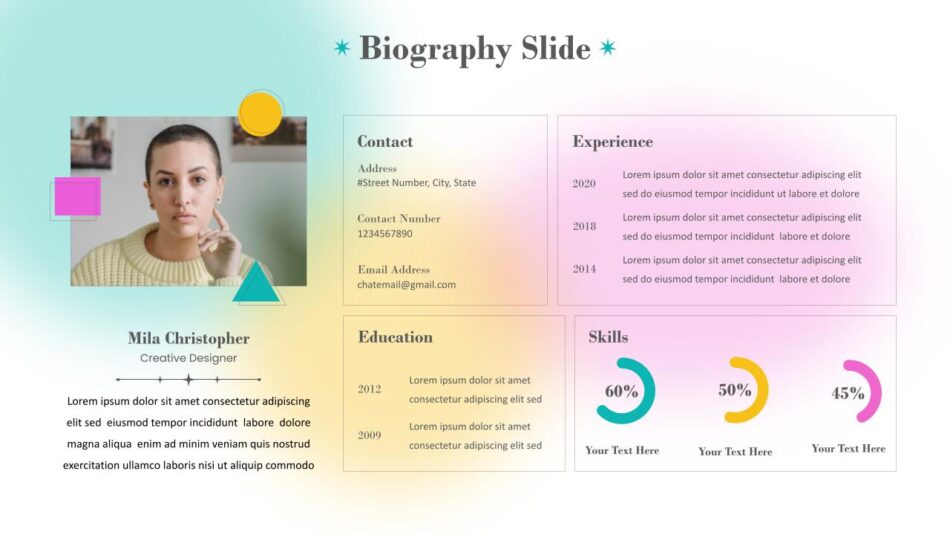
Cute themes designed for personal storytelling often include spaces for photos, timeline elements, and personal details. A cute biography slide template might help students create engaging personal introductions or “about me” presentations with structured spaces for information and visual appeal.
When to Use Cute Google Slides Themes
Cute themes work well in specific contexts but feel out of place in others. Understanding appropriate use cases helps you choose themes strategically.
School Projects and Classroom Presentations
Students presenting research projects, book reports, or creative assignments benefit from themes that match educational contexts. Cute themes make presentations feel less intimidating and more personally expressive while still organizing information clearly.
Teachers can use cute themes for classroom materials, lesson presentations, or educational content aimed at younger students. The friendly aesthetics help maintain engagement during learning.
Creative Portfolios
Artists, designers, writers, and other creatives showcasing work can use cute themes to add personality to portfolios. The themes themselves demonstrate design awareness and creative sensibility.
A pastel portfolio template lets work speak for itself while providing consistent, attractive framing. The cute aesthetic signals approachability and personality without overwhelming the showcased work.
Youth-Focused Content
Any presentation aimed at children or teenagers often benefits from cute themes. The playful aesthetics match audience expectations and preferences better than formal corporate designs.
Content about childhood development, youth programs, educational initiatives, or products for young audiences naturally fits cute theme contexts.
Personal Projects and Celebrations
Birthday presentations, family slideshows, personal achievement showcases, or hobby-related content all work well with cute themes. These contexts don’t require corporate professionalism and benefit from personality and warmth.
A cute greeting card PowerPoint template might help create digital celebrations or thank you presentations with appropriate aesthetic tone.
Informal Business Contexts
Some business contexts welcome friendlier aesthetics—internal team presentations, company culture showcases, employee recognition, or casual brainstorming sessions. Cute themes can work when formality isn’t required and human connection matters more than corporate polish.
However, avoid cute themes for client pitches, investor presentations, executive briefings, or formal business communications where they would seem unprofessional.
How Visual Design Impacts Engagement and Understanding
Choosing cute themes isn’t just aesthetic preference—design choices affect how audiences receive and process information.
Visual Appeal Increases Attention
Attractive presentations hold attention better than ugly ones. When slides look appealing, audiences engage more readily. Cute themes create positive first impressions that encourage continued attention.
This matters particularly for school contexts where students might feel less motivated by dry, text-heavy presentations. Visual interest helps maintain focus.
Appropriate Aesthetics Build Connection
When presentation style matches content and audience, connection strengthens. Cute themes showing children’s book illustrations for early literacy content feel appropriate and build trust. The same themes presenting financial analysis would feel bizarre and undermine credibility.
Appropriate design tells audiences you understand context and care about their experience. Inappropriate design does the opposite.
Visual Hierarchy Guides Understanding
Even cute themes need clear visual hierarchy. Good templates use size, color, and positioning to show what’s important. Headlines stand out, body text remains readable, and key information gets emphasis.
Poor cute themes sacrifice hierarchy for decoration, making slides hard to follow despite visual appeal. The best cute Google slides templates balance charm with clarity.
Tips for Selecting Clear and Effective Cute Themes
Not all cute themes work equally well. These guidelines help you choose options that look good and function well.
Prioritize Readability
No matter how cute the theme, text must be easy to read. Check that fonts are clear, sizes are appropriate, and contrast between text and backgrounds is sufficient. Decorative fonts work for titles, but body text needs readable fonts.
Test slides at presentation size. Cute details visible while editing might disappear when projected or viewed on smaller screens. If audiences can’t read content easily, the theme fails regardless of aesthetic appeal.
Check Background Distraction Levels
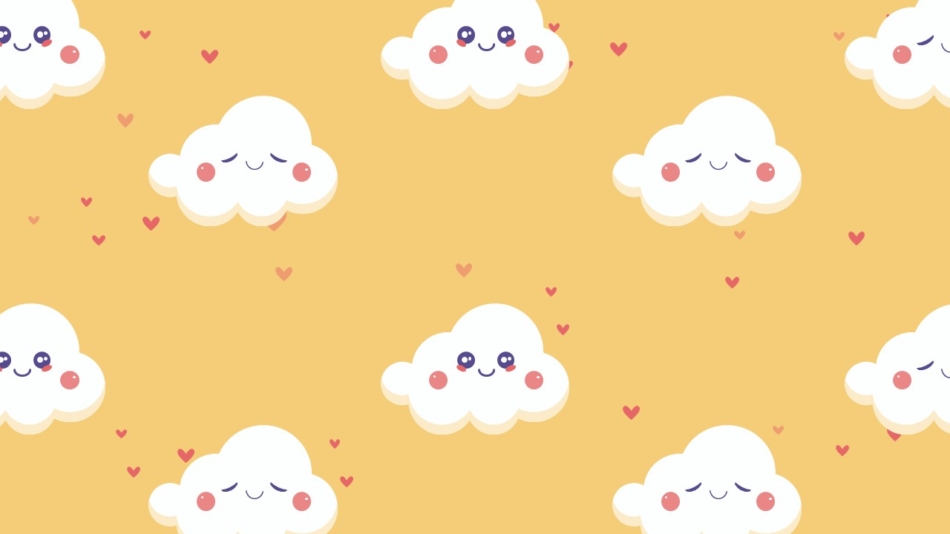
Cute backgrounds for Google Slides should enhance rather than compete with content. Busy backgrounds with too many decorative elements make text hard to read and information difficult to follow.
The best cute backgrounds use subtle patterns, soft textures, or positioned illustrations that leave plenty of clear space for content. A cute background should add personality without overwhelming information.
Ensure Consistent Theme Application
Strong themes maintain visual consistency across all slides. Colors, fonts, graphic styles, and layouts should feel cohesive throughout the presentation. Inconsistent design looks careless and confuses audiences.
When choosing cute Google Slides templates, verify they include enough slide variations for your content needs—title slides, content layouts, image slides, data slides—all maintaining the theme aesthetic.
Match Theme Complexity to Content Volume
Heavy information requires simple themes. If your presentation includes lots of text, data, or complex diagrams, choose simpler cute themes with clean layouts. Save more decorative themes for presentations with less information density.
Light content can handle more decorative themes. A photo showcase or personal story presentation has room for playful design elements that would overwhelm data-heavy content.
Consider Audience Age and Context
Themes that work for elementary students might feel too childish for high schoolers. Cute themes for professional creative portfolios need more sophistication than themes for youth group presentations.
Match theme maturity to audience expectations. When uncertain, lean slightly more mature rather than too juvenile—it’s easier to add playful elements than to overcome perceptions that a theme is too childish.
Verify Cross-Platform Functionality
Not all themes work equally well in PowerPoint and Google Slides. Since you’re specifically seeking cute themes for Google Slides, ensure templates function properly in that platform. Fonts should display correctly, layouts should hold their structure, and elements should remain editable.
SlideKit templates work seamlessly in both PowerPoint and Google Slides, giving you flexibility regardless of which platform you or your collaborators prefer.
SlideKit’s Approach to Cute Themes
SlideKit offers cute Google Slides themes designed with both visual appeal and practical usability in mind. The templates balance playful aesthetics with clear layouts that support actual content needs rather than just looking pretty.
Each template is fully editable, letting you customize colors, adjust layouts, or modify elements to match your specific project requirements. Whether you need themes for school assignments, creative portfolios, or personal projects, SlideKit provides options that work in real presentation contexts.
The templates come with multiple slide layouts addressing different content types—title slides, content slides, image galleries, section dividers, and closing slides—all maintaining consistent cute aesthetics throughout. This variety ensures you won’t run out of appropriate slide options as your presentation develops.
All SlideKit templates function properly in both PowerPoint and Google Slides, preventing formatting problems when moving between platforms or collaborating with others using different tools. You simply download the template, add your content, and customize as needed without worrying about technical compatibility issues.
Practical Takeaways
Cute Google Slides themes serve specific contexts well—school projects, creative portfolios, youth-focused content, personal presentations, and informal settings where friendliness trumps formality. They use soft colors, friendly illustrations, rounded shapes, playful typography, and decorative backgrounds to create approachable aesthetics.
Different cute styles suit different needs. Pastel themes offer gentle sophistication, watercolor themes add artistic flair, character themes create strong thematic consistency, and decorative themes emphasize celebration and joy.
Choose cute themes strategically based on context, audience, and content. Prioritize readability, check background distraction levels, ensure consistent application, match complexity to content volume, and consider audience expectations. The goal is balancing visual appeal with clarity and usability.
Both free and paid options exist, with paid templates generally offering more polish and variety. Regardless of source, evaluate templates thoroughly before important presentations.
For students, educators, and creatives seeking cute Google Slides templates that work in real presentation contexts, quality templates balance charm with practical functionality—looking good while supporting clear communication of your content.


