
Ruler Timeline PowerPoint and Google Slides Template

The Ruler Timeline PowerPoint and Google Slides Template is a dynamic, visually engaging tool designed to showcase project timelines, product development cycles, or strategic roadmaps with precision and clarity. Styled as a horizontal ruler, this template combines functionality with aesthetics, providing a linear visual representation of progress across key project phases.
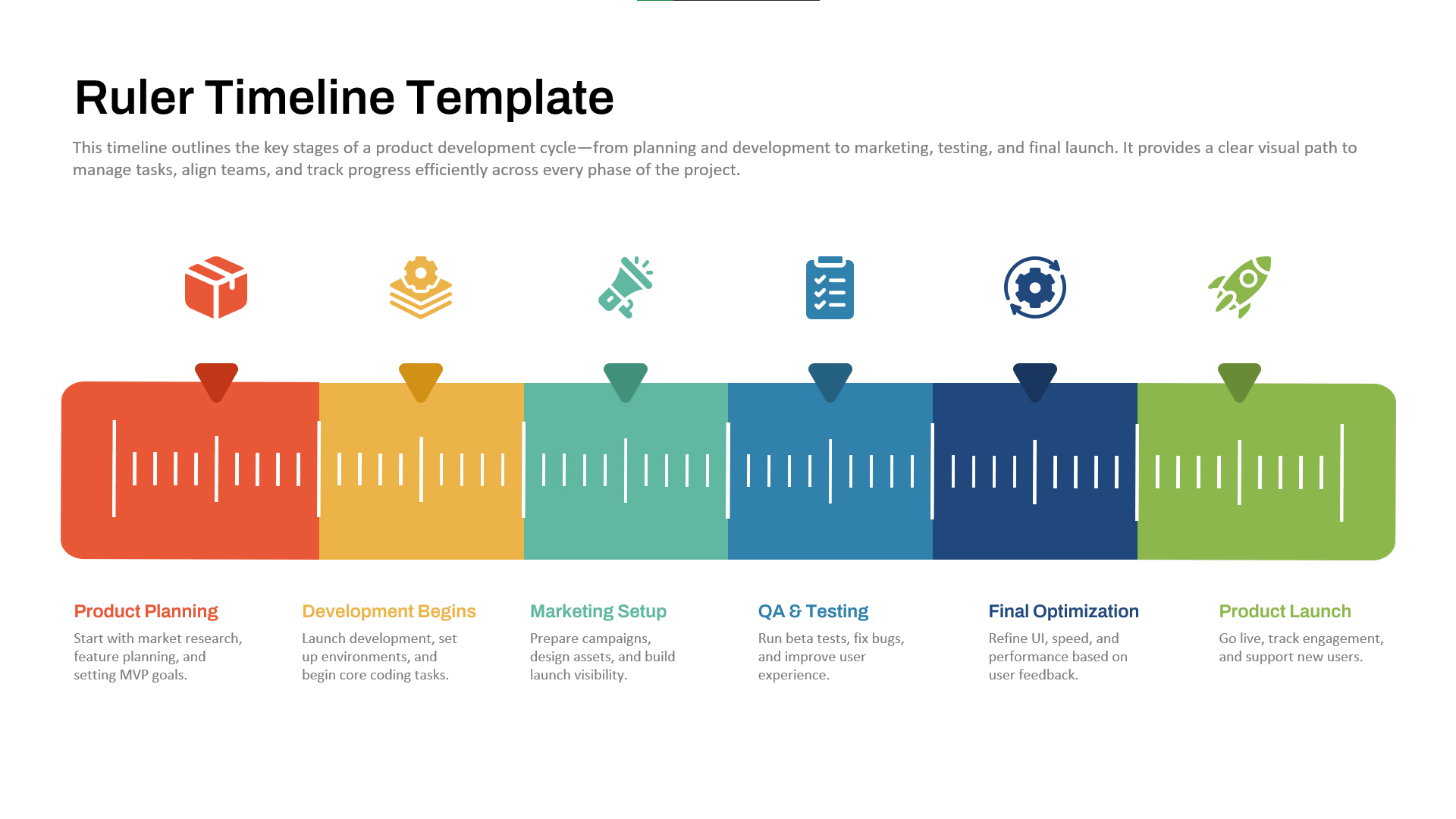
Each stage of the process — from Product Planning and Development to Marketing Setup, QA & Testing, Final Optimization, and Product Launch — is distinctly color-coded and icon-labeled, ensuring clear communication of milestones and responsibilities. This intuitive design allows teams to track tasks, deadlines, and deliverables efficiently, making it an excellent choice for presentations that emphasize time management, workflow progression, or sequential planning.
Ideal for product managers, marketing teams, startup founders, and project coordinators, this template simplifies complex workflows into a visually digestible format. It helps teams align on objectives, identify dependencies, and communicate progress to stakeholders or clients. The ruler-style design also adds a sense of measurement and precision — perfect for performance tracking or KPI reviews.
Fully editable and compatible with PowerPoint and Google Slides, the Ruler Timeline Template enables users to customize colors, icons, and text to suit branding needs or presentation styles. Whether you're delivering a quarterly update, launching a new product, or presenting a strategic roadmap, this timeline template enhances understanding, engagement, and professionalism across all types of business and educational presentations.
See more


