Thank You Simple Education Template for PowerPoint and Google Slides


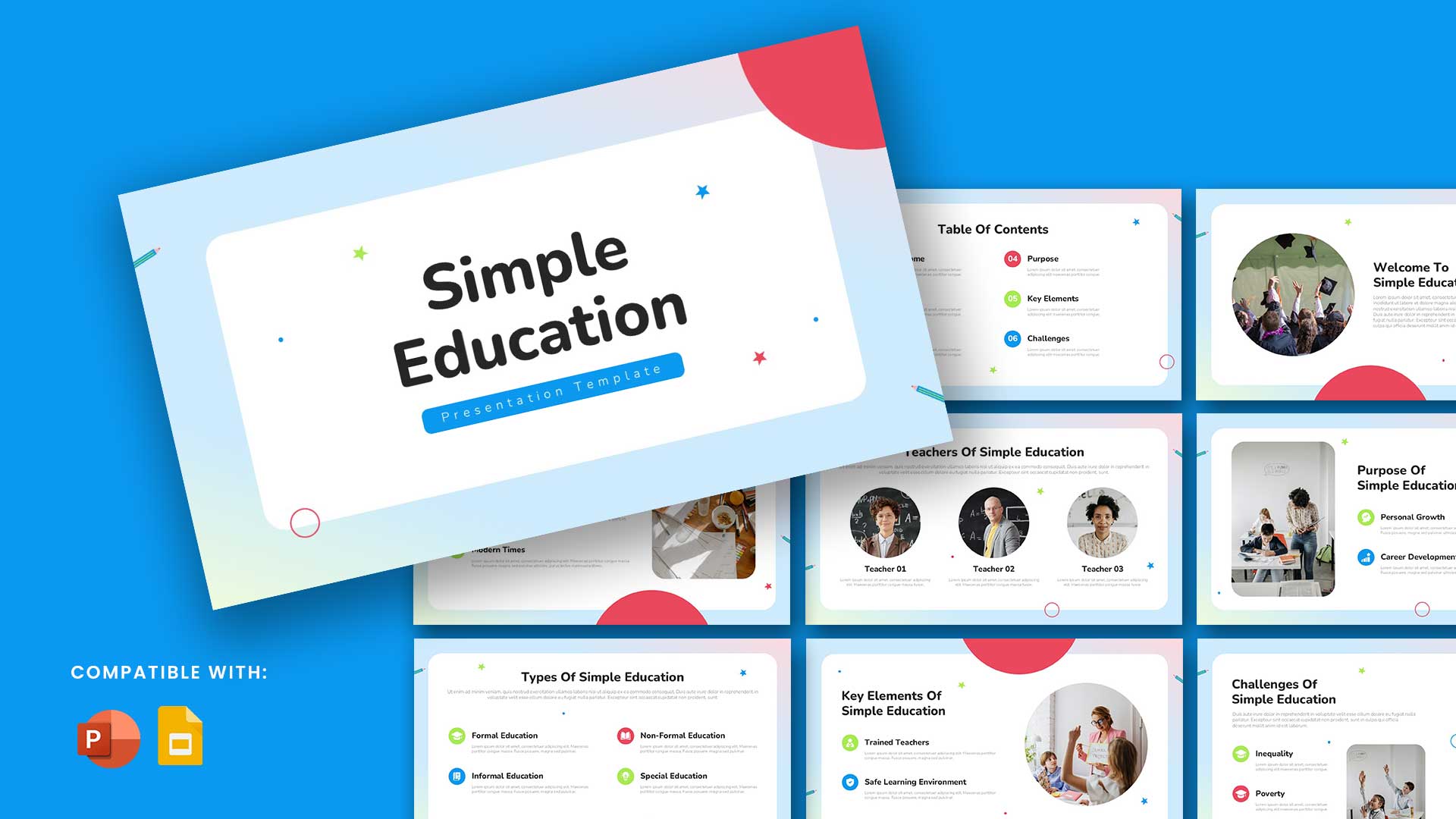
This Free Simple Education Presentation Template is a ready-to-use format for creating structured academic or training presentations. It works in both PowerPoint and Google Slides, giving educators, trainers, and students a direct way to present subject content. The template contains standard education elements such as title slides, section dividers, text and image layouts, data charts, and conclusion slides.
Uses of the Template
This Free Simple Education Presentation Template can be applied in various learning contexts. Teachers can prepare classroom lessons, subject overviews, or course summaries. Trainers can design skill development sessions, corporate learning modules, or induction programs. Students can present project reports, seminar talks, and research findings. This template supports the organisation of educational information in a clear sequence that can be followed by audiences in classrooms, seminars, or online sessions.
In research and academic projects, it serves to display data analysis, literature review summaries, and project outcomes. Within institutions, it can be used to communicate policies, curriculum updates, and annual performance reports.
Who Needs This Template
This Free Simple Education Presentation Template is suitable for school and college teachers who prepare subject material for their classes. It supports students working on assignments, competitions, or group projects. Trainers who deliver structured learning content can use it to keep their sessions organised. Researchers presenting findings in academic conferences will find it useful for clear and direct communication. Educational institutions can also apply it to share plans, reports, and program updates.
Edit Choices
This template can be modified to match different subjects or topics. Fonts, colours, and backgrounds can be changed in PowerPoint or Google Slides to suit the presentation style. Content blocks may be rearranged to match the order of topics. Images, graphs, and tables can be replaced with user-prepared material, and additional slides can be inserted for more detailed sections or examples.
The slide deck can be saved as a PDF for offline sharing or exported as a video for online platforms. Collaborative editing is available in both PowerPoint and Google Slides, allowing multiple people to work on the same file, making it a practical base for academic and training content.
See more