
Ready-to-Use Agenda Slides for Faster Presentations
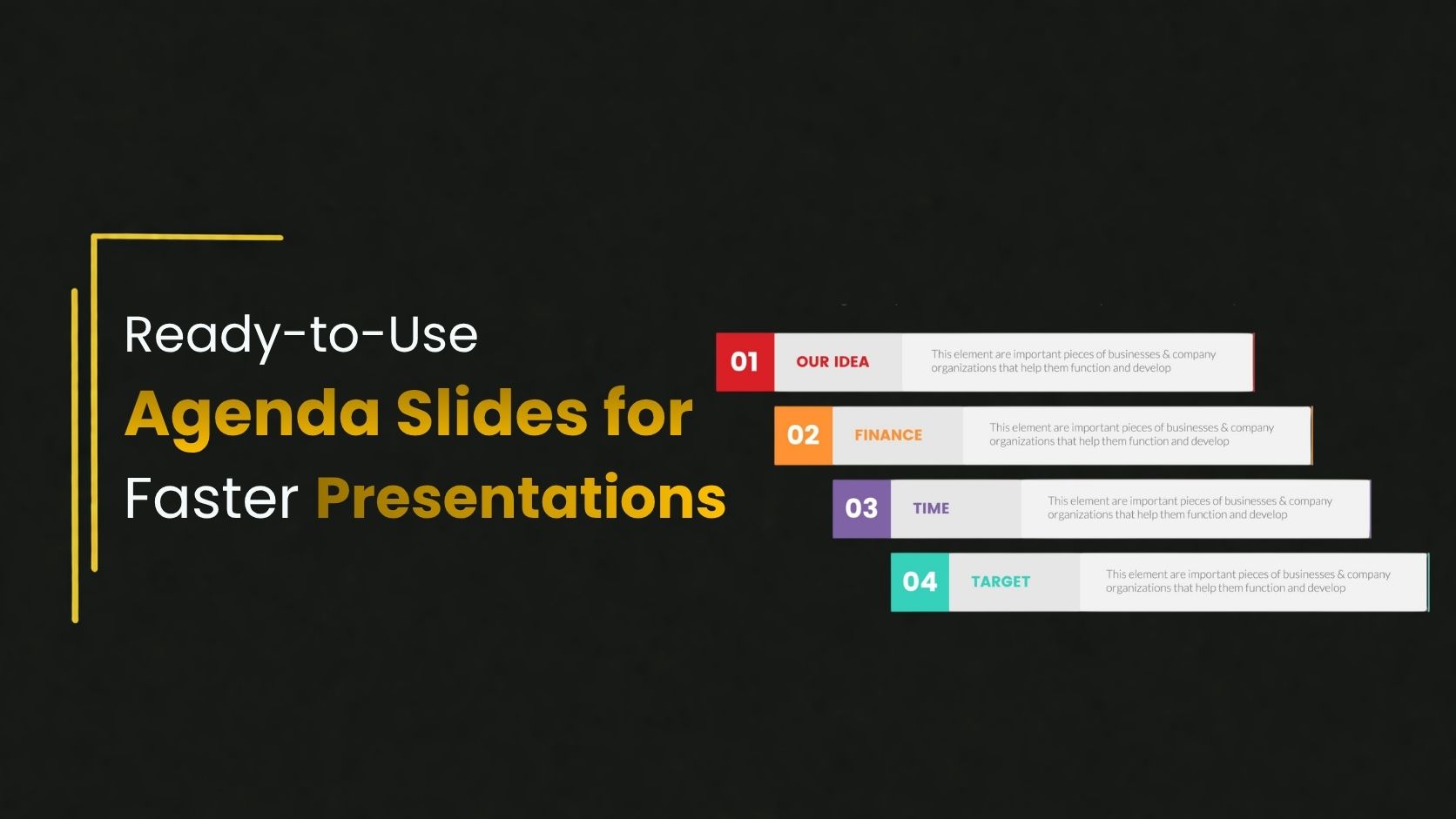
A well-designed agenda slide does more than list topics — it sets expectations, builds confidence, and signals to your audience that their time is in good hands. Here is everything you need to know to get it right.
What Does an Agenda Slide Actually Do for Your Audience?
The agenda slide is typically handled by presenters as a formality, something you put up, look at, and pass in thirty seconds. It is actually one of the most crucial slides in any deck from a strategic standpoint. It is the slide that explains to your audience what to expect, how long each portion will take, and what to pay attention to at what time.
Without a clear agenda slide, audiences spend the first few minutes of any presentation in a state of low-level anxiety — uncertain how long it will last, unsure when the parts that matter to them will arrive, and unable to settle into listening mode. A great agenda slide resolves all of that immediately. It hands the audience a map before the journey begins.
The issue is that it takes longer than it should to create a professional agenda slide from scratch each time. The matter is fixed with ready-to-use agenda slide templates, providing you with a skilled, structured layout that takes minutes to edit rather than hours to create.
The most useful agenda slide types — and when to use each
Not every presentation needs the same agenda format. The right type depends on the length of your session, the complexity of your content, and the expectations of your audience.
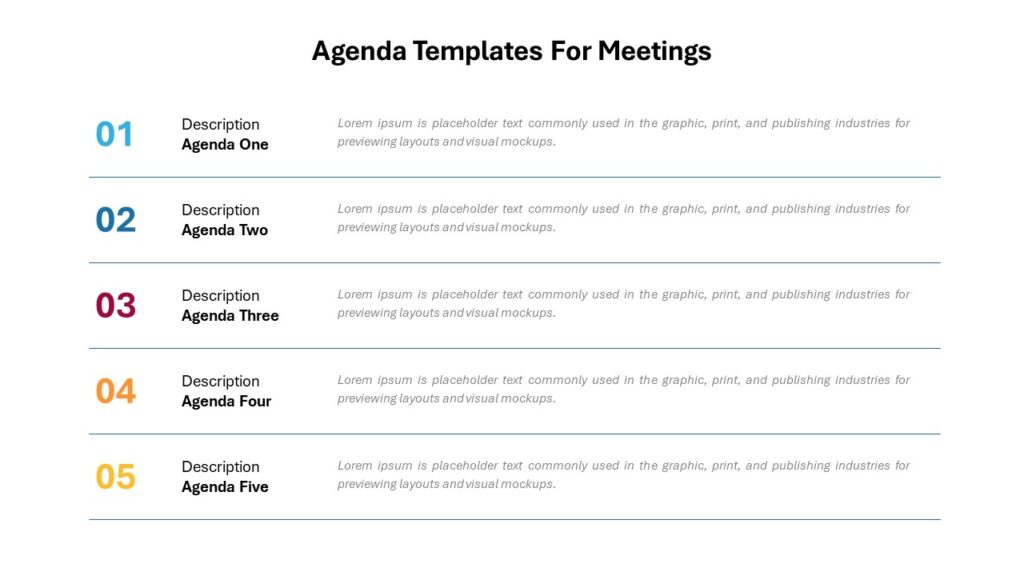
1. Numbered List Agenda
A simple numbered sequence of topics in the most universally applicable format. Clear, scannable, and easy to reference throughout the session.
Best for: general business presentations, team meetings, training sessions
2. Timed Agenda Slide
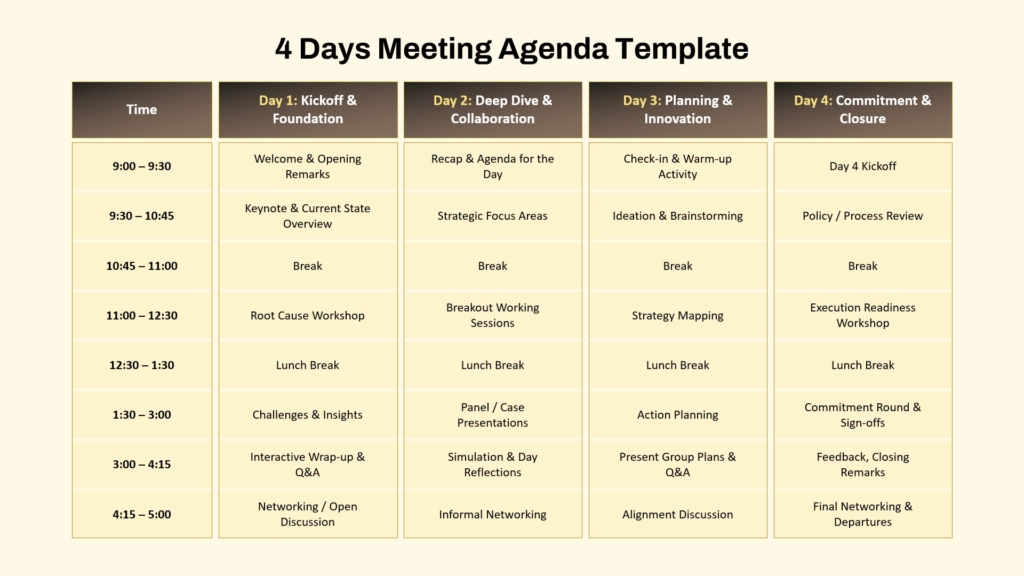
Each agenda item is paired with a time allocation — 10 minutes, 20 minutes, and so on. Signals respect for the audience’s time and helps keep the session on track.
Best for: workshops, long meetings, conference presentations
3. Visual Icon Agenda
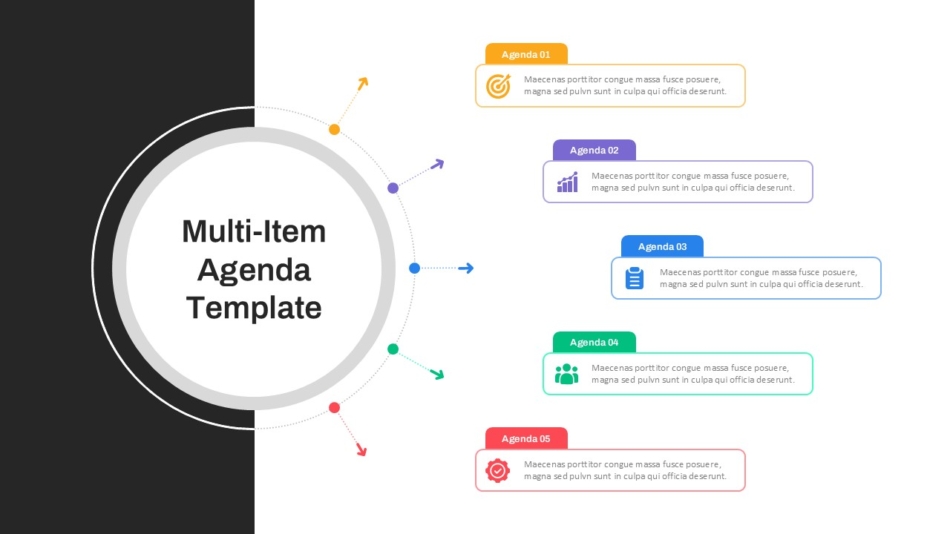
Each agenda item is paired with a relevant icon in a clean grid or row layout. More visual and engaging than a plain list — works well for creative or design-forward presentations.
Best for: marketing presentations, client pitches, creative briefings
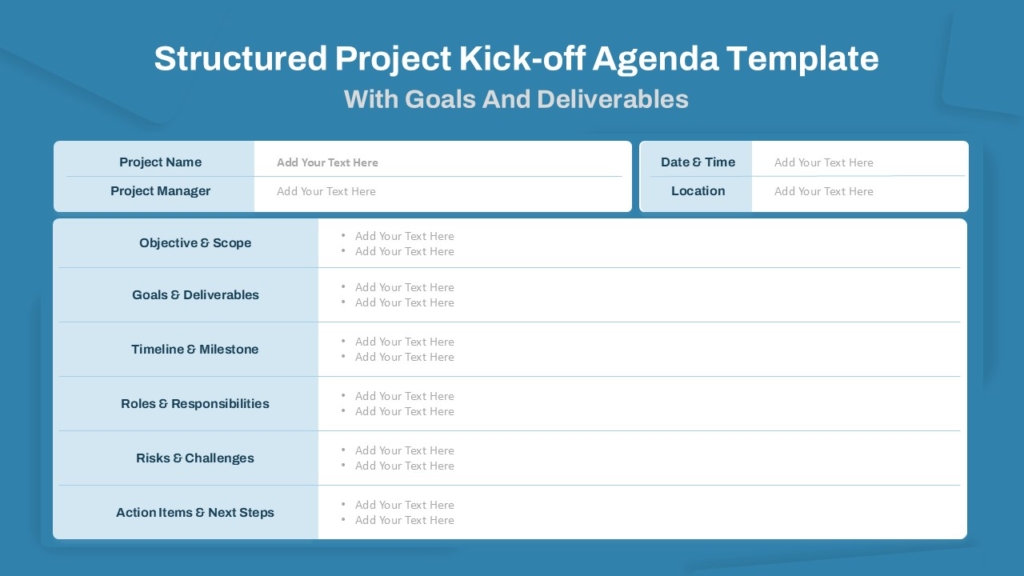
4. Two-Column Agenda
Splits the agenda into two columns — topics on the left, times or brief descriptions on the right. Space-efficient and works well when there are six or more agenda items.
Best for: long presentations, full-day workshops, detailed briefings
5. Circular Agenda
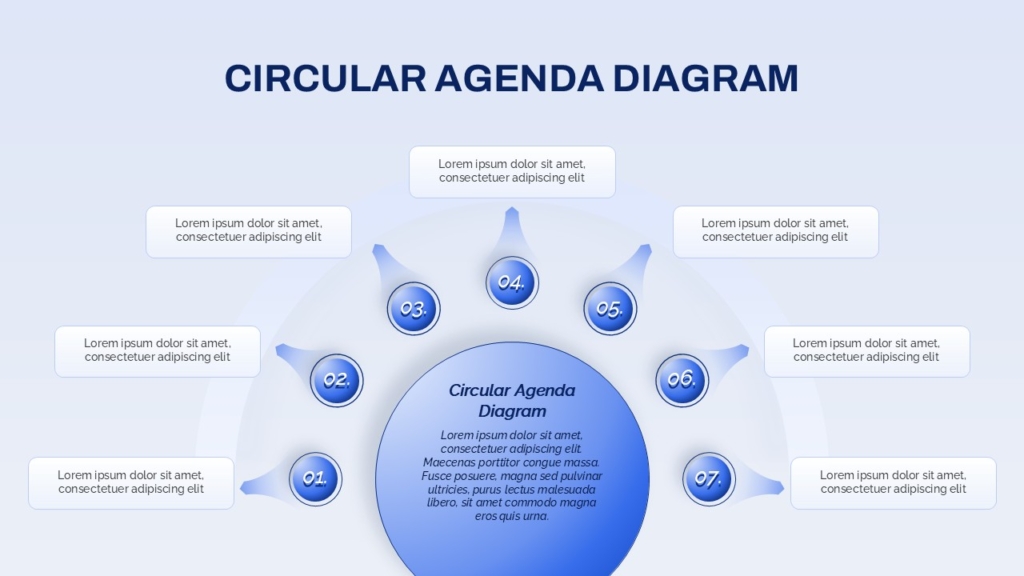
Agenda items arranged in a circle or spoke pattern around a central title — each item connected to the center by a line or visual element. Works well for presentations with no strict sequential order where all topics are equally weighted.
How to utilize agenda slides to track your presentation’s progress
One of the most underused features of a great agenda slide template is the ability to reuse it as a transition slide between sections. Rather than inserting a blank slide or a section title card between major topics, returning to your agenda slide with the current item highlighted gives the audience a moment to reorient and maintain their sense of where they are in the presentation.
This technique works particularly well in longer presentations — anything over twenty minutes. It reduces the cognitive load on your audience, signals smooth transitions between topics, and keeps the pace of the session feeling purposeful rather than meandering.
The most effective implementation is simple — keep a copy of your agenda slide at the start of each major section, with the relevant item visually distinguished from the rest. A color change, a bold weight, or a subtle highlight indicator is all that is needed.
Who benefits most from ready-to-use agenda slide templates
- Project Managers : Timed agenda slides for status meetings and stakeholder updates keep sessions structured and prevent scope creep in discussions.
- Sales professionals : A clean visual agenda for client meetings signals professionalism and signals to prospects that their time will be well-spent.
- Educators & Trainers : Progress tracker agenda slides help learners understand the structure of a session and know what is coming — reducing distraction and improving retention.
- HR and people teams : Onboarding and all-hands presentations feel more welcoming and organized when they open with a warm, clearly structured agenda slide.
- Conference speakers : Speaker-based or progress agenda slides help large audiences navigate a complex multi-section talk without losing track of where the session is heading.
Conclusion
A great agenda slide is not an afterthought — it is the moment your audience decides whether they are in good hands. When it is clear, well-designed, and genuinely informative, it builds trust before your first content slide has appeared.
Ready-to-use agenda slide templates remove the setup cost entirely. Instead of spending twenty minutes building a layout from scratch, you pick a template that fits your presentation style, replace the placeholder labels with your actual agenda, and move on to the content that matters. The result is a slide that looks polished, communicates professionally, and does exactly what an agenda slide is supposed to do every time.
If you are looking for agenda slide templates that are genuinely ready to use, SlideKit offers a curated library of professionally designed agenda slides for PowerPoint and Google Slides — numbered lists, timed formats, visual icon layouts, progress trackers, and more. Each template is fully editable, brand-ready, and designed to fit seamlessly into any professional presentation. Stop building agenda slides from scratch and start every presentation with the clarity and confidence your audience deserves.


