
How to Use SWOT and Matrix Slides

Presentations often become difficult to follow when too much information is placed on a single slide. This is especially common in strategy, planning, and business analysis presentations where multiple factors, comparisons, or insights need to be explained clearly. This is where SWOT and matrix slides become extremely useful.
Instead of relying on long paragraphs or scattered data, these slides help organize information into structured visual formats that audiences can understand quickly. Whether you are presenting a business strategy, market analysis, project evaluation, or decision-making framework, these diagrams simplify communication and improve clarity.
The Importance of Matrix Slides and SWOT
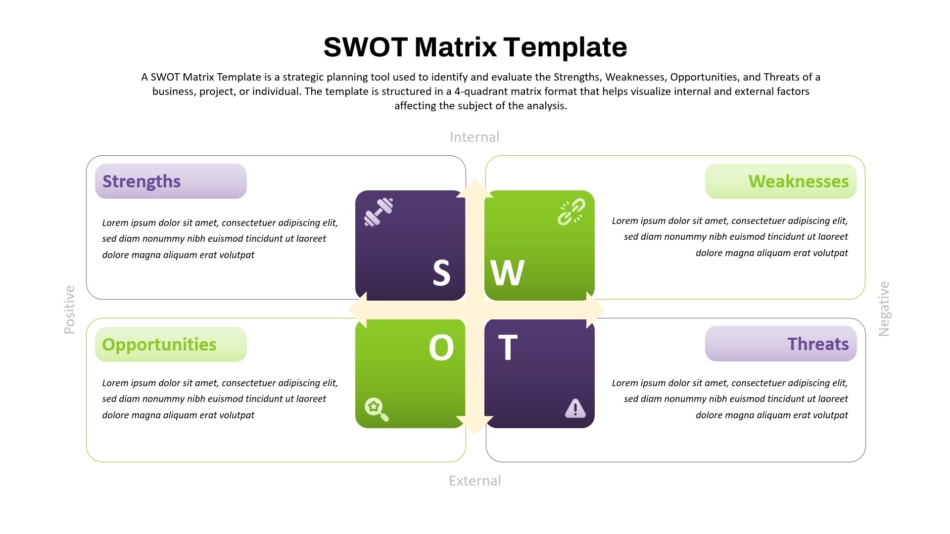
A good presentation should guide the audience logically from one idea to another. SWOT and matrix slides help achieve this by visually separating information into categories, sections, or comparisons.
SWOT analysis slides are useful for showing strengths, weaknesses, opportunities, and threats in a structured format. Matrix slides, on the other hand, help compare ideas, priorities, risks, or business decisions using grids or quadrant-based layouts.
These visuals improve readability and make complicated information easier to scan and remember.
Understanding SWOT Slides
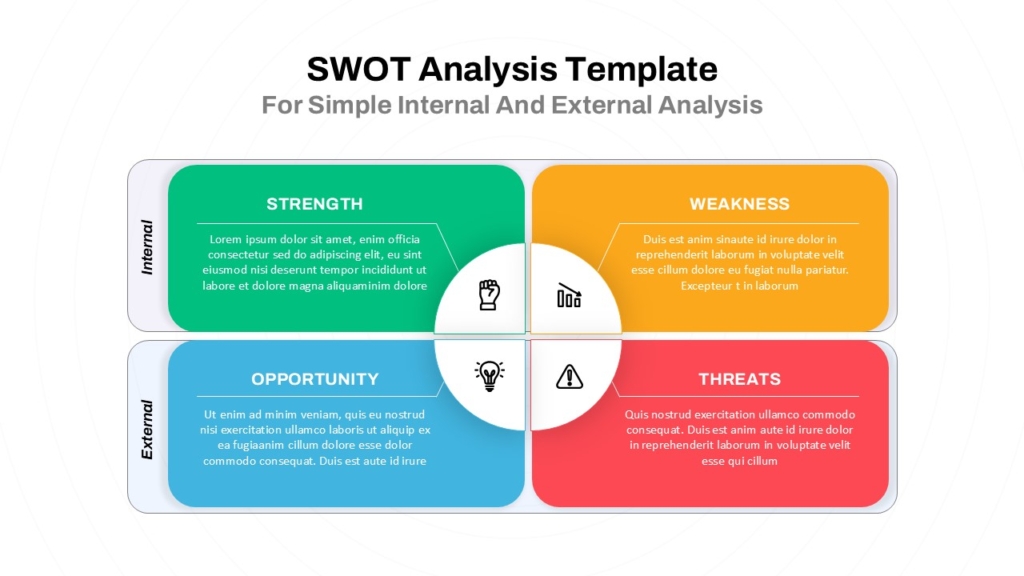
SWOT slides are commonly used in strategic planning presentations because they organize business analysis into four clear categories. Instead of presenting separate discussions for each factor, a SWOT layout combines everything into a single visual structure.
The key to using these slides effectively is simplicity. Many presentations fail because they overload each section with excessive text. A strong SWOT slide focuses only on the most important points and uses short phrases instead of long explanations.
Visual balance is also important. Consistent colors, spacing, and typography help maintain readability while allowing audiences to understand the analysis quickly.
The Way Matrix Slides Help Your Decision-Making
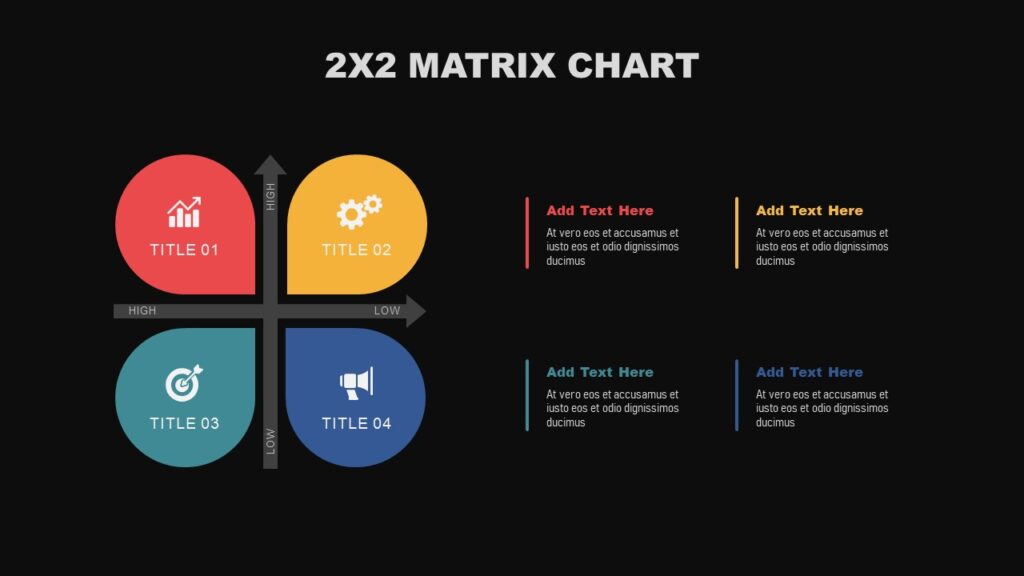
Matrix slides are valuable because they simplify comparisons and prioritization. They are widely used in business presentations to evaluate risks, opportunities, products, customer segments, or strategic priorities.
For example, a simple 2×2 matrix can visually explain:
- High vs low impact
- Risk vs reward
- Urgency vs importance
- Cost vs value
Instead of explaining these relationships verbally, matrix diagrams provide immediate visual understanding.
The best matrix presentation templates avoid unnecessary complexity. Clear labels, minimal text, and balanced spacing make the diagram more effective.
Keep the Design Clean and Focused
Clarity is one of the most crucial aspects of presentation design. SWOT and matrix presentations work best when the layout is straightforward, tidy, and focused on message rather than excessive elements. Excessive use of colors, icons, animations, or visual effects can make text harder to read and divert viewers from the key points. To improve viewership and maintain audience interest, a professional slide layout should make use of balanced color usage, strong visual hierarchy, clear font, and consistent spacing.
Match the Slide Type to the Message
Different matrix styles serve different presentation goals. Choosing the right layout improves communication significantly.
A SWOT diagram is ideal for strategic analysis, while a quadrant matrix works better for comparisons or prioritization. Decision-making frameworks often benefit from simple grids or ranking matrices.
The key is selecting a visual structure that naturally supports your message rather than forcing information into an unsuitable layout.
Use Templates to Improve Consistency
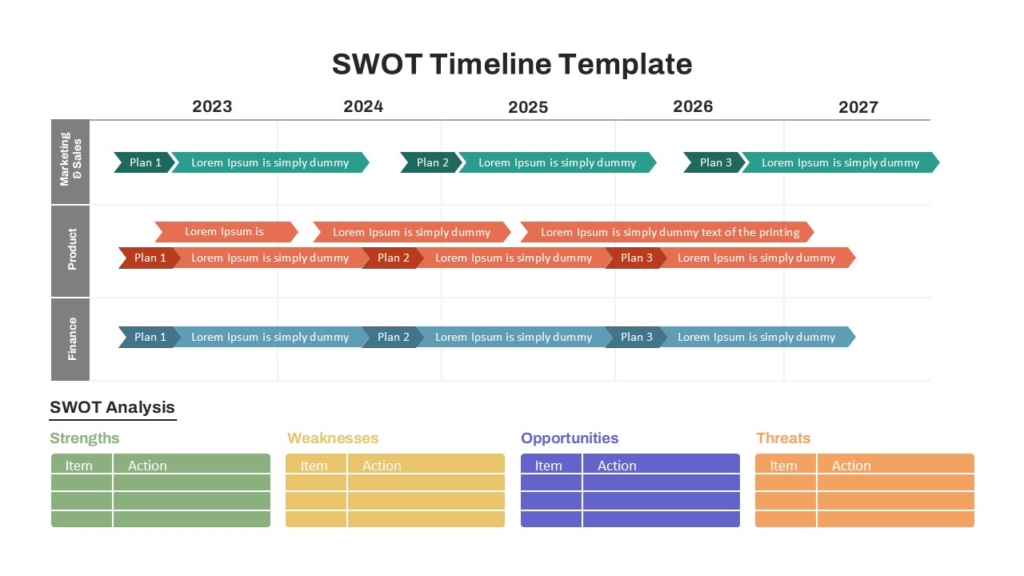
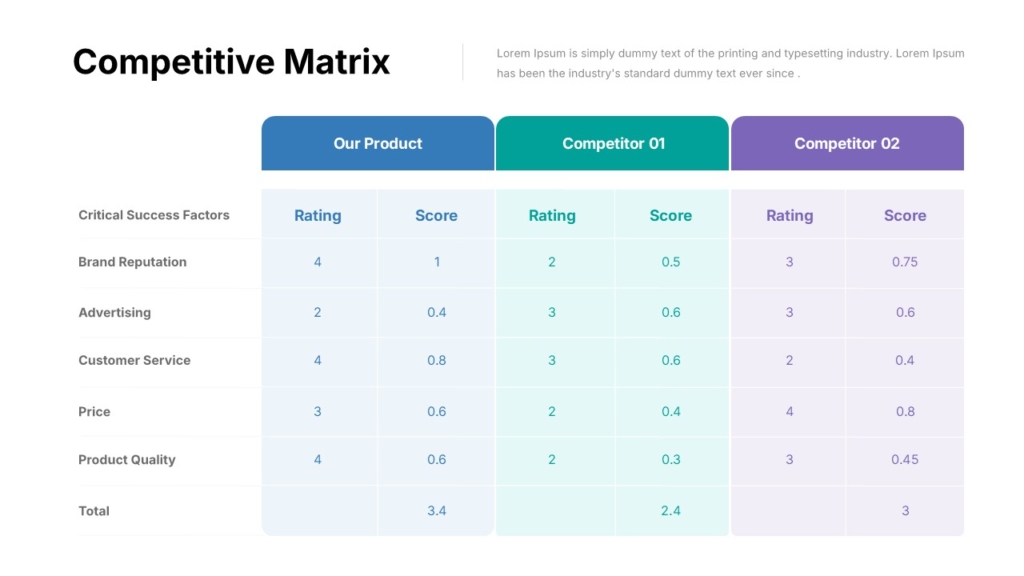
Designing SWOT and matrix slides from scratch can take time, especially when trying to maintain alignment, consistency, and visual balance. This is why many professionals use ready-made templates.
Well-designed SWOT PowerPoint templates and matrix presentation templates help maintain:
- Consistent design
- Professional structure
- Faster workflow
- Better readability
Templates also make it easier for teams to maintain visual consistency across presentations.
Common Mistakes to Avoid
Many presentations reduce the effectiveness of SWOT and matrix diagrams by adding too much information. Slides become crowded, difficult to read, and visually overwhelming.
Another common mistake is poor labeling. If audiences cannot immediately understand the axes, categories, or purpose of the matrix, the slide loses clarity.
Animations and excessive design elements can also distract from the core message. Simplicity almost always works better in strategy presentations.
Conclusion
SWOT and matrix slides are powerful tools for simplifying complex ideas and improving presentation clarity. They help organize information visually, support decision-making, and make strategic discussions easier to follow.
The most effective presentations are not the ones with the most information, they are the ones that communicate ideas clearly and visually.
If you want professionally designed SWOT analysis slides and matrix presentation templates without starting from scratch, SlideKit offers ready-to-use templates for PowerPoint and Google Slides that help you create cleaner, more impactful presentations faster.


