
How to Organize Generations in a Family Tree Presentation
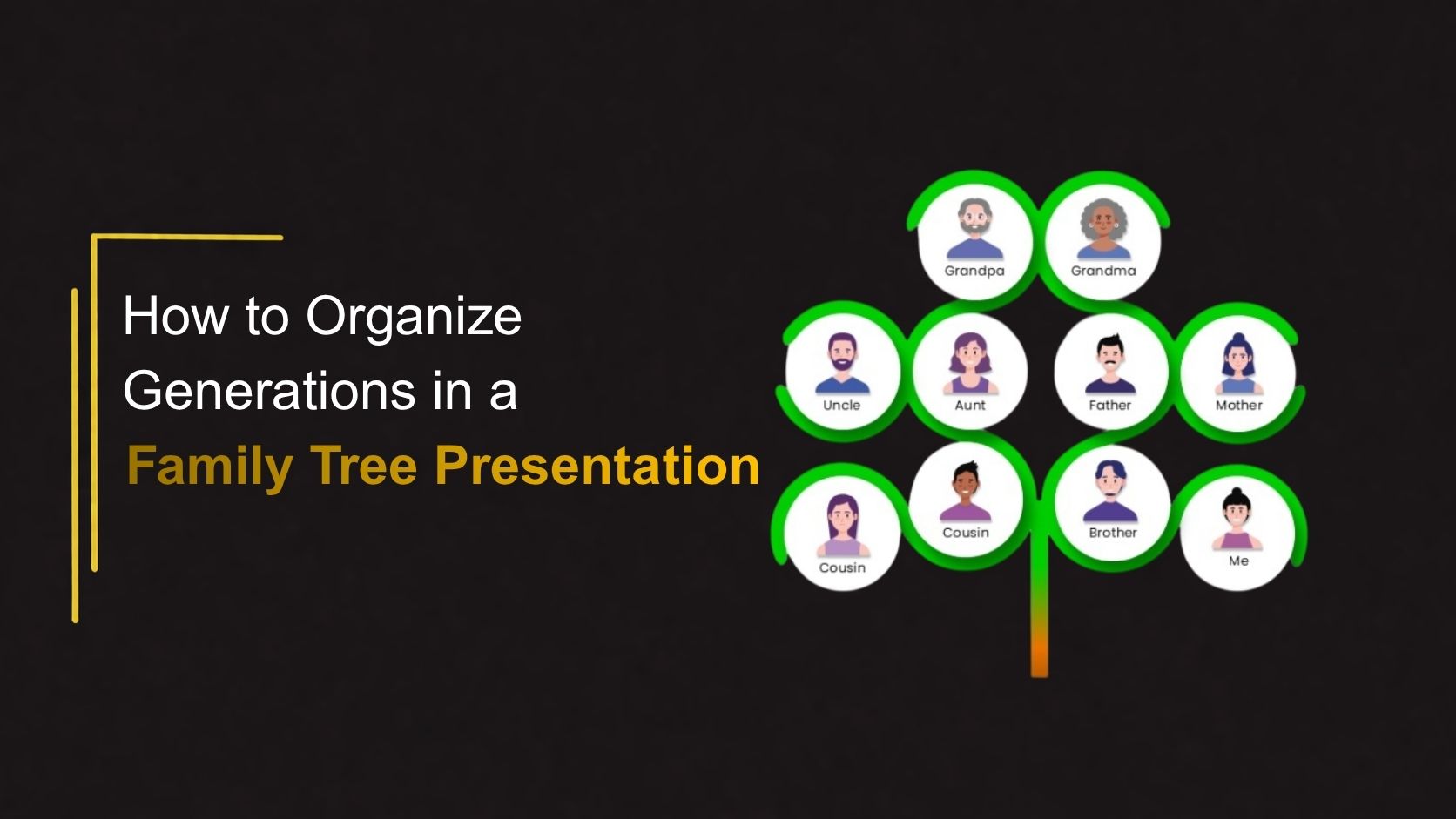
A family tree presentation is one of the most effective ways to visually represent relationships, ancestry, and family history. However, simply placing names and photos on a slide often creates confusion when multiple generations are involved. Organizing generations properly improves readability and helps audiences understand family connections more naturally.
Whether you are creating a school project, a genealogy report, a heritage presentation, or a family reunion slideshow, using a structured hierarchy helps transform complex family information into an easy-to-follow visual story.
Why Organizing Generations Matters
A family tree presentation is designed to show relationships across multiple levels of a family structure. Without a clear arrangement, viewers can struggle to understand connections between individuals.
Benefits of properly organizing generations include:
- Better audience understanding
- Clear family hierarchy
- Improved visual balance
- Easier storytelling
- Better presentation flow
- Reduced confusion
A structured family tree also allows viewers to quickly identify family branches and relationships.
Start With the Oldest Generation at the Top
The most common family tree structure begins with the oldest generation and gradually moves downward to younger generations.
This top-to-bottom flow follows natural reading patterns and creates a logical structure.
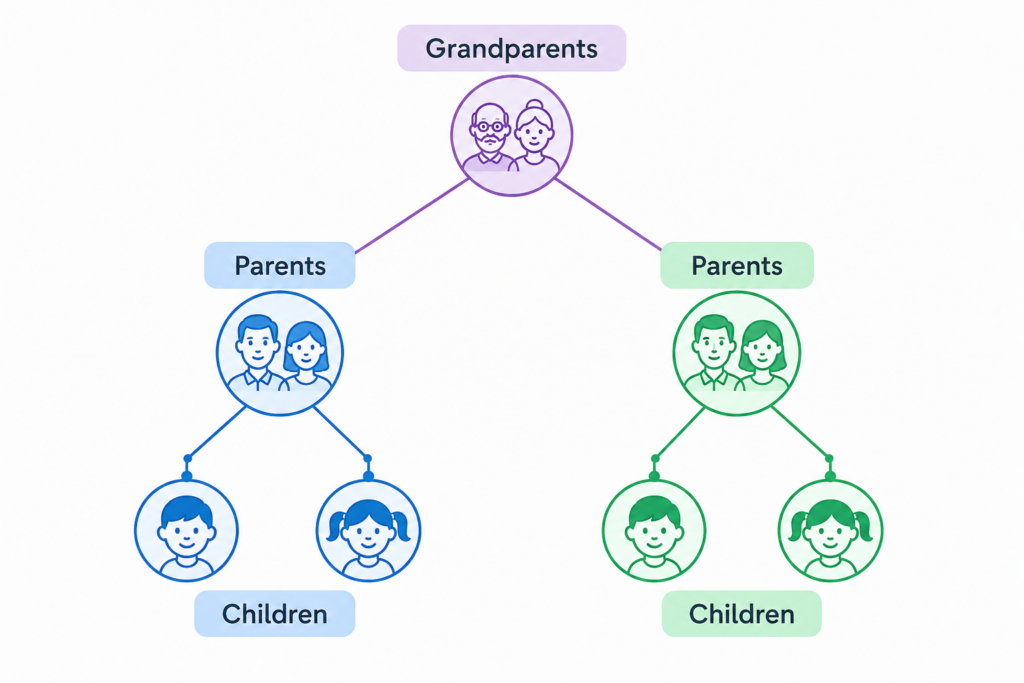
This approach works well for:
- School family projects
- Personal family history presentations
- Genealogy reports
- Heritage presentations
Group Family Members by Generation Levels
Instead of placing family members randomly, keep everyone from the same generation aligned on the same horizontal line.
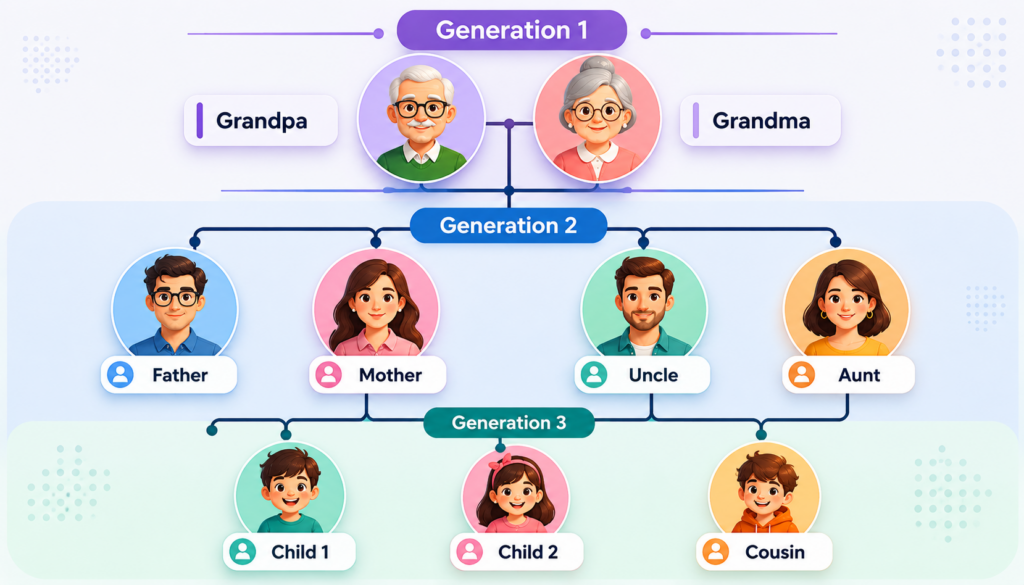
This organization immediately shows viewers which individuals belong to each generation.
Use Visual Branches for Family Relationships
Lines and branches are important because they visually connect family members.
- Relationship indicators can include:
- Extended family branches
- Parent-child lines
- Marriage connections
- Sibling branches
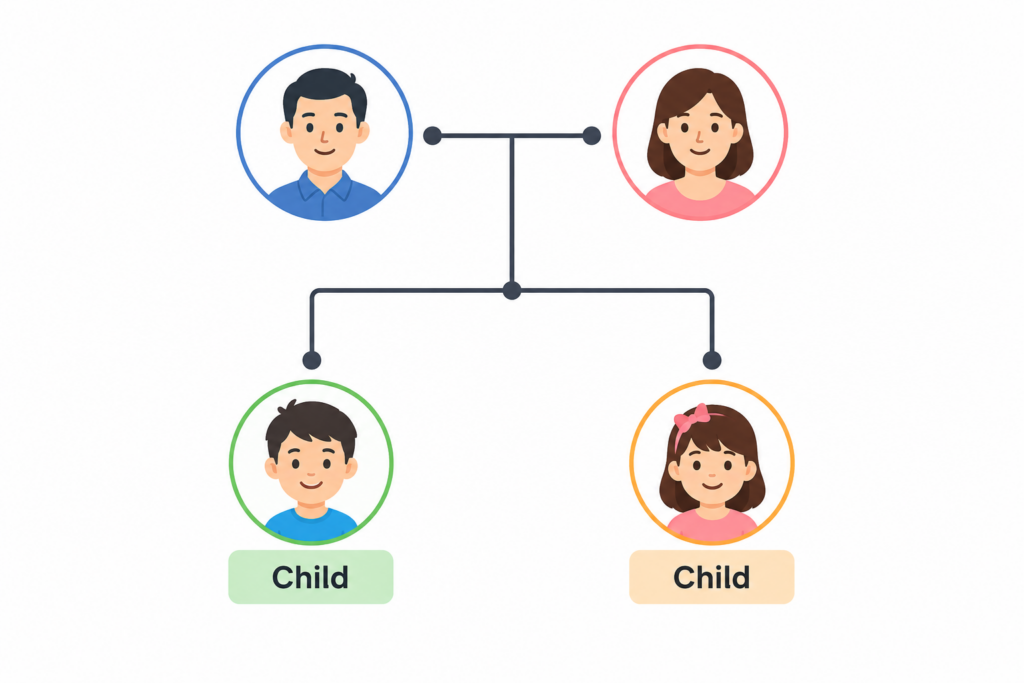
Using branches improves understanding without requiring large amounts of explanatory text.
Keep Immediate Families Together
When presenting larger family trees, group immediate families into separate clusters.
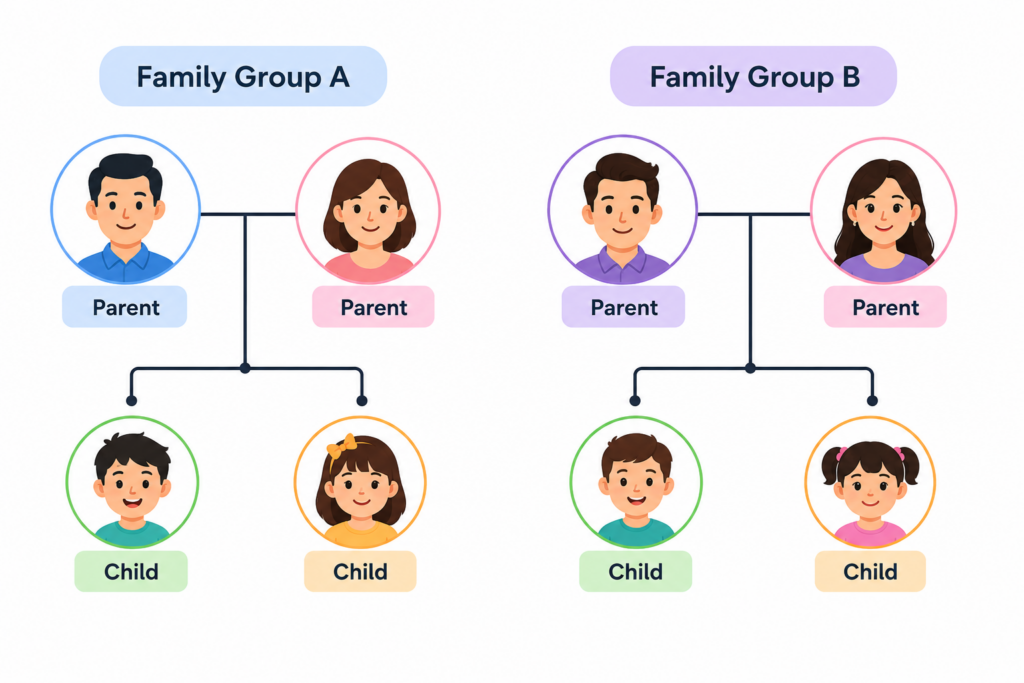
This prevents clutter and creates cleaner visual sections.
Add Photos for Better Recognition
Using profile images instead of only names improves audience engagement.
Photos help:
- Identify family members quickly
- Make presentations more personal
- Improve visual appeal
- Support storytelling
Avoid Common Family Tree Design Mistakes
- Overcrowding Slides : Adding too many family members on one slide creates confusion.
- Crossing Relationship Lines : Crossed connections make relationships difficult to follow.
- Using Too Much Text : Avoid placing long descriptions beside every person.
- Ignoring Visual Balance : Crowded left or right sections can make slides look unprofessional.
Tips for Creating Better Family Tree Presentations
- Use hierarchy consistently : Keep generation levels aligned.
- Maintain spacing : Leave enough white space between members.
- Use readable typography : Avoid decorative fonts.
- Keep visual styles consistent : Use the same image shapes, colors, and connection styles.
- Make the structure easy to scan : Viewers should understand relationships within seconds.
Final Thoughts
Organizing generations in a family tree presentation helps transform complex family information into a clear visual structure. Using hierarchy, generation levels, relationship branches, and visual grouping creates presentations that are easier to understand and more engaging for audiences.
Instead of building layouts manually, you can save time with ready-made family tree designs.
👉Explore SlideKit for professionally designed Family Tree Presentation templates that help you organize generations visually and create cleaner, more impactful presentations in PowerPoint and Google Slides.


