
Best Free Google Slides Themes for Business and Education

Starting a presentation from a blank slide is rarely the best use of anyone’s time. The layout decisions, font choices, and color coordination that go into building a deck from scratch take effort that most professionals, teachers, and students would rather direct toward the actual content. Free Google Slides themes solve this by providing a ready-made visual structure that just needs to be filled in.
The range of free themes available today covers a wide set of needs. Business teams use them for reports, proposals, and client updates. Teachers rely on them for classroom lessons and subject-specific presentations. Students use them for academic projects and school assignments. For anyone who presents regularly, having access to a library of reliable free themes changes how quickly a presentation comes together.
Types of Free Google Slides Themes Available
Free Google Slides themes come in several broad categories, each suited to a different kind of presentation or audience.
Business themes are designed for professional settings. They typically include title slides, content layouts, data and chart slides, and closing slides. The visual style tends toward clean and structured, with color palettes and typography that work in meeting rooms and client-facing situations.
Education themes are built for classroom and academic use. They tend to be more visually varied, with layouts that can hold images, diagrams, lists, and activity prompts. Fonts are often larger and more readable for audiences that include younger students, and color choices are typically warmer or more engaging than corporate templates.
Creative and general-purpose themes cover the middle ground. These are flexible enough to work for a range of topics and audiences, with layouts that can be adapted for business, education, or personal projects without much modification.
Most free themes are built to work in both Google Slides and PowerPoint, which gives presenters flexibility depending on what software their team or institution uses.
Free Google Slides Themes for Business Presentations
Business presentations vary significantly in purpose, but the common thread is that they need to look credible and communicate information clearly. A free theme that looks polished in a professional setting does not require a paid design tool or a hired designer. It just needs to start from the right foundation.
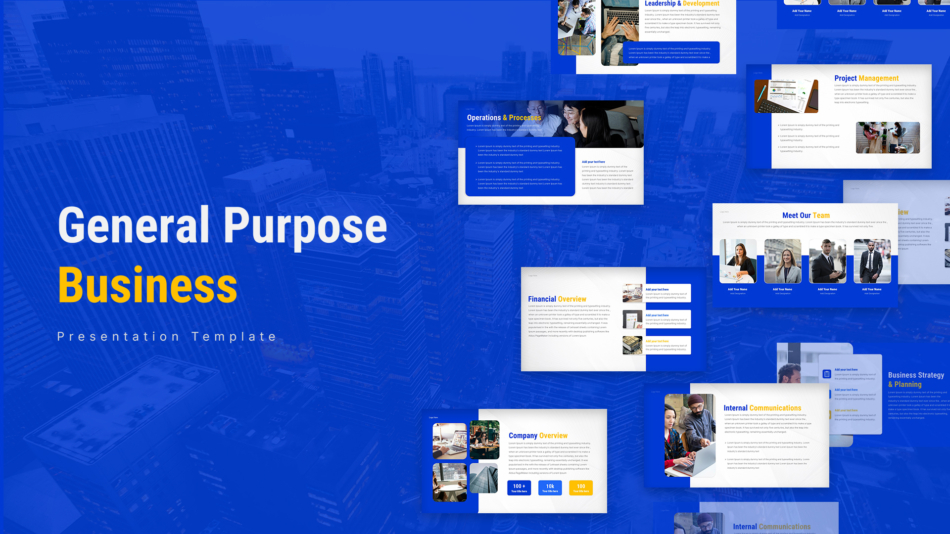
The Free General Purpose Business Template is a practical starting point for teams that present across different contexts. The layouts cover the core slide types used in most business decks, and the design is clean enough to work for both internal reporting and external presentations.
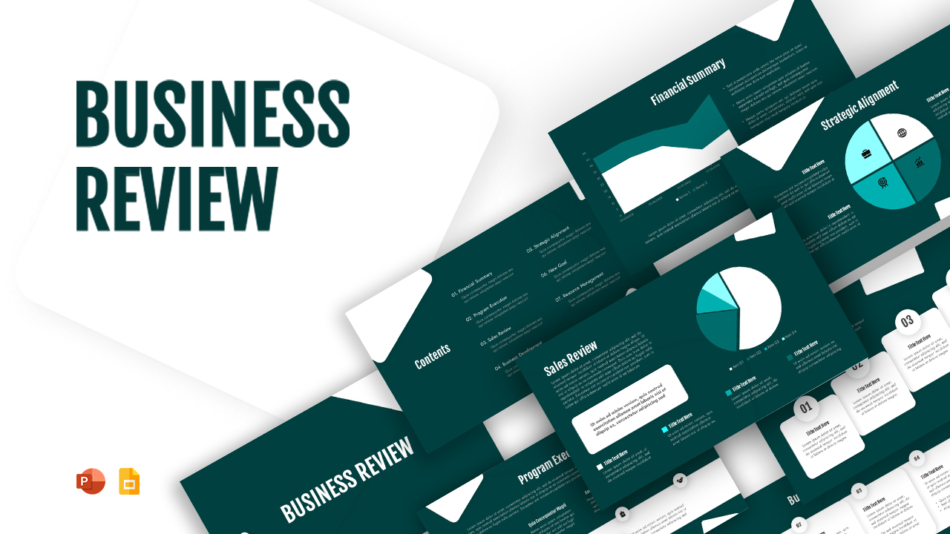
For quarterly reviews and performance updates, the Business Review Template PPT and Google Slides provides a structure built specifically for that use case. Review presentations typically need to move through performance data, analysis, and forward planning in a logical order, and this template organizes those sections clearly.
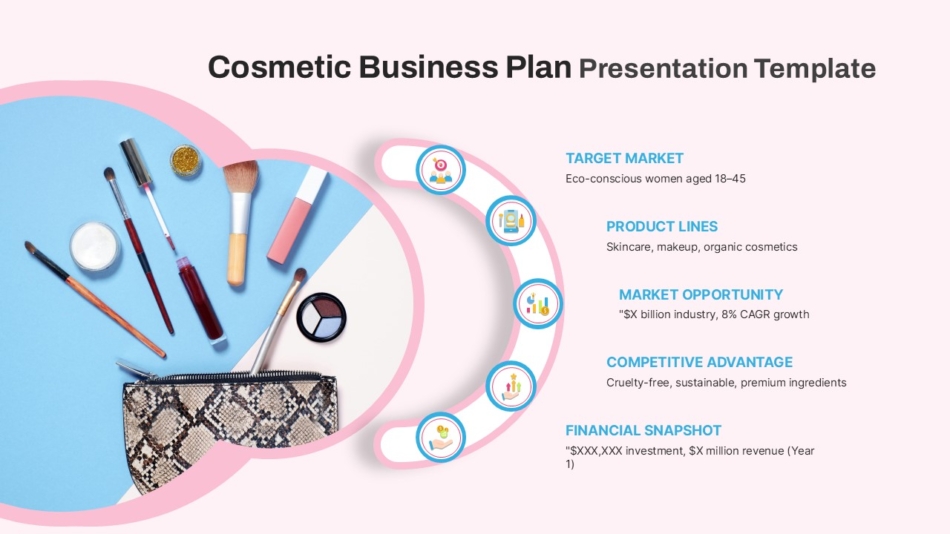
For industry-specific business presentations, purpose-built themes tend to produce stronger results than adapted generic ones. The Cosmetics Business Plan Template and the Jewelry PowerPoint Presentation Template are designed for their respective industries, with visual styles that suit the aesthetic expectations of beauty and luxury brand presentations.

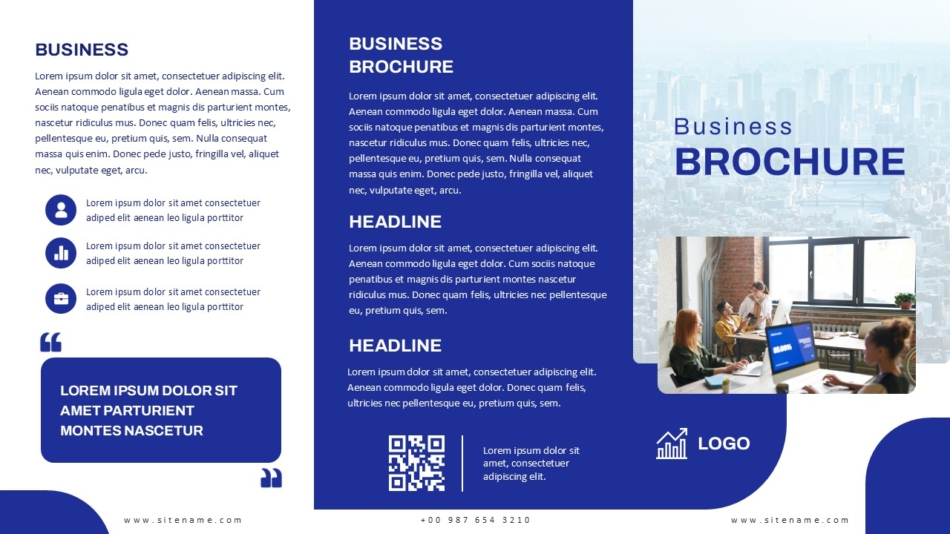
The Business Brochure PowerPoint Template takes a slightly different approach by adapting a print-style format to slides, which works well for company overviews, capability presentations, and client introductions where a polished, document-like quality is appropriate.
Free Google Slides Themes for Teachers and Students
Education is one of the most consistent use cases for free Google Slides themes. Teachers create new presentations regularly across different subjects and grade levels, which makes a reliable set of free Google Slide templates for teachers genuinely useful rather than just convenient.
The most effective education themes share a few common qualities. Layouts are clear and uncluttered. Font sizes support readability at a distance. There is enough visual variety in the slide types to cover different kinds of lesson content, including text explanations, image-based slides, activity prompts, and discussion questions.
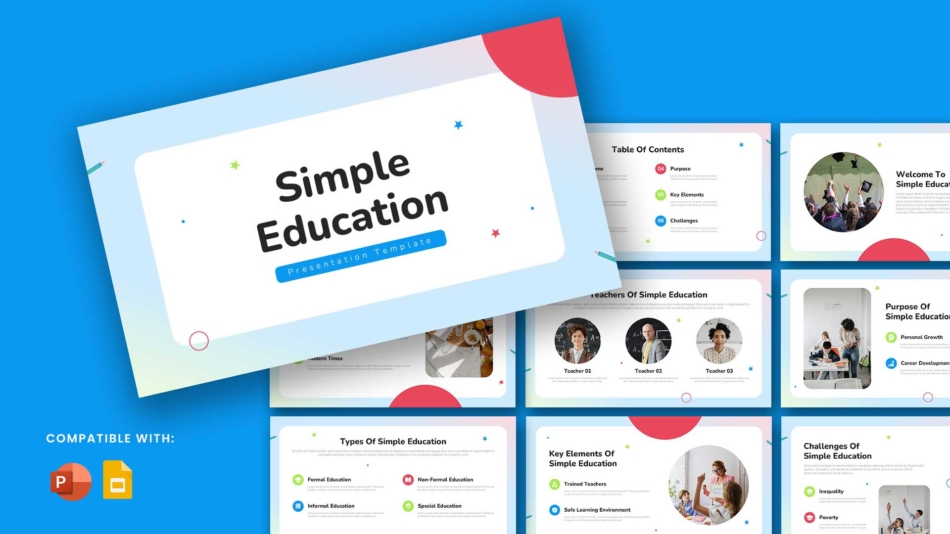
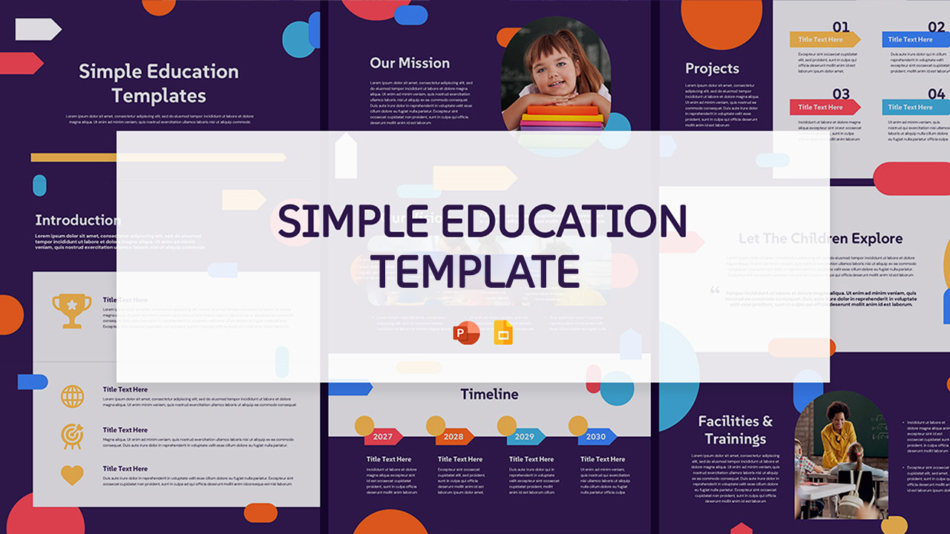
The Free Simple Education Template for PowerPoint and Google Slides and the Simple Education PowerPoint and Google Slides Template are both well-suited to everyday classroom use. Their layouts are straightforward and practical, designed to hold lesson content without overcomplicating the visual side of the presentation.
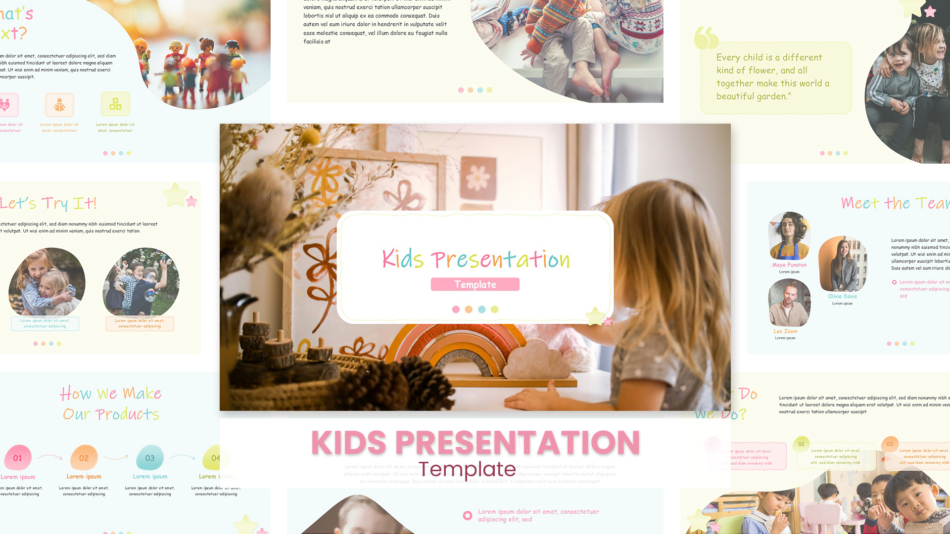
For younger students and primary school settings, the Best Kids Presentation PPT Templates and Google Slides use a more playful visual style that is age-appropriate without sacrificing structure. These kinds of templates make it easier to hold the attention of younger audiences while still delivering the lesson content clearly.
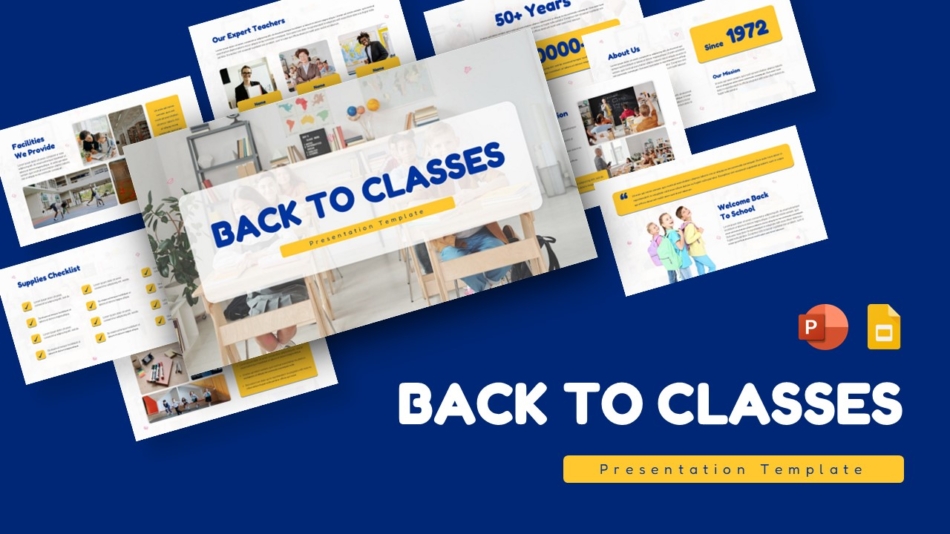
The Back to Classes Education Template is particularly useful at the start of a term or school year. A back to school Google Slides template with a clean, welcoming design helps set the right tone for the first week of classes, whether used by teachers for introductions or by students for projects.
Specialty Education Themes for Specific Subjects and Styles
Beyond general classroom templates, there is a growing range of specialty education themes designed for specific subjects, cultural contexts, or visual approaches.
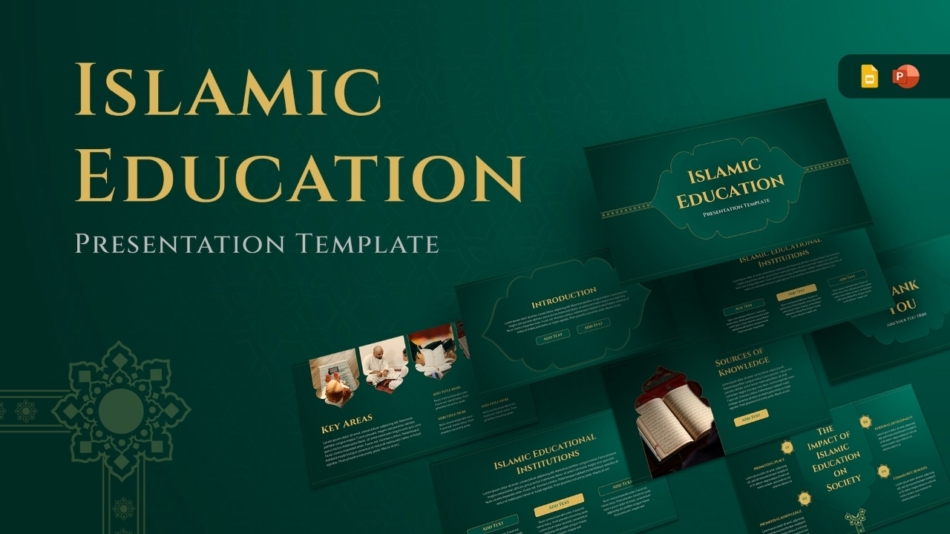
The Islamic Education PowerPoint and Google Slides Template is designed for presentations in Islamic education contexts, with visual design choices that reflect the subject matter appropriately. For religious studies, community learning, and faith-based educational settings, a theme that is visually aligned with the content creates a more coherent presentation.
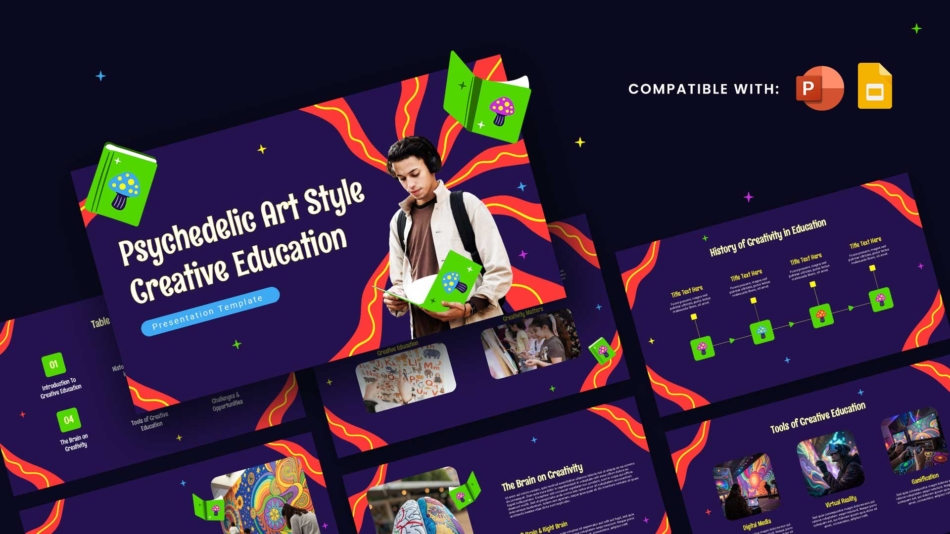
The Psychedelic Art Creative Education Template takes a very different approach. Its bold, expressive visual style suits creative arts subjects, design courses, and any educational setting where a more experimental aesthetic is appropriate. It is also a strong choice for student presentations where standing out visually is part of the assignment.
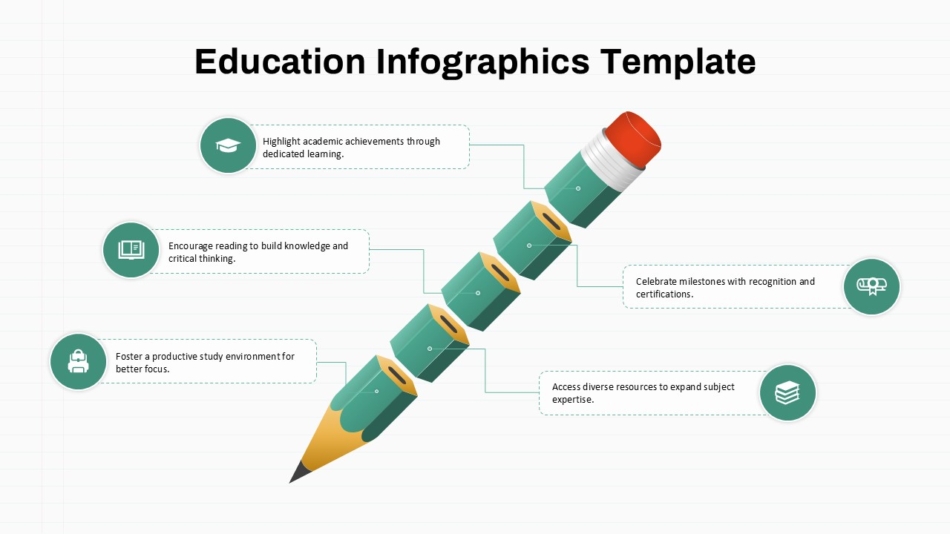
The Education Infographics Presentation Template fills a specific need that comes up regularly in both teaching and academic work. Infographic-style slides help explain processes, comparisons, and data in a visual format that is easier for audiences to absorb than text-heavy slides. Having infographic layouts ready to use within an education template saves the significant time that building those visuals from scratch would take.
Key Slides Typically Included in Free Presentation Themes
Understanding what a theme includes before choosing it saves time during the build. Most complete free themes provide more than just a single slide design. They come as a set covering the different slide types a presentation will need from start to finish.
A well-built free theme typically includes a title slide for the opening, a table of contents or agenda slide, section divider slides to break the presentation into parts, multiple content layouts for text, images, and mixed formats, a data or chart slide, a quote or highlight slide, and a closing slide. Some themes also include icon sets, color variations, and placeholder image layouts.
Checking the full slide set before committing to a theme is worth the extra minute. A theme that looks strong on the thumbnail but only includes two or three layouts will require more manual work to complete the full deck.
Customizing Free Themes for Different Topics and Audiences
Free Google Slides themes are starting points, not fixed designs. Most elements in a Google Slides theme are editable, which means color palettes, fonts, images, and text can all be changed to suit a specific topic or brand without breaking the underlying layout.
For business teams, the most common customization is updating the color scheme to match company branding. This can be done through the theme editor in Google Slides, where replacing the default colors with brand hex codes applies the changes across every slide in the deck at once.
For teachers, the most common changes are simpler. Replacing placeholder text with lesson content, swapping example images for subject-relevant visuals, and adjusting font sizes for classroom projection are typically all that is needed to take a theme from template to ready-to-use lesson.
Knowing how to download a Google Slide is the practical first step for anyone new to using templates. Most free themes are accessed through a shared link that opens the file in Google Slides, where it can be saved to Google Drive using the “Make a copy” option. From there, it becomes a fully editable file in the user’s own Drive, separate from the original template.
SlideKit Free Google Slides Themes
SlideKit offers a growing library of free Google Slides themes for business, education, and creative presentations. Each theme is fully editable in both Google Slides and PowerPoint, with complete slide sets that cover the layout types most presentations need. The free templates for Google Slides in the library range from clean, corporate designs for business use to subject-specific and visually engaging options for classroom and academic settings. For teachers, students, and professionals who need a reliable presentation design without building from scratch, SlideKit’s free themes provide a practical and polished starting point that can be adapted to almost any topic or audience.
Finding the Right Free Theme for the Job
The best free Google Slides theme is the one that fits the presentation’s purpose and audience. A business review deck has different visual requirements from a primary school science lesson, and both need something different from a creative portfolio presentation. Starting from a theme designed with the right context in mind saves time, produces better results, and makes the actual content easier to communicate. With a wide range of free slide templates for Google Slides available, there is rarely a reason to build a presentation from a blank page.


