
Best Cute Backgrounds for Google Slides to Make Your Presentation Stand Out
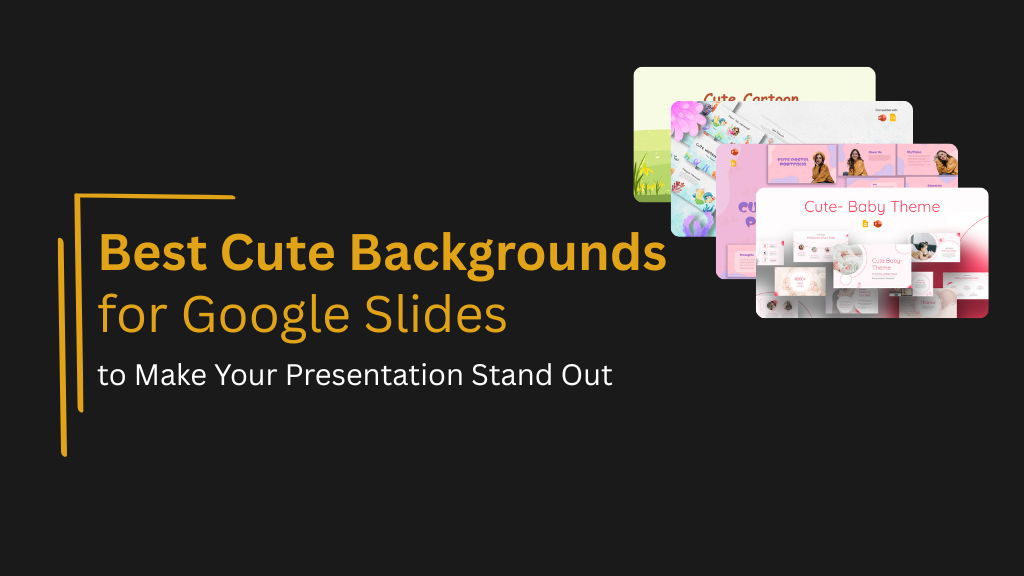
Not every presentation needs to look like a corporate report. For school projects, creative portfolios, birthday events, informal workshops, and classroom activities, a slide deck with a warm, playful, or visually charming background does a better job of connecting with the audience than a standard professional theme ever could.
Cute backgrounds for Google Slides have become genuinely popular, and for good reason. They bring personality to presentations that might otherwise feel flat, and they set a tone that encourages engagement rather than passive reading. The key is choosing a background that adds visual appeal without making the content harder to read.
This guide covers the best cute background styles for Google Slides, what makes each one work in different contexts, and how to balance design personality with presentation clarity.
What Makes a Background Work in a Presentation
A background has two jobs. The first is to set the visual tone of the presentation. The second is to stay out of the way of the content. When a background competes with the text and visuals on the slide, it stops being a design asset and starts being a readability problem.
The backgrounds that work best in cute presentation styles tend to share a few qualities. They use lighter tones or pastel palettes that give text enough contrast to stay legible. They keep detailed illustration elements toward the edges of the slide rather than behind the main content area. And they apply a consistent visual style across every slide rather than switching between different patterns or themes.
When these qualities are present, a cute background elevates the overall presentation. When they are missing, even a visually appealing background can make a deck difficult to follow.
Pastel and Soft Color Backgrounds
Pastel backgrounds are one of the most reliable choices for cute presentation designs because they are both visually appealing and highly readable. Soft pinks, lavenders, mint greens, and warm creams create an immediately welcoming visual atmosphere without the contrast issues that come with darker or more saturated backgrounds.
These palettes work particularly well for portfolio presentations, personal projects, lifestyle content, and any presentation where a warm or approachable tone is part of the message. They are also a strong choice for educational settings where younger audiences respond better to softer, friendlier visual environments.
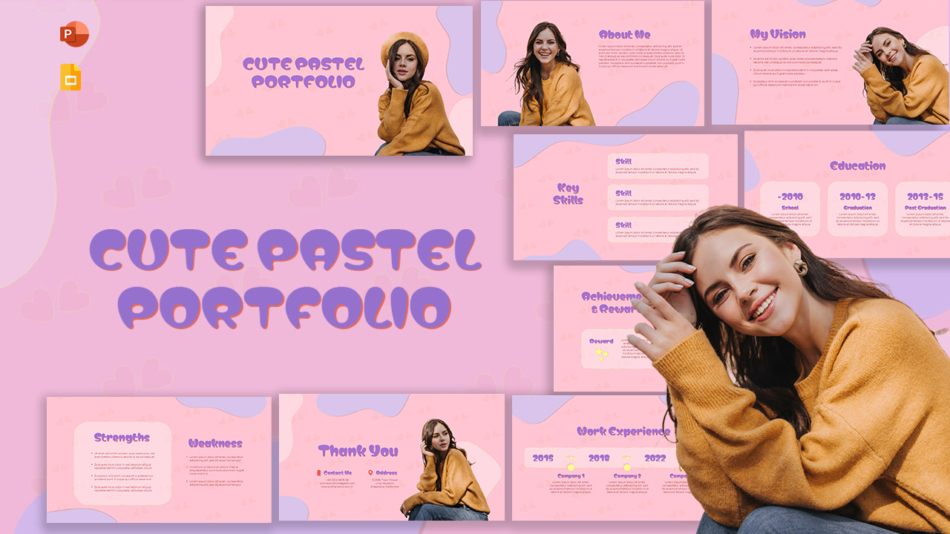
The Cute Pastel Portfolio Templates for PowerPoint and Google Slides combine a soft, coordinated pastel palette with a layout structure designed for portfolio and creative project presentations. The backgrounds are gentle enough to keep text readable throughout while giving the overall deck a distinctive and polished feel.
Baby and Nursery-Themed Backgrounds
Baby-themed backgrounds bring a tender, joyful visual quality that suits specific presentation types. Baby shower presentations, early childhood education content, parenting workshops, and family event slides all benefit from the warmth and softness that nursery-inspired designs provide.
These backgrounds typically combine pastel tones with gentle illustrated elements such as stars, moons, clouds, animals, or playful patterns. The visual language is universally understood as warm and celebratory, which makes it well-suited to occasions where the emotional tone of the presentation is as important as the content.
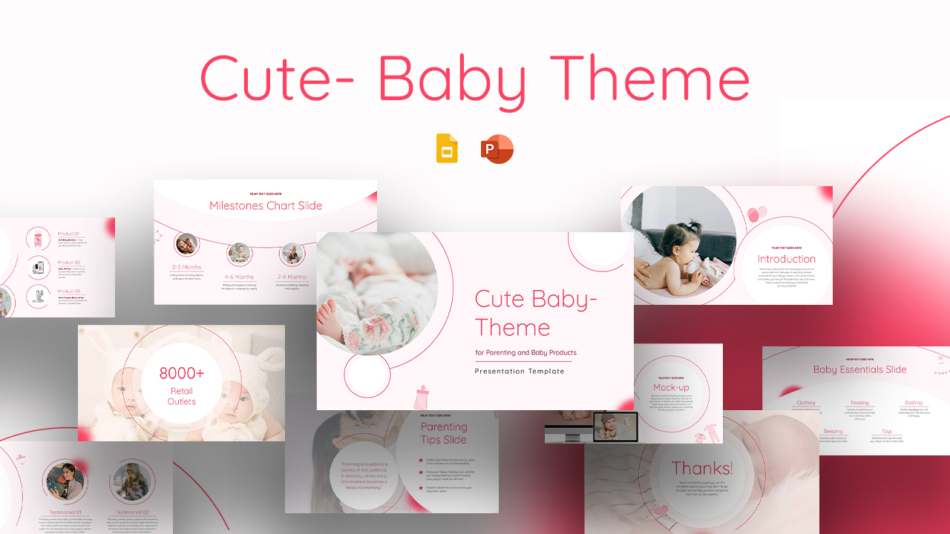
The Cute Baby Theme PowerPoint Templates and Google Slides offer a fully designed set of slides built around this visual theme, with layouts suited to both personal and educational presentations that call for a gentle, cheerful aesthetic.
Watercolor and Illustrated Backgrounds
Watercolor backgrounds bring an artistic, handcrafted quality to presentations that digital designs rarely achieve. The soft edges, organic color blending, and textured feel of watercolor-inspired backgrounds are distinctive in a slide deck context, which makes them memorable in the right creative or educational setting.
These backgrounds work especially well for art projects, creative portfolios, nature and science presentations for younger audiences, and any context where the presentation needs to feel crafted rather than corporate.
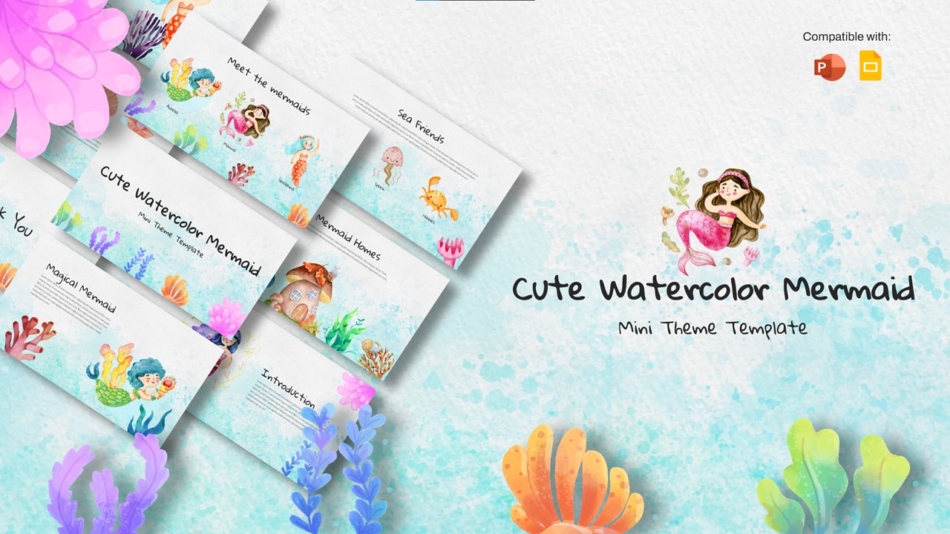
The Cute Watercolor Mermaid Theme Slides Templates use a watercolor visual style combined with an underwater theme to create a presentation set that is both visually rich and structurally usable. The template works well for school projects, creative storytelling, and themed event presentations where visual atmosphere is central to the experience.
Cartoon and Illustrated Backgrounds for Younger Audiences
For presentations aimed at children or primary school settings, cartoon and illustration-based backgrounds create a visual environment that feels immediately familiar and engaging. The bold outlines, bright colors, and character-driven design language of cartoon styles hold attention in ways that more restrained designs cannot.
The challenge with highly illustrated backgrounds is maintaining readability. Templates designed specifically for child-friendly presentations handle this by keeping illustration elements at the frame of the slide and leaving the content area clean.
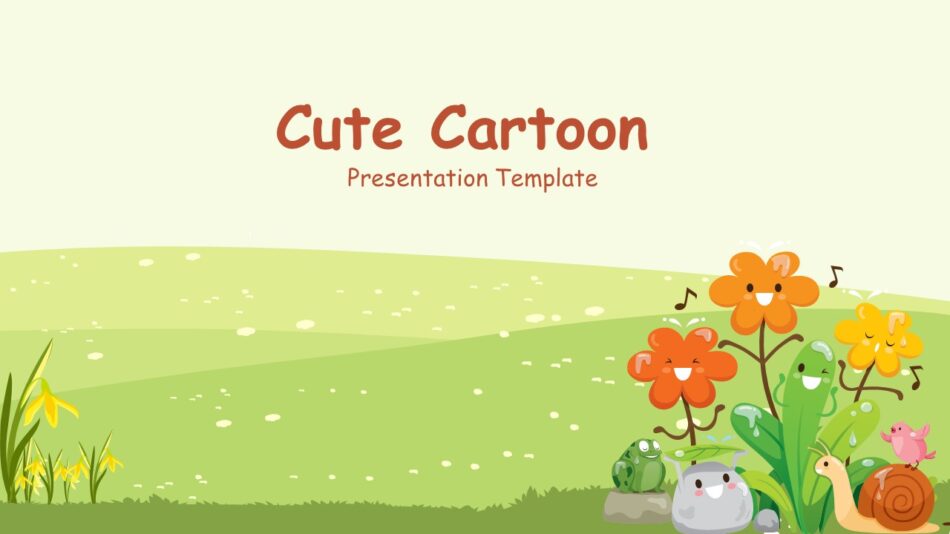
The Cute Cartoon Google Slide Template is built for exactly this purpose, with a cartoon-style visual theme applied in a way that keeps the slide content readable and easy for young audiences to follow.
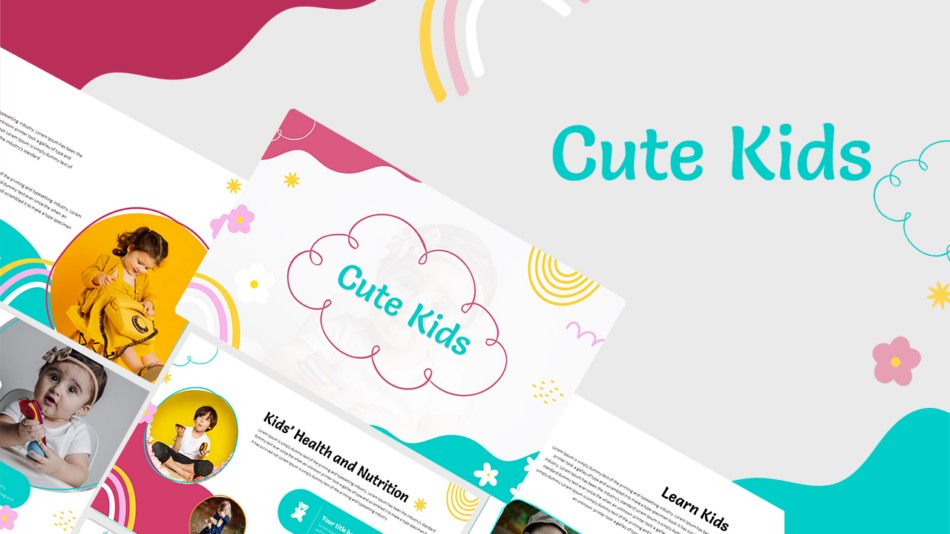
The Cute Kids PowerPoint Templates provide a similar approach with a broader set of layouts suited to classroom activities, school projects, and children’s event presentations where a playful visual style supports the communication goal.
Confetti and Celebration Backgrounds
Confetti backgrounds bring a festive energy that suits announcements, celebrations, team recognition, and any presentation where the occasion itself is part of the message. The scattered pattern of a confetti design communicates excitement and positive energy from the first slide, which is exactly the tone needed for award announcements, birthday celebrations, graduation slides, and team achievement presentations.
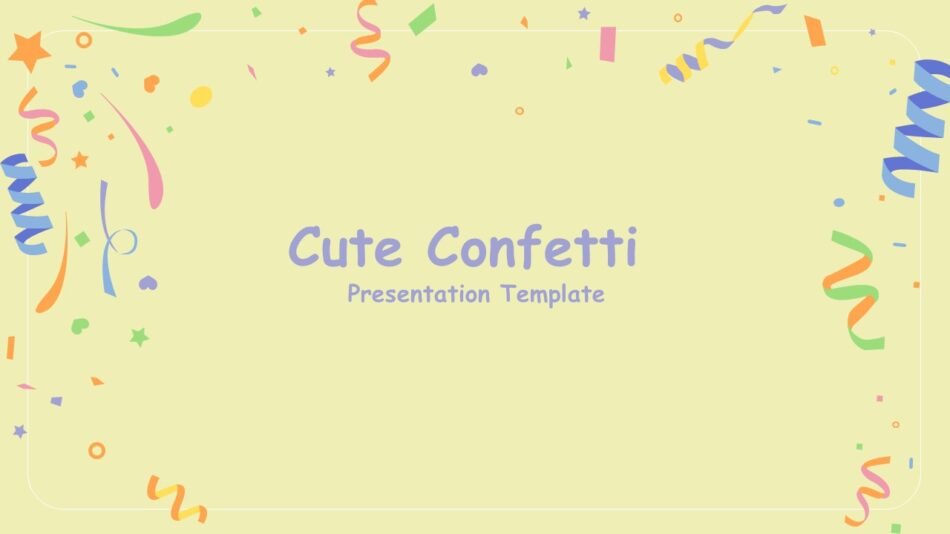
The Cute Confetti PowerPoint and Google Slides Template uses a confetti visual theme across a complete set of slide layouts, giving celebration presentations a consistent and polished look that holds up across the full deck rather than just on the title slide.
Greeting Card Style Backgrounds
Greeting card designs bring a personal, heartfelt visual quality to presentations that are tied to a specific occasion or sentiment. These backgrounds typically use decorative typography, illustrated accents, and warm color combinations that communicate care and personality.
They suit teacher appreciation presentations, end-of-year school slides, thank-you presentations, and any context where the presenter wants the visual design to reflect a personal or celebratory message rather than a professional or informational one.
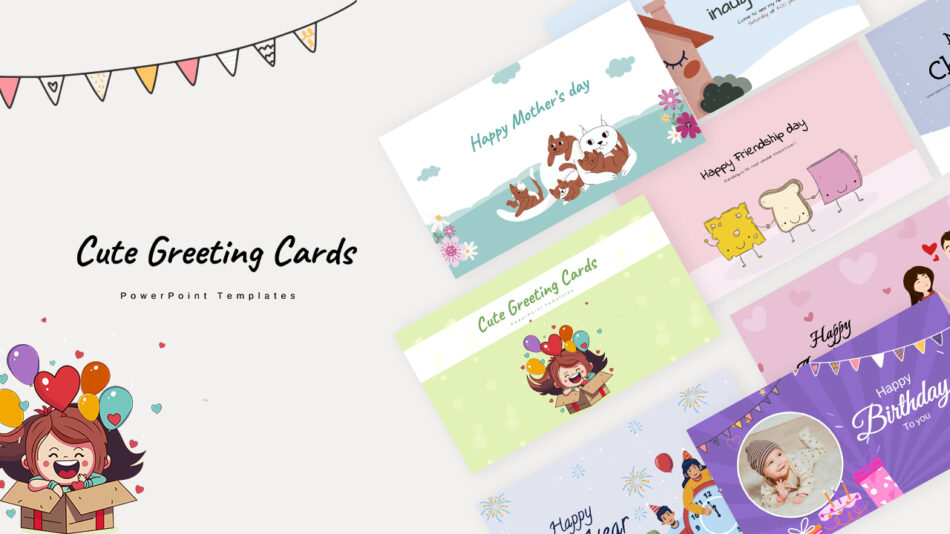
The Cute Greeting Card PowerPoint Templates offer a range of occasion-ready layouts with a greeting card visual aesthetic that works in Google Slides and PowerPoint. These templates are particularly useful for educators, community organizers, and anyone building a presentation where the design needs to feel personal rather than generic.
Balancing Personality With Readability
The most common mistake with cute backgrounds is choosing a design that looks beautiful on its own but makes the content harder to read. High-contrast illustrations directly behind text, very dark or saturated backgrounds paired with similarly toned fonts, and overly busy patterns that fill the entire slide are all design choices that reduce readability even when the background itself is visually appealing.
A few practical checks before committing to a background: read the body text on a content slide at arm’s length and confirm it is immediately legible. Check that the heading color contrasts clearly against the background without needing to strain. Scroll through the full slide set to confirm the background is applied consistently and does not shift in a way that disrupts the visual flow.
Templates that have already been designed with readability in mind, like the ones covered in this guide, handle most of these considerations automatically. The layouts are built to hold content clearly while keeping the background personality intact.
SlideKit Cute Google Slides Backgrounds and Templates
SlideKit offers a range of cute backgrounds and themed presentation templates for Google Slides and PowerPoint. Each template is fully editable, with visual themes suited to education, children’s presentations, creative projects, celebrations, and personal occasions. The designs are built to balance visual personality with content readability, so the background enhances the presentation rather than competing with it. For anyone looking for cute backgrounds for Google Slides that are ready to use without requiring design adjustments, SlideKit’s themed template library covers a wide range of styles and occasions.
The Right Background Changes How a Presentation Feels
A well-chosen background does more than make slides look attractive. It sets an expectation, creates an atmosphere, and tells the audience something about the nature of the presentation before a single word is read. For casual, creative, and educational presentations, a cute background is not a decoration. It is part of the communication. Choosing the right one means the visual experience of the presentation is as considered as the content inside it.


