
Choosing the Right PowerPoint Timeline Template for Your Project

Project communication breaks down when stakeholders can’t see the bigger picture. Teams need to understand what’s happening, when milestones occur, and how different phases connect. Without clear visual structure, important timing details get lost in text or misunderstood in verbal explanations.
Timeline slides solve this problem. They transform project schedules, historical sequences, and future plans into visual formats that audiences grasp quickly. But not all timeline templates work equally well for every situation. Choosing the right format based on your specific project needs makes the difference between a timeline that clarifies and one that confuses.
This guide explains how to select PowerPoint timeline templates that match your project type, audience, and communication goals. It covers what makes timeline slides effective, which formats suit different contexts, and how to avoid common mistakes that undermine timeline clarity.
Why Timeline Slides Matter for Project Communication
Timeline slides do more than display dates and events. They create shared understanding of project structure and timing that verbal explanations alone can’t achieve.
Visual Structure Improves Comprehension
People process visual information faster than text. A well-designed timeline slide shows relationships between events, relative durations, and sequence at a glance. Stakeholders see the project flow without reading through detailed schedules or parsing complex Gantt charts.
This visual clarity matters particularly when presenting to audiences unfamiliar with project details. Executives, clients, or cross-functional teams don’t have time to decode complicated scheduling documents. Timeline slides give them what they need quickly.
Common Reference Points Align Teams
When everyone references the same timeline visualization, alignment improves. Marketing knows when product launches happen because they see the timeline. Sales understands delivery schedules because timelines show them clearly. Engineering sees how their work connects to downstream activities.
This shared reference prevents the misalignment that happens when different teams work from different verbal understandings of project timing.
Timing Dependencies Surface Clearly
Some project phases depend on others completing first. Timeline slides make these dependencies obvious through visual proximity and sequencing. Audiences see which activities must happen before others can begin, improving understanding of project constraints.
This visibility helps stakeholders appreciate why certain requests aren’t feasible or why delays in one area cascade through the project.
Key Factors for Selecting Timeline Templates
Choosing appropriate timeline templates requires considering several factors beyond just visual appeal.
Project Duration and Scope
Timeline templates designed for year-long projects don’t work well for multi-year initiatives, and vice versa. Match template scale to your project timeframe.
Short projects spanning weeks or months benefit from detailed timelines showing specific dates. Long-term projects spanning years need higher-level timelines showing quarters or years rather than individual dates.
A year-by-year blank timeline template works well for multi-year strategic initiatives, while more granular templates suit shorter project cycles.
Information Density
How much detail needs to appear on the timeline? Some projects require showing dozens of milestones, while others need only major phases.
Complex projects with many parallel workstreams need templates that handle high information density without becoming cluttered. Simple projects with few key milestones work better with cleaner, more spacious templates.
Overloading a simple template creates confusion. Using a complex template for sparse information makes slides feel empty and awkward.
Audience and Context
Who will view this timeline, and in what setting? Executive presentations need different timelines than team planning sessions.
Executive audiences want high-level timelines showing major milestones and outcomes without operational details. Team audiences benefit from more detailed timelines that show how work sequences across shorter periods.
Client-facing timelines might need more polish and explanation than internal planning timelines. Investor presentations require different emphasis than project team coordination.
Timeline Orientation
Horizontal timelines read left to right, showing progression naturally for most audiences. Vertical timelines show progression top to bottom, sometimes working better for printed materials or when screen width is limited.
Most business presentations use horizontal timelines because they match how people naturally read and process sequence. However, vertical timeline templates work well for specific contexts like historical progressions or process flows that benefit from top-down visualization.
Visual Style Requirements
Does your timeline need to look formal and corporate, or can it include more creative visual elements? Context determines appropriate style.
Financial presentations typically require clean, professional timeline templates without excessive decoration. A financial planning timeline template maintains appropriate formality while clearly showing planning phases.
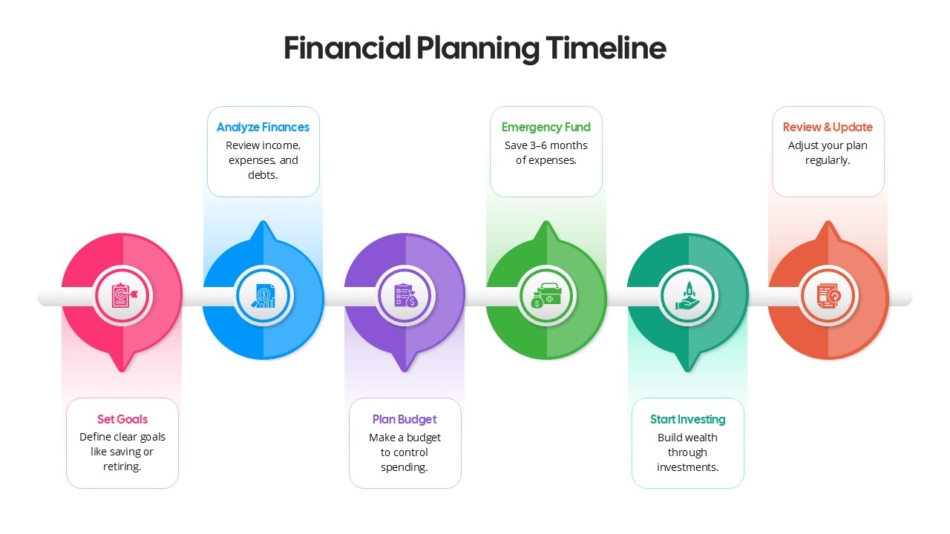
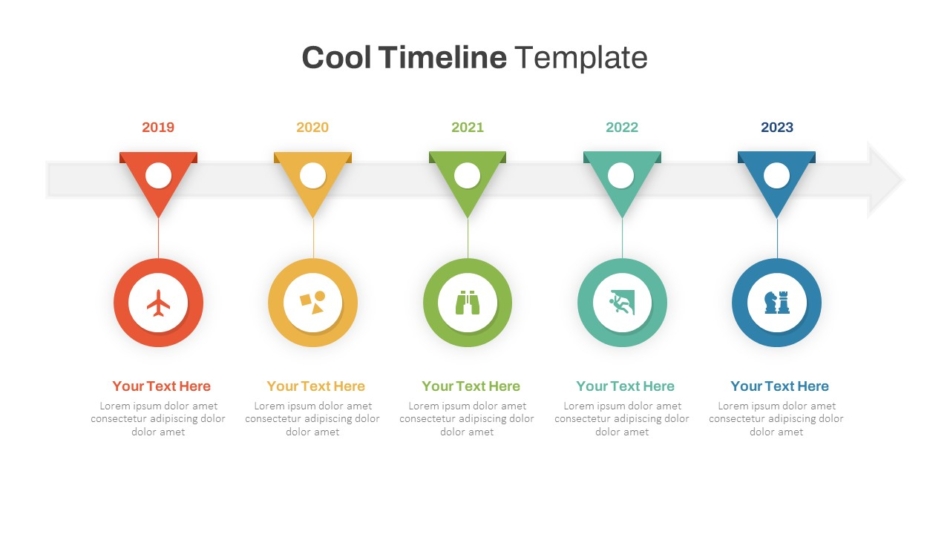
Creative projects or internal team presentations might benefit from more visually distinctive options. A cool PowerPoint timeline template adds personality while maintaining clarity.
Data Visualization Needs
Will your timeline include quantitative data alongside dates and milestones? Some projects benefit from combining timeline structure with performance metrics or financial data.
Templates that integrate charts or graphs with timeline elements work well when you need to show both what happened when and quantitative results. Simple milestone timelines work better when dates and events are sufficient without additional data layers.
Different Timeline Formats and Their Use Cases
Various timeline formats suit different project types and communication needs.
Parallel Workstream Timelines
Some projects involve multiple concurrent activities. Parallel timelines show several workstreams running simultaneously, making it clear which activities overlap and how different efforts coordinate.
Project management timelines often need this format to show how different teams work in parallel toward common milestones. The visualization helps identify coordination points and timing dependencies across workstreams.
Milestone-Focused Timelines
Rather than showing continuous progress, milestone timelines emphasize key events—product launches, funding rounds, major deliverables, or decision points. The space between milestones represents ongoing work without detailed breakdown.
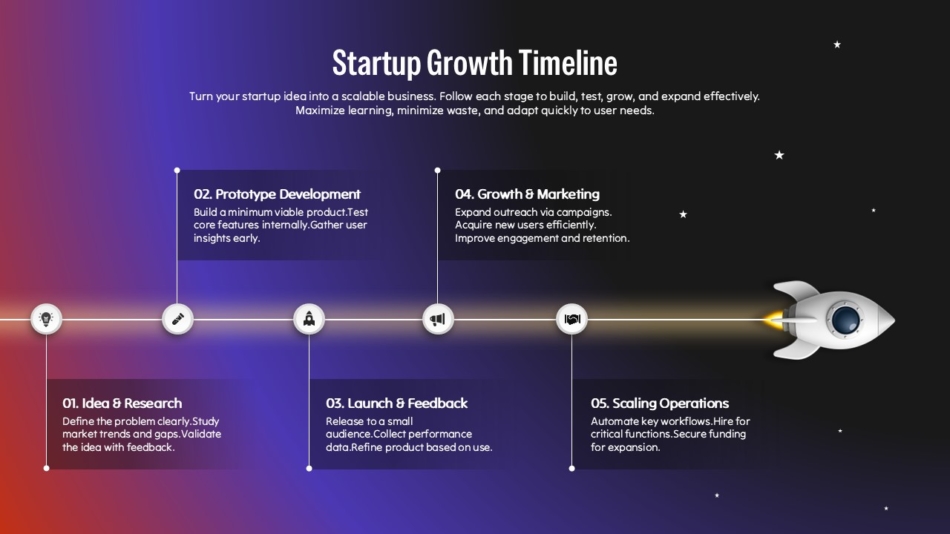
A startup growth timeline template might focus on major milestones like funding rounds, product launches, or market expansion rather than detailed operational activities between these events.
Historical and Chronological Timelines
Historical timelines show how organizations, products, or initiatives evolved over time. These timelines often include both past events and future plans, showing continuity and progression.
A history timeline template works well for company anniversaries, product evolution stories, or showing how past performance informs future strategy. These timelines help audiences understand context and trajectory.
Financial and Investment Timelines
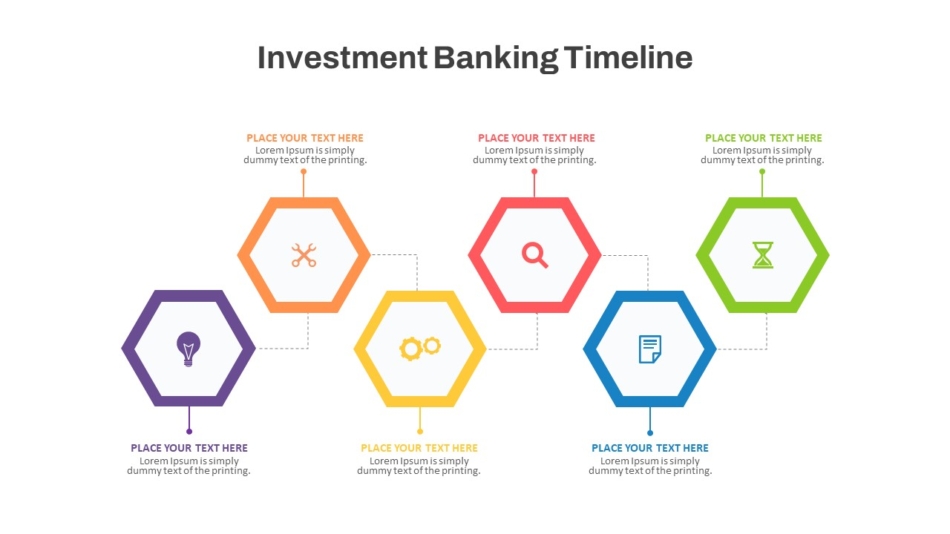
Financial contexts often need timelines that show investment phases, return periods, financial milestones, or funding stages. An investment banking PowerPoint timeline template might show deal phases, due diligence periods, and closing timelines in formats appropriate for financial audiences.
Portfolio and Product Timelines
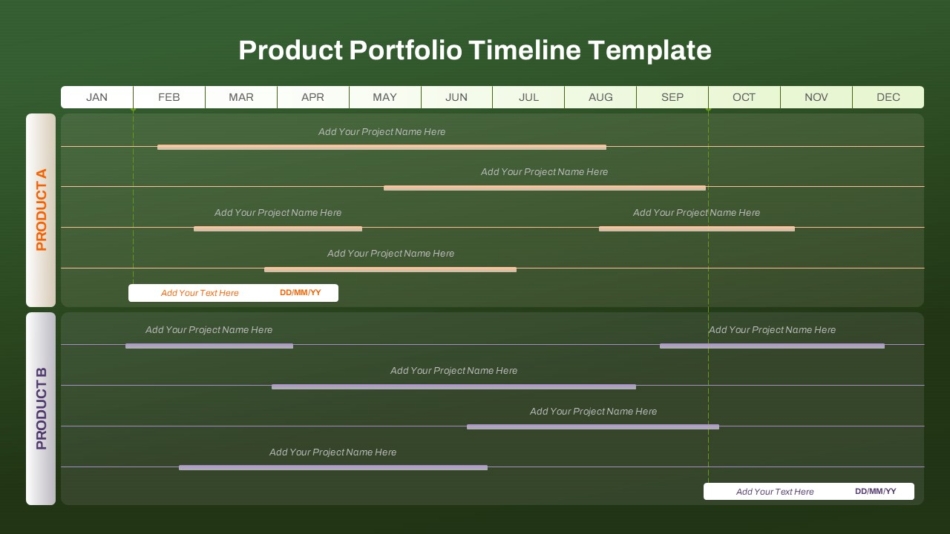
Organizations managing multiple products or initiatives need timelines showing how different items progress simultaneously. A product portfolio timeline PowerPoint template helps visualize how various products move through development, launch, and lifecycle stages.
These portfolio views help leadership understand resource allocation across multiple initiatives and identify timing conflicts or capacity constraints.
Common Timeline Mistakes to Avoid
Even good templates can produce ineffective timelines when used incorrectly. Avoiding these common mistakes improves timeline clarity.
Cramming Too Much Information
The most frequent timeline mistake is trying to show every detail. Timelines work best when they focus on what matters most—major milestones, key phases, critical dates.
When every minor task appears on the timeline, the visualization becomes cluttered and loses impact. Audiences can’t distinguish important information from trivial details. Use detailed project plans for comprehensive tracking; use timeline slides for high-level communication.
Unclear Milestone Labels
Vague labels like “Phase 1” or “Launch” don’t communicate clearly. What happens in Phase 1? Which product launches?
Use specific, descriptive labels that standalone without requiring additional explanation. “Complete User Testing” communicates more than “Testing Phase.” “Launch Customer Portal v2.0” tells audiences more than just “Launch.”
Missing Context
Timelines without context leave audiences guessing about significance. Why do these milestones matter? What happens if timing shifts?
Include brief context—what the timeline represents, why timing matters, what major phases accomplish. This context helps audiences interpret the timeline meaningfully rather than just seeing dates and labels.
Poor Visual Hierarchy
Not all timeline elements carry equal importance. Major milestones deserve more visual weight than minor checkpoints. Key phases should stand out from supporting details.
Use size, color, or emphasis to create clear hierarchy. If everything looks equally important, audiences can’t determine what actually matters most.
How SlideKit Timeline Templates Support Project Planning
Creating effective timeline slides from scratch takes time and design skill. SlideKit solves this by providing professionally designed PowerPoint timeline templates built specifically for business contexts.
SlideKit templates come with pre-structured layouts that handle the visual complexity of timeline design automatically. You add your milestones, dates, and labels while the template maintains proportional spacing, clear hierarchy, and professional formatting. This approach lets project managers and presenters focus on content rather than struggling with visual design.
The templates work seamlessly in both PowerPoint and Google Slides, giving teams flexibility regardless of which platform they prefer. Whether you need a timeline template for PowerPoint or a Google Slides timeline template, SlideKit provides options that function properly across platforms without formatting problems.
Templates are fully editable, allowing customization to match your brand colors, adjust time scales, or modify layouts for specific project needs. A blank timeline template gives you maximum flexibility to structure information your way, while specialized templates provide purpose-built formats for specific contexts.
For organizations creating timeline presentations regularly, SlideKit templates ensure consistency across projects while saving the hours typically spent building timelines manually. Teams maintain professional quality standards regardless of individual design skills.
Selecting Templates for Specific Project Types
Different project types benefit from different timeline approaches. Matching template style to project context improves communication effectiveness.
Product Development Timelines
Product development involves multiple phases—concept, design, development, testing, launch. Product timelines need to show these phases clearly while highlighting key deliverables and launch dates.
Templates that accommodate phase overlaps work well since product development rarely follows strict sequential progression. Development might begin before design fully completes; testing might start before development finishes.
Financial Planning Timelines
Financial planning timelines show budget cycles, investment phases, return periods, or fiscal milestones. These need formats appropriate for financial audiences who expect professional presentation standards.
Templates should integrate well with financial data and maintain the formal aesthetic expected in financial contexts while remaining clear and readable.
Marketing Campaign Timelines
Marketing timelines coordinate multiple campaigns, content releases, and channel activities across time. These timelines need to show how different marketing initiatives sequence and overlap.
Templates that handle multiple concurrent activities work best, showing which campaigns run simultaneously and where coordination matters most.
Practical Selection Process
Follow this process when choosing timeline templates for your projects.
Define Your Requirements
Before browsing templates, clarify what your timeline needs to communicate. List the major milestones, identify the time span, determine your audience, and decide what level of detail serves your purpose.
This clarity prevents getting distracted by visually appealing templates that don’t actually fit your needs.
Evaluate Template Capacity
Check whether templates handle your information volume appropriately. Can the template accommodate your number of milestones without crowding? Does it provide enough detail granularity for your timeframe?
Test templates with your actual content before committing to them for important presentations.
Assess Visual Compatibility
Does the template’s visual style match your presentation context? Financial presentations need different aesthetics than creative project updates.
Ensure the template’s formality level, color usage, and overall design align with audience expectations and organizational standards.
Consider Reusability
If you create timeline presentations regularly, choose templates that work across multiple projects. Establishing standard timeline formats across your organization improves consistency and familiarity.
Build a template library organized by project type—strategic timelines, product timelines, financial timelines—so team members quickly find appropriate options.
Making the Right Timeline Template Choice
Choosing the right PowerPoint timeline template depends on project duration, information density, audience needs, visual requirements, and data visualization needs. Different timeline formats—linear, parallel, milestone-focused, historical, or portfolio—suit different project types and communication contexts.
Effective timelines avoid common mistakes like cramming too much information, using inconsistent scales, providing unclear labels, missing context, ignoring visual hierarchy, omitting dependencies, or presenting outdated information.
SlideKit provides professionally designed timeline templates that work in both PowerPoint and Google Slides, handling visual complexity while remaining fully editable for customization. These templates save time, ensure consistency, and maintain professional quality across projects.
For project managers, team leaders, and business professionals creating timeline presentations regularly, investing time in selecting appropriate templates and understanding timeline design principles produces clearer project communication. Good timelines don’t just display information—they create the shared understanding necessary for successful project coordination and stakeholder alignment.
Whether you need a free timeline template for a one-time project or specialized formats for ongoing business needs, choose templates that match your specific requirements rather than just selecting what looks appealing. The right timeline template clarifies your project story; the wrong one creates confusion regardless of visual appeal.


