
Business Roadmap Template: How to Present Your Company Vision

Every organization has a direction it is heading. The challenge is communicating that direction in a way that makes sense to everyone who needs to follow it. A business roadmap does exactly that. It translates high-level company goals into a visual plan that leadership, departments, and stakeholders can read, reference, and align around.
A roadmap template gives teams a structured starting point for that communication. Instead of building the layout from scratch, presenters can focus on the strategy itself and trust that the visual format is already designed to deliver it clearly.
What a Business Roadmap Is and Why Companies Use It
A business roadmap is a visual document that outlines where a company is going, what it plans to achieve, and roughly when key milestones are expected to happen. It is not a detailed project plan with tasks and dependencies. It is a strategic overview that connects the company’s long-term vision to the concrete steps being taken to reach it.
Companies use roadmaps for several reasons. They help leadership communicate strategy in a format that is easier to absorb than a written document. They give departments a shared reference point for priorities and timing. And they create accountability by making commitments visible in a structured, shareable format.
Roadmaps appear in annual planning presentations, board meetings, investor updates, department briefings, and strategy reviews. In each of these contexts, the goal is the same: to make the company’s direction clear to the audience without requiring them to read through pages of supporting material.
Business Roadmap vs Project Roadmap vs Product Roadmap
These three terms are often used interchangeably, but they serve different purposes and carry different levels of detail.
A business roadmap focuses on the company as a whole. It covers strategic priorities, growth initiatives, and organizational milestones across a multi-year horizon. The audience is typically senior leadership, board members, and investors.
A project roadmap narrows the focus to a specific initiative. It covers the phases, deliverables, and timeline for a defined piece of work. It is used by project teams and department heads to communicate progress and planning.
A product roadmap is specific to a product or product line. It outlines the features, releases, and development priorities planned for a product over time. It is most commonly used by product and engineering teams and in presentations to customers or stakeholders who want to understand where the product is heading.
Knowing which type of roadmap a presentation calls for shapes both the content and the template chosen. A high-level company vision presentation needs a different format from a sprint-level product development update.
Key Elements of a Clear Business Roadmap
A well-built business roadmap includes a small set of core elements, each of which contributes to how clearly the strategy can be understood.
Vision statement – A short, clear articulation of where the company is heading. This sets the context for everything else on the roadmap.
Strategic goals – The three to five priorities the organization is working toward. These should be specific enough to be meaningful but broad enough to sit comfortably at the strategic level.
Milestones – Key events, decisions, or deliverables that mark progress toward the strategic goals. Milestones give the roadmap its sense of movement and make it easier for stakeholders to track how the strategy is being executed.
Timeline – The horizontal axis that organizes everything else. Timelines on business roadmaps are typically broken into quarters or years rather than weeks, reflecting the strategic rather than operational nature of the content.
Ownership – Indicating which team, department, or leader is responsible for each initiative helps the roadmap function as a working document rather than just a presentation asset.
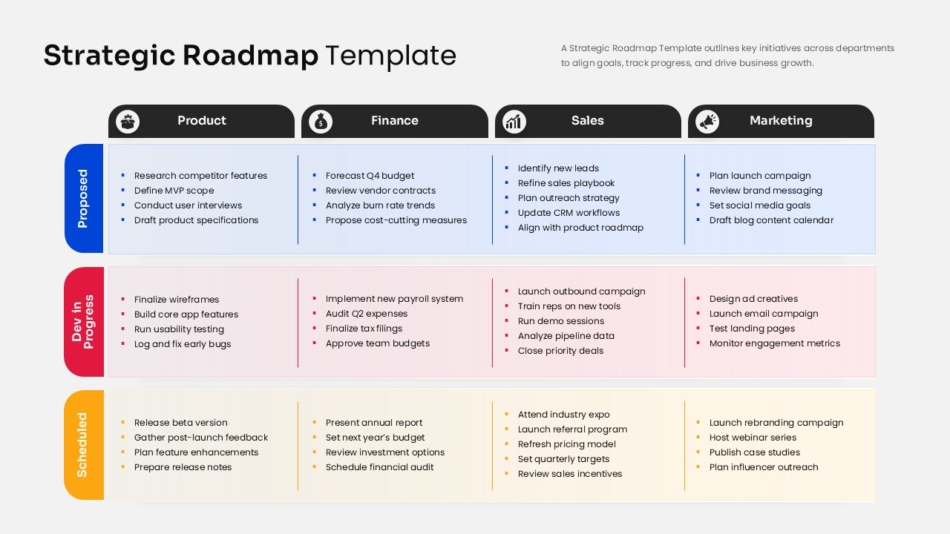
The Strategic Roadmap Template for PowerPoint and Google Slides is built around these core elements, with a layout designed to hold strategic content at the right level of detail for senior audiences.
How a Roadmap Template Helps Communicate Long-Term Strategy
A well-designed template does more than provide a visual container for the content. It makes the strategy easier to follow by applying a consistent visual logic that the audience can read quickly.
When milestones are presented in a clear timeline format, the sequence of events becomes immediately visible. When goals are color-coded by department or theme, the audience can track multiple streams of activity without losing the overall picture. When the layout is consistent across slides, stakeholders can compare different time periods or workstreams without having to reorient each time.
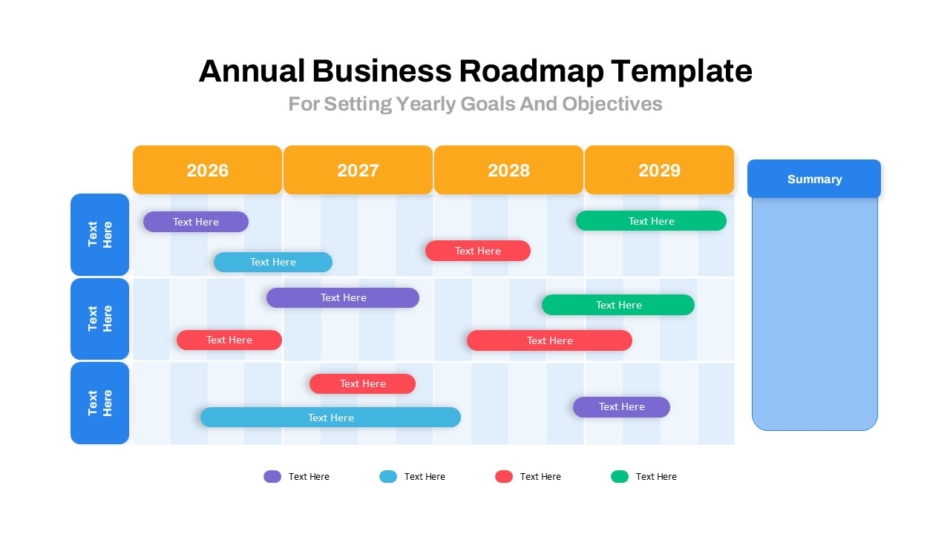
The Annual Business Roadmap Template is a strong example of this in practice. The layout organizes a full year of strategic activity across clearly defined sections, giving leadership a single-view reference that holds up in both live presentations and shared documents.
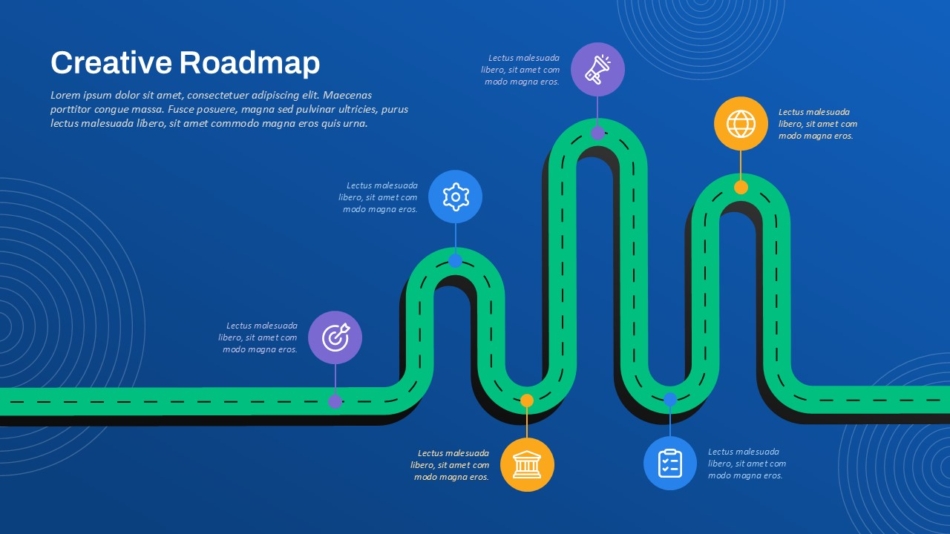
For companies managing multiple strategic workstreams simultaneously, the Creative Roadmap Template offers a layout flexible enough to handle parallel tracks without the slide becoming visually cluttered.
Steps to Create a Business Roadmap for Company Presentations
Building a business roadmap presentation follows a logical sequence that mirrors the thinking behind the strategy itself.
Start by defining the vision. Before any milestones or timelines are added, the roadmap needs a clear destination. The vision statement on the opening slide should be specific enough to be meaningful and concise enough to be memorable.
Next, identify the strategic goals that will drive the company toward that vision. Keep this list short. Three to five goals is usually enough for a roadmap to remain focused. More than that and the roadmap starts to look like a task list rather than a strategic direction.
Then map the milestones that will mark progress against each goal. These should be outcomes rather than activities. Launching a product, entering a new market, or reaching a revenue milestone are all appropriate roadmap milestones. Completing a meeting or submitting a report are not.
Once the milestones are defined, assign them to a timeline. At this stage, rough quarters or half-years work better than specific dates. Business roadmaps operate at a level of abstraction where precision in timing is less important than clarity of sequence.
Finally, assign ownership to each workstream or initiative. This step is what turns a presentation into a working document that the team can return to after the meeting.
How Leadership Teams Use Roadmaps to Align Departments
One of the most practical uses of a business roadmap is internal alignment. When different departments are working from different assumptions about priorities and timelines, coordination becomes difficult and effort gets duplicated or misdirected.
A shared roadmap solves this by creating a single visual reference that everyone is working from. When the marketing team, the product team, and the operations team can all see where the company is heading and what is happening when, their planning conversations start from a shared foundation.
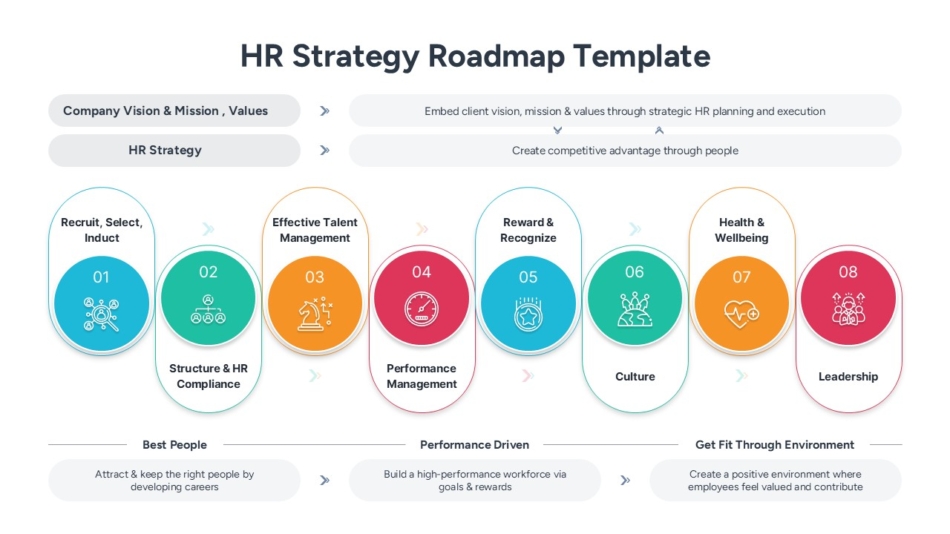
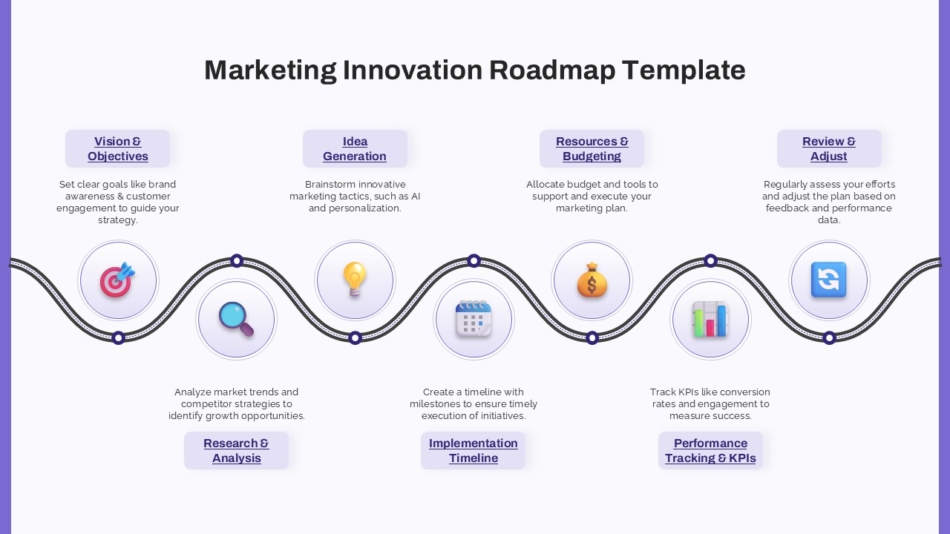
The HR Strategy Roadmap Template and the Marketing Innovation Strategy Roadmap Template both reflect this department-level use case. Each is built for a specific function’s planning needs while maintaining the structural clarity that makes roadmaps useful across teams.
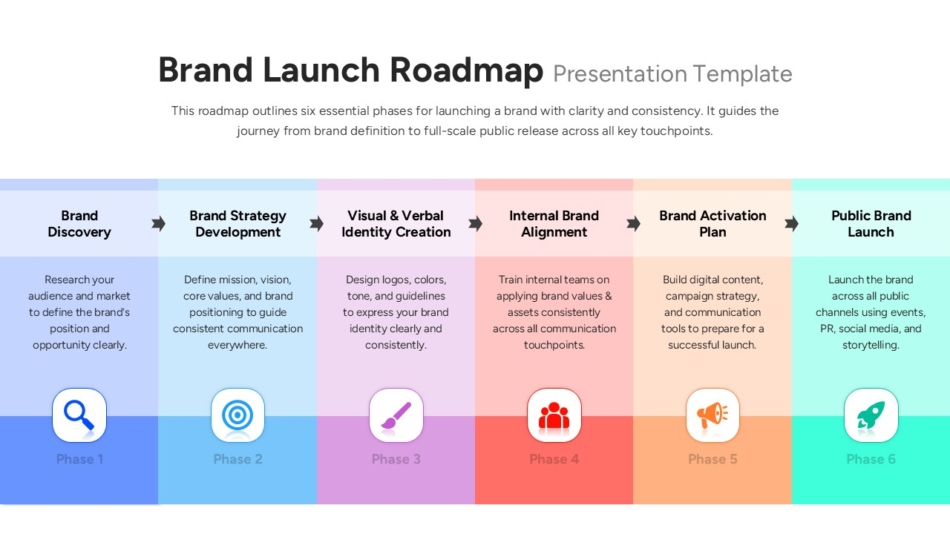
For companies managing a brand launch or major market entry, the Brand Launch Roadmap Template organizes cross-functional activity around the launch timeline, which is especially useful when marketing, product, and sales teams need to coordinate closely.
Roadmaps for Product, Customer, and Onboarding Strategy
Beyond company-level strategy, roadmap templates serve several specialized planning contexts that come up regularly in product and customer-focused organizations.
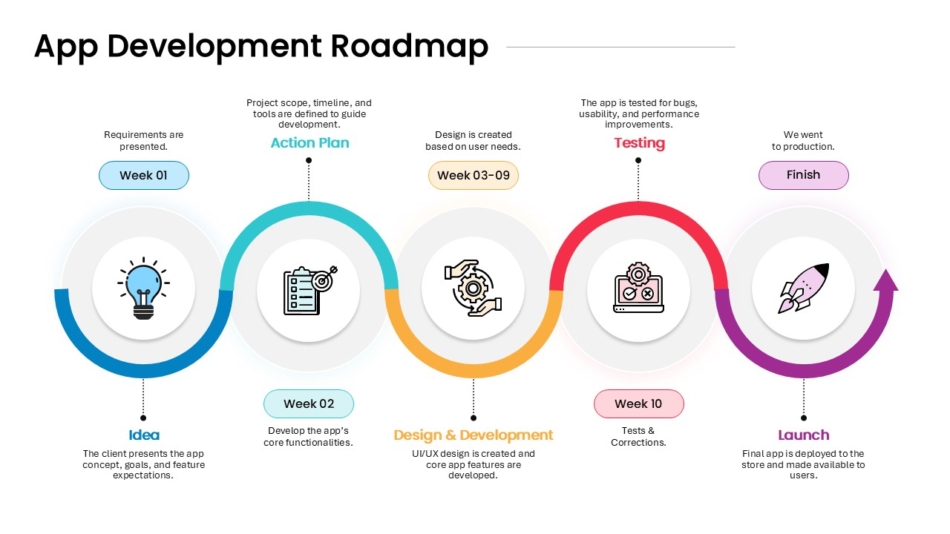
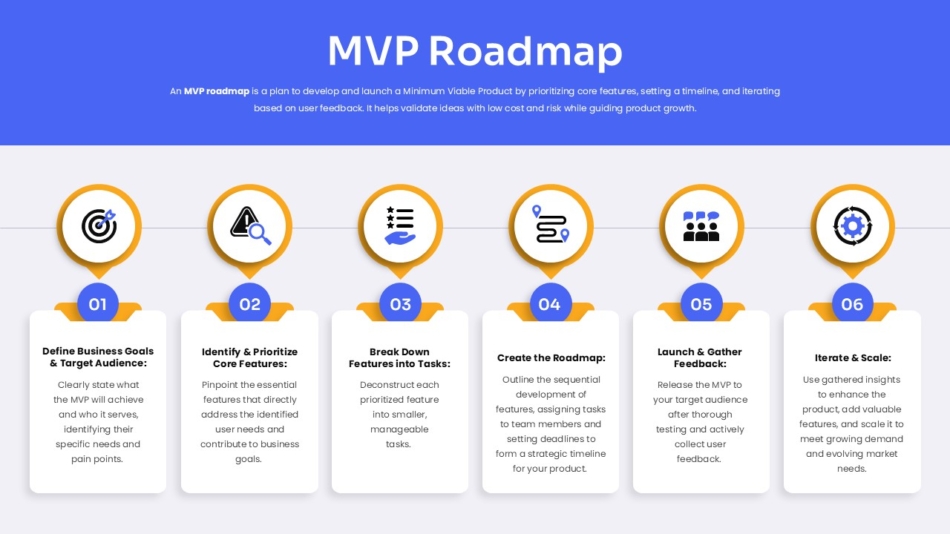
The App Development Roadmap Template and the MVP Roadmap Template are both designed for product teams presenting development plans to stakeholders or leadership. The MVP template in particular suits early-stage product discussions where the goal is to define the minimum viable scope and the sequence of decisions that follow.
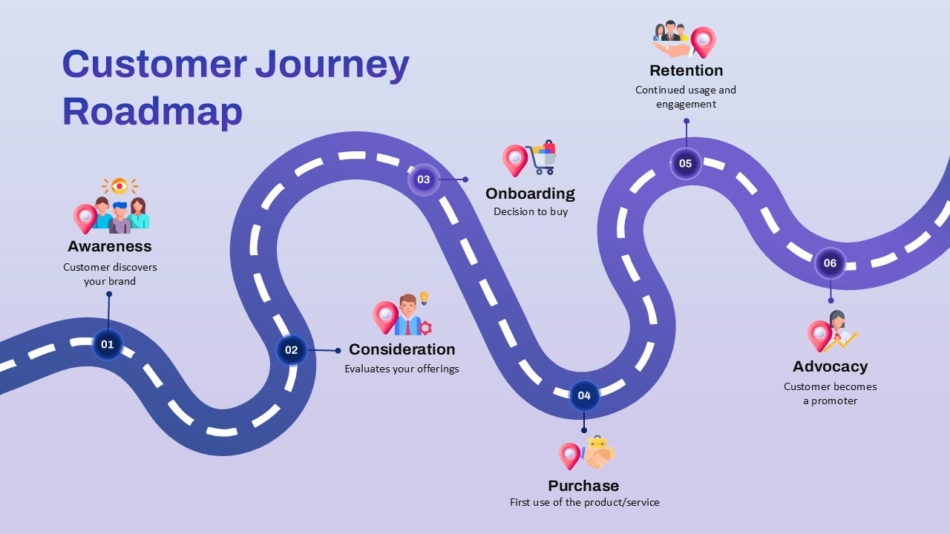
The Customer Journey Roadmap Template takes a different angle, mapping the stages a customer moves through from initial awareness to long-term retention. This format is used in marketing strategy presentations, customer experience reviews, and sales planning sessions.
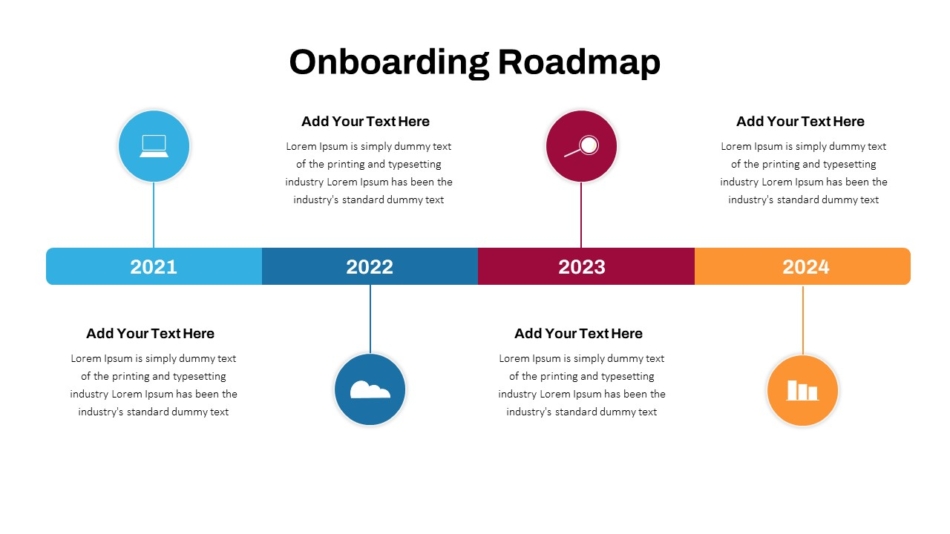
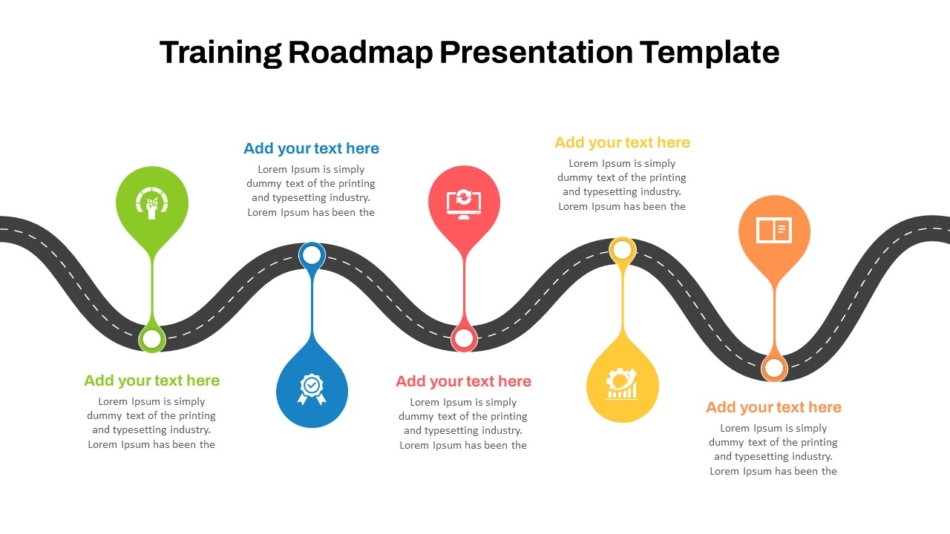
For onboarding and training contexts, the Onboarding Roadmap Timeline Presentation Template and the 5 Stage Training Roadmap PPT Sample Template provide structured layouts for HR and learning teams presenting structured development paths to new hires or management.
Tips for Making Roadmap Slides Clear for Stakeholders
A roadmap that is difficult to read in a presentation is not serving its purpose. A few practical principles help keep roadmap slides clear and accessible.
Limit the number of tracks on a single slide. When too many workstreams are displayed at once, the slide becomes dense and hard to scan. If the roadmap covers many departments, consider presenting each function’s roadmap separately and using a summary slide to show how they fit together.
Use color consistently. Assigning a color to each department, goal, or status category and applying it throughout the deck helps the audience track different elements without re-reading every label.
Avoid precise dates unless they are confirmed. Business roadmaps work better with quarters and approximate timeframes than with specific dates that are likely to shift. Locking in dates on a strategic roadmap invites the wrong kind of scrutiny during the presentation.
Keep the language on the slide concise. Milestone labels should be short enough to read at a glance. Explanation and context belong in the presenter’s spoken delivery, not in text blocks on the roadmap slide itself.
SlideKit Business Roadmap Templates
SlideKit offers a range of roadmap templates designed for business strategy, department planning, product development, and customer journey presentations. Each template is fully editable in both PowerPoint and Google Slides, with timeline layouts, milestone markers, and color-coded tracks built in. Whether presenting a company-level vision to the board or aligning a department around a quarterly plan, SlideKit’s roadmap templates provide a professional and structured starting point that reduces the time spent on layout and keeps the focus on the strategy itself.
A Clear Roadmap Builds Confident Teams
When people understand where the organization is heading and can see the path laid out clearly, they make better decisions at every level. A business roadmap is not just a presentation tool. It is a shared point of reference that keeps teams moving in the same direction. A well-designed roadmap template makes building and presenting that reference faster, clearer, and more credible from the first slide to the last.


