
Best PowerPoint Templates and Diagrams for Professional Use
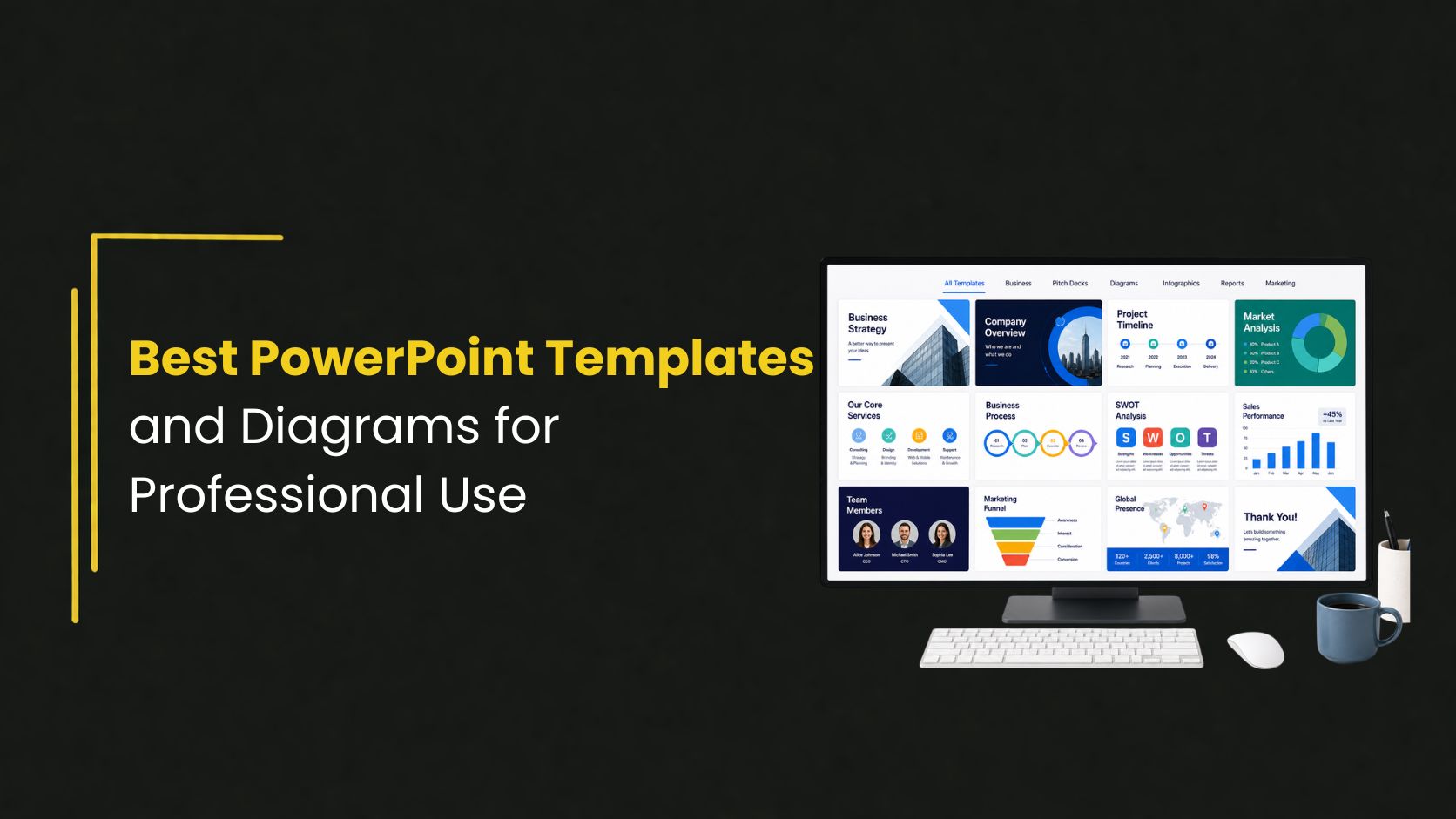
Creating a strong presentation isn’t just about what you say, it’s also about how you present it. The right visuals can turn complex ideas into clear, engaging messages. That’s where PowerPoint templates and well-designed diagrams make a real difference. They help you save time, maintain consistency, and communicate more effectively.
Why Templates Matter in Professional Presentations
Starting from scratch often leads to inconsistent layouts and wasted time. Using professional PowerPoint templates gives you a structured foundation so you can focus on your content instead of design.
Benefits of using templates:
- Consistent layout and branding
- Faster slide creation
- Cleaner, more polished visuals
- Better readability and flow
Potential drawback:
- Overusing generic templates without customization can make your presentation feel less unique
Key Features of High-Quality Business Presentation Templates
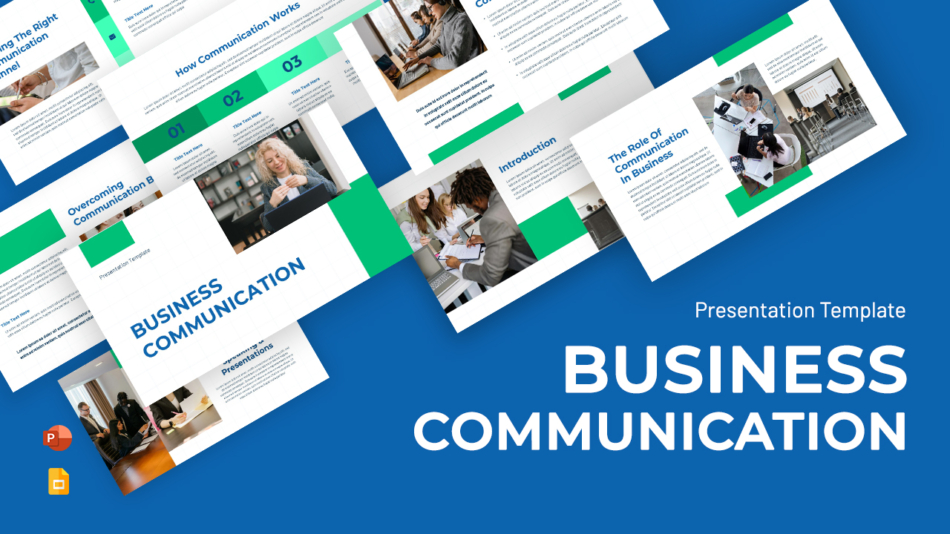
Not all templates are created equal. The best business presentation templates are designed with clarity and usability in mind.
Look for:
- Clean, minimal layouts
- Consistent color schemes and typography
- Pre-designed sections (agenda, strategy, data, conclusion)
- Easy-to-edit elements
Why it matters:
A well-structured template ensures your message is easy to follow and visually appealing without overwhelming your audience.
The Role of Diagrams in Clear Communication
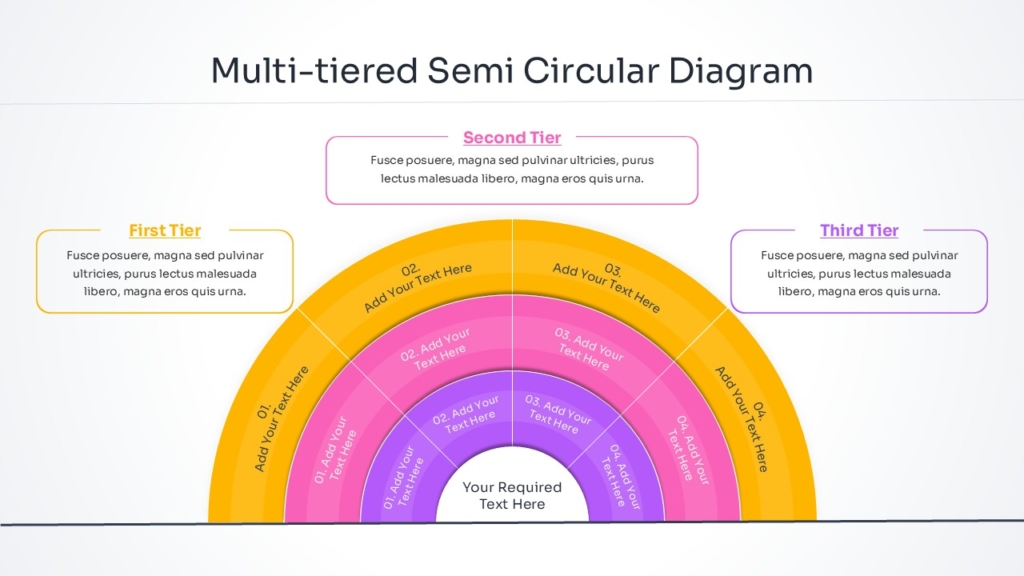
While templates provide structure, diagrams bring clarity to complex ideas. Using PowerPoint diagram templates helps you explain processes, relationships, and data in a visual way.
Common diagram types:
- Process flows (step-by-step explanations)
- Hierarchies (organizational structures)
- Timelines (project or growth stages)
- Infographics (data visualization)
Advantages:
- Simplifies complex information
- Improves audience understanding
- Makes presentations more engaging
Challenges:
- Poor design can reduce impact
- Overcomplicated diagrams can confuse rather than clarify
How to Choose the Right Template and Diagrams
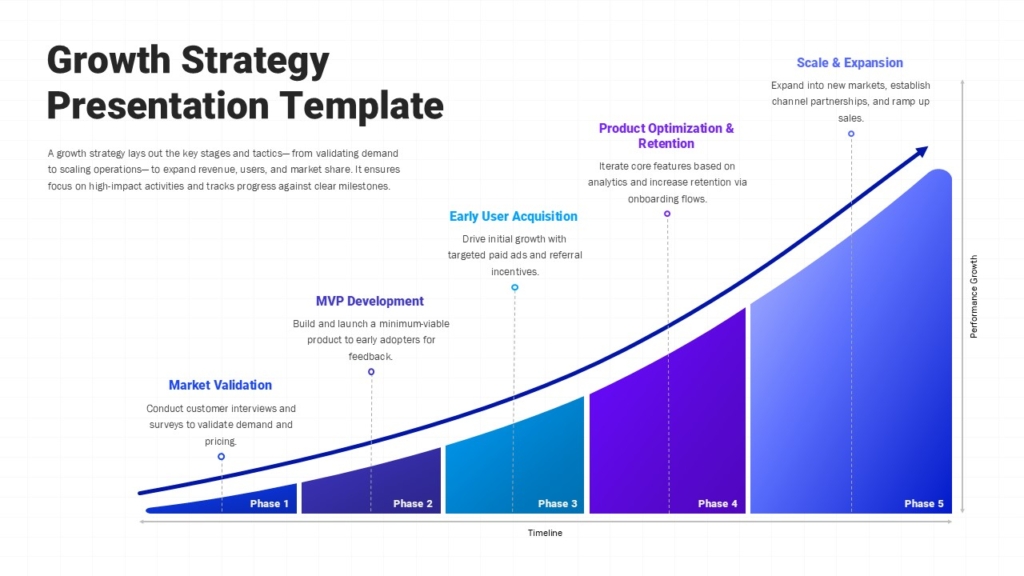
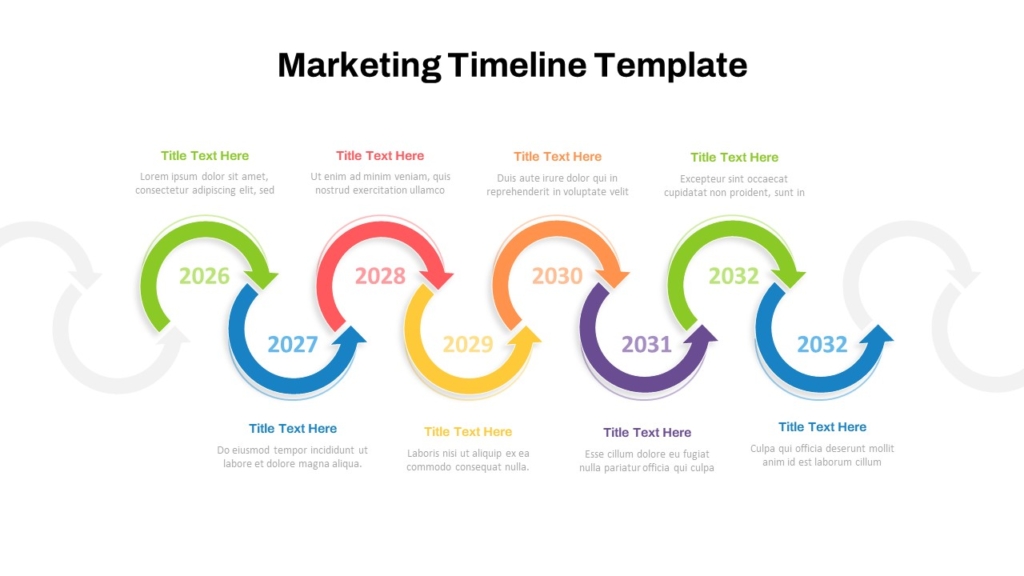

Selecting the right combination depends on your presentation goal.
For business reports:
Use structured layouts with clear sections and data-friendly slides.
For marketing presentations:
Choose visually engaging designs with space for storytelling.
For strategy or pitch decks:
Focus on minimal designs with strong headlines and impactful diagrams.
Tip:
Always adapt templates to your content instead of forcing your content into a rigid design.
Best Practices for Using Templates Effectively
- Keep slides simple—avoid overcrowding
- Use one key idea per slide
- Maintain visual consistency
- Use diagrams only when they add clarity
- Focus on storytelling, not just visuals
What works well:
Clear structure + simple visuals = better communication
What to avoid:
Too many elements on one slide or excessive decoration
Conclusion
The right PowerPoint templates and diagrams can transform your presentations from average to professional. They save time, improve clarity, and help your audience understand your message more easily.
However, templates are just a tool—the real impact comes from how you use them. Focus on simplicity, structure, and clear communication to get the best results.
If you want to create polished presentations without starting from scratch, SlideKit offers professionally designed templates that are easy to customize and built for real-world use.
👉 Explore SlideKit templates to create clear, impactful presentations faster and with confidence.


