
5 Key Advantages of Presentation Templates for Business Communication
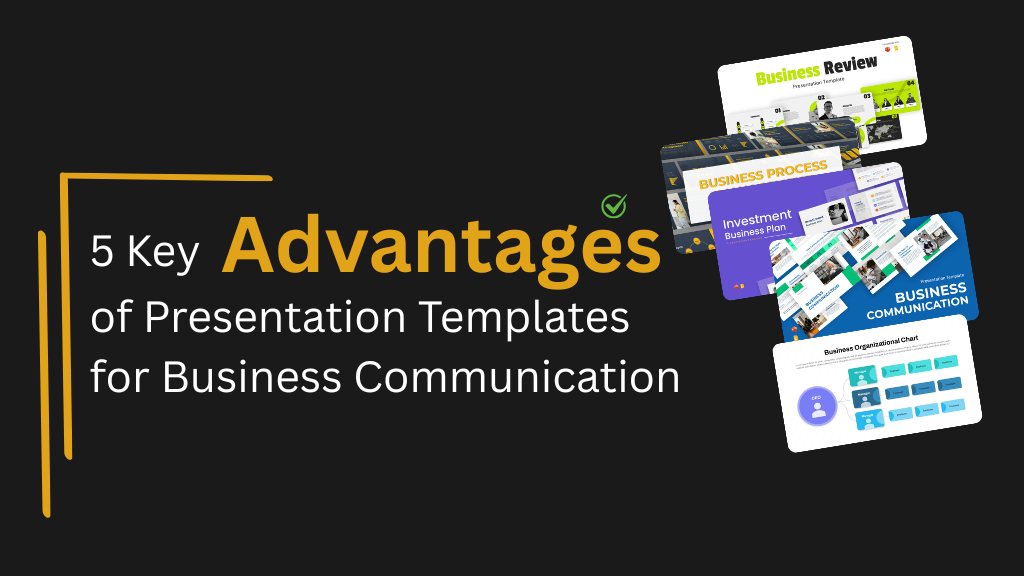
Clear communication is essential in business. Whether it is a leadership update, a client pitch, or an internal review meeting, the way information is presented often shapes how it is understood and acted upon. Yet creating presentations from scratch in PowerPoint or Google Slides can be time-consuming and inconsistent, especially when multiple teams are involved.
This is why many organizations rely on slides presentation templates. Ready-made templates give teams a structured starting point, helping them create professional presentations faster while maintaining visual consistency. This article explains the key advantages of using presentation templates for business communication and why they are now a standard part of modern workflows.
Why Businesses Use Presentation Templates
Business presentations are no longer limited to sales or marketing. Teams across departments use slides for strategy reviews, process documentation, training sessions, and internal reporting. When employees try to create a Google Slides presentation without a template, much of their time is spent deciding layouts rather than refining the message.
Presentation templates solve this by offering pre-built slide structures that are easy to customize. Whether teams use PowerPoint or Google Slides to create presentations, templates help reduce friction and improve clarity from the start.
1. Significant Time Savings for Teams
One of the most practical advantages of using presentation templates is the amount of time they save.
Designing slides from scratch requires decisions about layout, spacing, typography, and visual hierarchy. Templates remove this effort by providing presentation slides templates that are already designed for readability and flow.
With templates, teams can:
- Create a Google Slides presentation from a template in minutes
- Reuse layouts for recurring meetings
- Reduce last-minute preparation before reviews or presentations
For example, teams documenting workflows or operational updates can rely on structured layouts built for process communication instead of recreating slides each time

Business Process Management Templates
2. Professional Design Without Design Expertise
Not every team has access to a designer, but every presentation still needs to look credible and professional. Templates help bridge this gap.
Well-designed templates follow basic design principles such as alignment, spacing, and visual balance. This allows teams to make a good Google Slides presentation even without design experience.
Using professional templates helps businesses:
- Present information clearly to stakeholders
- Avoid cluttered or inconsistent slide designs
- Maintain a consistent visual standard across presentations
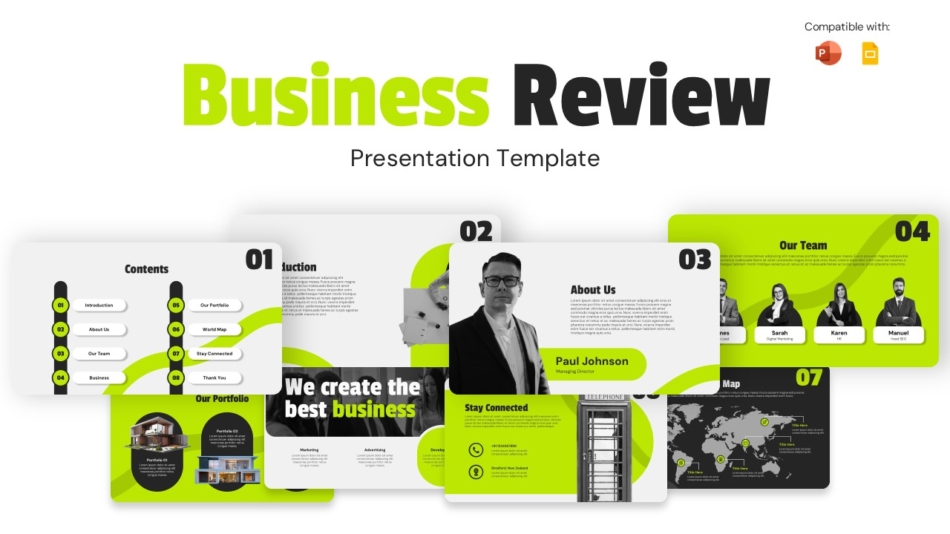
For leadership updates or quarterly discussions, structured business review layouts help teams present insights in a clear, organized way
3. Consistent Communication Across Teams
As organizations grow, presentations are often created by different teams using different styles. Without shared templates, slides can feel disconnected and difficult to follow.
Presentation templates support consistency by standardizing:
- Slide layouts and structure
- Font sizes and spacing
- Visual hierarchy across departments
When teams use shared templates in Google Slides, collaboration becomes easier and presentations feel aligned. This consistency improves understanding and helps audiences focus on the content rather than the formatting.
Templates designed for business communication support this alignment across internal and external presentations
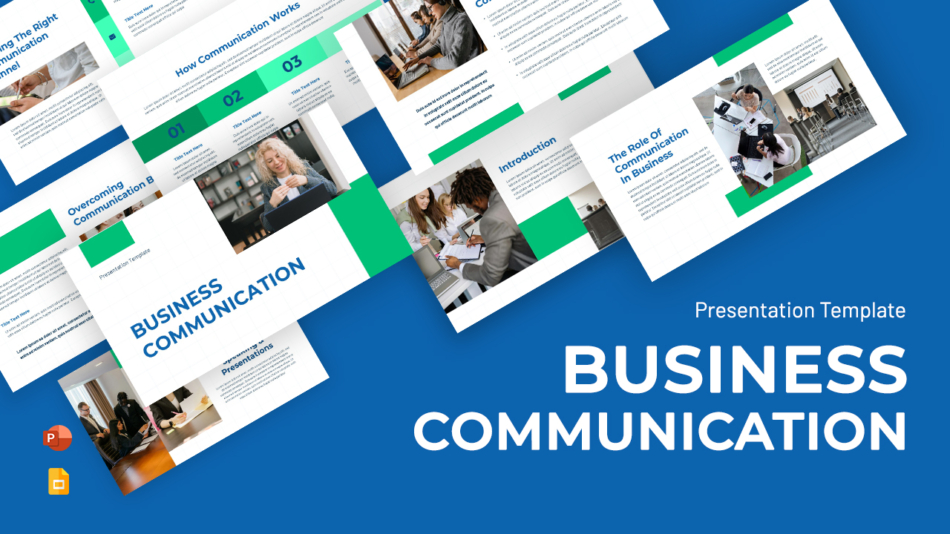
Business Communication Presentation Templates
4. Improved Clarity and Audience Engagement
Clear slides help audiences follow ideas more easily. Templates are designed to organize information logically, which improves comprehension during meetings and presentations.
Presentation templates improve clarity by:
- Breaking content into clear sections
- Supporting key points with visuals
- Reducing unnecessary text on slides
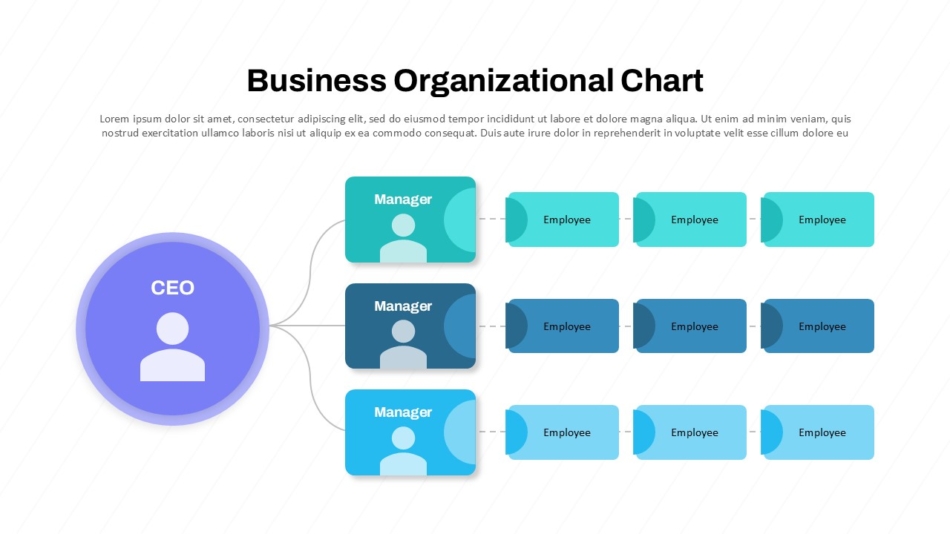
This is especially useful for visual-heavy slides such as organizational structures or infographic-style content. Layouts inspired by infographic or poster-style formats in Google Slides help teams present complex information in a more digestible way
5. Easy Customization for Different Business Use Cases
Modern presentation templates are built to adapt to different audiences and purposes. Teams can update content, reorder slides, or reuse layouts without rebuilding presentations from scratch.
Templates make it easier to:
- Edit slides quickly in Google Slides or PowerPoint
- Adjust slide order based on meeting goals
- Reuse the same structure for reports, pitches, and planning sessions
This flexibility supports a wide range of business needs. For example, investment and business planning presentations often require clear sections for strategy, financials, and future goals. Templates designed for these use cases provide structured layouts that help teams present complex information in an organized way.
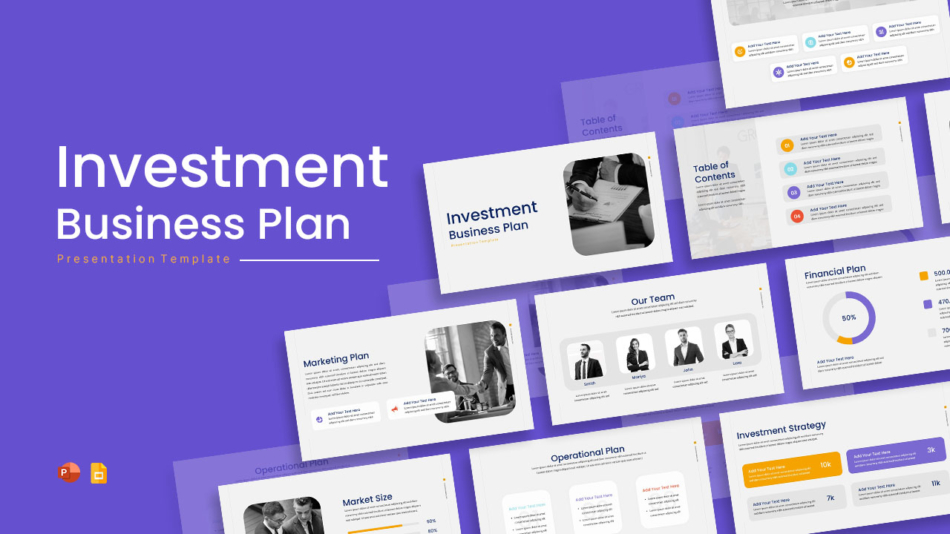
Investment Business Planning Presentations Template
Startup and technology teams also benefit from adaptable layouts. Templates built for modern startup presentations support product explanations, internal updates, and external pitches, while remaining easy to customize for different audiences

Modern Startup Presentations Template
How SlideKit Templates Support Business Communication
SlideKit presentation templates are created for real business use cases. They focus on structure, clarity, and adaptability rather than decorative design.
SlideKit templates help teams:
- Build presentations faster using ready-made layouts
- Maintain consistency across departments
- Work easily in both PowerPoint and Google Slides
- Focus on content instead of formatting decisions
By supporting common business scenarios, SlideKit templates fit naturally into everyday communication workflows.
When Slide Presentation Templates Are Most Useful
Presentation templates are especially helpful for:
- Team meetings and internal updates
- Client proposals and pitches
- Strategy and planning sessions
- Training and onboarding presentations
- Executive and leadership communication
Using templates ensures presentations remain clear, structured, and professional regardless of who creates them.
Conclusion: A Practical Way to Improve Business Communication
Business communication works best when ideas are presented clearly and consistently. Creating presentations from scratch often leads to wasted time and uneven results across teams.
Presentation templates offer a practical solution. They help teams save time, maintain visual consistency, and communicate ideas more clearly in both PowerPoint and Google Slides. By relying on structured templates, businesses can focus on the message rather than the mechanics of slide design.


