
10 Best Roadmap Slide Templates and How to Use Them in Business Presentations

What a Roadmap Slide Means in Business?
A roadmap slide is used in business presentations to show plans, timelines, and direction in a clear visual format. Instead of long text explanations, it presents information through phases, steps, or time-based layouts that help audiences understand what is planned and when.
Businesses use roadmap slides when they need to explain strategy, product plans, project timelines, or future goals. These slides help teams stay aligned and help decision-makers see progress and priorities at a glance. When used correctly, roadmap slides reduce confusion and make complex plans easier to explain.
This article explains when roadmap slides are used, what makes them effective, and how different roadmap slide templates support real business needs.
When Roadmap Slides Are Used in Business Presentations
Roadmap slides are commonly included in presentations where planning, timing, or direction needs to be explained clearly.
Strategic planning meetings
Leadership teams use a strategic roadmap slide to explain long-term goals, key phases, and priorities.
Product planning sessions
Product teams rely on a product roadmap slide template to show feature development, releases, and future improvements.
Project and IT updates
Teams use roadmap PowerPoint slides to explain project phases, deadlines, and dependencies.
Executive and investor presentations
High-level roadmap slide PowerPoint layouts help present plans without going into operational detail.
In these scenarios, roadmap slides are more effective than text-heavy slides because they visually connect goals, timeframes, and outcomes.
Key Elements of an Effective Roadmap Slide
Regardless of design style, effective roadmap slides share a few common elements.
Clear structure
The roadmap should follow a logical order, such as past to future or phase one to phase five.
Defined milestones
Each section should represent a clear goal, deliverable, or outcome.
Readable timeline or steps
Whether it is a timeline or step-based layout, the audience should understand progression easily.
Minimal text
Roadmap slides work best when labels are short and focused. Details can be explained verbally.
Consistent visual flow
Spacing, alignment, and layout should guide the viewer from start to end without distraction.
These elements help explain why different roadmap slide templates exist for different use cases.
10 Best Roadmap Slide Templates (Use Case–Based)
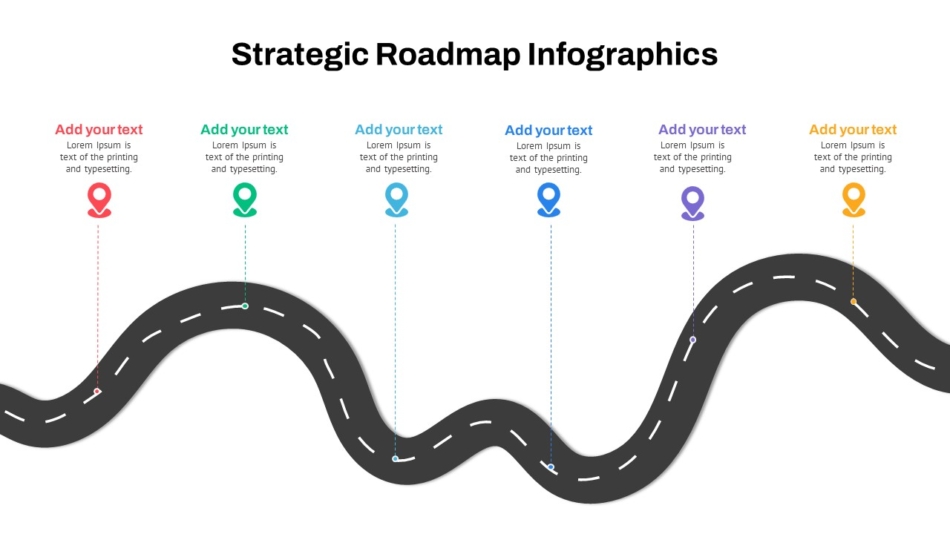
1. Strategic Roadmap Infographics Template
This template is designed for long-term planning and leadership communication. A strategic roadmap slide focuses on vision rather than tasks.
Best used for:
- Company strategy discussions
- Leadership alignment
- Executive presentations
Infographic-style roadmap slides help break down complex strategy into clear phases. They are especially useful when presenting direction rather than detailed execution.
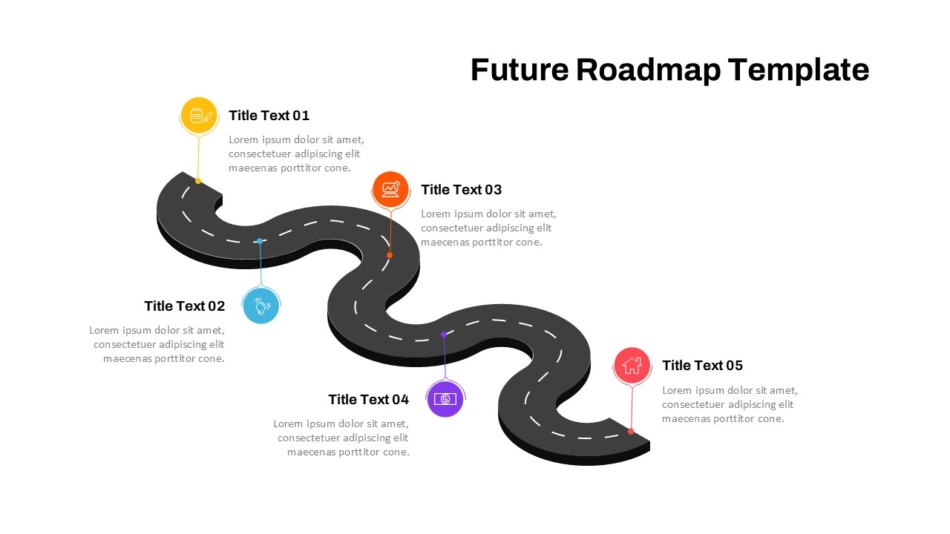
2. 5 Step Future Roadmap Template
This roadmap focuses on future-oriented planning using a step-by-step structure.
Ideal for:
- Business growth plans
- Product evolution discussions
- Strategic goal setting
Each step represents a clear stage, making it easier for leadership teams to understand what comes next and why.
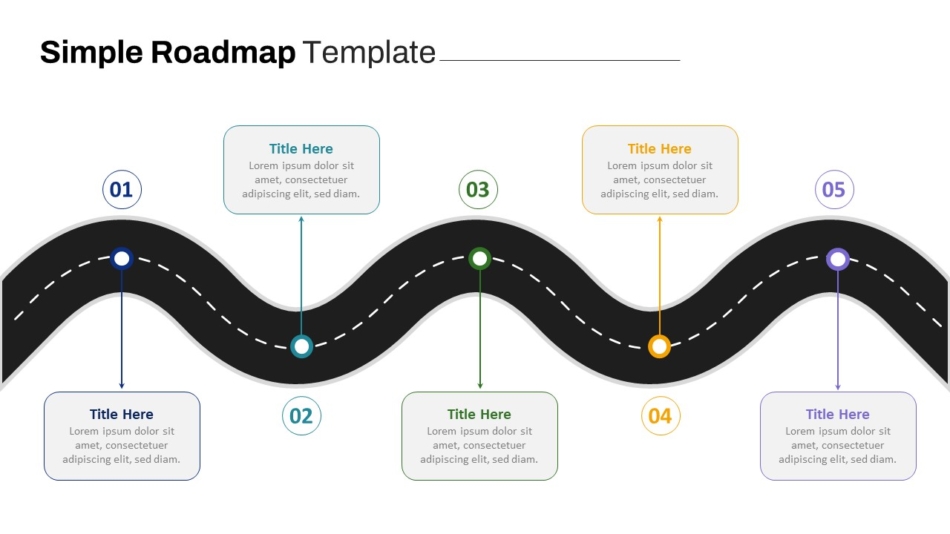
3. Simple Roadmap PowerPoint Template
This template offers a clean and flexible layout that works across many use cases.
Good for:
- Internal meetings
- Weekly or monthly updates
- Team discussions
Its simple design keeps attention on the message rather than decoration, making it useful for regular business communication.
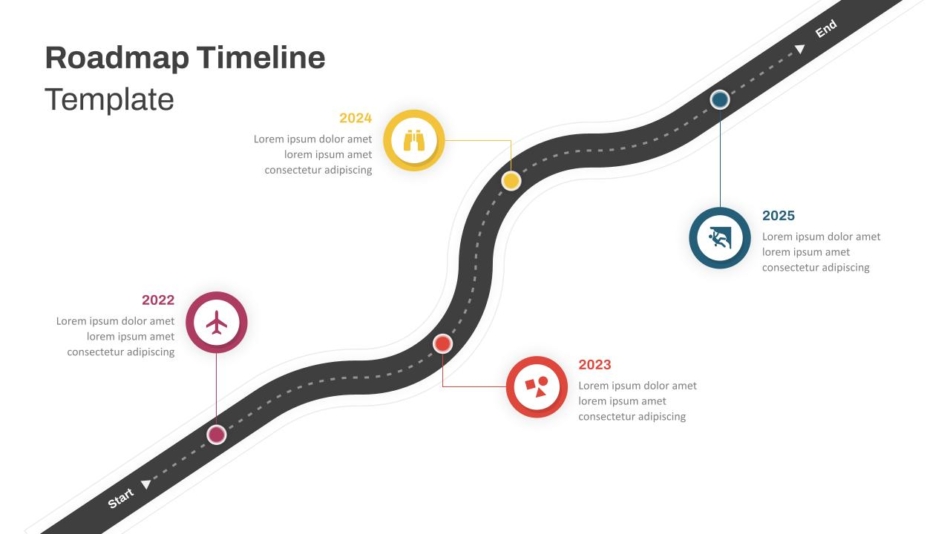
4. Roadmap Timeline PowerPoint Template
Timeline-based roadmap slides focus on dates and milestones.
Ideal for:
- Project tracking
- Delivery schedules
- Progress reviews
This template helps audiences understand when things will happen and how milestones connect over time.
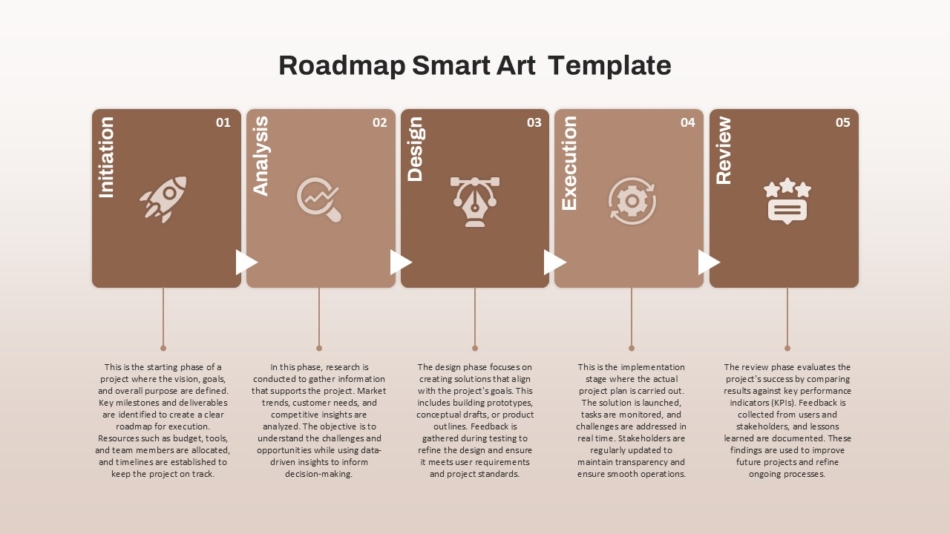
5. Five Phase Roadmap SmartArt Template
This template organizes information into distinct phases.
Works well for:
- Operational planning
- Process explanation
- Workflow presentations
Each phase can represent a stage of work, making it easier to explain structured processes.
6. 3-Year Roadmap PowerPoint Template
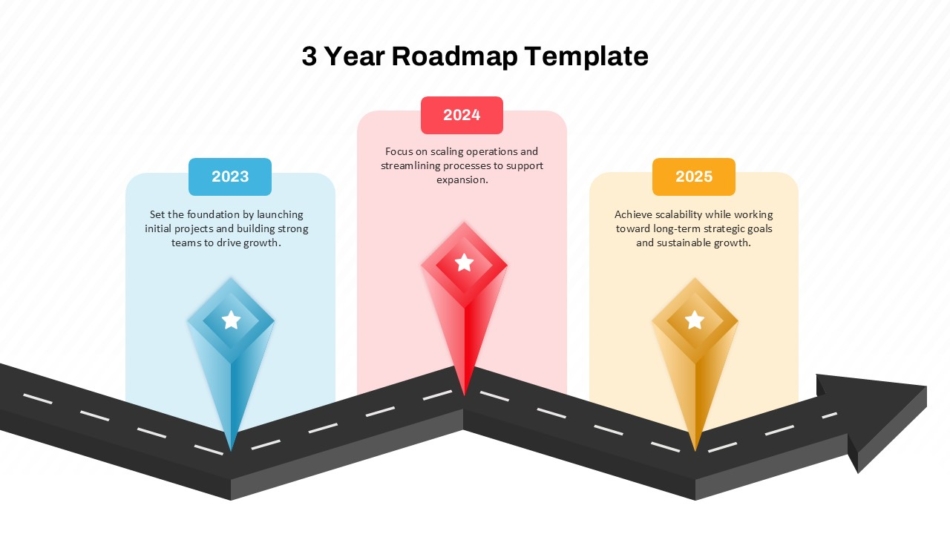
This roadmap slide focuses on multi-year planning.
Best for:
- Corporate strategy
- Business expansion plans
- Long-term investments
It helps leadership teams visualize progress across multiple years without getting lost in short-term details.
7. IT Project Roadmap Template
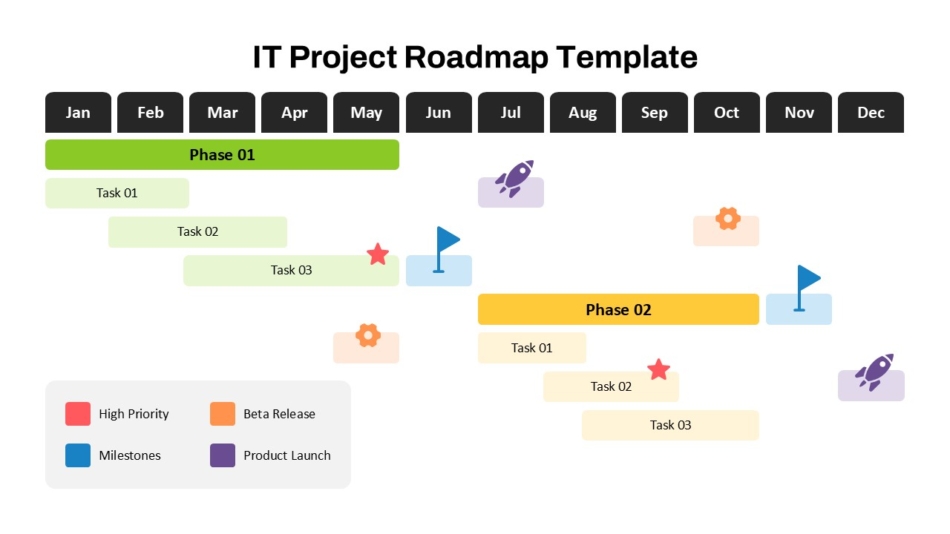
This template is built for technical planning.
Best suited for:
- IT teams
- Software development projects
- System upgrades
It supports structured planning by showing phases, dependencies, and technical milestones clearly.
8. Comprehensive Annual Product Roadmap Timeline Template
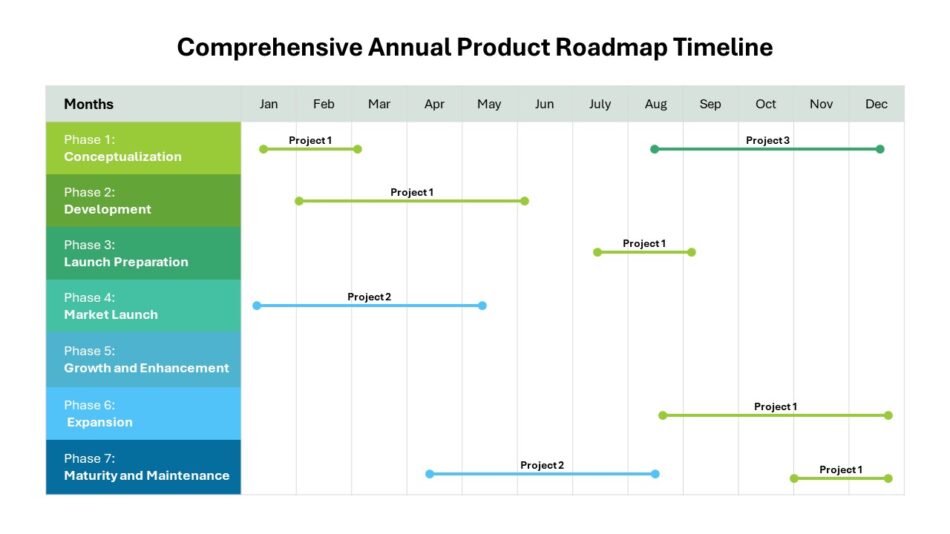
This roadmap supports year-long product planning.
Useful for:
- Product managers
- Leadership reviews
It allows multiple initiatives to be shown together, helping stakeholders see how work is distributed across the year.
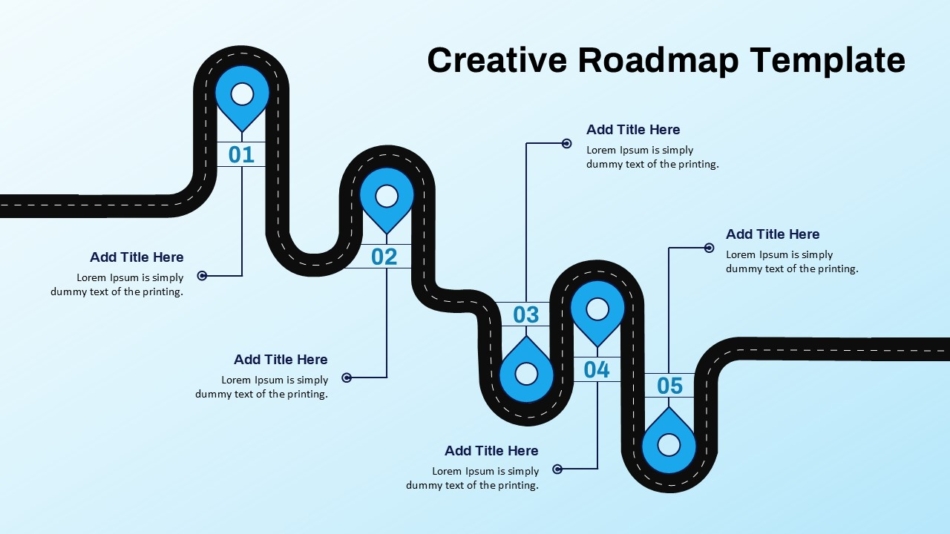
9. Creative Roadmap Journey Template
Journey-style roadmap slides focus on storytelling.
Great for:
- management presentations
- Innovation planning
This format helps audiences connect emotionally with the plan while still understanding the steps involved.
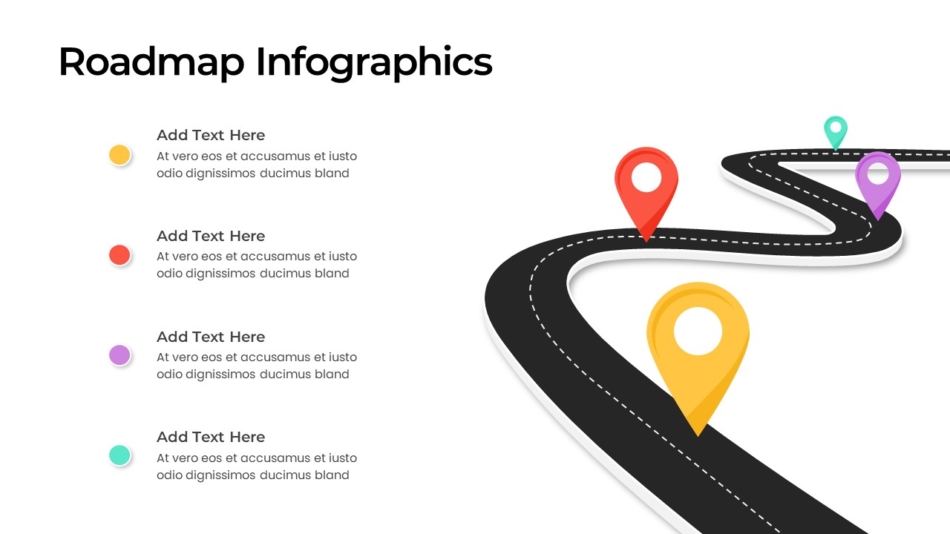
10. 4 Step Roadmap Templates for PowerPoint
This template is designed for short and focused discussions.
Works well in:
- Team meetings
- Quick planning sessions
- Status reviews
With only four steps, it keeps conversations focused and avoids unnecessary detail.
How to Choose the Right Roadmap Slide Template
Choosing the right roadmap slide template depends on a few key factors.
Timeframe
Short-term plans work well with step-based layouts, while long-term plans benefit from multi-year timelines.
Audience
Executives usually prefer high-level views, while teams may need more detailed product roadmap templates.
Purpose
Strategy, product planning, and IT updates all require different visual approaches.
Level of detail
Avoid adding too much information to one slide. Choose a layout that matches the level of explanation needed.
Best Practices for Using Roadmap Slides
Even well-designed templates need proper use.
- Use one roadmap per slide
- Focus on key milestones only
- Keep labels clear and short
- Maintain consistent spacing and alignment
- Match the roadmap style with the overall presentation theme
These practices help ensure the roadmap PowerPoint slide remains easy to understand.
Common Mistakes to Avoid
Overloading the slide
Too many milestones reduce clarity.
Mixing goals and tasks
Strategic goals and daily execution should not appear on the same roadmap.
Unclear progression
If the order of steps or phases is confusing, the message is lost.
Using the wrong template
A free product roadmap template may not suit executive discussions if it includes too much detail.
Conclusion: Using Roadmap Slides to Communicate Direction Clearly
A well-designed roadmap slide helps businesses communicate plans, progress, and future direction with clarity. Whether the goal is strategy planning, product development, or project tracking, the right roadmap layout supports better understanding and alignment.
SlideKit provides a wide range of roadmap slide templates for PowerPoint and Google Slides, including strategic, product, and timeline-based options. By choosing templates that match the audience and purpose, teams can present plans in a way that is clear, structured, and professional.


